How do I use the Pop Art Comic Book Illustration Prompt template?
Choose the primary action to open PicX Studio with the available template settings. Review the model and format, personalize the creative direction, and generate when ready.
An image prompt for Nano Banana Pro to generate a Pop Art illustration in a comic book style. Change the subject, setting, or lighting one variable at a time.

A pop art illustration in a comic book style, showing a woman with a black bob haircut and a green lace top holding a decorated teacup. She has pink skin and red lips, rendered with bold black outlines and halftone dot patterns, with a black cat at her side with yellow eyes. The background is an abstract composition of red, yellow, and blue blocks within a stylized ornate gold frame. The entire image uses flat, bold primary colors, dramatic shadows, and visible Ben-Day dots for a retro, graphic effect.
Choose the primary action to open PicX Studio with the available template settings. Review the model and format, personalize the creative direction, and generate when ready.
Yes. You can change the subject, setting, lighting, mood, format, and available model controls before creating your image.
This template is free to open and customize. Generation usage is shown in PicX Studio before you create.
Start with Nano Banana 2, which is the model associated with this template. You can compare another compatible model for a different finish.
© 2026 PicX Studio. All rights reserved.

Follow a topic to a crawlable collection of related PicX Studio templates.
43,474 public templates available. Verified via the PicX Studio public templates API; refreshed hourly.
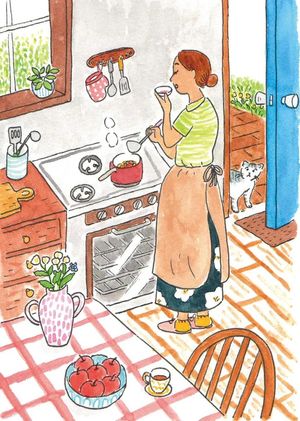
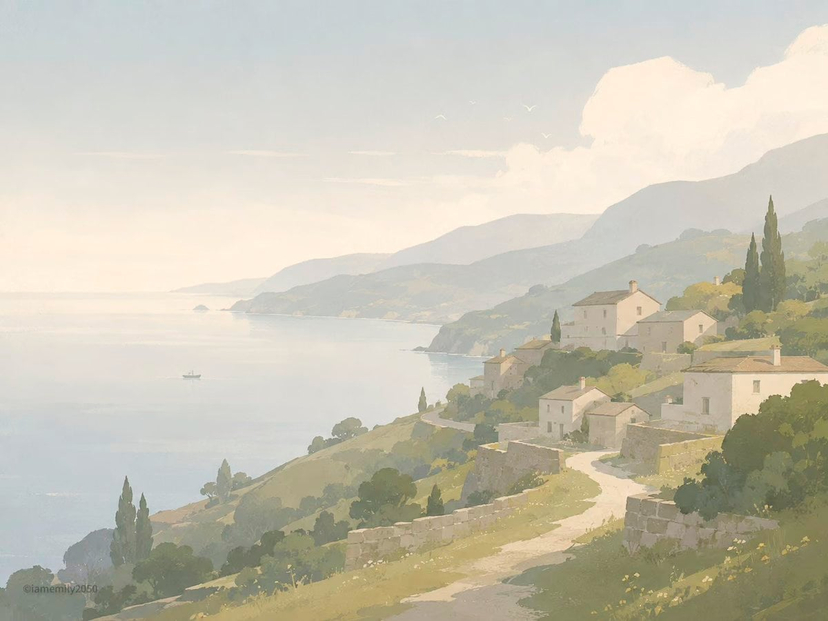
![Mid-Century Travel Book Illustration — [DESTINATION] = {argument name="city name" default="[CITY NAME]"}
Create a charming vertical 4:5 mid-century travel pict](https://cms-assets.youmind.com/media/1786781710843_2ju1t5_HPqpPcDa4AEn4FO-300x375.jpg)


![Pop Art Superhero Explosion Poster — [Subject] bursting forth in a Pop Art Powerhouse explosion of vibrant colors and bold outlines. Use a Ben-Day dot pattern a](https://images.meigen.ai/tweets/2075580941272019292/0.jpg)


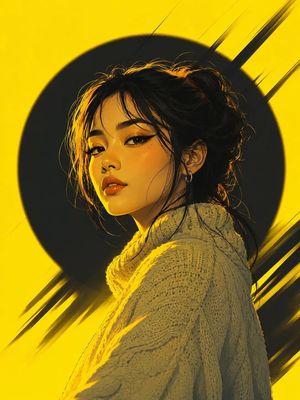
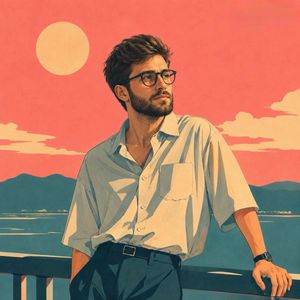
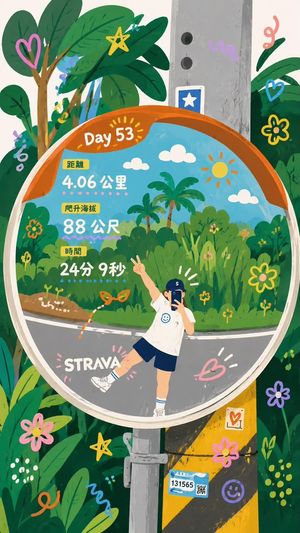
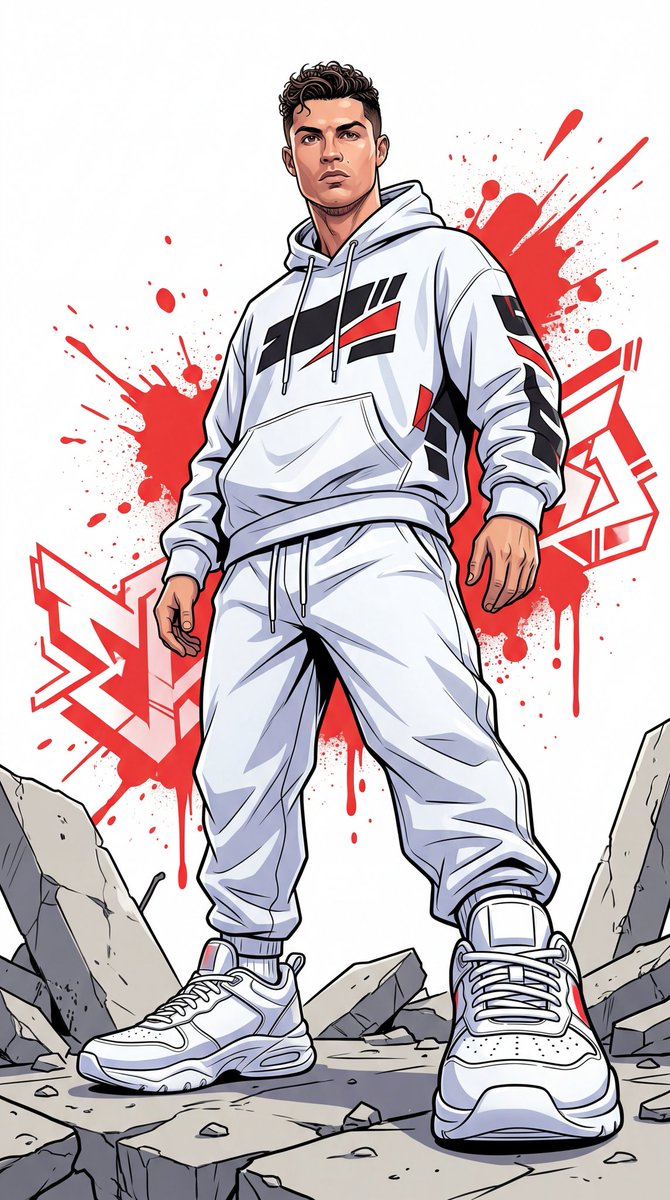


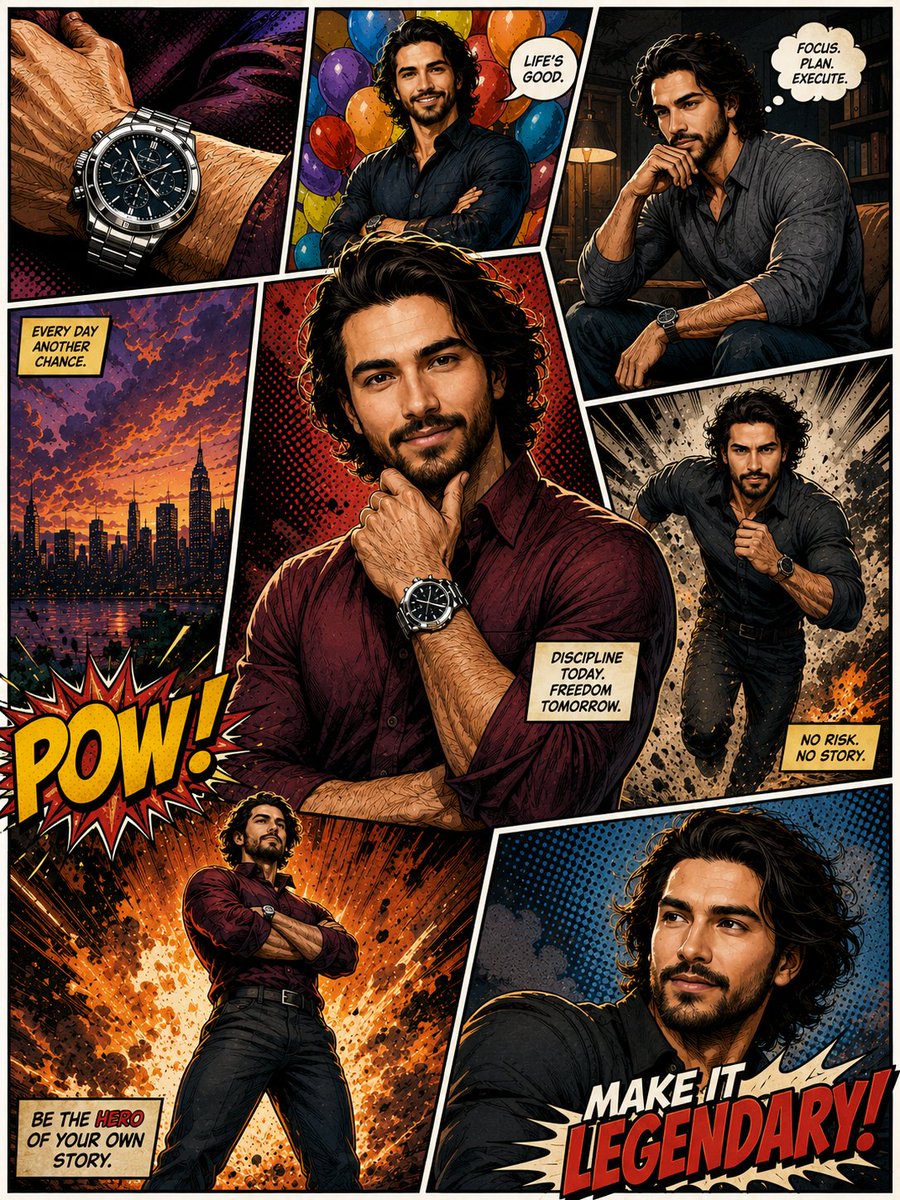
![High-contrast digital comic-style illustration of based strictly — Create a high-contrast digital comic-style illustration of [PERSON] based strictly on the pro](https://images.meigen.ai/tweets/2028810677301788892/0.jpg)


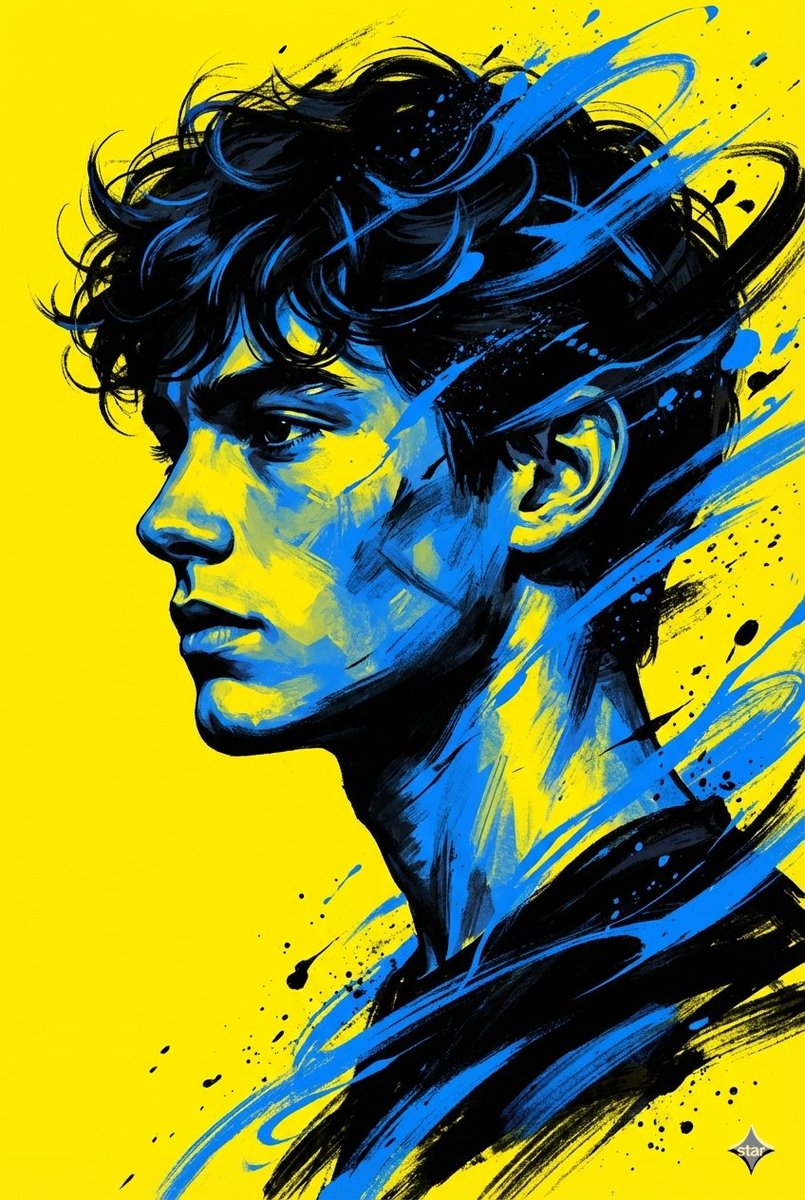
![Naive doodle-style subject illustration — A doodle-style {argument name="subject" default="[subject]"}, naive lines, humorous shape exaggeration](https://pbs.twimg.com/media/G6Wl2YxbsAARB2b.jpg)











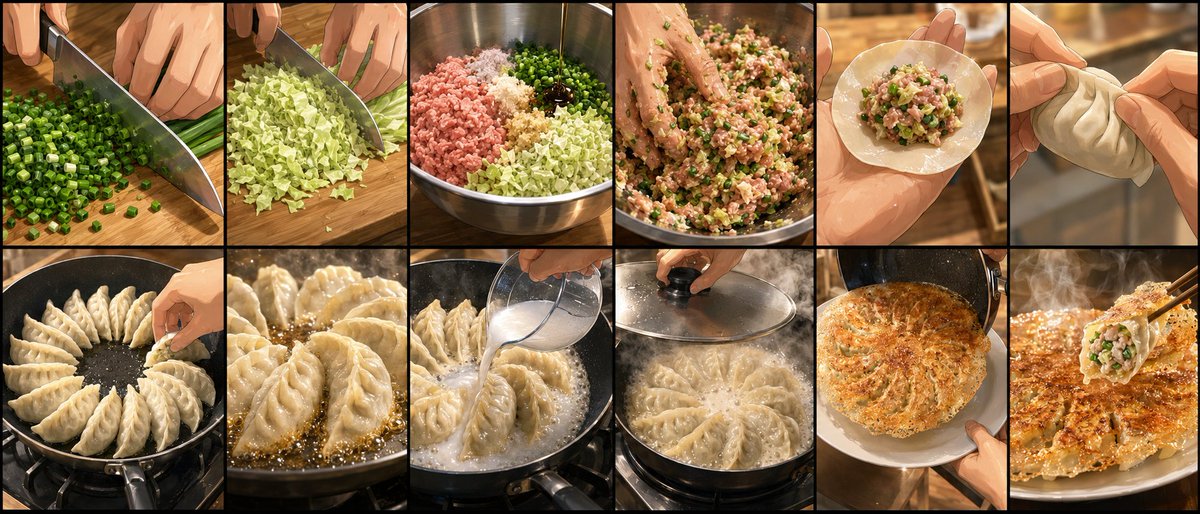



![Migration Monument Concept Prompt — A [{argument name="ordinary object" default="ORDINARY OBJECT"}] as a landmark on an epic journey, tiny [TRAVELERS] resting i](https://pbs.twimg.com/media/G-orDmSWcAAtfpc.jpg)




![64K Cinematic Punk Portrait Image Transformation — Transform this image [Upload Your Image] into a 64K DSLR shot resolution of cinematic, ultra-detailed portrai](https://pbs.twimg.com/media/G9lB1AnWsAI8ET6.jpg)