How do I use the Aesthetic Surgery Before-After Poster template?
Choose the primary action to open PicX Studio with the available template settings. Review the model and format, personalize the creative direction, and generate when ready.
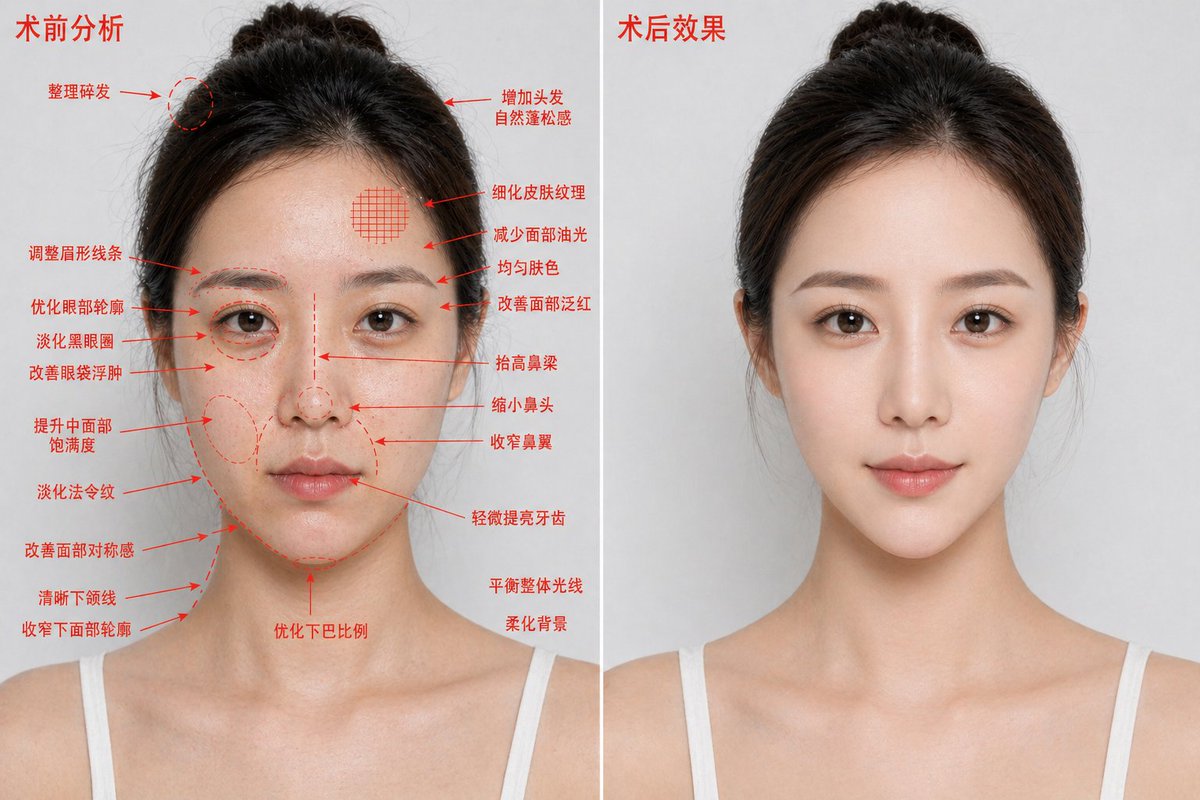
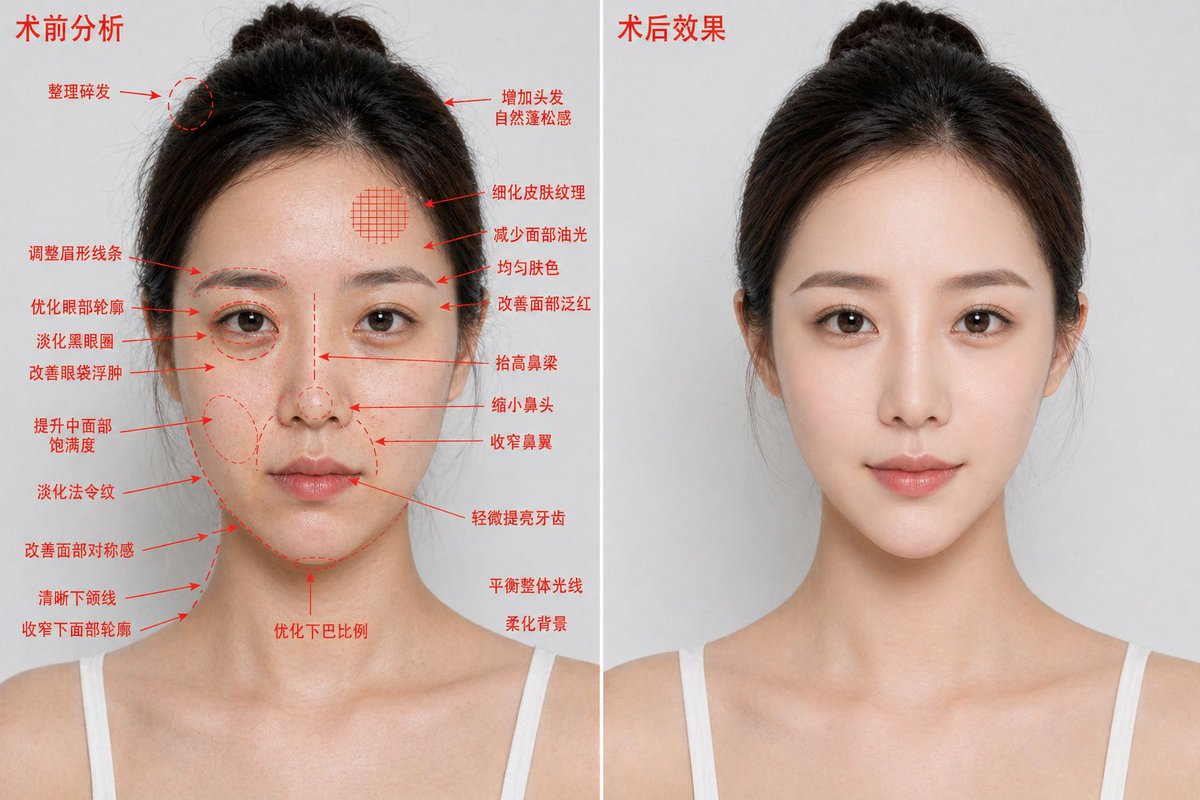
This prompt generates a photorealistic two-panel cosmetic enhancement comparison image for medical beauty advertising or treatment visualization. (free to use) — Free AI image template on PicX Studio.
{"type":"medical aesthetic before-and-after comparison poster","style":"photorealistic high-definition cosmetic surgery analysis blueprint, premium clinic advertising look","subject":{"gender_presentation":"female","age_appearance":"young adult","ethnicity":"East Asian","pose":"front-facing bust portrait, shoulders visible, same angle and same neutral expression on both sides","hair":{"color":"dark brown to black","style":"center-parted hair pulled back into a loose bun with a few flyaways"},"clothing":"white thin-strap camisole","identity_masking":"large rectangular mosaic blur covering the full face area in both panels"},"composition":{"aspect_ratio":"16:9 horizontal","background":"clean light gray studio background","divider":"1 vertical white dividing line centered between the two panels","panels":[{"title":"术前分析","position":"left","count":1,"image":"same woman with slightly rougher, shinier, less refined appearance","annotations":{"color":"red","count":19,"items":["整理碎发","调整眉形线条","优化眼部轮廓","淡化黑眼圈","改善眼袋浮肿","提升中面部饱满度","淡化法令纹","改善面部对称感","清晰下颌线","收窄下面部轮廓","增加头发自然蓬松感","细化皮肤纹理","减少面部油光","均匀肤色","改善面部泛红","抬高鼻梁","缩小鼻头","收窄鼻翼","轻微提亮牙齿"]},"extra_notes":{"count":3,"items":["优化下巴比例","平衡整体光线","柔化背景"]}},{"title":"术后效果","position":"right","count":1,"image":"same woman, same lighting and same framing, but cleaner and more polished, smoother skin, subtly lifted features, more refined contour and nose, brighter overall complexion, no annotation arrows"}]},"rendering":{"lighting":"soft even studio lighting","detail_level":"sharp skin texture but naturally retouched","camera":"85mm portrait lens look, straight-on, chest-up crop"}}
Use Aesthetic Surgery Before-After Poster to plan an AI image around gpt-image-2 generation, themes such as en and gpt-image-2. Match the preview's composition first, then personalize the subject, setting, and mood for your own project.
Use the primary action to load the template settings in PicX Studio.
Adjust the subject and creative details for your destination.
Create the image, compare the result with the preview, and refine one variable at a time.
A continuous mix — similar concepts first, woven with same-model prompts and fresh picks from the catalog.
Choose the primary action to open PicX Studio with the available template settings. Review the model and format, personalize the creative direction, and generate when ready.
Yes. You can change the subject, setting, lighting, mood, format, and available model controls before creating your image.
This template is free to open and customize. Generation usage is shown in PicX Studio before you create.
Start with gpt-image-2, which is the model associated with this template. You can compare another compatible model for a different finish.
Follow a topic to a crawlable collection of related PicX Studio templates.
39,157 public templates available. Verified via the PicX Studio public templates API; refreshed hourly.
A continuous mix — similar concepts first, woven with same-model prompts and fresh picks from the catalog.