How do I use the Cinematic Dr Pepper Diner Poster template?
Choose the primary action to open PicX Studio with the available template settings. Review the model and format, personalize the creative direction, and generate when ready.
A hyper-realistic red neon soda advertisement poster featuring a fashion model, an oversized chilled can, and a dramatic cola splash at a nighttime diner. Change the subject, setting, or lighting one variable at a time.
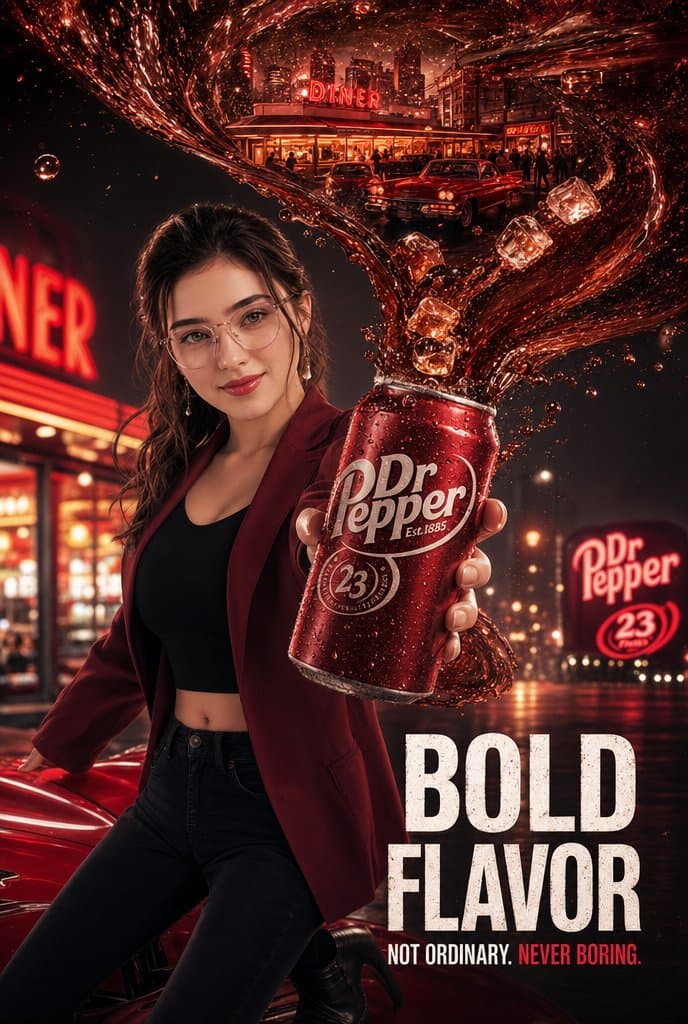
Goal: Create a hyper-realistic cinematic luxury soda advertisement poster for {argument name="brand name" default="Dr Pepper"}, with a glamorous nighttime diner atmosphere, glossy red color grading, and dramatic commercial beverage photography. Canvas: Vertical poster, 2:3 aspect ratio, high-resolution, dark black-and-crimson palette, rain-slick street reflections, glowing neon, shallow depth of field, intense rim lighting, premium magazine-ad finish. Main subject: A fashionable young woman stands in the left and center foreground, posing confidently beside a shiny red classic car. Her face is intentionally covered by a plain flat medium-brown rectangular censor block with no facial details visible. She has long dark wavy hair around the rectangle, realistic glowing skin on the visible neck and hands, hoop earrings, and a confident fashion-ad stance. Outfit: {argument name="woman outfit" default="burgundy fitted blazer, black crop top, black fitted jeans, and black heeled boots"}. One arm rests near the red car while the other hand extends toward the viewer holding the soda can. Product focus: A large red chilled soda can dominates the foreground in her outstretched hand, tilted slightly, covered with condensation droplets and glossy highlights. The can label reads "Dr Pepper" in large white script, includes "Est. 1885", a circular "23" flavor emblem, and small decorative branding details. The can should be the sharpest object and feel oversized by forced perspective. Liquid action: From the open top of the can, a dramatic thick ribbon of dark red carbonated soda erupts upward and sweeps across the entire top half of the poster in an elegant swirling wave. The soda splash contains sparkling bubbles, droplets, and exactly 5 visible ice cubes: one large cube near the upper right curve, one cube just below it on the right, one cube near the center of the splash above the can, one cube slightly lower near the can opening, and one smaller cube to the left of the can in the splash stream. Background: A nostalgic American diner street at night, glowing with red neon and warm window lights. Include a prominent diner building in the upper background with a bright neon sign reading "DINER" on the roof, silhouettes of patrons inside, two vintage cars parked in front, and urban buildings behind it. On the far left, show a blurred close-up red neon diner sign cropped so only part of the word is visible. On the right background, include a large glowing roadside sign with the brand logo and a circular "23" emblem. Wet pavement reflects red lights and headlights. Text content: In the lower right, add a large distressed bold condensed white headline reading {argument name="headline text" default="BOLD FLAVOR"} on two lines. Beneath it, add a smaller uppercase tagline reading {argument name="tagline text" default="NOT ORDINARY. NEVER BORING."}, with "NEVER BORING." emphasized in red. Keep the text clean, legible, and integrated into the poster like a professional soda campaign. Visual style: Hyper-realistic, cinematic, high contrast, glossy commercial retouching, luxury beverage photography, dramatic perspective, volumetric neon glow, crisp condensation, tiny soda bubbles, red-and-black monochromatic atmosphere, premium advertising poster aesthetic. Constraints: Use exactly one woman, one main soda can, one red car in the foreground, one diner building, one roadside brand sign, and exactly 5 ice cubes. Do not add extra characters in the foreground, do not add additional headline copy, avoid cartoon or illustration style, and keep all visible text spelled clearly.
Choose the primary action to open PicX Studio with the available template settings. Review the model and format, personalize the creative direction, and generate when ready.
Yes. You can change the subject, setting, lighting, mood, format, and available model controls before creating your image.
This template is free to open and customize. Generation usage is shown in PicX Studio before you create.
Start with GPT Image 2, which is the model associated with this template. You can compare another compatible model for a different finish.
© 2026 PicX Studio. All rights reserved.

Follow a topic to a crawlable collection of related PicX Studio templates.
43,474 public templates available. Verified via the PicX Studio public templates API; refreshed hourly.
![Japan Travel Brochure Poster — Create a vertical vintage travel-brochure infographic poster titled “[COUNTRY/DESTINATION]: [TAGLINE]”, using a warm parchment-pa](/_next/image?url=https%3A%2F%2Fcdn.picxstudio.com%2Fuploads%2Fp0_982bf820-bb34-4c43-8a6d-42d799d7282b.jpg&w=828&q=100)

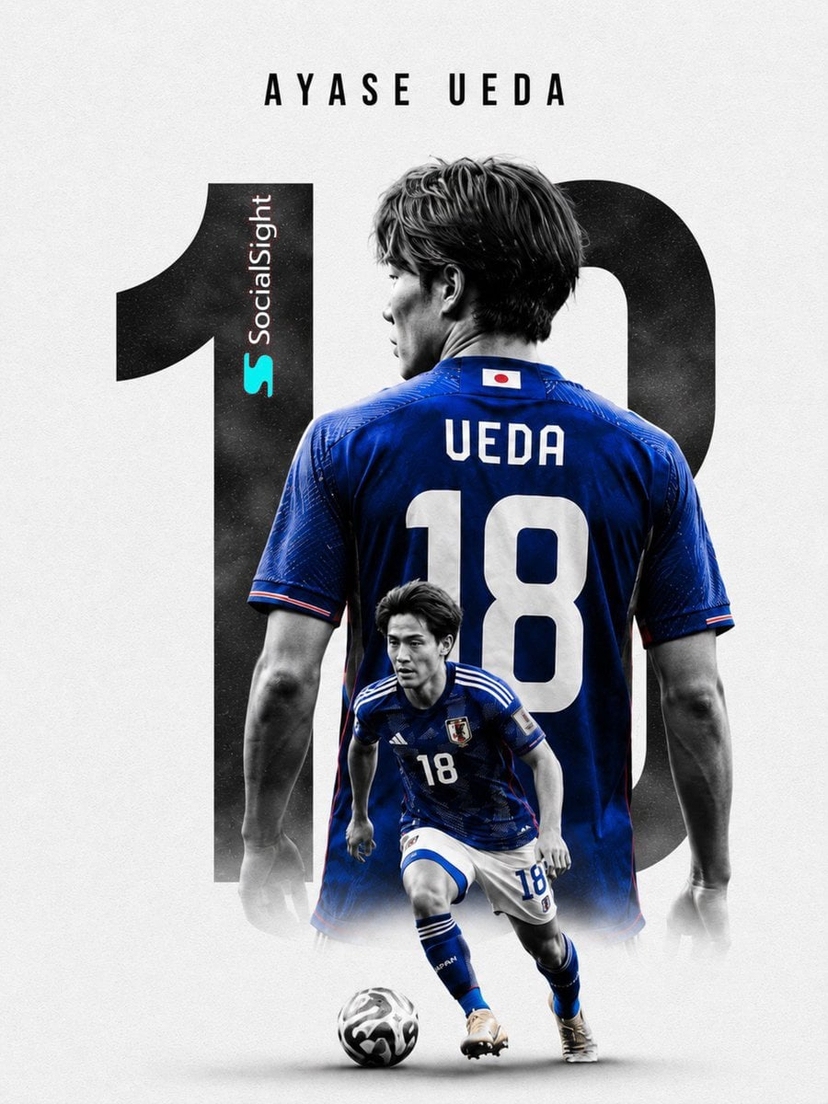



![clean-minimalist-player-editorial-poster — A professional sports graphic design poster of [Player Name], designed in a clean, modern, and minimalist editorial s](/_next/image?url=https%3A%2F%2Fcdn.picxstudio.com%2Fuploads%2Fmeigen_5524a0a10196_94b81982-ef58-45e9-8d49-9b017a7f26cb.jpg&w=828&q=100)
![campaign-smoke-national-symbols-world-cup — A hyper-realistic cinematic campaign poster for [Country]. Thick [Color One] and [Color Two] smoke e…](/_next/image?url=https%3A%2F%2Fcdn.picxstudio.com%2Fuploads%2Fmeigen_ce5bae0e0712_50be07ac-9537-419b-9c47-694fe49ef3d8.jpg&w=828&q=100)
![Cartoon TV Show Poster Pack — A bold Cartoon Network-style promotional poster for [SHOW], featuring the main characters in a flat 2D illustrated style with thic](/_next/image?url=https%3A%2F%2Fcdn.picxstudio.com%2Fuploads%2Fimg0_107064d3-b797-488a-a32e-d75dea9d3b4c.jpg&w=828&q=100)
![vertical-football-star-campaign-poster — Create a vertical 9:16 high-resolution football star campaign poster.
Player: [Player Name]
Player concept: [football](/_next/image?url=https%3A%2F%2Fcdn.picxstudio.com%2Fuploads%2Fmeigen_996a192156cb_45d1d198-bb81-4272-be3f-df0eda9f0a74.jpg&w=828&q=100)








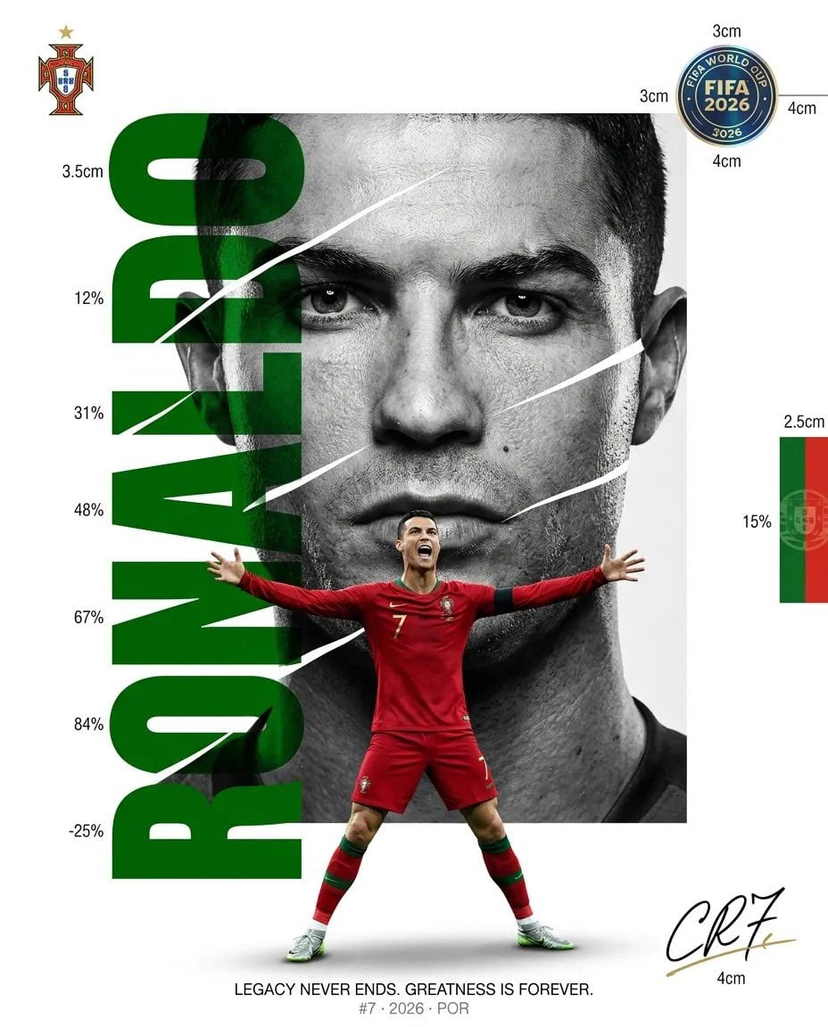







![Minimalist Flat Vector Travel Poster — Premium minimalist flat-vector travel poster for {argument name="city name" default="[CITY_NAME]"}, 3:4 vertical format.](https://cms-assets.youmind.com/media/1787917359711_3ug846_HQX205cbMAA6F6S-300x400.jpg)