How do I use the Fashion Portrait With Python template?
Choose the primary action to open PicX Studio with the available template settings. Review the model and format, personalize the creative direction, and generate when ready.
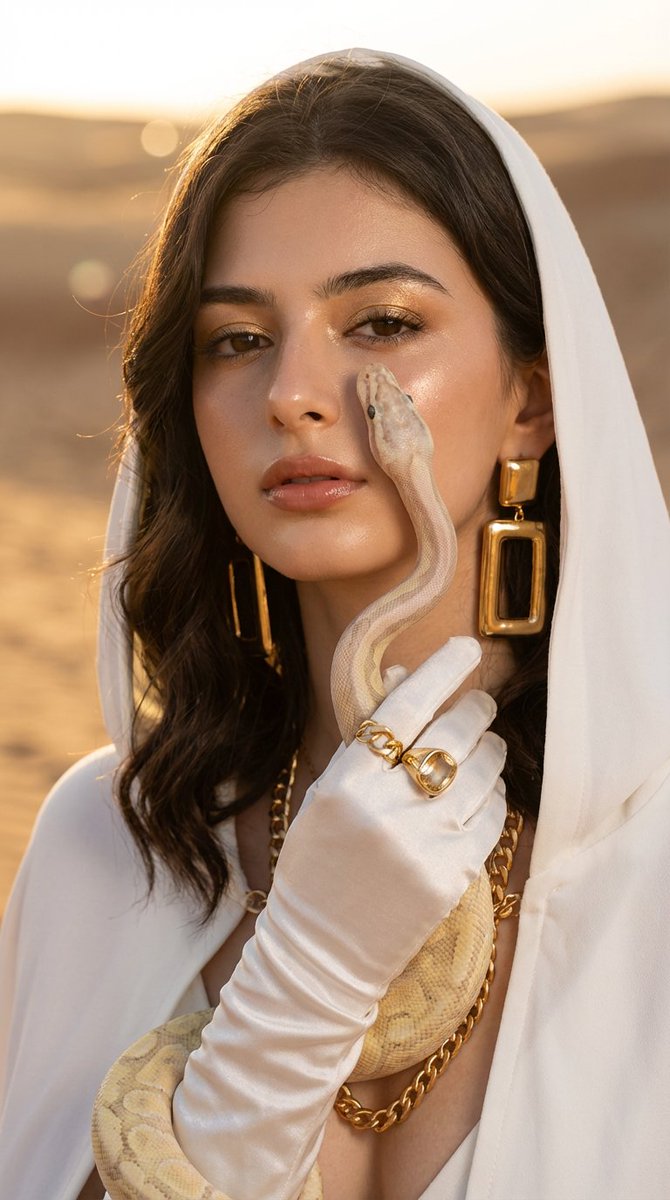
A sleek editorial-style studio image of a woman in a black dress crouching while a large python is draped around her shoulders, suitable for fashion, glamour, or dramatic animal portrait concepts. Change the subject, setting, or lighting one variable at a time.
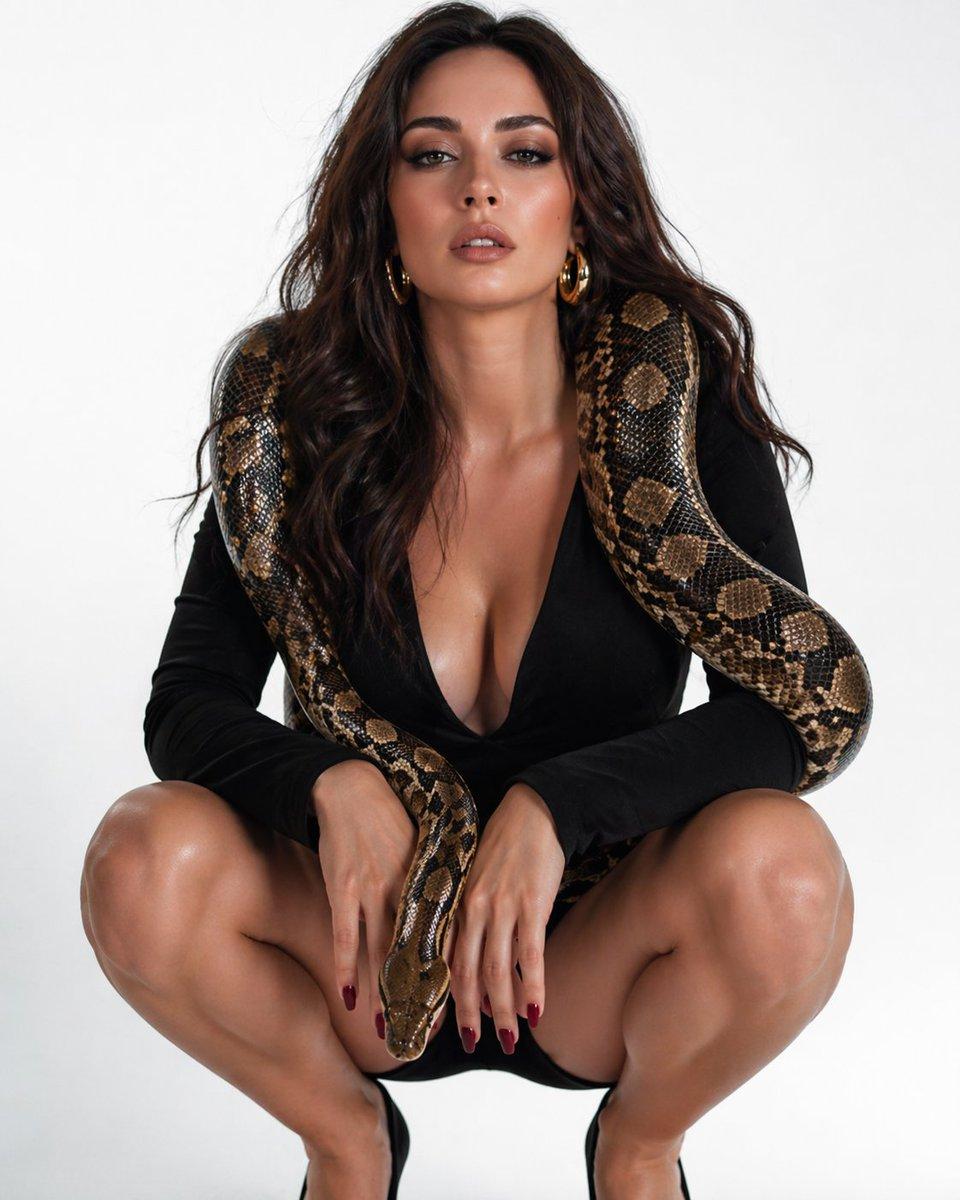
A high-fashion studio portrait of a glamorous woman crouching low in a squat pose against a seamless light gray background, wearing a black long-sleeve deep-plunge mini dress and black pointed high heels. She has long, voluminous wavy dark brown hair, medium tan skin, dark red manicured nails, and large gold hoop earrings. A single large python with brown, tan, and black patterned scales is draped around her shoulders like a living stole, with its thick body looping down both sides of her torso and its head hanging at the center between her knees near her hands. The composition is centered and symmetrical, shot full body in a vertical frame, with clean editorial lighting, sharp detail on skin, fabric, and snake scales, minimal shadows, luxury fashion photography style, confident sensual pose, plain uncluttered background.
Choose the primary action to open PicX Studio with the available template settings. Review the model and format, personalize the creative direction, and generate when ready.
Yes. You can change the subject, setting, lighting, mood, format, and available model controls before creating your image.
This template is free to open and customize. Generation usage is shown in PicX Studio before you create.
Start with GPT Image 2, which is the model associated with this template. You can compare another compatible model for a different finish.
© 2026 PicX Studio. All rights reserved.

Follow a topic to a crawlable collection of related PicX Studio templates.
43,474 public templates available. Verified via the PicX Studio public templates API; refreshed hourly.















![69-untitled — FORMAT: 15s / 145 BPM / 14 SHOTS
SUBJECT: @[image1]
WARDROBE: Clean modern outfit
ENVIRONMENT: Street / indoor transitions
MOOD: Discovery → contr](/_next/image?url=https%3A%2F%2Fcdn.picxstudio.com%2Fuploads%2Fpost69_img0_d45faecf-38c3-4bcb-81a4-f6eb1cf42bb2.jpg&w=828&q=100)
![118-google-nano-banana-pro-skincare-product- — A professional skincare shot of a [product container] with [cap/lid], labeled [brand, product, descriptor, volume](/_next/image?url=https%3A%2F%2Fcdn.picxstudio.com%2Fuploads%2Fpost118_img0_332898b8-29ea-42a9-87ab-9ed746a3f944.jpg&w=828&q=100)




![Minimalist Flat Vector Travel Poster — Premium minimalist flat-vector travel poster for {argument name="city name" default="[CITY_NAME]"}, 3:4 vertical format.](https://cms-assets.youmind.com/media/1787917359711_3ug846_HQX205cbMAA6F6S-300x400.jpg)


























![Scientific Ultra-Macro Insect Capture Prompt — "[GOAL] Hyper-realistic ultra-macro insect capture in mid-air
[SUBJECT] predatory wasp carrying a bright green ca](https://pbs.twimg.com/media/G7nwHTXbsAAASSE.jpg)






![Commercial Studio Hero Shot with Giant Pikachu — [SCENE]
environment = bright monochromatic {argument name="environment color" default="yellow"} studio
backgrou](https://pbs.twimg.com/media/G9uUM5NasAM_nOI.jpg)