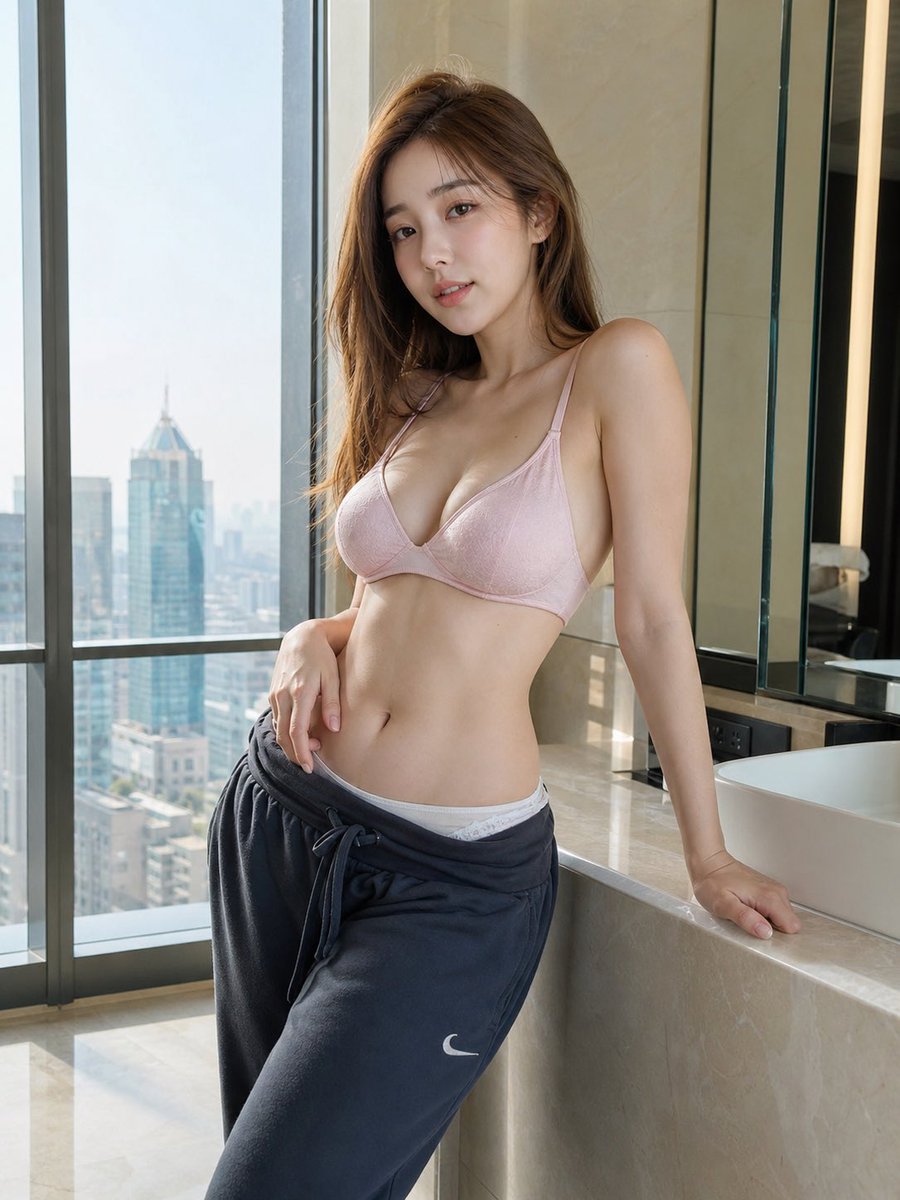
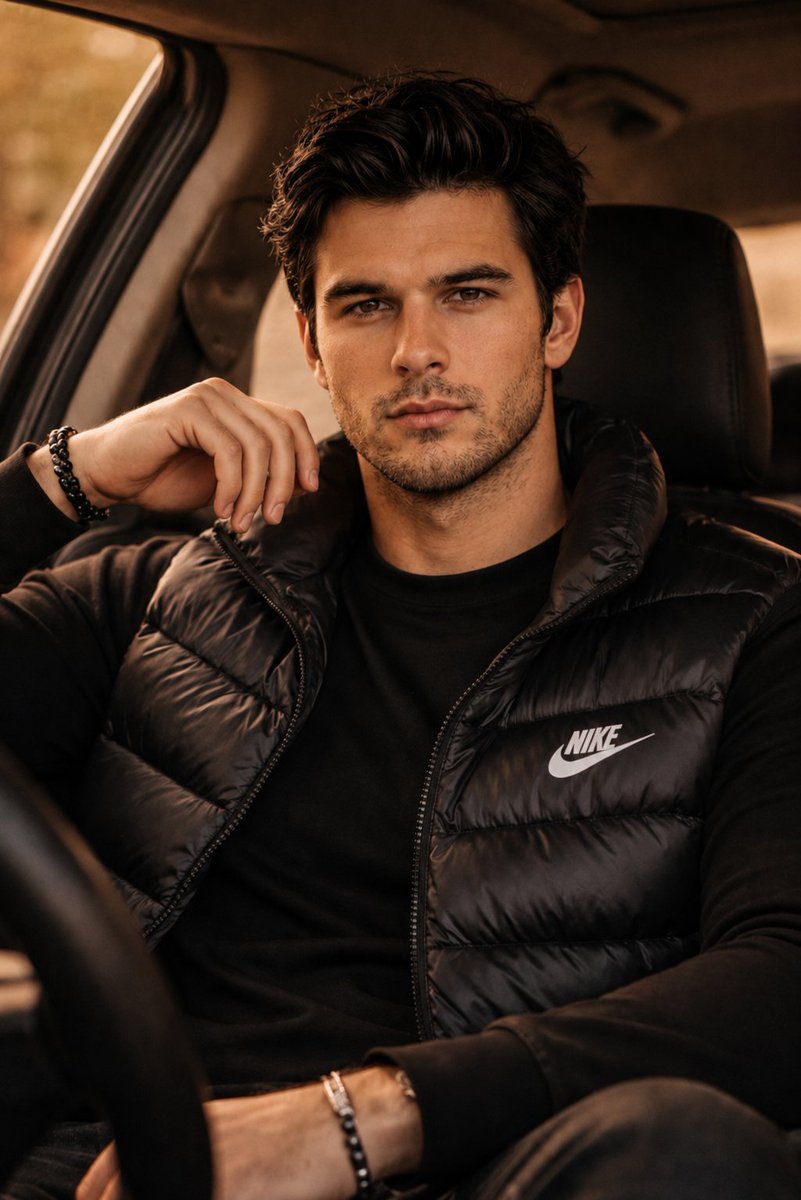
AI Influencer Mirror Selfie Prompt (Detailed)
{
"subject": {
"description": "20yo woman sitting on bedroom floor taking mirror selfie, lazy morning energy, effortlessly pretty in loungewear",
"setting_rules": "bedroom floor, full-length mirror, natural daylight, intimate casual",
"age": "early 20s",
"expression": {
"eyes": {
"look": "soft gaze toward phone screen, not directly at lens",
"energy": "relaxed, peaceful, content",
"direction": "looking slightly down at phone"
},
"mouth": {
"position": "soft, relaxed, hint of gentle smile",
"energy": "serene, unbothered, comfortable"
},
"overall": "that 'lazy sunday morning' face, no effort needed, naturally pretty"
},
"hair": {
"style": "messy low ponytail / loose bun",
"details": {
"updo": "loosely pulled back, casual, undone",
"pieces": "lots of face-framing pieces escaped, falling around face",
"texture": "messy, slept-on, bedhead but cute",
},
"effect": "the 'just threw it up' hair that actually looks perfect"
},
"body": {
"frame": "slim, athletic, toned",
"waist": "small, visible midriff",
"chest": "Very full, heavy bust volume, cleavage, natural soft tissue distribution, visible through thin white tank",
"legs": "long, toned, smooth, the focus of this pose",
},
"pose": {
"position": "sitting on floor in front of full-length mirror",
"base": "seated on wooden floor",
"legs": {
"arrangement": "THE KEY - one leg bent up (knee raised), one leg folded/tucked under",
"left_leg": "bent at knee, raised up, foot flat on floor",
"right_leg": "folded underneath, tucked to side",
"effect": "shows leg length, creates interesting shape, feminine"
},
"upper_body": {
"lean": "leaning back slightly, weight on one arm",
"support": "left arm behind her, hand on floor, supporting weight",
"posture": "relaxed lean, casual, comfortable"
},
"arms": {
"left_arm": {
"position": "behind her, hand flat on floor",
"function": "supporting her weight as she leans back",
"effect": "creates casual reclined pose"
},
"right_arm": {
"position": "raised, holding phone for selfie",
"angle": "phone at face level, capturing mirror reflection"
}
},
"overall": "seated floor selfie, leaning back on one arm, legs arranged artfully, phone raised"
},
"clothing": {
"top": {
"type": "white ribbed tank top / crop top",
"color": "WHITE - clean, bright",
"style": {
"cut": "cropped, ends above belly button",
"fit": "fitted, tight, ribbed texture",
"neckline": "low V neck, racer-back style",
"straps":
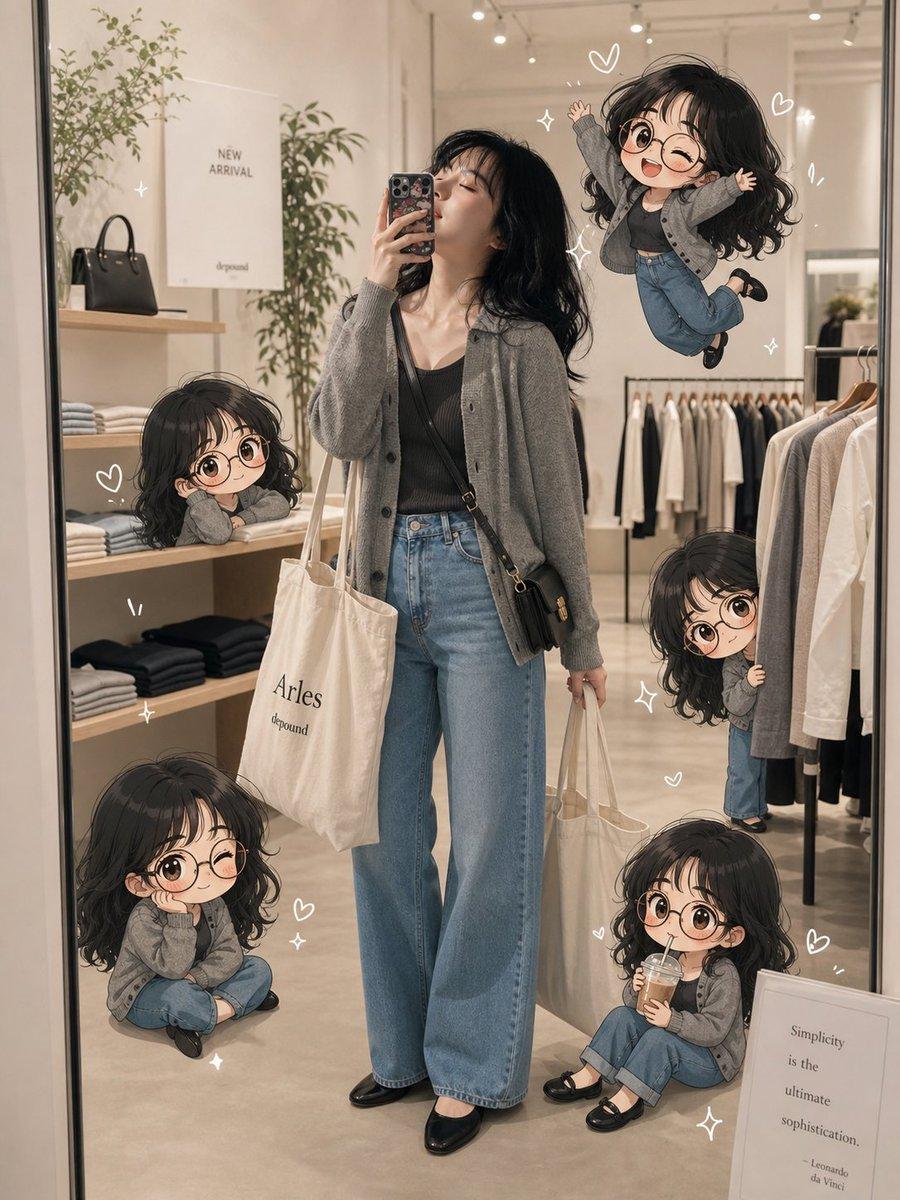














![nano-banana-grwm-mirror-selfie-pink — Nano Banana 2
Prompt (JSON):
{
"type": "image_prompt",
"description": {
"subject": {
"main": "[NAME] com o](/_next/image?url=https%3A%2F%2Fcdn.picxstudio.com%2Fuploads%2Ftweet_img_10a_612da6f9-cf6d-417e-bdd5-cc1300d1d830.jpg&w=828&q=100)
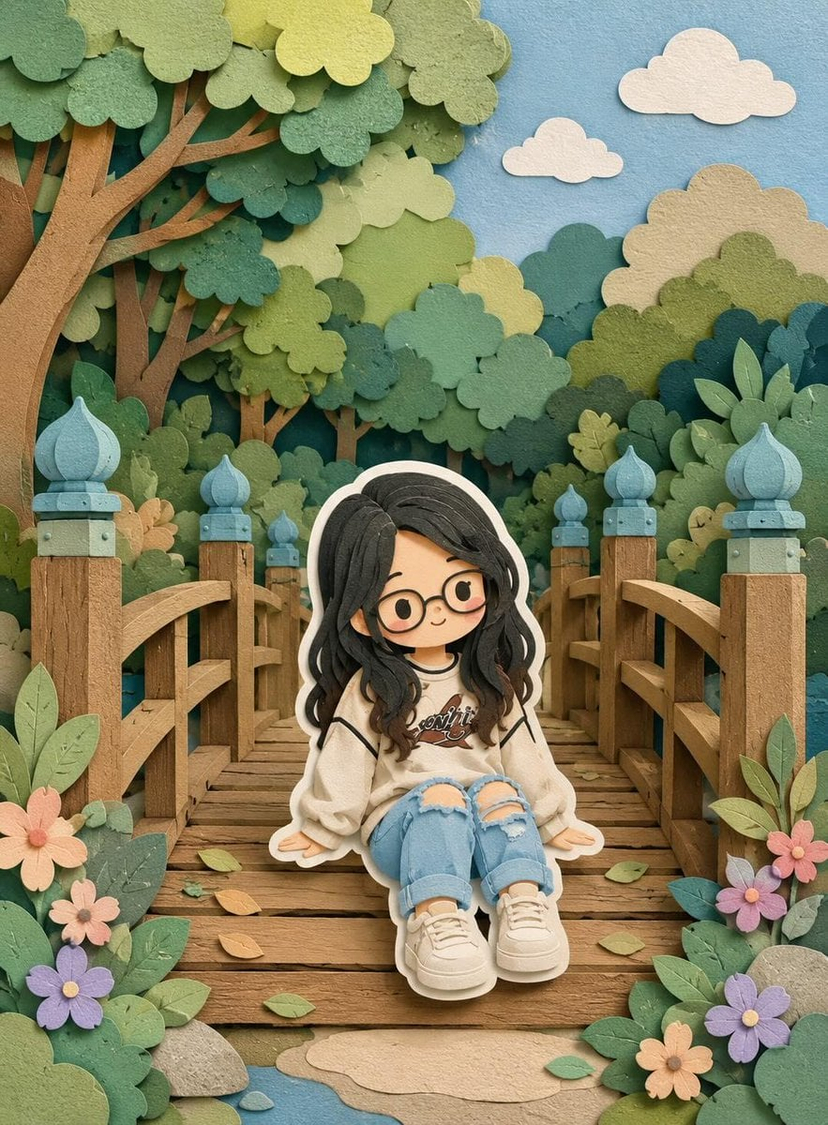




![Minimalist Flat Vector Travel Poster — Premium minimalist flat-vector travel poster for {argument name="city name" default="[CITY_NAME]"}, 3:4 vertical format.](https://cms-assets.youmind.com/media/1787917359711_3ug846_HQX205cbMAA6F6S-300x400.jpg)