How do I use the Fujifilm Style Vacation Portrait template?
Choose the primary action to open PicX Studio with the available template settings. Review the model and format, personalize the creative direction, and generate when ready.
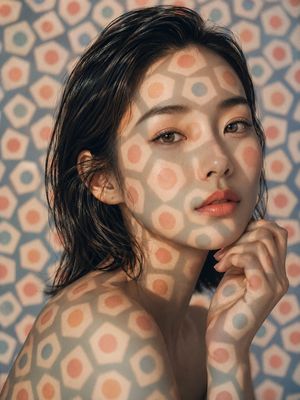
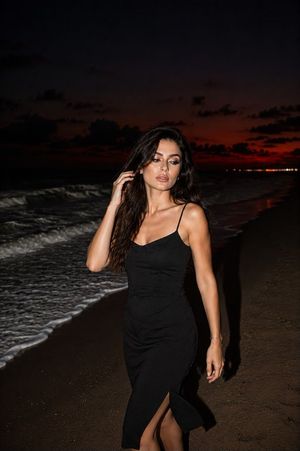
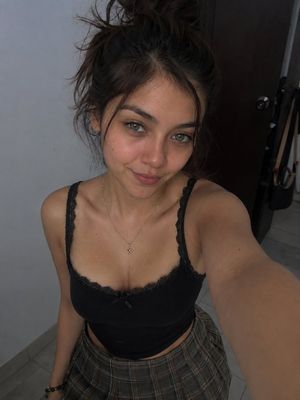
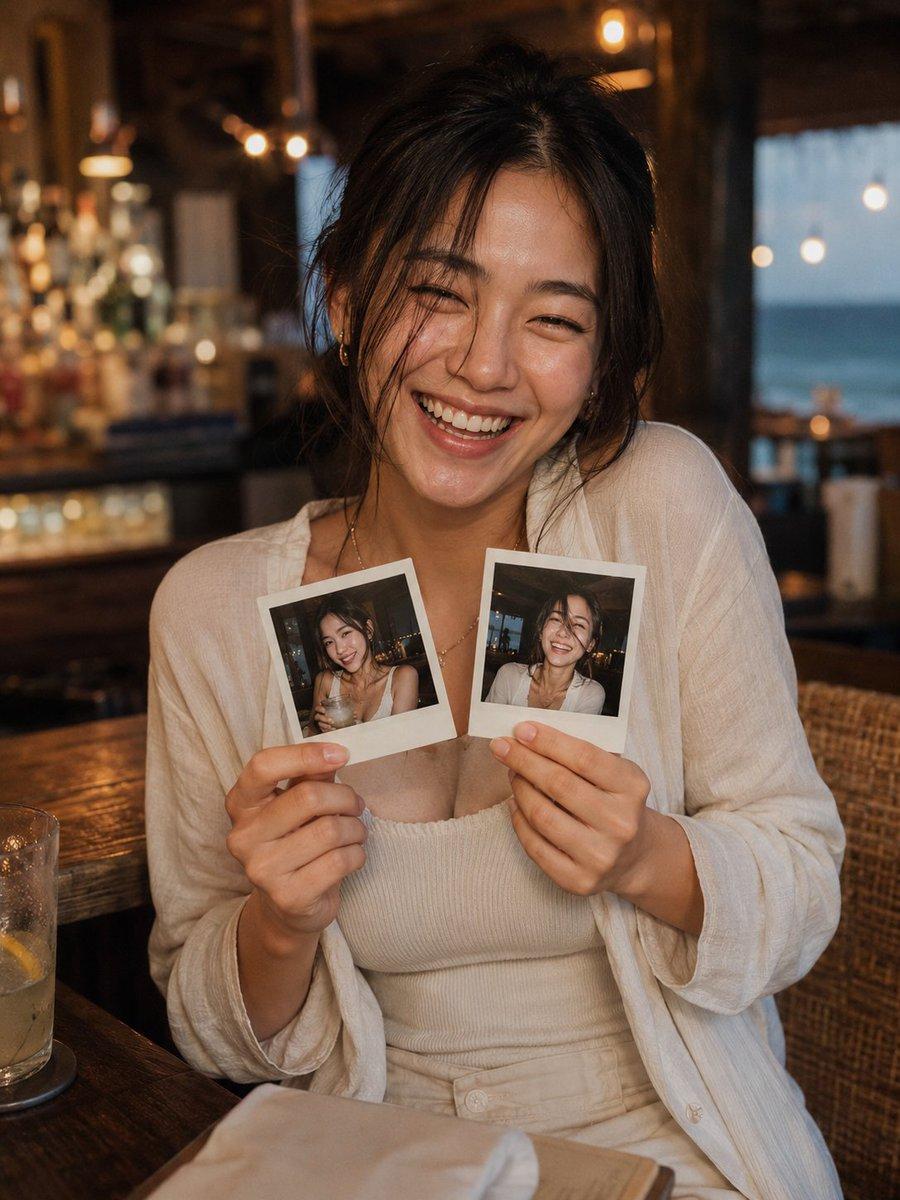
A detailed prompt for a candid, high-quality Fujifilm portrait of a woman laughing at a bar, utilizing specific lens and film stock aesthetics. (free to use) — Free AI image template on PicX Studio.
主題:{argument name="主題" default="旅先のバーで笑う彼女 / Fujifilm vacation portrait"} 人物・表情:{argument name="年齢" default="20代前半"}の女性、少しラフにまとめた黒髪、顔まわりに落ちる自然な後れ毛、透明感のある肌、ナチュラルメイク、目を細めて心から笑う明るい表情、友人に撮られたような親密なカメラ目線 服装・ポーズ:白いリネンシャツをゆるく羽織り、シンプルなアイボリーのキャミソール、細いチェーンネックレスと小さなピアス、両手で自分が写った2枚のポラロイド写真を胸元に持ち、少し肩をすくめた楽しげなポーズ 背景・光:南国リゾートのバーラウンジ、木製カウンター、ラタンチェア、奥にぼけたボトルとグラス、窓の外に淡く見える海、温かい電球のボケ、テーブルには飲みかけのカクテルと折りたたんだナプキン、柔らかなバー照明と夕方の自然光 構図・カメラ:縦構図のウエストアップポートレート、人物を中央に配置、両手と2枚のポラロイド写真がはっきり見える構図、{argument name="レンズ" default="35mm lens"}、f2.0、shallow depth of field、顔と写真にピントを合わせ、背景はクリーミーなボケ 質感・スタイル:高精細、4K品質、natural skin texture、リアルな手元と写真の光沢、Fuji Classic Chrome、Fujifilm color science、Pro 400H風の柔らかな暖色、細かなfilm grain、少しのハレーション、親しい友人が撮ったようなcandid photography ネガティブ:低画質、不自然な手、余分な指、歪んだ体、崩れた顔、重複した人物、文字、ロゴ、透かし、読めるメニュー文字、不自然なポラロイド枠、過度な美肌補正、アニメ調、ドール風
Use Fujifilm Style Vacation Portrait to plan an AI image around gpt-image-2 generation, themes such as ja and gpt-image-2. Match the preview's composition first, then personalize the subject, setting, and mood for your own project.
Use the primary action to load the template settings in PicX Studio.
Adjust the subject and creative details for your destination.
Create the image, compare the result with the preview, and refine one variable at a time.
A continuous mix — similar concepts first, woven with same-model prompts and fresh picks from the catalog.
Choose the primary action to open PicX Studio with the available template settings. Review the model and format, personalize the creative direction, and generate when ready.
Yes. You can change the subject, setting, lighting, mood, format, and available model controls before creating your image.
This template is free to open and customize. Generation usage is shown in PicX Studio before you create.
Start with gpt-image-2, which is the model associated with this template. You can compare another compatible model for a different finish.
A continuous mix — similar concepts first, woven with same-model prompts and fresh picks from the catalog.
Follow a topic to a crawlable collection of related PicX Studio templates.
36,410 public templates available. Verified via the PicX Studio public templates API; refreshed hourly.