How do I use the Avant-Garde Bridal Portrait template?
Choose the primary action to open PicX Studio with the available template settings. Review the model and format, personalize the creative direction, and generate when ready.
This prompt generates a refined studio fashion image of a woman in a sculptural white bridal gown with dramatic bubble ponytails, ideal for editorial or couture wedding visuals. Change the subject, setting, or lighting one variable at a time.
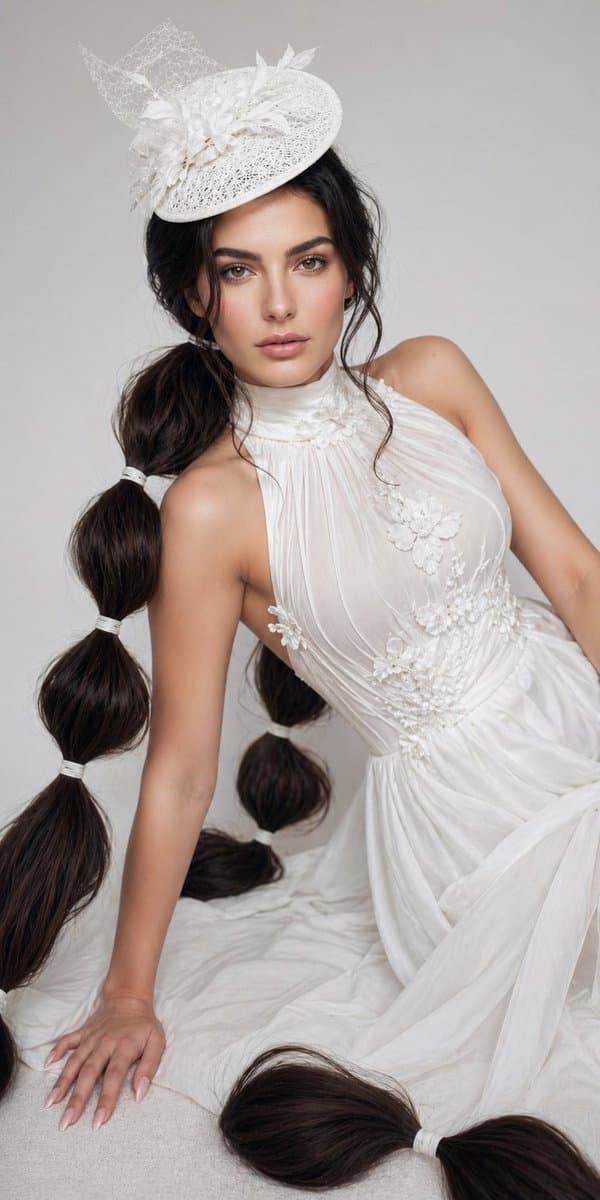
A high-fashion studio portrait of a seated woman in an ethereal bridal look against a seamless light gray background, framed vertically from headpiece to the trailing ends of her hair. She wears a flowing sleeveless white gown with a high gathered neckline, sheer pleated chiffon over the bodice, delicate white floral appliqué clustered at the neck, chest, waist, and upper skirt, and a soft draped skirt spread around her on the floor. Her hair is {argument name="hair color" default="deep dark brown"} and styled into 2 extremely long oversized bubble ponytails, one on each side, each segmented with white ties; the left ponytail shows 4 visible bubble sections and the right ponytail shows 3 visible bubble sections, with both tails extending onto the floor in thick glossy loops. She also wears an elaborate white fascinator hat tilted to one side, made of lace, netting, and sculptural floral details. Pose her leaning diagonally with one hand braced on the floor and the torso angled, creating an elegant editorial fashion posture. Keep the mood refined, bridal, and avant-garde, with soft diffused lighting, realistic skin texture, crisp textile detail, minimal shadows, and a clean luxury magazine aesthetic.
Choose the primary action to open PicX Studio with the available template settings. Review the model and format, personalize the creative direction, and generate when ready.
Yes. You can change the subject, setting, lighting, mood, format, and available model controls before creating your image.
This template is free to open and customize. Generation usage is shown in PicX Studio before you create.
Start with GPT Image 2, which is the model associated with this template. You can compare another compatible model for a different finish.
© 2026 PicX Studio. All rights reserved.

Follow a topic to a crawlable collection of related PicX Studio templates.
43,474 public templates available. Verified via the PicX Studio public templates API; refreshed hourly.










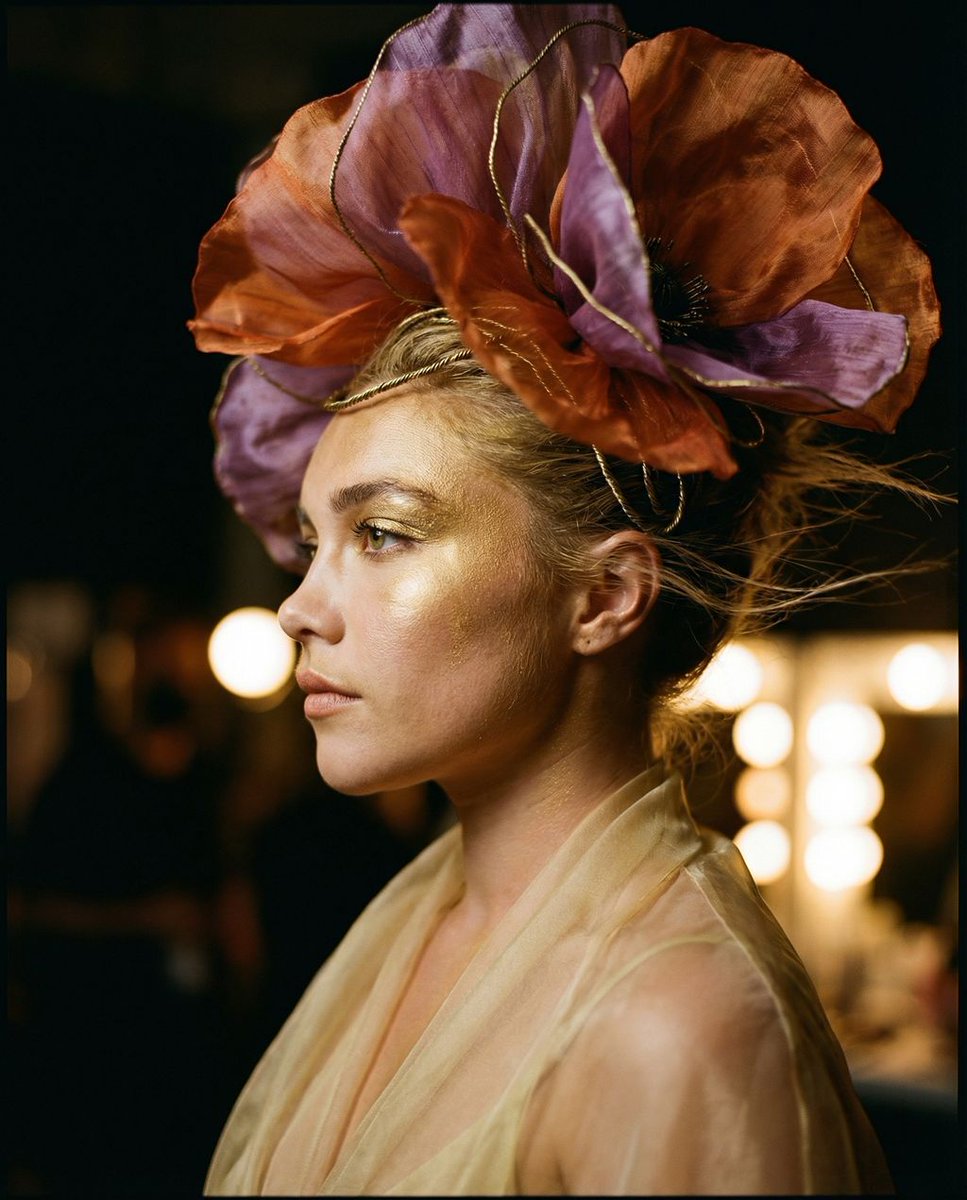

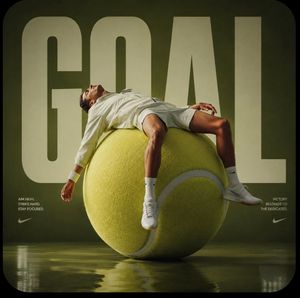
![Visualized as the central masterpiece of a surreal avant-garde collage — [PERSON \ BRAND] visualized as the central masterpiece of a surreal avant-garde collage](https://images.meigen.ai/tweets/2008633447095349411/0.jpg)
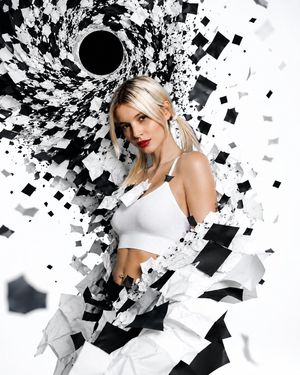


![Minimalist Flat Vector Travel Poster — Premium minimalist flat-vector travel poster for {argument name="city name" default="[CITY_NAME]"}, 3:4 vertical format.](https://cms-assets.youmind.com/media/1787917359711_3ug846_HQX205cbMAA6F6S-300x400.jpg)





















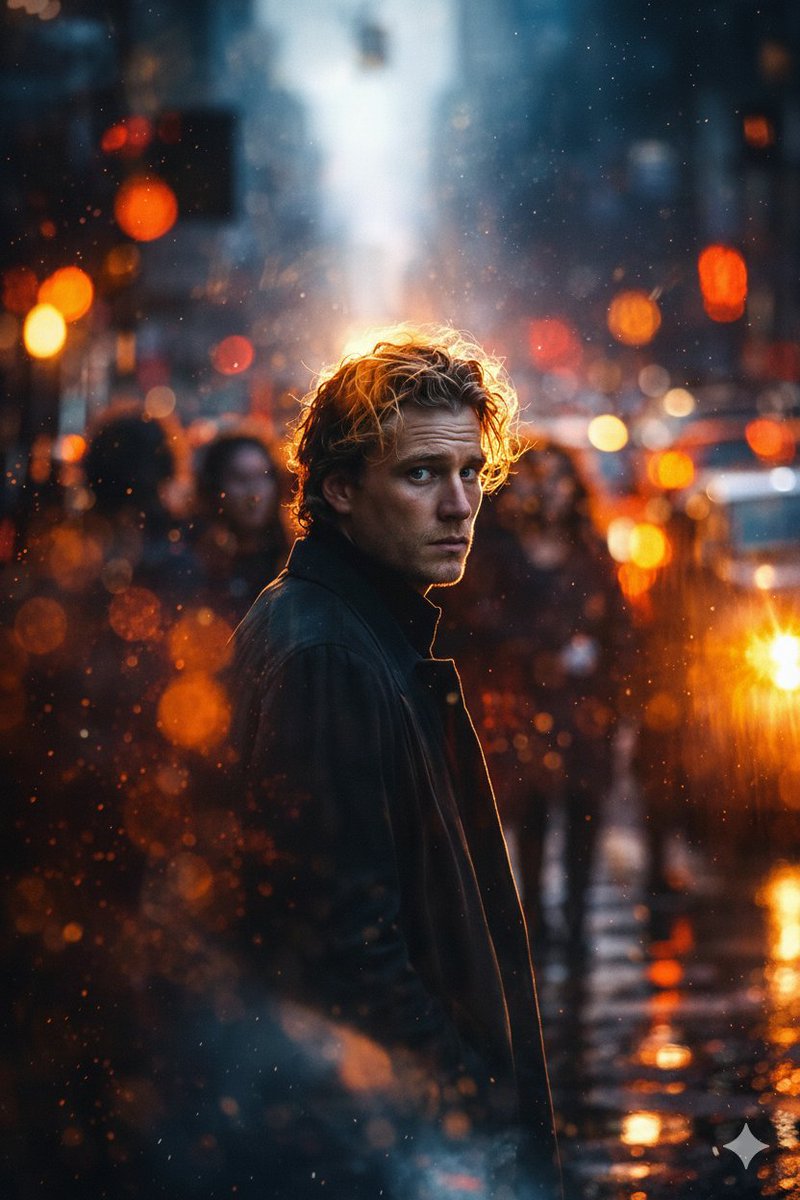




![53-gemini-nano-banana-2-isometric-3d-city-d — A hyper-realistic, isometric 3D diorama of [CITY NAME] presented as a detached cubic slice of earth. The top surfa](/_next/image?url=https%3A%2F%2Fcdn.picxstudio.com%2Fuploads%2Fpost53_img0_b47da948-19de-4044-a4f6-5088b1e5de4d.jpg&w=828&q=100)
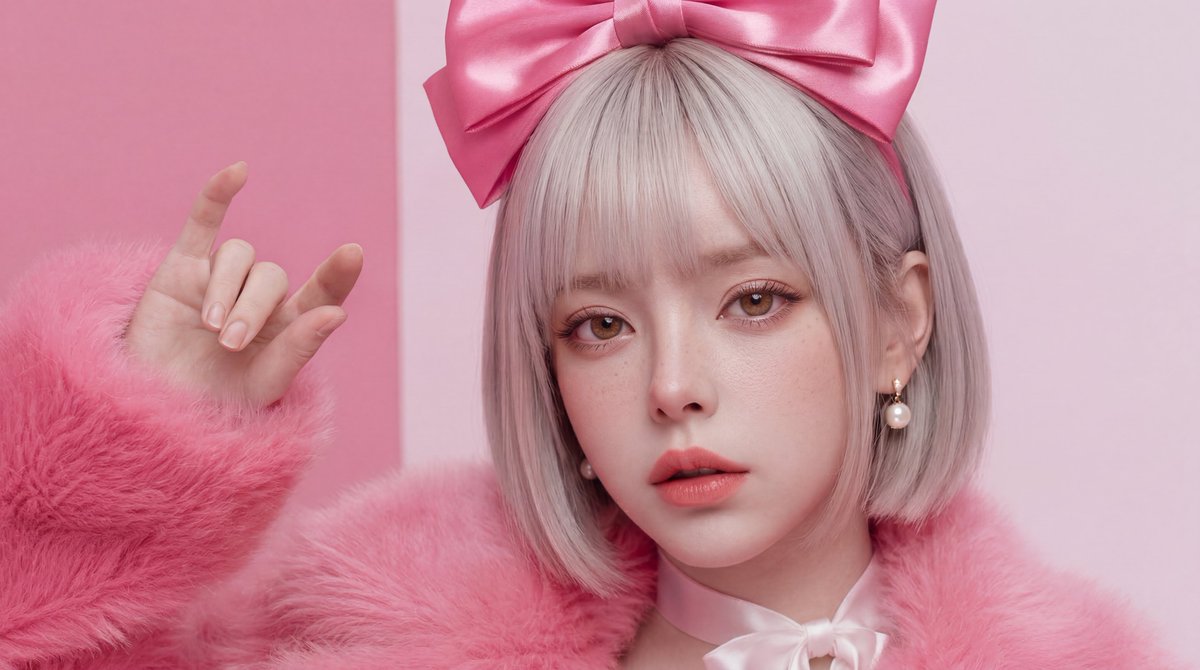

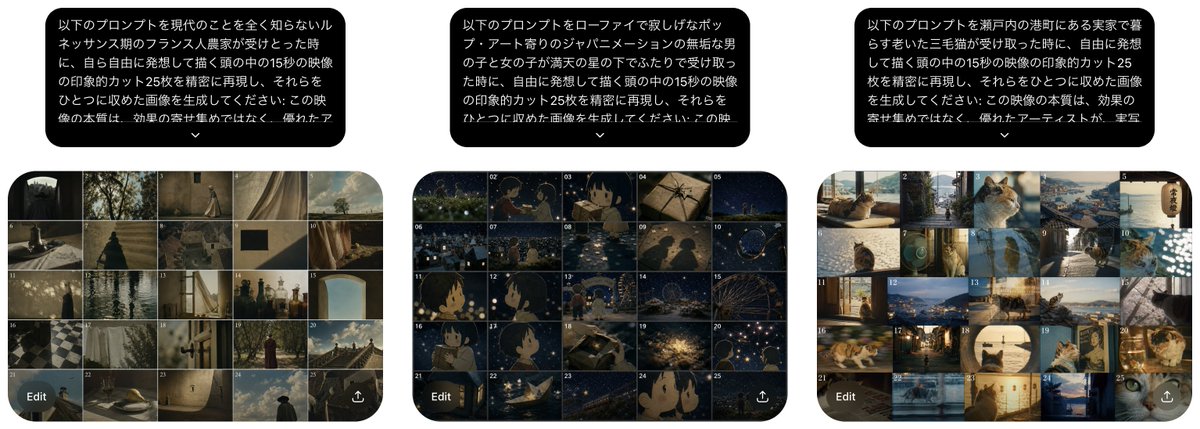

![Weekly Outfit Coordination Lookbook Generation — # 設定項目(ここを変更してください)
設定:
[キャラクターの特徴]: {argument name="キャラクターの特徴" default="黒髪ロングヘアの女子高生"}
[ファッションのテーマ]: {argument](https://pbs.twimg.com/media/G8fwUNwaAAA-ALc.jpg)



![Exploded View Product Photography — [ {argument name="product name" default="Nintendo game"} ], high-end product advertising, white seamless background, explode](https://pbs.twimg.com/media/G-e7-58bQAM5PY1.jpg)
