
Fantasy Library Breakfast Scene
A richly detailed anime fantasy breakfast scene with two elegant characters dining in a sunlit gothic library.
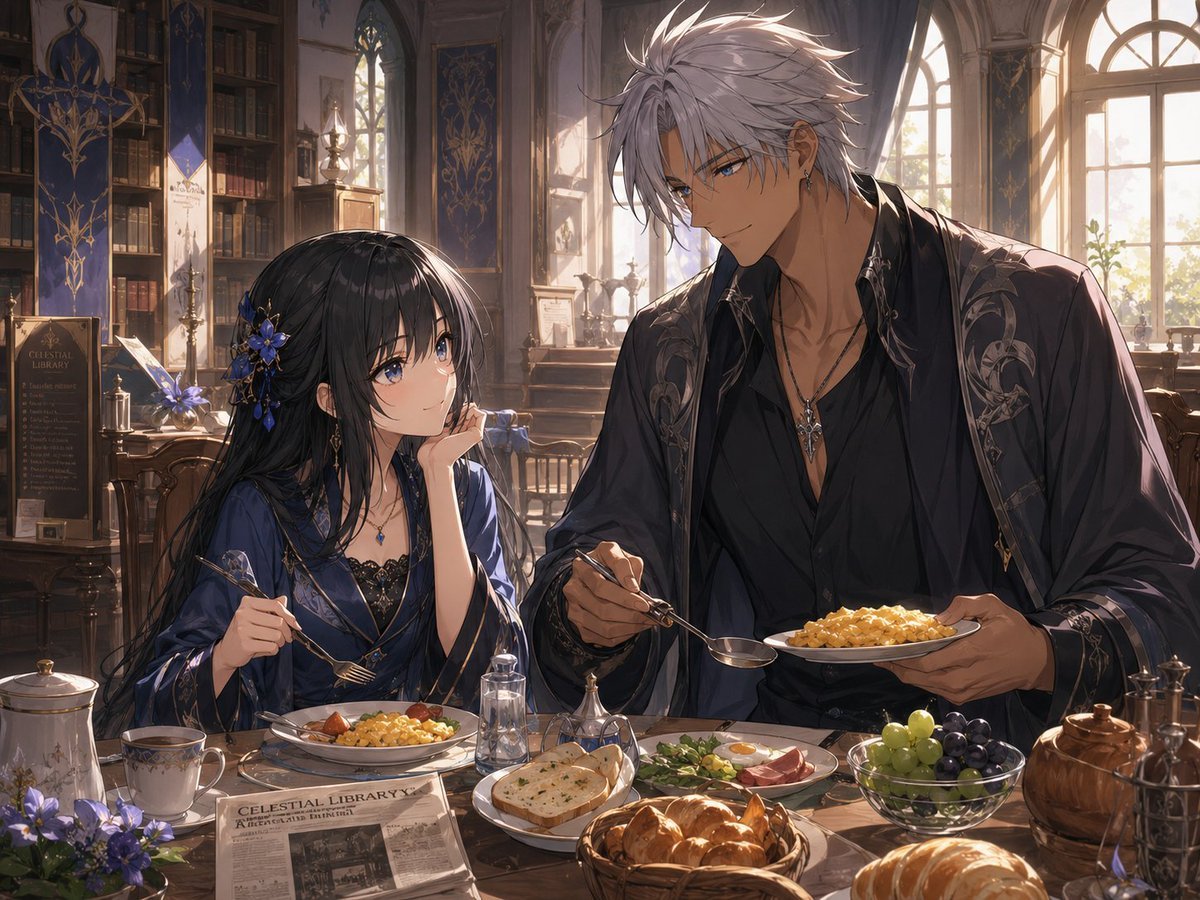
- Prompt included
- Model and format preset
- Free template
The prompt behind this image
Copy the exact prompt behind Fantasy Library Breakfast Scene, or open it in the studio and make it yours.
Create a detailed anime-style fantasy illustration of two elegant characters having breakfast together in a sunlit gothic library. The scene shows {argument name="character pair" default="a petite young woman with very long black hair and a tall silver-haired man"} seated at a wooden breakfast table, both with their faces intentionally obscured by soft rectangular blur masks. The woman sits on the left wearing a deep navy silk robe or kimono-inspired morning gown with black lace trim, a blue gemstone necklace, earrings, and an ornate blue flower hair accessory; she holds a fork in one hand and rests her cheek on the other hand in a relaxed morning pose. The man sits on the right, much taller and broad-shouldered, with spiky pale silver hair, earrings, a pendant necklace, an open black shirt, and a dark embroidered robe with silver ornamental patterns; he holds a plate of scrambled eggs in one hand and a spoon in the other as if serving or eating. The table contains exactly 12 visible breakfast and table items: 1 plate of scrambled eggs with tomato and greens in front of the woman, 1 plate of scrambled eggs held by the man, 1 cup of coffee or tea on a saucer, 1 white lidded teapot or sugar pot, 1 small clear glass bottle, 1 small ornate metal condiment holder, 1 plate of sliced bread, 1 platter with greens, sliced meat, and a halved boiled egg, 1 glass bowl of green and dark purple grapes, 1 basket of croissants, 1 large round loaf or pastry at the front right, and 1 brown teapot at the far right. Add a folded newspaper on the table with the readable English headline {argument name="newspaper headline" default="CELESTIAL LIBRARY"}. The background is an ornate old-world library with tall bookshelves, carved wood furniture, gothic arched windows, long blue-and-gold hanging banners, a decorative sign that also reads Celestial Library, vases of purple flowers, small bottles and curios, and warm morning sunlight streaming through the windows. Use a rich painterly anime rendering style with intricate linework, cinematic lighting, warm gold highlights, cool blue shadows, soft dust-filled atmosphere, high detail in fabrics and food, and a cozy yet aristocratic fantasy mood. Use a horizontal 4:3 composition, waist-up framing of the two characters, the table in the foreground, and the library receding behind them. Avoid modern objects except the newspaper, avoid extra people, and keep the image text minimal and mostly decorative.
How to use Fantasy Library Breakfast Scene in 3 steps
- 1Upload ImagePNG, JPG or paste
Add your photo
Upload the photo the template builds on. The prompt, model and format are already set.
- 2…a portrait of your subject in softgolden-hour light, 85mm…
Personalize
Edit the subject and creative details for your destination.
- 3Generate
Generate
Press Generate — your image is created in PicX Studio, so you can compare it with the original and refine one variable at a time.
More like this
Templates with the same subject, style or setup. Open one to see its prompt.

Anime Fantasy Celestial Movie Poster
Anime Fantasy Celestial Movie Poster

Minecraft Fantasy Kingdom Voxel Landscape

Unfinished Sketch Comes Alive Portrait

Open Travel Journal Overhead Still Life

Tiny Woman Miniature Fantasy Macro Scene
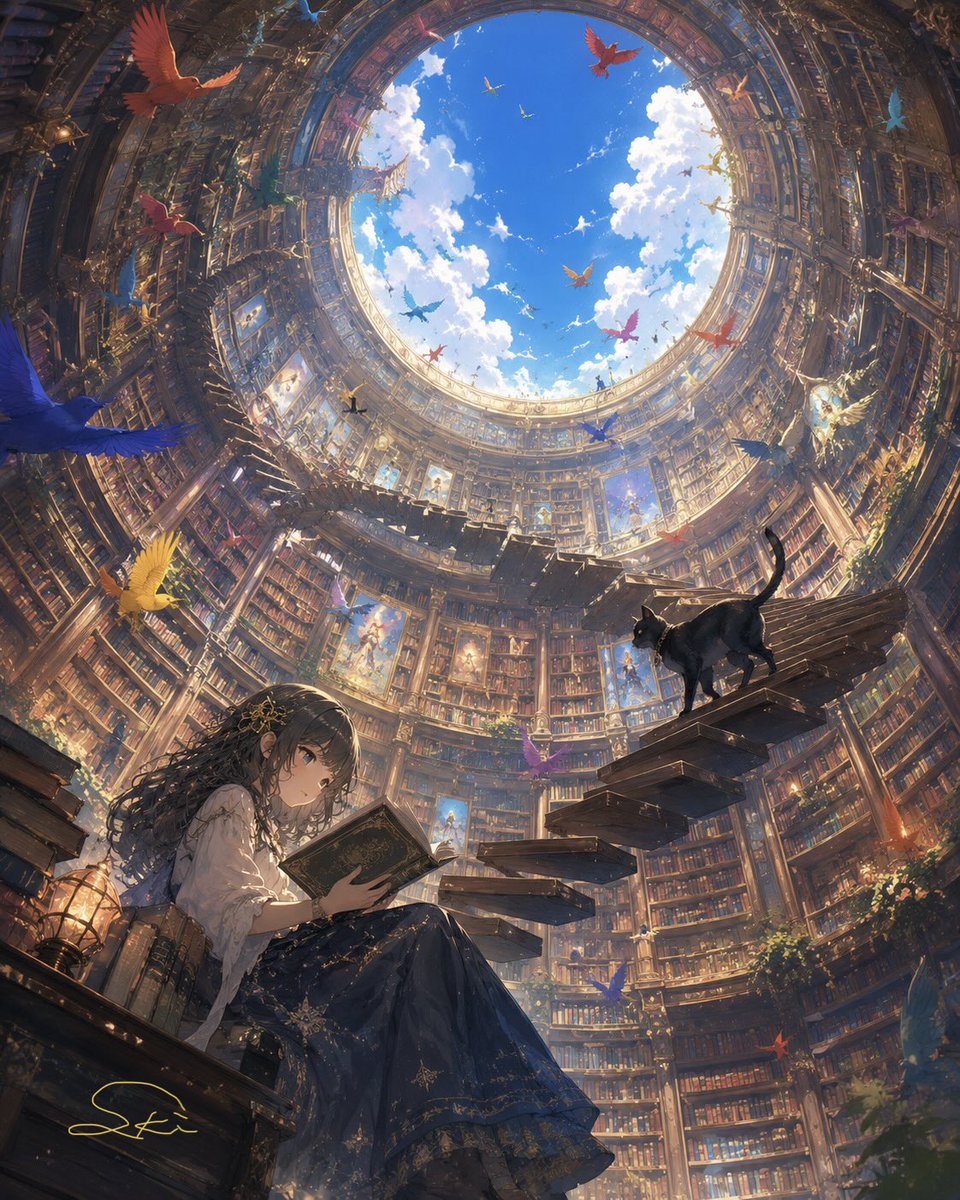
Cylindrical Fantasy Library
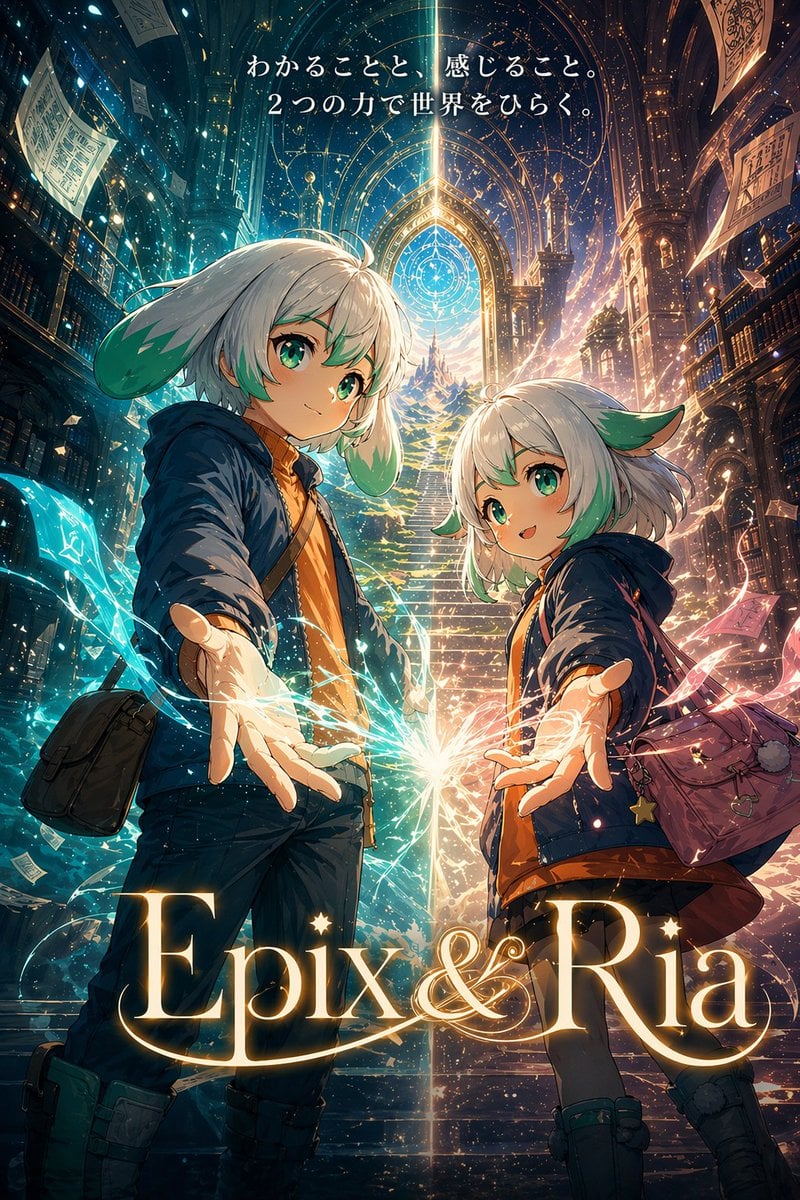
Fantasy Library Poster for Epix & Ria
JSON Seedance - Fairy Macro Flight
Videogame Cinematic Trailer - Seedance 2.0
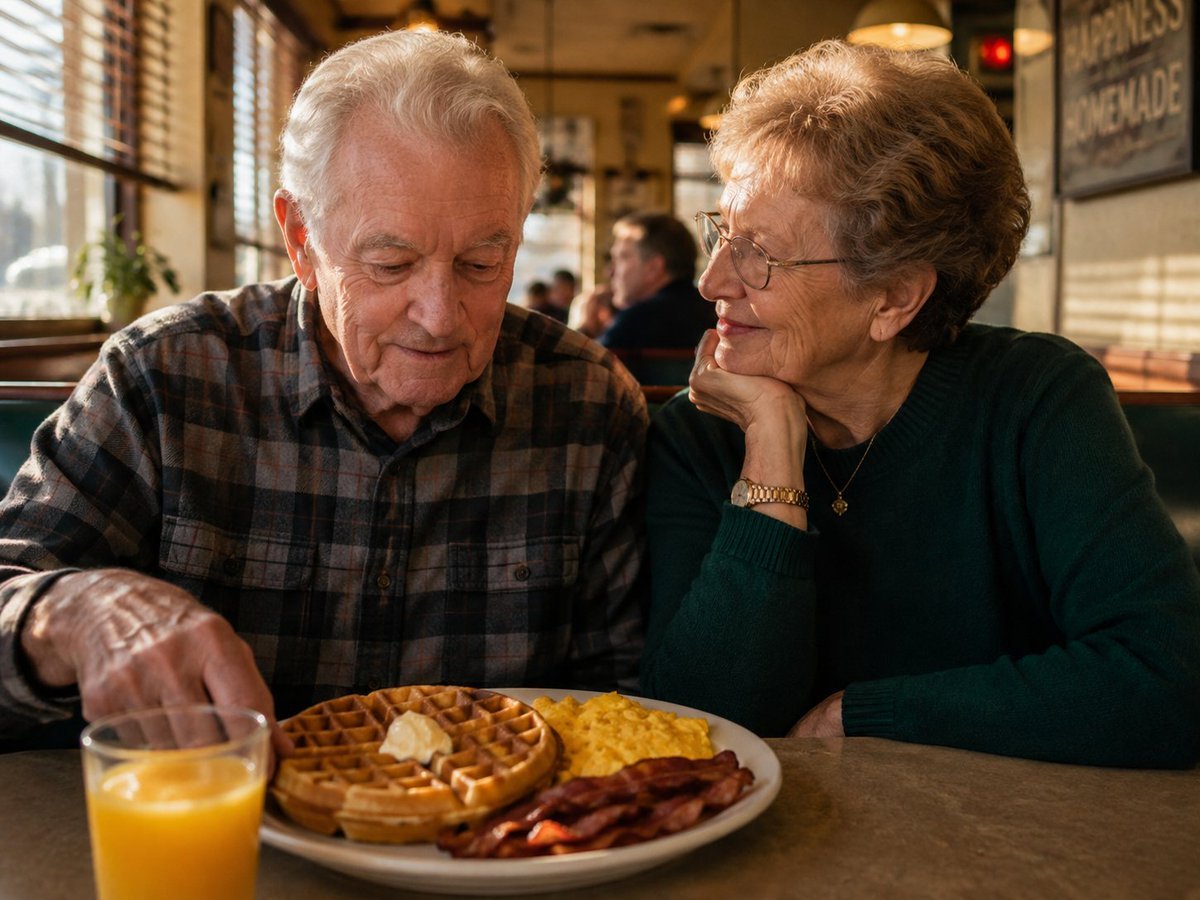
Elderly Couple Diner Breakfast
Fresh Morning Café Breakfast Ad
Make it yours
Fantasy Library Breakfast Scene works as-is. These are the safest ways to change it without losing the look.
Change one field
Copy a single group, rewrite it, and generate again so you can see what that field is doing.
Keep the frame, change the subject
Hold the composition and light of Fantasy Library Breakfast Scene, then swap wardrobe, props or the person for a new take.
| If the result… | Why | Fix |
|---|---|---|
| The result drifts from the preview | Too many fields changed at once. | Reuse Fantasy Library Breakfast Scene as-is first, then change one group — subject, light, or setting. |
| The model over-stylizes the scene | The prose prompt leaves finish and camera underspecified. | Add one camera or lighting sentence and stay on GPT Image 2. |
More GPT Image 2 templates
Other prompts made for GPT Image 2.

Six VTuber Japanese Logo Sheet

Realistic Portrait of Woman and Deer

The Vista Modular Condo Poster

AI Model Routing Comparison Infographic

2.5D Anime Art Board

Isometric Productivity Desk Scene

New York Double Exposure Poster

Four-Panel AI Landscape Comparison

Japanese Tatami Lifestyle Magazine Cover

NESCAFÉ Coffee Map Poster
More image prompts
Fresh picks from across the catalog.
Resident Evil Rocket Launcher Action Scene
Cinematic Scooter Ride Golden Hour Prompt
Under Glass Floor Perspective Shot
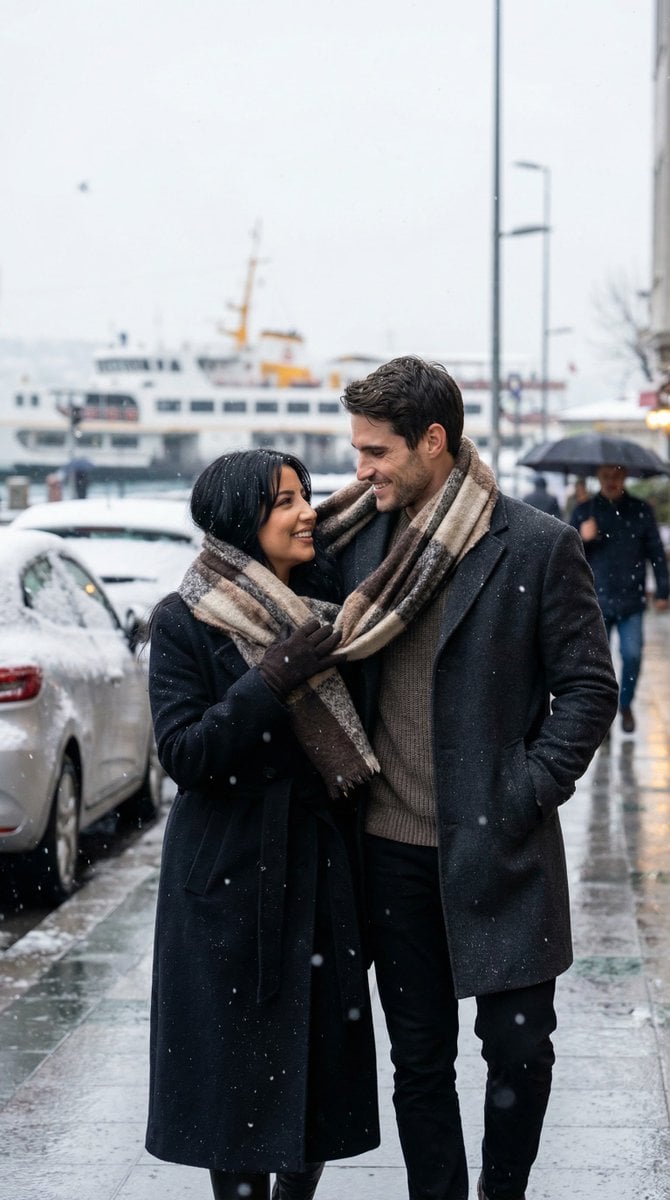
Photoreal Candid Street Romance in Winter Snow
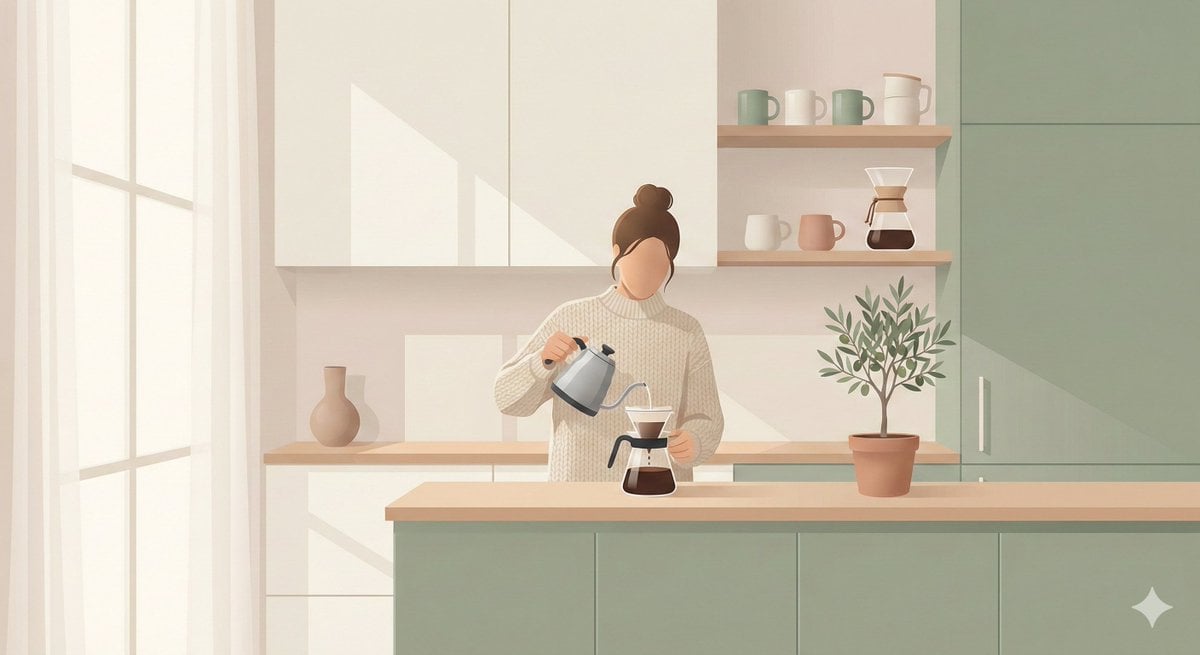
Minimalist Scandinavian Illustration Prompt
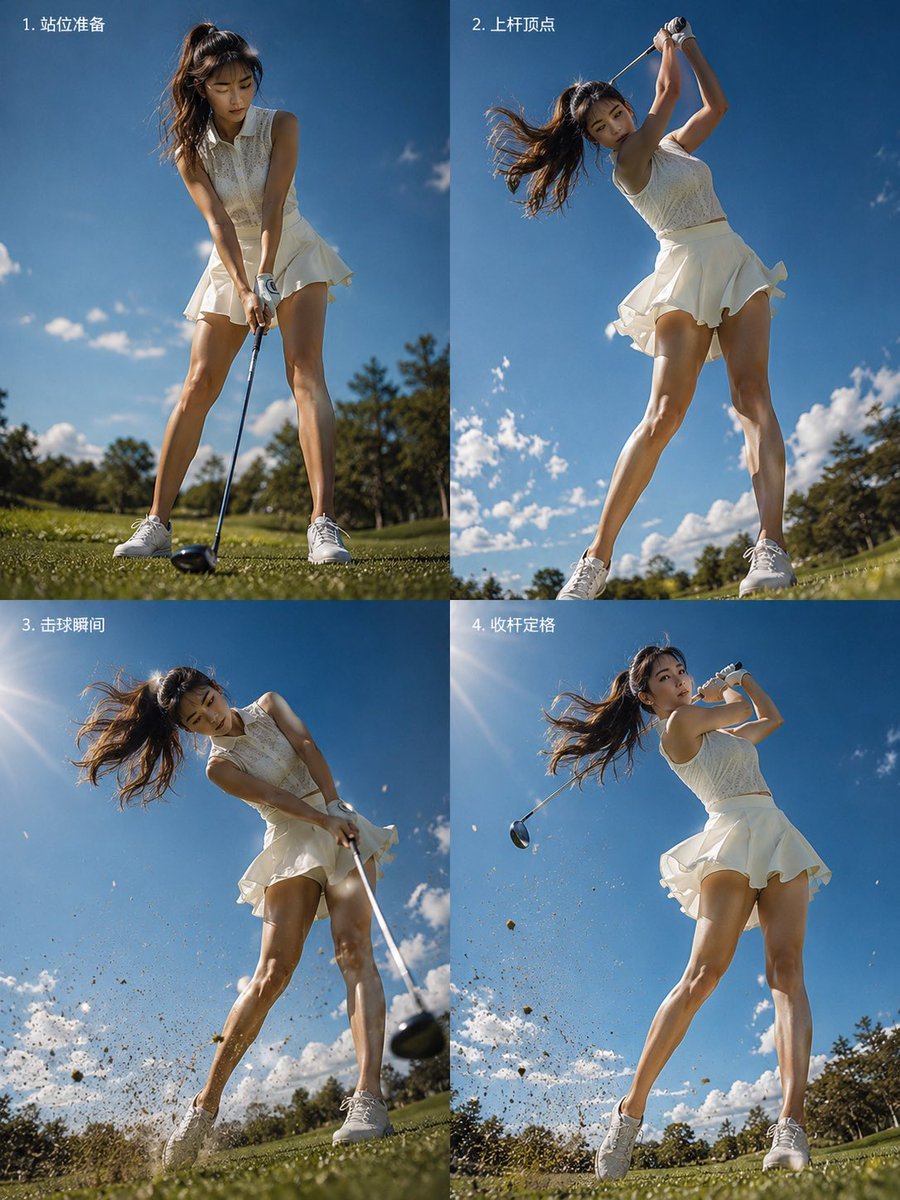
Four-Panel Golf Swing Sequence
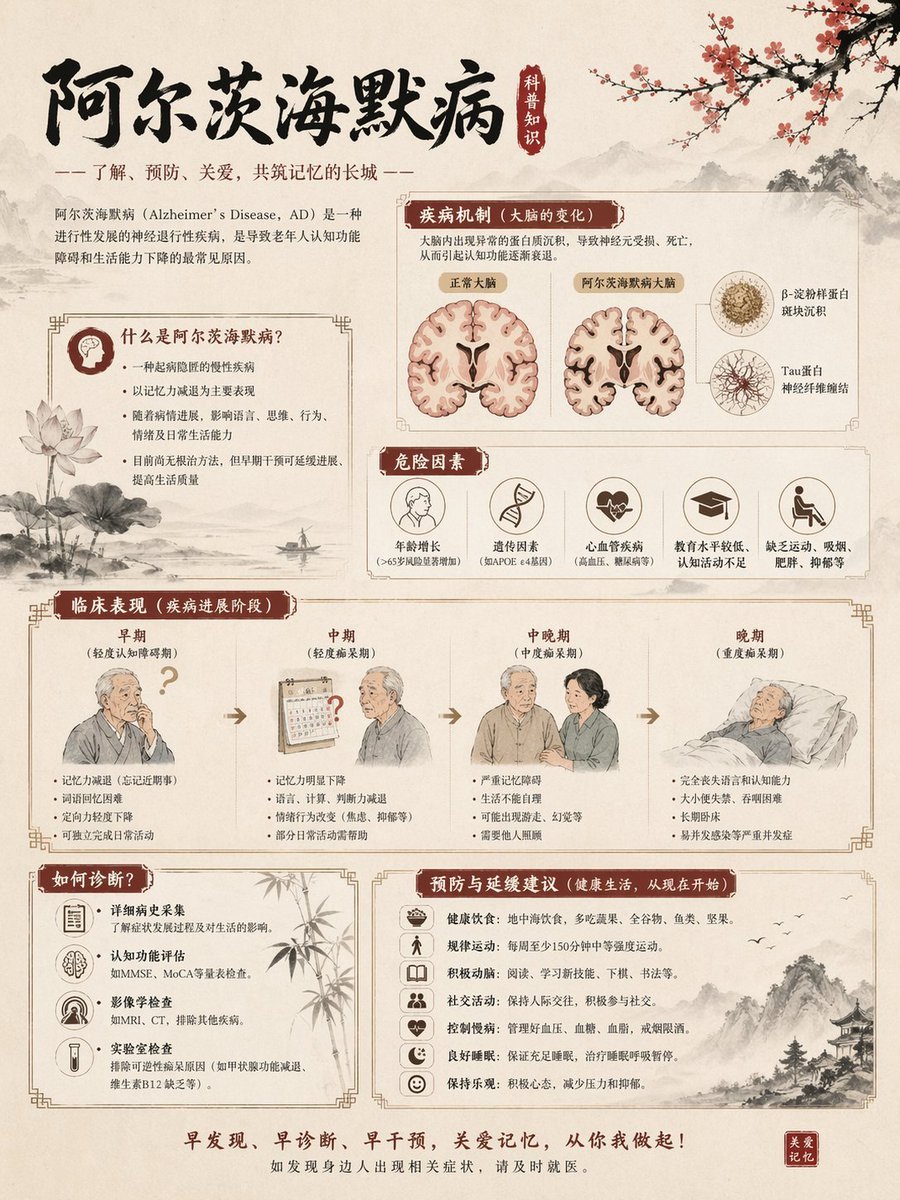
Chinese Alzheimer’s Awareness Infographic
Together We Are Perfect a Romantic Coupl
Ethereal Silhouette on a Rooftop Edge
Yuzu Sparkling Water Advertisement
Browse template categories
Fantasy Library Breakfast Scene questions
How do I use the Fantasy Library Breakfast Scene template?
Add your photo if the template asks for one, edit the prompt if you like — the template's model and format are already selected — and press Generate. Your version opens in PicX Studio.
Can I customize the Fantasy Library Breakfast Scene template?
Yes. You can change the subject, setting, lighting, mood, format, and available model controls before creating your image.
Is the Fantasy Library Breakfast Scene template free?
Opening and editing this template is free. Generating uses credits, shown on the Generate button when you are signed in.
Which AI model should I use?
Start with GPT Image 2, which is the model associated with this template. You can compare another compatible model for a different finish.
Looking for something else? Browse all templates.

Your photo, any look
Thousands of ready templates for every top image and video model, from one credit balance.