How do I use the Poetic Woman in Garden Portrait template?
Choose the primary action to open PicX Studio with the available template settings. Review the model and format, personalize the creative direction, and generate when ready.
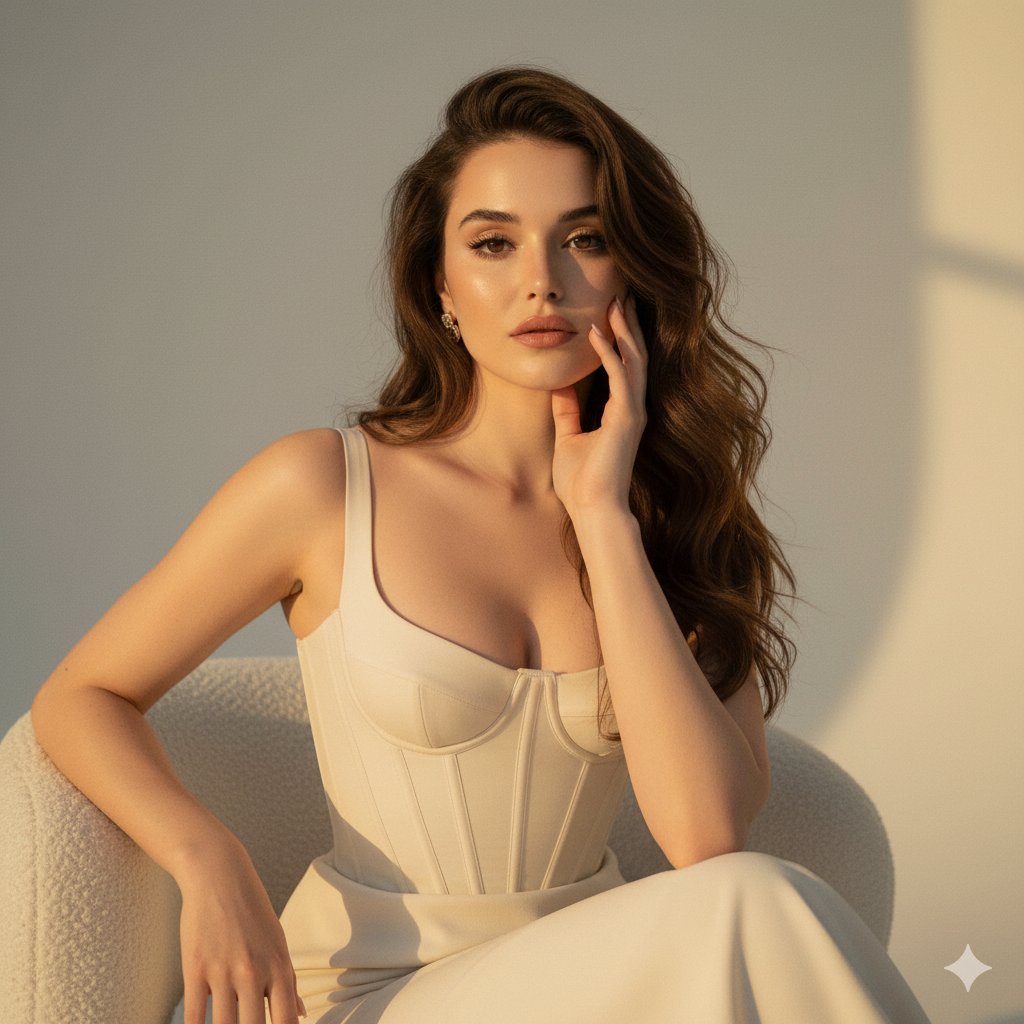
This prompt generates a realistic editorial-style portrait of a bookish young woman in a sunlit garden, ideal for lifestyle photography, literary branding, or elegant character imagery. Change the subject, setting, or lighting one variable at a time.

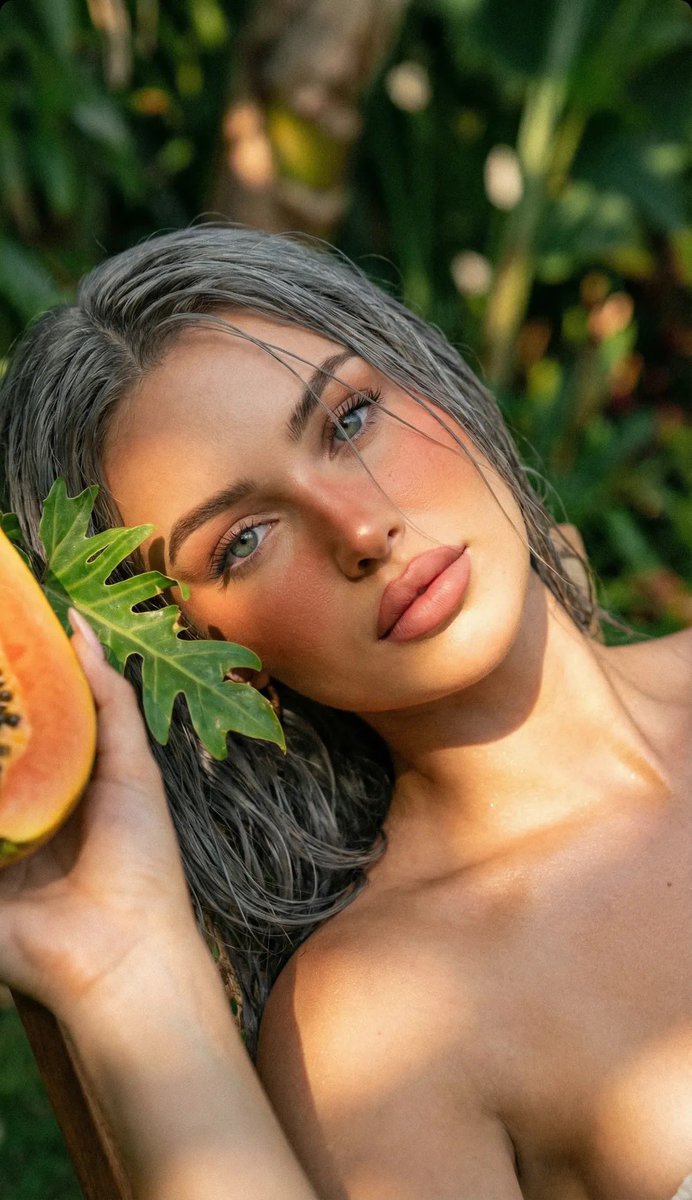
A realistic outdoor portrait of a thoughtful, naturally beautiful young woman standing on a garden path in soft golden-hour light. She is framed from about mid-thigh upward, centered in the image, facing the camera with a relaxed upright posture. She has {argument name="hair color" default="dark brown"} long, voluminous, loosely curly hair with a slightly tousled texture, falling around her shoulders. Dress her in an oversized cream-white knit sweater with long sleeves and dark high-waisted loose trousers or a flowing skirt-like bottom in deep navy or black. A pair of thin round eyeglasses hangs from the neckline of the sweater. In one hand she holds a sharpened yellow pencil, and in the other she carries an open sketchbook or notebook with slightly worn pages, suggesting she is writing, sketching, or observing nature. The mood should feel literary, artistic, intelligent, and understated rather than glamorous. Place her in a lush garden with 1 visible stone pathway, abundant soft greenery, and blurred flowers in the foreground and background. Use shallow depth of field with creamy bokeh, warm sunlight filtering through trees behind her, and gentle natural highlights on her hair and sweater. The image should look like a candid editorial photograph, highly realistic, soft and tasteful, with muted natural colors, subtle texture, and an atmosphere of calm, cultured beauty. Vertical composition, 4:5 portrait orientation.
Choose the primary action to open PicX Studio with the available template settings. Review the model and format, personalize the creative direction, and generate when ready.
Yes. You can change the subject, setting, lighting, mood, format, and available model controls before creating your image.
This template is free to open and customize. Generation usage is shown in PicX Studio before you create.
Start with GPT Image 2, which is the model associated with this template. You can compare another compatible model for a different finish.
© 2026 PicX Studio. All rights reserved.

Follow a topic to a crawlable collection of related PicX Studio templates.
43,474 public templates available. Verified via the PicX Studio public templates API; refreshed hourly.



![69-untitled — FORMAT: 15s / 145 BPM / 14 SHOTS
SUBJECT: @[image1]
WARDROBE: Clean modern outfit
ENVIRONMENT: Street / indoor transitions
MOOD: Discovery → contr](/_next/image?url=https%3A%2F%2Fcdn.picxstudio.com%2Fuploads%2Fpost69_img0_d45faecf-38c3-4bcb-81a4-f6eb1cf42bb2.jpg&w=828&q=100)













![118-google-nano-banana-pro-skincare-product- — A professional skincare shot of a [product container] with [cap/lid], labeled [brand, product, descriptor, volume](/_next/image?url=https%3A%2F%2Fcdn.picxstudio.com%2Fuploads%2Fpost118_img0_332898b8-29ea-42a9-87ab-9ed746a3f944.jpg&w=828&q=100)



![Minimalist Flat Vector Travel Poster — Premium minimalist flat-vector travel poster for {argument name="city name" default="[CITY_NAME]"}, 3:4 vertical format.](https://cms-assets.youmind.com/media/1787917359711_3ug846_HQX205cbMAA6F6S-300x400.jpg)