
Halftone Floral Landing Page Hero
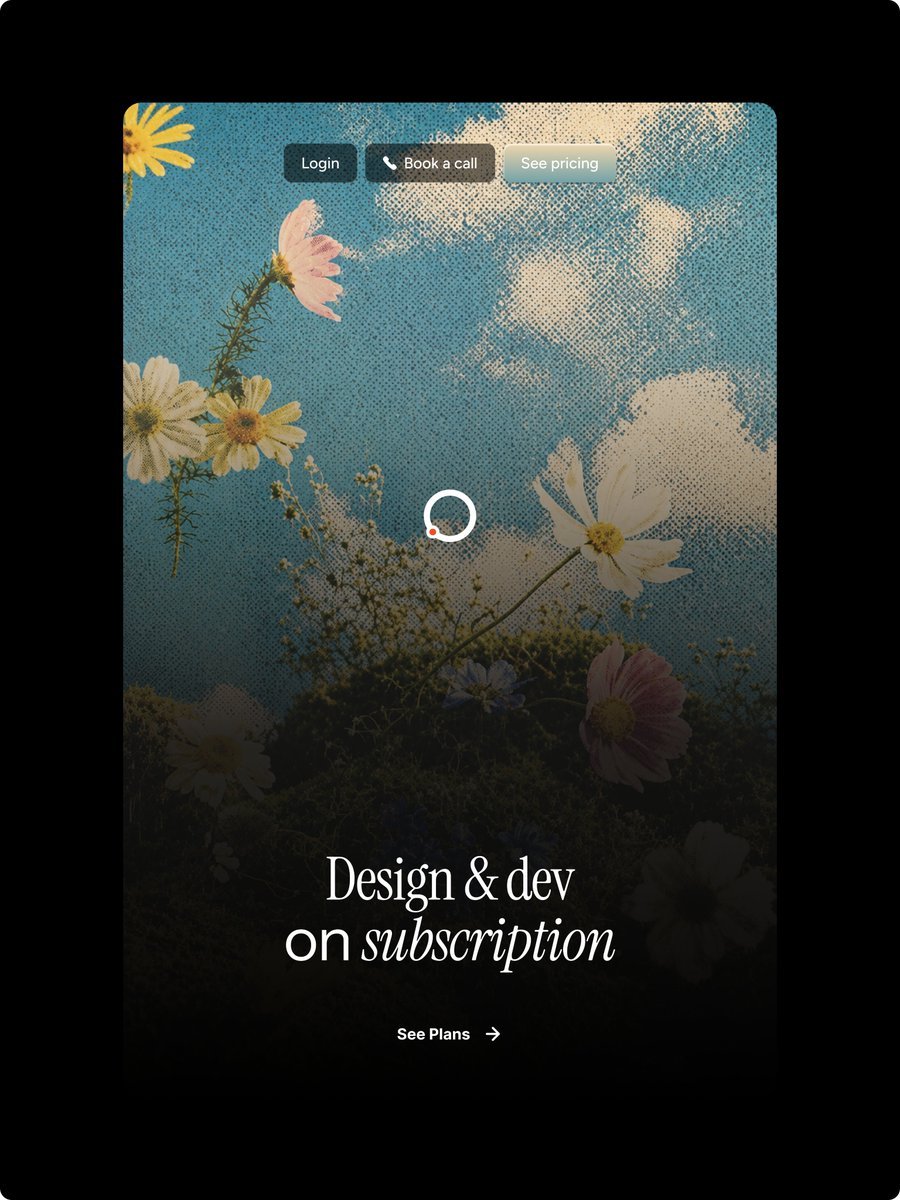
Generates a vintage halftone floral website hero mockup for a design subscription landing page.
- Prompt included
- Model and format preset
- Free template
The prompt behind this image
Copy the exact prompt behind Halftone Floral Landing Page Hero, or open it in the studio and make it yours.
Goal: Create a polished vertical landing-page hero mockup for a design subscription service, with a nostalgic halftone editorial look and Figma-style web design precision. Canvas: Portrait 3:4 image on a pure black outer background. Center a tall rounded-rectangle website card with large corner radius, occupying most of the frame and leaving thick black margins around it. Main visual: Inside the card, use a dreamy upward-looking photograph-style scene of wildflowers against a blue sky with soft white clouds. Apply a strong vintage halftone dot texture across the entire card image. Add a dark black gradient overlay rising from the bottom so the lower half becomes moody and readable while the top remains bright sky blue. Visible floral elements should include exactly 9 main blossoms: 1 partial yellow flower in the top-left corner, 1 pink flower near the upper-left, 2 white daisies clustered left-middle, 1 large white cosmos on the right-middle, 1 white daisy near the bottom-left, 1 small bluish flower near lower center, 1 pink flower at lower-right, and 1 dark partially hidden white flower at the bottom-right edge, plus thin stems and tiny baby's-breath buds. Top navigation: Place exactly 3 small pill buttons centered near the top of the card with subtle glass/blur styling and soft shadows. Button 1 text: "{argument name="login button text" default="Login"}" on a dark charcoal pill. Button 2 text: "{argument name="booking button text" default="Book a call"}" with a small white phone icon before the text on a warm dark translucent pill. Button 3 text: "{argument name="pricing button text" default="See pricing"}" on a pale frosted gray-blue pill. Use small clean sans-serif white text. Center detail: Add one loading spinner in the middle of the card, made from a white circular ring with a small orange-red dot on the lower-left part of the ring. Keep it simple and crisp. Hero typography: Near the lower third, center a large elegant white serif headline reading "{argument name="headline text" default="Design & dev\non subscription"}". The first line says “Design & dev”; the second line says “on subscription,” with the word “subscription” in italic serif. Use refined high-contrast type, generous letter spacing, and a luxurious editorial feel. Call to action: Below the headline, center a small white CTA reading "{argument name="call to action text" default="See Plans"}" followed by a thin right arrow. Keep it minimal and aligned with the headline. Style constraints: High-end web hero design, realistic floral sky background, halftone print texture, dark cinematic bottom fade, rounded card corners, no browser chrome, no extra logos, no watermark, no additional text beyond the 3 nav buttons, the headline, and the CTA.
How to use Halftone Floral Landing Page Hero in 3 steps
- 1Upload ImagePNG, JPG or paste
Add your photo
Upload the photo the template builds on. The prompt, model and format are already set.
- 2…a portrait of your subject in softgolden-hour light, 85mm…
Personalize
Edit the subject and creative details for your destination.
- 3Generate
Generate
Press Generate — your image is created in PicX Studio, so you can compare it with the original and refine one variable at a time.
More like this
Templates with the same subject, style or setup. Open one to see its prompt.

Atlas GTM SaaS Hero Landing Page

NOVALITH SaaS Landing Page Hero

Mintpage AI Landing Page Hero
Rainy Cyberpunk Superhero Comic Page

Cute AI Doodle Generator Landing Page

Vibe Coder Bootcamp Landing Page
Floraverse Botanical Fusion
FLORAVERSE BOTANICAL FUSION

Monochrome Halftone Editorial Fashion Poster
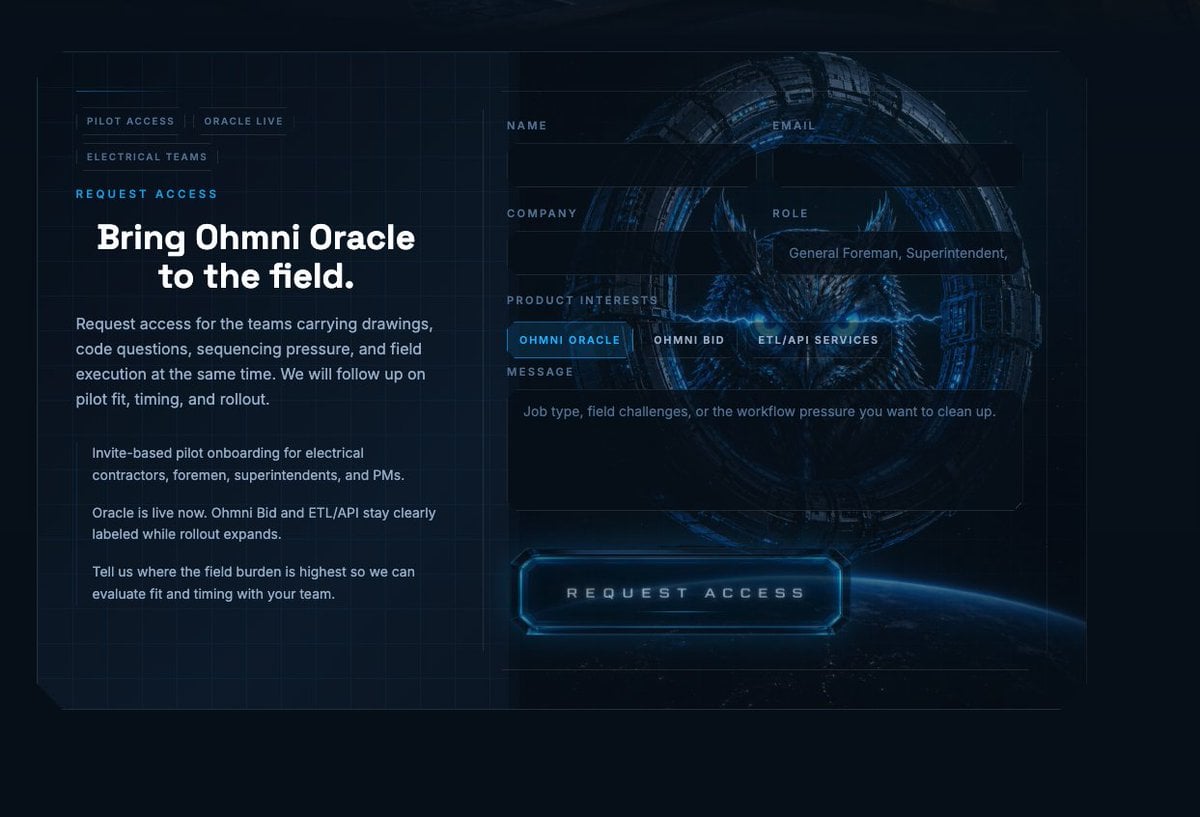
Futuristic Ohmni Access Landing Page
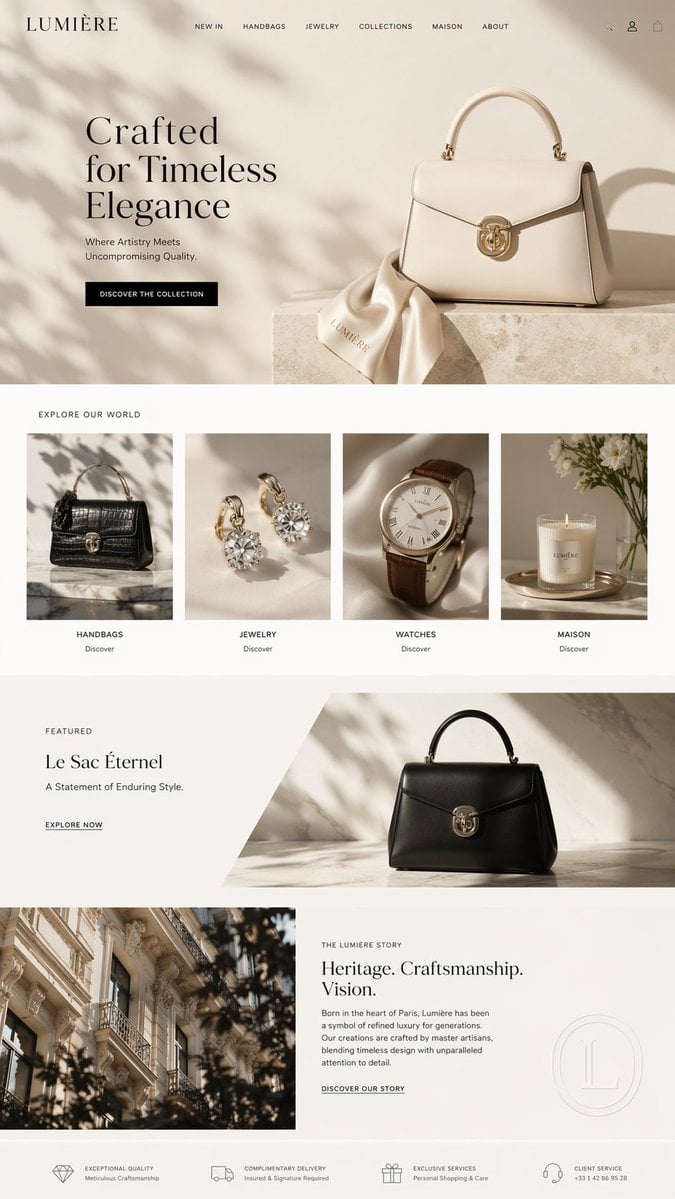
Luxury E-Commerce Landing Page Mockup
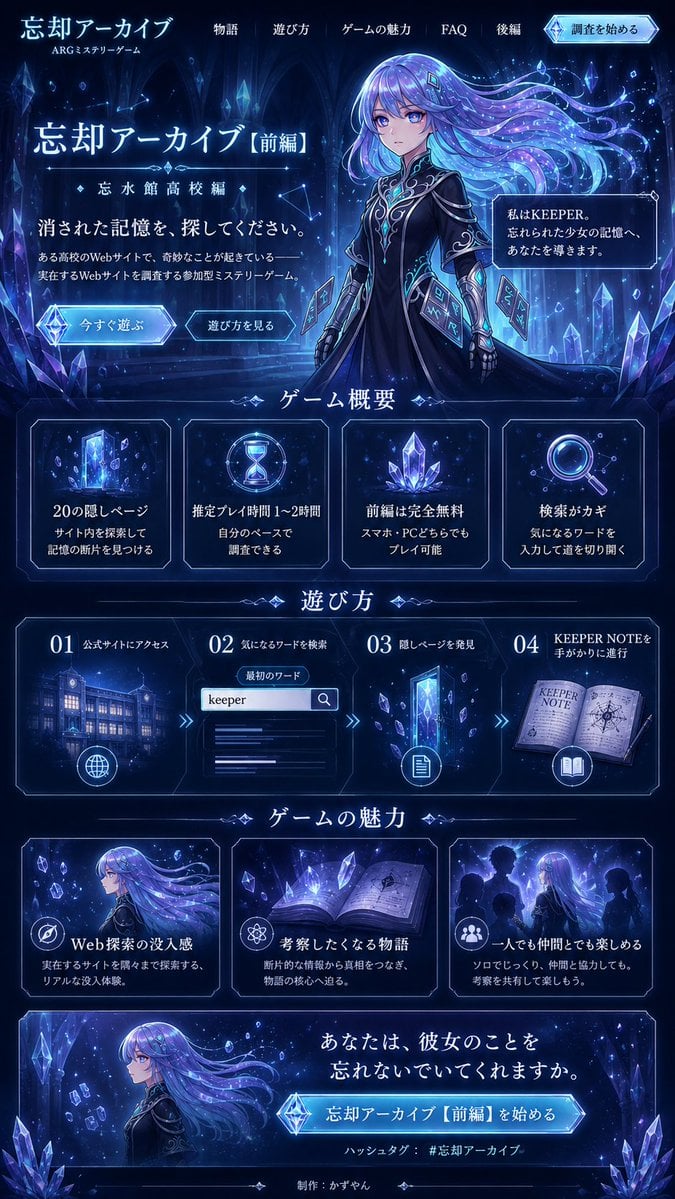
Forgotten Archive ARG Landing Page
Make it yours
Halftone Floral Landing Page Hero works as-is. These are the safest ways to change it without losing the look.
Change one field
Copy a single group, rewrite it, and generate again so you can see what that field is doing.
Keep the frame, change the subject
Hold the composition and light of Halftone Floral Landing Page Hero, then swap wardrobe, props or the person for a new take.
| If the result… | Why | Fix |
|---|---|---|
| The result drifts from the preview | Too many fields changed at once. | Reuse Halftone Floral Landing Page Hero as-is first, then change one group — subject, light, or setting. |
| The model over-stylizes the scene | The prose prompt leaves finish and camera underspecified. | Add one camera or lighting sentence and stay on GPT Image 2. |
More GPT Image 2 templates
Other prompts made for GPT Image 2.

Six VTuber Japanese Logo Sheet

Realistic Portrait of Woman and Deer

The Vista Modular Condo Poster

AI Model Routing Comparison Infographic

2.5D Anime Art Board

Isometric Productivity Desk Scene

New York Double Exposure Poster

Four-Panel AI Landscape Comparison

Japanese Tatami Lifestyle Magazine Cover

NESCAFÉ Coffee Map Poster
More image prompts
Fresh picks from across the catalog.

Centered Autumn Portrait Recreation

Surreal Commercial Composite: Pepsi Pouring into a Smartphone Screen
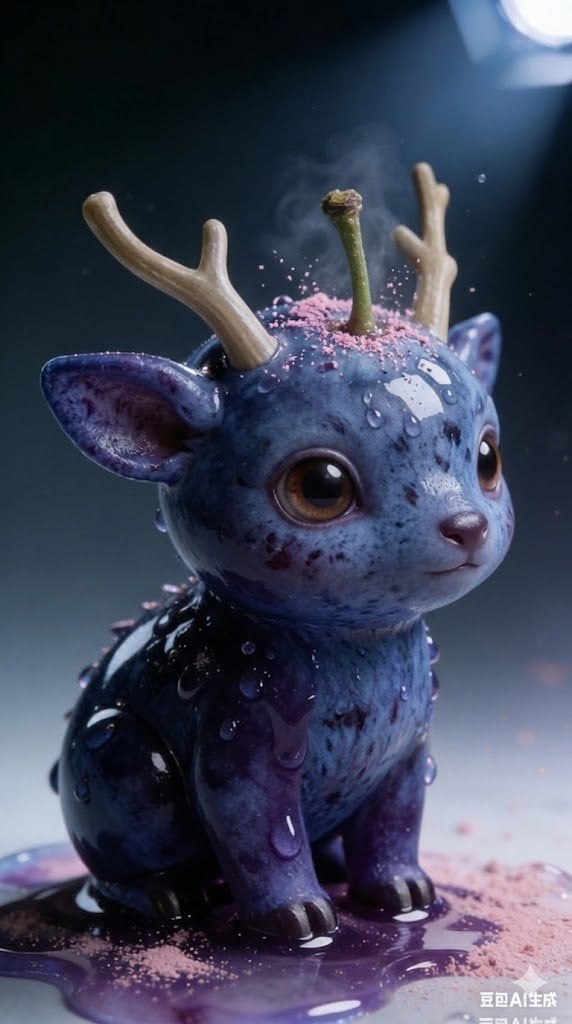
Kawaii Blueberry Fawn Forest Spirit Macro Photo
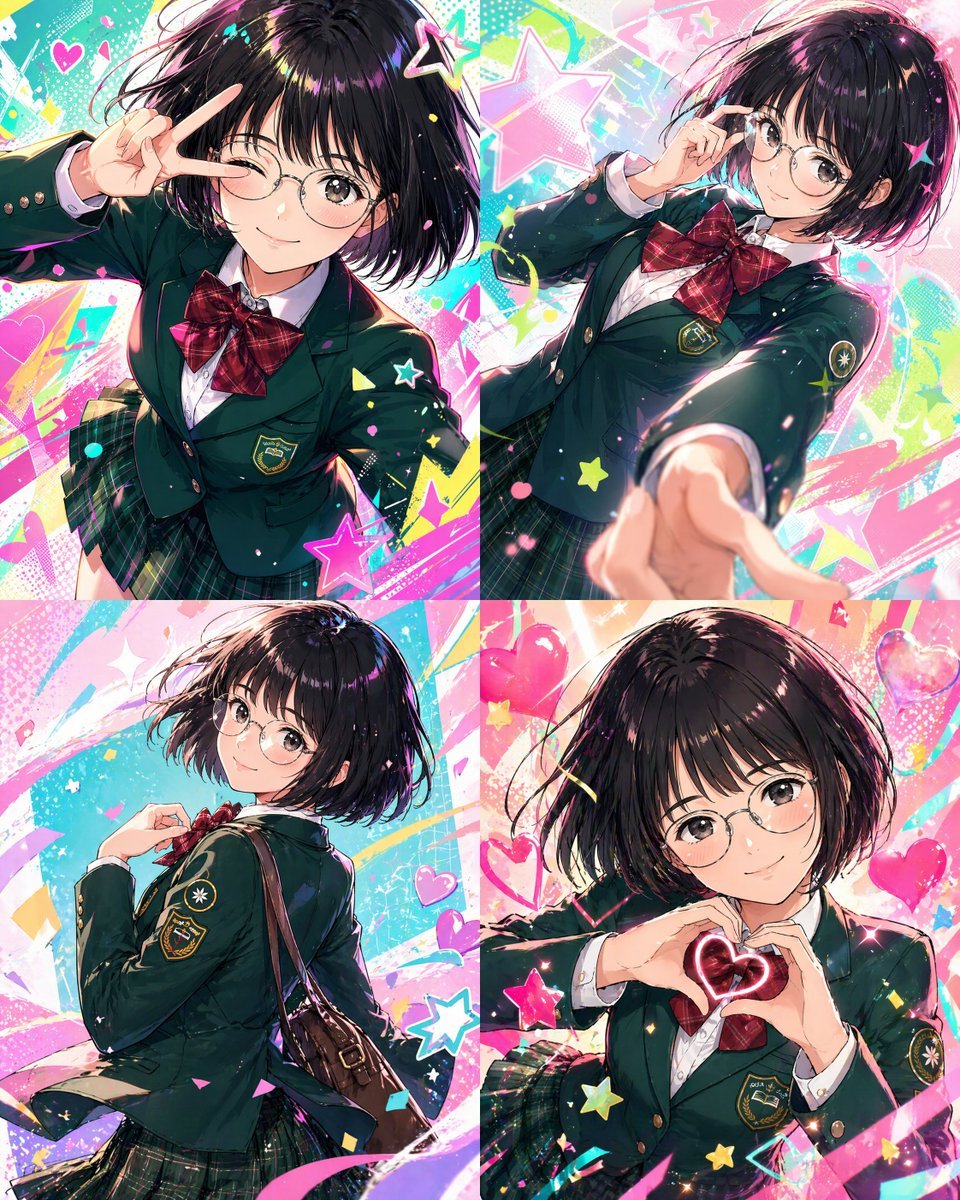
Character color and style adjustment

Sophisticated Fashion Portrait Reconstruction
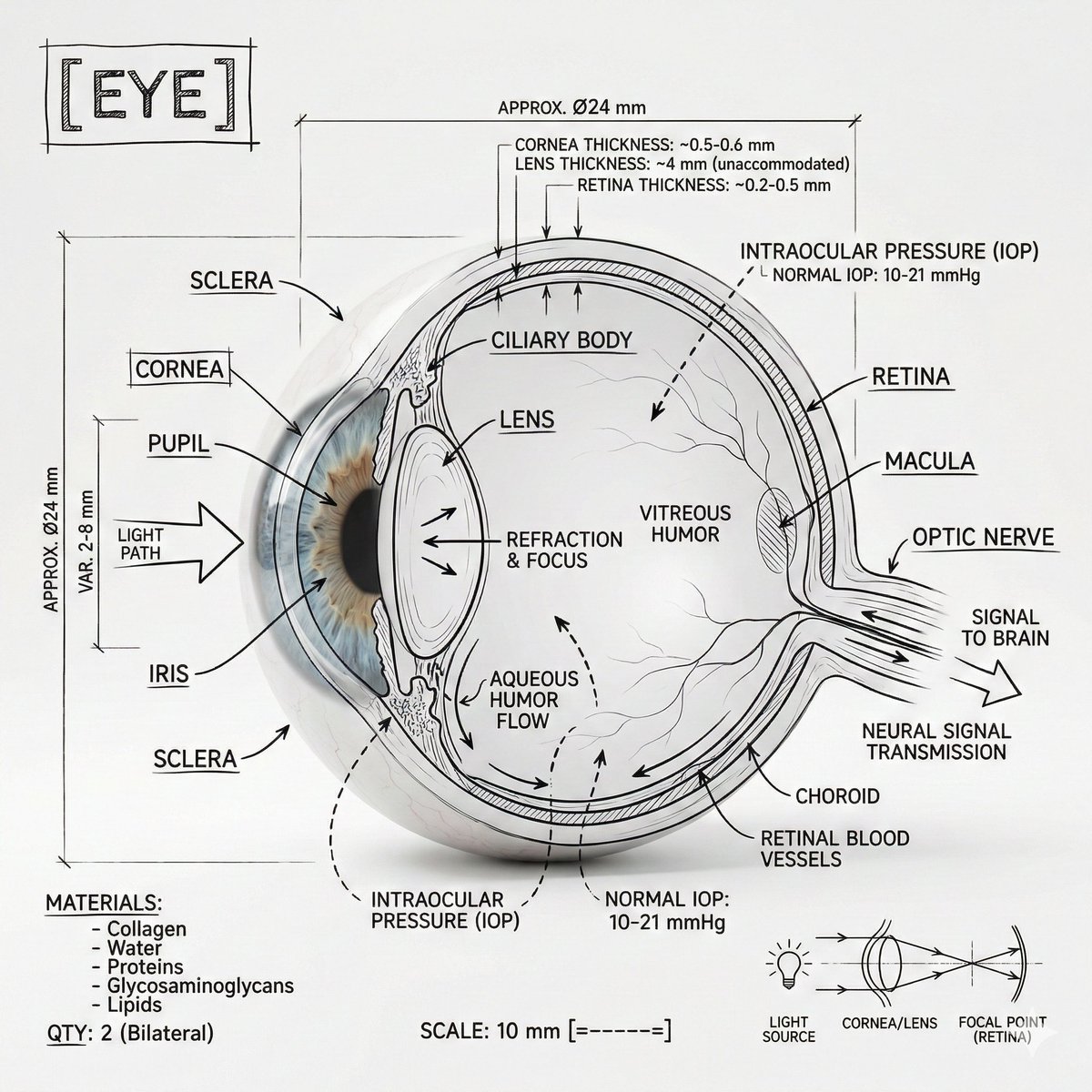
Infographic Prompt Template for Body Parts
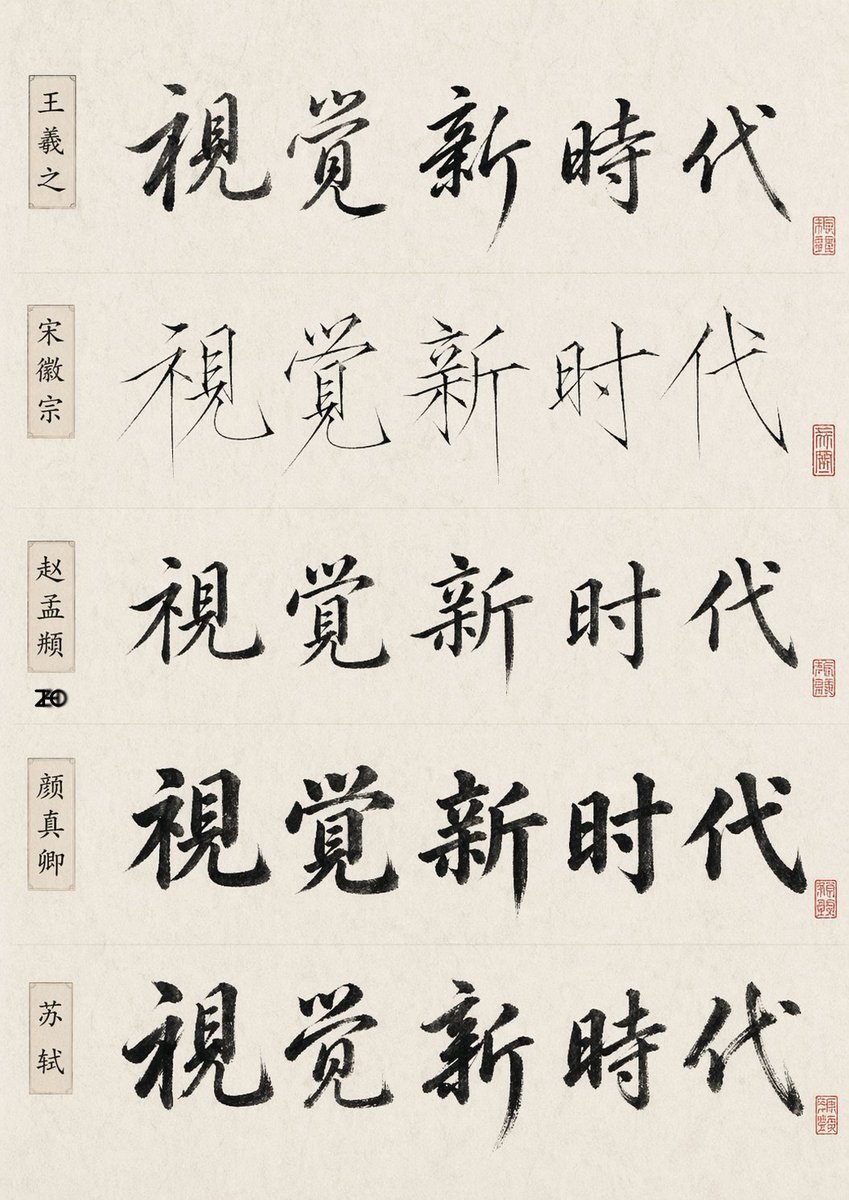
Chinese Calligraphy Style Comparison
Modern Rural Aesthetics Healing Short Fi
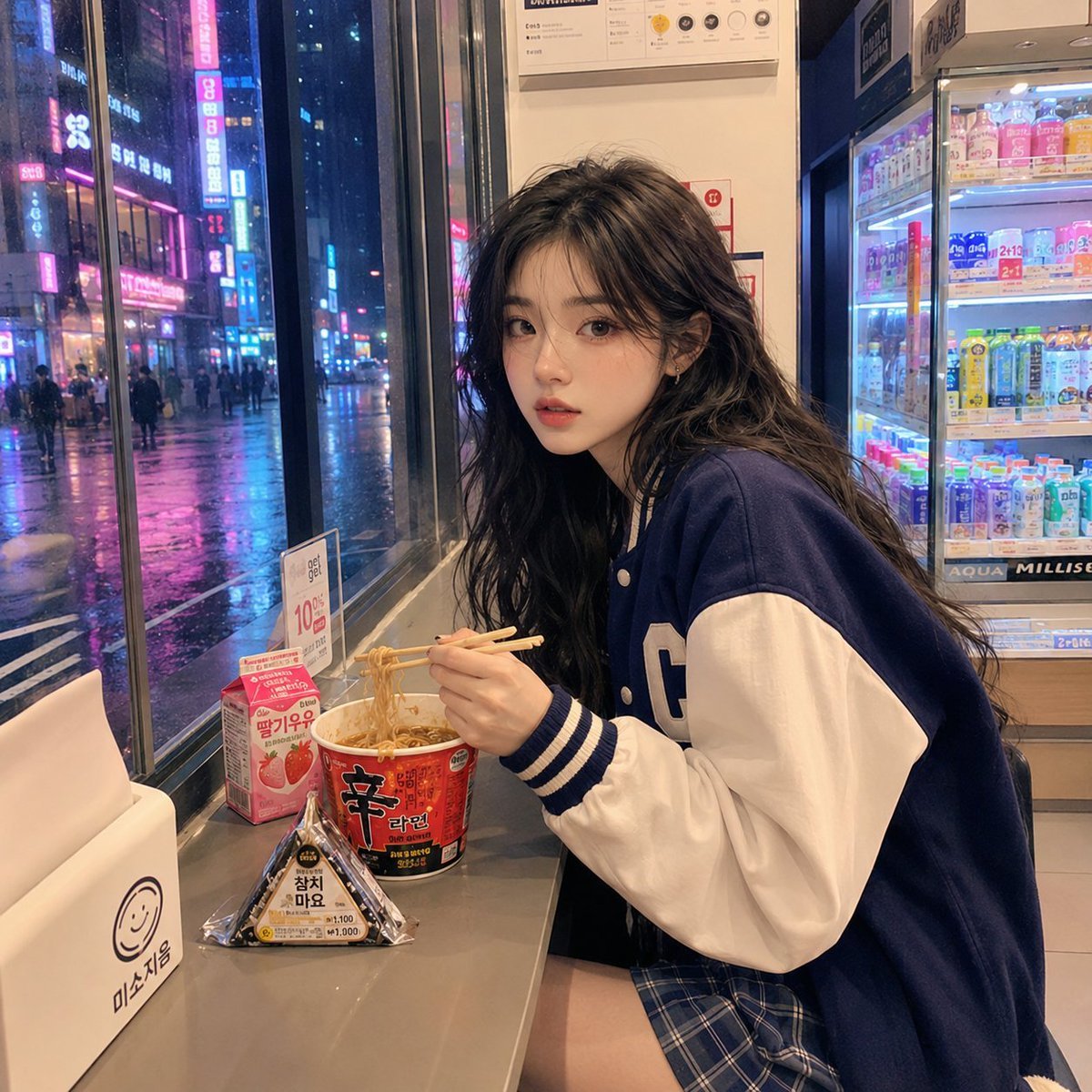
Korean Girl Convenience Store Photography

Cinematic Fiery Momo Street Food Ad
Browse template categories
Halftone Floral Landing Page Hero questions
How do I use the Halftone Floral Landing Page Hero template?
Add your photo if the template asks for one, edit the prompt if you like — the template's model and format are already selected — and press Generate. Your version opens in PicX Studio.
Can I customize the Halftone Floral Landing Page Hero template?
Yes. You can change the subject, setting, lighting, mood, format, and available model controls before creating your image.
Is the Halftone Floral Landing Page Hero template free?
Opening and editing this template is free. Generating uses credits, shown on the Generate button when you are signed in.
Which AI model should I use?
Start with GPT Image 2, which is the model associated with this template. You can compare another compatible model for a different finish.
Looking for something else? Browse all templates.

Your photo, any look
Thousands of ready templates for every top image and video model, from one credit balance.