How do I use the Detailed X-ray Transparent Art of Roses Prompt template?
Choose the primary action to open PicX Studio with the available template settings. Review the model and format, personalize the creative direction, and generate when ready.
An extremely detailed, structured prompt for Nano Banana Pro (via GeminiApp) to generate an X-ray transparent fine art image of a rose. Change the subject, setting, or lighting one variable at a time.

meta: title: "バラのX線透過アート - 花弁だけで埋める単輪寄り・中心渦強調" concept: "ほぼ単輪のバラだけで画面を埋め尽くし、真上からの極端な超接写で中心渦を強烈に見せる、ほぼモノクロのX線ファインアート。花弁内部にだけ、ごくわずかなバラらしい色味を忍ばせる" language: "ja" output: aspect_ratio: "4:5" orientation: "縦" resolution_intent: "高解像度" deliverable_type: "単輪寄り花弁充満の植物X線・微着彩" scene: genre: "植物X線写真" subject: "バラ" subject_count_impression: "ほぼ単輪、周辺に断片的な花弁のみ" realism_level: "高" environment: "スタジオでの単体撮影" mood: - "静謐" - "官能的" - "精緻" - "緊張感" - "吸い込まれるような中心渦" - "上品な微着彩" background: type: "実質不可視" color: "#F3F3F1" texture: "なし" gradient: "なし" vignette: "なし" composition: framing: "真上からの極端な超接写" camera_angle: "俯瞰マクロ" perspective: "中心渦へ吸引されるような平面的かつ密着した真上視点" crop_style: "極端に大胆なクロップ" subject_fill_ratio: "画面の97から100パーセント" visual_goal: "画面全体をほぼ一輪のバラの花弁層だけで埋め、中心渦の構造を圧倒的な主役として見せる" bouquet_layout: overall_shape: "単輪の巨大な花頭が画面を占有" center_focus: "中央やや上または中央ちょうどに巨大な花芯渦" bloom_distribution: hero_bloom: role: "絶対的主役のバラ" position: "中央付近" scale: "極大" openness: "中心は密に締まり、外周は大きくほどける" crop: "外周花弁の大部分が全辺でフレームアウト" secondary_blooms: count: 0 role: "なし" placement: [] openness_variation: [] peripheral_petals: count_impression: "必要ならごくわずか" role: "単輪をさらに巨大に感じさせる外周断片" treatment: "別花に見えない範囲で、外周の切れた花弁片としてのみ存在" petal_flow: directionality: "極度に明確な螺旋運動" energy: "非常に高い" motion_impression: "中心渦から外へ向かって連続的に花弁が解放される" asymmetry: "自然で緊張感のある非対称" leaves_and_stems: visibility: "ゼロに近い" purpose: "原則描写しない" leaves: placement: "なし" crop: "なし" shape: "なし" amount: "ゼロ" stems: visibility: "ゼロ" arrangement: "なし" negative_space: amount: "ゼロに近い" purpose: "没入感の最大化" subject_design: flower_species: "バラ" bouquet_style: "単輪寄り超拡大構成" botanical_accuracy: "現実的なバラの花弁構造" bloom_states: emphasis: "中心渦の緊密さと外周花弁の展開の対比" variation: - "非常に締まった中心渦" - "ほどけ始めた中層花弁" - "大きく反り返る外周花弁" rose_centers: appearance: "密度の高い深い渦が何層にも重なって見える" clarity: "極めて高い" scale_emphasis: "通常より大きく、画面内で圧倒的な存在感" petals: structure: "非常に薄く、絹のようで、半透明、多層" edge_quality: "柔らかく発光しながら消える輪郭" curvature: "有機的で、中心から外へ向かって強くうねる" overlap_density: "極限まで高い" opening_behavior: "中心渦から外周へ向かい、同心円と螺旋が混ざりながらほどける" dominance: "画面情報のほぼすべて" bouquet_density: "単輪として極限まで高密度" leaf_design: style: "なし" translucency: "なし" prominence: "なし" stem_bundle: impression: "なし" xray_rendering: rendering_mode: "ごく淡い着彩を伴う単輪寄り花弁主体のファインアート植物X線写真" density_mapping: petals: "淡い銀灰を基調に、ごく微量のローズアッシュを含む" dense_petals_overlaps: "わずかにモーブグレーを帯びたクールグレー" rose_centers: "抑制されたプラムグレー密度をもつ深いグレー" leaves: "描写しない" stems: "描写しない" translucency_profile: petals: "非常に高い" centers: "中からやや高い" leaves: "なし" stems: "なし" internal_structure_visib
Choose the primary action to open PicX Studio with the available template settings. Review the model and format, personalize the creative direction, and generate when ready.
Yes. You can change the subject, setting, lighting, mood, format, and available model controls before creating your image.
This template is free to open and customize. Generation usage is shown in PicX Studio before you create.
Start with Nano Banana 2, which is the model associated with this template. You can compare another compatible model for a different finish.
© 2026 PicX Studio. All rights reserved.

Follow a topic to a crawlable collection of related PicX Studio templates.
43,474 public templates available. Verified via the PicX Studio public templates API; refreshed hourly.








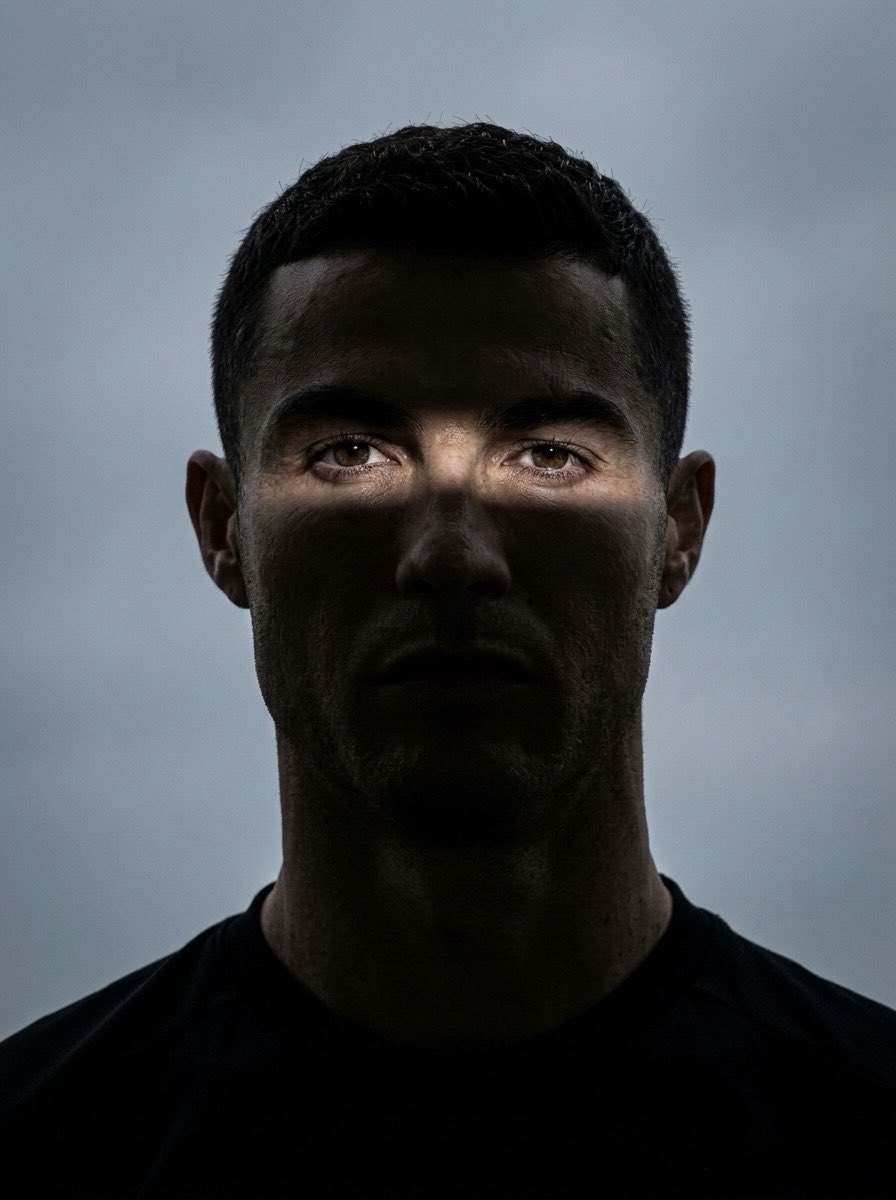
![Portrait face illuminated by dramatic cinematic volumetric god rays — Portrait of [your description], face illuminated by dramatic cinematic volumetric god rays](https://images.meigen.ai/tweets/2032013831548125557/0.jpg)





![A detailed transparent gashapon capsule diorama, held between fingers — A detailed transparent gashapon capsule diorama, held between fingers, featuring [NAME]](https://images.meigen.ai/tweets/2005694004202201118/0.jpg)

![Naive doodle-style subject illustration — A doodle-style {argument name="subject" default="[subject]"}, naive lines, humorous shape exaggeration](https://pbs.twimg.com/media/G6Wl2YxbsAARB2b.jpg)