How do I use the Surreal Product Soda Splash template?
Choose the primary action to open PicX Studio with the available template settings. Review the model and format, personalize the creative direction, and generate when ready.
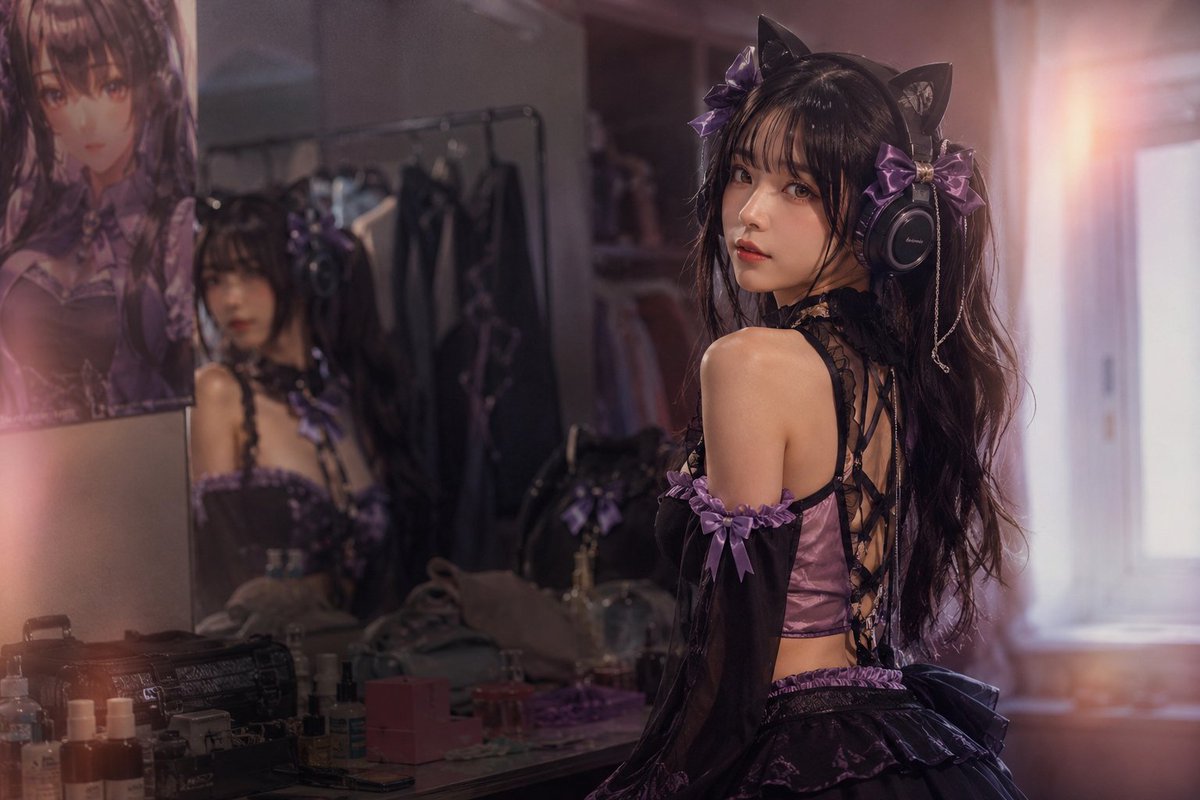
A surreal photorealistic composition of a subject emerging from a cracked smartphone screen while pouring soda.

{ "resolution": "8K UHD", "style": "photorealistic AI-edited composite, cinematic realism", "scene_type": "surreal product-style composition", "camera": { "angle": "slightly elevated top-down angle", "focus": "sharp foreground with shallow depth of field", "lens_effects": [ "natural depth of field", "high clarity", "macro-level liquid detail" ] }, "environment": { "surface": "wooden table with visible grain texture", "lighting": { "type": "soft natural daylight", "direction": "from upper left", "shadows": "soft realistic shadows under objects" }, "background": { "indoor": true, "elements": [ "blurred interior background", "snowy outdoor scenery visible inside phone screen in one image" ] } }, "main_object": { "smartphone": { "position": "lying flat on wooden table", "orientation": "vertical portrait orientation", "color": "black", "screen_state": "visibly cracked glass with radial fracture lines", "screen_interaction": "screen appears broken outward, allowing subject to emerge" } }, "human_subject": { "visibility": "upper body visible through phone screen", "expression": "wide smile, visible teeth", "eye_direction": "looking toward the viewer", "gender_presentation": "female-presenting", "hair": { "color": "light brown", "style": "loose, shoulder-length" }, "clothing_variants": [ { "outfit": "casual indoor look", "details": "neutral top visible behind phone screen" }, { "outfit": "winter clothing", "details": [ "dark padded jacket", "light turtleneck sweater", "black gloves", "black fur hat" ] } ] }, "action": { "primary_action": "soda being poured into a transparent plastic cup", "motion": "liquid splash frozen mid-air", "liquid_behavior": [ "visible carbonation bubbles", "splash droplets", "overflow splash effect" ] }, "beverage": { "type": "cola", "cup": { "material": "transparent plastic", "filled_with": "dark carbonated soda with ice", "logo": "fanta" logo clearly visible" }, "bottle": { "material": "plastic", "label": "fanta branding visible", "condition": "condensation droplets on bottle surface", "held_by": "human hand entering frame from top right" } }, "secondary_objects": [ { "object": "book", "position": "left side of phone", "color": "light beige cover", "state": "closed" }, { "object": "pen", "position": "near book on table", "color": "black", "orientation": "diagonal" } ], "effects": { "surreal_elements": [ "subject emerging from phone screen", "physical interaction between digital and real space" ], "particles": [ "liquid droplets", "snow particles in winter scene variant" ], "glass_effects": [ "cracked screen shards", "reflections on broken glass" ] }, "color_palette": { "dominant_colors": [ "warm brown", "black", "deep cola brown", "blue and red branding accents" ], "contrast": "high contrast between warm table tones and cool screen elements" }, "post_processing": { "sharpness": "ultra-sharp", "clarity": "high micro-detail", "noise": "none", "dynamic_range": "high" }, "mood": "playful, surreal, visually striking", "realism_level": "high realism with intentional AI-edited surreal effect" }
Choose the primary action to open PicX Studio with the available template settings. Review the model and format, personalize the creative direction, and generate when ready.
Yes. You can change the subject, setting, lighting, mood, format, and available model controls before creating your image.
This template is free to open and customize. Generation usage is shown in PicX Studio before you create.
Start with Nano Banana 2, which is the model associated with this template. You can compare another compatible model for a different finish.
Follow a topic to a crawlable collection of related PicX Studio templates.