How do I use the Vintage Digicam Aesthetic Portrait template?
Choose the primary action to open PicX Studio with the available template settings. Review the model and format, personalize the creative direction, and generate when ready.
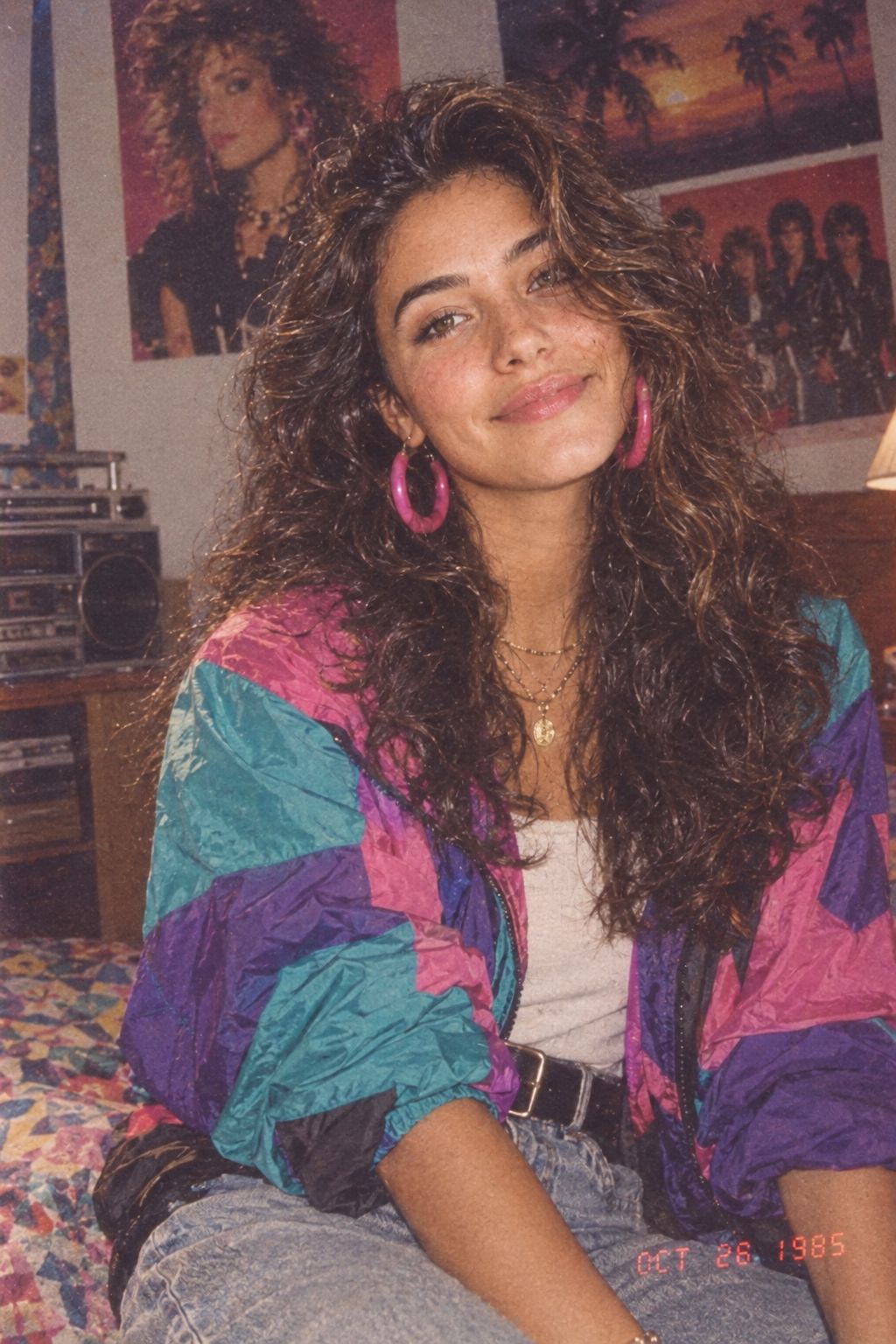
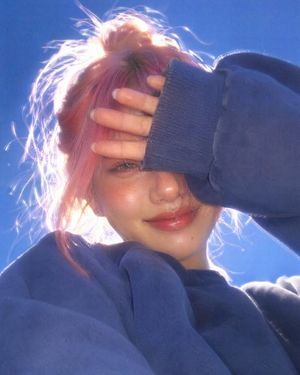
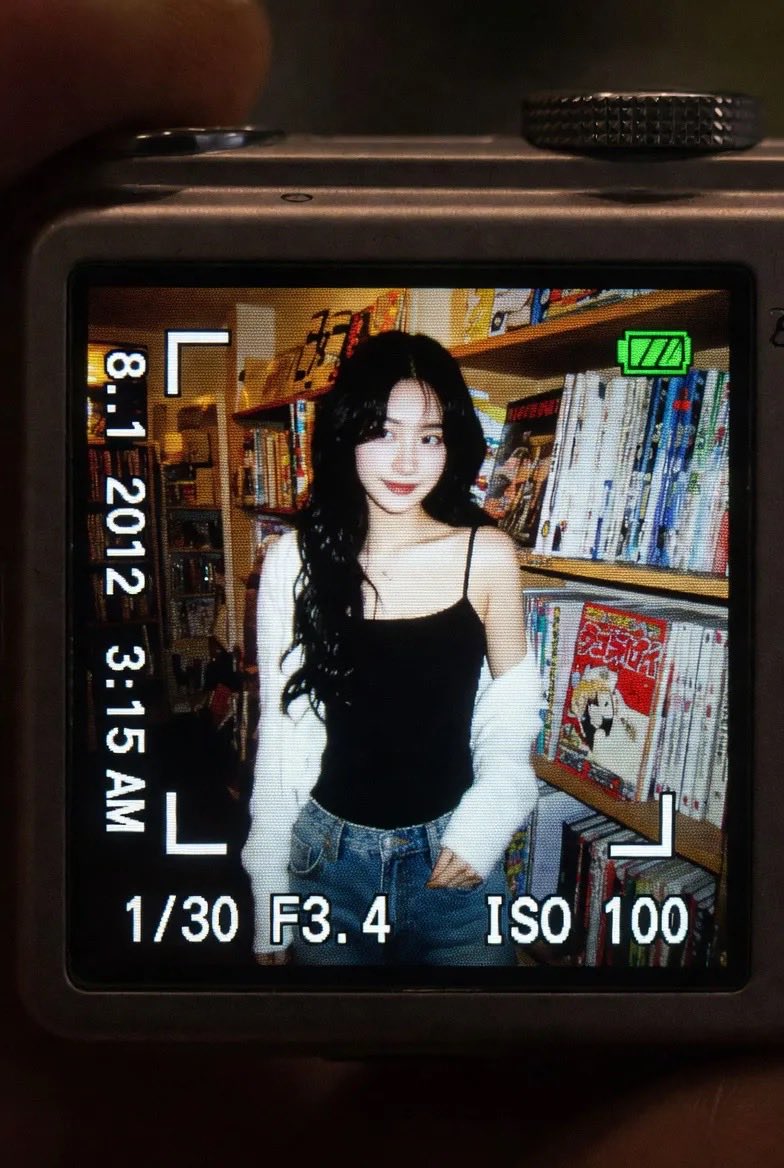
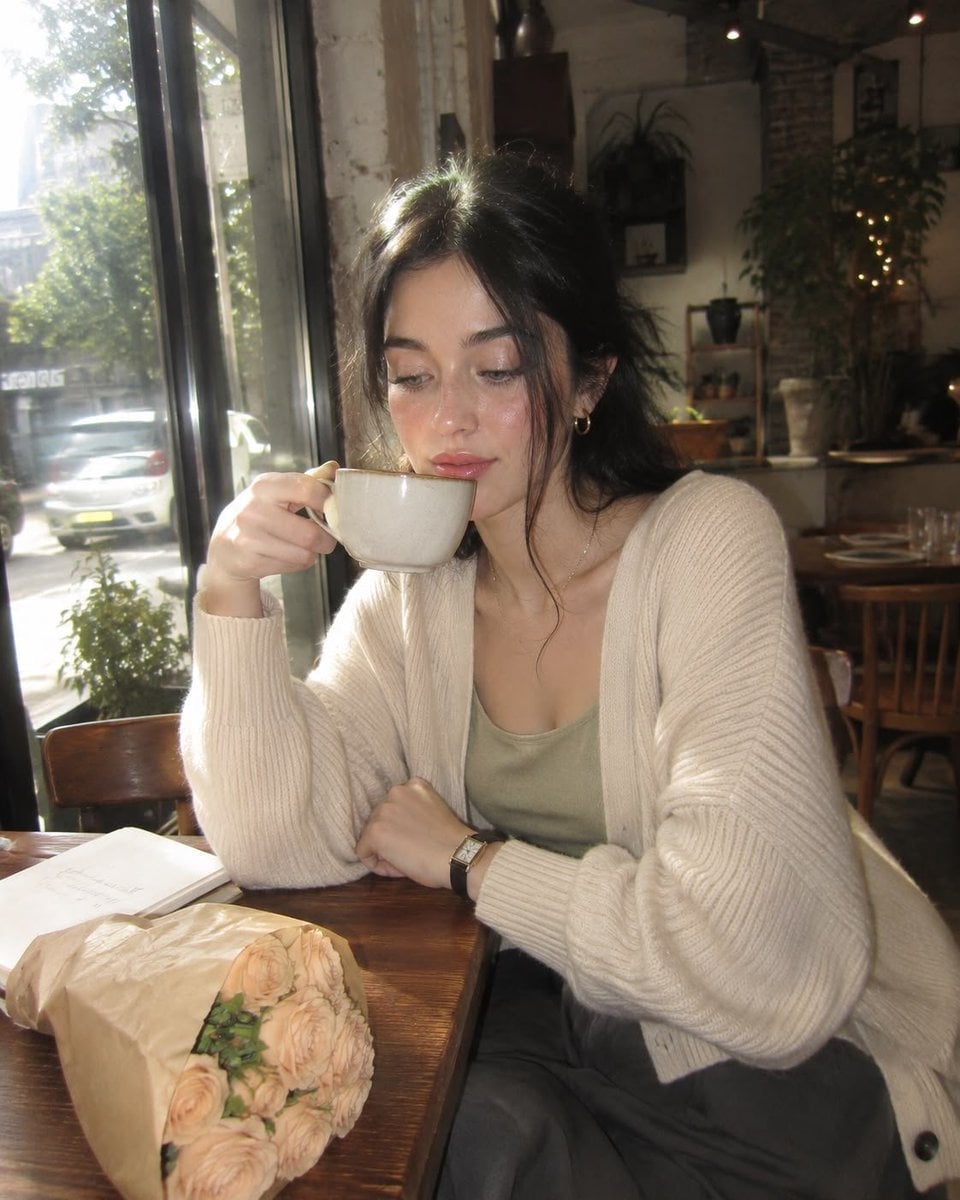
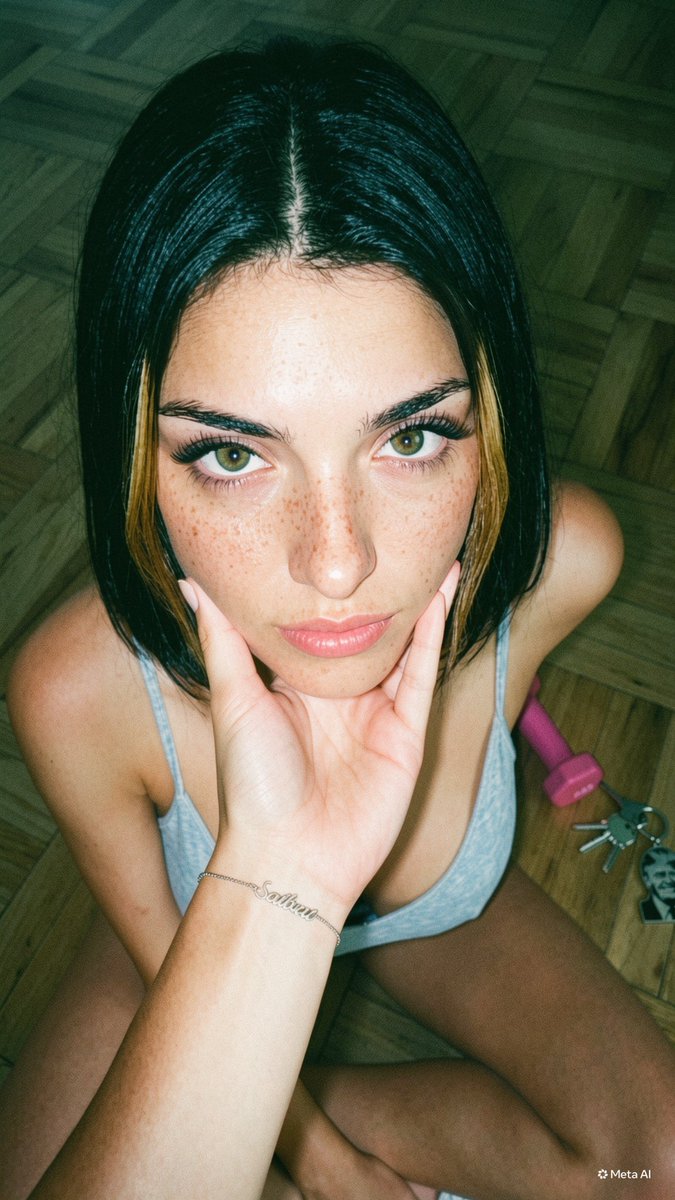
A nostalgic 2000s-style digital camera portrait featuring an East Asian male with a cat, characterized by harsh flash and digital noise.
Create image: A hyper-photorealistic shot of the same {argument name="subject" default="young East Asian male"} in the attached image, preserving exact facial identity, bone structure, proportions, and natural asymmetry with high fidelity. Main subject / quality details: medium build, smooth realistic skin with rosy complexion and dewy skin. Expression or mood: gentle interaction, eyes softened toward a {argument name="animal" default="cat"}, relaxed affectionate mood. Camera settings: shot on an old CCD digital camera, early-2000s {argument name="style" default="digicam aesthetic"}, direct on-camera flash, harsh flash falloff, visible grain and digital noise, slightly overexposed highlights, flattened shadows, soft contrast, mildly washed colors, cool-to-neutral white balance, slight motion blur, low-light snapshot feel, candid and imperfect composition, crisp flash-lit subject, nostalgic compact-camera look, realistic unpolished image quality. Hair: dark brown modern hairstyle with inward upward curl, soft layered texture. Outfit: light knit button shirt, subtle gold jewelry. Background: minimal home interior with wooden desk, laptop, and soft curtains. Composition: cat in foreground interacting, subject off-center, diagonal eye-line connection. Negative prompt: cartoonish, AI-looking, plastic skin, distorted anatomy, over-smoothed face, blurry face, heavy bokeh, stiff pose, center-facing ID-photo style
Choose the primary action to open PicX Studio with the available template settings. Review the model and format, personalize the creative direction, and generate when ready.
Yes. You can change the subject, setting, lighting, mood, format, and available model controls before creating your image.
This template is free to open and customize. Generation usage is shown in PicX Studio before you create.
Start with Nano Banana 2, which is the model associated with this template. You can compare another compatible model for a different finish.
Follow a topic to a crawlable collection of related PicX Studio templates.