
SenseNova U1 Pro Landing Page
Creates a polished AI product landing-page screenshot featuring an 8K output section and a 24-panel Chinese solar terms artwork preview.
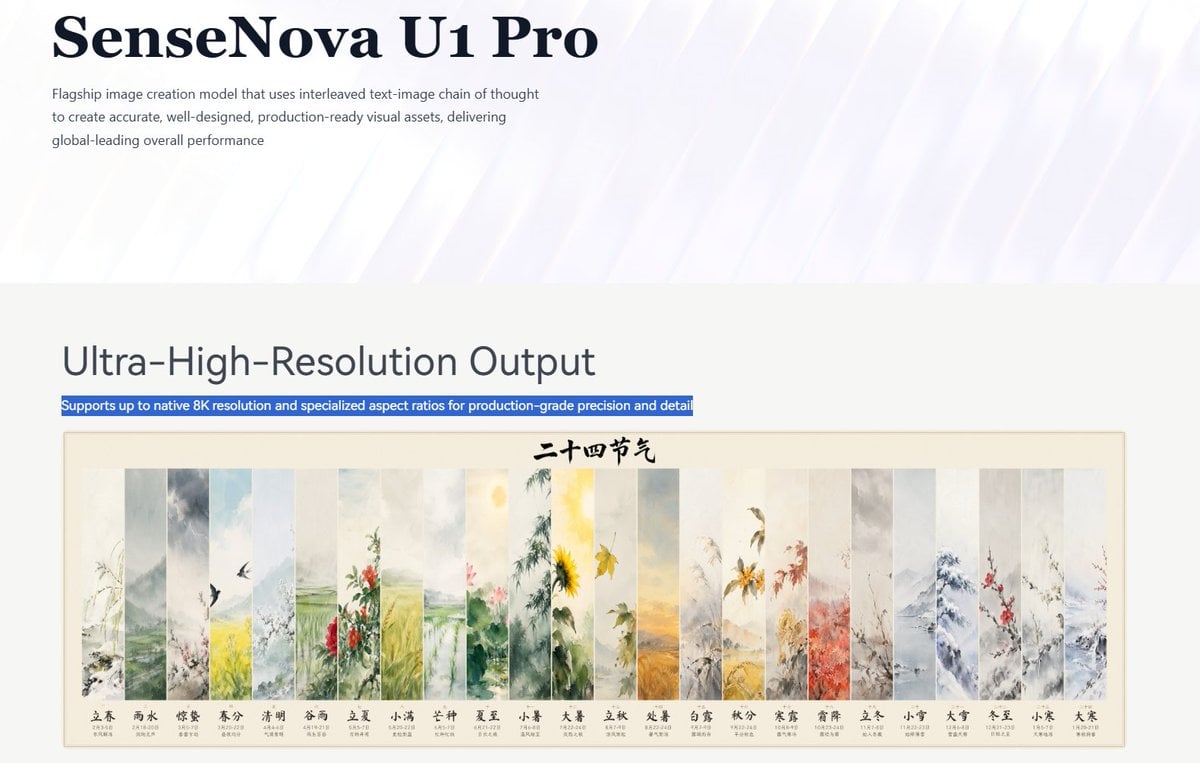
- Prompt included
- Model and format preset
- Premium template
The prompt behind this image
Copy the exact prompt behind SenseNova U1 Pro Landing Page, or open it in the studio and make it yours.
Goal: Create a clean landing-page screenshot for an AI image model announcement, styled like a polished corporate technology blog page. Canvas: Wide 16:9 webpage capture, approximately 1200×675 px, with lots of white space. Use a pale white and lavender background with subtle diagonal glossy light streaks in the top hero area. Layout: Top hero section occupies the upper third. Place a large dark navy serif headline at top left reading {argument name="product name" default="SenseNova U1 Pro"}. Under it, add a small gray sans-serif paragraph: {argument name="intro paragraph" default="Flagship image creation model that uses interleaved text-image chain of thought to create accurate, well-designed, production-ready visual assets, delivering global-leading overall performance"}. Leave the right side mostly empty with soft abstract light beams. Main section: Below a horizontal transition into a light gray-white content area, place a large sans-serif heading on the left reading {argument name="section heading" default="Ultra-High-Resolution Output"}. Directly underneath, show one blue highlighted text strip like selected webpage text, reading {argument name="highlight sentence" default="Supports up to native 8K resolution and specialized aspect ratios for production-grade precision and detail"}. Feature image: Beneath the highlighted strip, insert a centered framed horizontal artwork preview with a thin beige border and cream background. The artwork is a traditional Chinese watercolor calendar titled in black calligraphy at the top center: {argument name="calendar title" default="二十四节气"}. It contains exactly 24 tall vertical painted panels arranged left to right, each representing one Chinese solar term with delicate ink-and-watercolor landscapes, flowers, birds, fields, snow, and seasonal plants. Count and label the 24 panels at the bottom in Chinese, in this exact order: 1 立春, 2 雨水, 3 惊蛰, 4 春分, 5 清明, 6 谷雨, 7 立夏, 8 小满, 9 芒种, 10 夏至, 11 小暑, 12 大暑, 13 立秋, 14 处暑, 15 白露, 16 秋分, 17 寒露, 18 霜降, 19 立冬, 20 小雪, 21 大雪, 22 冬至, 23 小寒, 24 大寒. Add tiny date ranges under each label, but keep them small and secondary. Visual style: Minimal modern web design, high-end AI product branding, crisp typography, large serif hero title, clean sans-serif body text, subdued gray text, navy accents, soft luminous abstract background, realistic screenshot-like composition. Constraints: Preserve the exact visible text hierarchy and the 24-panel count. Do not add extra navigation bars, logos, buttons, people, browser chrome, watermarks, or unrelated interface elements.
How to use SenseNova U1 Pro Landing Page in 3 steps
- 1Upload ImagePNG, JPG or paste
Add your photo
Upload the photo the template builds on. The prompt, model and format are already set.
- 2…a portrait of your subject in softgolden-hour light, 85mm…
Personalize
Edit the subject and creative details for your destination.
- 3Generate
Generate
Press Generate — your image is created in PicX Studio, so you can compare it with the original and refine one variable at a time.
More like this
Templates with the same subject, style or setup. Open one to see its prompt.

Cute AI Doodle Generator Landing Page
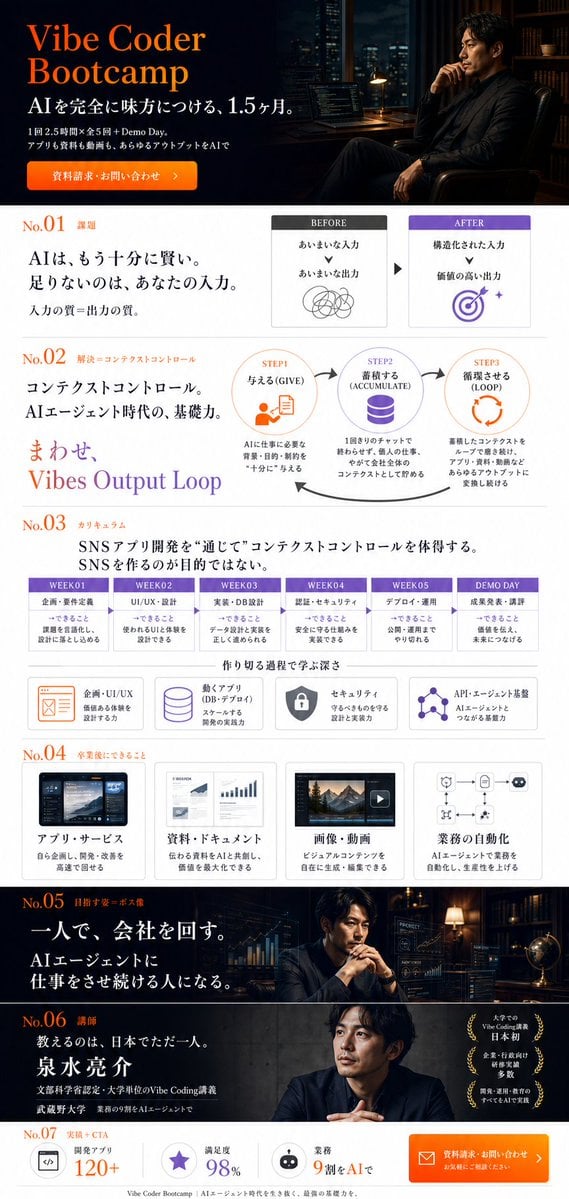
Vibe Coder Bootcamp Landing Page

Atlas GTM SaaS Hero Landing Page
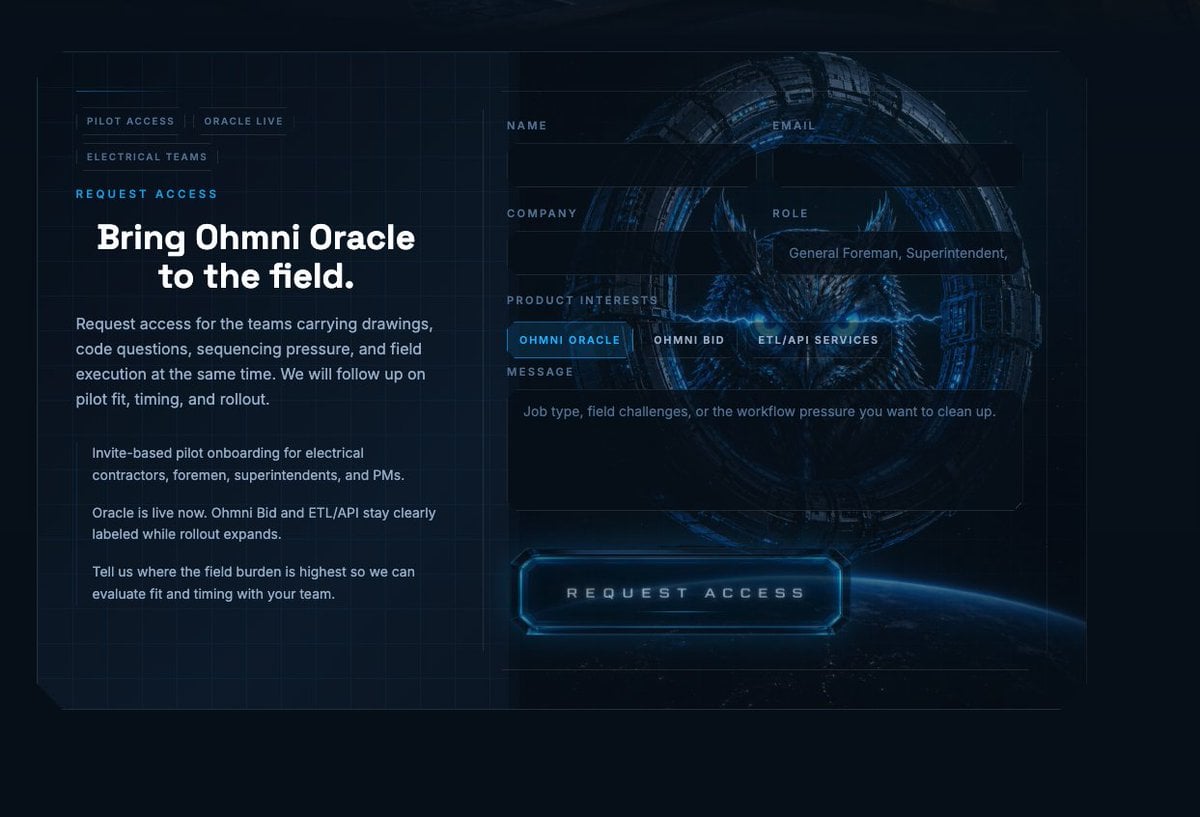
Futuristic Ohmni Access Landing Page
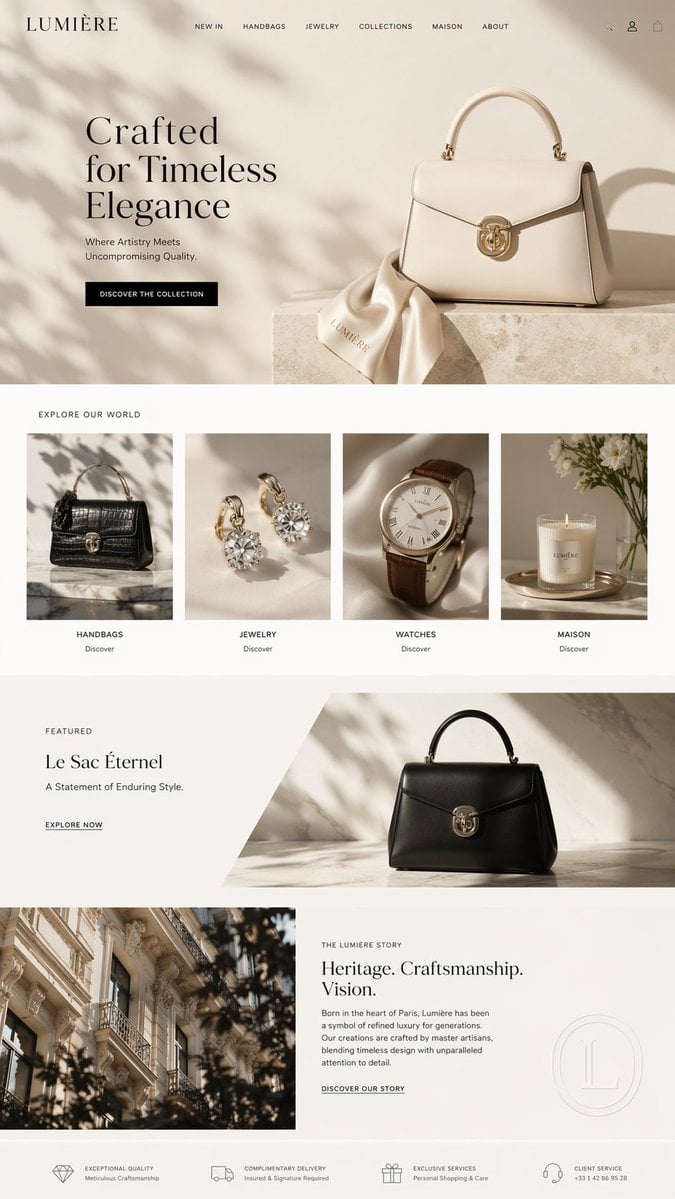
Luxury E-Commerce Landing Page Mockup
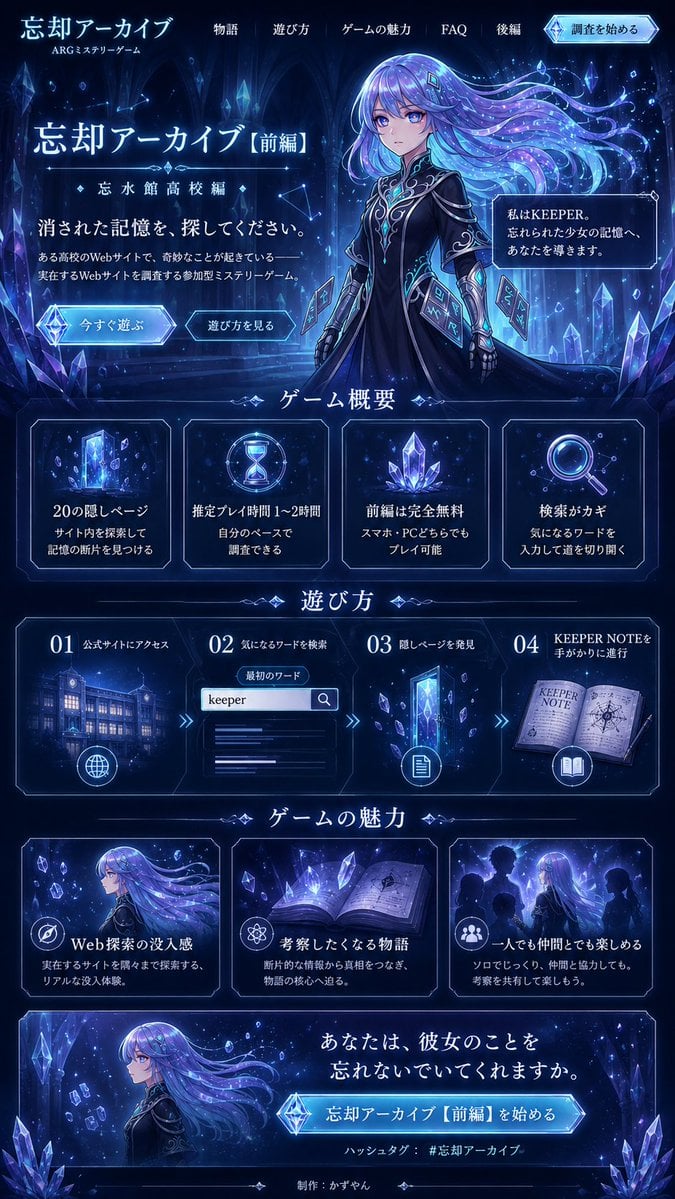
Forgotten Archive ARG Landing Page
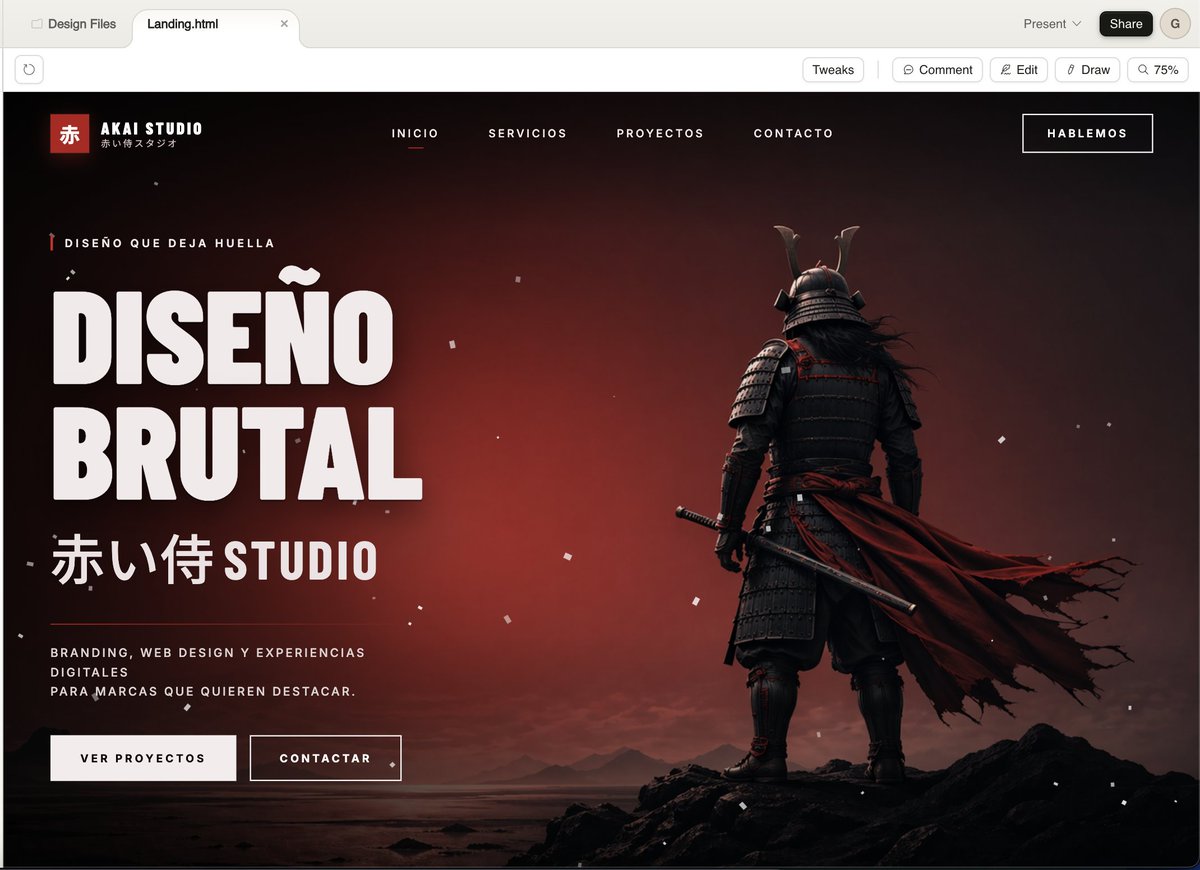
Cinematic Samurai Agency Landing Page
NOVALITH SaaS Landing Page Hero
ASCII Layout Landing Page Generator

SaaS AI Dashboard Landing Page

Mintpage AI Landing Page Hero
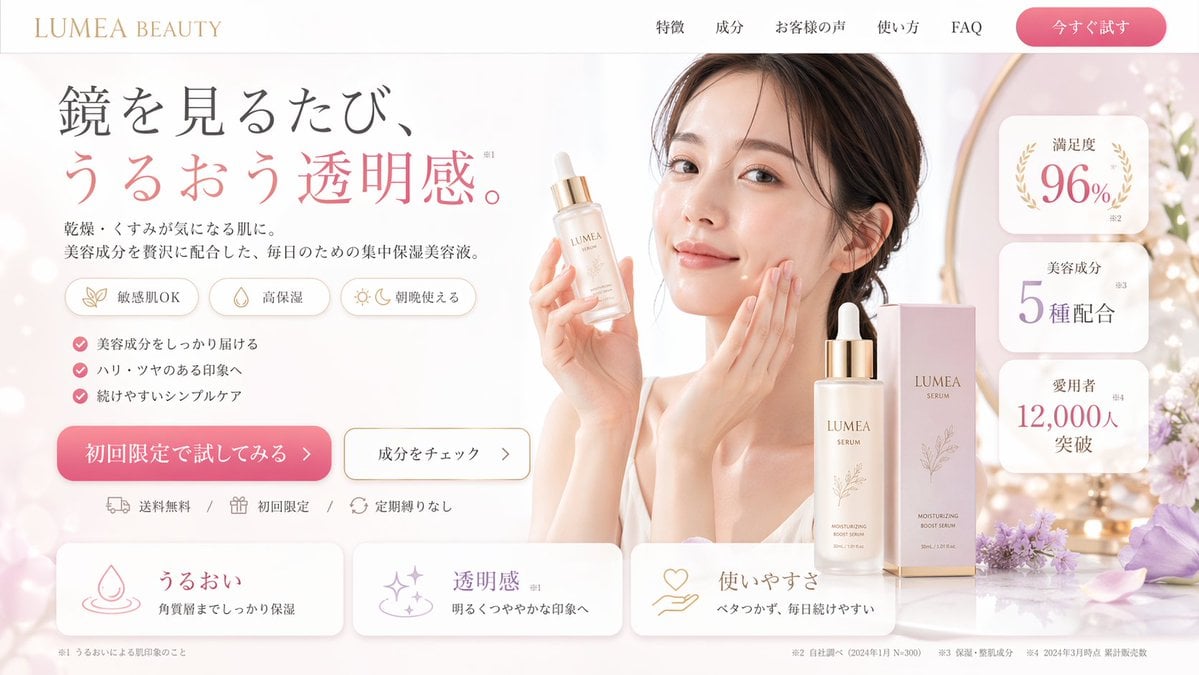
Beauty Product Landing Page Mockup
Make it yours
SenseNova U1 Pro Landing Page works as-is. These are the safest ways to change it without losing the look.
Change one field
Copy a single group, rewrite it, and generate again so you can see what that field is doing.
Keep the frame, change the subject
Hold the composition and light of SenseNova U1 Pro Landing Page, then swap wardrobe, props or the person for a new take.
| If the result… | Why | Fix |
|---|---|---|
| The result drifts from the preview | Too many fields changed at once. | Reuse SenseNova U1 Pro Landing Page as-is first, then change one group — subject, light, or setting. |
| The model over-stylizes the scene | The prose prompt leaves finish and camera underspecified. | Add one camera or lighting sentence and stay on GPT Image 2. |
More GPT Image 2 templates
Other prompts made for GPT Image 2.

Six VTuber Japanese Logo Sheet

Realistic Portrait of Woman and Deer

The Vista Modular Condo Poster

AI Model Routing Comparison Infographic

2.5D Anime Art Board

Isometric Productivity Desk Scene

New York Double Exposure Poster

Four-Panel AI Landscape Comparison

Japanese Tatami Lifestyle Magazine Cover

NESCAFÉ Coffee Map Poster
More image prompts
Fresh picks from across the catalog.
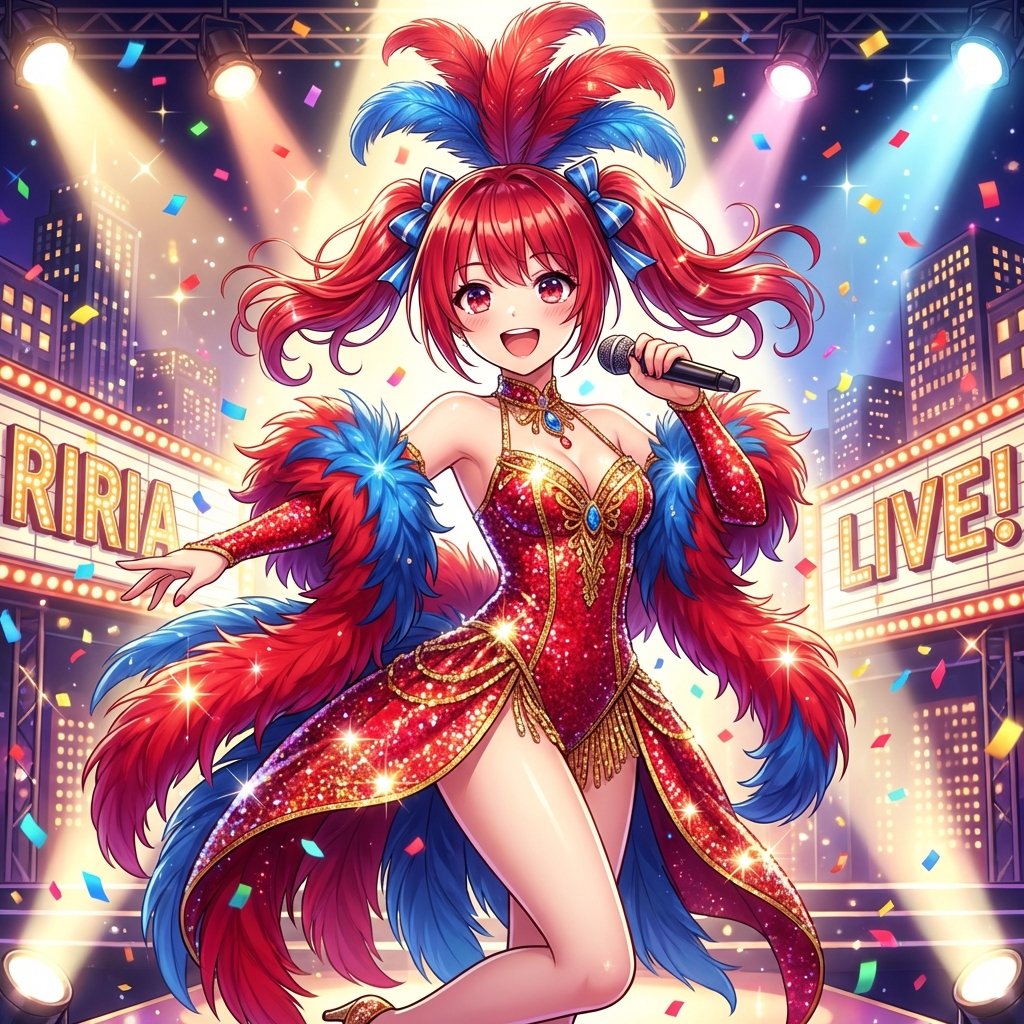
Musical Movie Star Conversion

Transform Photo into Modern Anime Vector Illustration
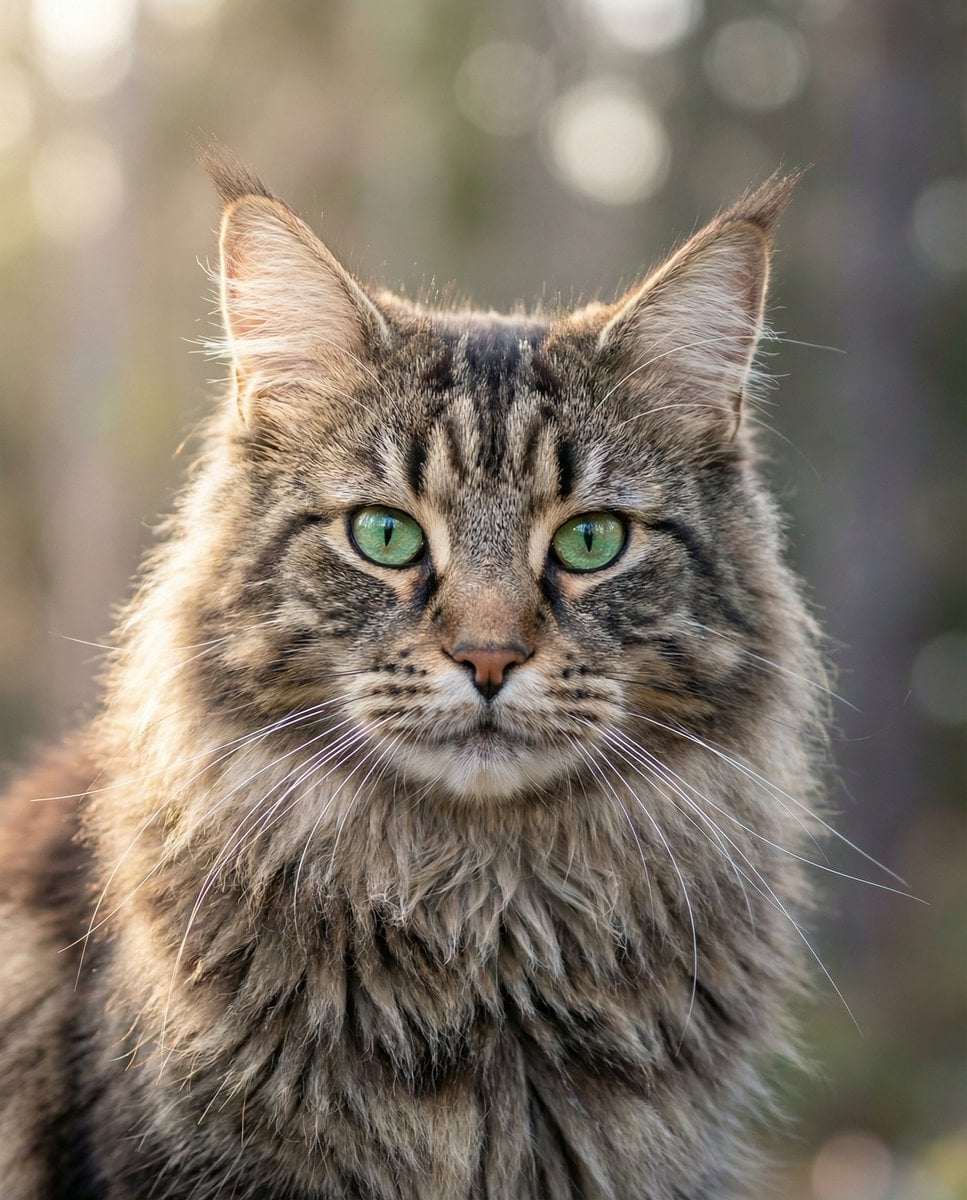
Hyper-Realistic Maine Coon Portrait
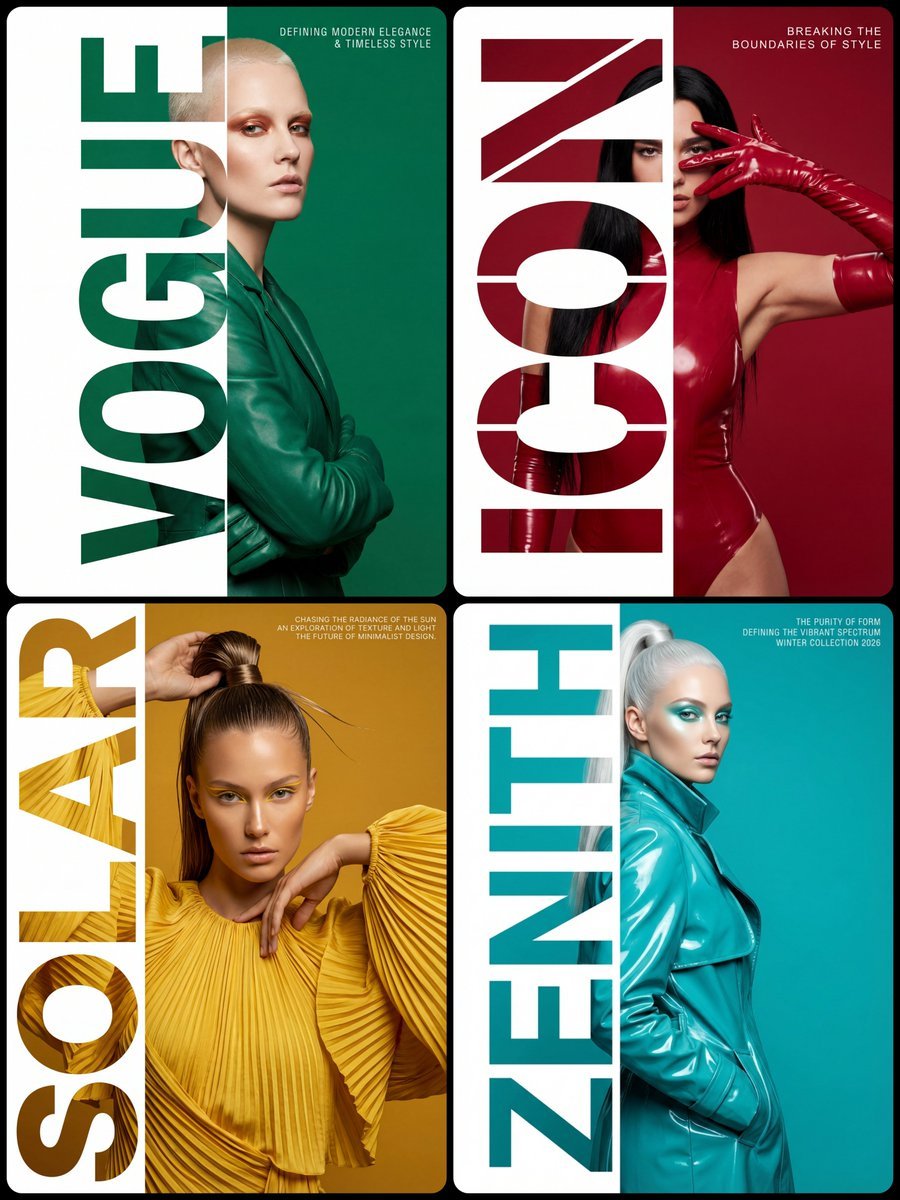
High-Fashion Typography Poster Template

3D Isometric Atlas Scene in Firefly Style
High-Fashion Grunge Portrait with Artistic Collage Background
Dark Ancient Chinese Style Packaging
Language Learning Infographic Poster
Coastal Bench Portrait — Navy Floral Sundress
Graffiti Sketch AI Builder Style
Browse template categories
SenseNova U1 Pro Landing Page questions
How do I use the SenseNova U1 Pro Landing Page template?
Add your photo if the template asks for one, edit the prompt if you like — the template's model and format are already selected — and press Generate. Your version opens in PicX Studio.
Can I customize the SenseNova U1 Pro Landing Page template?
Yes. You can change the subject, setting, lighting, mood, format, and available model controls before creating your image.
Is the SenseNova U1 Pro Landing Page template free?
Opening and editing this template is free. Generating uses credits, shown on the Generate button when you are signed in.
Which AI model should I use?
Start with GPT Image 2, which is the model associated with this template. You can compare another compatible model for a different finish.
Looking for something else? Browse all templates.

Your photo, any look
Thousands of ready templates for every top image and video model, from one credit balance.