
Japanese Prompt Tip Slide
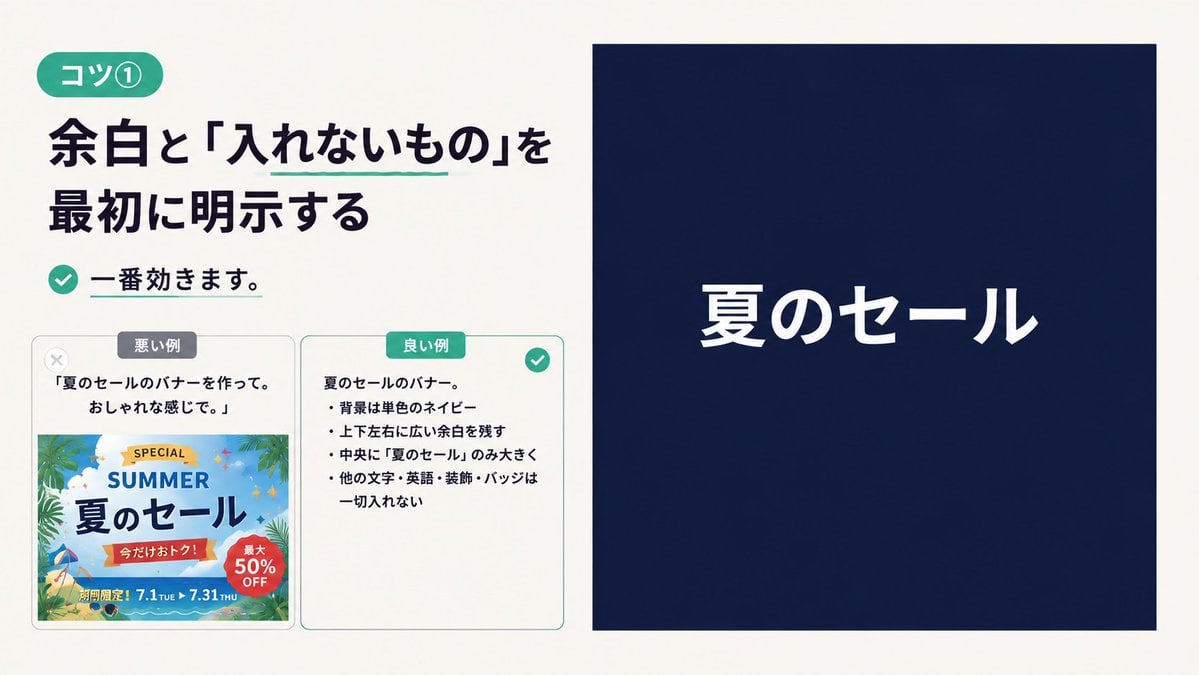
Creates a Japanese instructional presentation slide showing a bad versus good summer sale banner prompt and the resulting minimal navy banner.
- Prompt included
- Model and format preset
- Premium template
The prompt behind this image
Copy the exact prompt behind Japanese Prompt Tip Slide, or open it in the studio and make it yours.
Goal: Create a clean Japanese instructional slide about prompt-writing tip {argument name="tip number" default="コツ①"}, explaining that whitespace and excluded elements should be stated first. Canvas: 16:9 horizontal presentation slide, warm off-white background, generous margins, modern minimalist editorial layout. Use dark navy text and teal accents. Layout: Split the slide into two main columns. The left column takes about 48% width and contains the lesson text plus two comparison cards. The right column takes about 47% width and shows a large example banner: a solid navy rectangle with only one centered white headline. Left column details: At top left, place a rounded teal pill label reading {argument name="badge text" default="コツ①"}. Below it, use a large bold Japanese headline in dark navy: {argument name="main headline" default="余白と「入れないもの」を最初に明示する"}. Add a thin teal underline only under the phrase 「入れないもの」. Under the headline, place a teal circular check icon followed by bold text: 「一番効きます。」 with a short teal underline beneath the sentence. Comparison section: Below the lesson text, place exactly 2 rounded rectangular cards side by side with light gray borders. Card 1 is the bad example, labeled with a small gray pill 「悪い例」 at the top and a pale gray X icon near the upper-left corner. It contains the quote 「夏のセールのバナーを作って。おしゃれな感じで。」 and below it a busy colorful summer-sale banner thumbnail with palm leaves, beach colors, decorative badges, English words, discount circles, dates, and many small ornaments; visible text includes “SPECIAL”, “SUMMER”, 「夏のセール」, 「今だけおトク!」, 「最大50% OFF」, and 「期間限定!7.1 TUE ▶ 7.31 THU」. Card 2 is the good example, labeled with a teal pill 「良い例」 at the top and a teal check icon at the upper-right corner. It contains a short bullet list in Japanese describing the constraints: 「夏のセールのバナー。」, 「背景は単色のネイビー」, 「上下左右に広い余白を残す」, 「中央に『夏のセール』のみ大きく」, 「他の文字・英語・装飾・バッジは一切入れない」. Right column example: Create one large solid dark navy rectangle with no border, no decoration, and wide empty space. Center a single white Japanese headline reading {argument name="banner headline" default="夏のセール"}. The text should be large, bold, clean sans-serif, horizontally and vertically centered. Do not add any other text, icons, badges, images, patterns, gradients, or decorative elements inside this right banner. Visual style: Japanese tech/business education design, crisp typography, high contrast, precise spacing, subtle rounded corners, teal accent color, no watermark. Keep the composition close to a screenshot-like presentation slide.
How to use Japanese Prompt Tip Slide in 3 steps
- 1Upload ImagePNG, JPG or paste
Add your photo
Upload the photo the template builds on. The prompt, model and format are already set.
- 2…a portrait of your subject in softgolden-hour light, 85mm…
Personalize
Edit the subject and creative details for your destination.
- 3Generate
Generate
Press Generate — your image is created in PicX Studio, so you can compare it with the original and refine one variable at a time.
More like this
Templates with the same subject, style or setup. Open one to see its prompt.

Minecraft Japanese Research Lab Exploration

Japanese Architectural Concrete Studio Fashion Campaign

Japanese Minimalist Concrete Studio Fashion Editorial

Blue Backdrop Luxury Fashion Portrait Campaign

Japanese Film Reflection Idol
Japanese Corporate Price Index Slide
Japanese Golden Egg Design Slide
Japanese Corporate Scope Slide
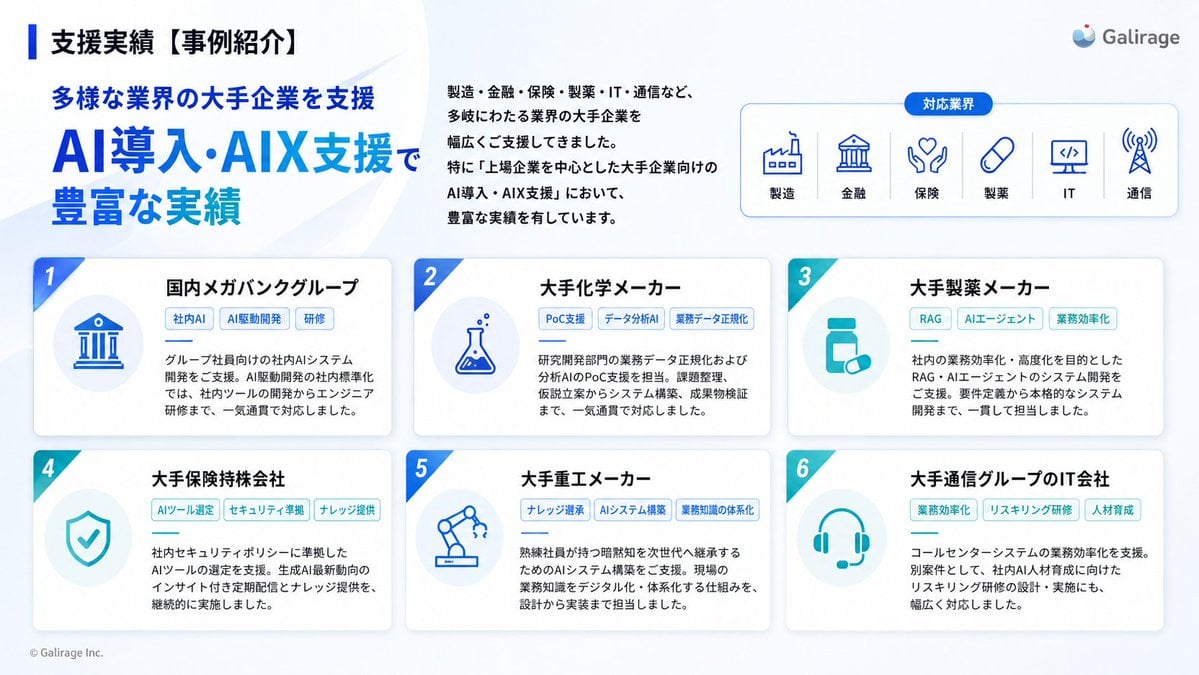
Japanese AI Case Study Slide
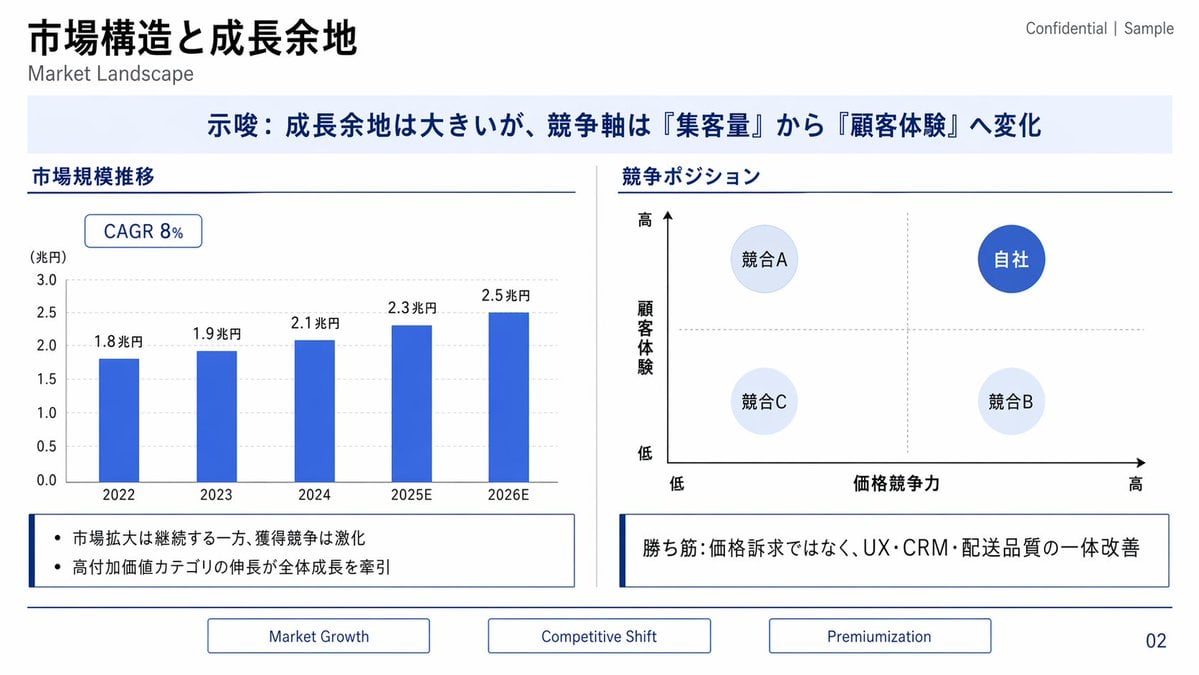
Japanese Market Landscape Slide
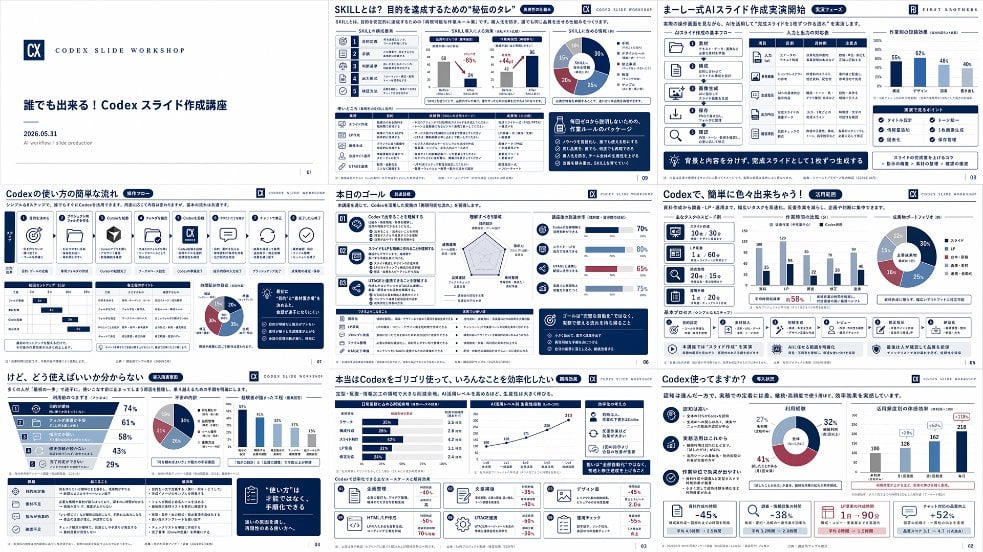
Japanese Codex Workshop Slide Deck Grid
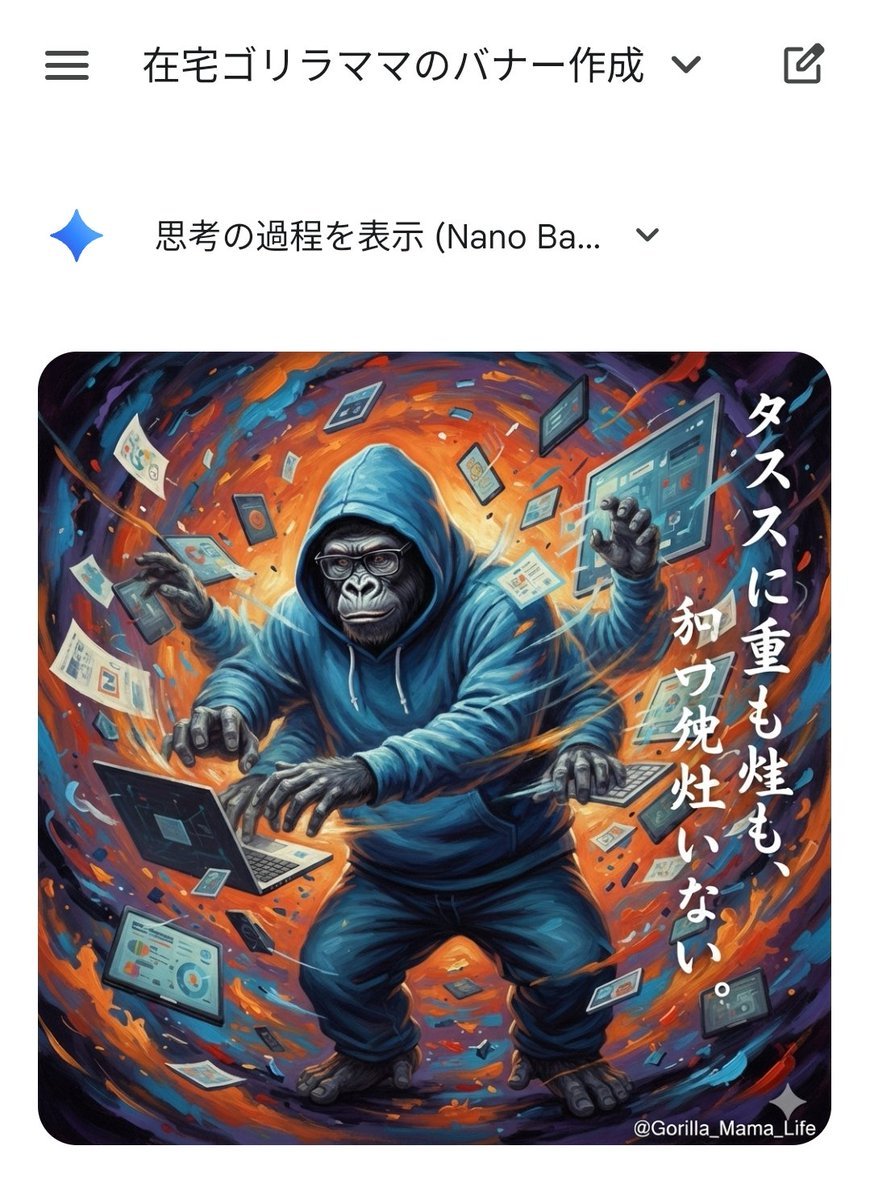
Prompting Tips for Nano Banana Pro (Japanese)
Make it yours
Japanese Prompt Tip Slide works as-is. These are the safest ways to change it without losing the look.
Change one field
Copy a single group, rewrite it, and generate again so you can see what that field is doing.
Keep the frame, change the subject
Hold the composition and light of Japanese Prompt Tip Slide, then swap wardrobe, props or the person for a new take.
| If the result… | Why | Fix |
|---|---|---|
| The result drifts from the preview | Too many fields changed at once. | Reuse Japanese Prompt Tip Slide as-is first, then change one group — subject, light, or setting. |
| The model over-stylizes the scene | The prose prompt leaves finish and camera underspecified. | Add one camera or lighting sentence and stay on GPT Image 2. |
More GPT Image 2 templates
Other prompts made for GPT Image 2.

Six VTuber Japanese Logo Sheet

Realistic Portrait of Woman and Deer

The Vista Modular Condo Poster

AI Model Routing Comparison Infographic

2.5D Anime Art Board

Isometric Productivity Desk Scene

New York Double Exposure Poster

Four-Panel AI Landscape Comparison

Japanese Tatami Lifestyle Magazine Cover

NESCAFÉ Coffee Map Poster
More image prompts
Fresh picks from across the catalog.
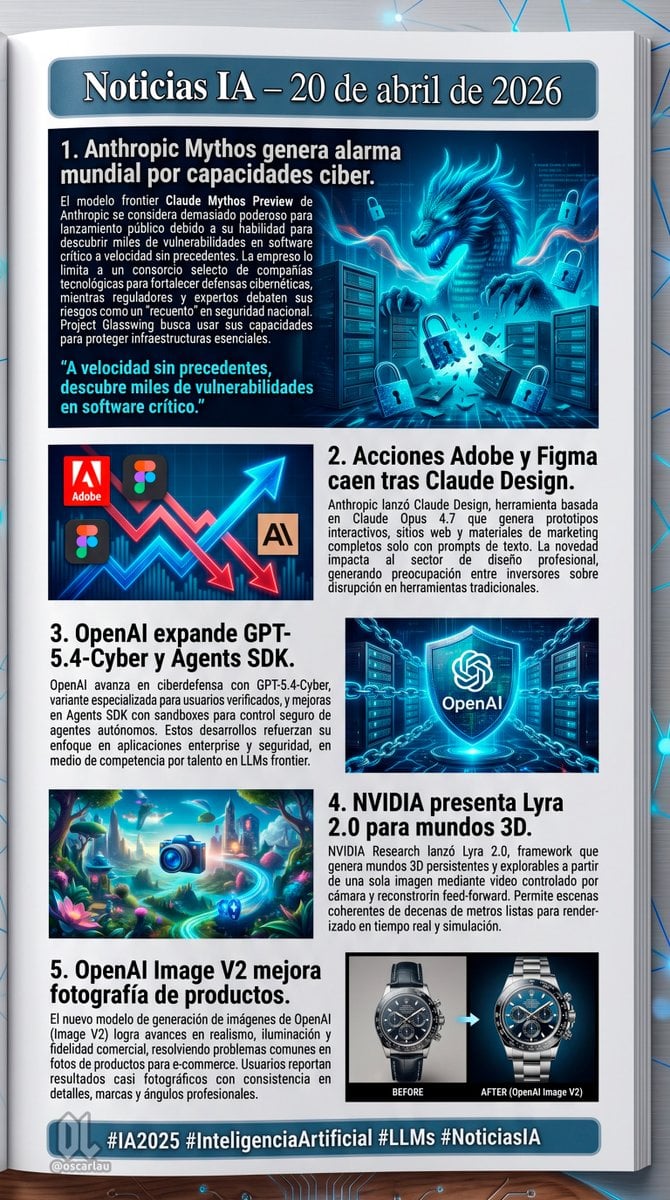
AI News Newsletter Page Layout

Low-fidelity CCTV image of a defiant subject

Absolute Face Preservation Urban Streetwear
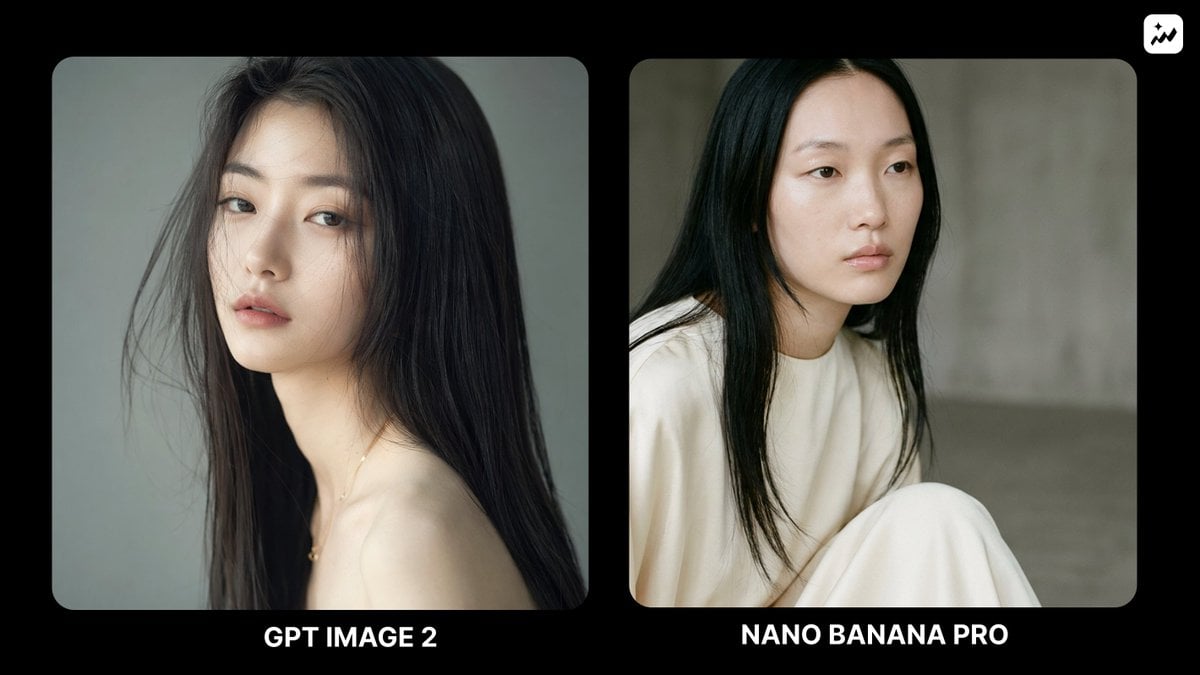
Ethereal Fashion Portrait
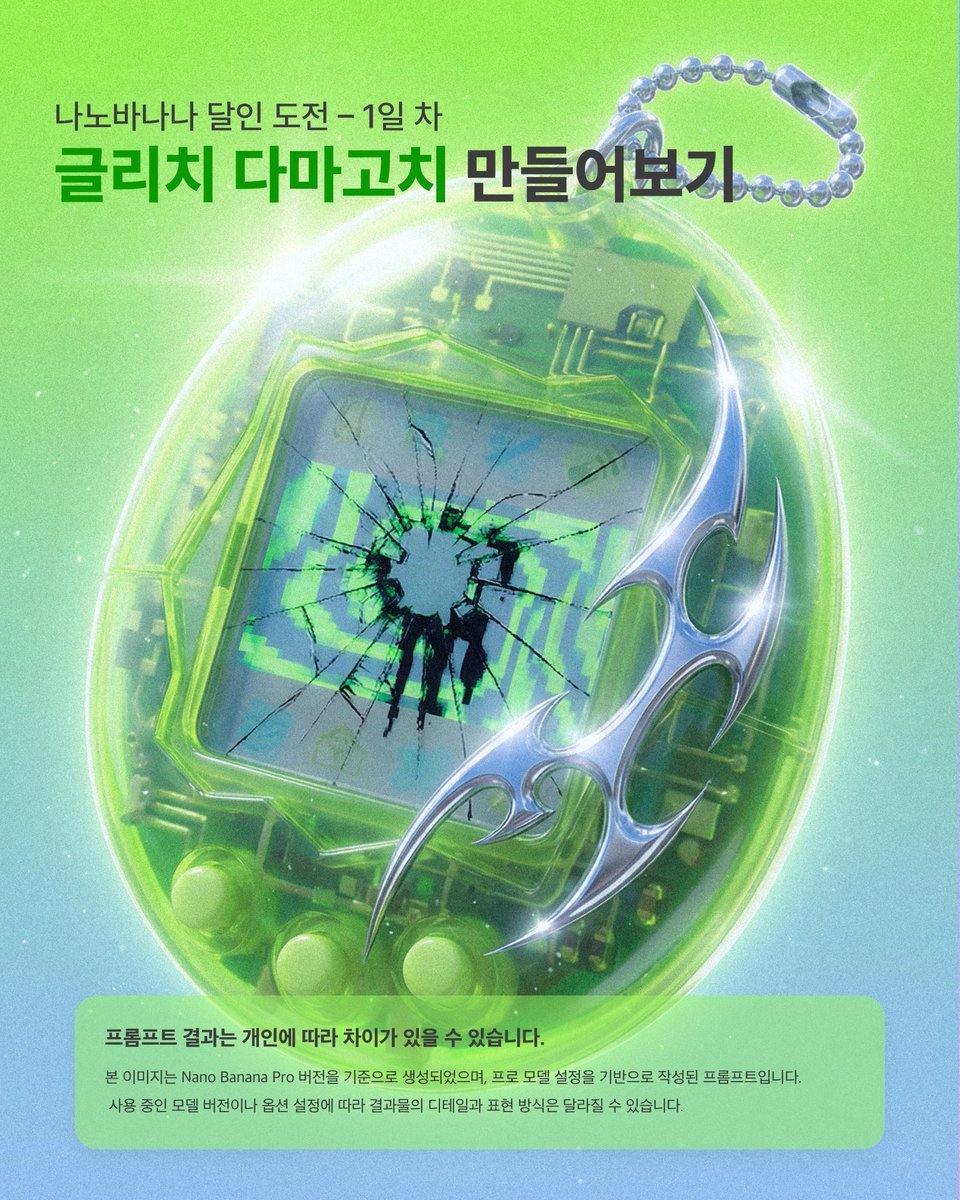
Glitch Tamagotchi Prompt for Nano Banana Application
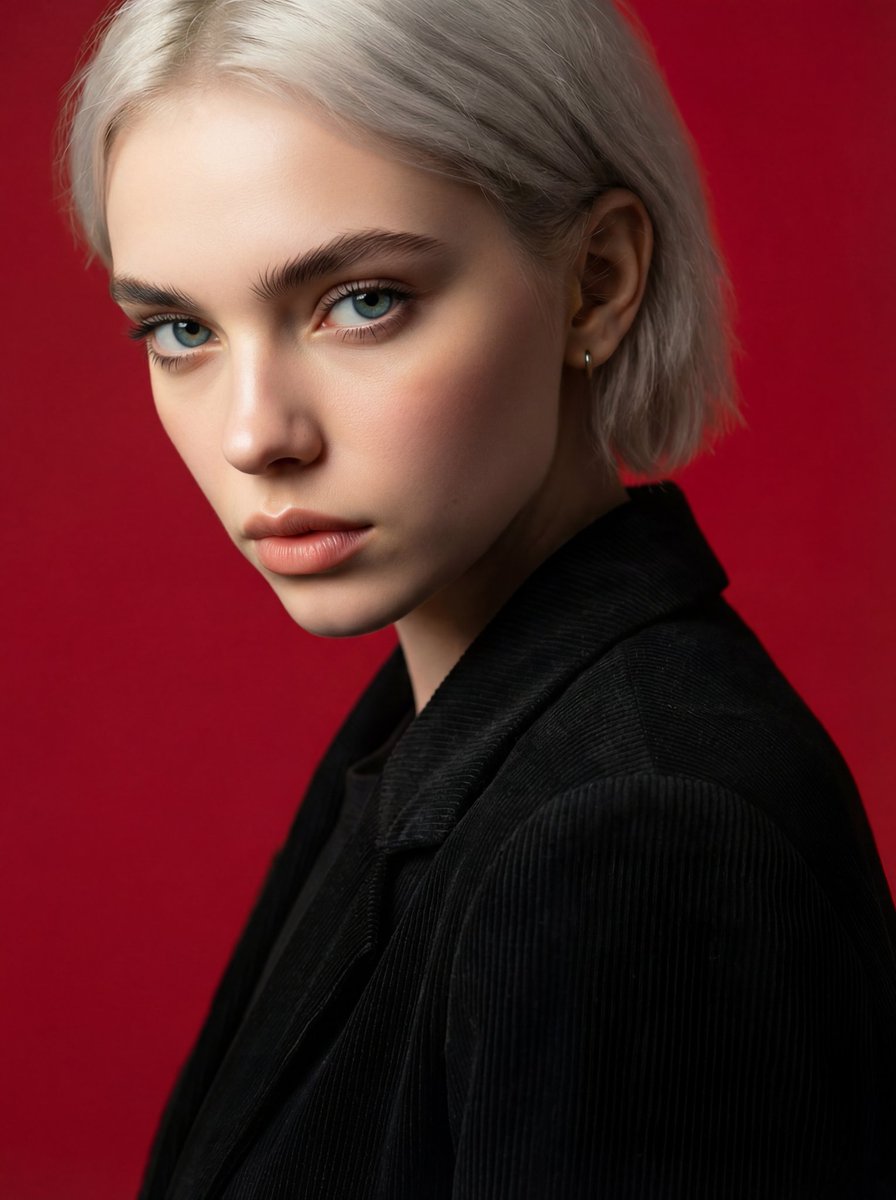
Face and Hairstyle Swap for Studio Portrait
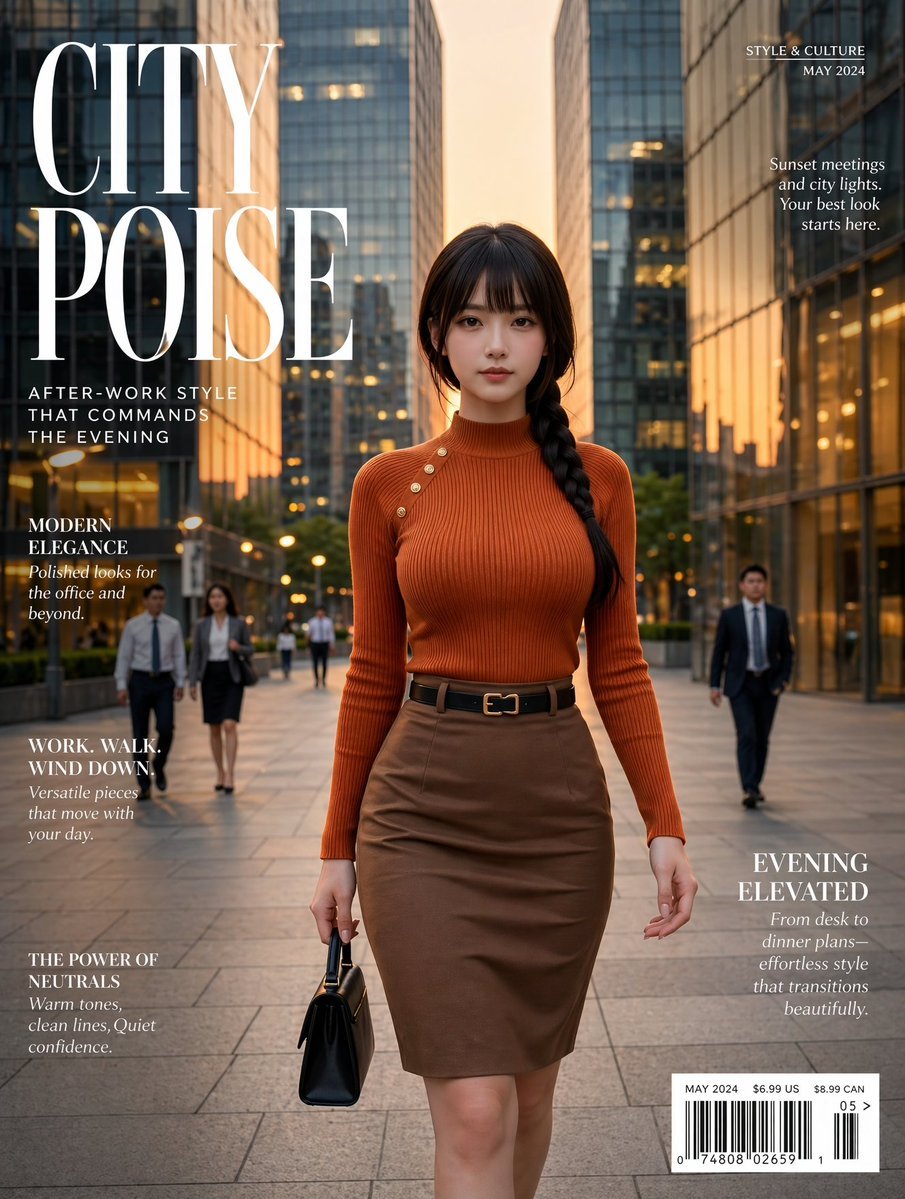
Elegant City Fashion Magazine Cover
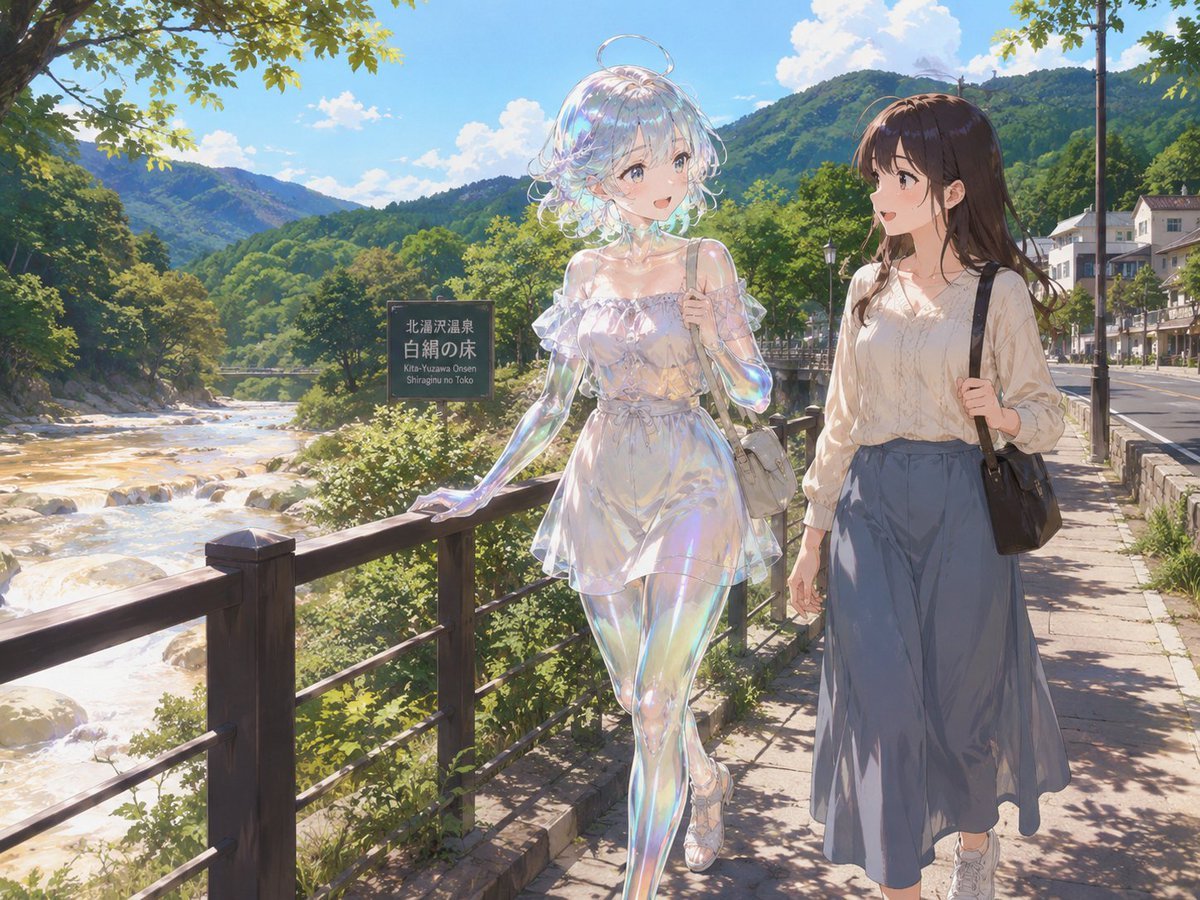
Soap Slime Girl at Kitayuzawa

Monochrome Paparazzi Fashion Poster
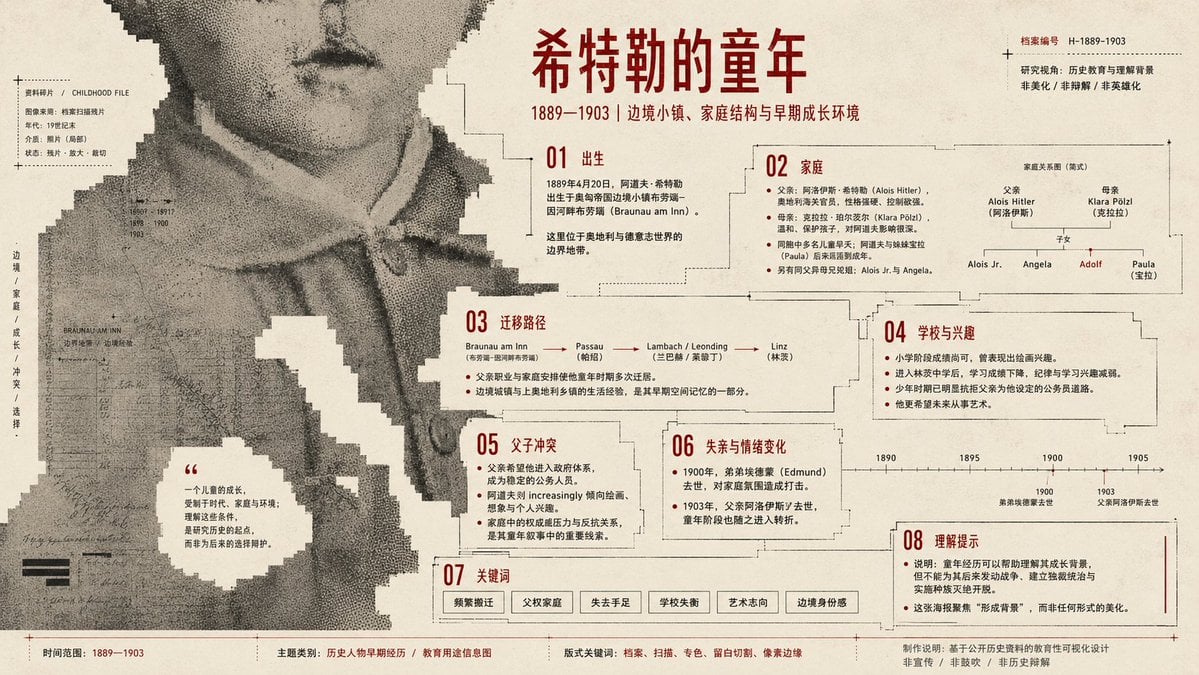
Pixel Glitch Structural Infographic Poster
Browse template categories
Japanese Prompt Tip Slide questions
How do I use the Japanese Prompt Tip Slide template?
Add your photo if the template asks for one, edit the prompt if you like — the template's model and format are already selected — and press Generate. Your version opens in PicX Studio.
Can I customize the Japanese Prompt Tip Slide template?
Yes. You can change the subject, setting, lighting, mood, format, and available model controls before creating your image.
Is the Japanese Prompt Tip Slide template free?
Opening and editing this template is free. Generating uses credits, shown on the Generate button when you are signed in.
Which AI model should I use?
Start with GPT Image 2, which is the model associated with this template. You can compare another compatible model for a different finish.
Looking for something else? Browse all templates.

Your photo, any look
Thousands of ready templates for every top image and video model, from one credit balance.