
Gothic Lolita AI Cosplay Duo
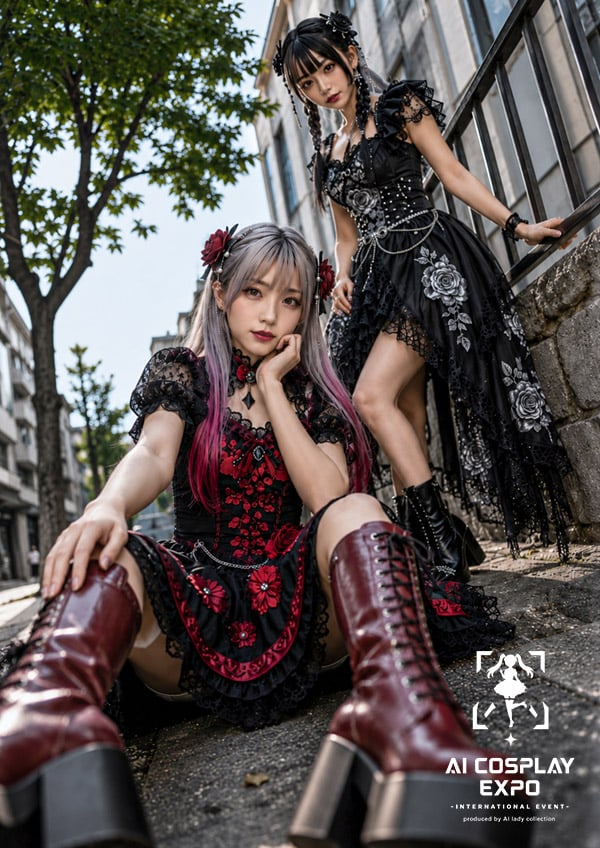
Generates a vertical photorealistic cosplay fashion poster featuring two gothic lolita AI ladies posed on an urban sidewalk with event branding.
- Prompt included
- Model and format preset
- Premium template
The prompt behind this image
Copy the exact prompt behind Gothic Lolita AI Cosplay Duo, or open it in the studio and make it yours.
Create a vertical 2:3 photorealistic 2.5D cosplay fashion editorial of exactly two AI ladies in elaborate gothic lolita outfits on a city sidewalk in daylight. The foreground woman sits low on the pavement with her legs stretched toward the camera in an extreme low-angle wide-lens perspective; she has long silver hair with pink-red streaks, red rose hair accessories, a black-and-crimson lace dress with floral embroidery, puff sleeves, a short apron-like skirt panel, black lace trim, and tall glossy burgundy lace-up platform boots dominating the lower foreground. Her pose is relaxed and dramatic, one hand extended toward the viewer and one hand near her face. The background woman stands higher on stone steps beside a black metal railing, leaning one hand on the rail; she has black hair styled in twin braids or twisted updo with black ribbons, a black gothic dress with asymmetrical lace hem, silver rose embroidery, corset details, chains, beads, puff sleeves, and black lace-up platform boots. Count exactly 2 characters: 1 seated crimson-and-black gothic lolita, 1 standing black-and-silver gothic lolita. Set the scene on a narrow urban street with modern building facades receding in perspective, a leafy green tree on the left, stone wall and railing on the right, bright natural sunlight, shallow depth of field, realistic fabric texture, glossy boots, cinematic contrast, and detailed embroidery. Obscure both faces with soft square blur blocks for an anonymous generated-photo look. Add a small white event logo in the bottom-right corner with a bracketed chibi silhouette icon above stacked text reading "AI COSPLAY EXPO", then smaller text "- INTERNATIONAL EVENT -" and "produced by AI lady collection". Use {argument name="style theme" default="gothic lolita cosplay fashion"}, {argument name="main outfit colors" default="black, crimson, silver, and burgundy"}, {argument name="location" default="sunlit urban sidewalk with stone steps and metal railing"}, {argument name="event title" default="AI COSPLAY EXPO"}, and {argument name="face treatment" default="soft square blur blocks over both faces"}.
How to use Gothic Lolita AI Cosplay Duo in 3 steps
- 1Upload ImagePNG, JPG or paste
Add your photo
Upload the photo the template builds on. The prompt, model and format are already set.
- 2…a portrait of your subject in softgolden-hour light, 85mm…
Personalize
Edit the subject and creative details for your destination.
- 3Generate
Generate
Press Generate — your image is created in PicX Studio, so you can compare it with the original and refine one variable at a time.
More like this
Templates with the same subject, style or setup. Open one to see its prompt.
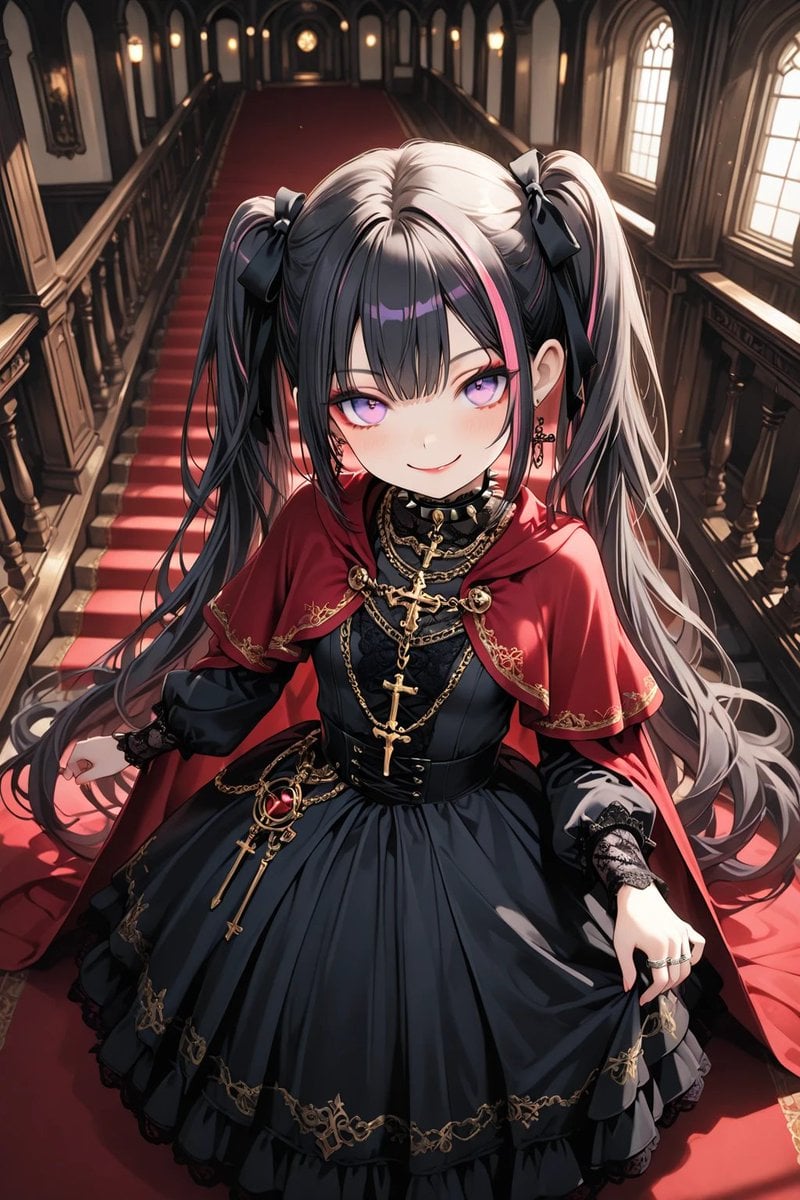
Anime Gothic Lolita Cape Transformation
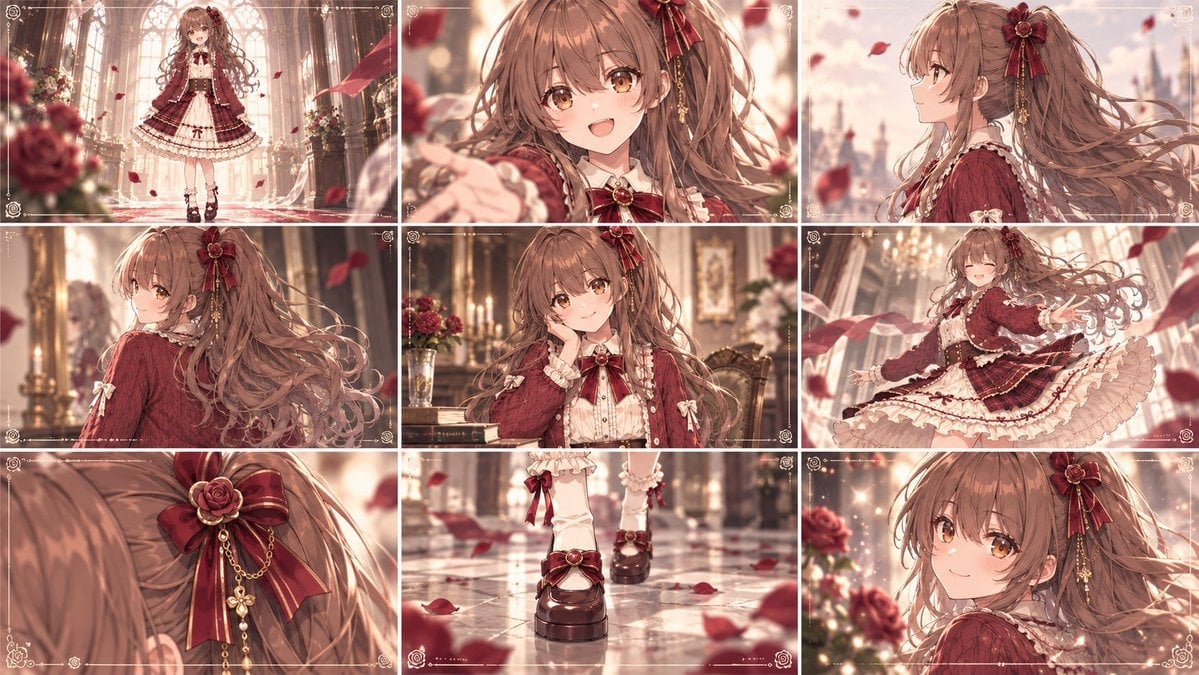
Cinematic Gothic Lolita 3x3 Anime Stills
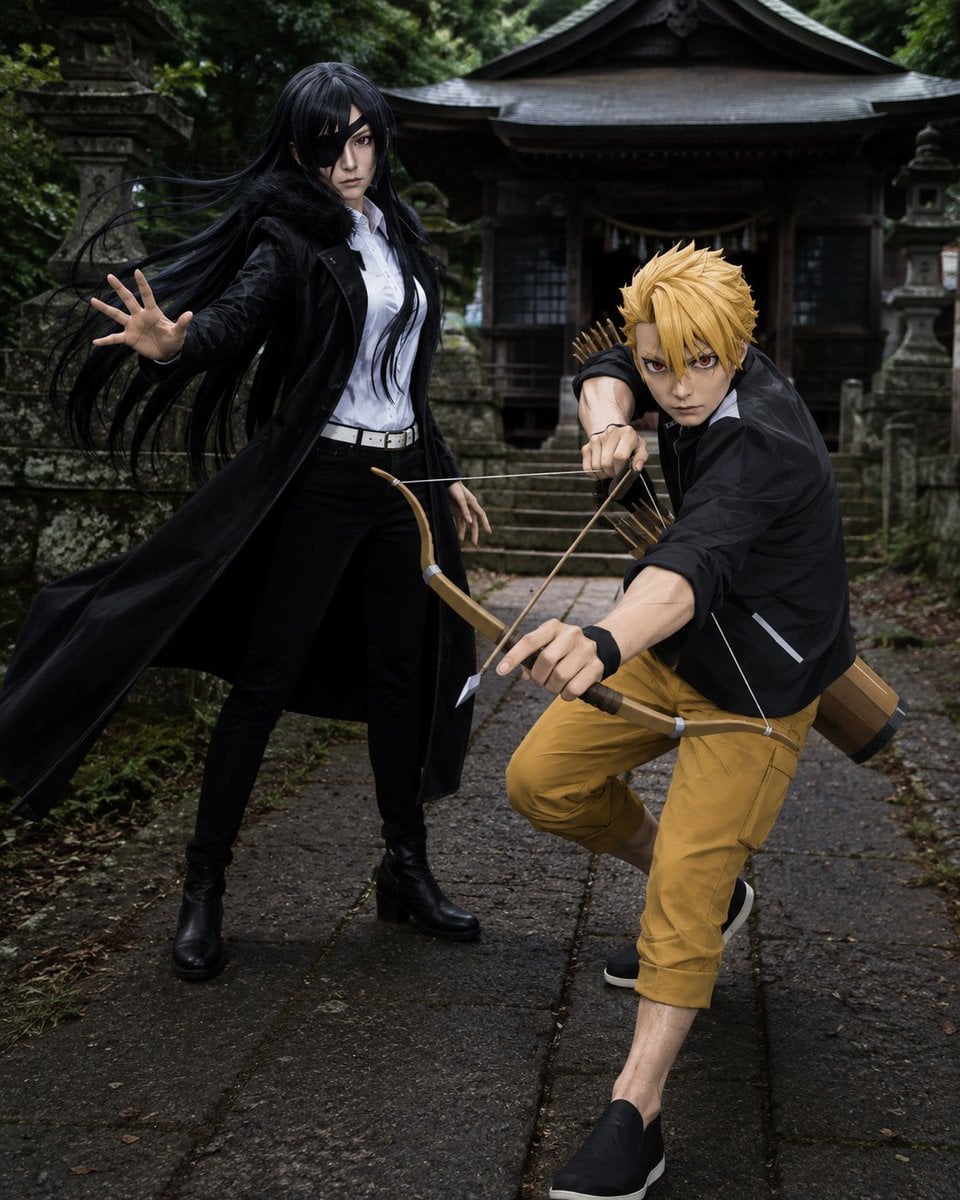
Anime Cosplay Duo at Forest Shrine
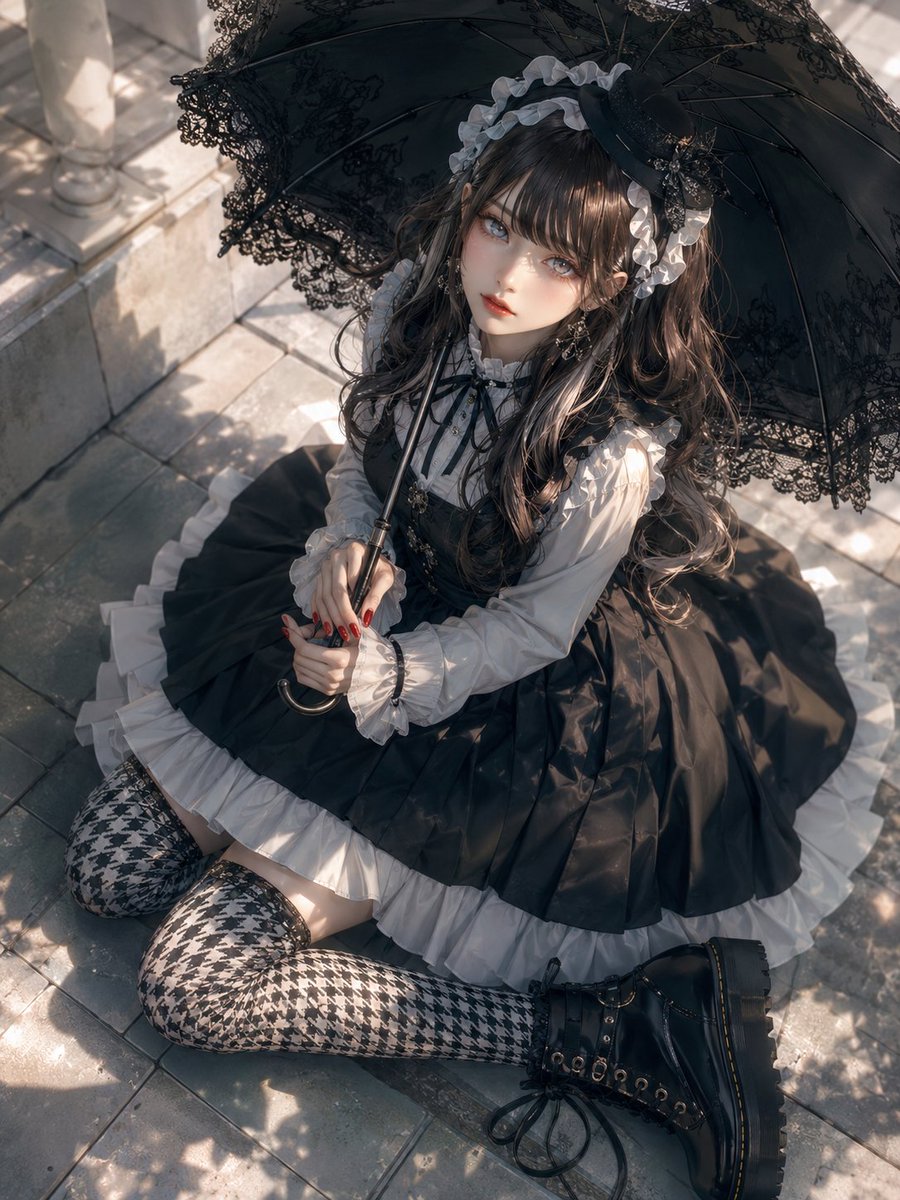
Gothic Lolita Parasol Portrait
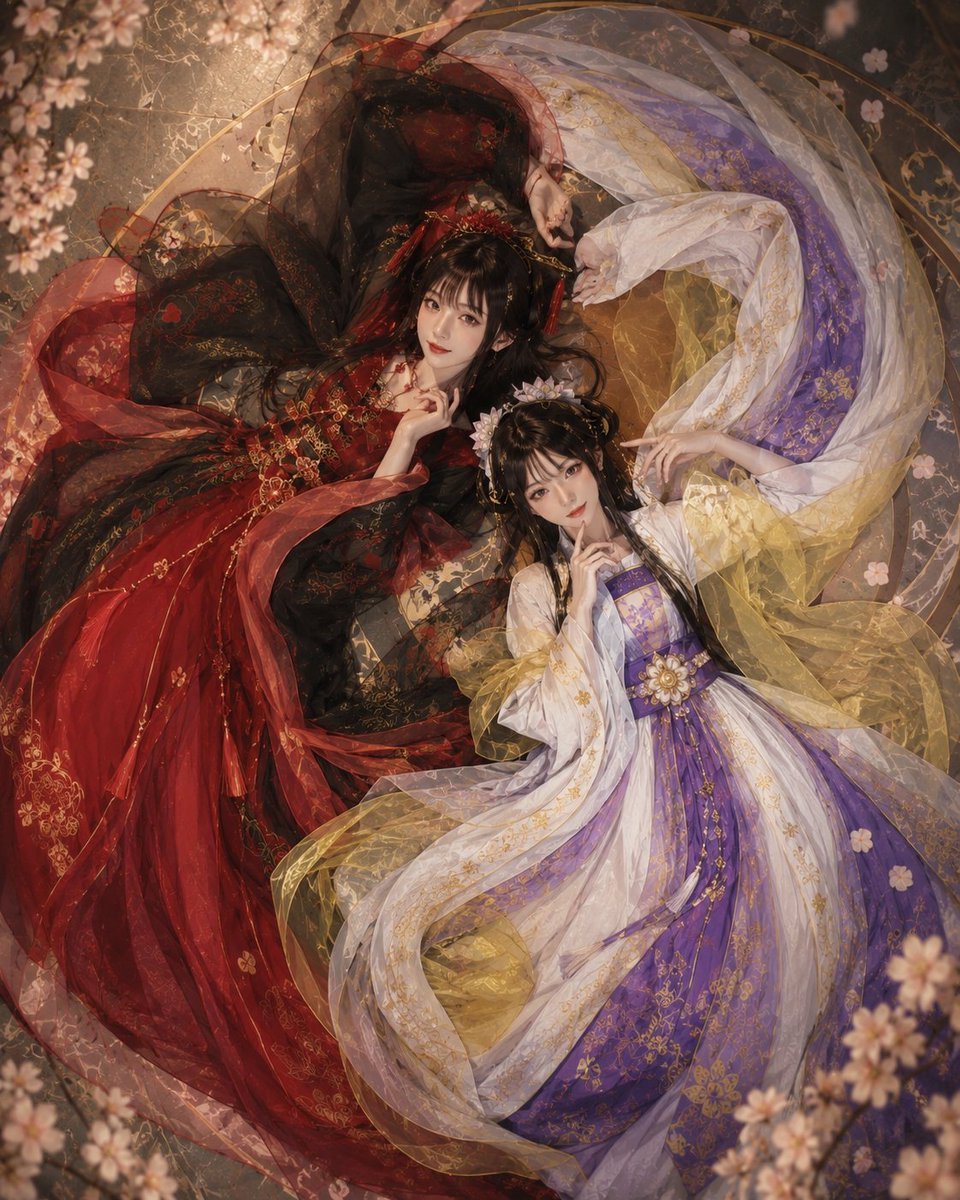
Overhead Fantasy Hanfu Cosplay Duo
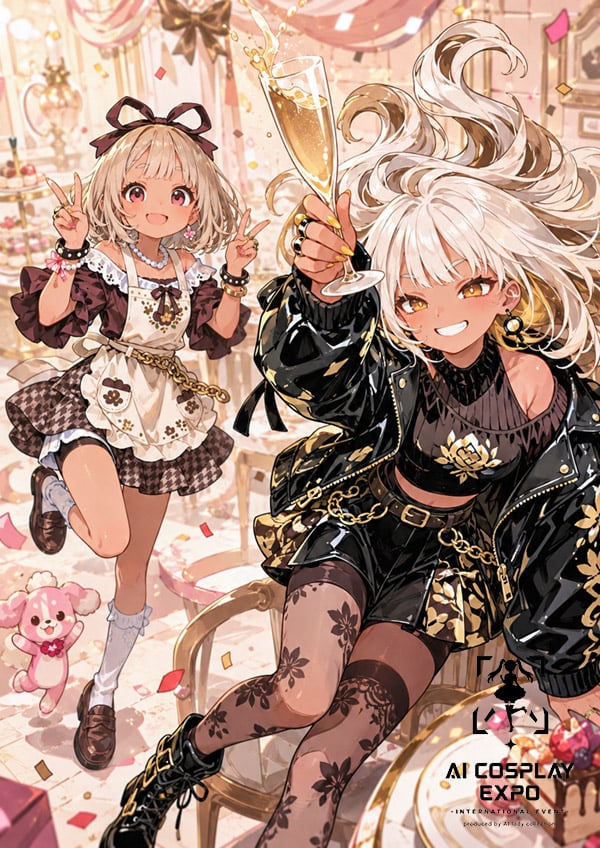
Faceless Anime Cosplay Expo Duo
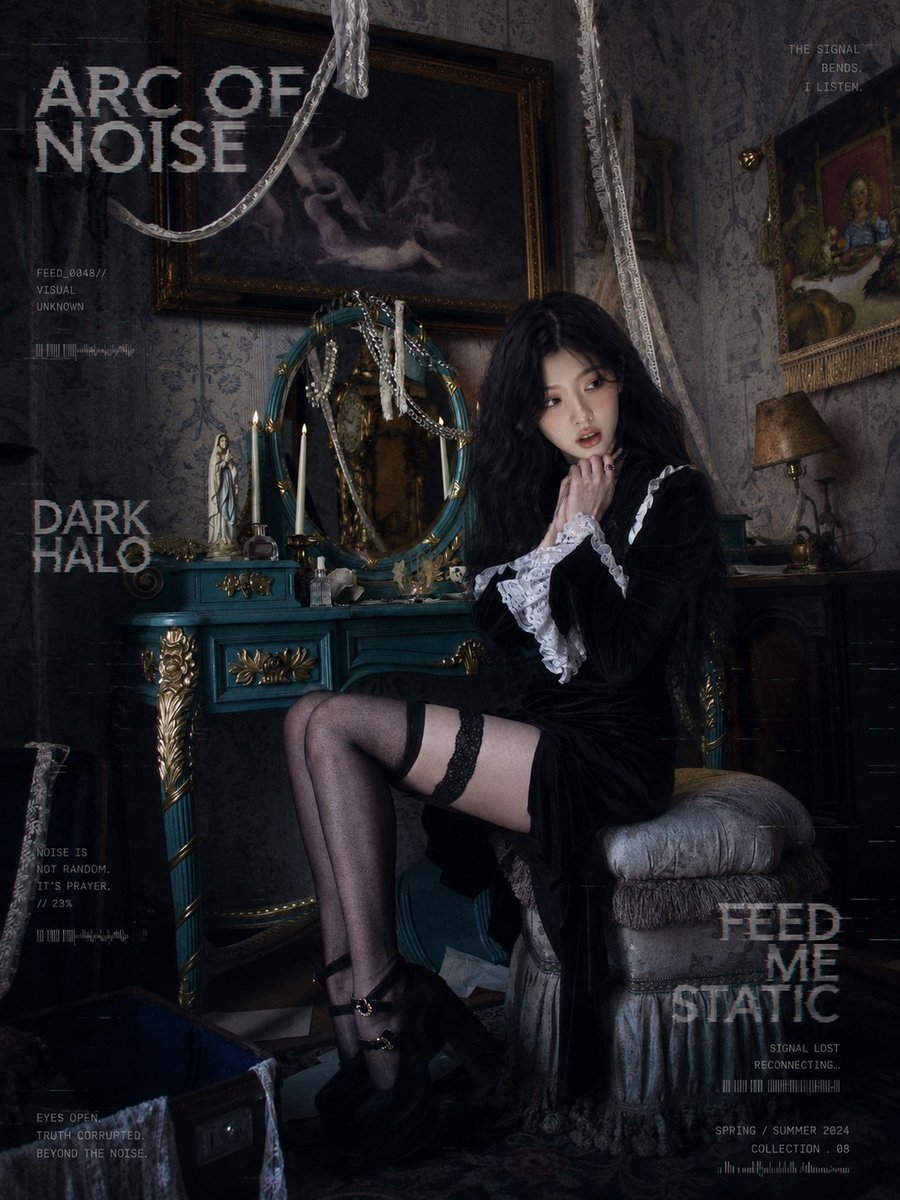
Dark Gothic Lolita Static Portrait
Japanese Café Sketch Duo Illustration
Gothic Lolita Character Sheet
Gothic Lolita Subway Fashion Portrait
Gothic Cyberpunk Duo in Ruined City
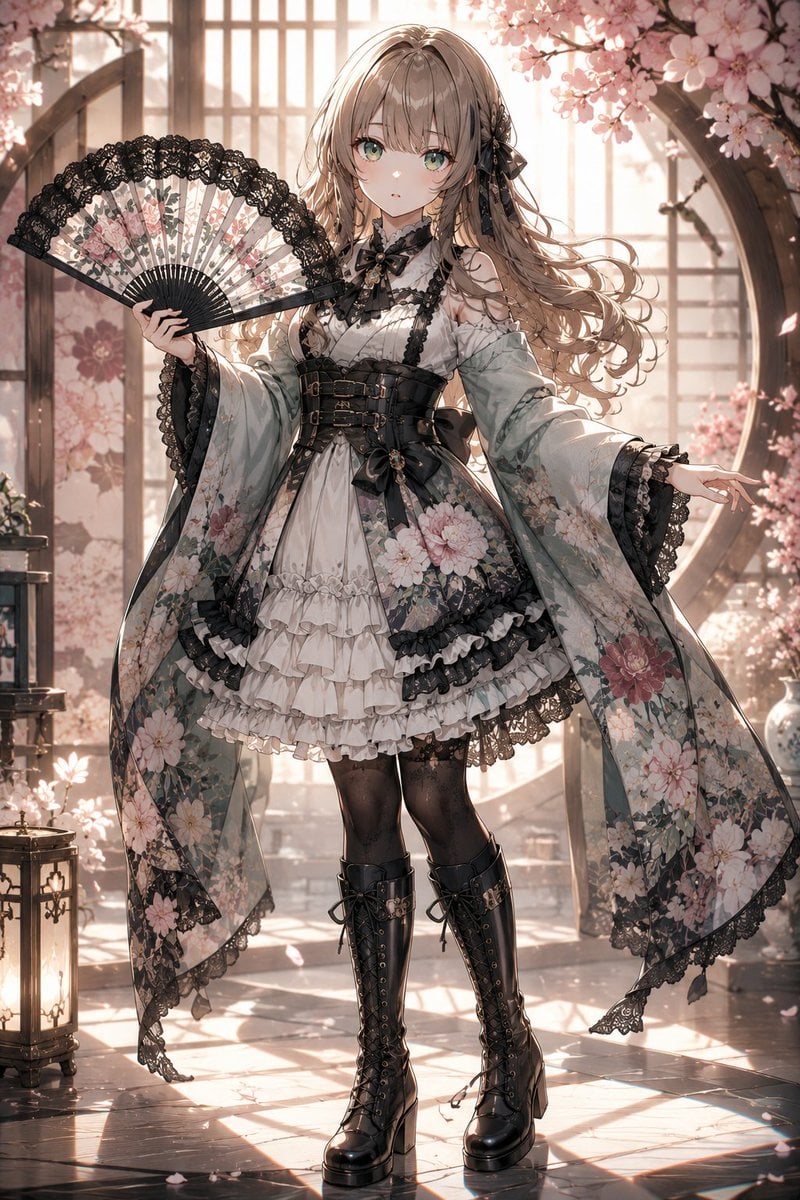
Gothic Lolita Furisode Outfit
Make it yours
Gothic Lolita AI Cosplay Duo works as-is. These are the safest ways to change it without losing the look.
Change one field
Copy a single group, rewrite it, and generate again so you can see what that field is doing.
Keep the frame, change the subject
Hold the composition and light of Gothic Lolita AI Cosplay Duo, then swap wardrobe, props or the person for a new take.
| If the result… | Why | Fix |
|---|---|---|
| The result drifts from the preview | Too many fields changed at once. | Reuse Gothic Lolita AI Cosplay Duo as-is first, then change one group — subject, light, or setting. |
| The model over-stylizes the scene | The prose prompt leaves finish and camera underspecified. | Add one camera or lighting sentence and stay on GPT Image 2. |
More GPT Image 2 templates
Other prompts made for GPT Image 2.

Six VTuber Japanese Logo Sheet

Realistic Portrait of Woman and Deer

The Vista Modular Condo Poster

AI Model Routing Comparison Infographic

2.5D Anime Art Board

Isometric Productivity Desk Scene

New York Double Exposure Poster

Four-Panel AI Landscape Comparison

Japanese Tatami Lifestyle Magazine Cover

NESCAFÉ Coffee Map Poster
More image prompts
Fresh picks from across the catalog.
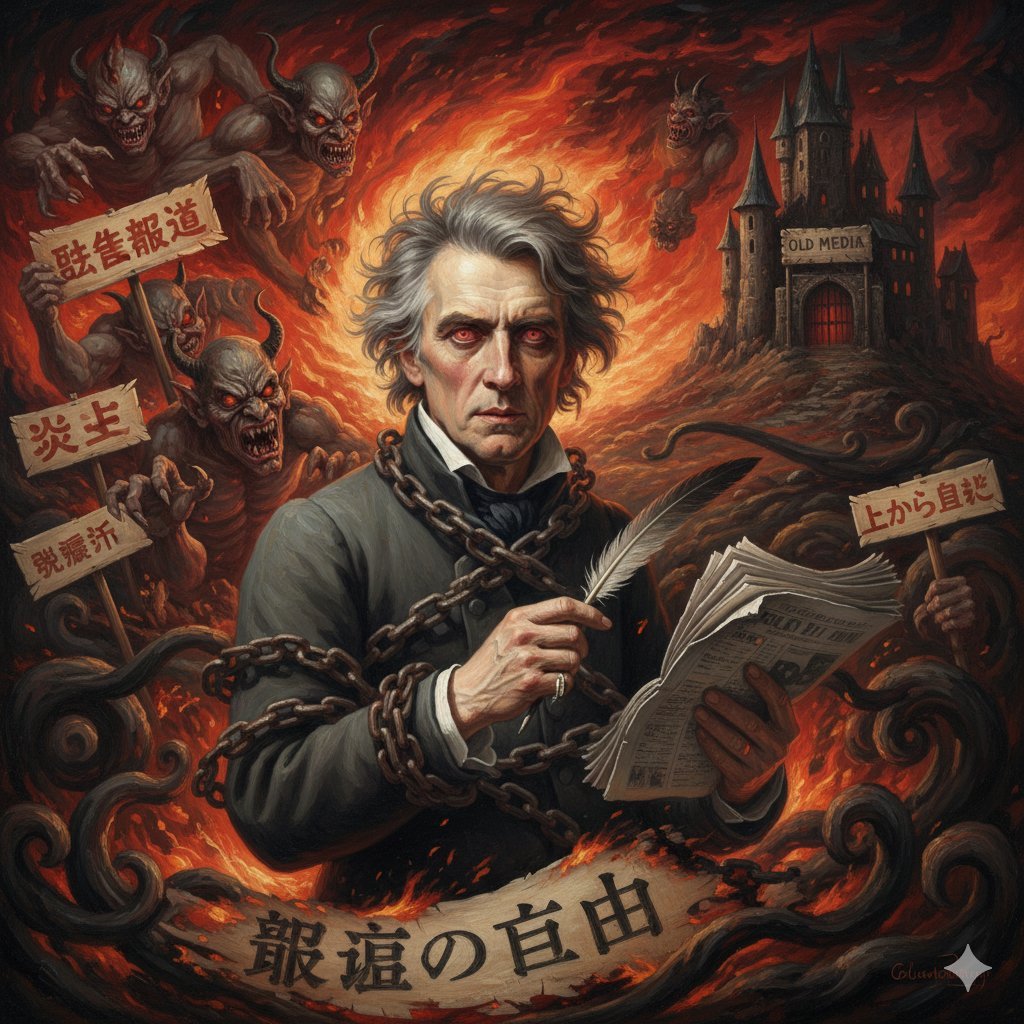
Image Generation Prompt for Chopin in Delacroix Style
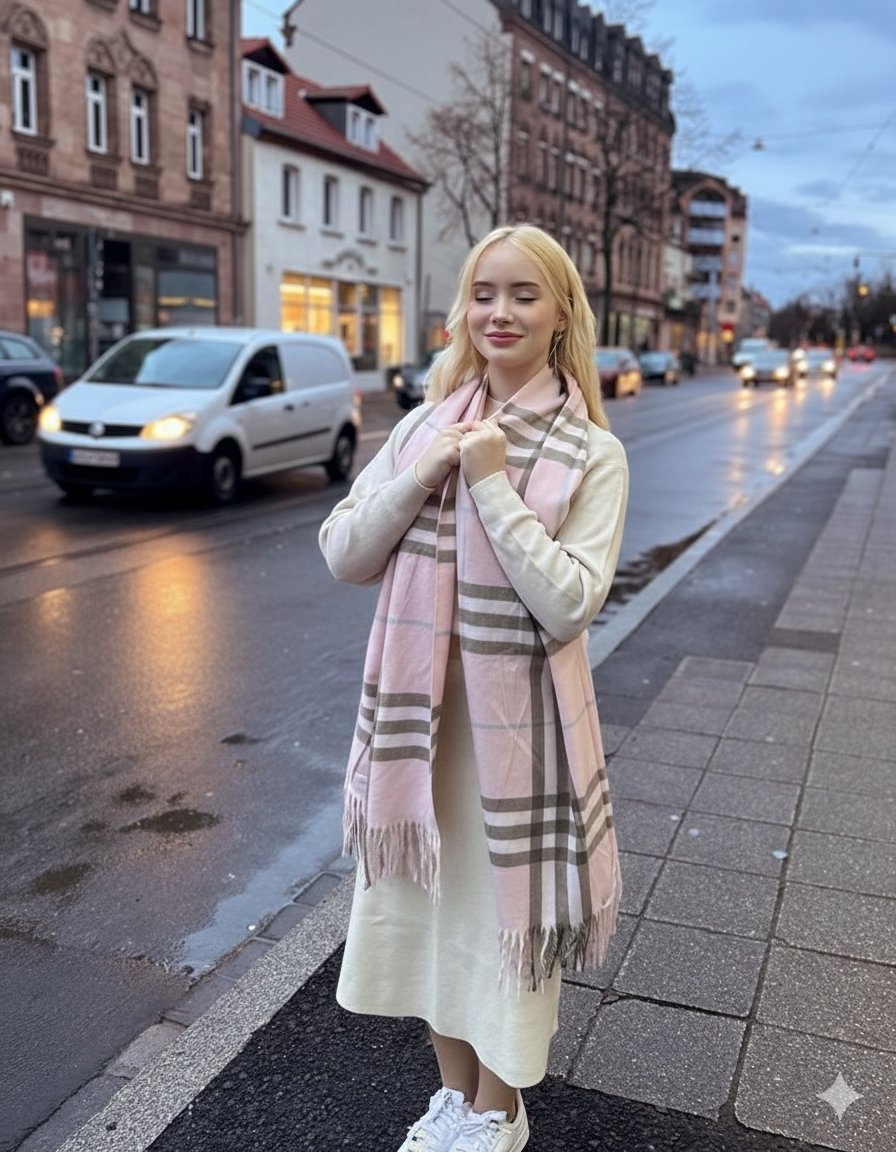
Cinematic Fashion Editorial in European Old Town at Twilight
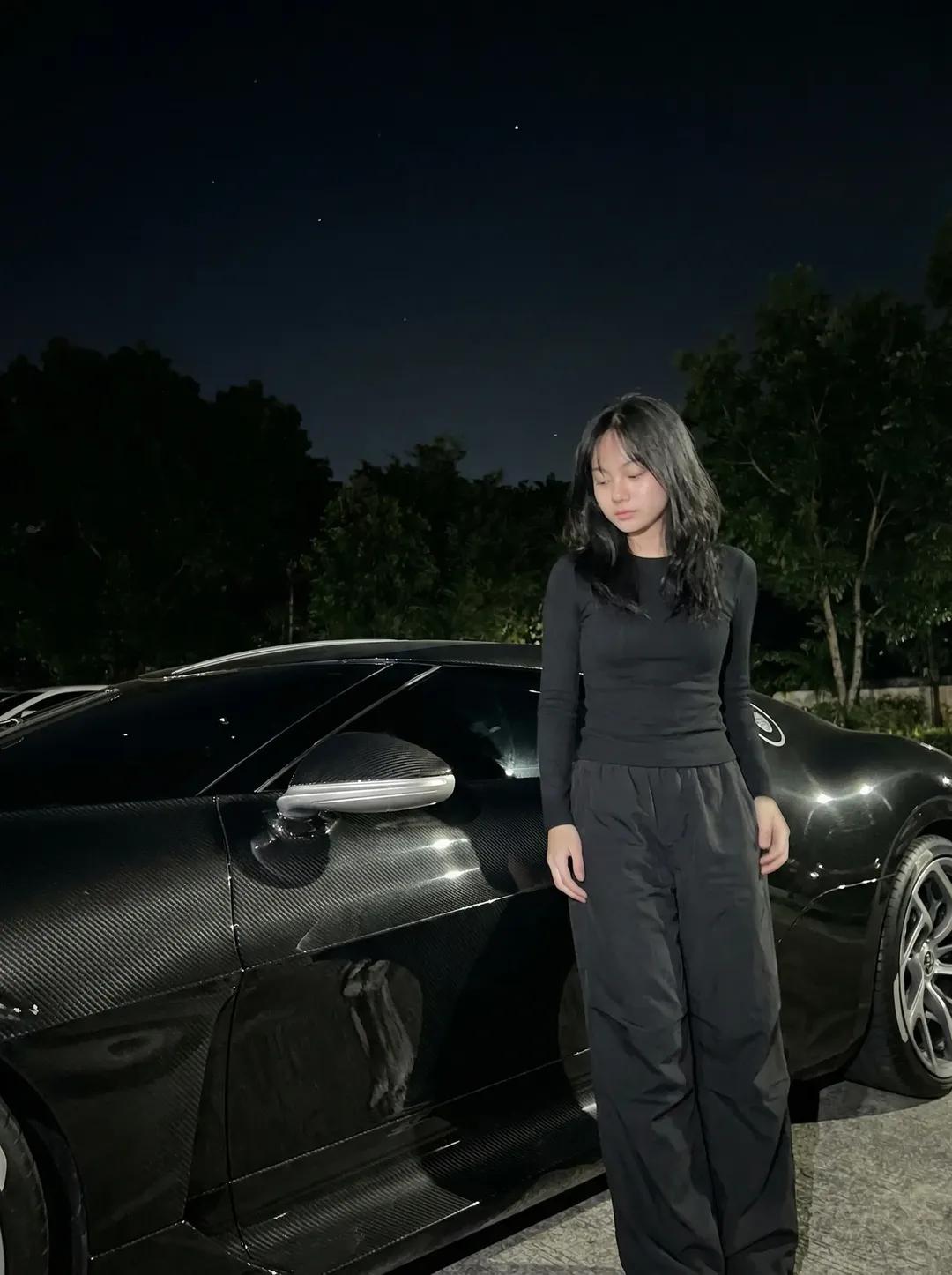
Night Sports Car Portrait — Cinematic Moody
Cinematic lakeside hanging chair concept prompt with space object theme
Ultra-Realistic Fashion Photo with Exact Face Match Prompt
Handmade Collectible Male Doll
Exploded Food Diagram Technical Photography Prompt
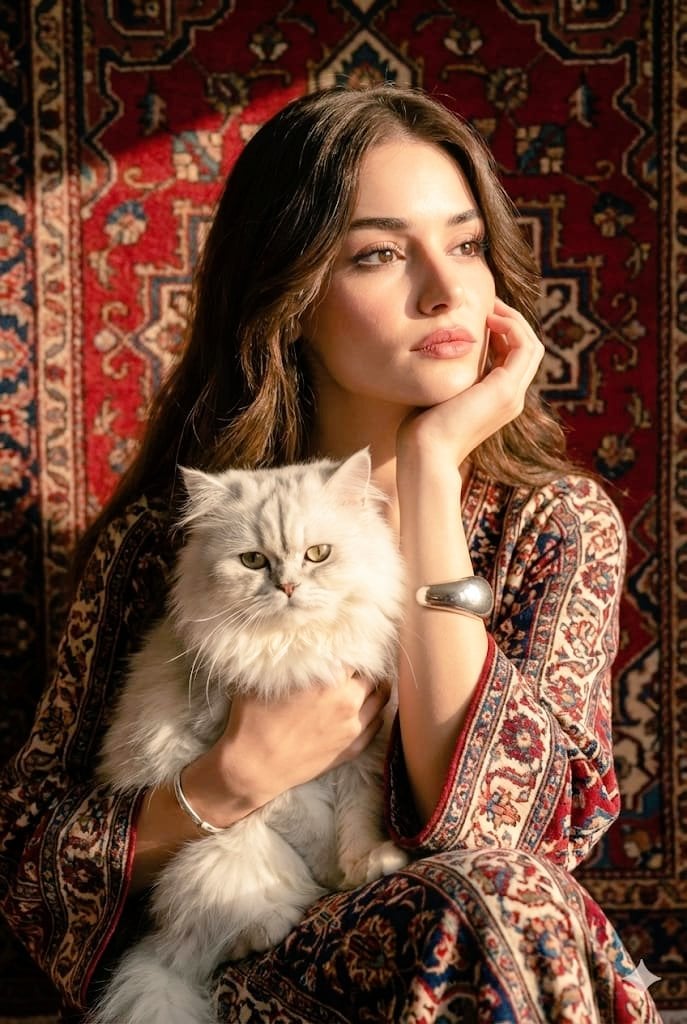
Persian Carpet Inspired Portrait Prompt
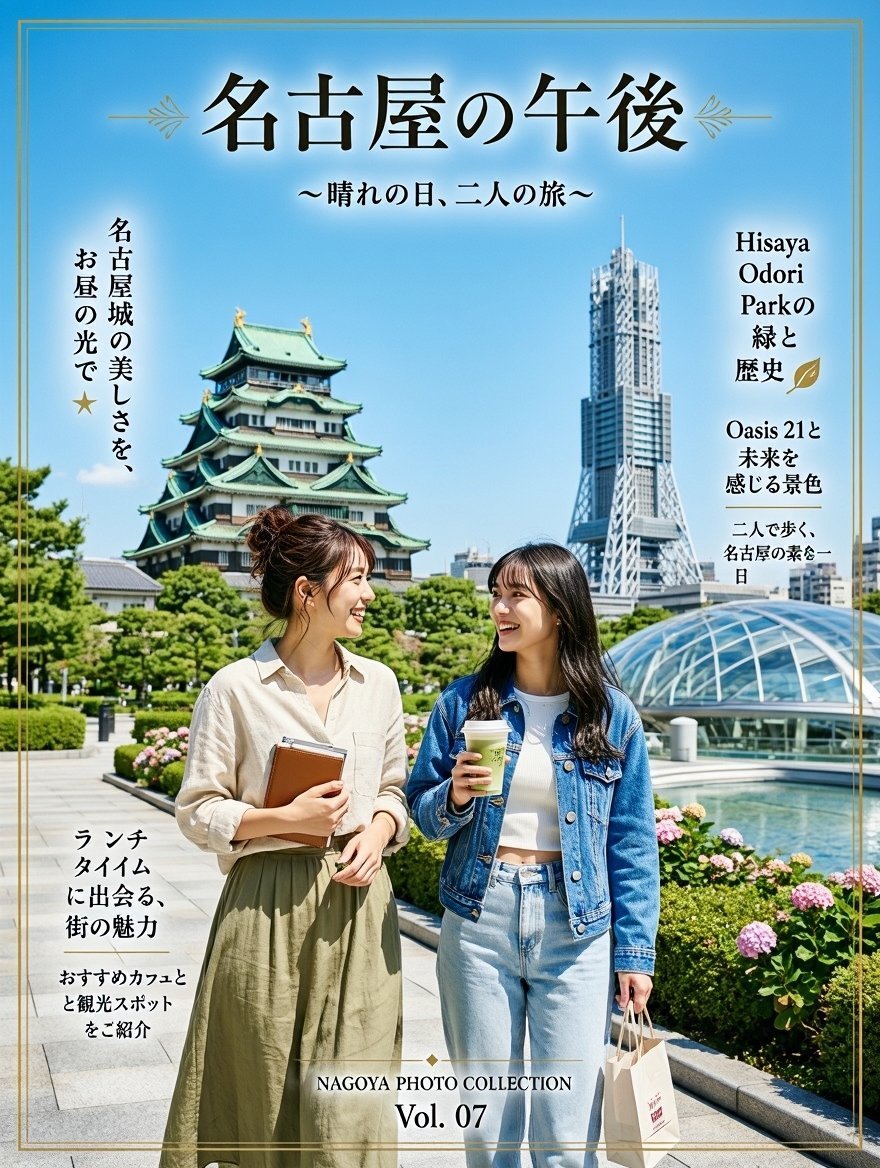
Nagoya Afternoon Travel Poster
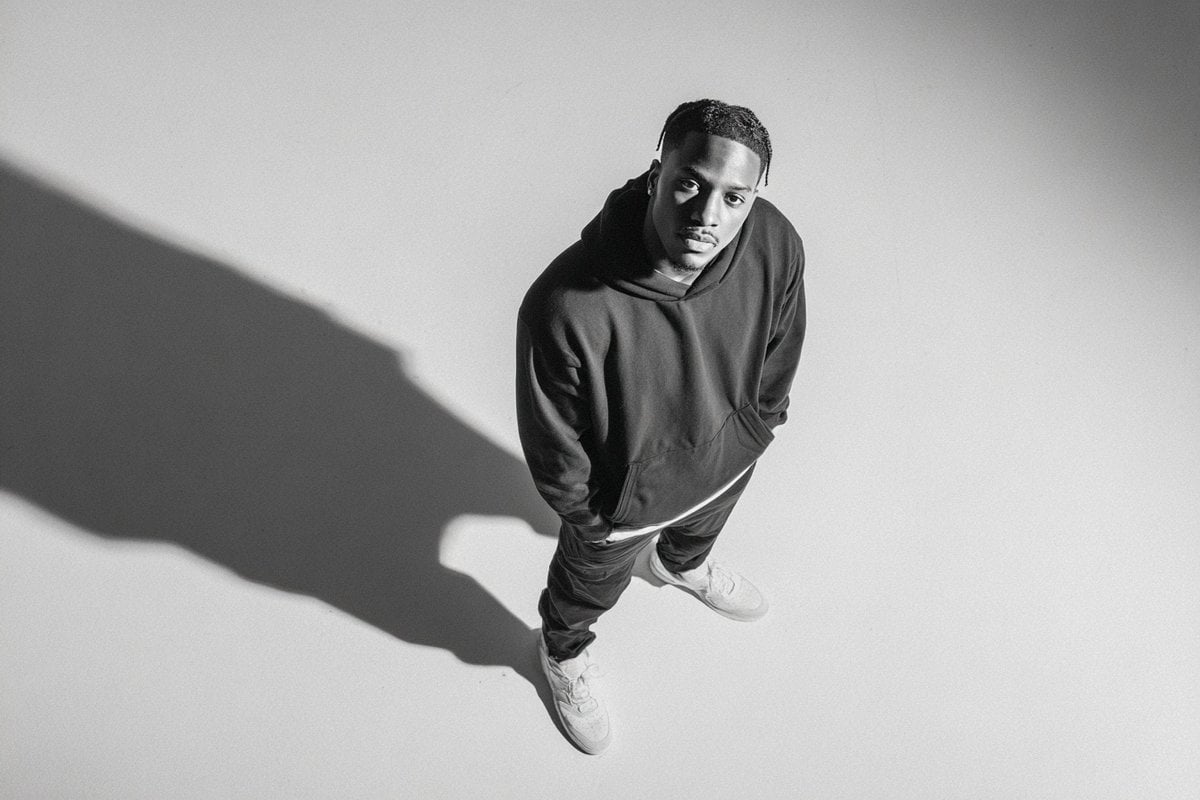
Studio Editorial Fashion Portrait
Browse template categories
Gothic Lolita AI Cosplay Duo questions
How do I use the Gothic Lolita AI Cosplay Duo template?
Add your photo if the template asks for one, edit the prompt if you like — the template's model and format are already selected — and press Generate. Your version opens in PicX Studio.
Can I customize the Gothic Lolita AI Cosplay Duo template?
Yes. You can change the subject, setting, lighting, mood, format, and available model controls before creating your image.
Is the Gothic Lolita AI Cosplay Duo template free?
Opening and editing this template is free. Generating uses credits, shown on the Generate button when you are signed in.
Which AI model should I use?
Start with GPT Image 2, which is the model associated with this template. You can compare another compatible model for a different finish.
Looking for something else? Browse all templates.

Your photo, any look
Thousands of ready templates for every top image and video model, from one credit balance.