
Lumia Freeze Frame Cover
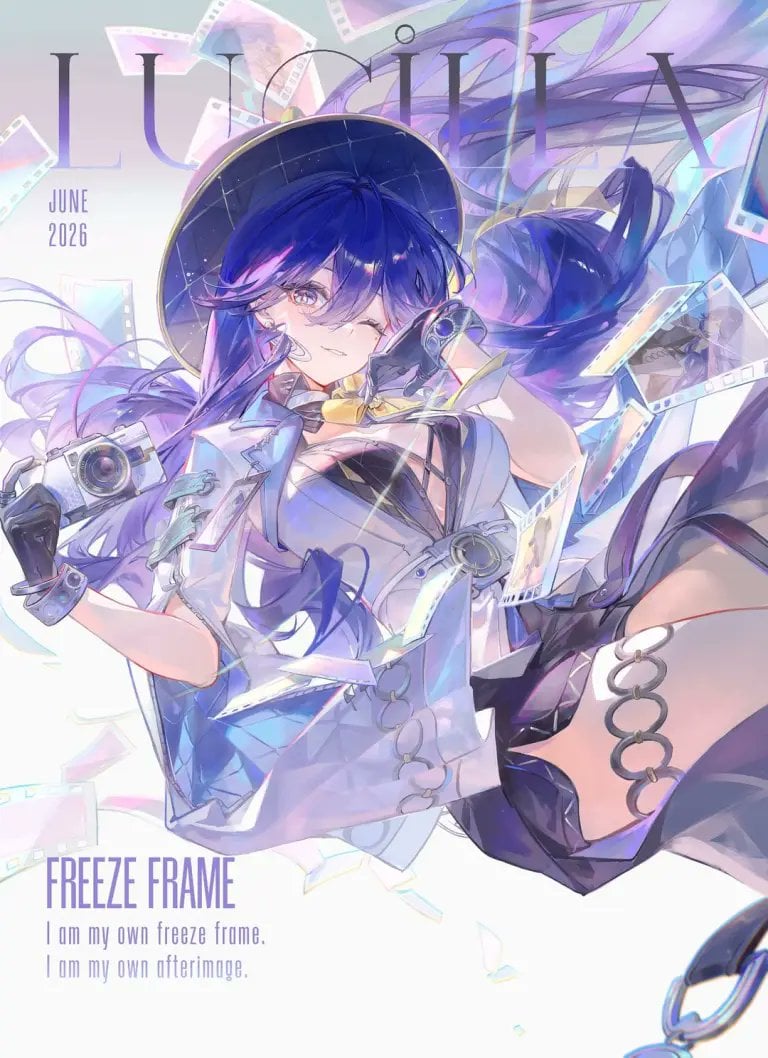
A vertical anime magazine-cover style key visual of a camera-themed Wuthering Waves heroine surrounded by floating film strips and editorial typography.
- Prompt included
- Model and format preset
- Premium template
The prompt behind this image
Copy the exact prompt behind Lumia Freeze Frame Cover, or open it in the studio and make it yours.
Create a polished anime magazine-cover illustration for Wuthering Waves featuring {argument name="character name" default="Lumia"} as a stylish camera-themed heroine suspended in a dynamic floating pose. Vertical portrait canvas, 3:4 ratio, bright high-key white background with pale lavender, icy blue, and iridescent rainbow accents. Place oversized thin serif title text “LUMIA” across the top behind the character, with small stacked date text “JUNE 2026” on the upper left. At the bottom left add the headline “FREEZE FRAME” in tall condensed purple capitals, followed by two smaller lines: “I am my own freeze frame.” and “I am my own afterimage.” The character has long flowing {argument name="hair color" default="deep indigo-blue with violet highlights"} hair, one visible golden-lavender eye, a confident playful smile, and a black wide-brim hat with subtle starry grid texture. Outfit: futuristic white-and-pale-blue cropped jacket, black cutout bodice, translucent glossy panels, metallic rings and straps, black gloves, thigh-high dark legwear, and silver circular garter rings on the exposed thigh. She holds one compact retro camera in her left hand and one small camcorder-like device near her face in her right hand. Surround her with exactly 12 floating film-related elements: 6 translucent film-strip ribbons curling around her, 4 pastel photo-frame negatives, 1 large iridescent shard near the lower center, and 1 dangling metal chain ring at the bottom right edge. Use a luminous anime key visual style with delicate line art, soft cel shading, pearlescent highlights, lens flares, motion blur in the hair and ribbons, and a dreamy photographic afterimage effect. Keep the composition airy and elegant, with the typography partially obscured by the character but still readable; no extra logos or watermarks.
Reference images included
Lumia Freeze Frame Cover needs input media to work. They load alongside the prompt when you open it in the studio.
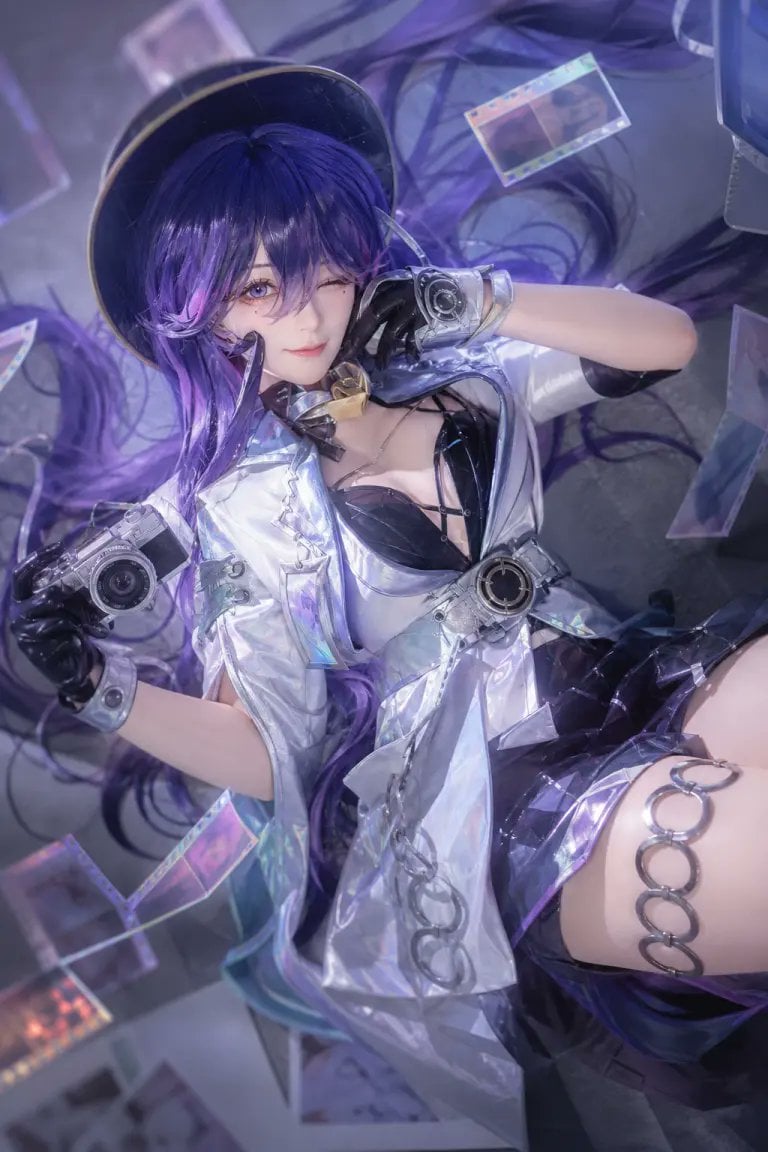
How to use Lumia Freeze Frame Cover in 3 steps
- 1Upload ImagePNG, JPG or paste
Add your photo
Upload the photo the template builds on. The prompt, model and format are already set.
- 2…a portrait of your subject in softgolden-hour light, 85mm…
Personalize
Edit the subject and creative details for your destination.
- 3Generate
Generate
Press Generate — your image is created in PicX Studio, so you can compare it with the original and refine one variable at a time.
More like this
Templates with the same subject, style or setup. Open one to see its prompt.

8K Ultra Photorealistic cinematic freeze-frame of a slipping on a banana
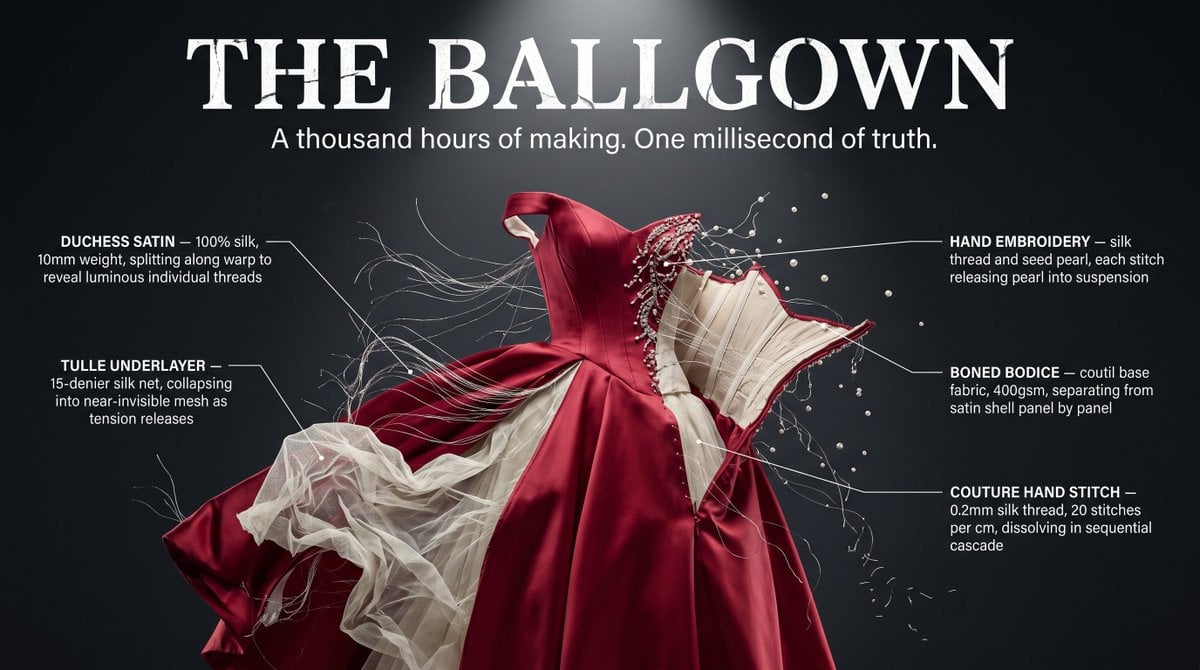
Garment Deconstruction Freeze Frame

Flower-Framed Anime Cover Portrait
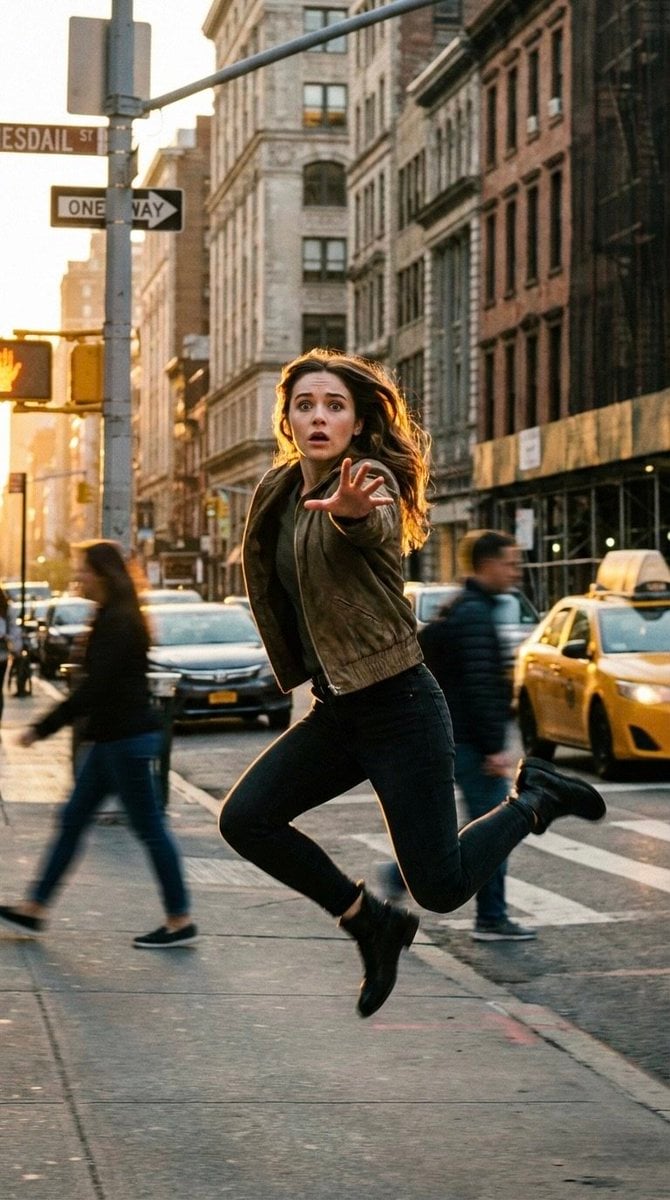
Cinematic Freeze-Frame Action Shot in NYC Prompt

Off Duty Fashion Magazine Cover

Framed Quilling Anime Girl

Japanese Tatami Lifestyle Magazine Cover

Sunflower Field Frame Portrait
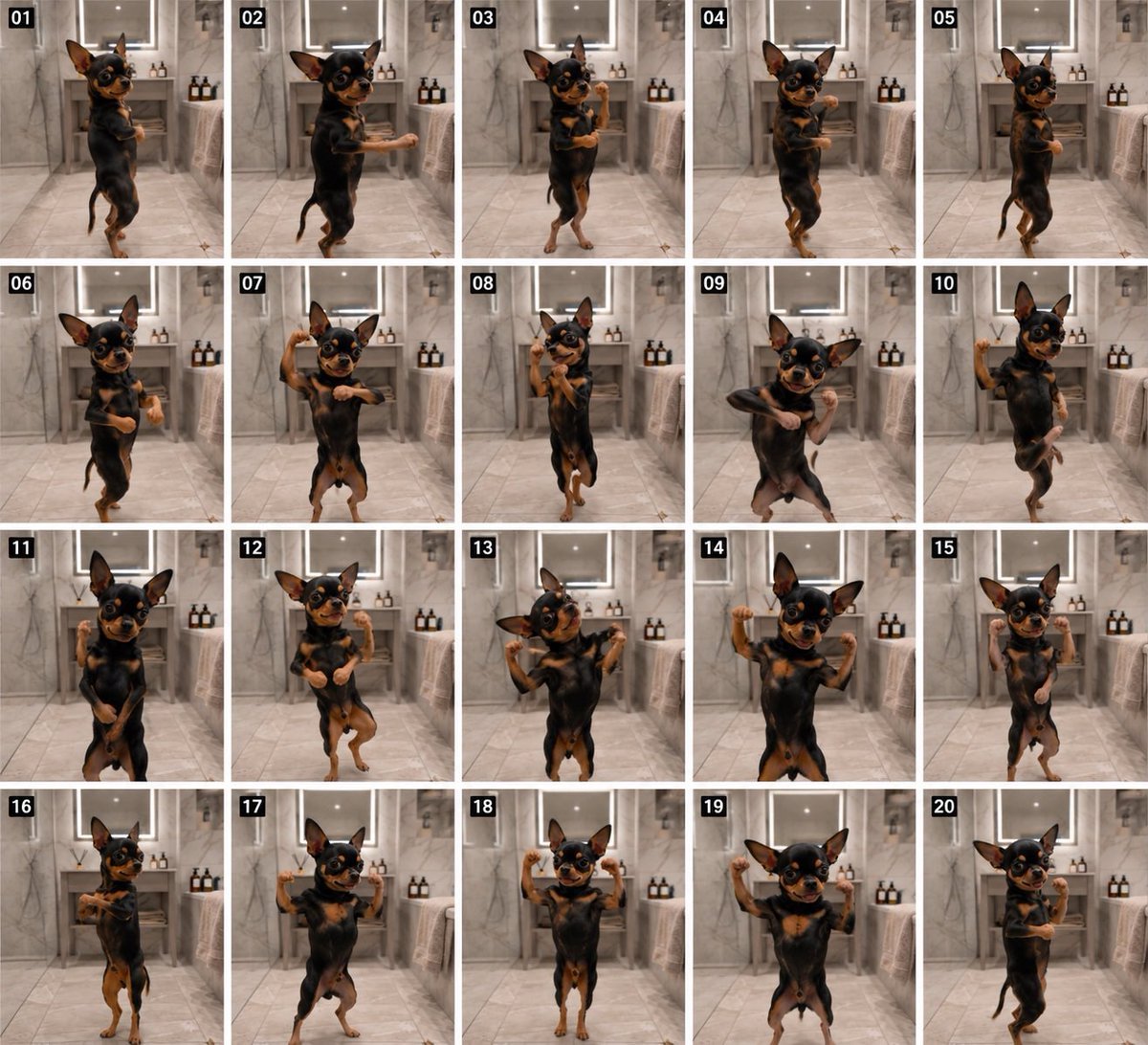
Dancing Chihuahua 20-Frame Contact Sheet
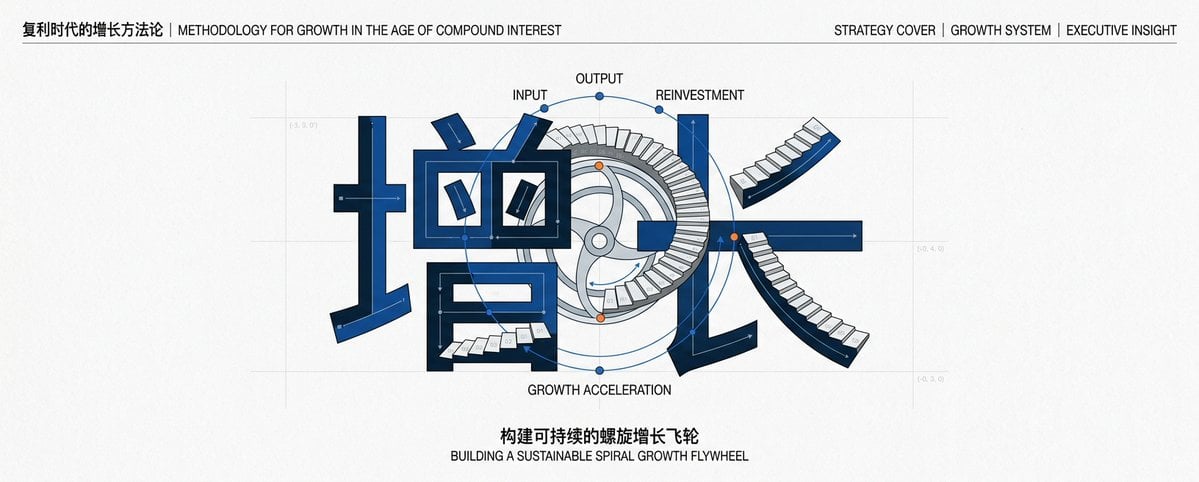
Chinese Growth Flywheel Strategy Cover

Cinematic Wuxia Fantasy Cover

Ethereal Bloom Magazine Cover
Make it yours
Lumia Freeze Frame Cover works as-is. These are the safest ways to change it without losing the look.
Change one field
Copy a single group, rewrite it, and generate again so you can see what that field is doing.
Keep the frame, change the subject
Hold the composition and light of Lumia Freeze Frame Cover, then swap wardrobe, props or the person for a new take.
| If the result… | Why | Fix |
|---|---|---|
| The result drifts from the preview | Too many fields changed at once. | Reuse Lumia Freeze Frame Cover as-is first, then change one group — subject, light, or setting. |
| The model over-stylizes the scene | The prose prompt leaves finish and camera underspecified. | Add one camera or lighting sentence and stay on GPT Image 2. |
More GPT Image 2 templates
Other prompts made for GPT Image 2.

Six VTuber Japanese Logo Sheet

Realistic Portrait of Woman and Deer

The Vista Modular Condo Poster

AI Model Routing Comparison Infographic

2.5D Anime Art Board

Isometric Productivity Desk Scene

New York Double Exposure Poster

Four-Panel AI Landscape Comparison

NESCAFÉ Coffee Map Poster

Brutalist Cogito Chinese Typography Poster
More image prompts
Fresh picks from across the catalog.

PCB Word Art Schematic for 'Tesla'
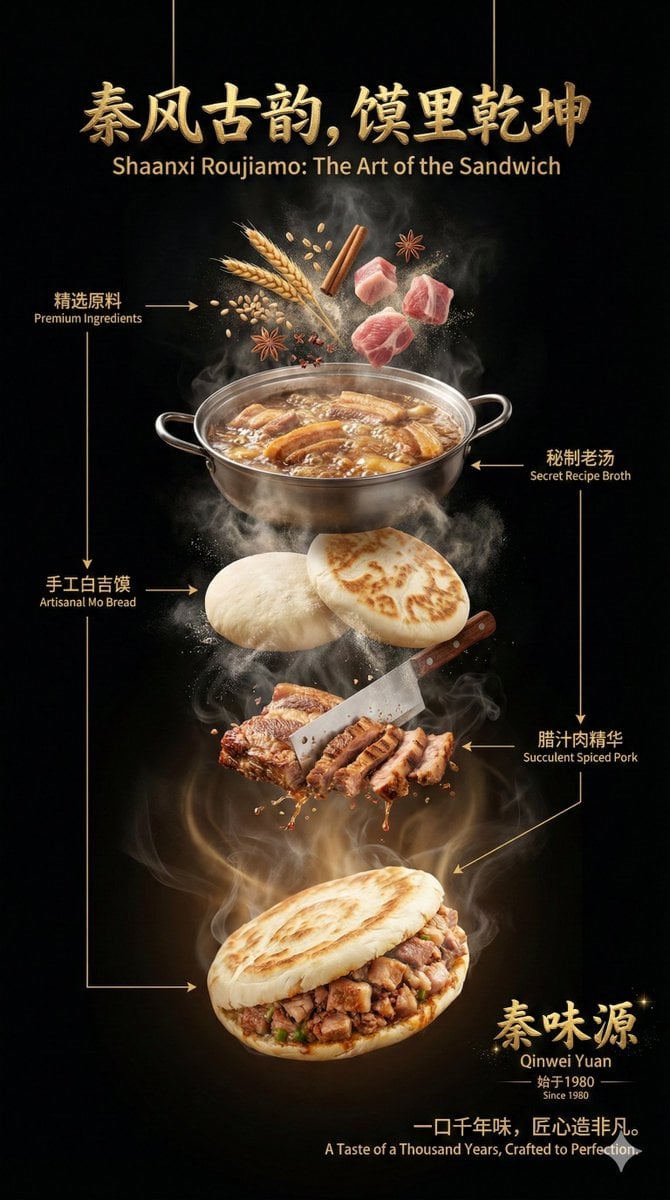
Advanced Commercial Food/Product Poster Template with Vertical Layering
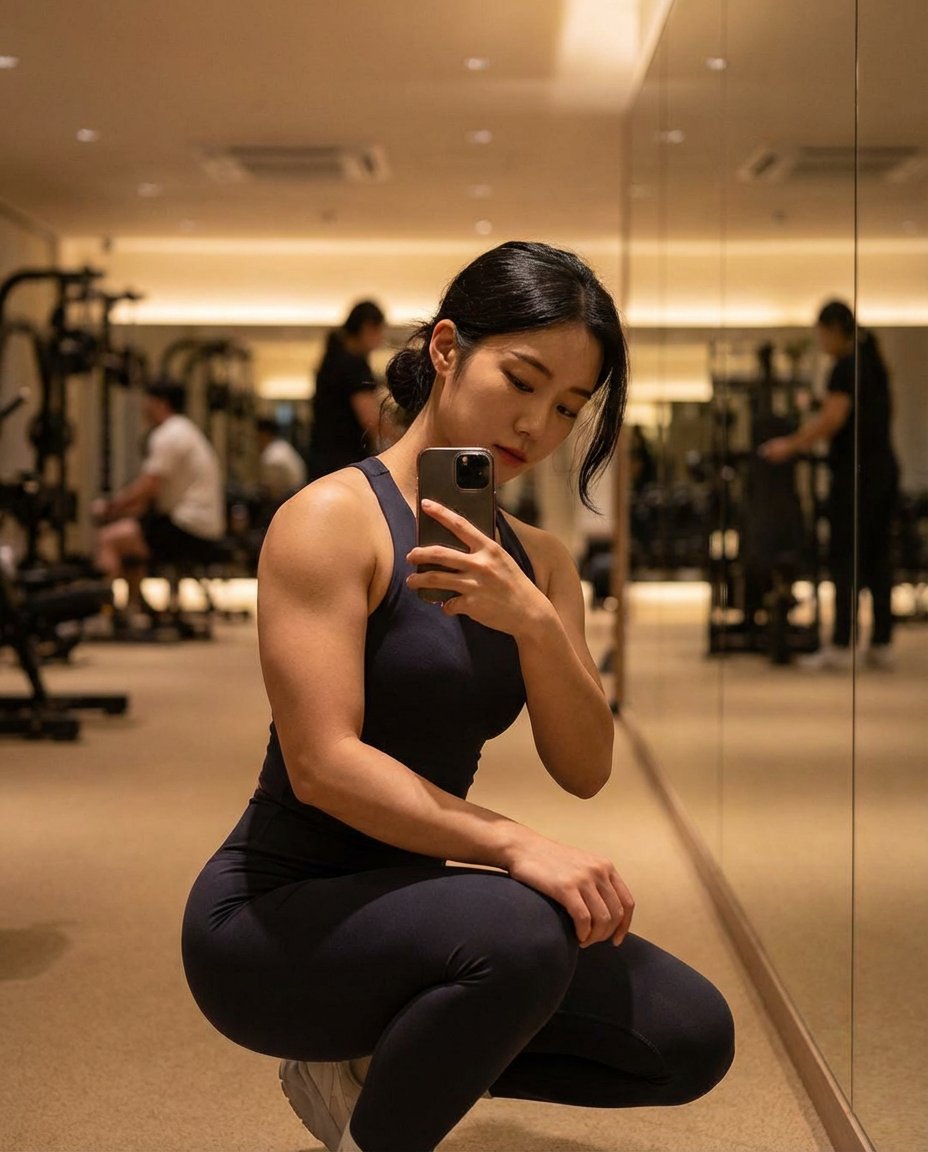
Photorealistic Gym Mirror Selfie (Mixed Heritage)

Cinematic Biker Powder Explosion
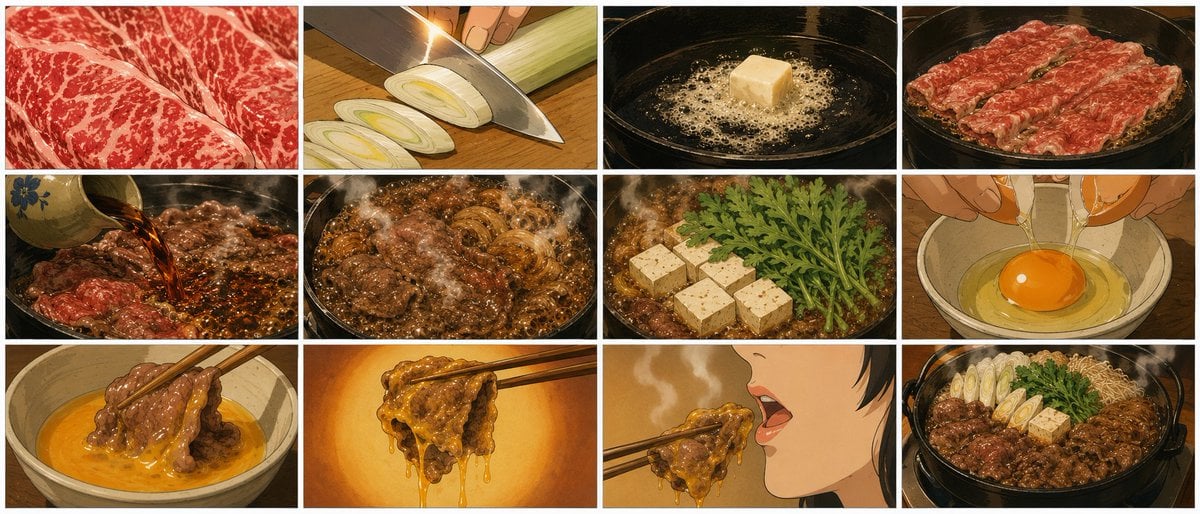
Showa Anime Sukiyaki Storyboard
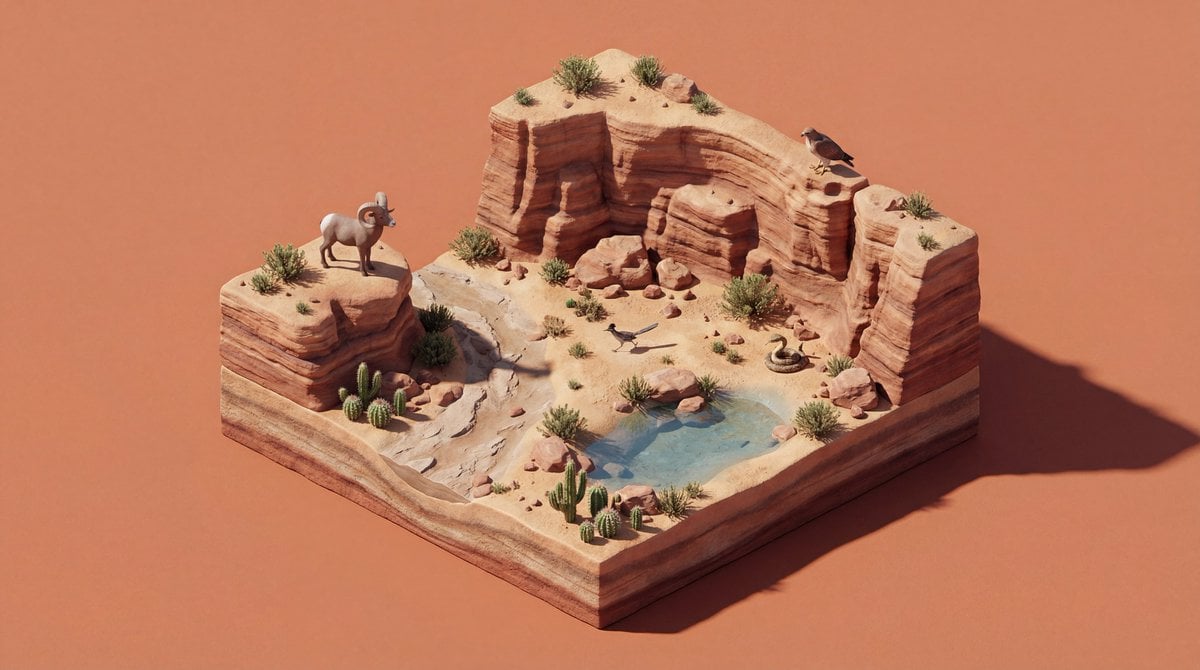
4K Wildlife Habitat Diorama Prompt

Candid Teenage Boy Camping Photo Prompt
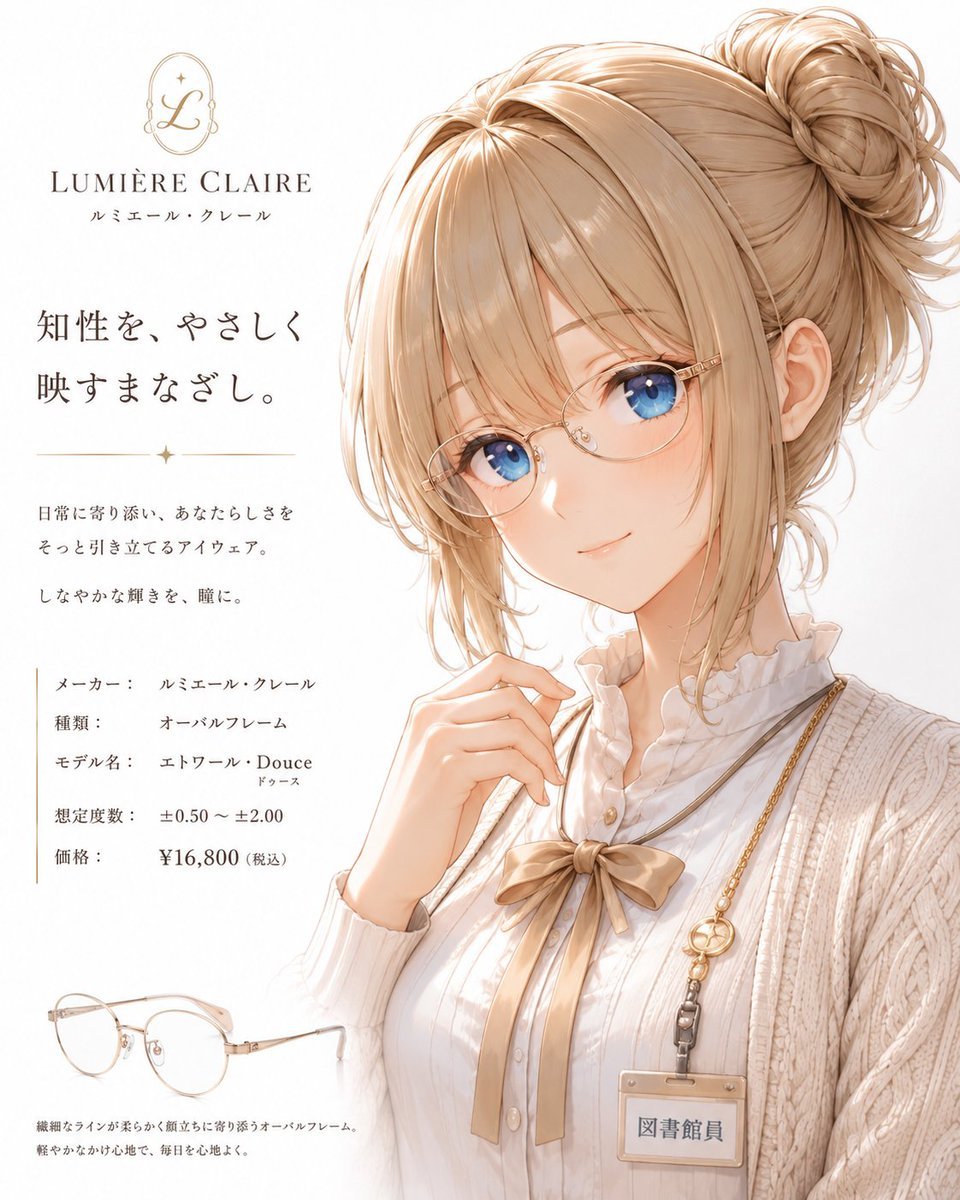
Minimalist Anime Eyeglasses Fashion Poster
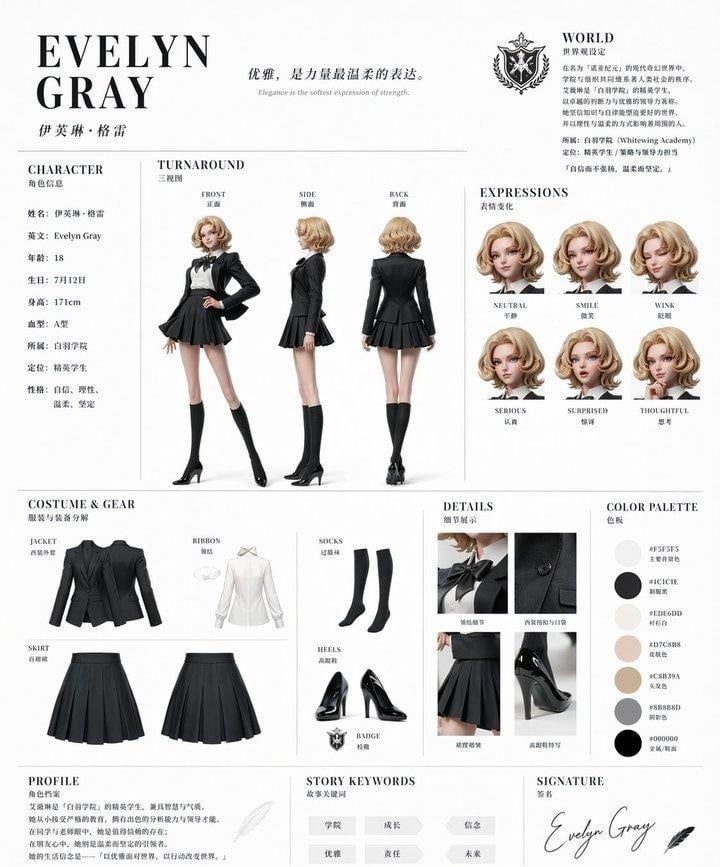
Elegant Academy Character Sheet
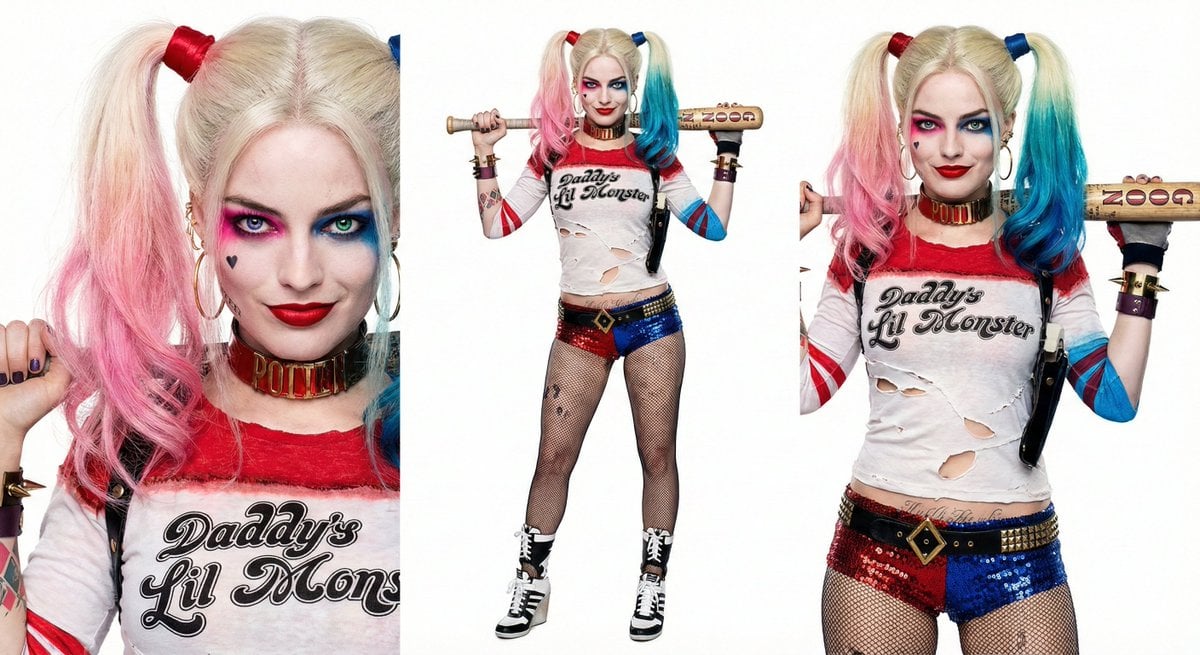
Harley Quinn Archetype Image Generation Prompt
Browse template categories
Lumia Freeze Frame Cover questions
How do I use the Lumia Freeze Frame Cover template?
Add your photo if the template asks for one, edit the prompt if you like — the template's model and format are already selected — and press Generate. Your version opens in PicX Studio.
Can I customize the Lumia Freeze Frame Cover template?
Yes. You can change the subject, setting, lighting, mood, format, and available model controls before creating your image.
Is the Lumia Freeze Frame Cover template free?
Opening and editing this template is free. Generating uses credits, shown on the Generate button when you are signed in.
Which AI model should I use?
Start with GPT Image 2, which is the model associated with this template. You can compare another compatible model for a different finish.
Looking for something else? Browse all templates.

Your photo, any look
Thousands of ready templates for every top image and video model, from one credit balance.