
Letter Left Unsent Cafe Illustration
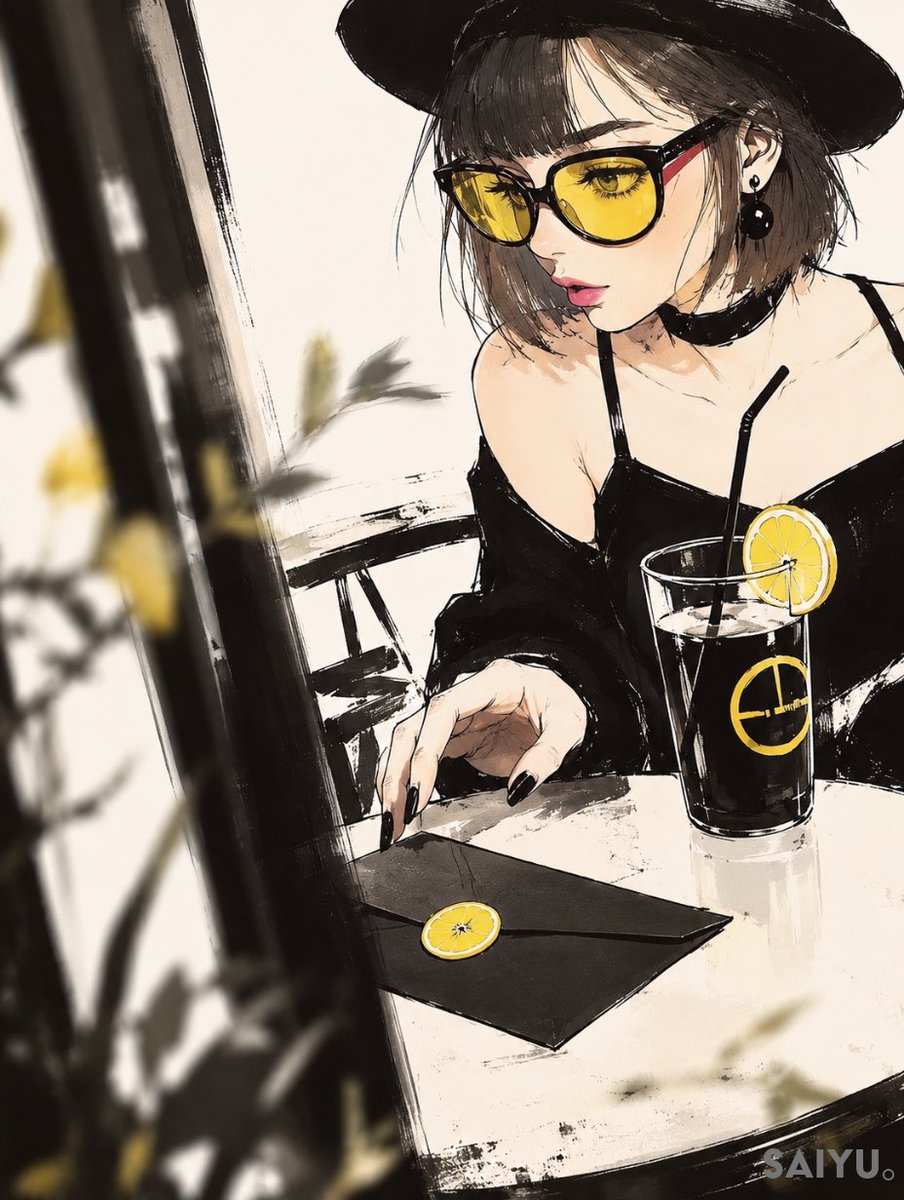
A moody anime-style cafe scene featuring a fashionable woman, a black envelope with a lemon seal, and a dark drink with lemon accents.
- Prompt included
- Model and format preset
- Free template
The prompt behind this image
Copy the exact prompt behind Letter Left Unsent Cafe Illustration, or open it in the studio and make it yours.
Create a stylish vertical 3:4 anime fashion illustration in expressive ink-and-watercolor style, set at a small cafe table by a window. Show a young woman named {argument name="character name" default="Saiyu"} seated in three-quarter view, wearing a wide black hat, short tousled {argument name="hair color" default="ash-brown hair"}, a black off-shoulder camisole dress with thin straps, a black choker, round black earrings, and glossy black nail polish. Her face is intentionally covered by one large centered opaque square censor block in a warm taupe-to-brown gradient, hiding most facial features while leaving part of one eye, hair, hat, ear, and shoulder visible. Her right hand reaches toward a black sealed envelope on the table; the envelope has exactly 1 round yellow lemon-slice wax seal. Beside it is exactly 1 tall clear glass of dark iced drink with exactly 1 black straw, exactly 1 yellow lemon wheel garnish on the rim, and exactly 1 yellow circular emblem printed on the glass. Use a limited palette of cream, black, charcoal, muted brown, and bright lemon yellow accents. Compose the scene with a dramatic diagonal black window frame on the left foreground, blurred yellow flowers and leaves outside the window, a white tabletop with rough dry-brush shadows, and sketchy black ink borders. The mood should feel like a captured decisive moment, titled conceptually {argument name="scene title" default="Letter Left Unsent"}: intimate, fashionable, bittersweet, and cinematic. Add a small subtle watermark-like signature text {argument name="signature text" default="SAIYU。"} in the bottom-right corner. Keep the illustration loose and painterly with visible brush texture, high contrast black shapes, soft cream background, and no extra characters or readable text beyond the signature.
How to use Letter Left Unsent Cafe Illustration in 3 steps
- 1Upload ImagePNG, JPG or paste
Add your photo
Upload the photo the template builds on. The prompt, model and format are already set.
- 2…a portrait of your subject in softgolden-hour light, 85mm…
Personalize
Edit the subject and creative details for your destination.
- 3Generate
Generate
Press Generate — your image is created in PicX Studio, so you can compare it with the original and refine one variable at a time.
More like this
Templates with the same subject, style or setup. Open one to see its prompt.

Delicate Japanese Café Lifestyle Illustration

Cat Photobomb Selfie — 0.5x Wide Angle Café Chaos
Folk Art Cafe Date Illustration

Trendy Cafe Drink Promo Poster

Quiet Minimalist Anime Style Guide

Nostalgic Digicam Café Afternoon Portrait

Real Illustration Split Portrait Transition
Quiet Minimalist Anime Style Guide

Watercolor Café Cheesecake Editorial Illustration
Real Illustration Split Portrait Transition

Bold Side Profile Superhero Poster

Hero Portrait Comic Multi-Panel Poster
Make it yours
Letter Left Unsent Cafe Illustration works as-is. These are the safest ways to change it without losing the look.
Change one field
Copy a single group, rewrite it, and generate again so you can see what that field is doing.
Keep the frame, change the subject
Hold the composition and light of Letter Left Unsent Cafe Illustration, then swap wardrobe, props or the person for a new take.
| If the result… | Why | Fix |
|---|---|---|
| The result drifts from the preview | Too many fields changed at once. | Reuse Letter Left Unsent Cafe Illustration as-is first, then change one group — subject, light, or setting. |
| The model over-stylizes the scene | The prose prompt leaves finish and camera underspecified. | Add one camera or lighting sentence and stay on GPT Image 2. |
More GPT Image 2 templates
Other prompts made for GPT Image 2.

Six VTuber Japanese Logo Sheet

Realistic Portrait of Woman and Deer

The Vista Modular Condo Poster

AI Model Routing Comparison Infographic

2.5D Anime Art Board

Isometric Productivity Desk Scene

New York Double Exposure Poster

Four-Panel AI Landscape Comparison

Japanese Tatami Lifestyle Magazine Cover

NESCAFÉ Coffee Map Poster
More image prompts
Fresh picks from across the catalog.
Dual Portrait Prompts for Nano Banana Pro: Airport and Cafe Scenes
Anime Shrine Street Portrait
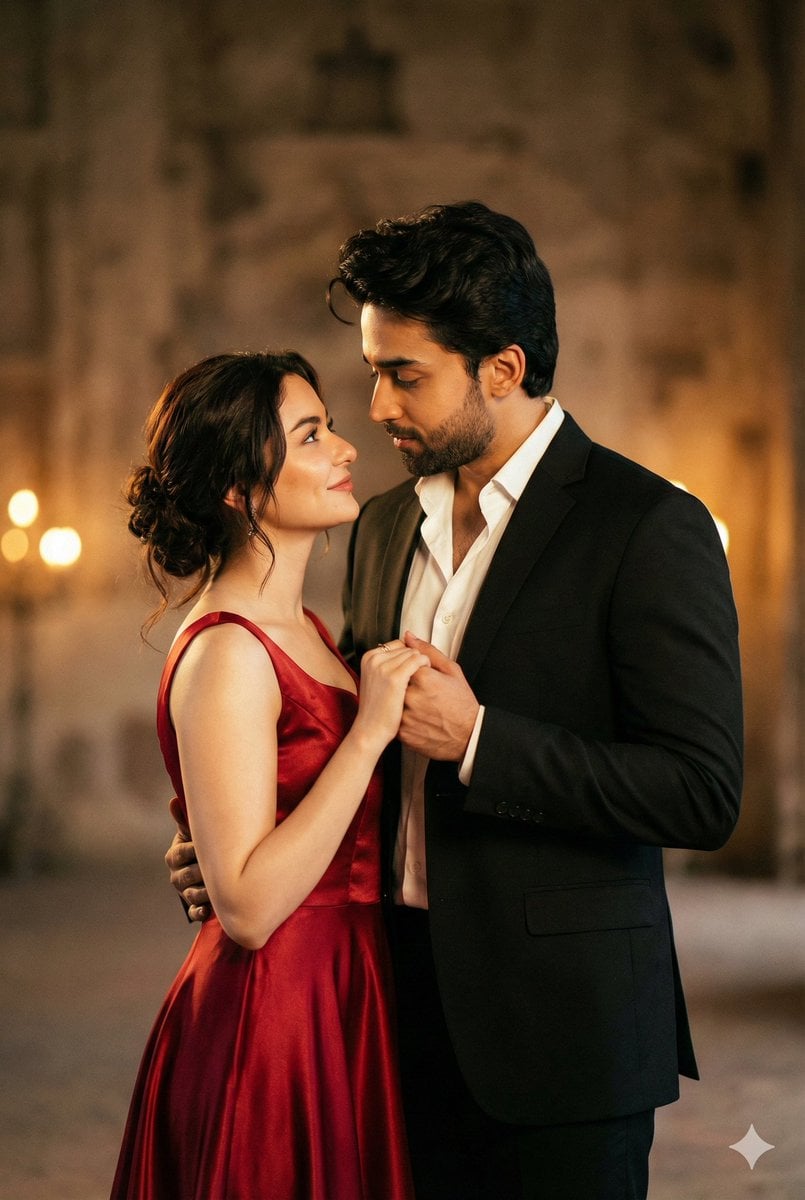
Cinematic Portrait of Couple in Intimate Embrace
![[ Just upload your portrait to generate it ] Prom](https://cdn.picxstudio.com/cdn-cgi/image/format=auto,quality=85,fit=scale-down,onerror=redirect,width=3840,metadata=none/templates/media/image/783884dc42e5c41aafc56600151d0ddc.jpg)
[ Just upload your portrait to generate it ] Prom
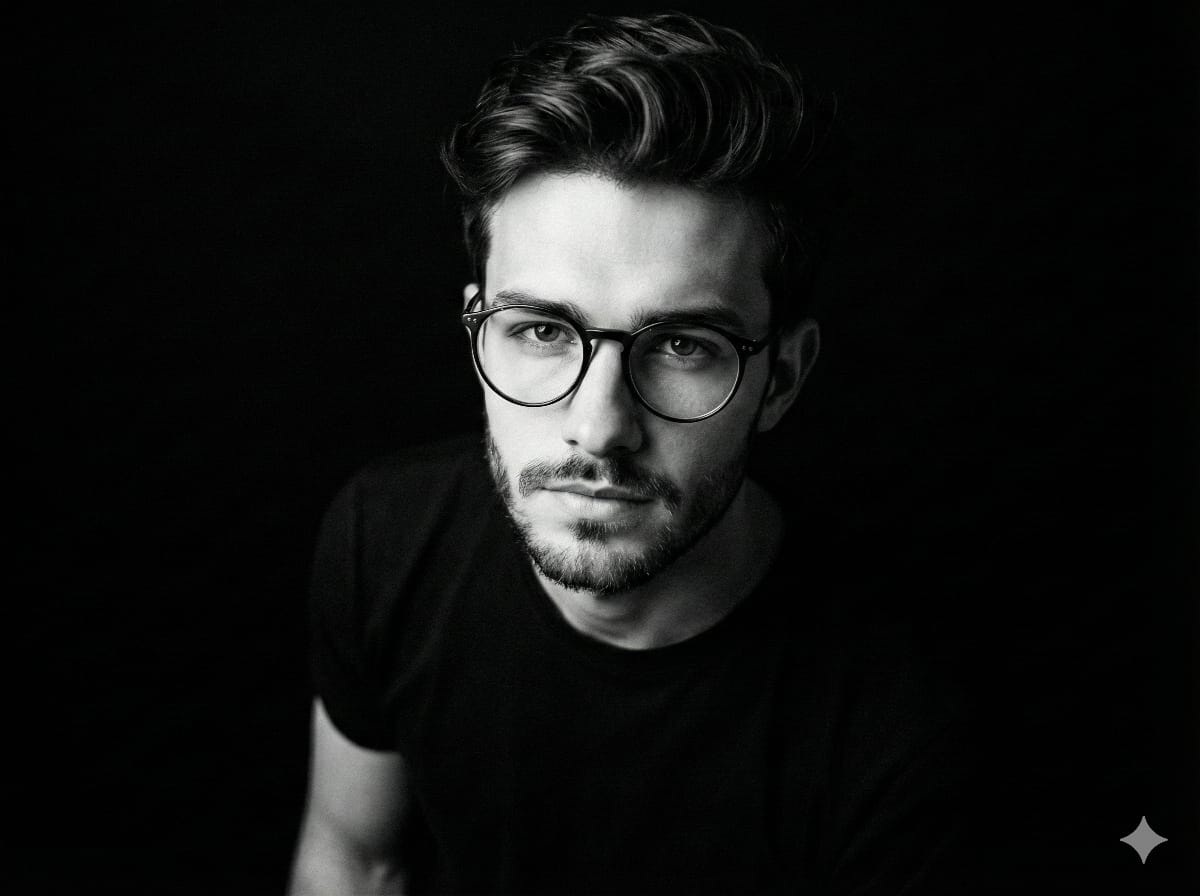
Black and White Portrait Generation Prompt
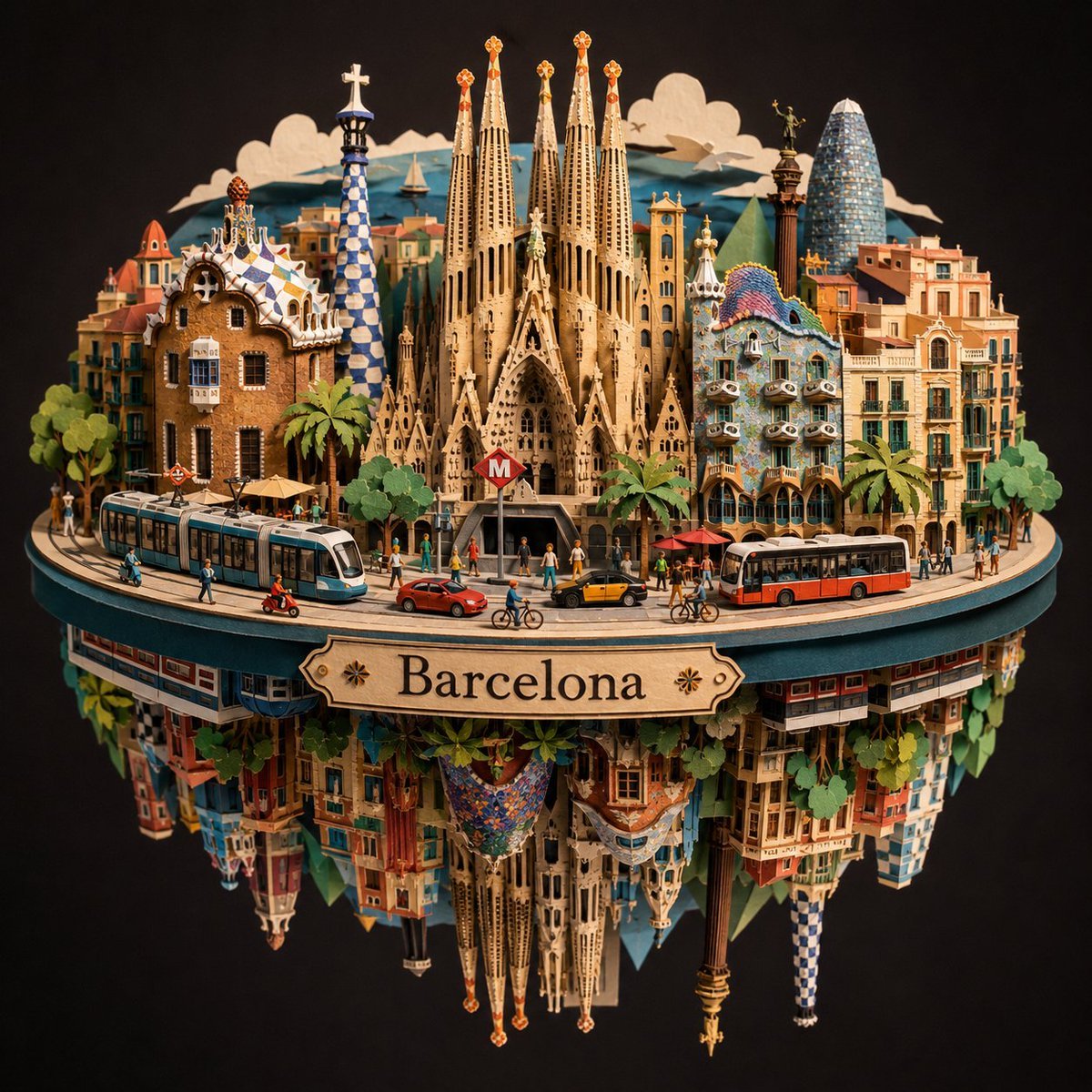
Barcelona Spherical Paper City Diorama
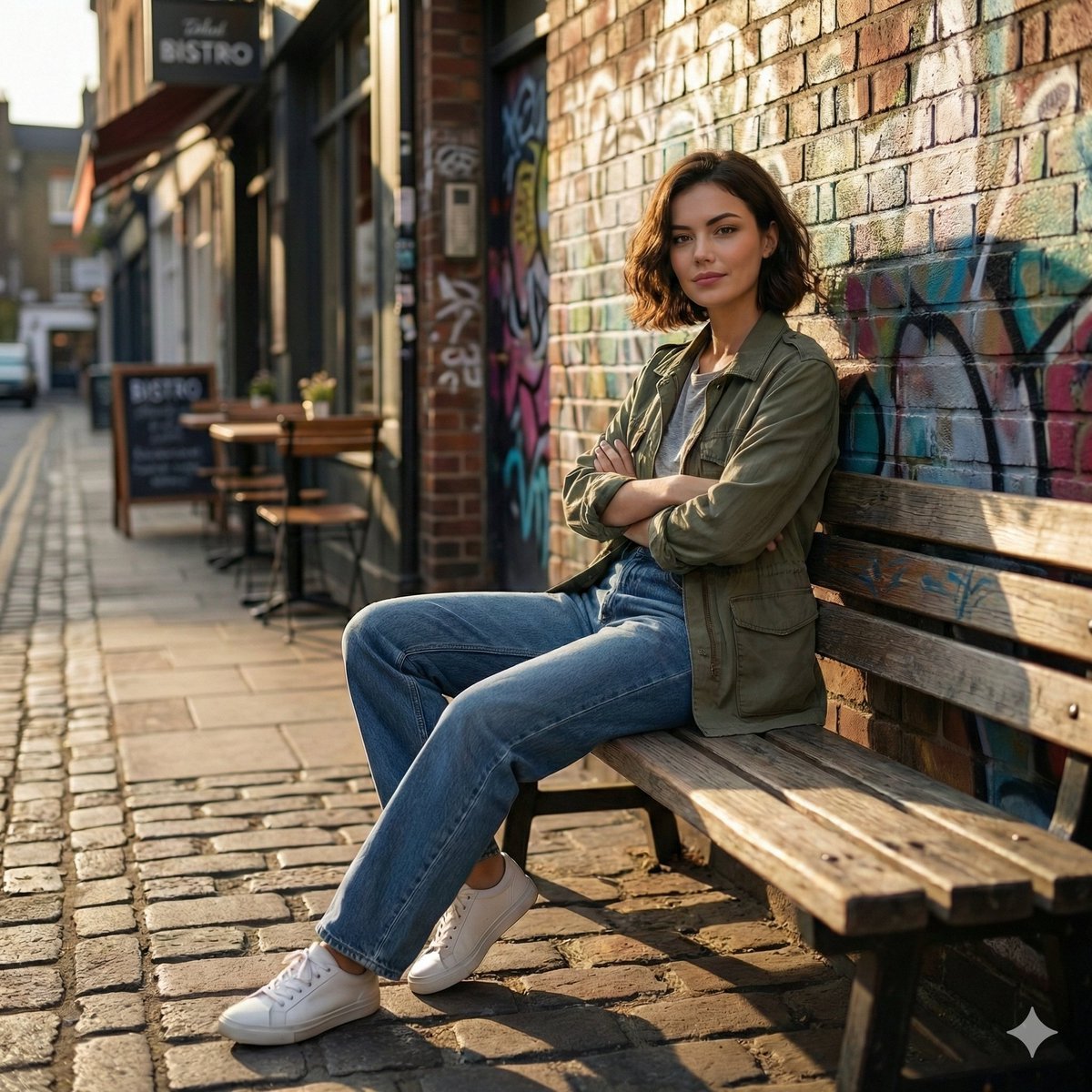
Cinematic Urban Street Scene Prompt
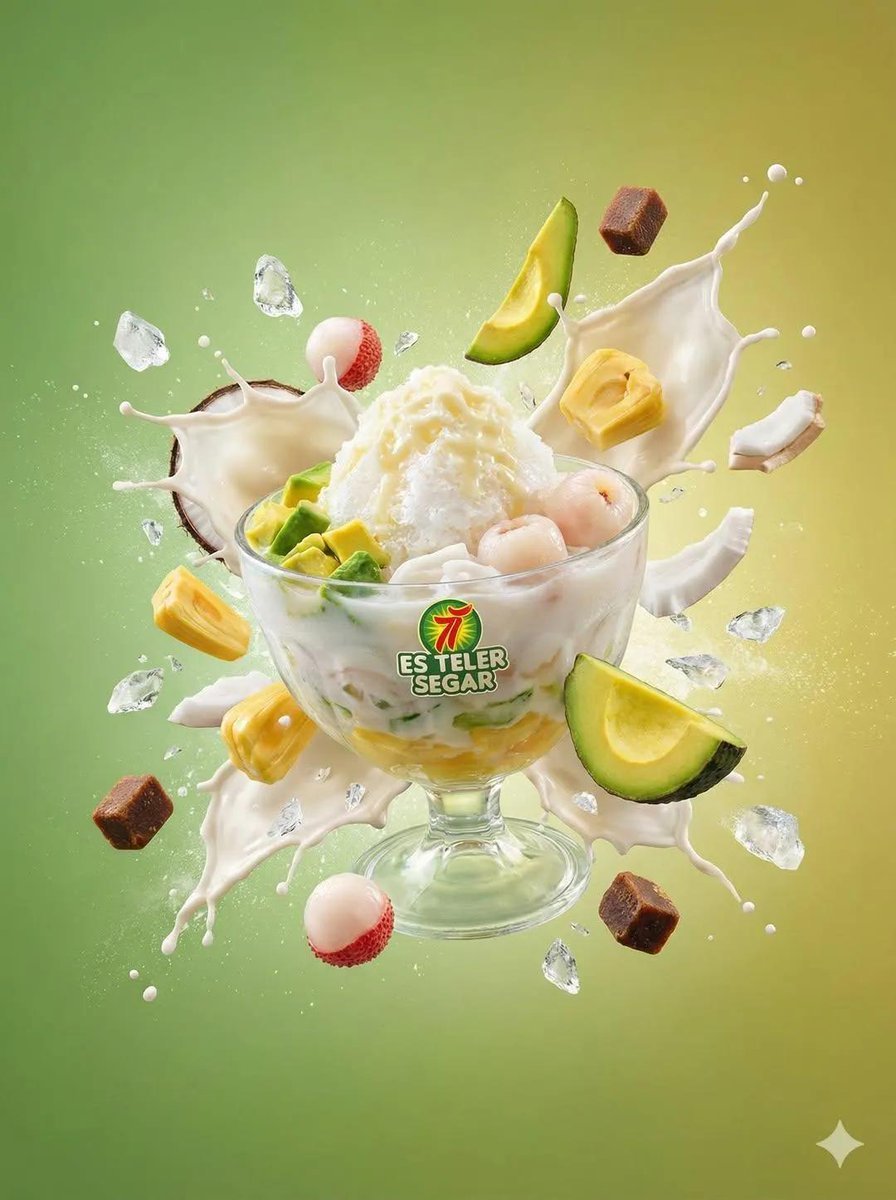
Tropical Dessert Product Photography with Milk Splash
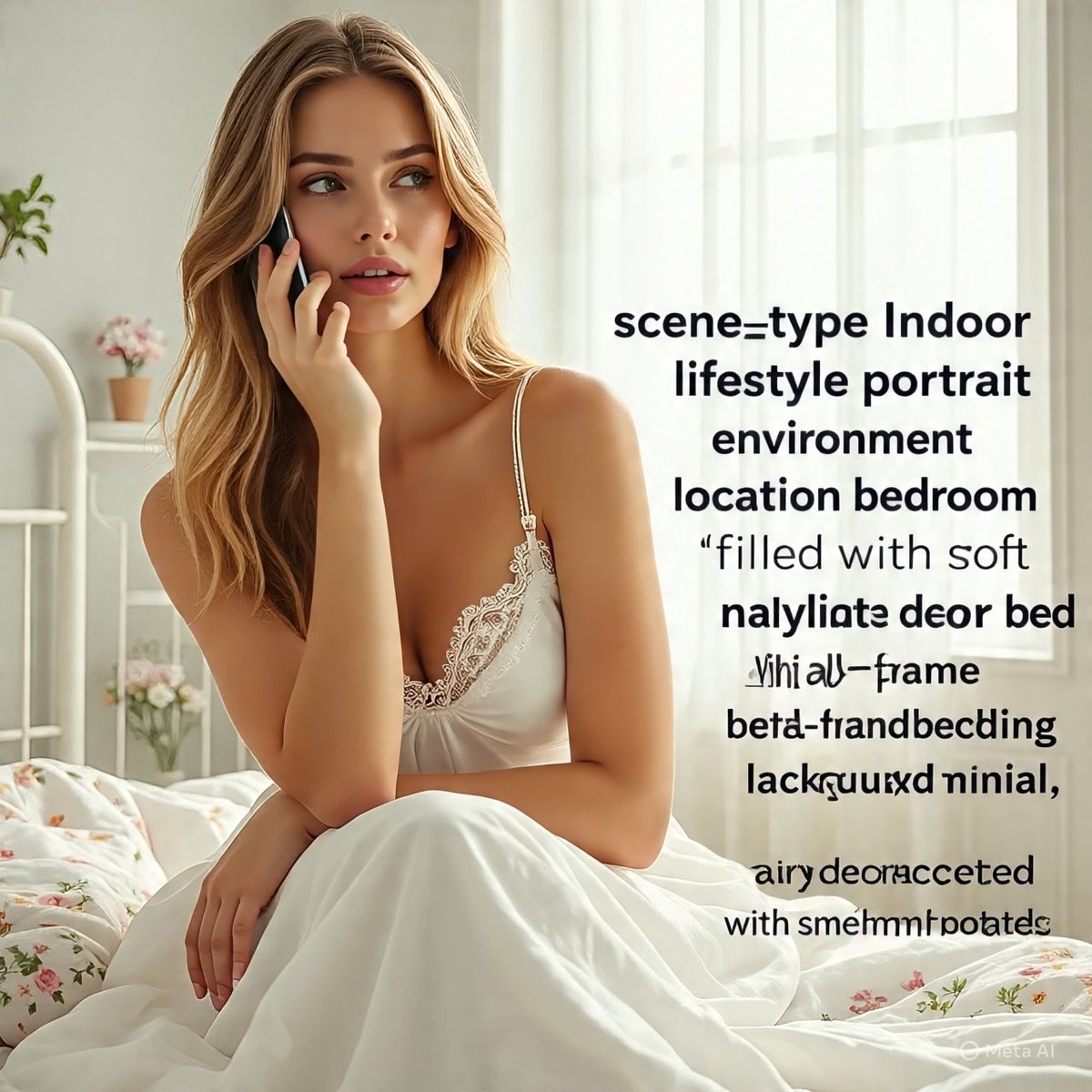
Intimate Mirror Selfie in a Sunlit Bedroom
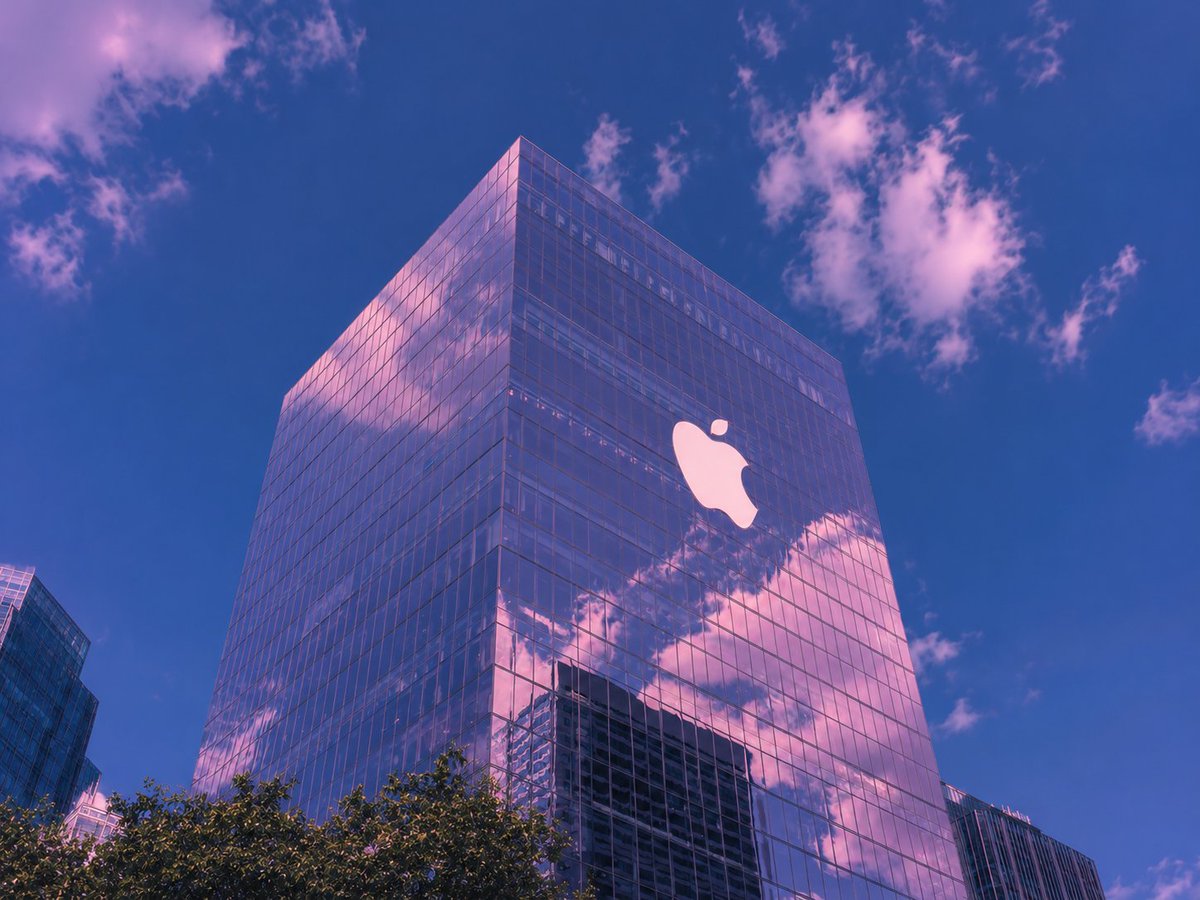
Vaporwave Apple Glass Tower
Browse template categories
Letter Left Unsent Cafe Illustration questions
How do I use the Letter Left Unsent Cafe Illustration template?
Add your photo if the template asks for one, edit the prompt if you like — the template's model and format are already selected — and press Generate. Your version opens in PicX Studio.
Can I customize the Letter Left Unsent Cafe Illustration template?
Yes. You can change the subject, setting, lighting, mood, format, and available model controls before creating your image.
Is the Letter Left Unsent Cafe Illustration template free?
Opening and editing this template is free. Generating uses credits, shown on the Generate button when you are signed in.
Which AI model should I use?
Start with GPT Image 2, which is the model associated with this template. You can compare another compatible model for a different finish.
Looking for something else? Browse all templates.

Your photo, any look
Thousands of ready templates for every top image and video model, from one credit balance.