
White Model to Realistic Dining Photo
Transforms a simple 3D reference blockout into a warm photorealistic scene of a man eating dinner at a table.
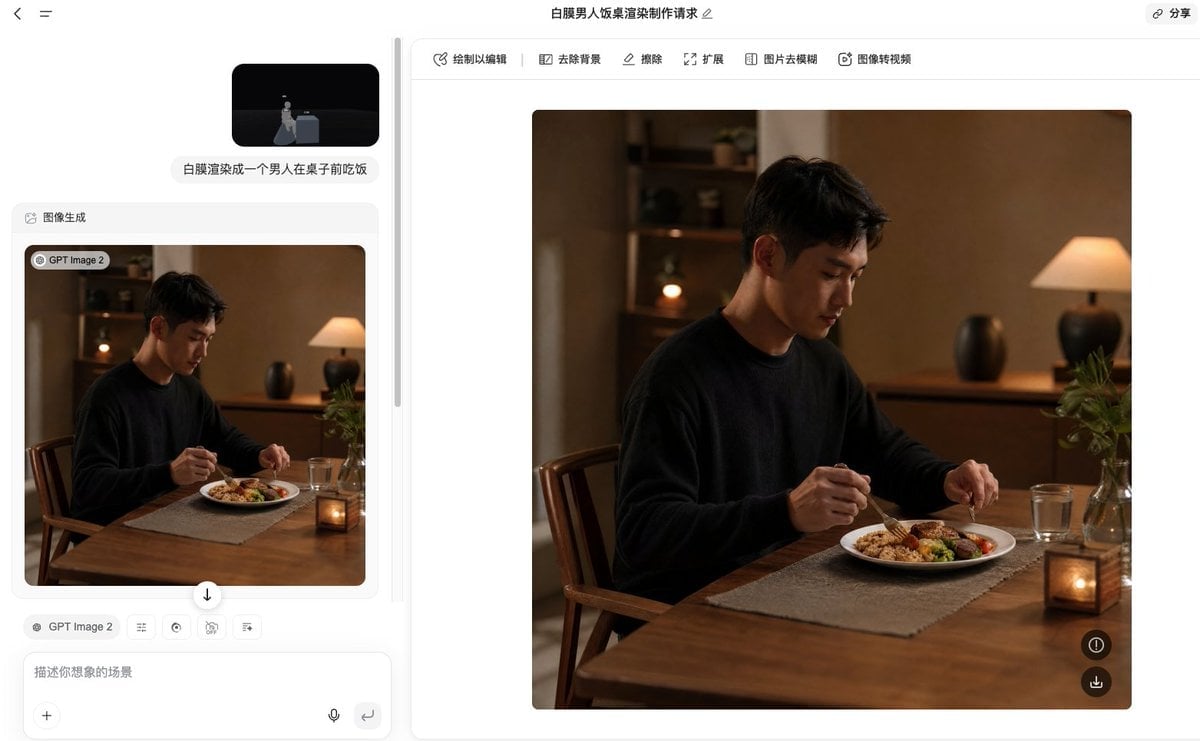
- Prompt included
- Model and format preset
- Free template
The prompt behind this image
Copy the exact prompt behind White Model to Realistic Dining Photo, or open it in the studio and make it yours.
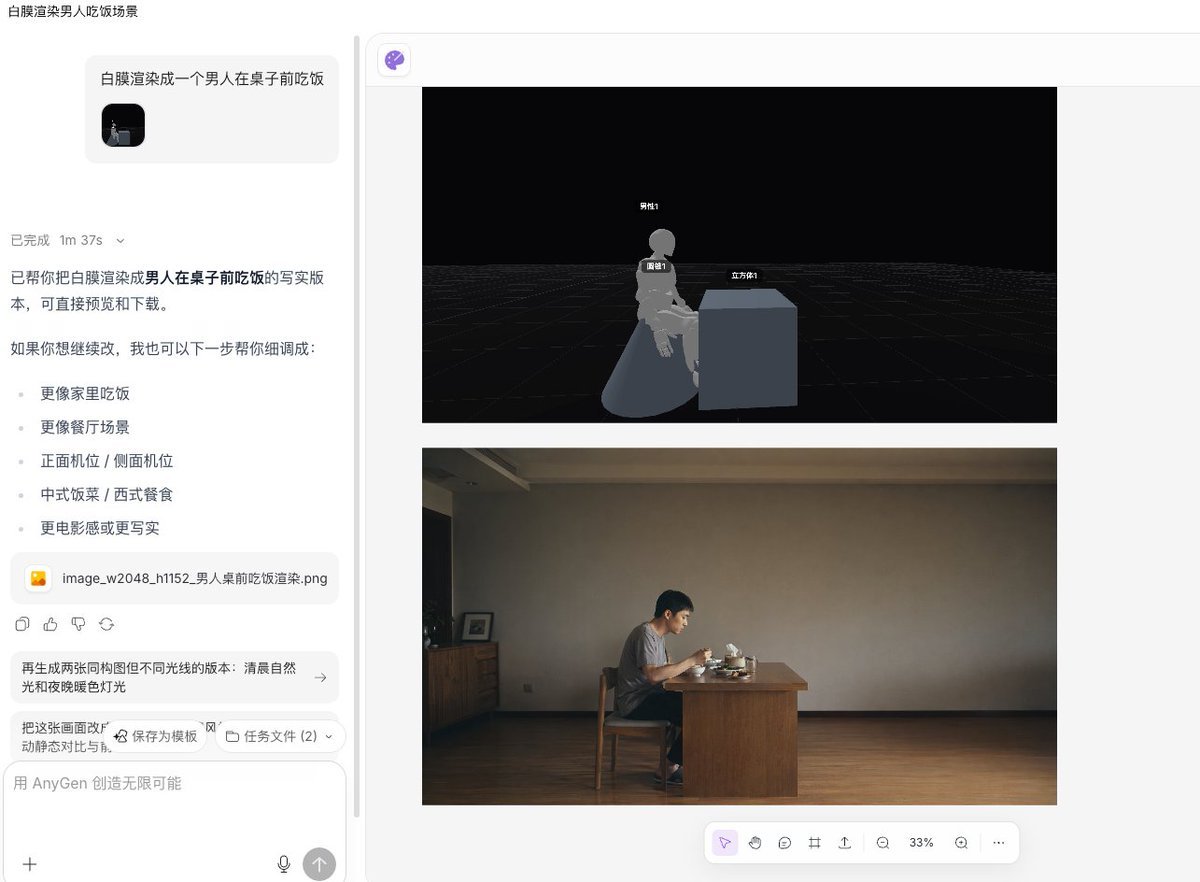
Using the provided reference image as the composition and pose guide, transform the white 3D blockout into a warm, photorealistic dining scene: a {argument name="character name" default="young East Asian man"} sits at the table in the same seated position, eating dinner with utensils. Replace the abstract cube table and mannequin with realistic furniture and a real human subject, keeping the side-facing dining posture and tabletop placement from the reference. Scene: an intimate home dining room at night with warm cinematic lighting, shallow depth of field, and a cozy natural color palette. Add exactly 7 main visible scene elements beyond the man: 1 wooden dining table, 1 wooden chair, 1 white dinner plate with a balanced meal, 1 clear drinking glass, 1 small lit candle lantern on the table, 1 glass vase with green plant stems, and 1 warm table lamp in the background. Include simple background furniture such as a wooden sideboard and shelves, softly blurred. Style: realistic lifestyle photography, medium-close framing, warm amber indoor light, soft shadows, natural skin texture, high-end editorial food photography mood. Make the subject wear a {argument name="outfit" default="plain black sweater"}. The meal should look like {argument name="meal type" default="rice, vegetables, and meat on a white plate"}. Avoid cartoon, CGI, labels, text overlays, or visible UI; produce only the final realistic image.
Reference images included
White Model to Realistic Dining Photo needs input media to work. They load alongside the prompt when you open it in the studio.
How to use White Model to Realistic Dining Photo in 3 steps
- 1Upload ImagePNG, JPG or paste
Add your photo
Upload the photo the template builds on. The prompt, model and format are already set.
- 2…a portrait of your subject in softgolden-hour light, 85mm…
Personalize
Edit the subject and creative details for your destination.
- 3Generate
Generate
Press Generate — your image is created in PicX Studio, so you can compare it with the original and refine one variable at a time.
More like this
Templates with the same subject, style or setup. Open one to see its prompt.

Premium Vertical Product Campaign Poster

Woman in Mall with Chanel Bag - Heart Gesture

Outdoor Cafe Portrait — White Ruched Top Nano Banana
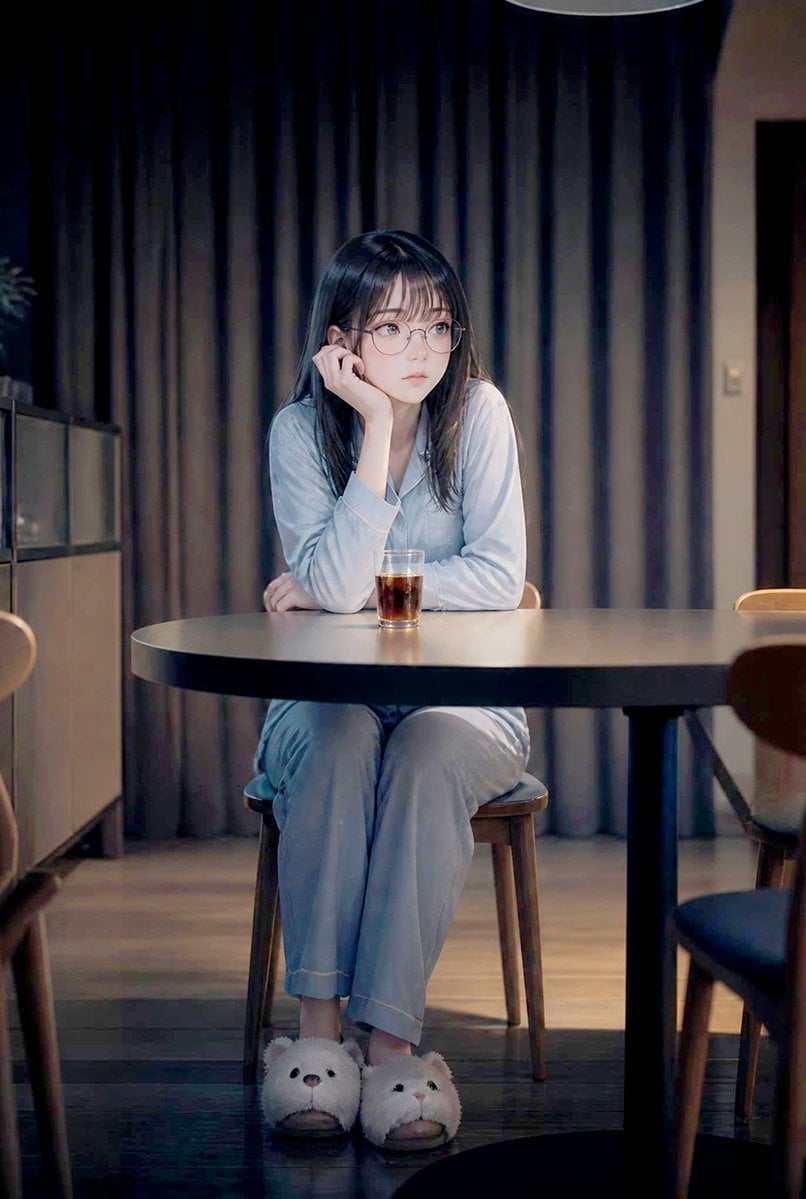
Lonely Night Dining Portrait
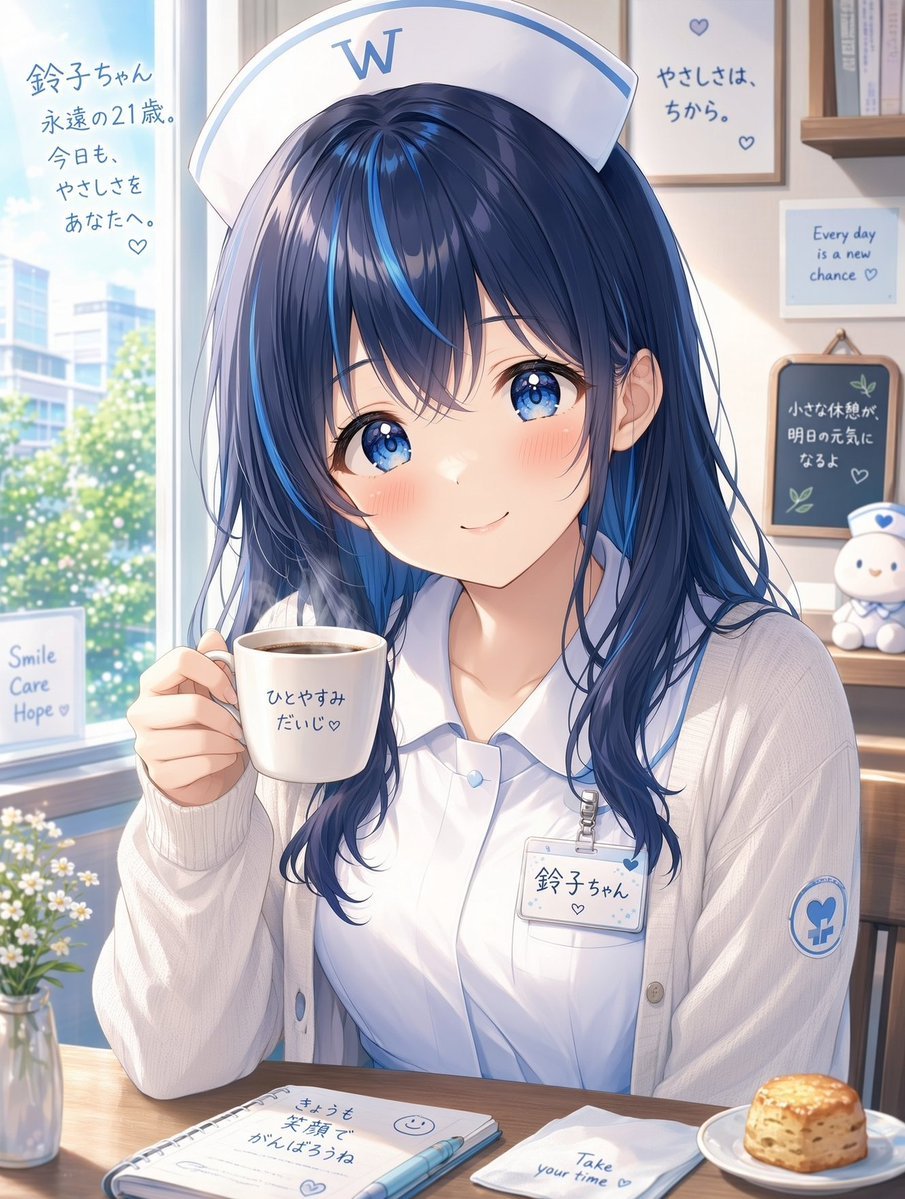
White Wing Nurse Break Room Portrait

Avant-Garde Asian Fashion Model
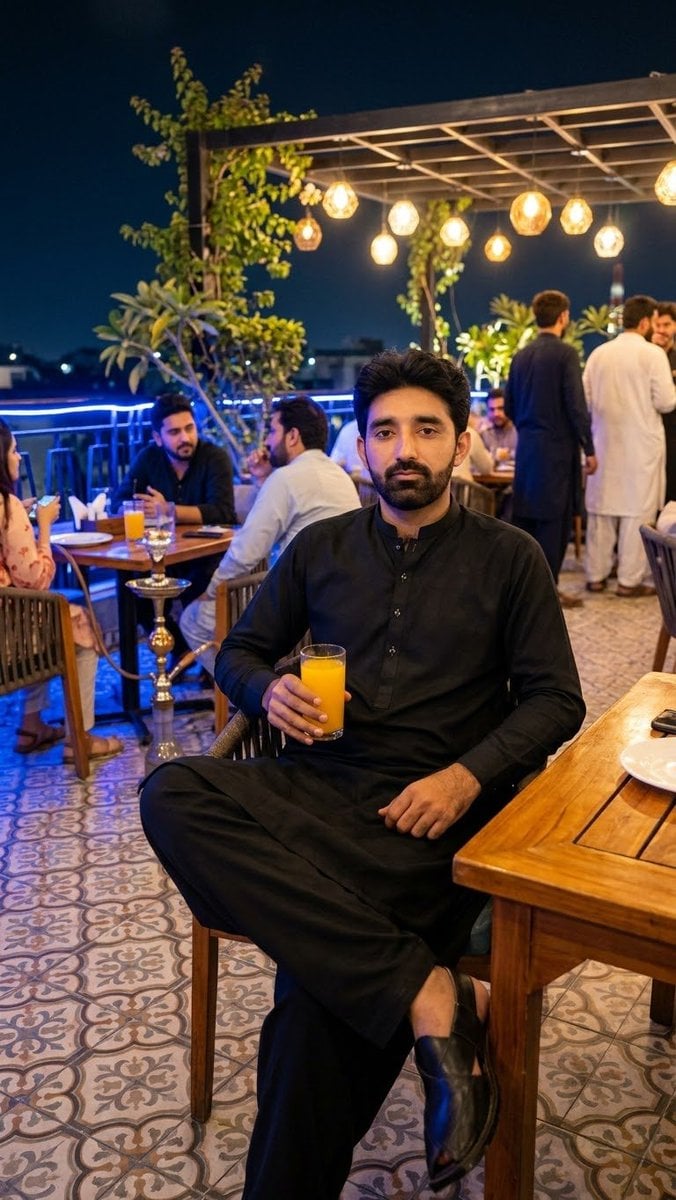
Outdoor Night Dining Identity Preservation
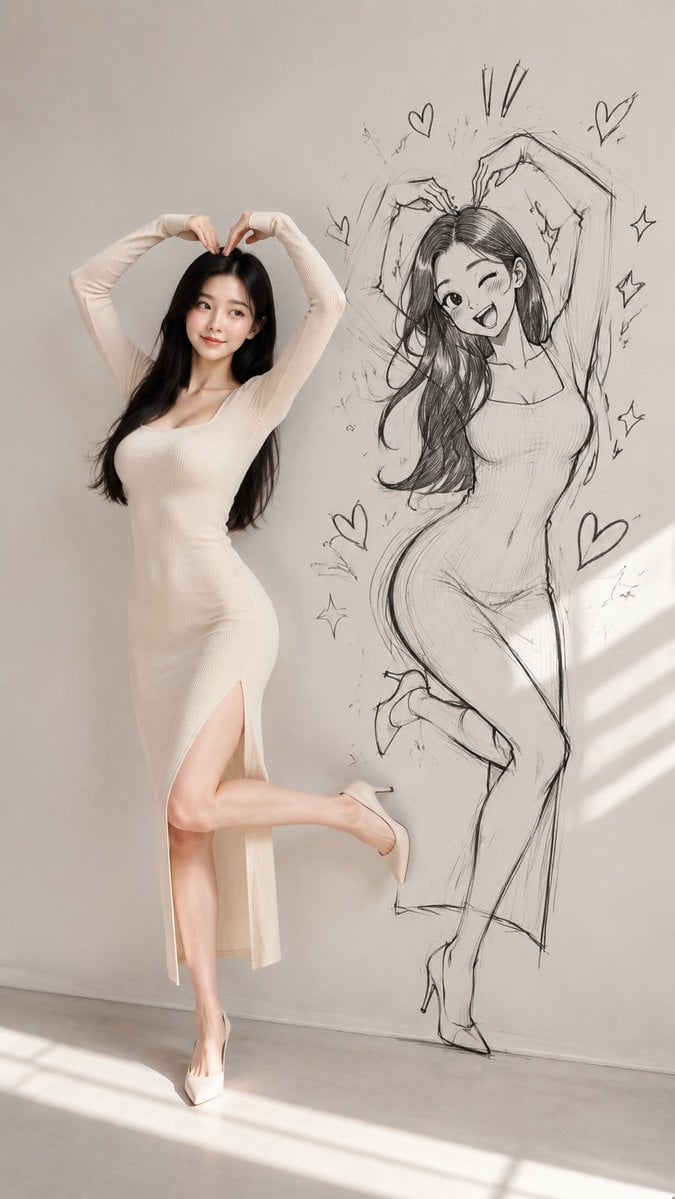
Model With Manga Wall Sketch

AI Model Routing Comparison Infographic

Fantasy Model Comparison Grid
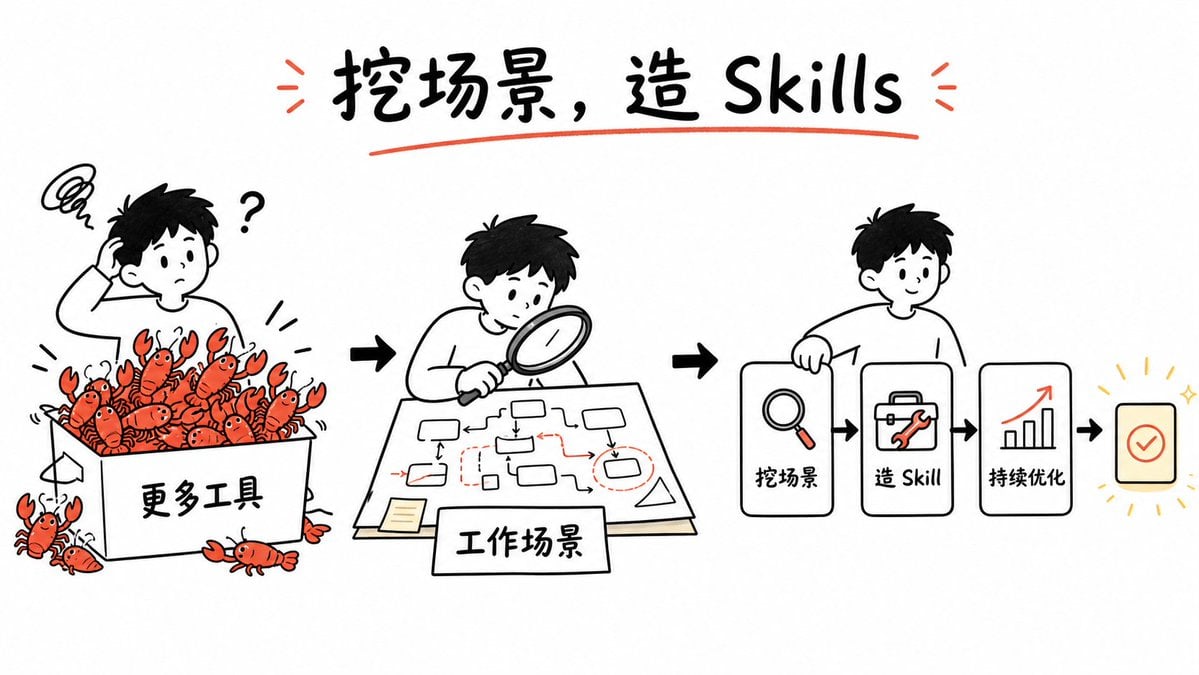
Whiteboard Skill-Building Workflow
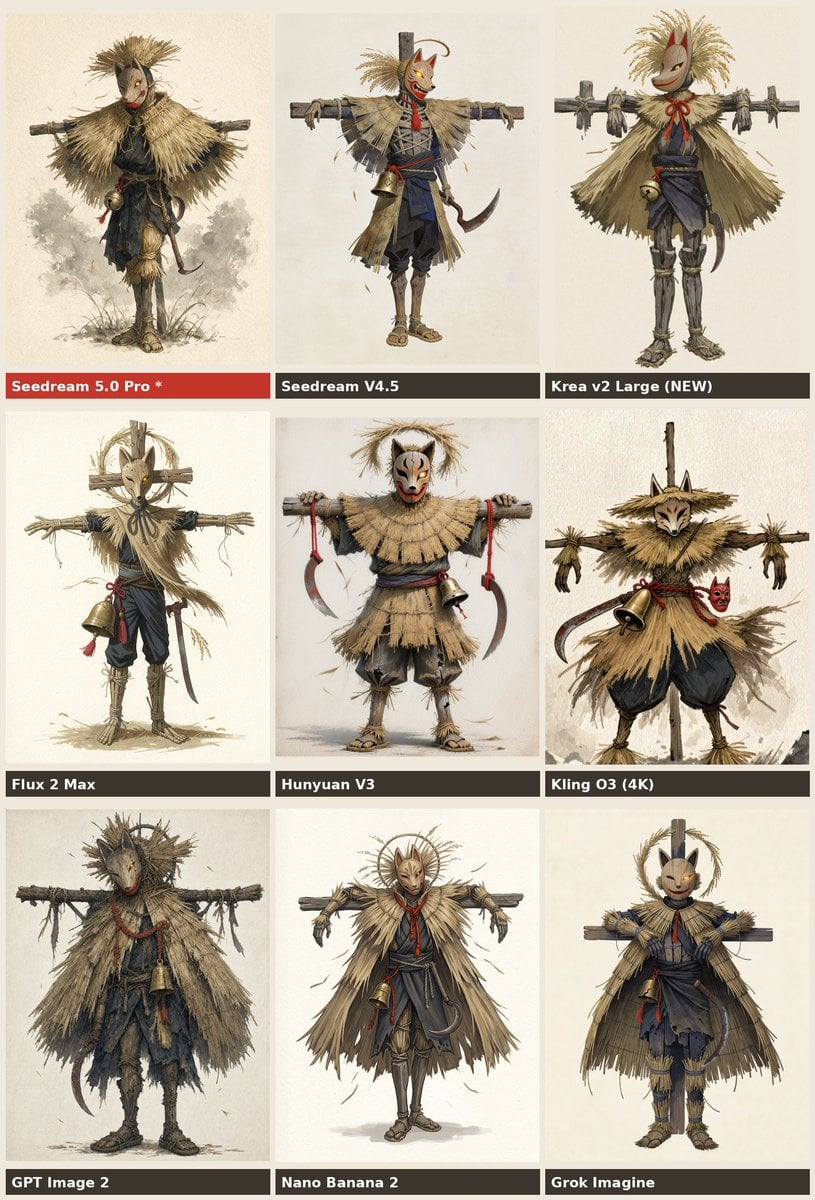
Nine-Model Scarecrow Yokai Comparison
Make it yours
White Model to Realistic Dining Photo works as-is. These are the safest ways to change it without losing the look.
Change one field
Copy a single group, rewrite it, and generate again so you can see what that field is doing.
Keep the frame, change the subject
Hold the composition and light of White Model to Realistic Dining Photo, then swap wardrobe, props or the person for a new take.
| If the result… | Why | Fix |
|---|---|---|
| The result drifts from the preview | Too many fields changed at once. | Reuse White Model to Realistic Dining Photo as-is first, then change one group — subject, light, or setting. |
| The model over-stylizes the scene | The prose prompt leaves finish and camera underspecified. | Add one camera or lighting sentence and stay on GPT Image 2. |
More GPT Image 2 templates
Other prompts made for GPT Image 2.

Six VTuber Japanese Logo Sheet

Realistic Portrait of Woman and Deer

The Vista Modular Condo Poster

2.5D Anime Art Board

Isometric Productivity Desk Scene

New York Double Exposure Poster

Four-Panel AI Landscape Comparison

Japanese Tatami Lifestyle Magazine Cover

NESCAFÉ Coffee Map Poster

Brutalist Cogito Chinese Typography Poster
More image prompts
Fresh picks from across the catalog.
Cinematic Winter Night Couple Triptych
Object Removal from Photo using Nano Banana Pro

Japanese MNP Campaign Banner
Medical Infographic Prompt
Minimalist Window Light Black and White Portrait Prompt
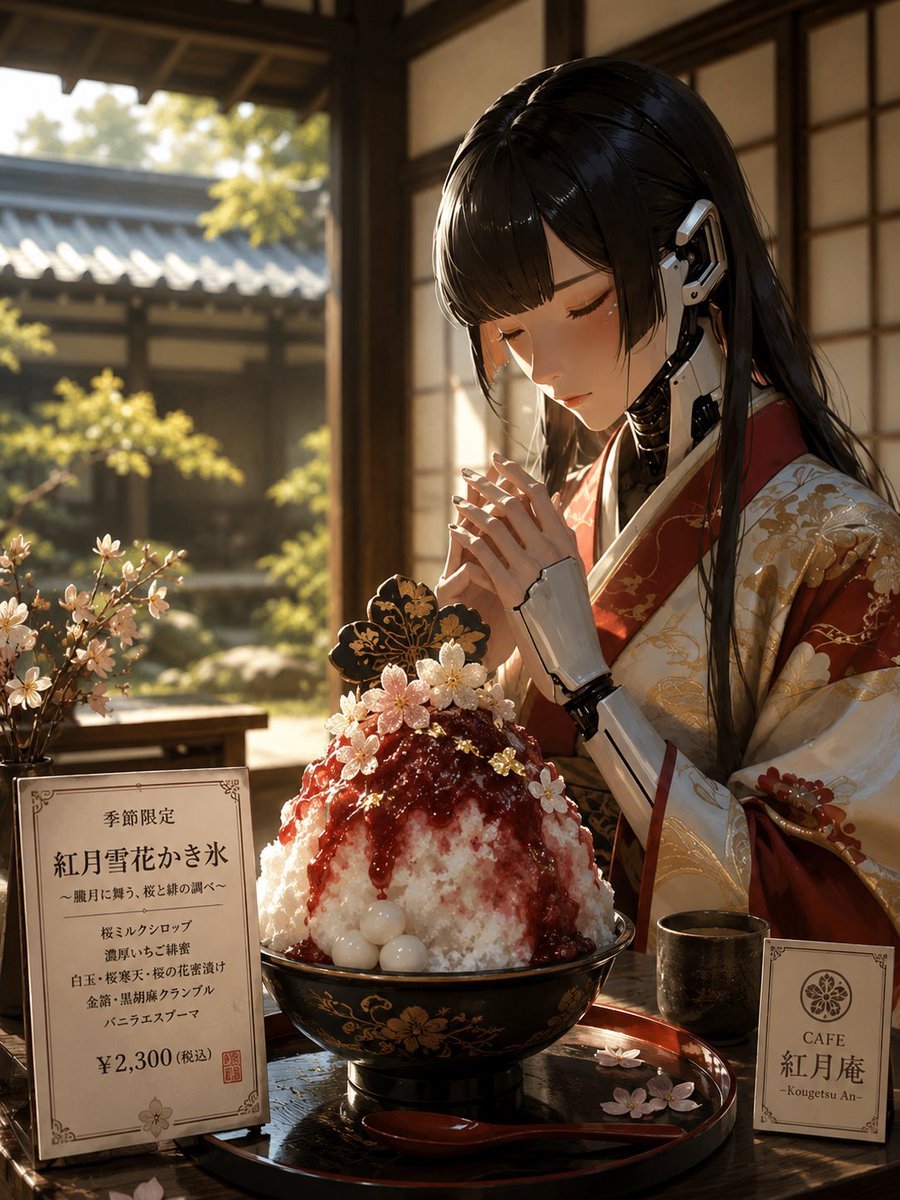
Luxury Cybernetic Kakigori Café Scene
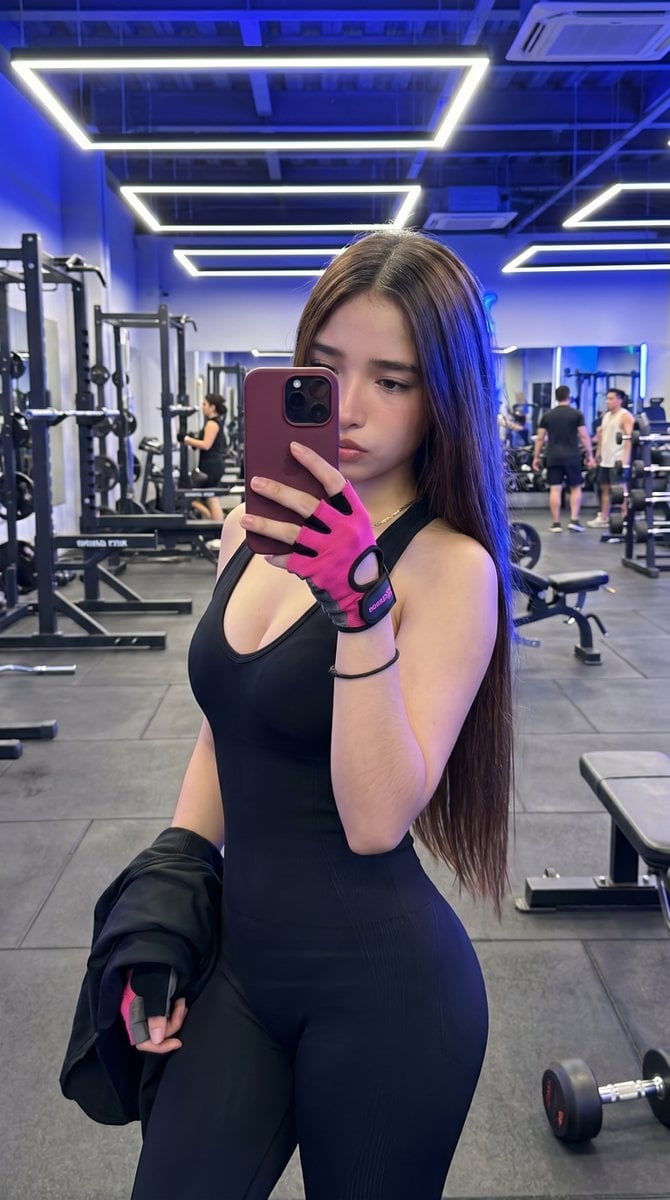
Hyper-Realistic Gym Mirror Selfie
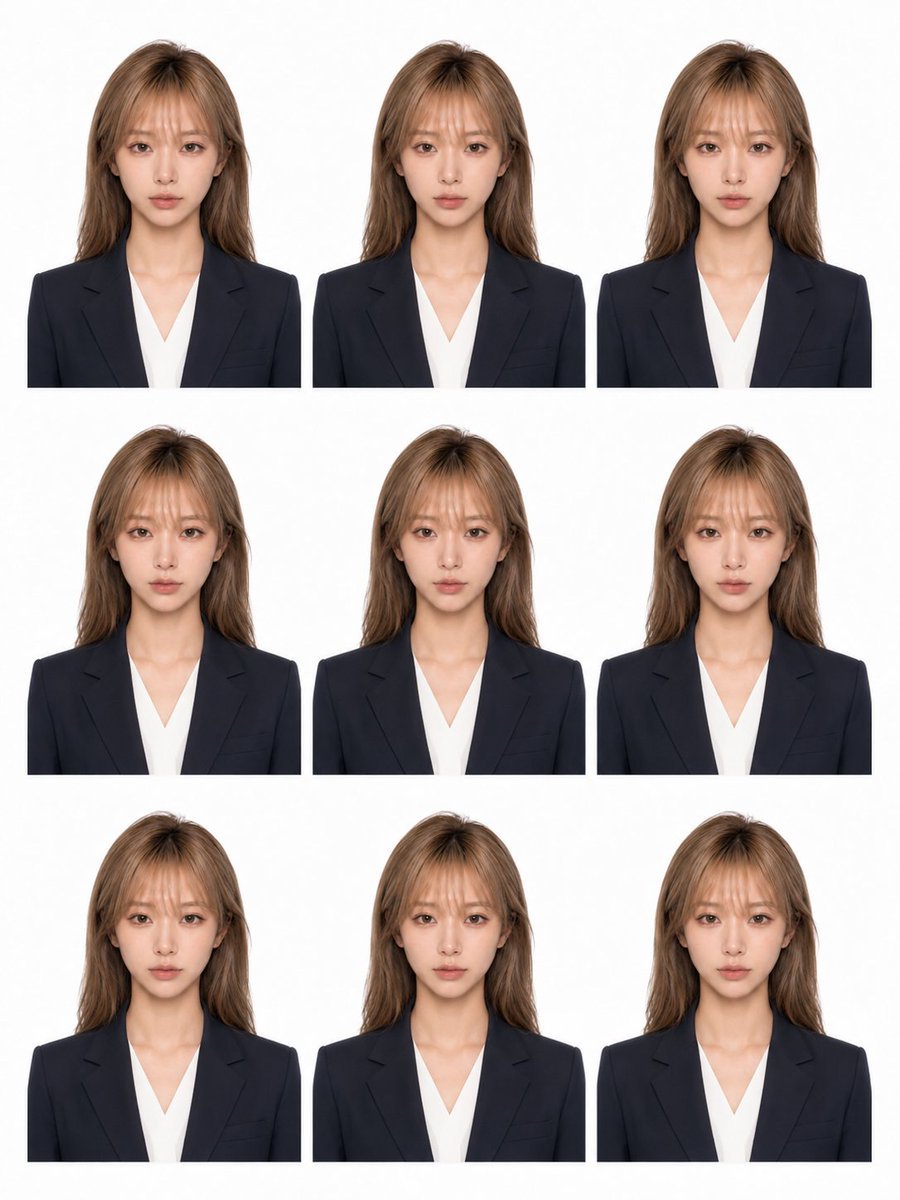
Nine-Photo ID Portrait Sheet
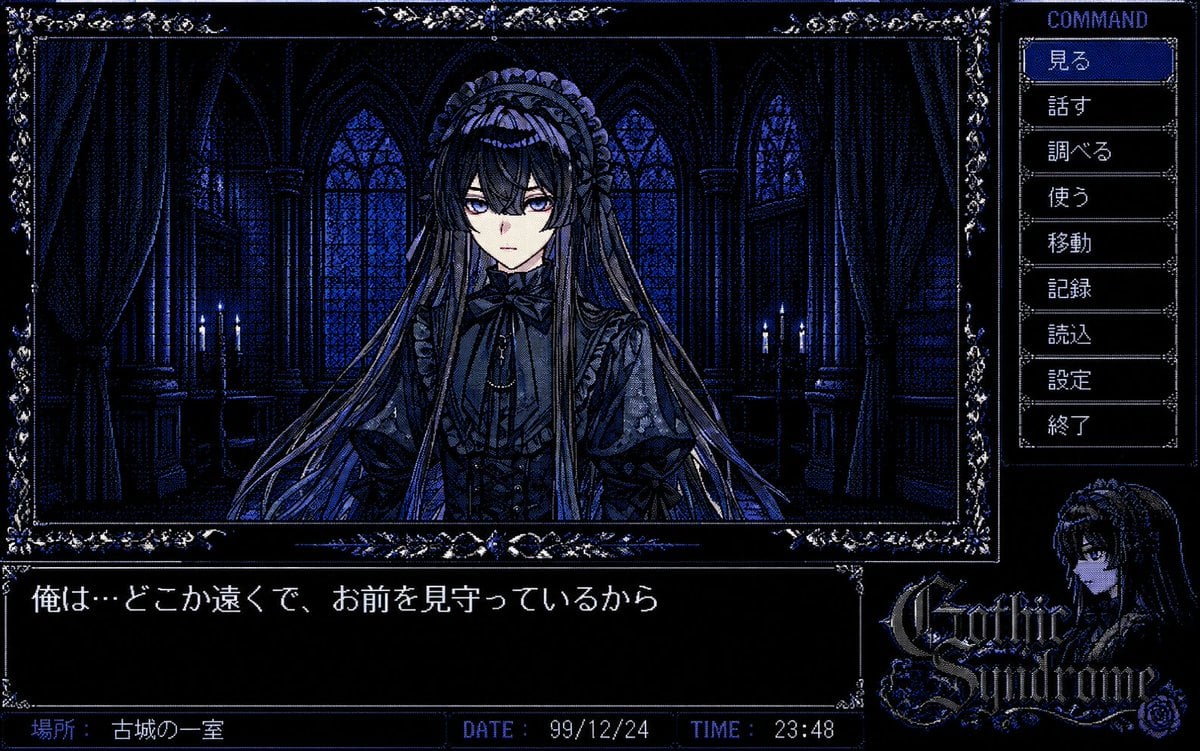
PC-98 Gothic Adventure Game UI
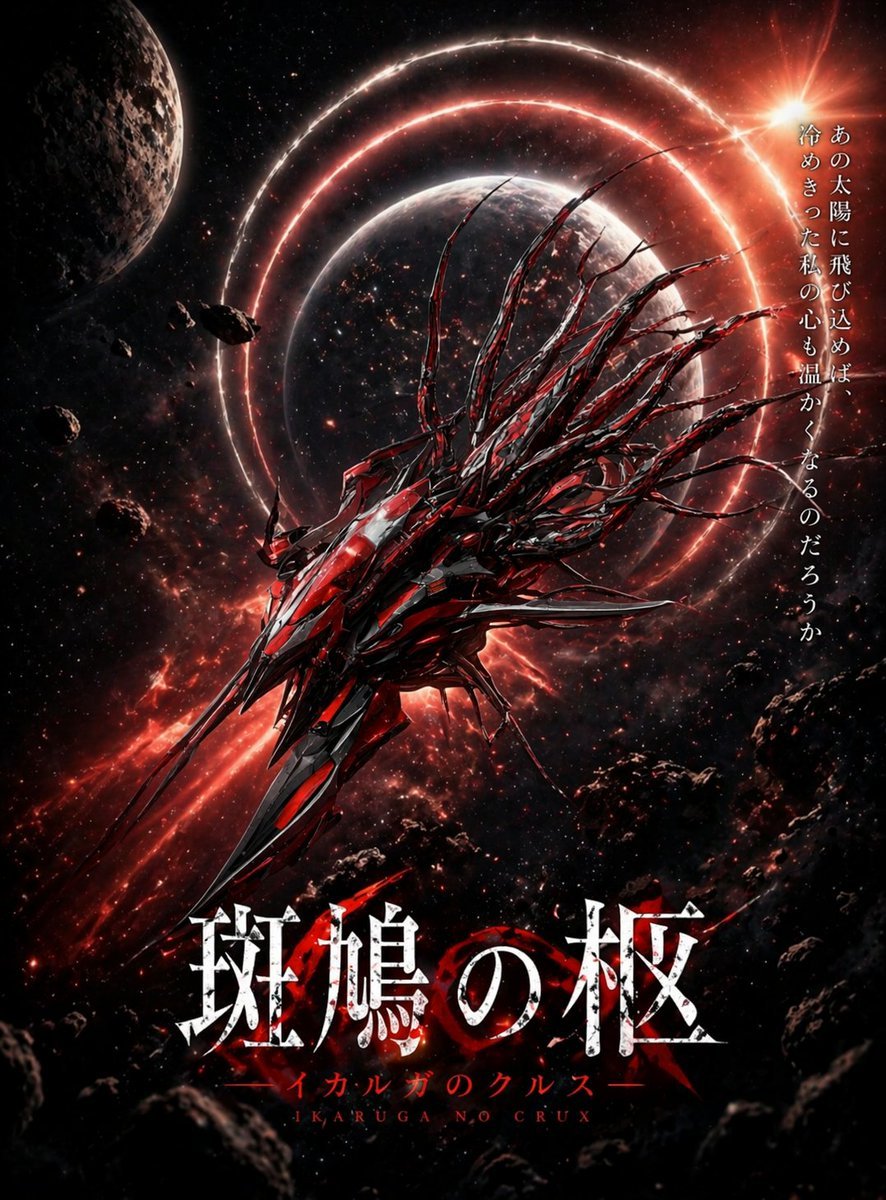
Crimson Space Opera Key Visual
Browse template categories
White Model to Realistic Dining Photo questions
How do I use the White Model to Realistic Dining Photo template?
Add your photo if the template asks for one, edit the prompt if you like — the template's model and format are already selected — and press Generate. Your version opens in PicX Studio.
Can I customize the White Model to Realistic Dining Photo template?
Yes. You can change the subject, setting, lighting, mood, format, and available model controls before creating your image.
Is the White Model to Realistic Dining Photo template free?
Opening and editing this template is free. Generating uses credits, shown on the Generate button when you are signed in.
Which AI model should I use?
Start with GPT Image 2, which is the model associated with this template. You can compare another compatible model for a different finish.
Looking for something else? Browse all templates.

Your photo, any look
Thousands of ready templates for every top image and video model, from one credit balance.