
Scattered Composition Knowledge Card
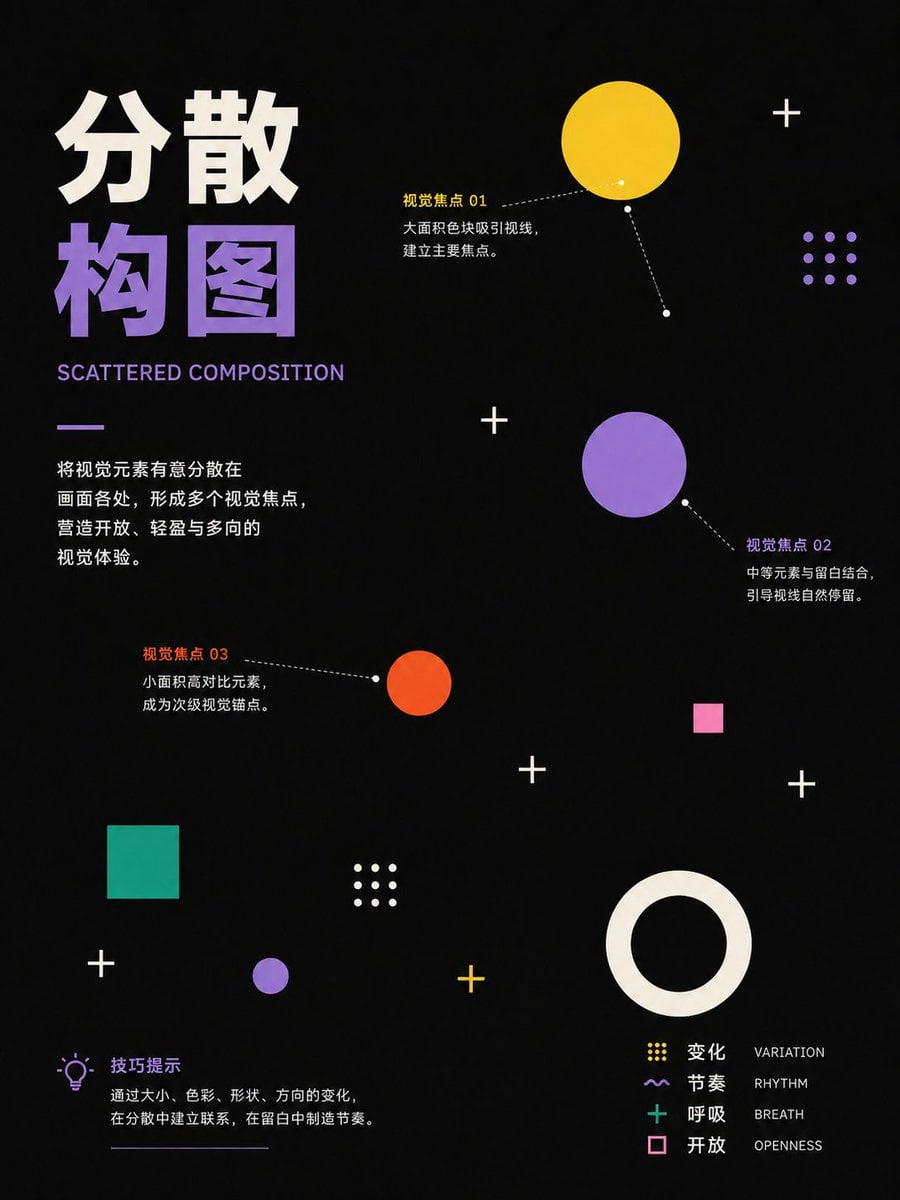
A vertical dark infographic poster teaching scattered composition through bold Chinese typography, geometric focal points, callouts, and a compact visual legend.
- Prompt included
- Model and format preset
- Free template
The prompt behind this image
Copy the exact prompt behind Scattered Composition Knowledge Card, or open it in the studio and make it yours.
Goal: Create a vertical educational knowledge-card poster explaining {argument name="headline text" default="分散构图"} with a dark, modern graphic-design style, about scattered composition in visual layout. Canvas: Portrait 3:4 poster, black background with subtle paper grain, high contrast, generous empty space, clean Swiss/modern editorial layout. Main title area: Place a very large two-line Chinese headline in the upper left. The first line is off-white, the second line is lavender-purple. Under it, add the English subtitle “SCATTERED COMPOSITION” in uppercase lavender. Below the subtitle, add a short lavender horizontal rule and a left-aligned Chinese explanatory paragraph: “将视觉元素有意分散在画面各处,形成多个视觉焦点,营造开放、轻盈与多向的视觉体验。” Visual structure: Scatter geometric elements across the poster, using asymmetrical spacing and multiple focal points. Include exactly 15 main graphic elements: 1 large yellow circle near the upper right, 1 medium purple circle at the center-right, 1 small orange circle near the middle, 1 teal square in the lower-left quadrant, 1 small pink square at the right-center, 1 small purple circle near the lower center-left, 1 large off-white hollow ring in the lower-right quadrant, 5 white plus signs distributed around the page, 1 yellow plus sign near the lower center, 1 purple 3-by-3 dot grid near the upper right, and 1 off-white 3-by-3 dot grid near the lower center-left. Callouts: Add exactly 3 dotted leader-line annotations with small endpoint dots. Callout 01 points to the large yellow circle and uses yellow label text: “视觉焦点 01”, followed by white body text: “大面积色块吸引视线,建立主要焦点。” Callout 02 points to the medium purple circle and uses purple label text: “视觉焦点 02”, followed by white body text: “中等元素与留白结合,引导视线自然停留。” Callout 03 points to the small orange circle and uses orange label text: “视觉焦点 03”, followed by white body text: “小面积高对比元素,成为次级视觉锚点。” Tip section: In the lower left, add a small purple lightbulb icon, the label “技巧提示” in purple, and the body text “通过大小、色彩、形状、方向的变化,在分散中建立联系,在留白中制造节奏。” Add a thin off-white underline below this block. Legend: In the lower right, beside the large hollow ring, create a compact legend with exactly 4 rows. Row 1 has a yellow 3-by-3 dot icon, Chinese label “变化”, and English label “VARIATION”. Row 2 has a purple wavy-line icon, Chinese label “节奏”, and English label “RHYTHM”. Row 3 has a teal plus icon, Chinese label “呼吸”, and English label “BREATH”. Row 4 has a pink outlined square icon, Chinese label “开放”, and English label “OPENNESS”. Visual style: Minimalist Chinese design infographic, bold typography, flat vector shapes, matte texture, sharp edges, dotted connector lines, color palette of black, off-white, lavender purple, yellow, orange-red, teal, and pink. Use strong negative space and no borders. Constraints: Keep the poster text legible, maintain the exact counts of graphic elements, avoid extra illustrations, avoid photorealism, avoid watermark or logo.
How to use Scattered Composition Knowledge Card in 3 steps
- 1Upload ImagePNG, JPG or paste
Add your photo
Upload the photo the template builds on. The prompt, model and format are already set.
- 2…a portrait of your subject in softgolden-hour light, 85mm…
Personalize
Edit the subject and creative details for your destination.
- 3Generate
Generate
Press Generate — your image is created in PicX Studio, so you can compare it with the original and refine one variable at a time.
More like this
Templates with the same subject, style or setup. Open one to see its prompt.
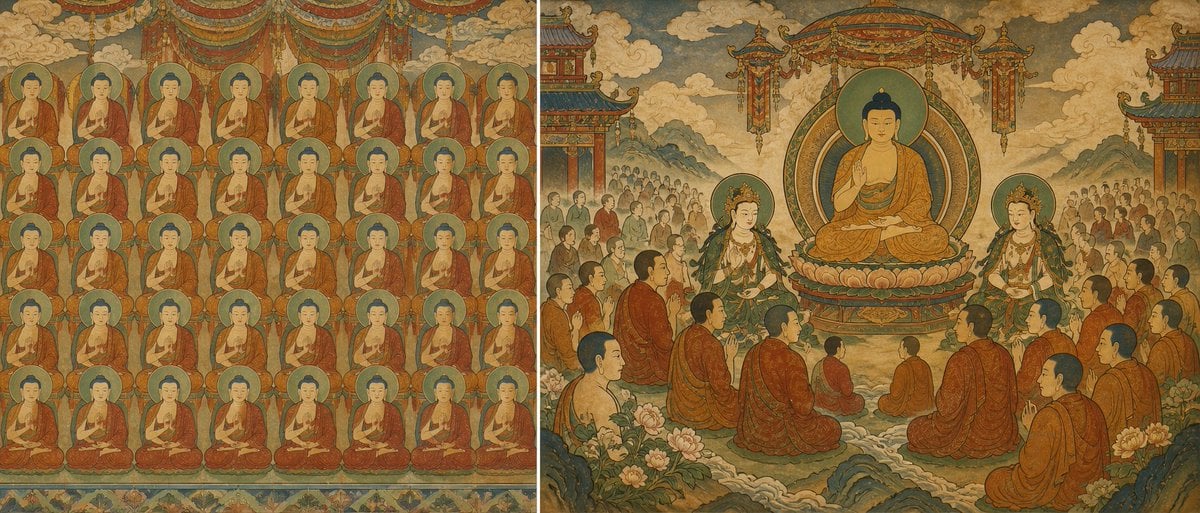
Buddhist Mural Composition Diptych
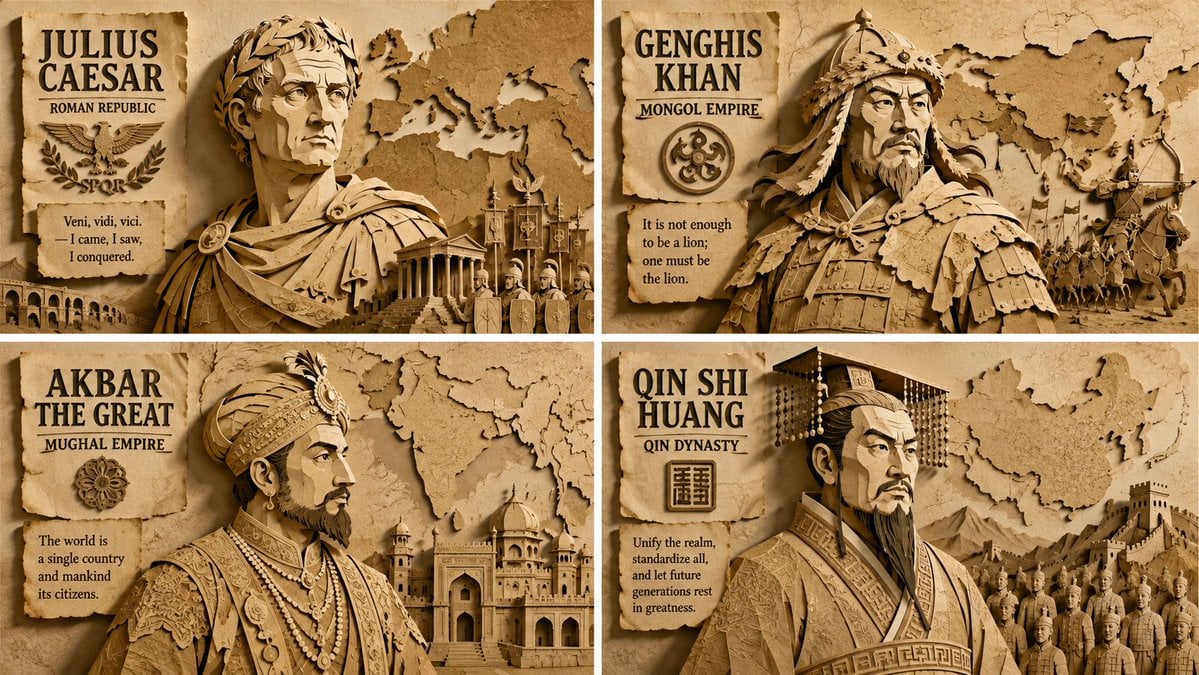
Paper Relief Hierarchical Composition

Teal Japanese Handwritten Lyric Card

Reiwa Slang Reaction Gacha Card
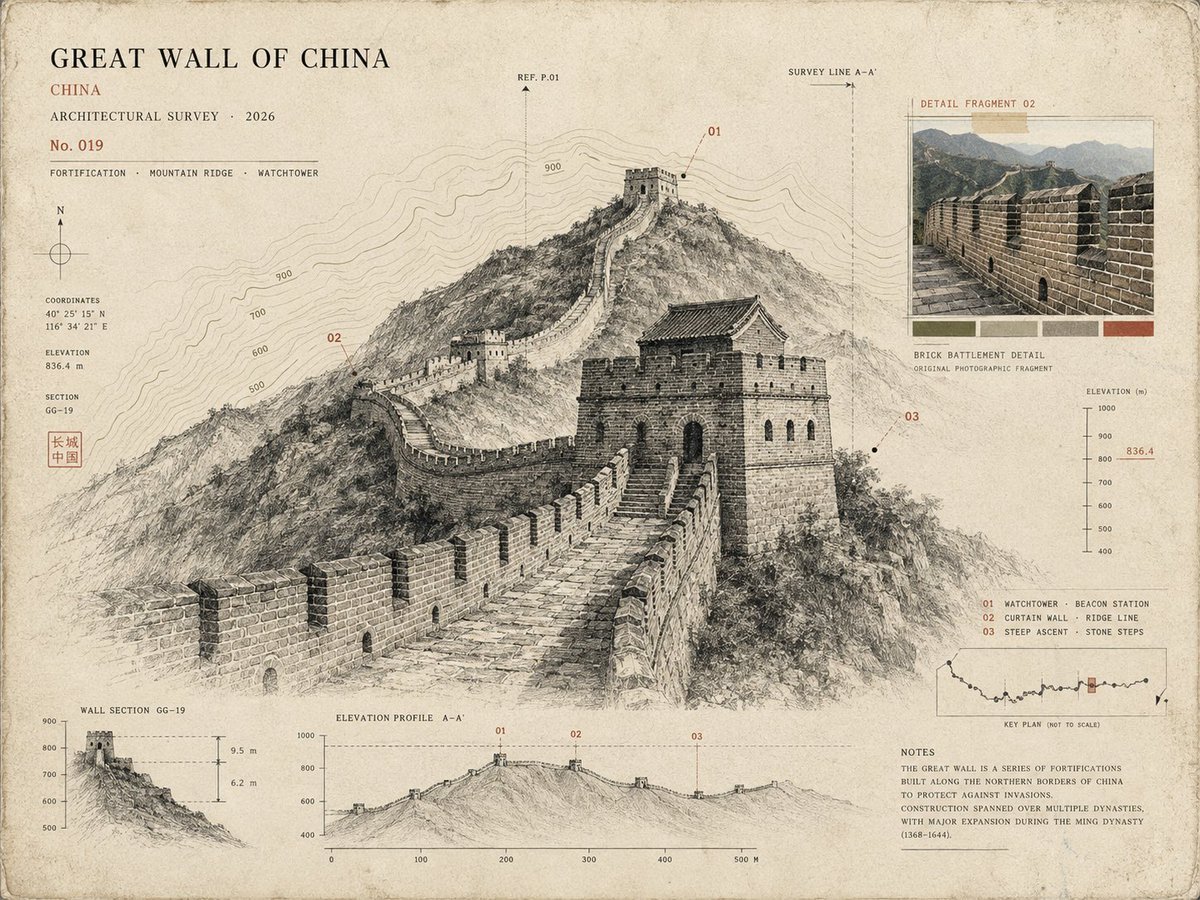
Architectural Museum Specimen Card

Mushroom Still Life Composition

Nano Banana Pro Identity Lock — Composition + Face Reference
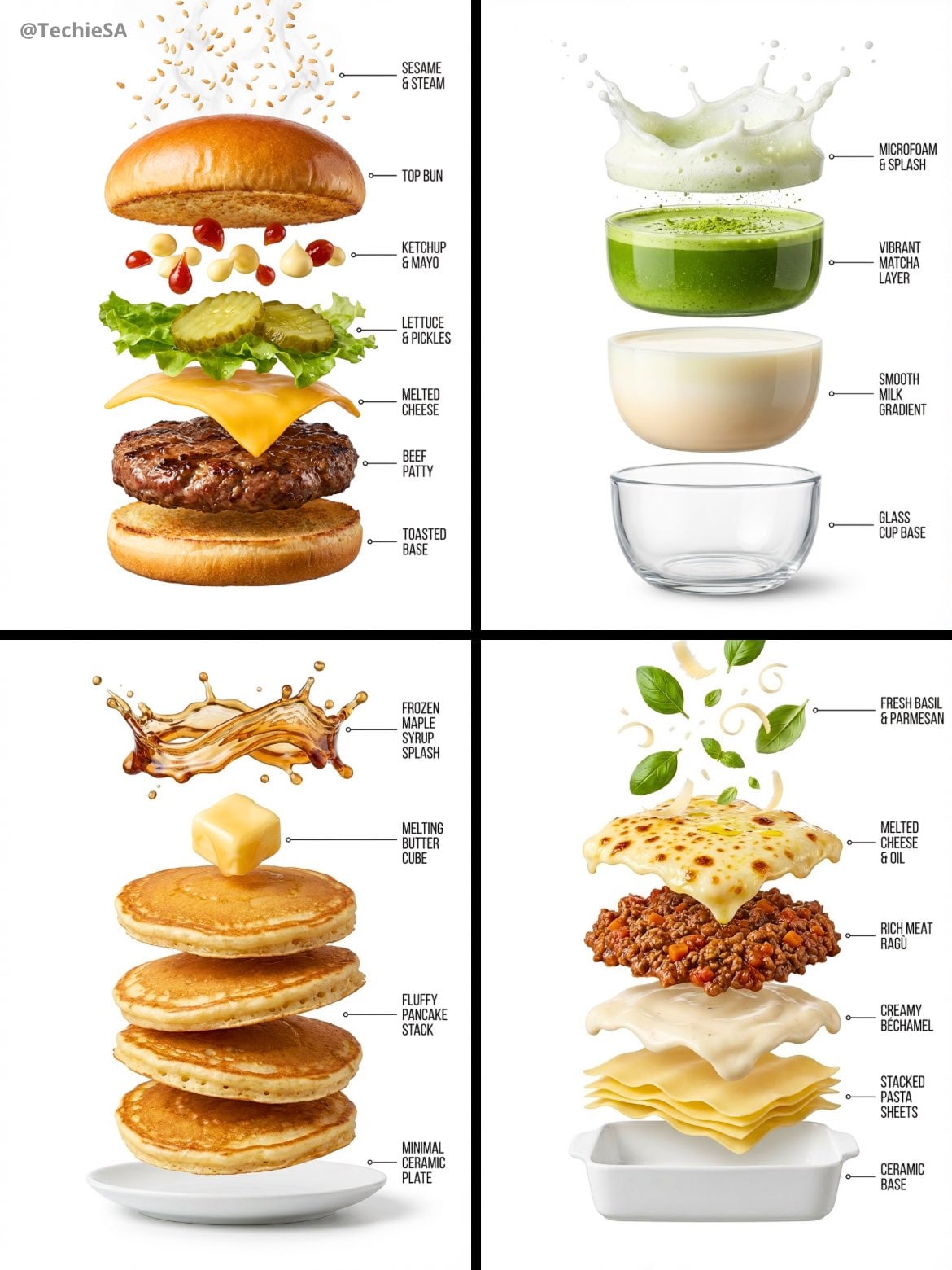
Hyper-realistic exploded vertical infographic composition
Enhanced realism, minimal alteration from original composition
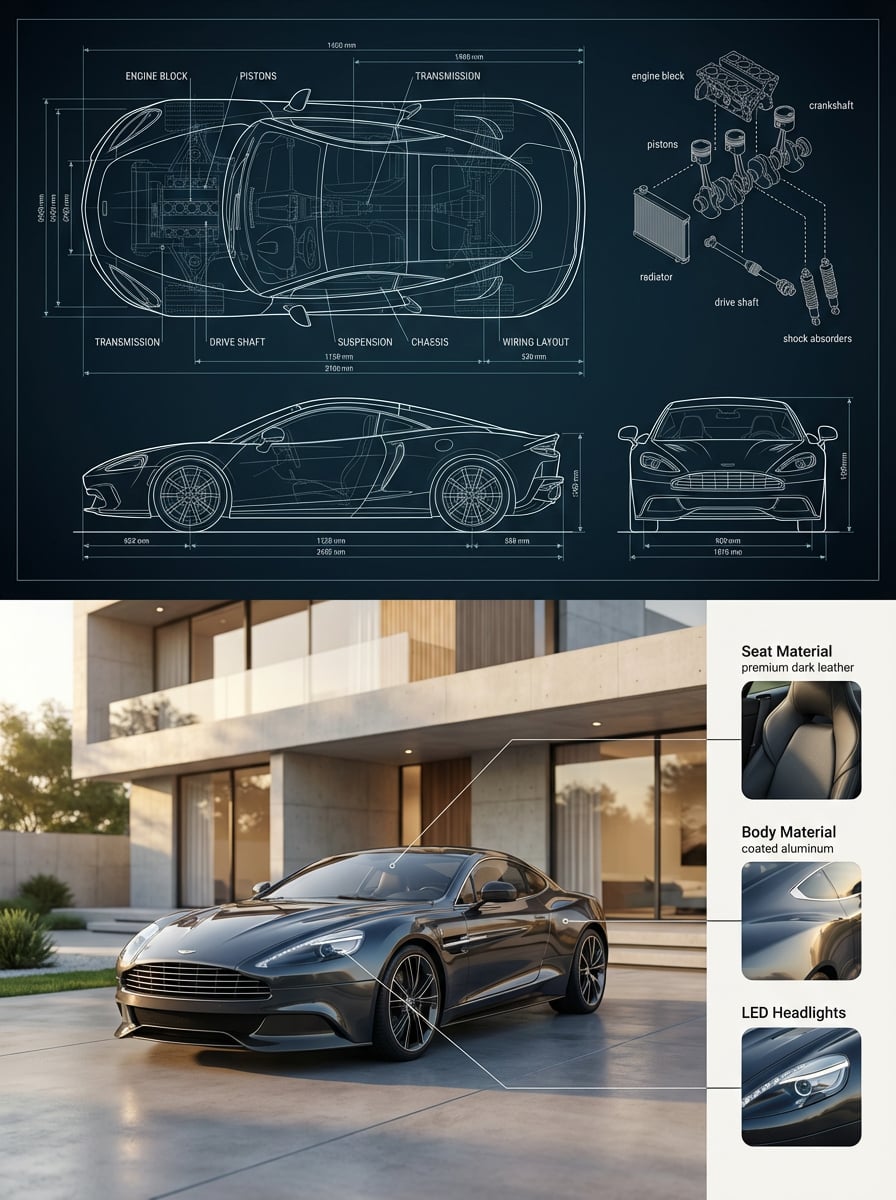
Premium split composition showing a detailed automotive blueprint top

Subway Good Vibes App Card Portrait
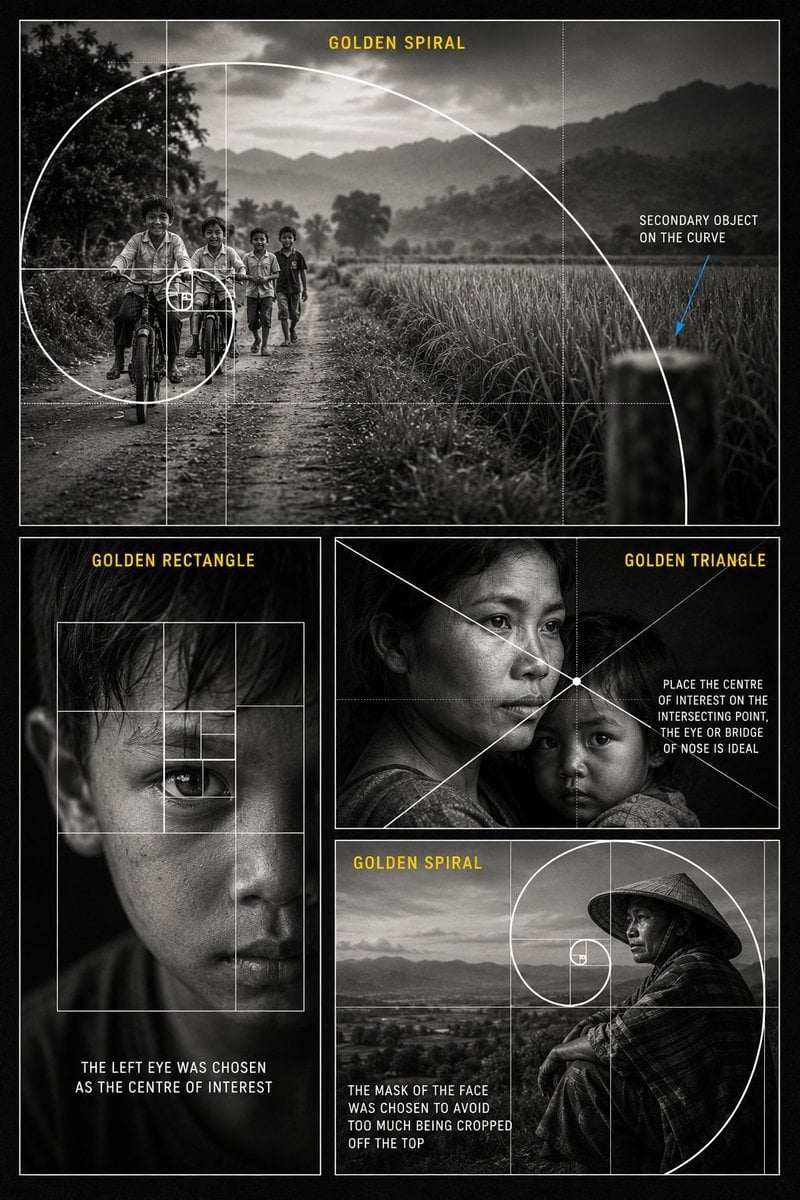
Golden Ratio Photography Composition Poster
Make it yours
Scattered Composition Knowledge Card works as-is. These are the safest ways to change it without losing the look.
Change one field
Copy a single group, rewrite it, and generate again so you can see what that field is doing.
Keep the frame, change the subject
Hold the composition and light of Scattered Composition Knowledge Card, then swap wardrobe, props or the person for a new take.
| If the result… | Why | Fix |
|---|---|---|
| The result drifts from the preview | Too many fields changed at once. | Reuse Scattered Composition Knowledge Card as-is first, then change one group — subject, light, or setting. |
| The model over-stylizes the scene | The prose prompt leaves finish and camera underspecified. | Add one camera or lighting sentence and stay on GPT Image 2. |
More GPT Image 2 templates
Other prompts made for GPT Image 2.

Six VTuber Japanese Logo Sheet

Realistic Portrait of Woman and Deer

The Vista Modular Condo Poster

AI Model Routing Comparison Infographic

2.5D Anime Art Board

Isometric Productivity Desk Scene

New York Double Exposure Poster

Four-Panel AI Landscape Comparison

Japanese Tatami Lifestyle Magazine Cover

NESCAFÉ Coffee Map Poster
More image prompts
Fresh picks from across the catalog.
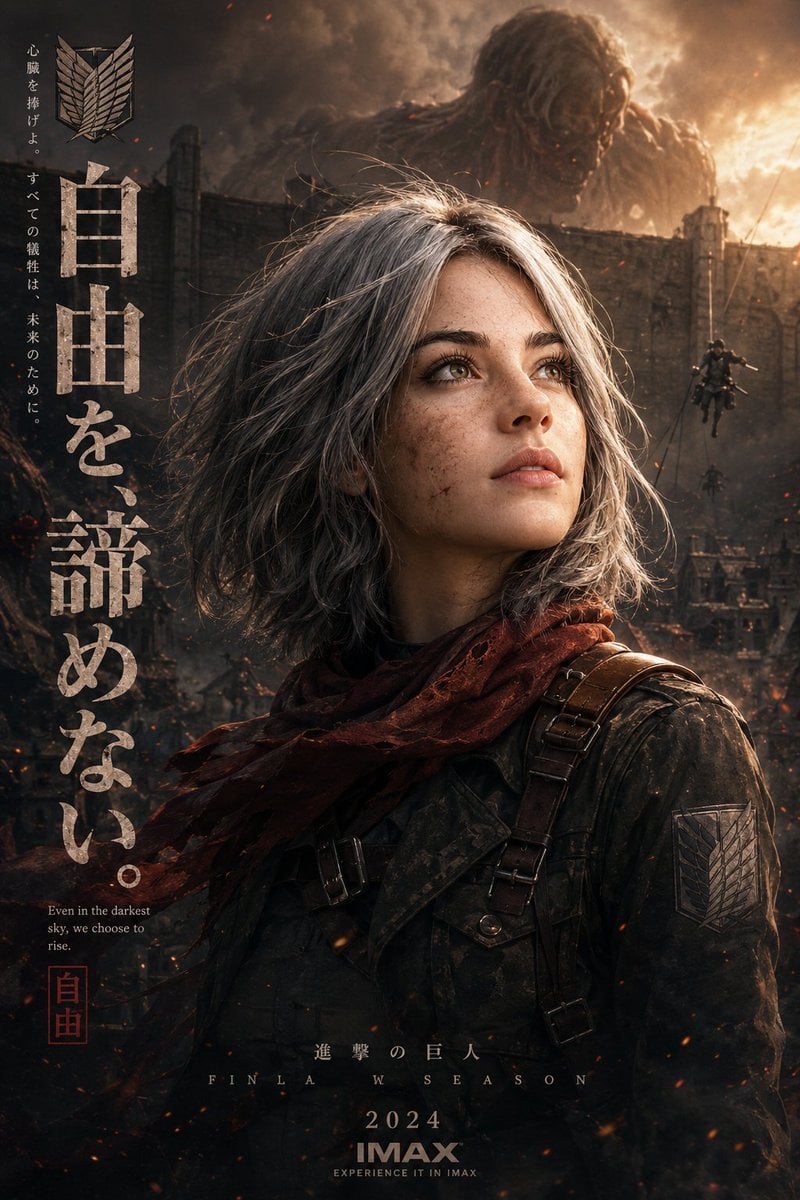
Epic Anime Movie Poster from Photo
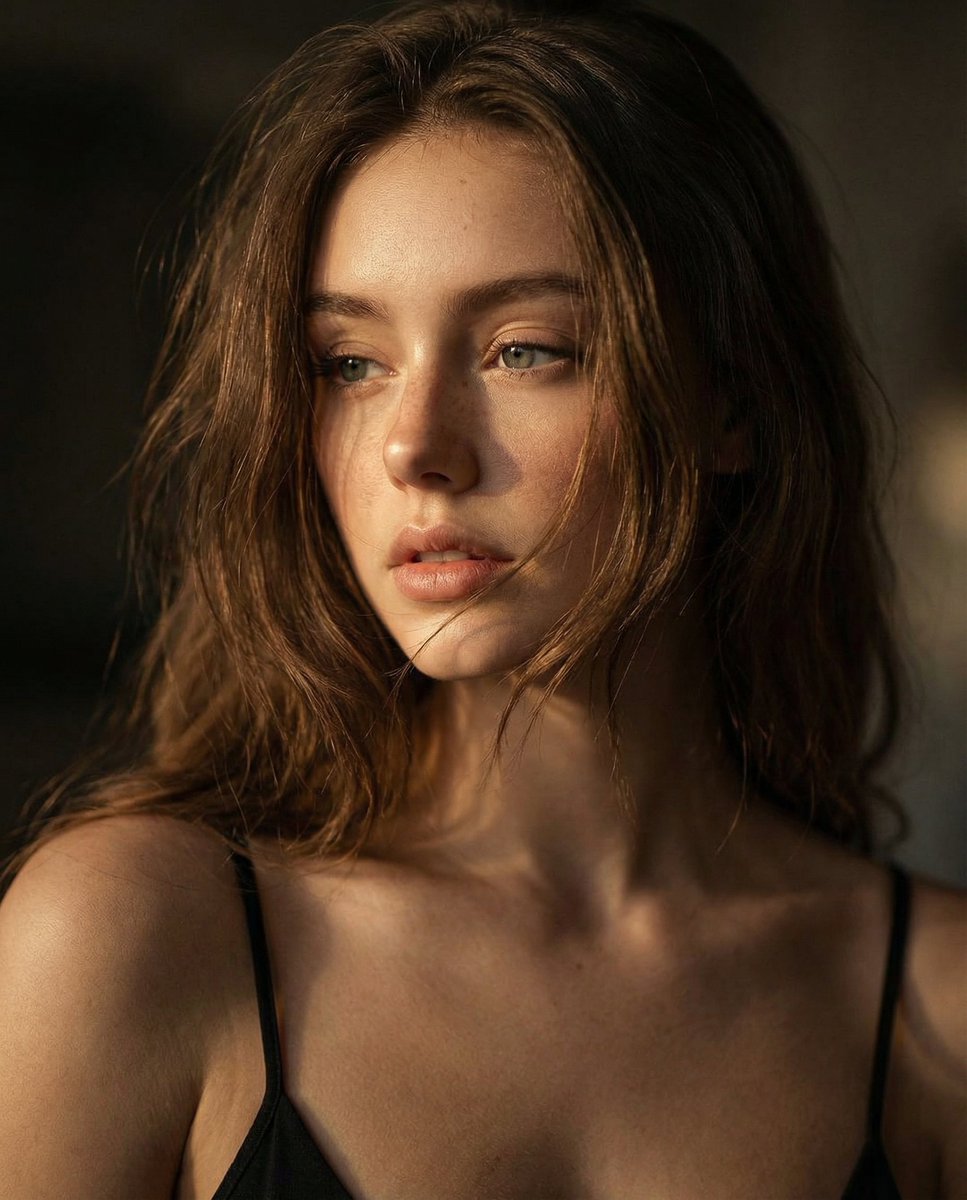
Ultra-Realistic Cinematic Close-up Portrait
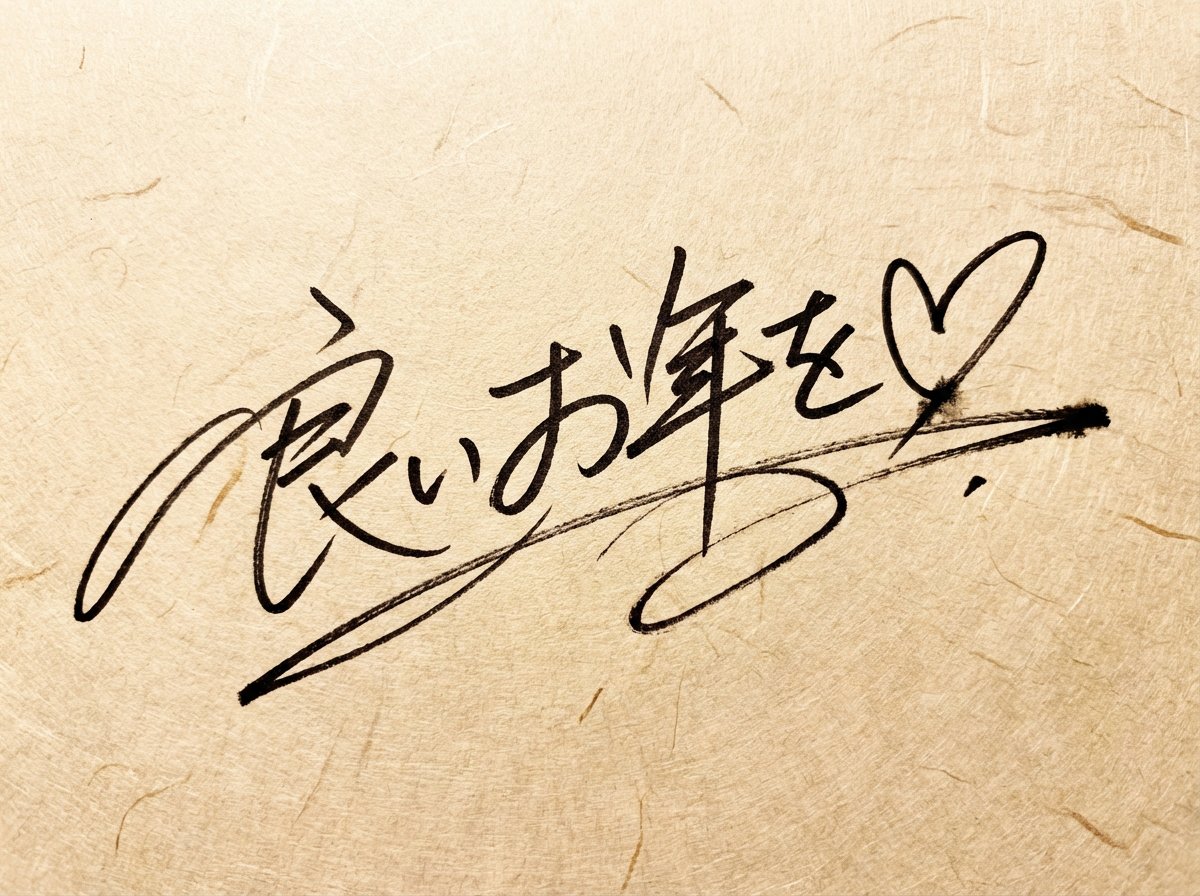
Handwritten New Year's Greeting Sign Prompt

Surreal Strawberry Yogurt Commercial Scene

Futuristic Luxury Watch Ad
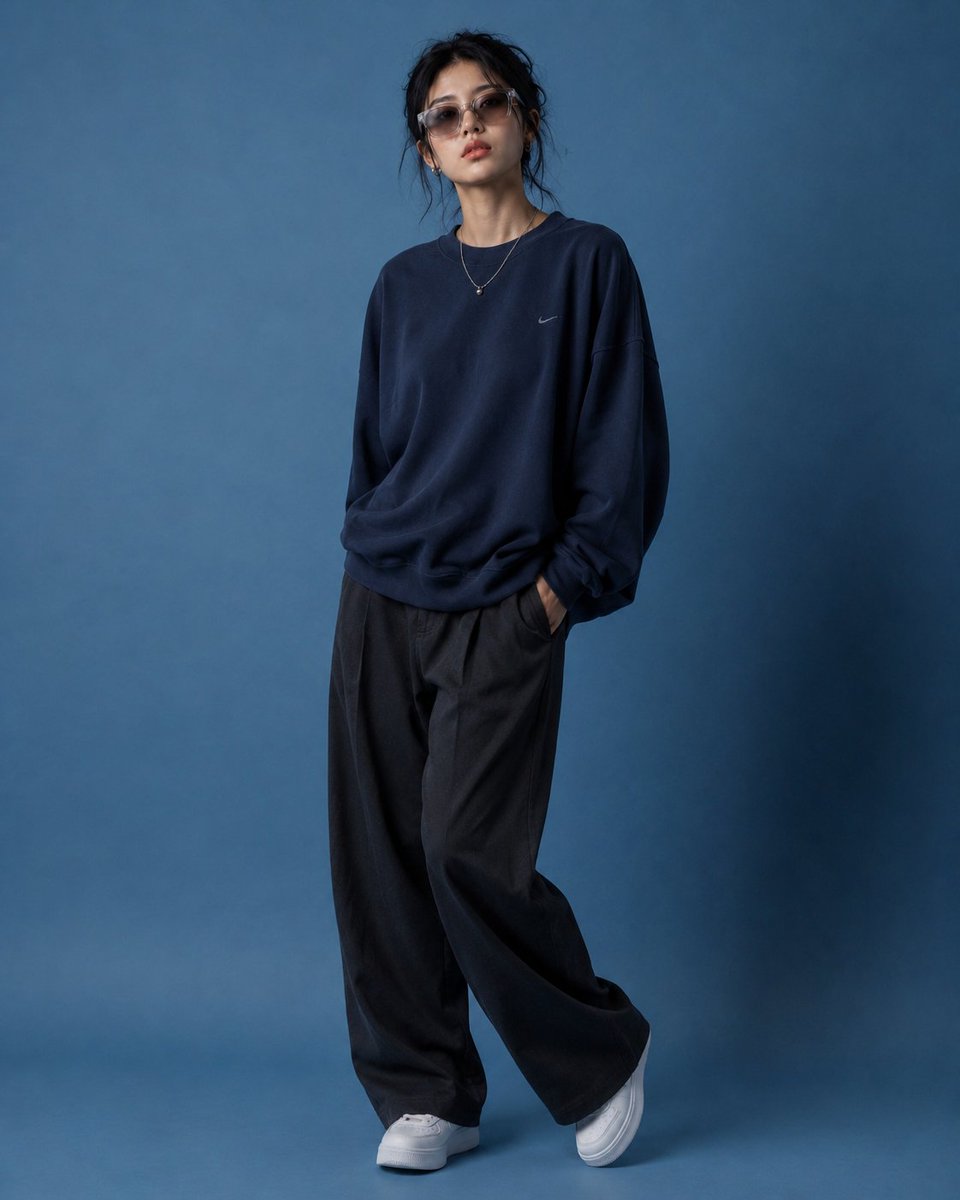
Editorial Fashion Pose Transformation
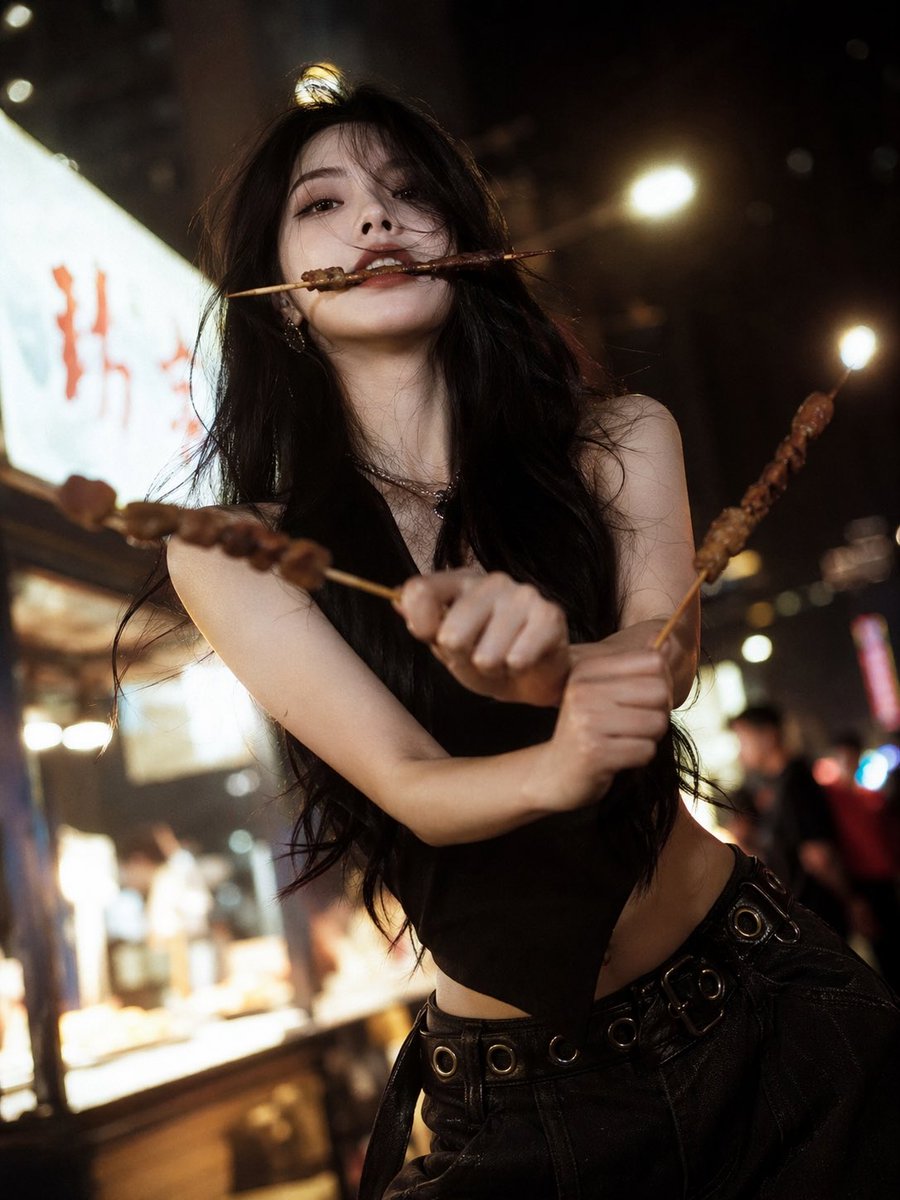
High-Fashion Anime Homage Portrait
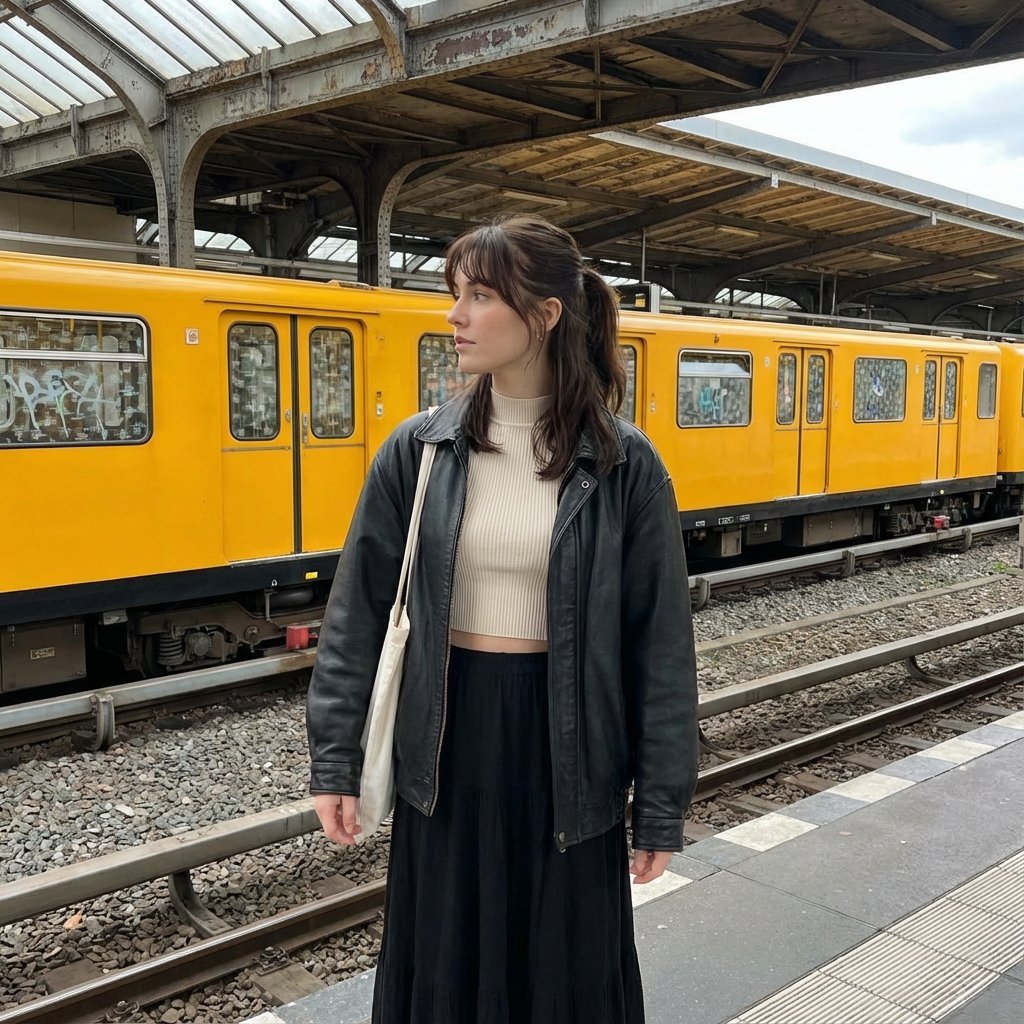
Candid street photography on a train platform
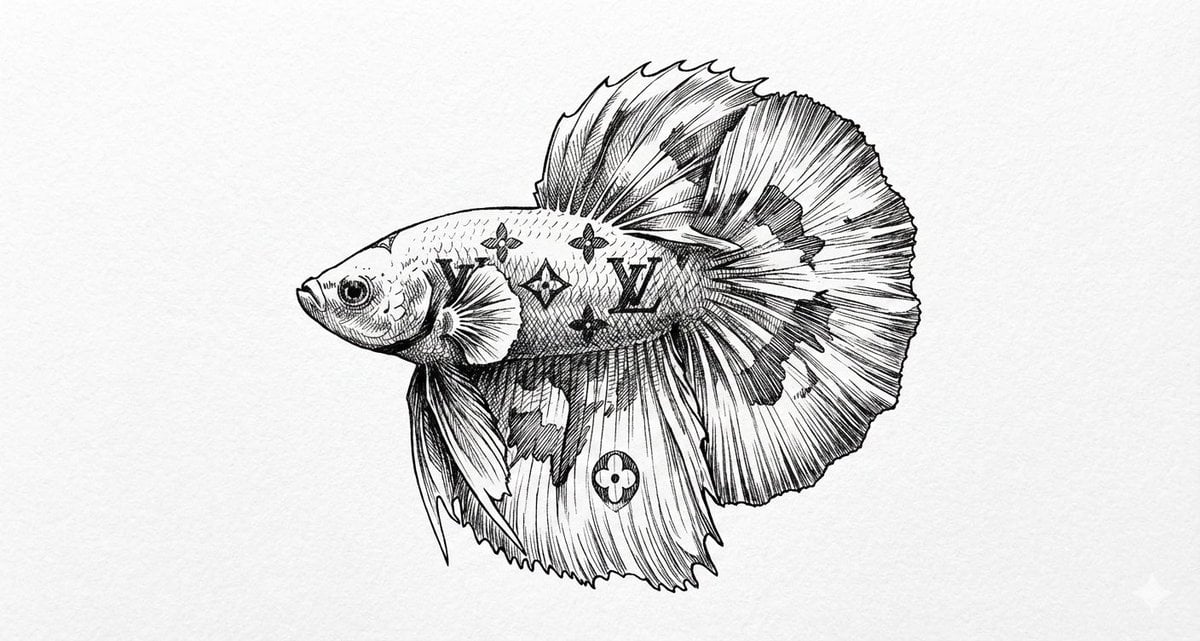
Ink Drawing Style Transfer Prompt

Surreal Symbolic Head Prompt
Browse template categories
Scattered Composition Knowledge Card questions
How do I use the Scattered Composition Knowledge Card template?
Add your photo if the template asks for one, edit the prompt if you like — the template's model and format are already selected — and press Generate. Your version opens in PicX Studio.
Can I customize the Scattered Composition Knowledge Card template?
Yes. You can change the subject, setting, lighting, mood, format, and available model controls before creating your image.
Is the Scattered Composition Knowledge Card template free?
Opening and editing this template is free. Generating uses credits, shown on the Generate button when you are signed in.
Which AI model should I use?
Start with GPT Image 2, which is the model associated with this template. You can compare another compatible model for a different finish.
Looking for something else? Browse all templates.

Your photo, any look
Thousands of ready templates for every top image and video model, from one credit balance.