
Curated Bookshelf with Specific Titles
Generates a wooden bookshelf displaying 11 distinct books with customizable titles, authors, and spine colors.
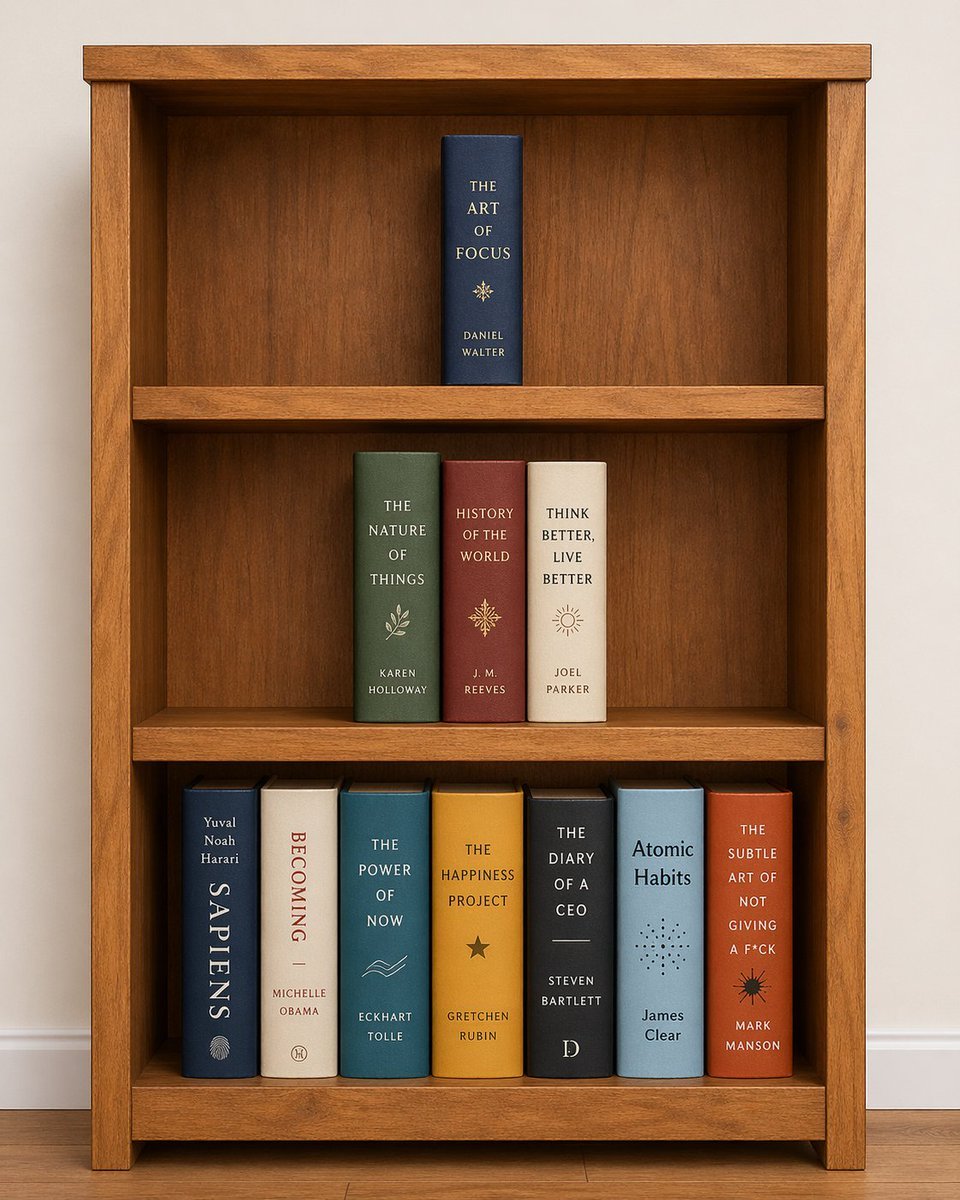
- Prompt included
- Model and format preset
- Free template
The prompt behind this image
Copy the exact prompt behind Curated Bookshelf with Specific Titles, or open it in the studio and make it yours.
- Type
- bookshelf arrangement
- Setting
- wooden bookshelf with three shelves against a plain light wall, wooden floor
- Layout › Top Shelf › Count
- 1
- Layout › Top Shelf › Alignment
- centered
- Layout › Top Shelf › Books › 0 › Color
- dark blue
- Layout › Top Shelf › Books › 0 › Title
- {argument name="top book title" default="THE ART OF FOCUS"}
- Layout › Top Shelf › Books › 0 › Author
- DANIEL WALTER
- Layout › Top Shelf › Books › 0 › Symbol
- star compass
- Layout › Middle Shelf › Count
- 3
- Layout › Middle Shelf › Alignment
- centered
- Layout › Middle Shelf › Books › 0 › Color
- green
- Layout › Middle Shelf › Books › 0 › Title
- {argument name="middle left book title" default="THE NATURE OF THINGS"}
- Layout › Middle Shelf › Books › 0 › Author
- KAREN HOLLOWAY
- Layout › Middle Shelf › Books › 0 › Symbol
- leaf branch
- Layout › Middle Shelf › Books › 1 › Color
- burgundy
- Layout › Middle Shelf › Books › 1 › Title
- HISTORY OF THE WORLD
- Layout › Middle Shelf › Books › 1 › Author
- J. M. REEVES
- Layout › Middle Shelf › Books › 1 › Symbol
- ornate star
- Layout › Middle Shelf › Books › 2 › Color
- cream
- Layout › Middle Shelf › Books › 2 › Title
- THINK BETTER, LIVE BETTER
- Layout › Middle Shelf › Books › 2 › Author
- JOEL PARKER
- Layout › Middle Shelf › Books › 2 › Symbol
- sun
- Layout › Bottom Shelf › Count
- 7
- Layout › Bottom Shelf › Alignment
- filled
Raw JSON
{
  "type": "bookshelf arrangement",
  "setting": "wooden bookshelf with three shelves against a plain light wall, wooden floor",
  "layout": {
    "top_shelf": {
      "count": 1,
      "alignment": "centered",
      "books": [
        { "color": "dark blue", "title": "{argument name=\"top book title\" default=\"THE ART OF FOCUS\"}", "author": "DANIEL WALTER", "symbol": "star compass" }
      ]
    },
    "middle_shelf": {
      "count": 3,
      "alignment": "centered",
      "books": [
        { "color": "green", "title": "{argument name=\"middle left book title\" default=\"THE NATURE OF THINGS\"}", "author": "KAREN HOLLOWAY", "symbol": "leaf branch" },
        { "color": "burgundy", "title": "HISTORY OF THE WORLD", "author": "J. M. REEVES", "symbol": "ornate star" },
        { "color": "cream", "title": "THINK BETTER, LIVE BETTER", "author": "JOEL PARKER", "symbol": "sun" }
      ]
    },
    "bottom_shelf": {
      "count": 7,
      "alignment": "filled",
      "books": [
        { "color": "dark blue", "title": "{argument name=\"bottom left book title\" default=\"SAPIENS\"}", "author": "Yuval Noah Harari", "orientation": "vertical title", "symbol": "fingerprint" },
        { "color": "cream", "title": "BECOMING", "author": "MICHELLE OBAMA", "orientation": "vertical title", "symbol": "circle logo" },
        { "color": "teal", "title": "THE POWER OF NOW", "author": "ECKHART TOLLE", "symbol": "waves" },
        { "color": "mustard yellow", "title": "{argument name=\"bottom middle book title\" default=\"THE HAPPINESS PROJECT\"}", "author": "GRETCHEN RUBIN", "symbol": "star" },
        { "color": "dark grey", "title": "THE DIARY OF A CEO", "author": "STEVEN BARTLETT", "symbol": "letter D" },
        { "color": "light blue", "title": "Atomic Habits", "author": "James Clear", "symbol": "dot circle" },
        { "color": "orange", "title": "{argument name=\"bottom right book title\" default=\"THE SUBTLE ART OF NOT GIVING A F*CK\"}", "author": "MARK MANSON", "symbol": "splat sun" }
      ]
    }
  }
}How to use Curated Bookshelf with Specific Titles in 3 steps
- 1Upload ImagePNG, JPG or paste
Add your photo
Upload the photo the template builds on. The prompt, model and format are already set.
- 2…a portrait of your subject in softgolden-hour light, 85mm…
Personalize
Edit the subject and creative details for your destination.
- 3Generate
Generate
Press Generate — your image is created in PicX Studio, so you can compare it with the original and refine one variable at a time.
More like this
Templates with the same subject, style or setup. Open one to see its prompt.

Brand Sticker Sheet Monoline Vector
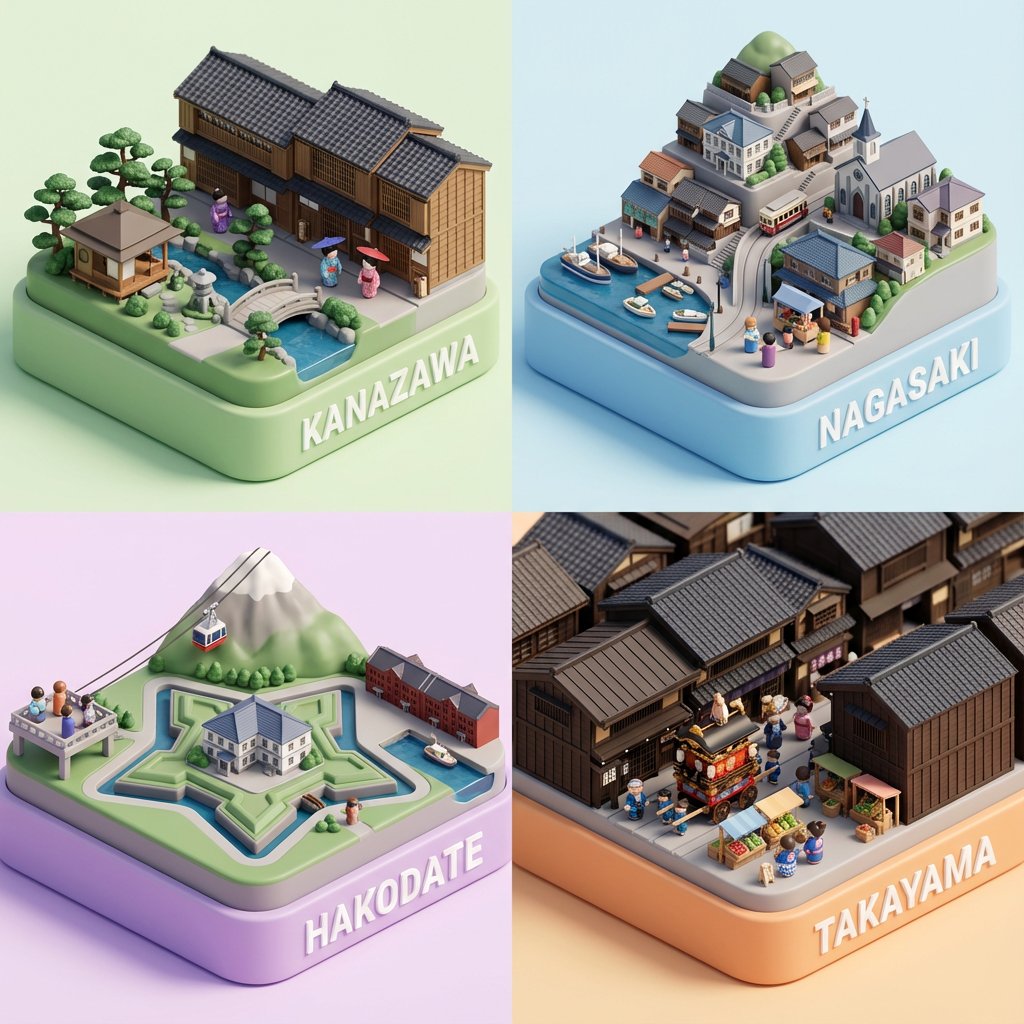
Country Landmarks 2x2 Collectible Grid

Stylized Miniature 3D Diorama Craft
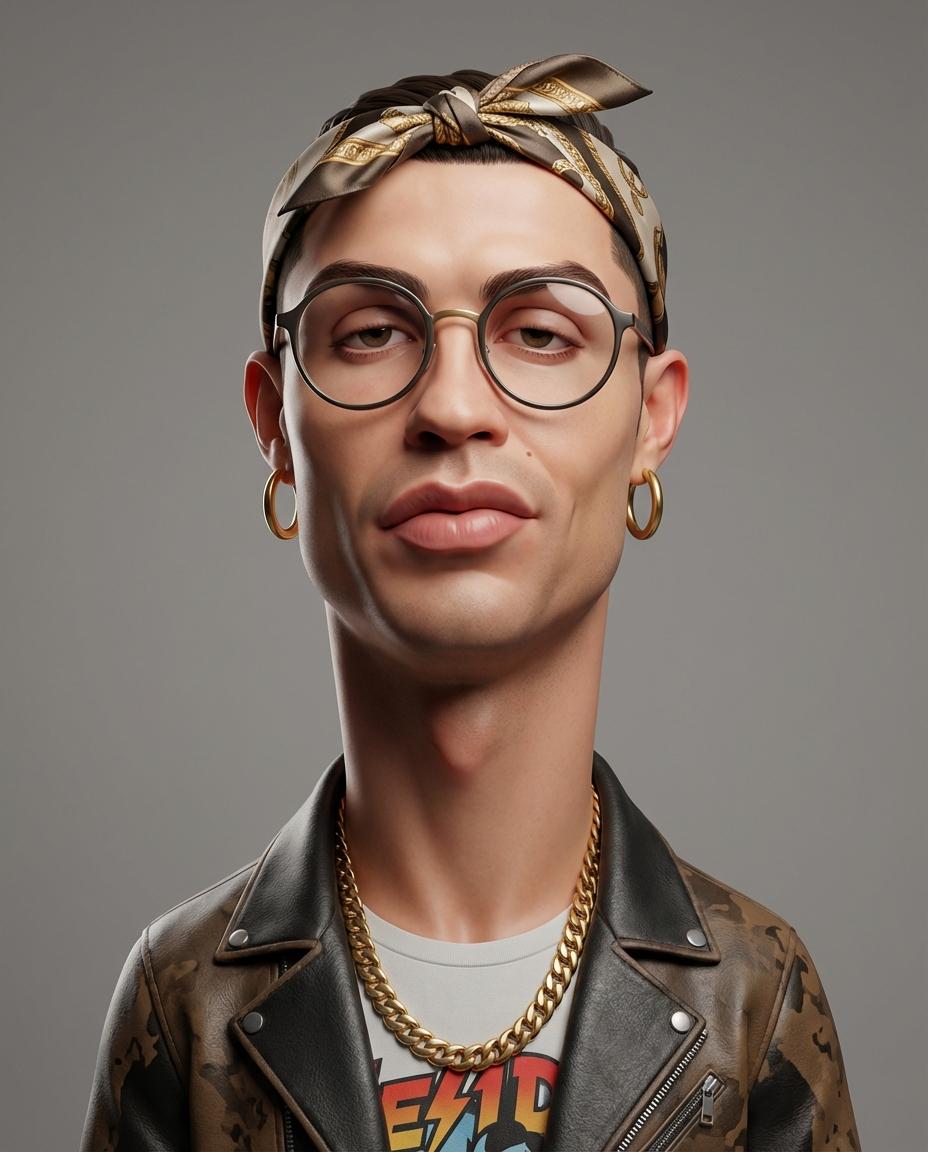
Exaggerated 3D Caricature Character

AI Edited Ultra High Definition Scene
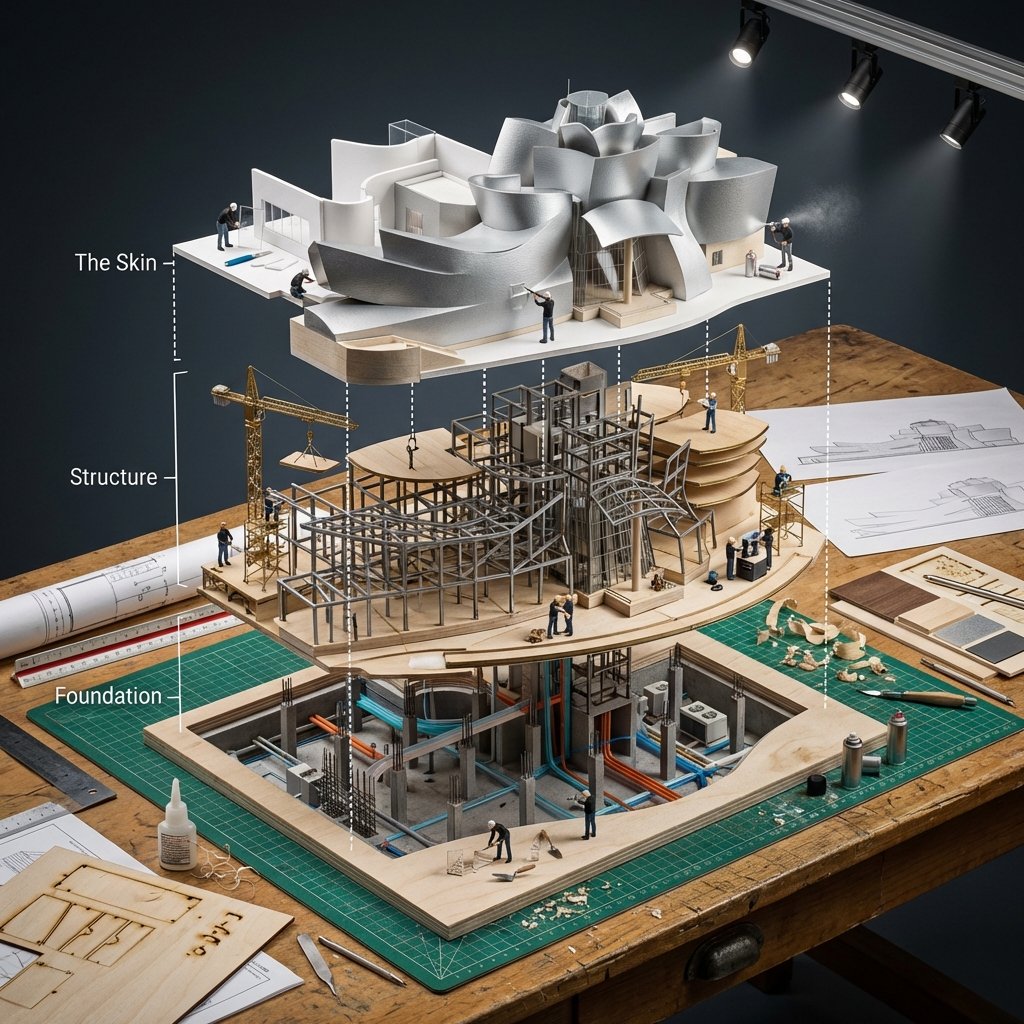
Building Exploded View Architectural Diorama
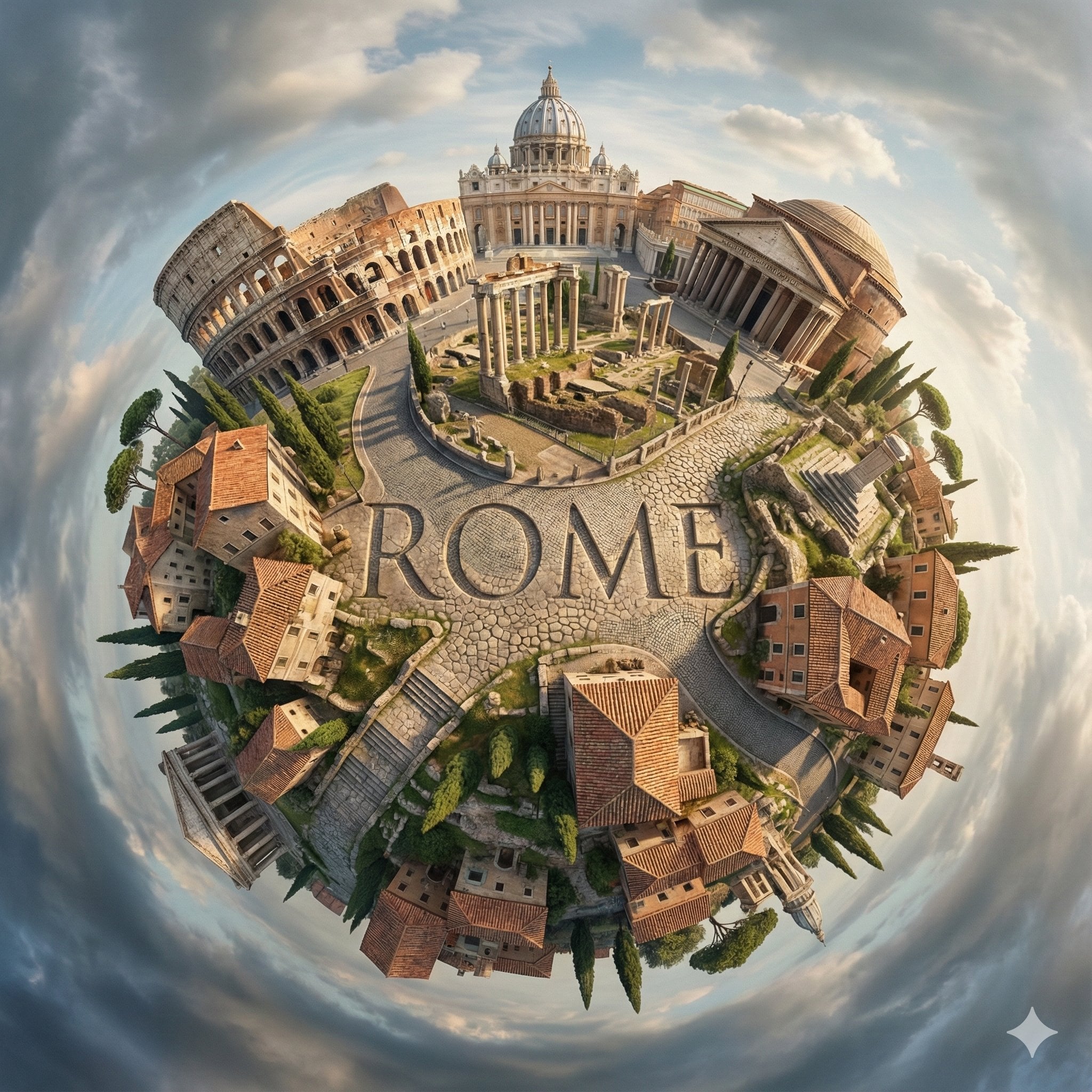
City Spherical Panorama Tiny Planet
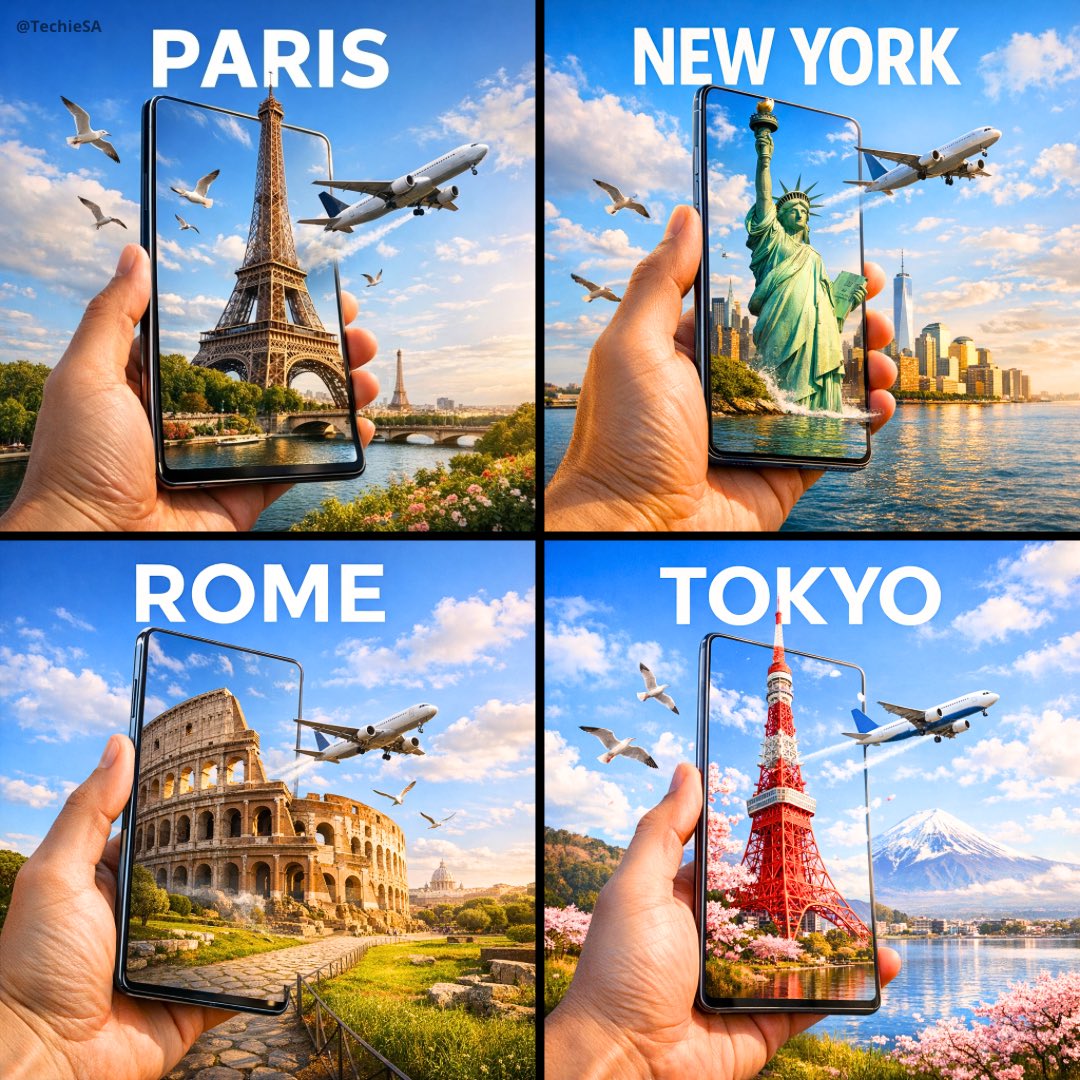
Travel Ad Phone Portal 3D Effect

Algeria Travel Poster Graphic Collage
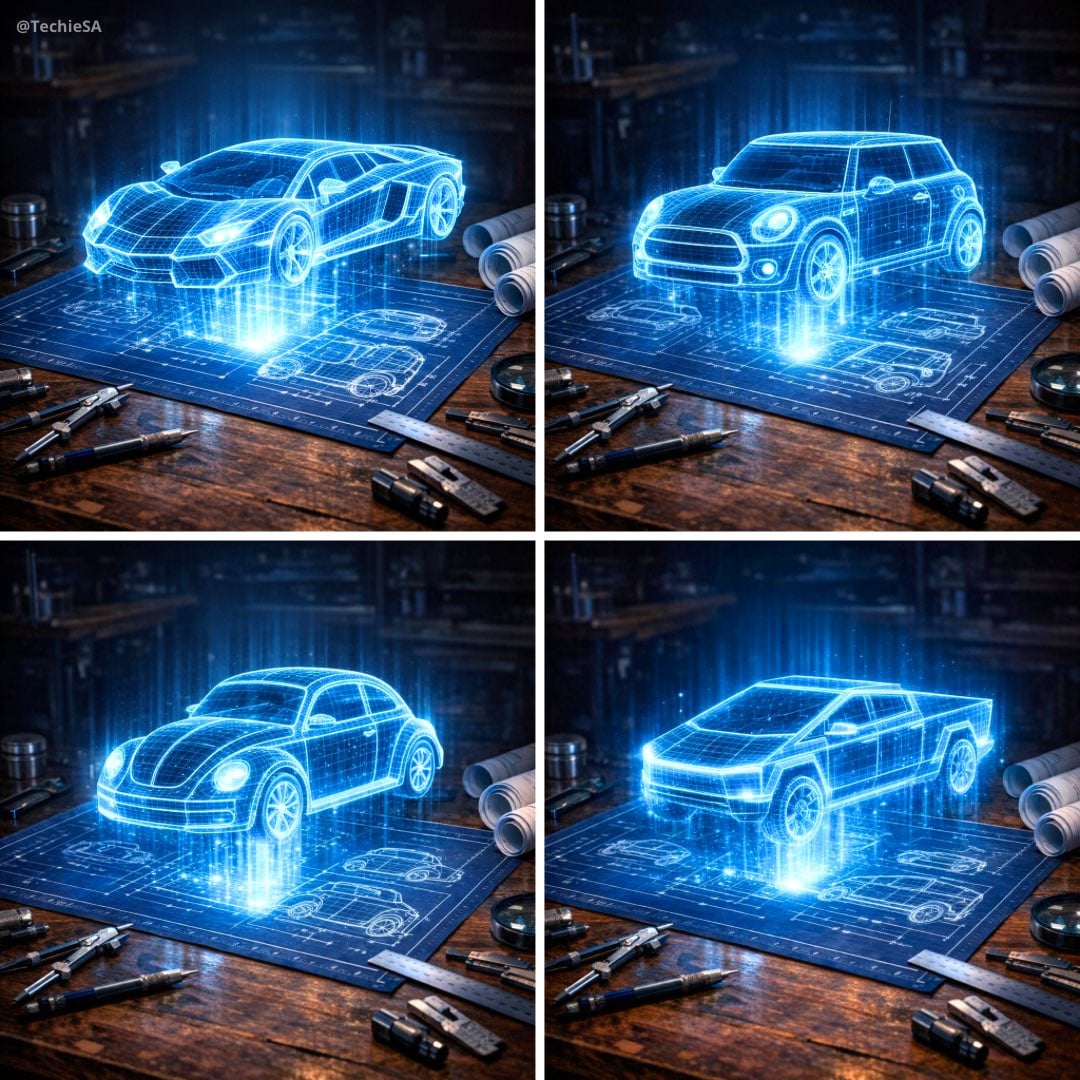
Holographic Car Blueprint Wireframe

Cocktail Studio Photography Tropical
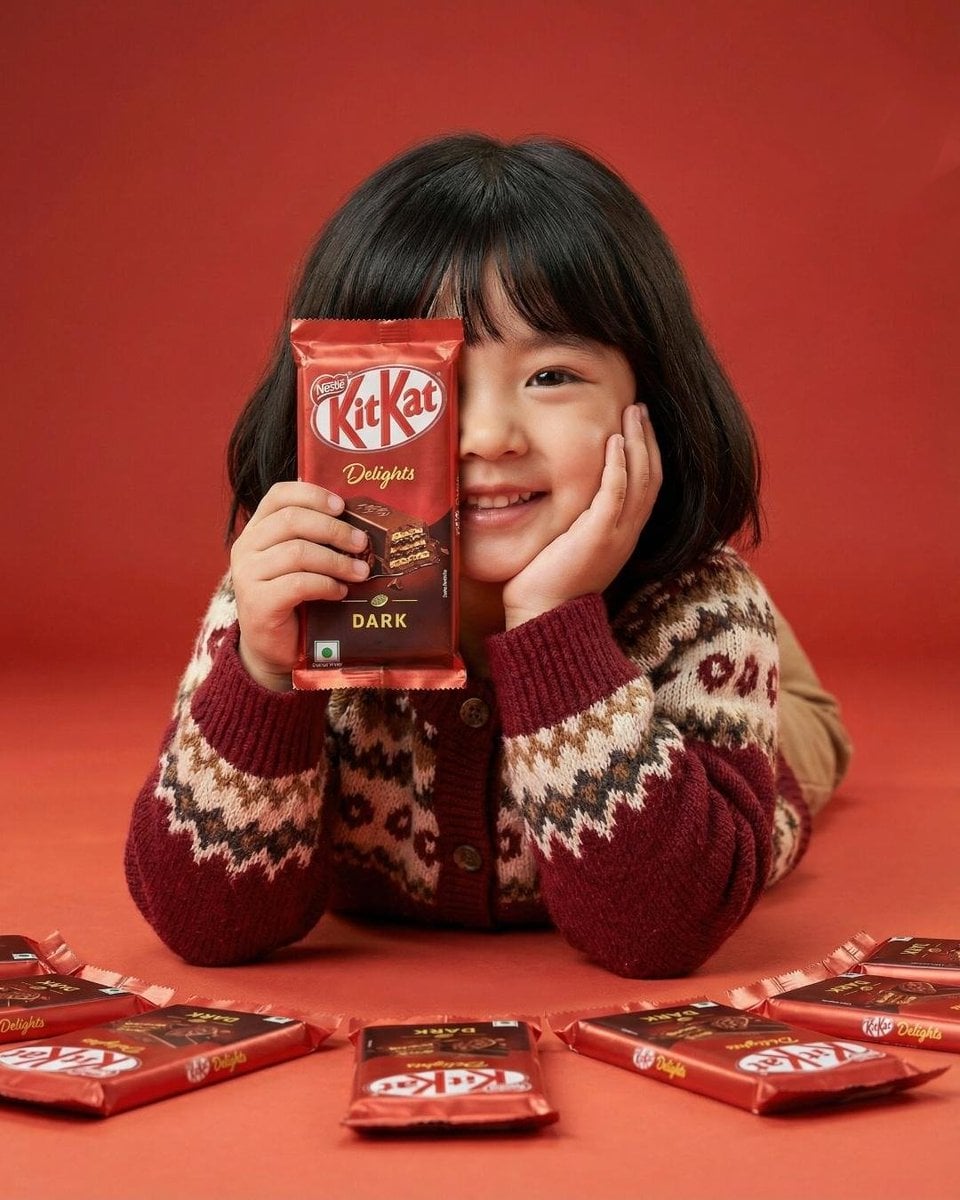
KitKat Chocolate Product Portrait
Make it yours
Curated Bookshelf with Specific Titles works as-is. These are the safest ways to change it without losing the look.
Swap the setting
Keep the rest of the prompt and replace the location block. The current setting is “wooden bookshelf with three shelves against a plain light wall, wooden floor”.
Change one field
Copy a single group, rewrite it, and generate again so you can see what that field is doing.
Keep the frame, change the subject
Hold the composition and light of Curated Bookshelf with Specific Titles, then swap wardrobe, props or the person for a new take.
| If the result… | Why | Fix |
|---|---|---|
| The result drifts from the preview | Too many fields changed at once. | Reuse Curated Bookshelf with Specific Titles as-is first, then change one group — subject, light, or setting. |
| GPT Image 2 ignores part of the JSON | Some models flatten or skip nested keys. | Keep the same values and paste them as a short paragraph instead. |
More GPT Image 2 templates
Other prompts made for GPT Image 2.

Six VTuber Japanese Logo Sheet

Realistic Portrait of Woman and Deer

The Vista Modular Condo Poster

AI Model Routing Comparison Infographic

2.5D Anime Art Board

Isometric Productivity Desk Scene

New York Double Exposure Poster

Four-Panel AI Landscape Comparison

Japanese Tatami Lifestyle Magazine Cover

NESCAFÉ Coffee Map Poster
More image prompts
Fresh picks from across the catalog.
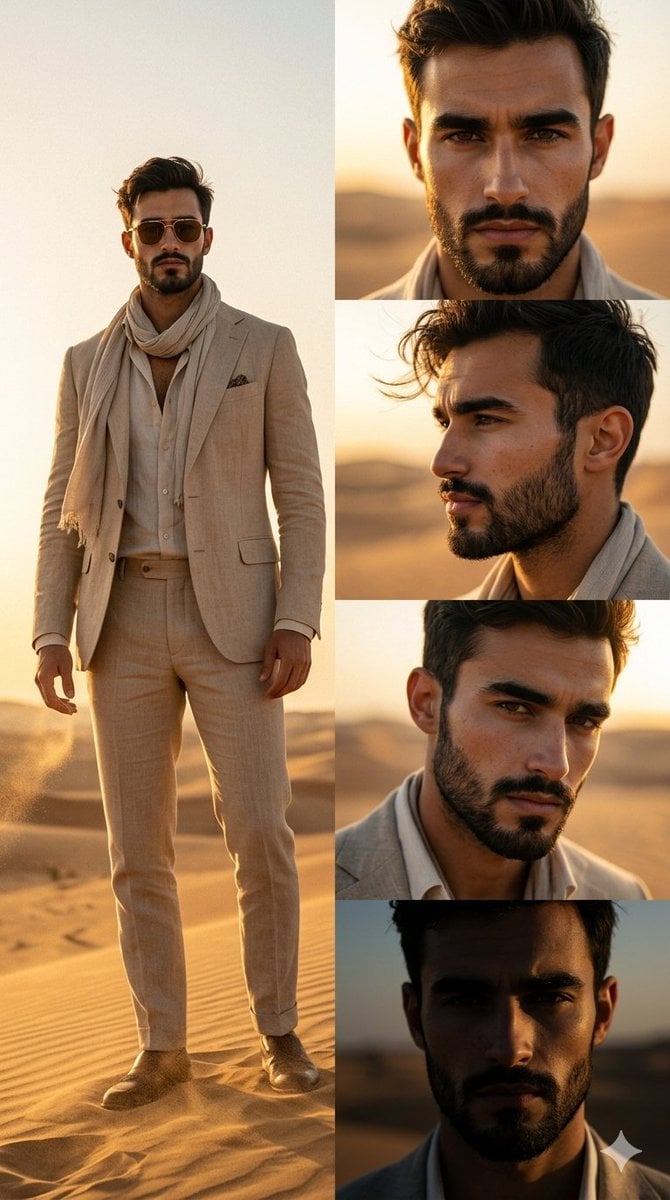
Desert Fashion Magazine Layout

Prompt for creating location models with Nano Banana
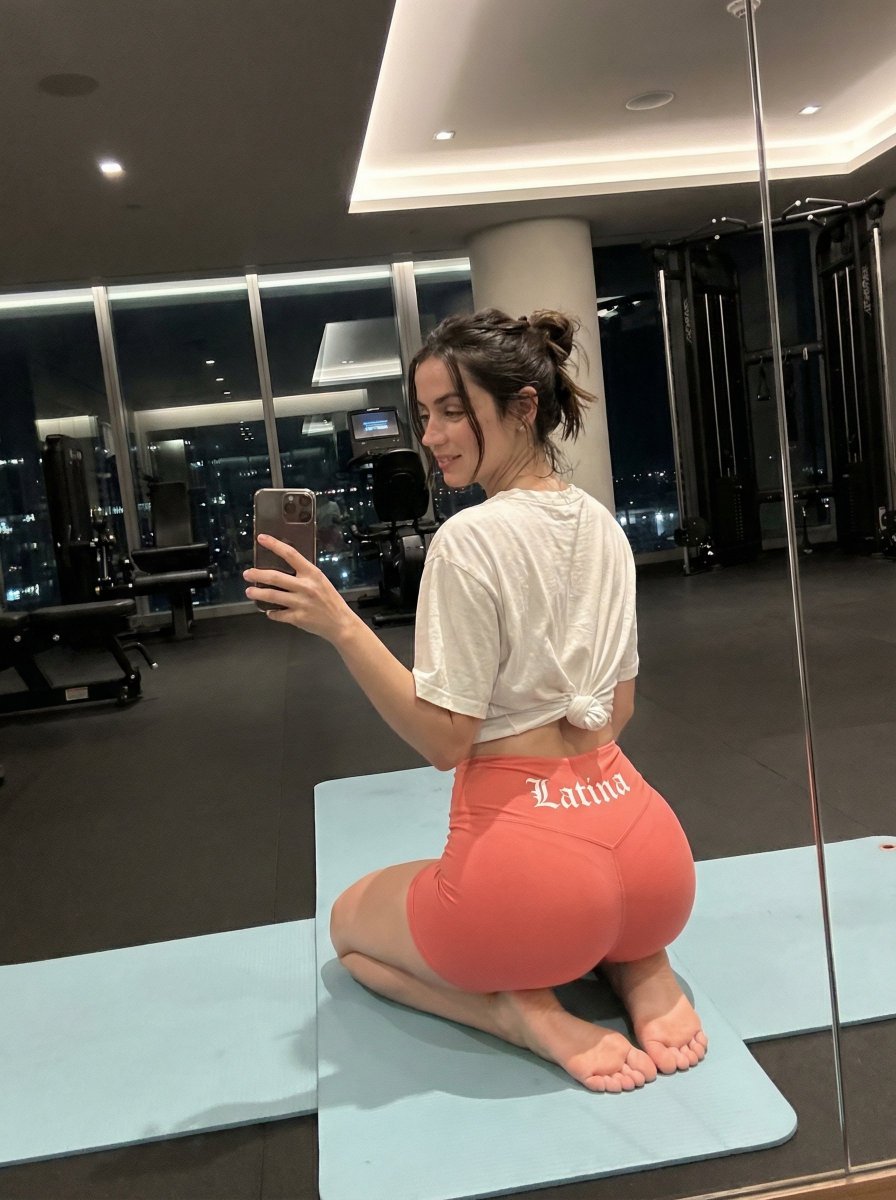
Exaggerated Hourglass Gym Selfie Prompt
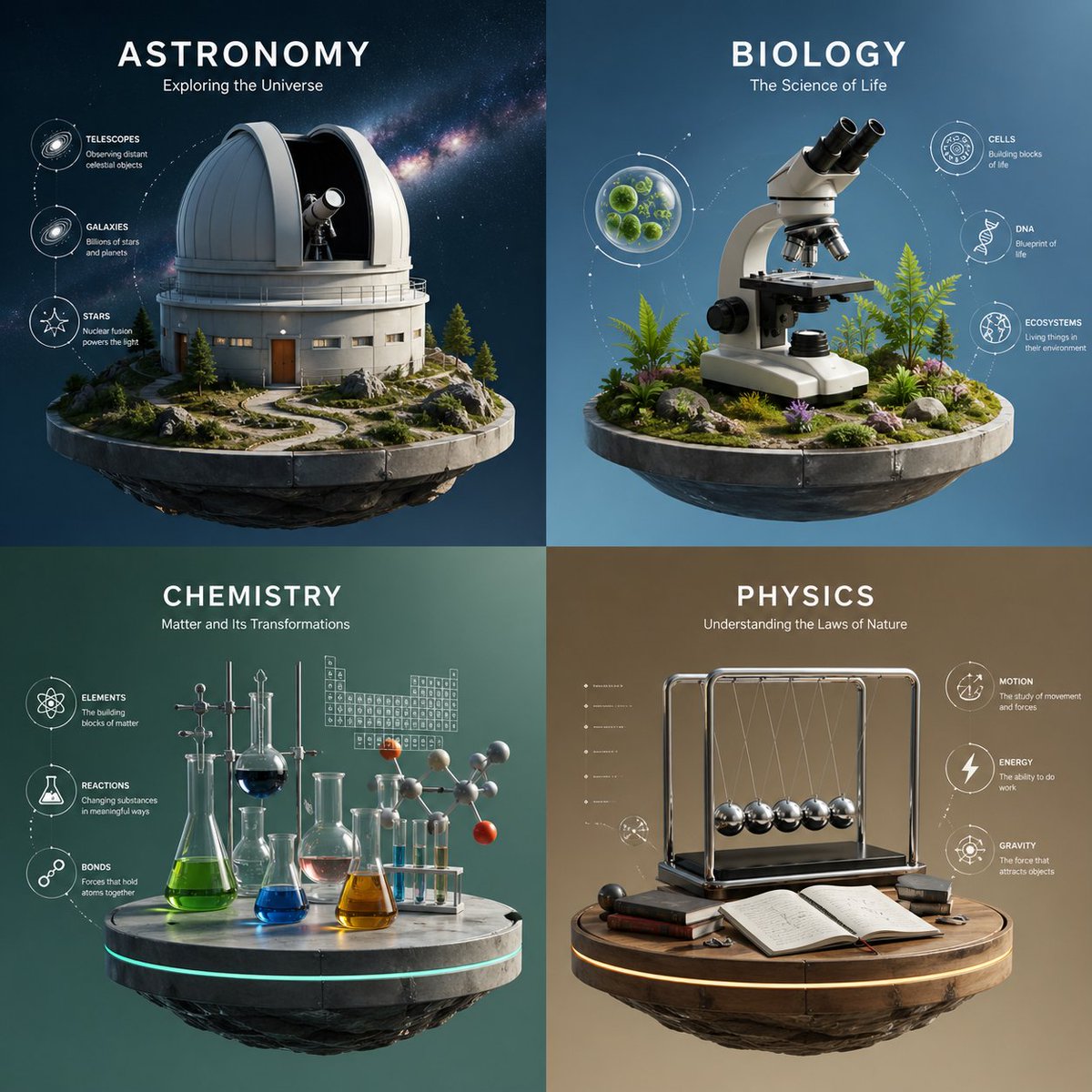
Four-Panel Science Concept Poster

Codex Jigsaw Puzzle Tech Banner

Candid Taxi-Ride Dump Photography
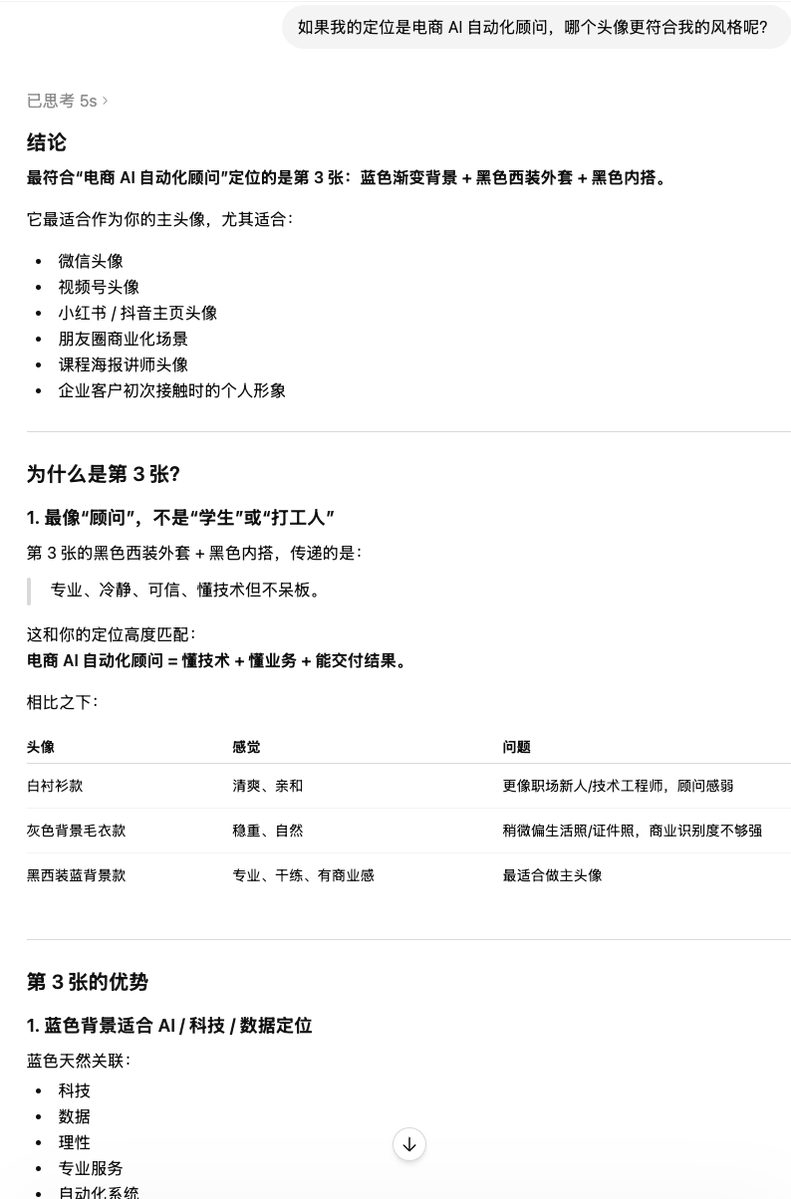
Clean Professional Social Media Avatar
Nano Banana Pro brand hero image (duplicate prompt)

Vintage Hangzhou Travel Postcard
Cinematic Noblewoman and Dragon Prompt
Browse template categories
Curated Bookshelf with Specific Titles questions
How do I use the Curated Bookshelf with Specific Titles template?
Add your photo if the template asks for one, edit the prompt if you like — the template's model and format are already selected — and press Generate. Your version opens in PicX Studio.
Can I customize the Curated Bookshelf with Specific Titles template?
Yes. You can change the subject, setting, lighting, mood, format, and available model controls before creating your image.
Is the Curated Bookshelf with Specific Titles template free?
Opening and editing this template is free. Generating uses credits, shown on the Generate button when you are signed in.
Which AI model should I use?
Start with GPT Image 2, which is the model associated with this template. You can compare another compatible model for a different finish.
Looking for something else? Browse all templates.

Your photo, any look
Thousands of ready templates for every top image and video model, from one credit balance.