
Silver-Haired Anime Fashion Girl
Generates a clean full-body anime fashion character illustration suitable for outfit concepts, avatars, or light-novel character design.
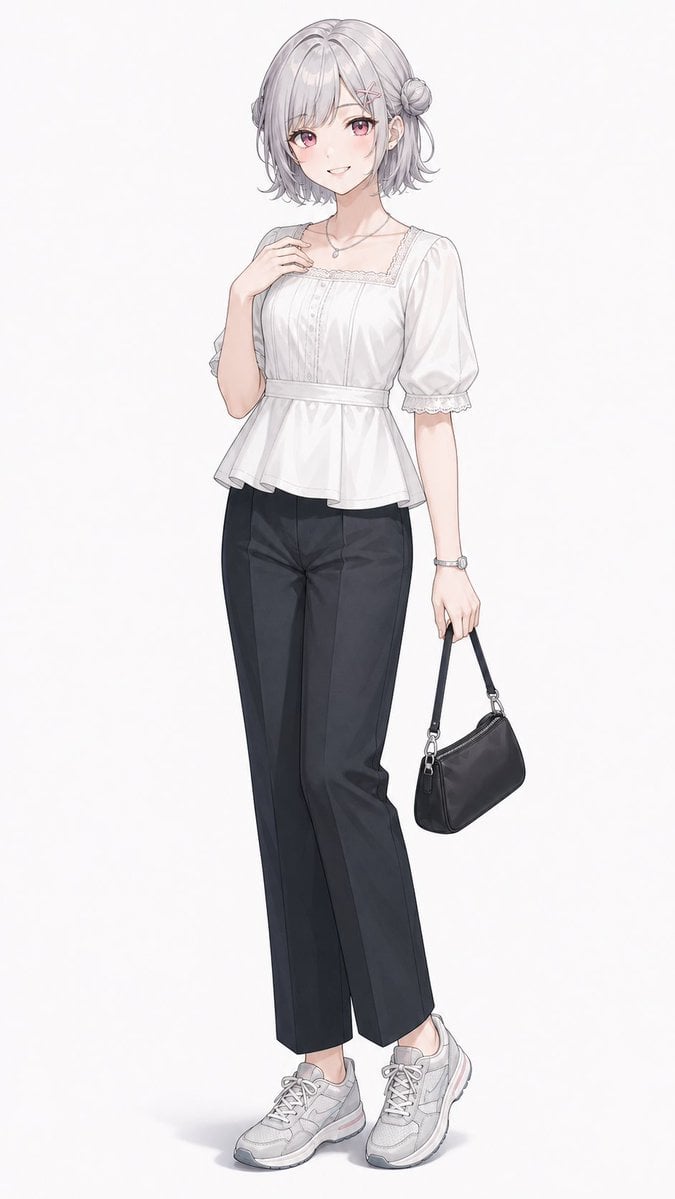
- Prompt included
- Model and format preset
- Free template
The prompt behind this image
Copy the exact prompt behind Silver-Haired Anime Fashion Girl, or open it in the studio and make it yours.
Create a full-body anime-style fashion illustration of a young woman standing against a clean plain white background. She has {argument name="hair color" default="soft silver-gray"} short bob hair with loose curled ends, side strands, a small side bun on her right side, and two pink crossed hairpins near her bangs. Give her large {argument name="eye color" default="pink-red"} eyes, fair skin, a gentle cheerful smile, and delicate blush. Pose her in a relaxed three-quarter stance: one hand lightly touching her collarbone, the other arm hanging down while holding a small black shoulder handbag by its strap. Outfit: a feminine {argument name="blouse color" default="white"} square-neck blouse with puff short sleeves, lace trim along the neckline and sleeve cuffs, subtle vertical pintucks/buttons on the bodice, a fitted waist seam, and a soft peplum hem; pair it with high-waisted {argument name="pants color" default="black"} straight-leg trousers with crisp center creases. Accessories: exactly 5 visible accessories — 2 crossed pink hairpins, 1 small silver pendant necklace, 1 silver wristwatch, and 1 small black handbag with metal rings and zipper details. Shoes: chunky light gray lace-up sneakers with white soles and faint pink accents. Use refined Japanese light-novel character art, thin clean linework, soft watercolor-like shading, subtle fabric folds, polished but delicate rendering, natural proportions, full body centered vertically, minimal ground shadow, no text, no logo, no extra characters, no background objects.
How to use Silver-Haired Anime Fashion Girl in 3 steps
- 1Upload ImagePNG, JPG or paste
Add your photo
Upload the photo the template builds on. The prompt, model and format are already set.
- 2…a portrait of your subject in softgolden-hour light, 85mm…
Personalize
Edit the subject and creative details for your destination.
- 3Generate
Generate
Press Generate — your image is created in PicX Studio, so you can compare it with the original and refine one variable at a time.
More like this
Templates with the same subject, style or setup. Open one to see its prompt.
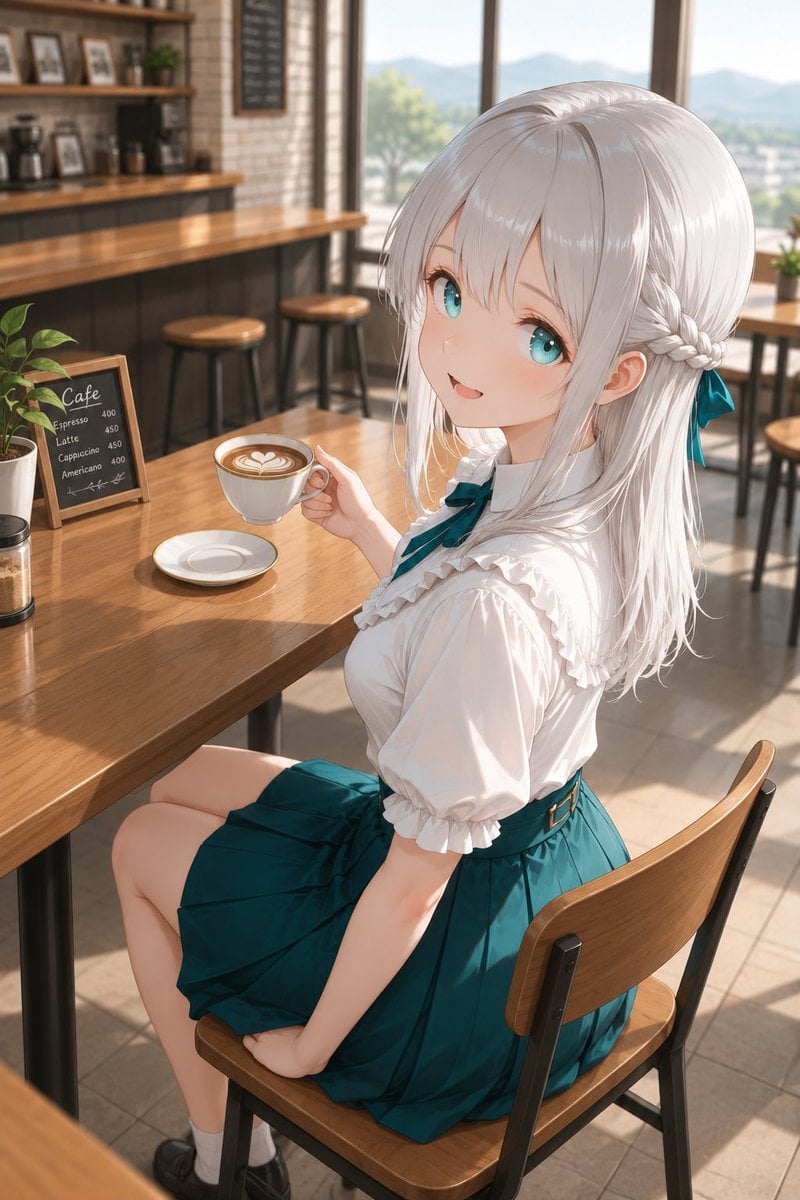
Silver-Haired Girl in Sunny Café

80s College Gate

1988 Mall Style

80s Polka Dot Saree
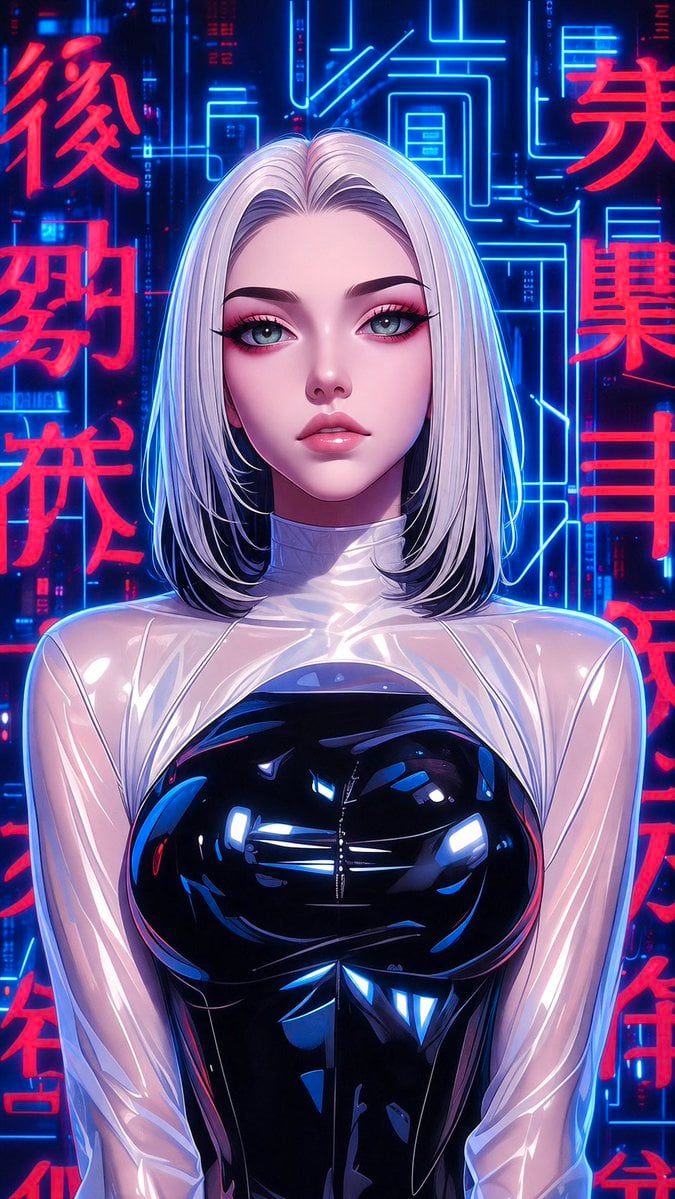
Futuristic Silver Hair Anime Portrait
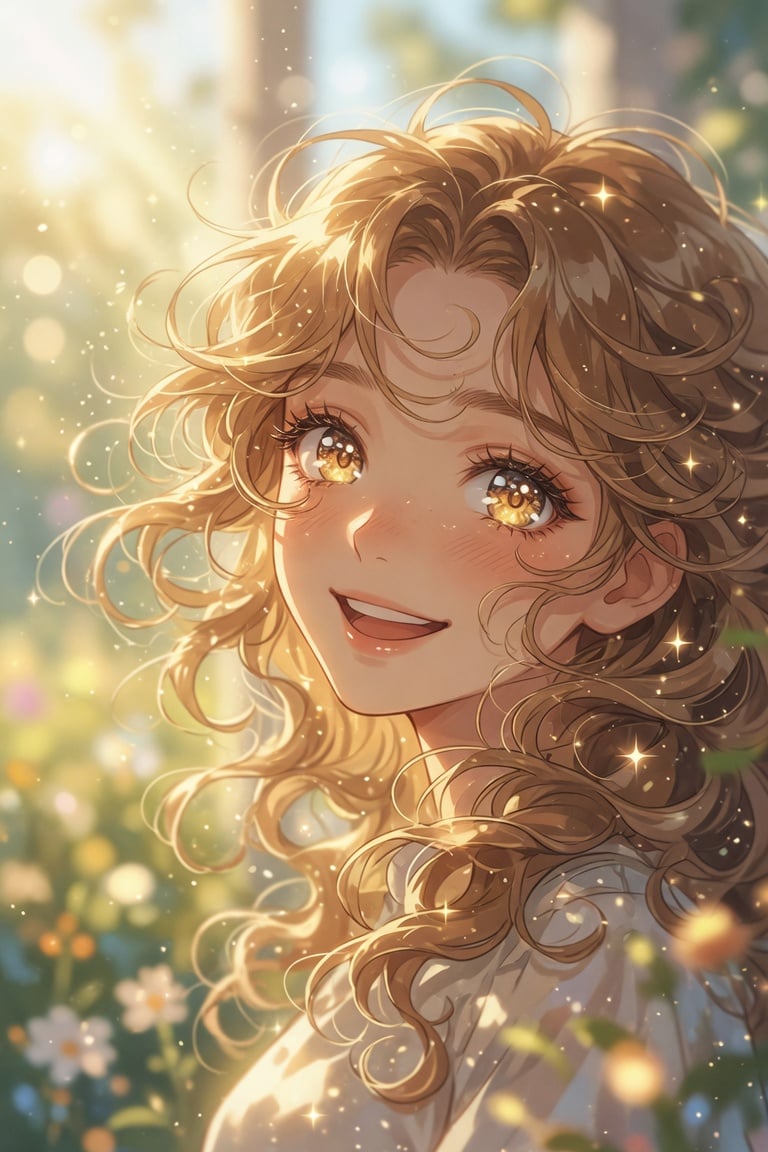
Golden Curly-Haired Anime Garden Portrait

Teen Girl Alpine Lake Mountain View
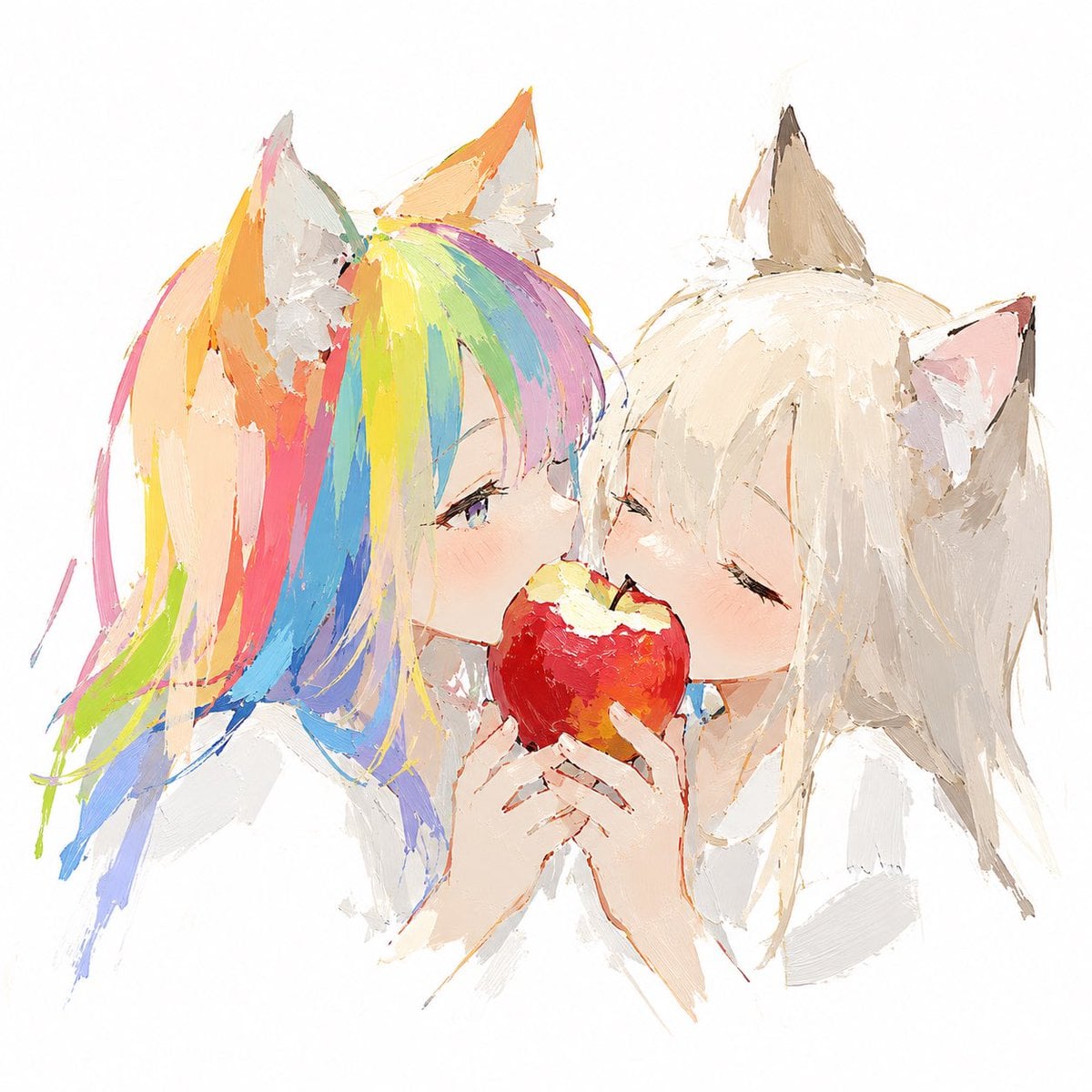
Rainbow-Haired Cat Girl Art
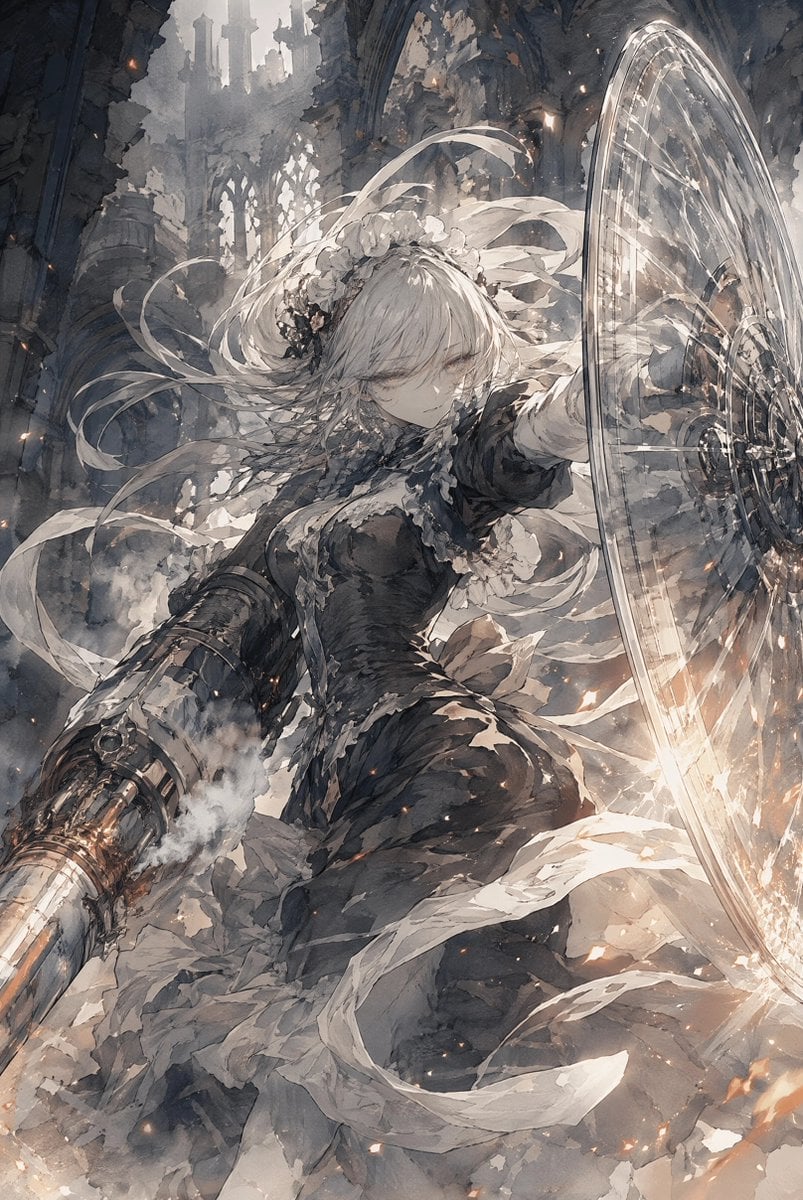
Silver-Haired Cathedral Battle Maiden

Framed Quilling Anime Girl

Anime Lantern Girl Character Sheet

Anime Girl Generation Grid
Make it yours
Silver-Haired Anime Fashion Girl works as-is. These are the safest ways to change it without losing the look.
Change one field
Copy a single group, rewrite it, and generate again so you can see what that field is doing.
Keep the frame, change the subject
Hold the composition and light of Silver-Haired Anime Fashion Girl, then swap wardrobe, props or the person for a new take.
| If the result… | Why | Fix |
|---|---|---|
| The result drifts from the preview | Too many fields changed at once. | Reuse Silver-Haired Anime Fashion Girl as-is first, then change one group — subject, light, or setting. |
| The model over-stylizes the scene | The prose prompt leaves finish and camera underspecified. | Add one camera or lighting sentence and stay on GPT Image 2. |
More GPT Image 2 templates
Other prompts made for GPT Image 2.

Six VTuber Japanese Logo Sheet

Realistic Portrait of Woman and Deer

The Vista Modular Condo Poster

AI Model Routing Comparison Infographic

2.5D Anime Art Board

Isometric Productivity Desk Scene

New York Double Exposure Poster

Four-Panel AI Landscape Comparison

Japanese Tatami Lifestyle Magazine Cover

NESCAFÉ Coffee Map Poster
More image prompts
Fresh picks from across the catalog.
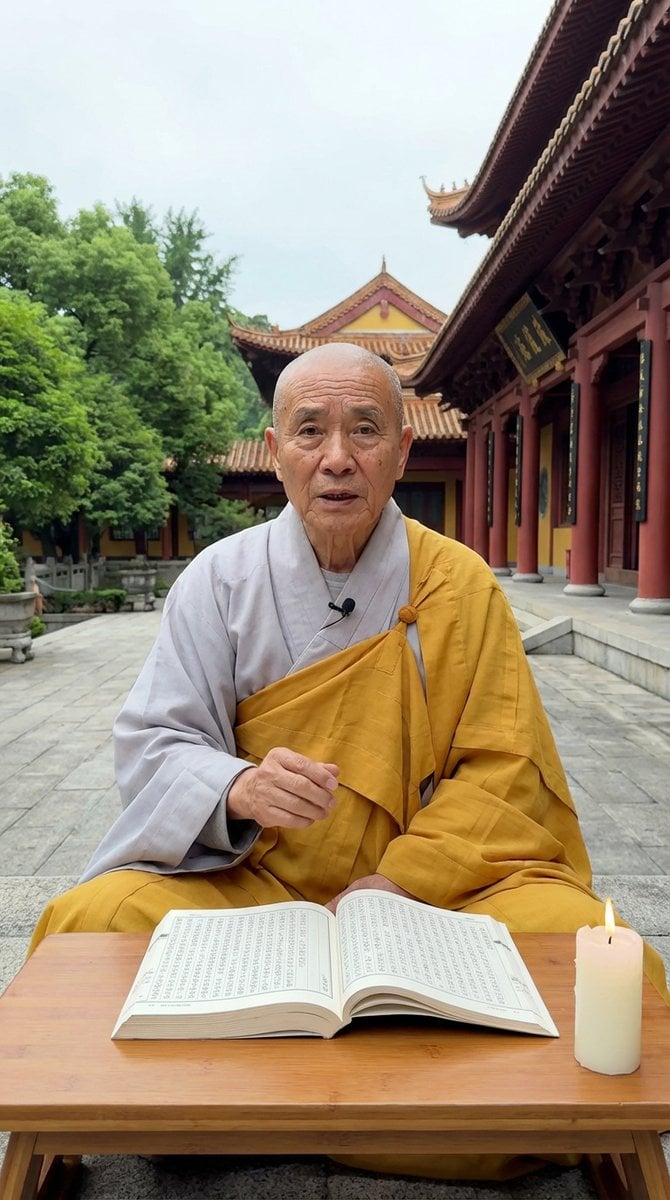
Monk Delivering Life Advice Video Still Prompt

untitled
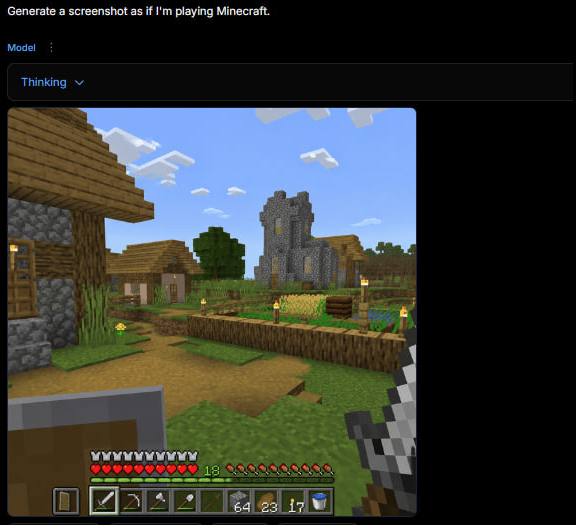
Minecraft Gameplay in AI Generator UI
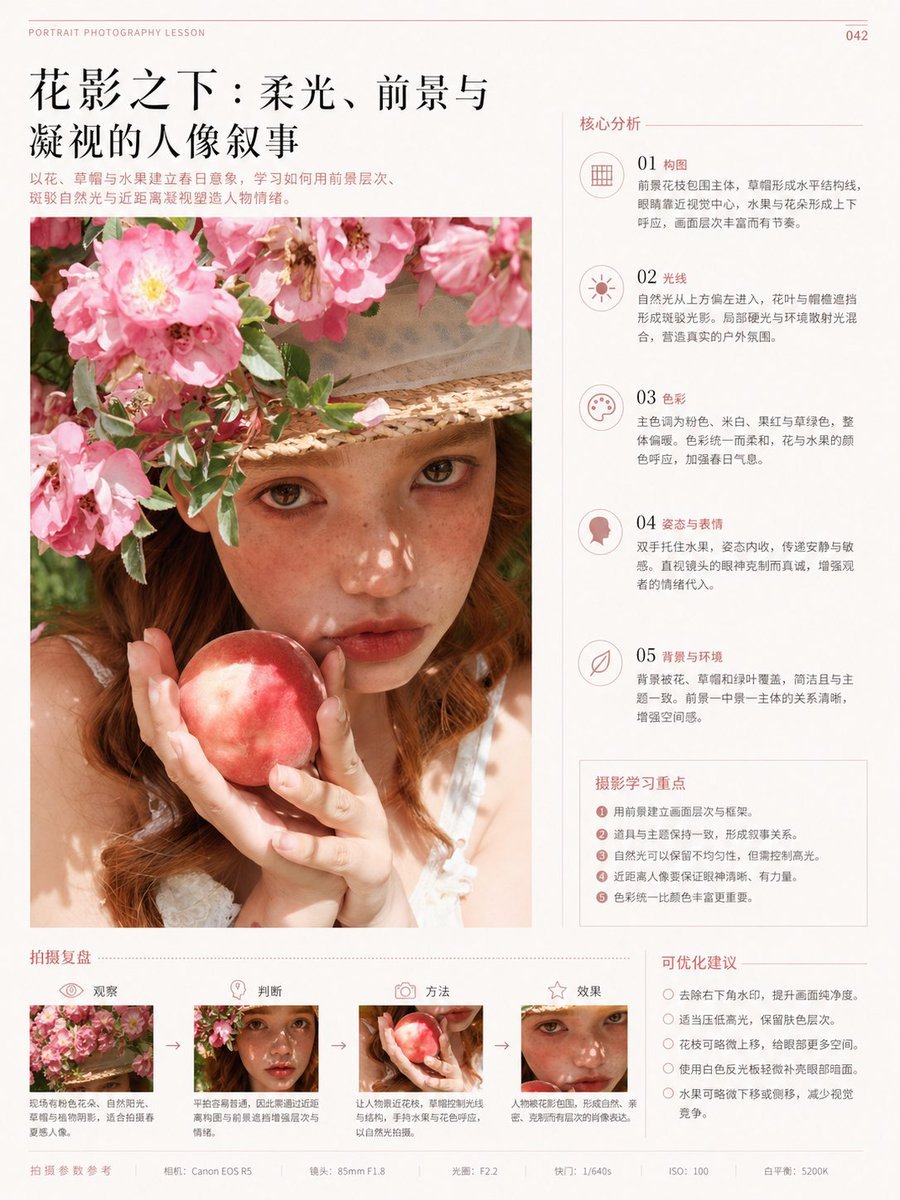
Chinese Editorial Photography Lesson Page
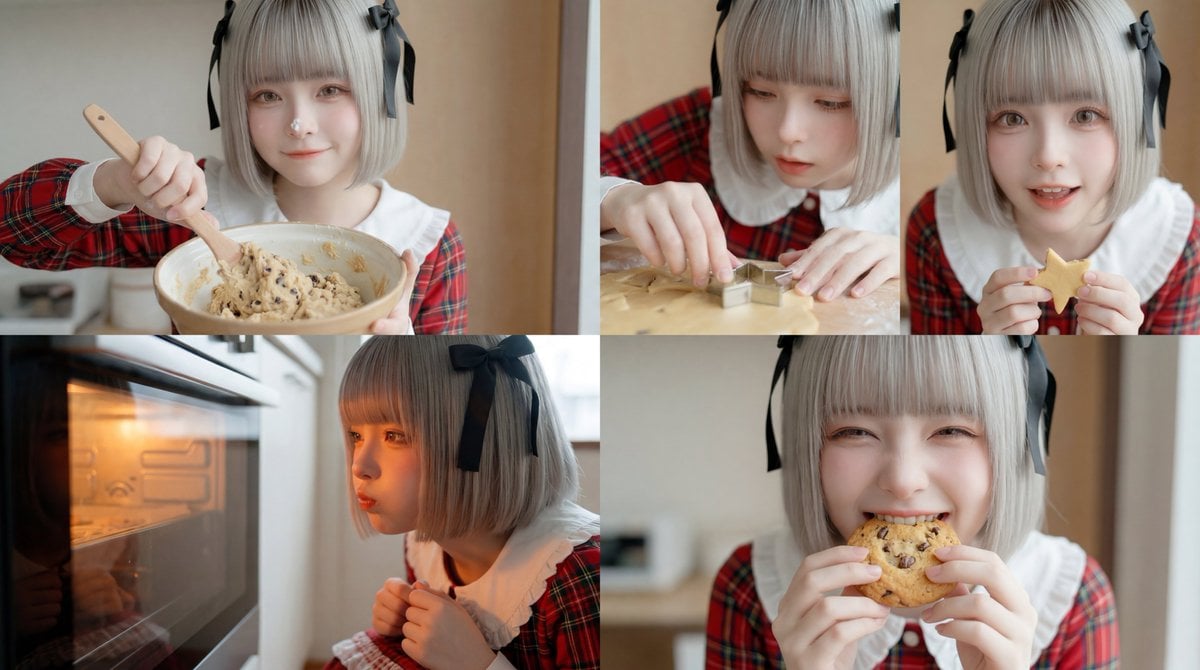
Cookie Baking Scene for Image and Video Generation
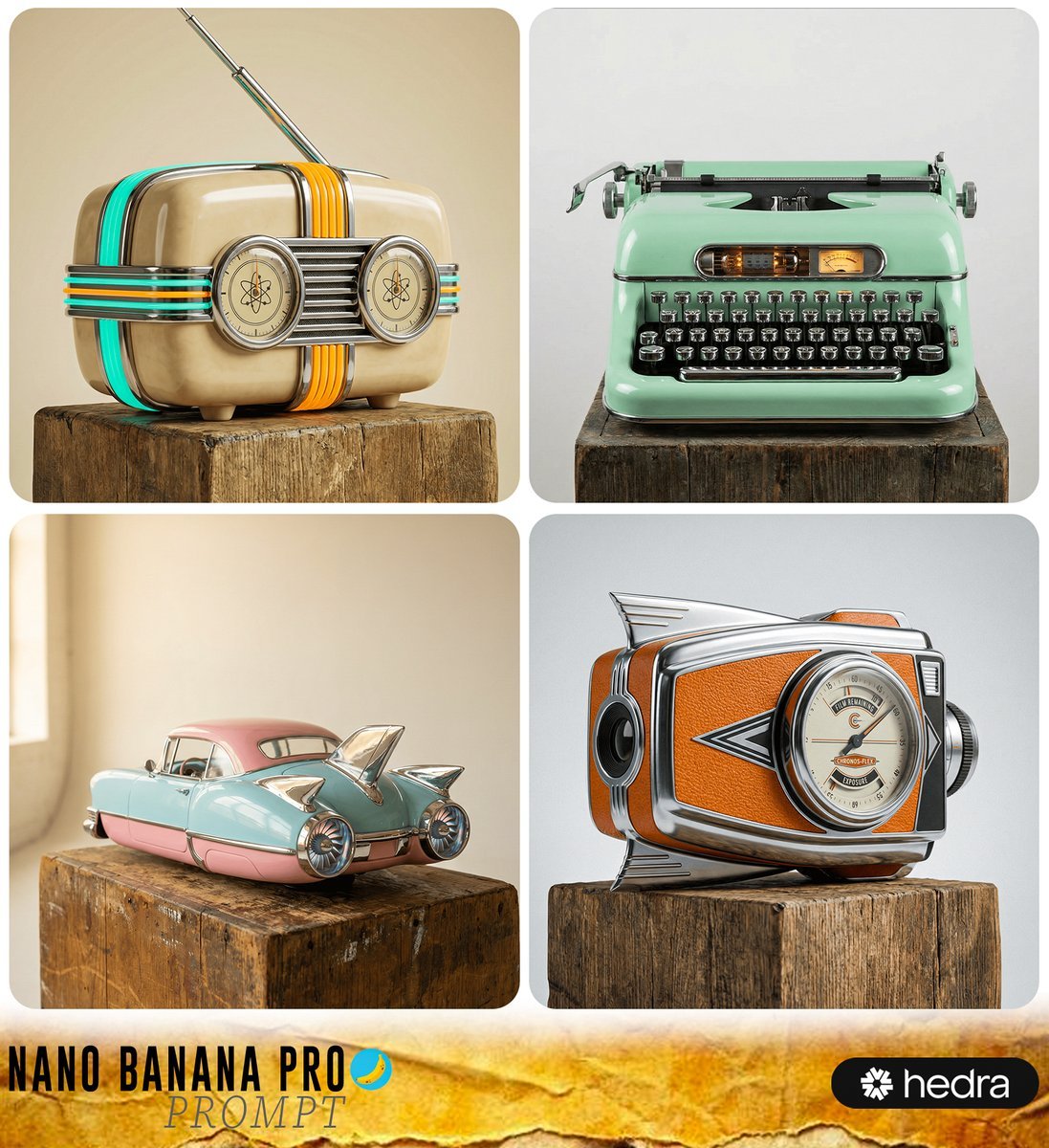
Retro-Futuristic Product Photography Prompt

Unfiltered Smartphone Photo of Man in Shopping Cart in Liquor Store
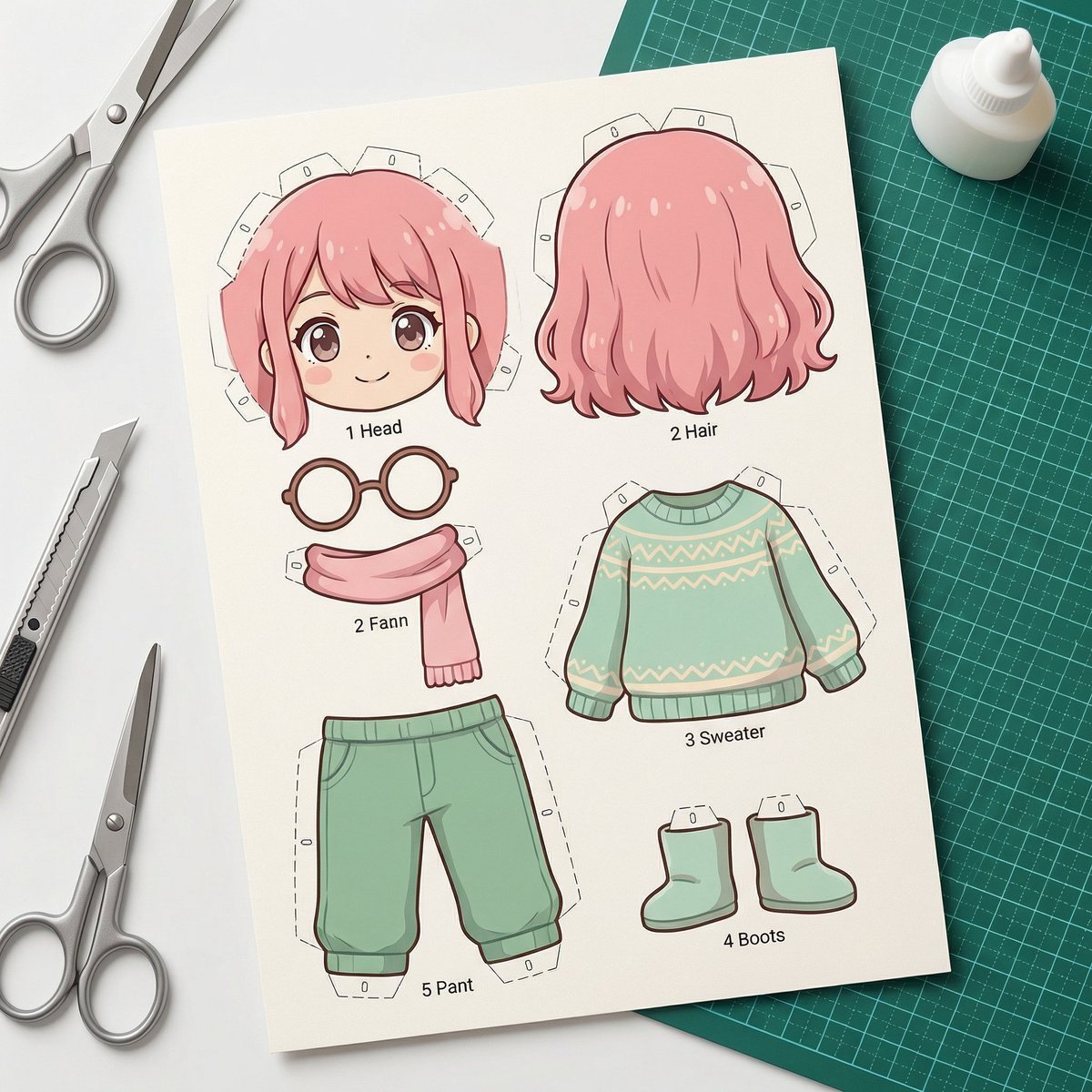
Image-to-SD Papercraft Conversion Prompt
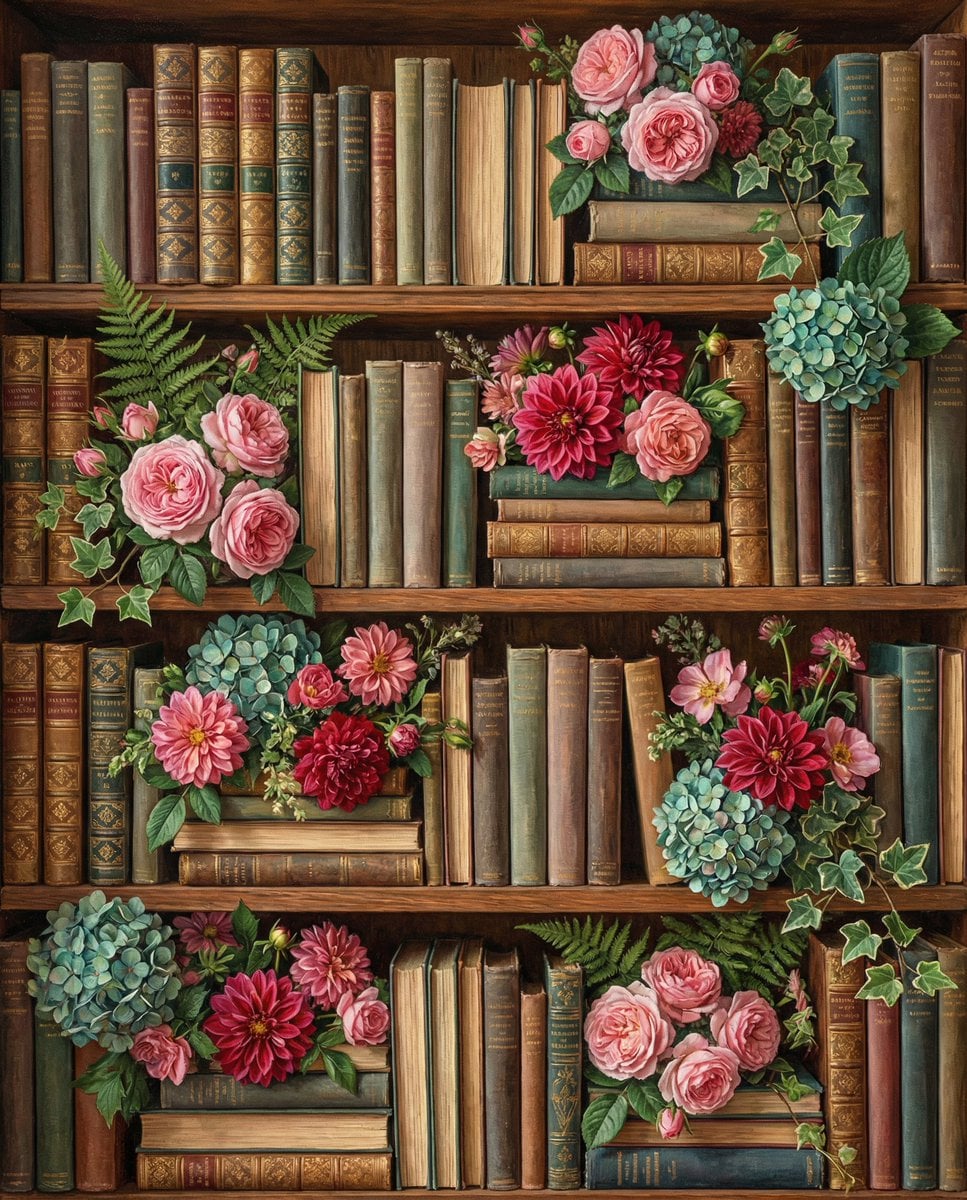
Overhead Shot of Bookshelves with Floral Arrangements
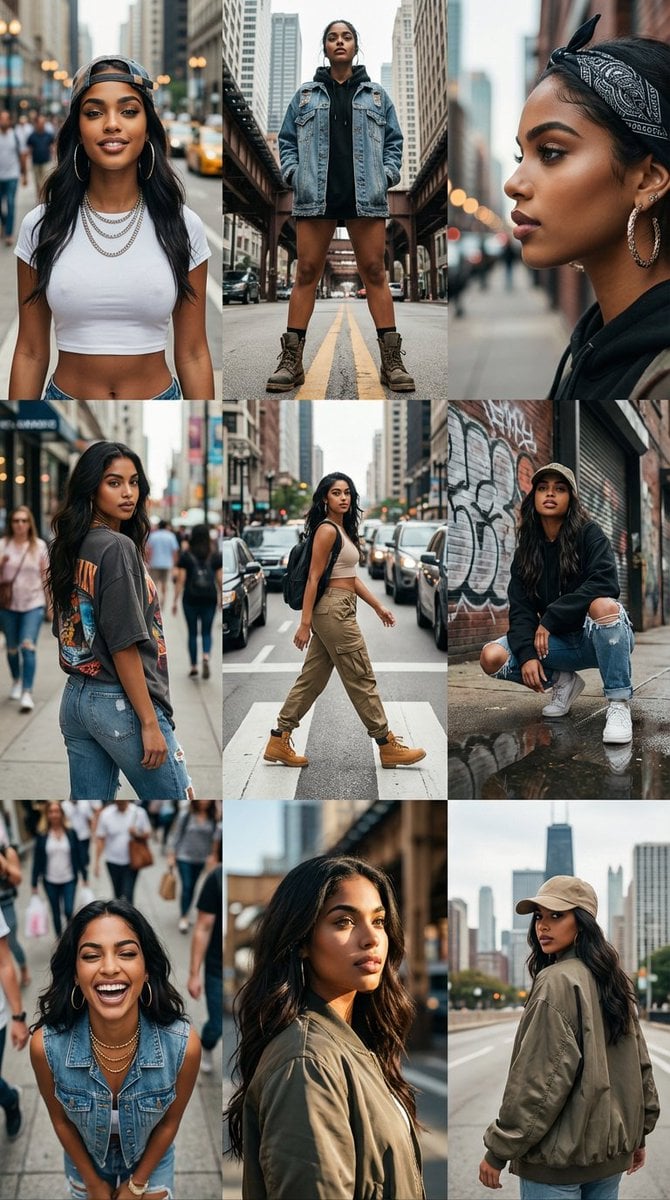
3x3 Cinematic Profile Grid with Identity Lock
Browse template categories
Silver-Haired Anime Fashion Girl questions
How do I use the Silver-Haired Anime Fashion Girl template?
Add your photo if the template asks for one, edit the prompt if you like — the template's model and format are already selected — and press Generate. Your version opens in PicX Studio.
Can I customize the Silver-Haired Anime Fashion Girl template?
Yes. You can change the subject, setting, lighting, mood, format, and available model controls before creating your image.
Is the Silver-Haired Anime Fashion Girl template free?
Opening and editing this template is free. Generating uses credits, shown on the Generate button when you are signed in.
Which AI model should I use?
Start with GPT Image 2, which is the model associated with this template. You can compare another compatible model for a different finish.
Looking for something else? Browse all templates.

Your photo, any look
Thousands of ready templates for every top image and video model, from one credit balance.