
Direction RPG Hero Sprite Sheet
Generates a consistent 64-frame pixel-art walking sprite sheet for a fantasy Zelda-like game character.
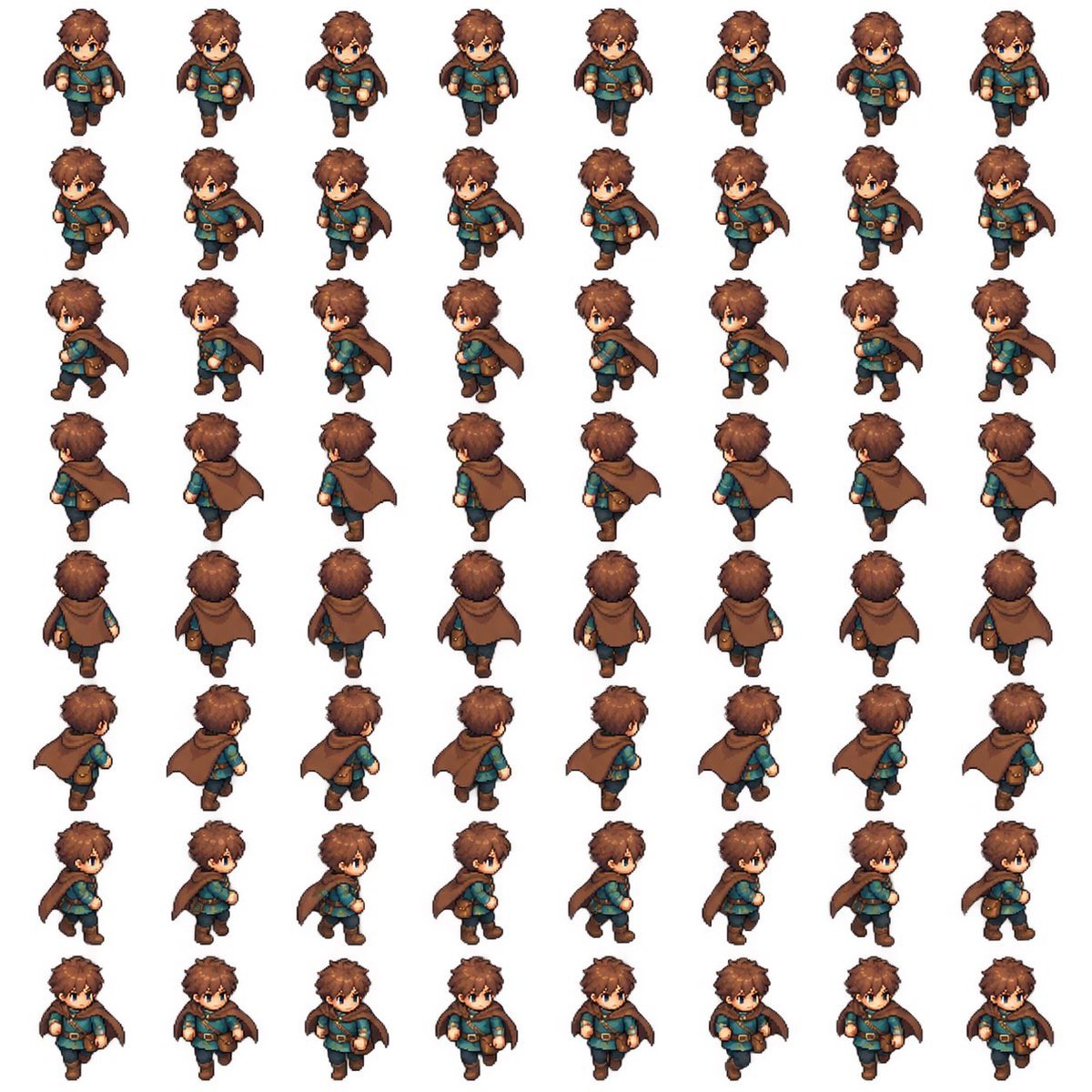
- Prompt included
- Model and format preset
- Free template
The prompt behind this image
Copy the exact prompt behind Direction RPG Hero Sprite Sheet, or open it in the studio and make it yours.
Goal: Create a complete 2D pixel-art RPG walking sprite sheet for a Zelda-like game character, ready to cut into animation frames. Canvas: Square white background, clean sprite-sheet presentation, evenly spaced grid with no borders, no labels, no shadows outside the sprites. Use a consistent top-down three-quarter RPG perspective. Layout: Arrange exactly 64 discrete character sprites in an 8 columns by 8 rows grid. Each row is one walking direction and each column is one animation frame. Keep identical scale, centered alignment, and consistent spacing across all cells. Directions and frame count: Include exactly 8 walking directions with 8 frames each: 1 front-facing walking toward camera, 2 front-right diagonal, 3 right side profile, 4 back-right diagonal, 5 back-facing walking away, 6 back-left diagonal, 7 left side profile, 8 front-left diagonal. The character identity, proportions, outfit, hair, face, cape, pouch, boots, and colors must remain consistent in all 64 frames. Animate legs, arms, cape swing, and body bob naturally without changing the character design. Character details: A cute young fantasy adventurer boy named {argument name="character name" default="brown-haired cape adventurer"}, chibi proportions with a large head and small body, tousled {argument name="hair color" default="warm brown"} hair, blue eyes, fair skin, determined neutral expression, teal tunic, brown leather belt with gold buckle, dark trousers, brown boots, small brown satchel pouch at the hip, and a flowing {argument name="cape color" default="brown"} cloak fastened around the shoulders. Outfit style should feel like a classic action-adventure RPG hero. Visual style: High-quality pixel art with crisp edges, hand-painted sprite detail, subtle cel shading, warm fantasy colors, readable silhouette, small-game-character scale, polished indie RPG look. Use a consistent light source and consistent pixel density across every frame. Constraints: Exactly 64 sprites total, exactly 8 rows and 8 columns, no text, no UI, no weapon, no extra characters, no background scenery, no duplicated wrong-facing limbs, no flipped-inconsistent accessories, no changes in head shape or outfit between frames, no cropping.
How to use Direction RPG Hero Sprite Sheet in 3 steps
- 1Upload ImagePNG, JPG or paste
Add your photo
Upload the photo the template builds on. The prompt, model and format are already set.
- 2…a portrait of your subject in softgolden-hour light, 85mm…
Personalize
Edit the subject and creative details for your destination.
- 3Generate
Generate
Press Generate — your image is created in PicX Studio, so you can compare it with the original and refine one variable at a time.
More like this
Templates with the same subject, style or setup. Open one to see its prompt.
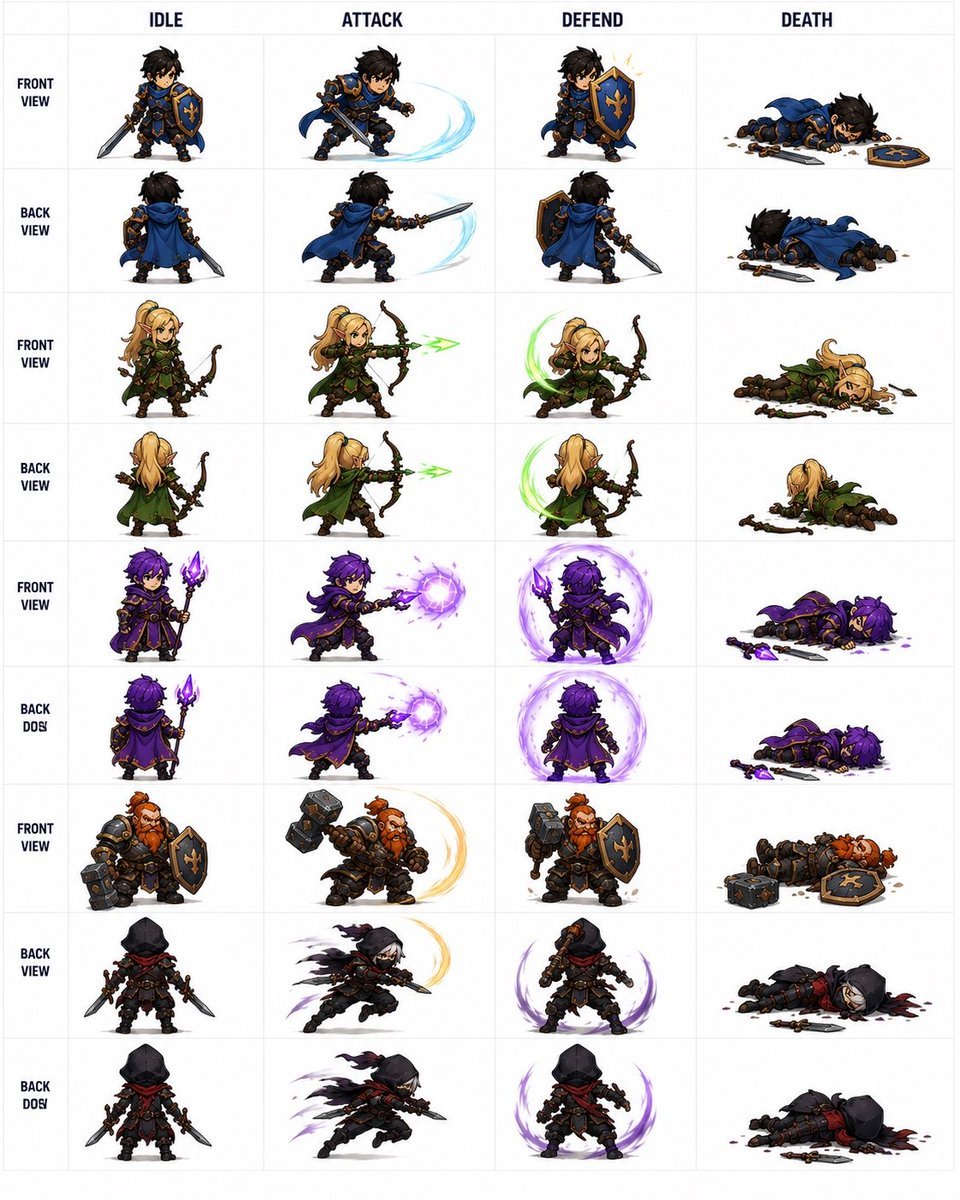
Fantasy RPG Character Sprite Sheet
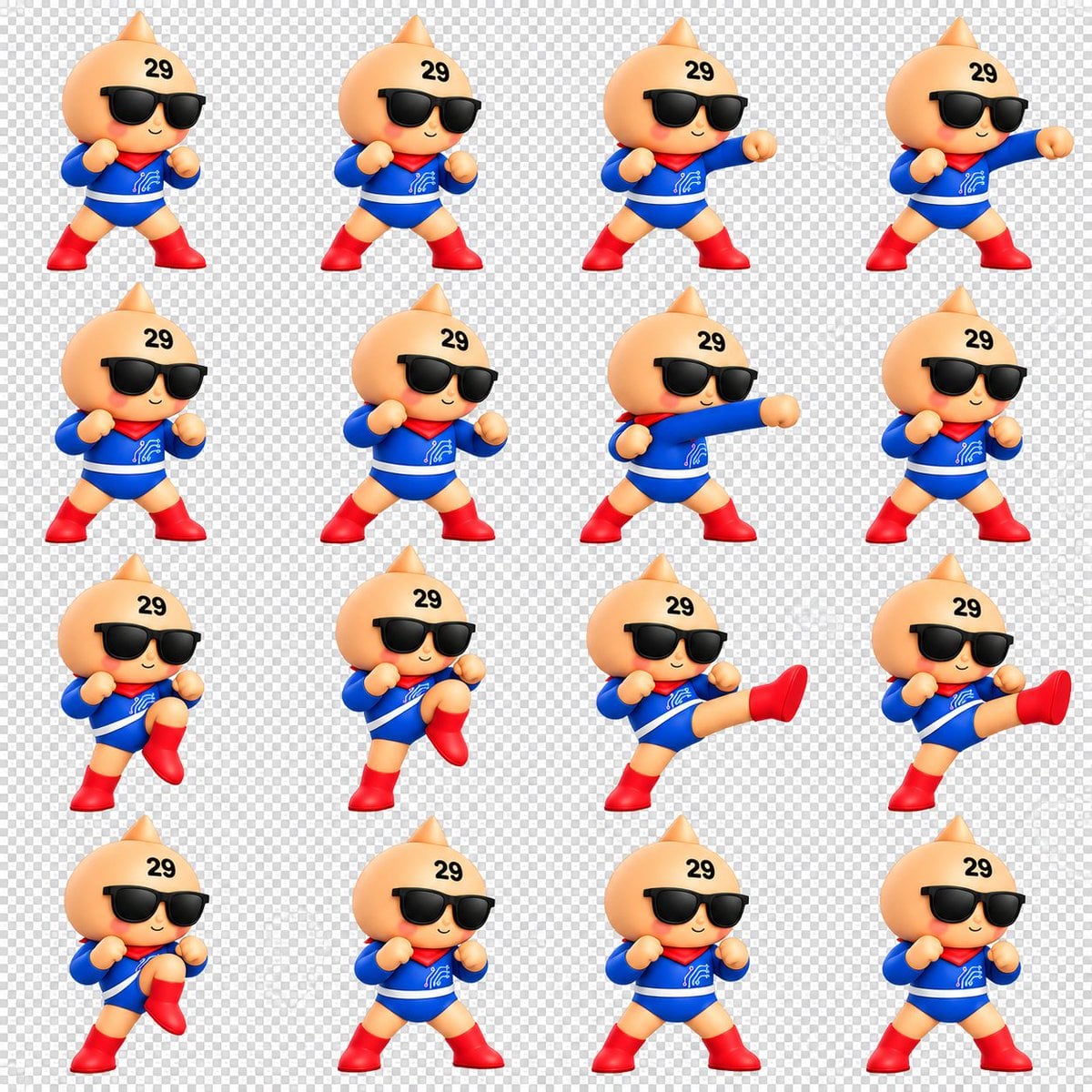
Chibi Mascot Fighting Sprite Sheet

Character Battle Motion Sprite Sheet
Cartoon Character GIF Sprite Sheet
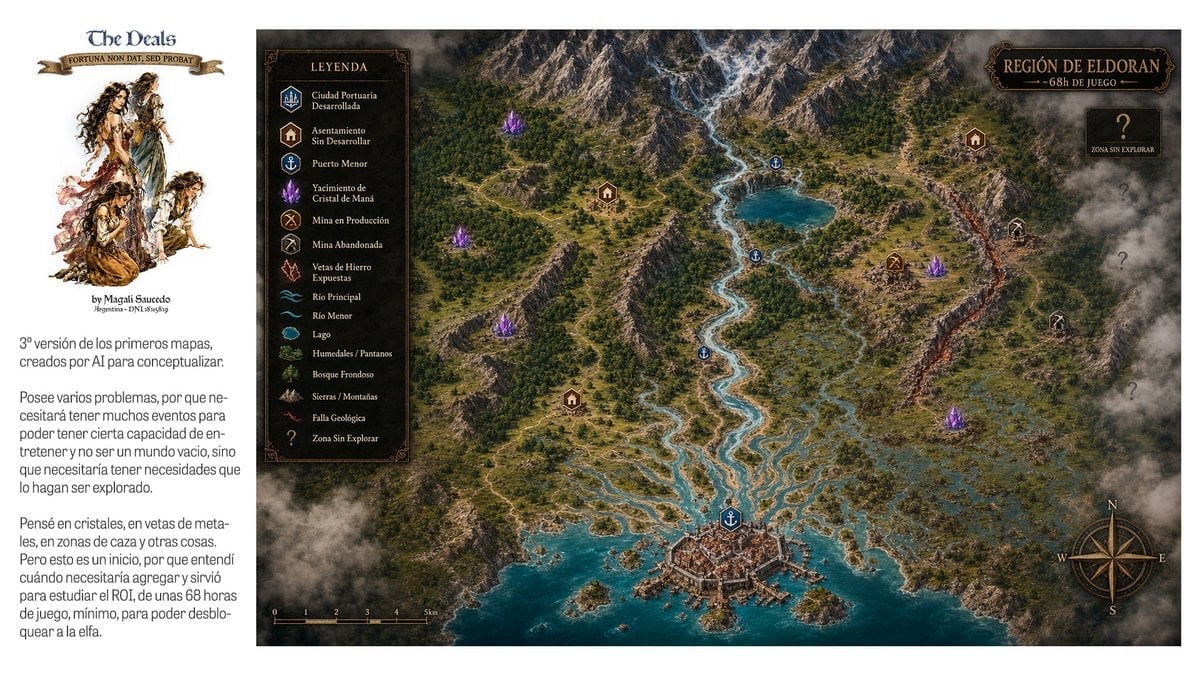
Fantasy RPG Region Map Sheet
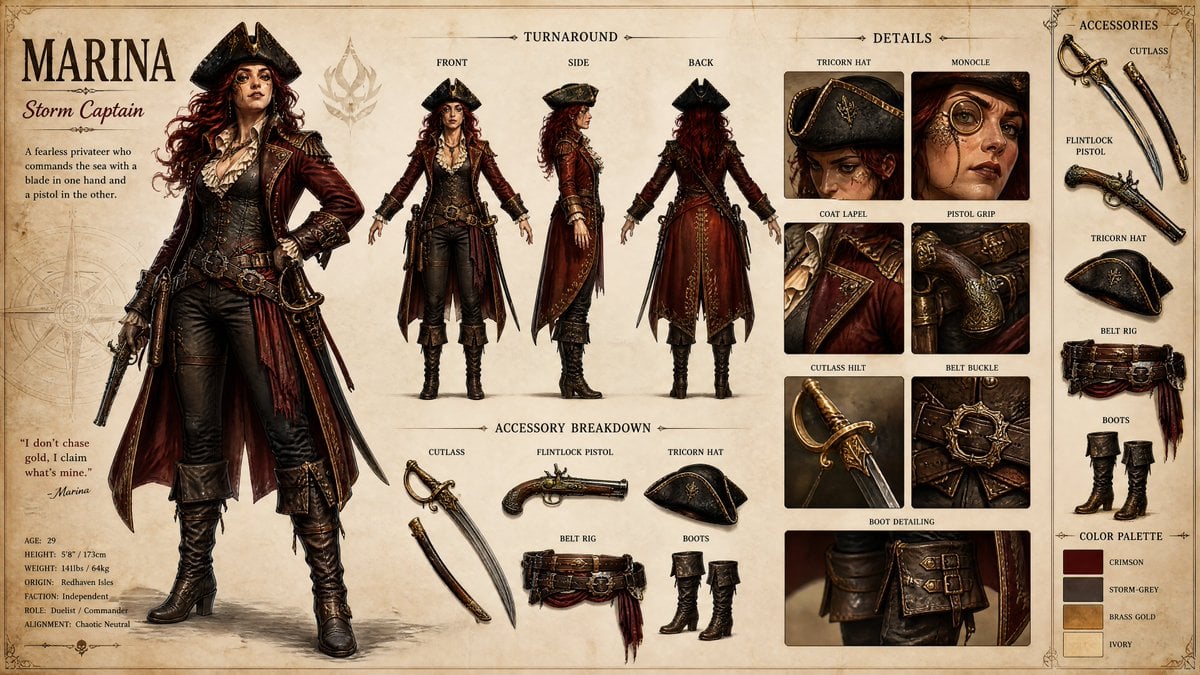
Pirate RPG Character Design Sheet
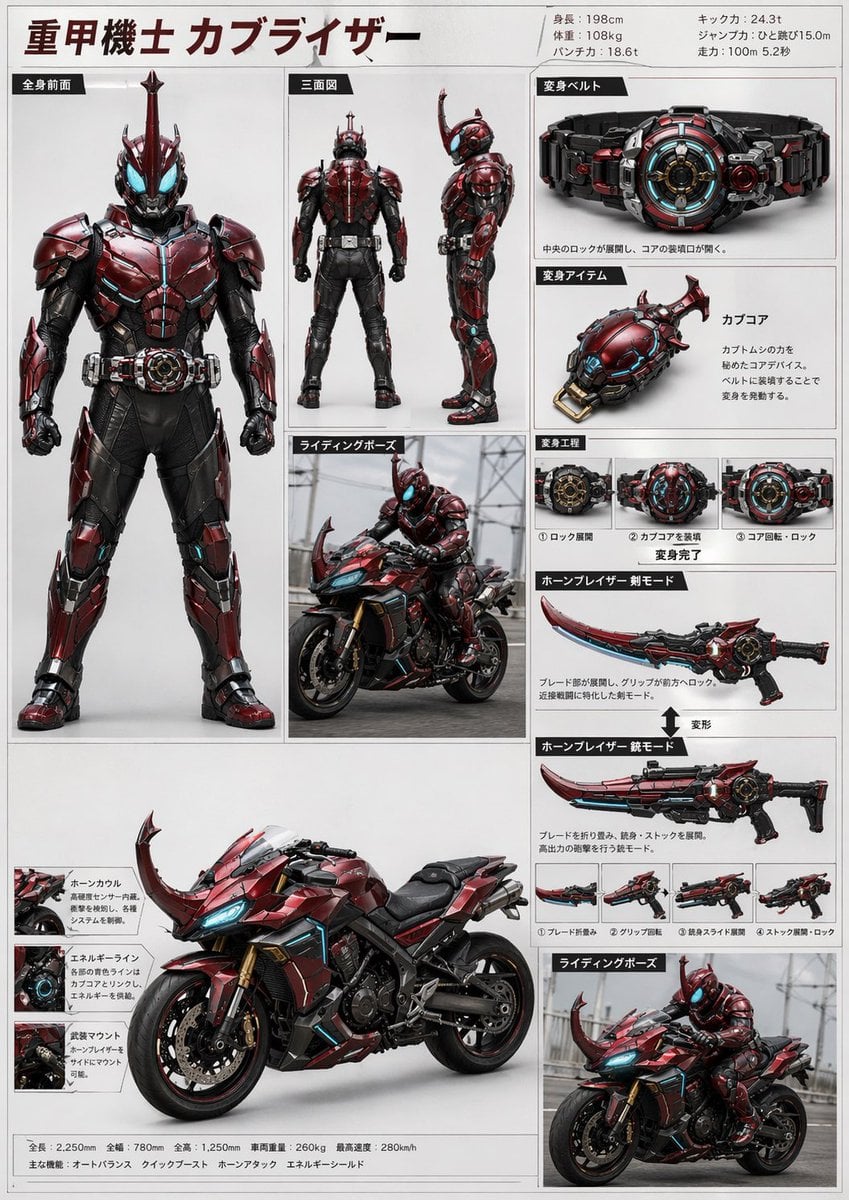
Tokusatsu Hero Reference Sheet

Minimalist Corporate Portrait Sprite Sheet
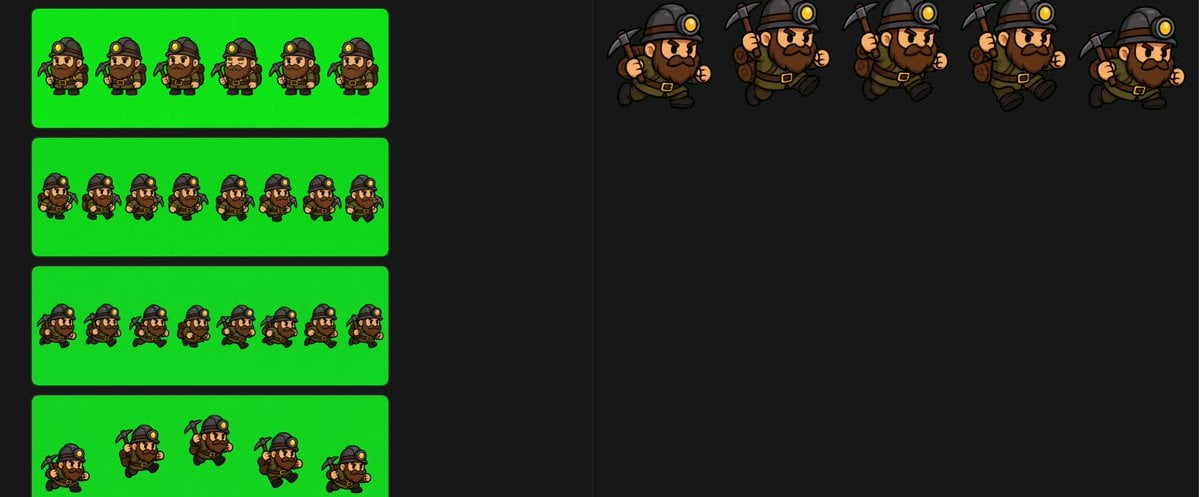
Chibi Miner Game Sprite Sheet
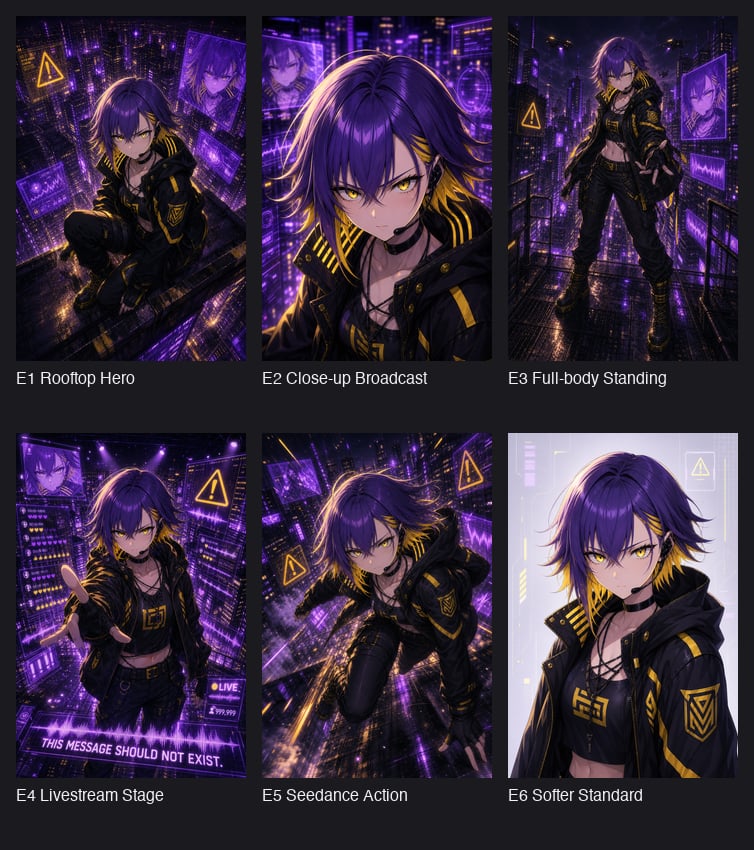
Cyberpunk Anime Hero Contact Sheet
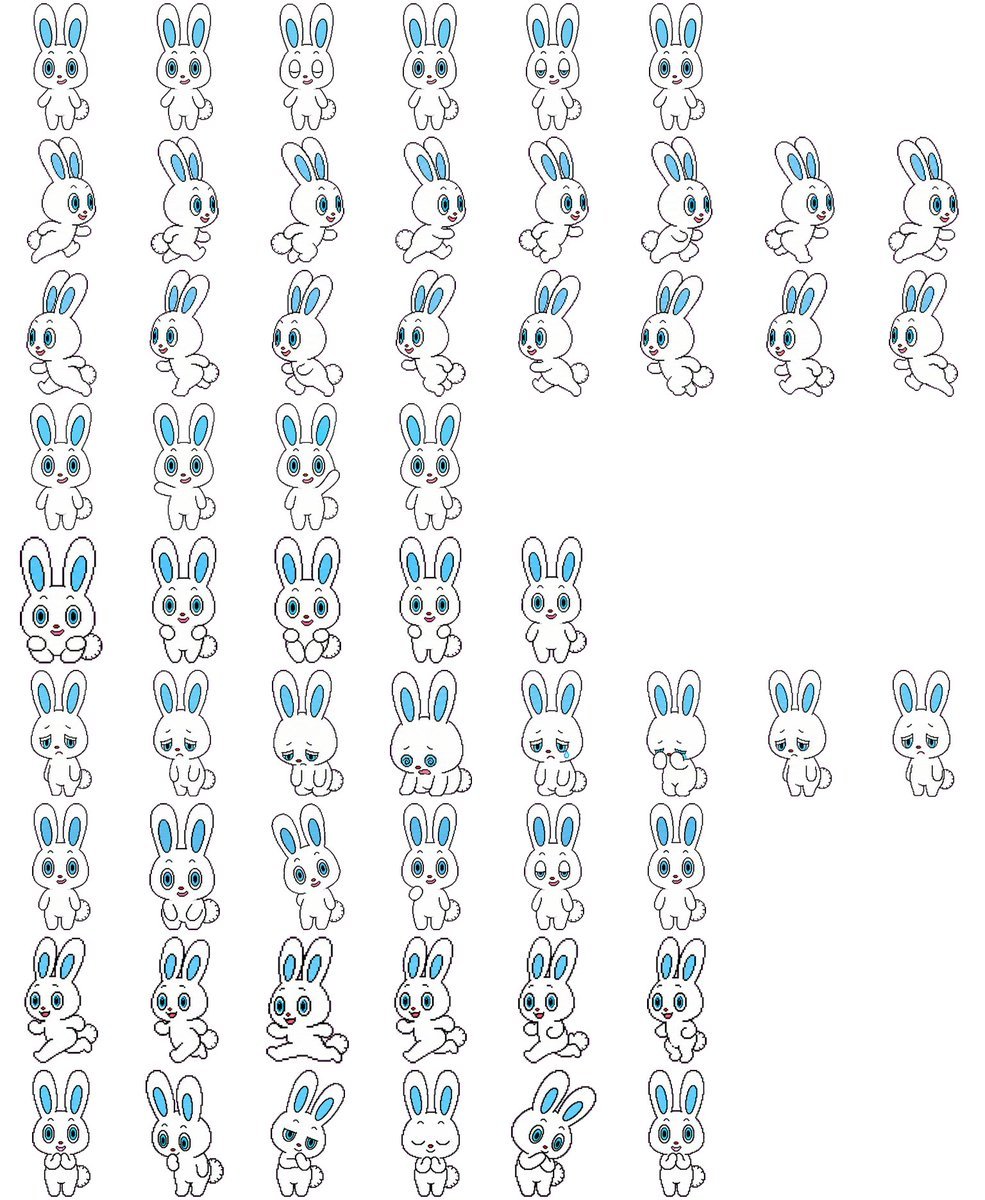
Rabbit Character Sprite Sheet
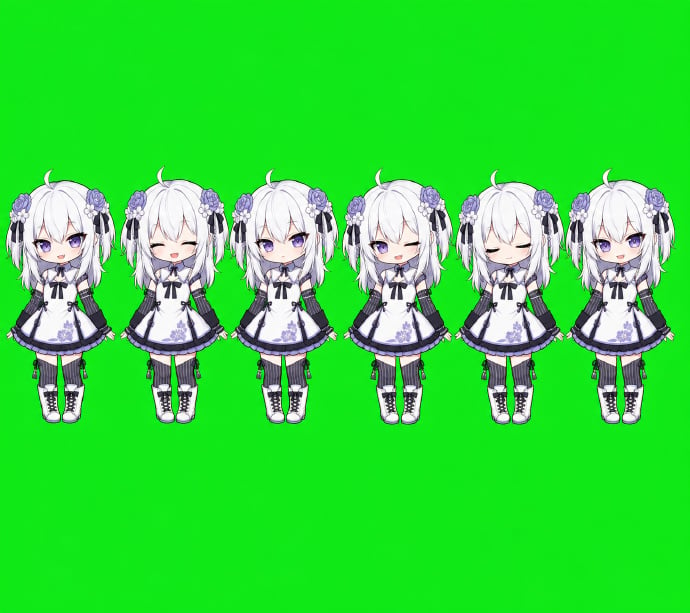
Chibi Desktop Pet Sprite Sheet
Make it yours
Direction RPG Hero Sprite Sheet works as-is. These are the safest ways to change it without losing the look.
Change one field
Copy a single group, rewrite it, and generate again so you can see what that field is doing.
Keep the frame, change the subject
Hold the composition and light of 8-Direction RPG Hero Sprite Sheet, then swap wardrobe, props or the person for a new take.
| If the result… | Why | Fix |
|---|---|---|
| The result drifts from the preview | Too many fields changed at once. | Reuse 8-Direction RPG Hero Sprite Sheet as-is first, then change one group — subject, light, or setting. |
| The model over-stylizes the scene | The prose prompt leaves finish and camera underspecified. | Add one camera or lighting sentence and stay on GPT Image 2. |
More GPT Image 2 templates
Other prompts made for GPT Image 2.

Six VTuber Japanese Logo Sheet

Realistic Portrait of Woman and Deer

The Vista Modular Condo Poster

AI Model Routing Comparison Infographic

2.5D Anime Art Board

Isometric Productivity Desk Scene

New York Double Exposure Poster

Four-Panel AI Landscape Comparison

Japanese Tatami Lifestyle Magazine Cover

NESCAFÉ Coffee Map Poster
More image prompts
Fresh picks from across the catalog.

Luxury Serum Ad Poster Set
Iridescent Water Phone Wallpaper
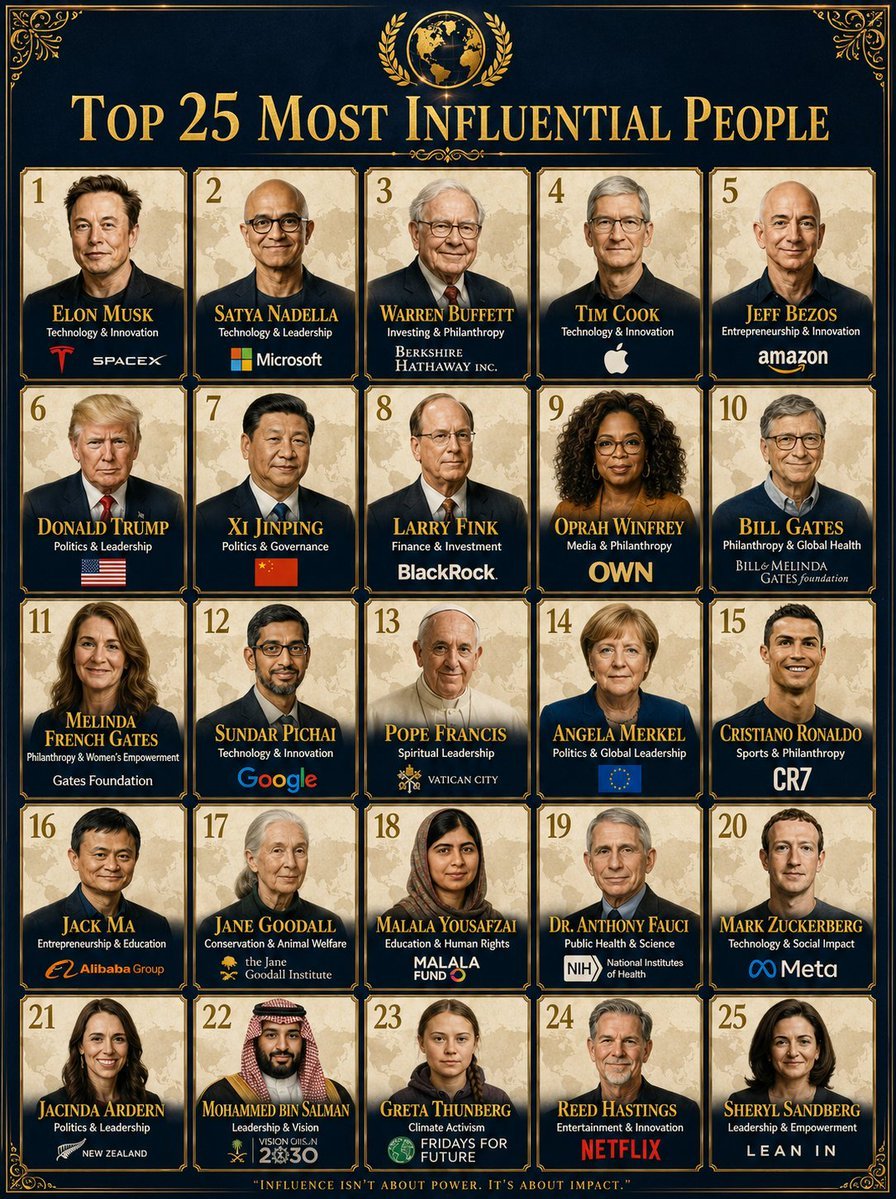
Professional Infographic Influential People Poster
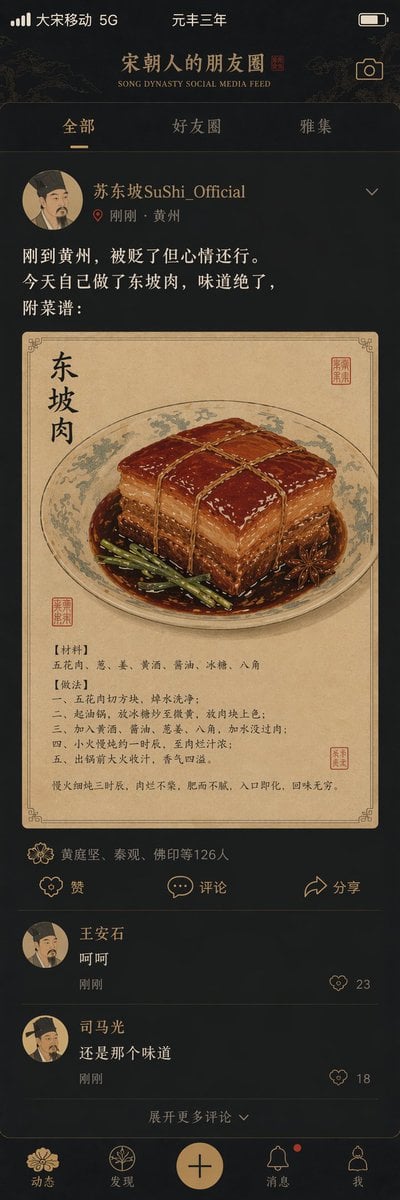
Song Dynasty Social Media Feed
3D Dance Game Screen Prompt for Nano Banana Pro
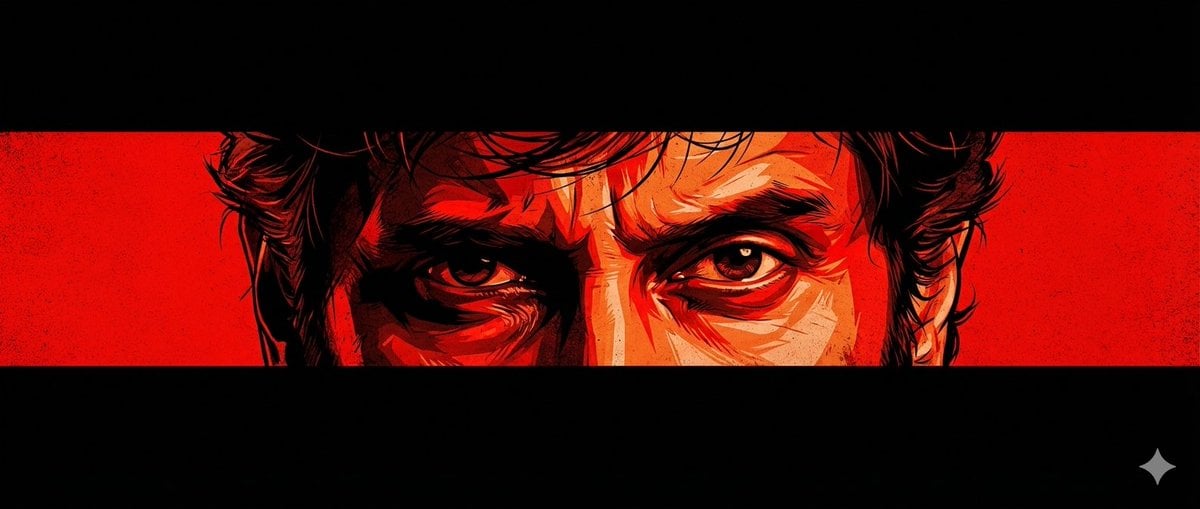
Graphic Novel Eye Close-up
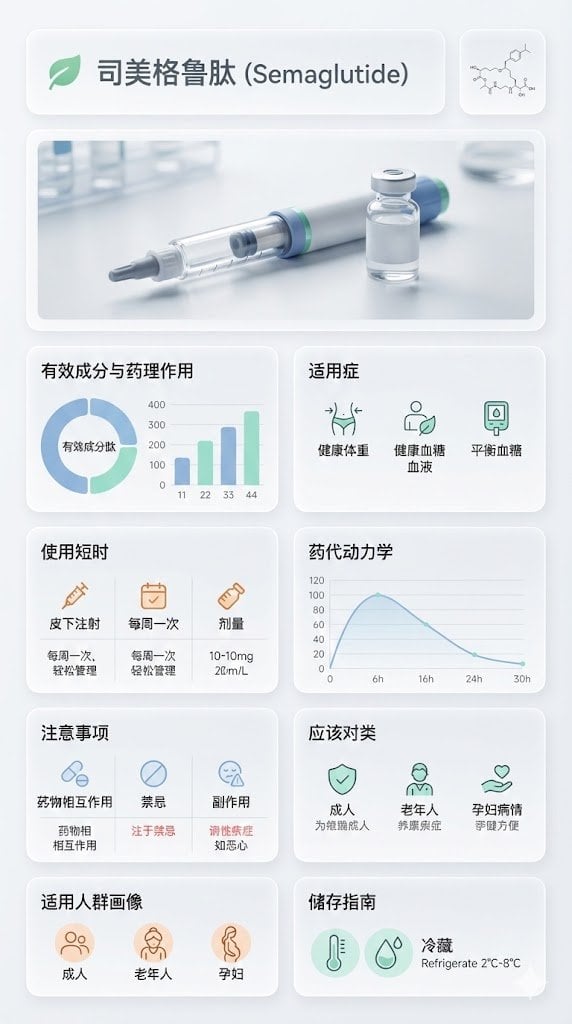
Medical Infographic Poster for Drug Information (Bento Grid Style)
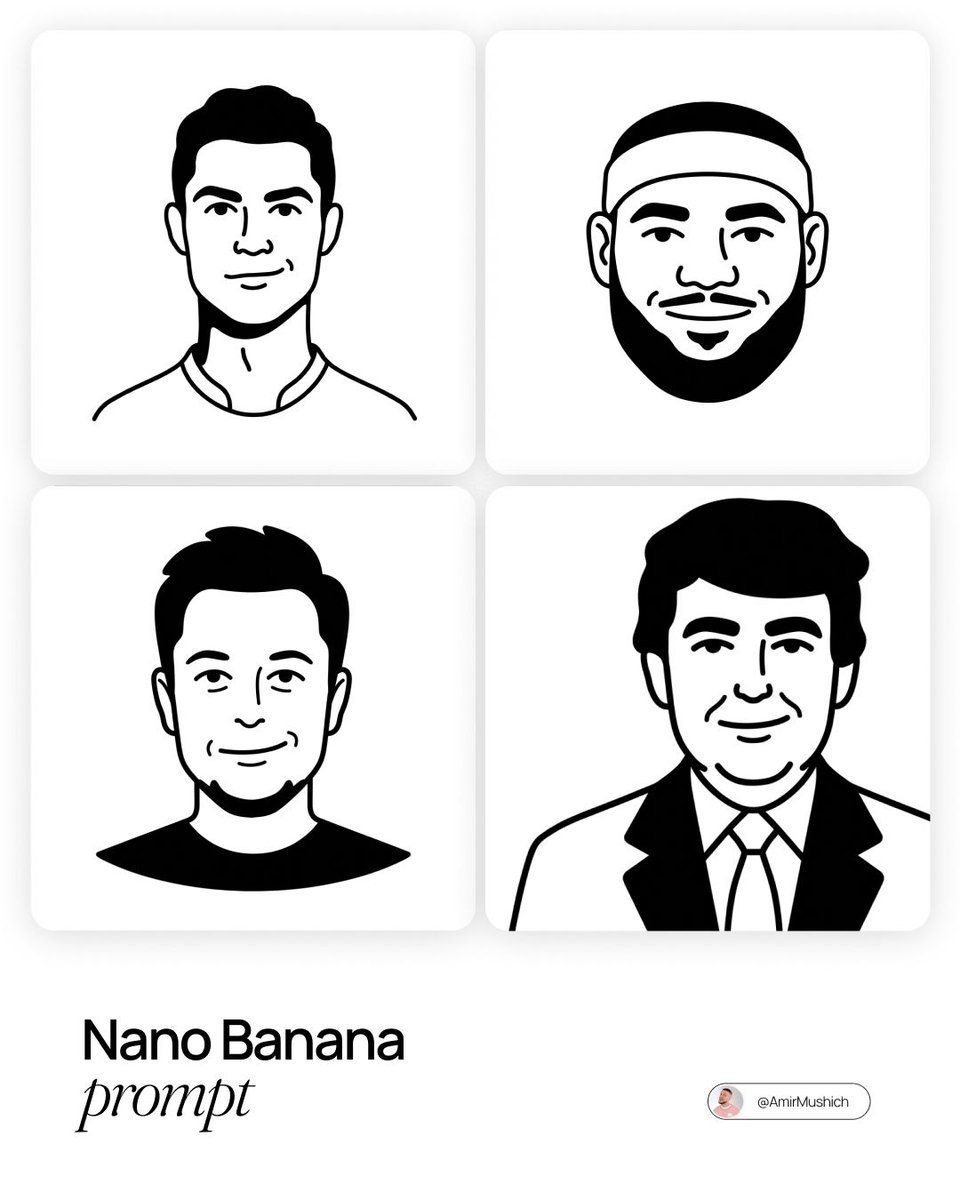
Notion-Styled Minimalist Illustrations Prompt
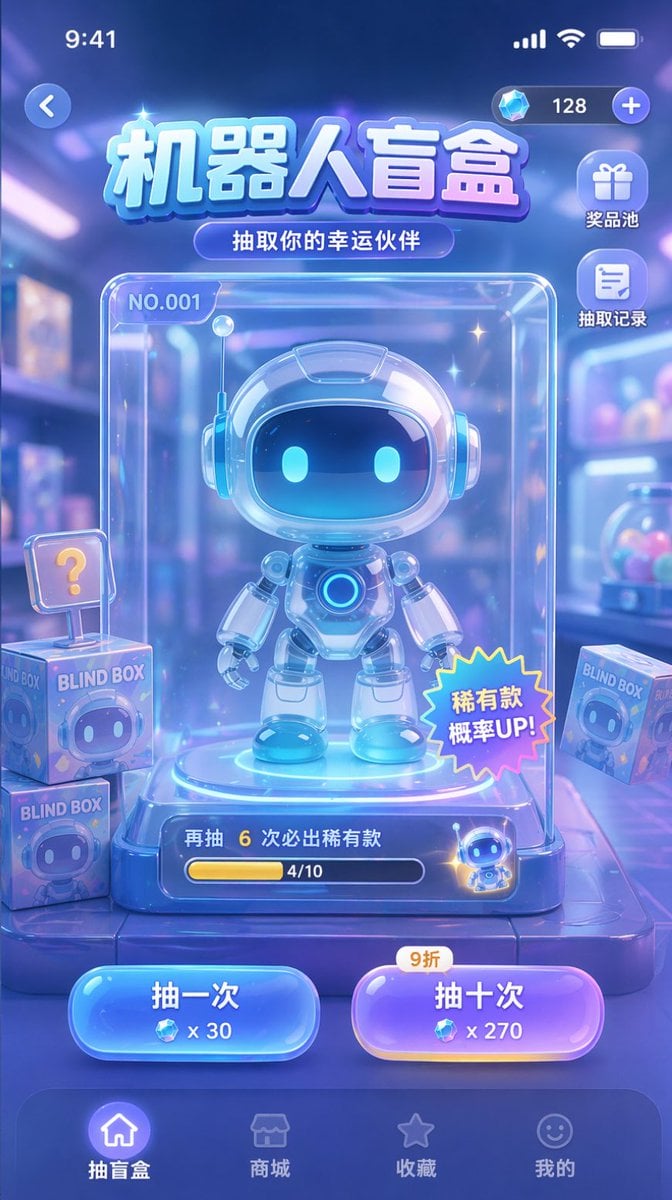
Gacha Game UI Mockup
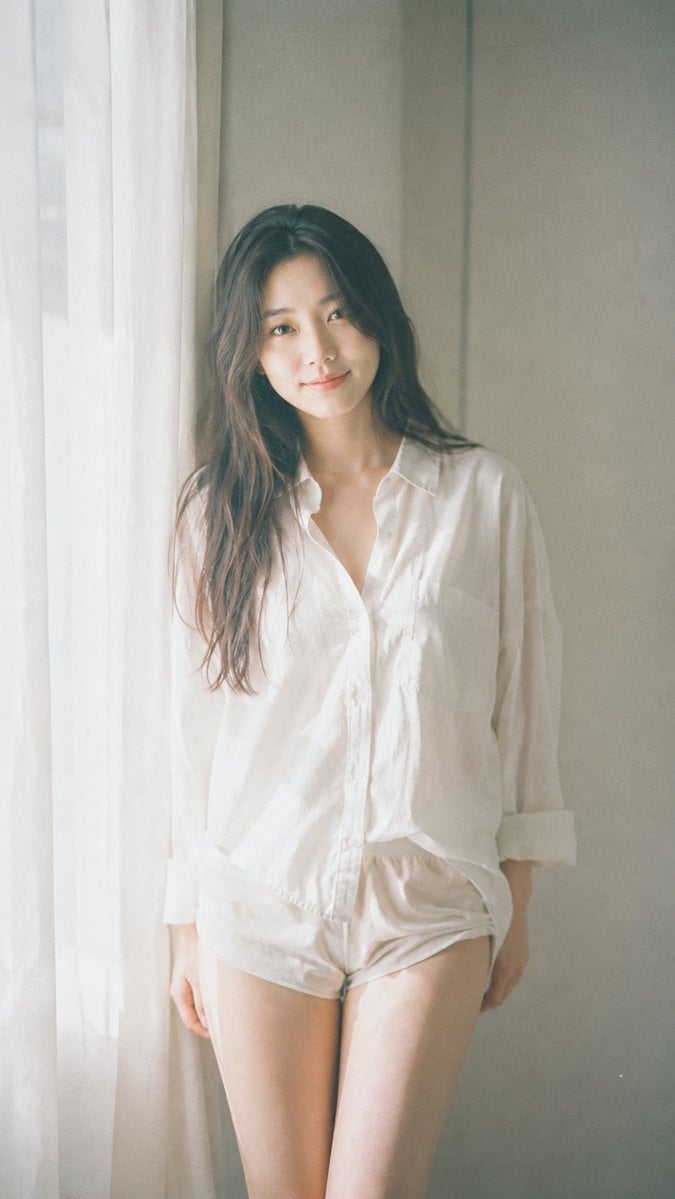
Minimalist Japanese Film Portrait
Browse template categories
Direction RPG Hero Sprite Sheet questions
How do I use the 8-Direction RPG Hero Sprite Sheet template?
Add your photo if the template asks for one, edit the prompt if you like — the template's model and format are already selected — and press Generate. Your version opens in PicX Studio.
Can I customize the 8-Direction RPG Hero Sprite Sheet template?
Yes. You can change the subject, setting, lighting, mood, format, and available model controls before creating your image.
Is the 8-Direction RPG Hero Sprite Sheet template free?
Opening and editing this template is free. Generating uses credits, shown on the Generate button when you are signed in.
Which AI model should I use?
Start with GPT Image 2, which is the model associated with this template. You can compare another compatible model for a different finish.
Looking for something else? Browse all templates.

Your photo, any look
Thousands of ready templates for every top image and video model, from one credit balance.