
Hot Air Balloon Journey Split Panel
A creative prompt that generates a dual-panel image showing a group in a hot air balloon at sunrise, maintaining identity consistency across close-up and wide shots.
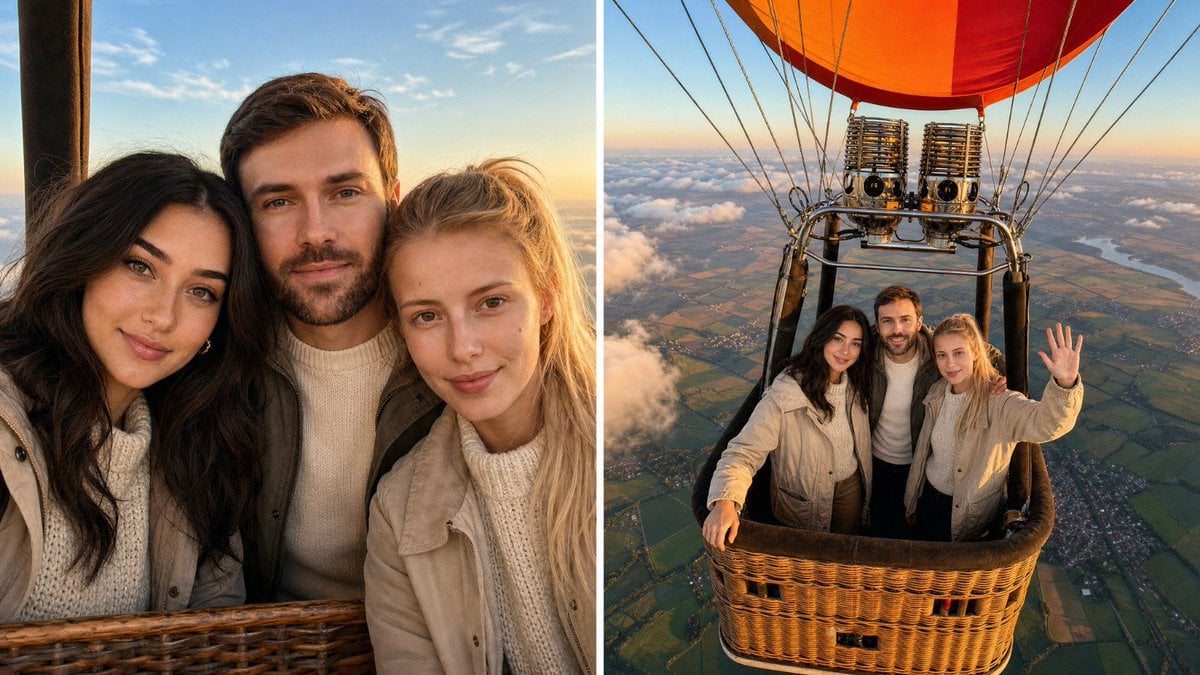
- Prompt included
- Model and format preset
- Free template
The prompt behind this image
Copy the exact prompt behind Hot Air Balloon Journey Split Panel, or open it in the studio and make it yours.
Using the attached photo(s) as identity references, create ONE image split into two equal side-by-side panels with a thin white gutter between them, showing the exact same person or group of people riding in a hot air balloon at sunrise. Every person from the attached photo(s) appears in both panels, with their exact same face, facial structure, skin tone, eye color, hairstyle, hair color, facial hair, glasses if present, age and body build, so each person is instantly recognizable. If multiple people are attached, all of them are together in the same basket, standing close, arms around each other or shoulders touching like real friends, a couple or a family, everyone looking happy. Wardrobe adapts to each person: cozy travel outfits for early morning altitude — a cream or oatmeal knit sweater, a light beige or olive jacket, dark jeans or trousers, comfortable sneakers or boots. All clothing is opaque, closed and fully covering, with real knit and fabric texture and natural creases. LEFT PANEL — close-up: camera inside the basket at eye level, 35mm lens at f/2.8, tight framing from the chest up, the people leaning together toward the lens with wide genuine smiles and sparkling eyes, hair slightly moved by the breeze. The woven wicker basket rim is visible at the bottom edge of the frame, and behind them the sky is soft blue with a few thin clouds, the horizon low. Faces tack sharp, background softly blurred, warm golden sunrise light wrapping one side of each face with soft sky fill on the other, clear catchlights in the eyes, natural skin texture. RIGHT PANEL — wide: camera mounted high on the burner frame looking down into the basket at a steep angle, 24mm lens at f/5.6, showing the full group standing in the woven wicker basket looking up at the camera and smiling, one person waving. Above them the brushed-steel burner unit and stainless load frame with wire cables lead up to the edge of the balloon envelope, its bright orange and red ripstop nylon panels partly visible at the top of the frame. Below and around the basket, a vast sunrise landscape stretches to the horizon: rolling patchwork fields, a river, a small village, thousands of feet below, with a soft layer of scattered white clouds at basket level and blue sky above. Everything in focus, crisp and detailed. Light and color for both panels: real early-morning golden-hour sunlight from a low sun near the horizon, warm orange-gold on the balloon fabric and skin, cool soft blue in the sky, gentle atmospheric haze toward the horizon. Palette of 60% soft blue sky and white clouds, 30% warm golden light and natural earth tones from the landscape, 10% vivid orange-red from the balloon envelope. Style: looks like two real photographs from the same balloon flight taken minutes apart on a full-frame camera, joyful, natural and candid, with subtle film grain and true-to-life contrast. Same People
How to use Hot Air Balloon Journey Split Panel in 3 steps
- 1Upload ImagePNG, JPG or paste
Add your photo
Upload the photo the template builds on. The prompt, model and format are already set.
- 2…a portrait of your subject in softgolden-hour light, 85mm…
Personalize
Edit the subject and creative details for your destination.
- 3Generate
Generate
Press Generate — your image is created in PicX Studio, so you can compare it with the original and refine one variable at a time.
More like this
Templates with the same subject, style or setup. Open one to see its prompt.
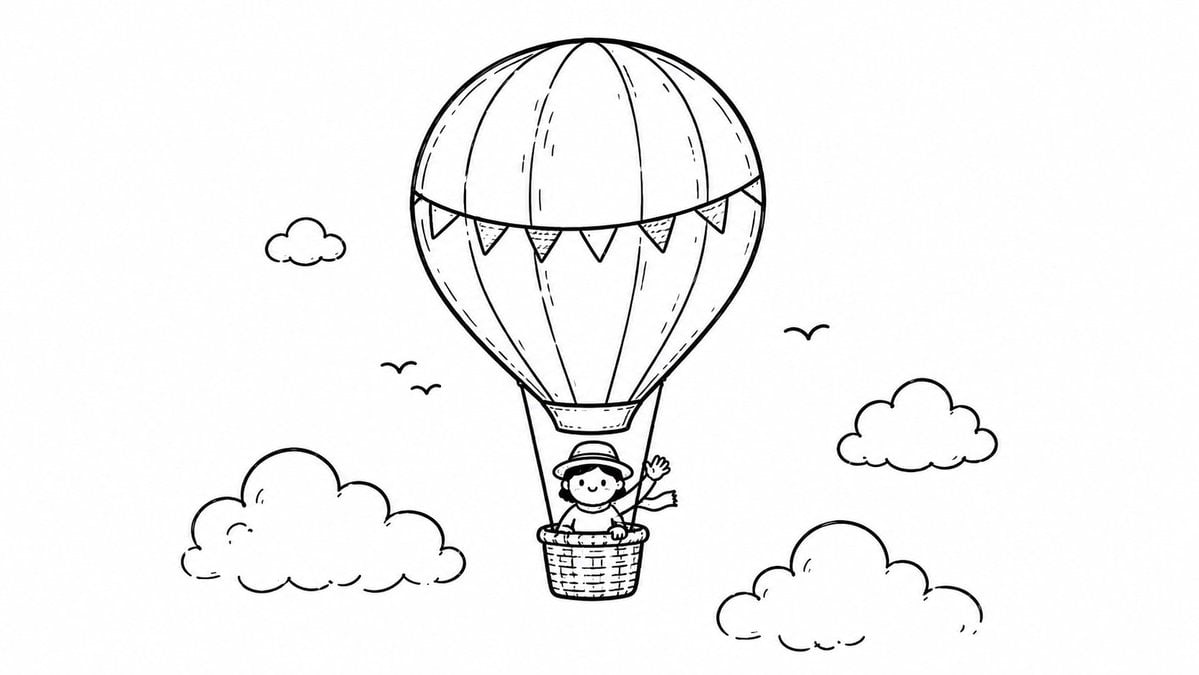
Hot Air Balloon Coloring Page
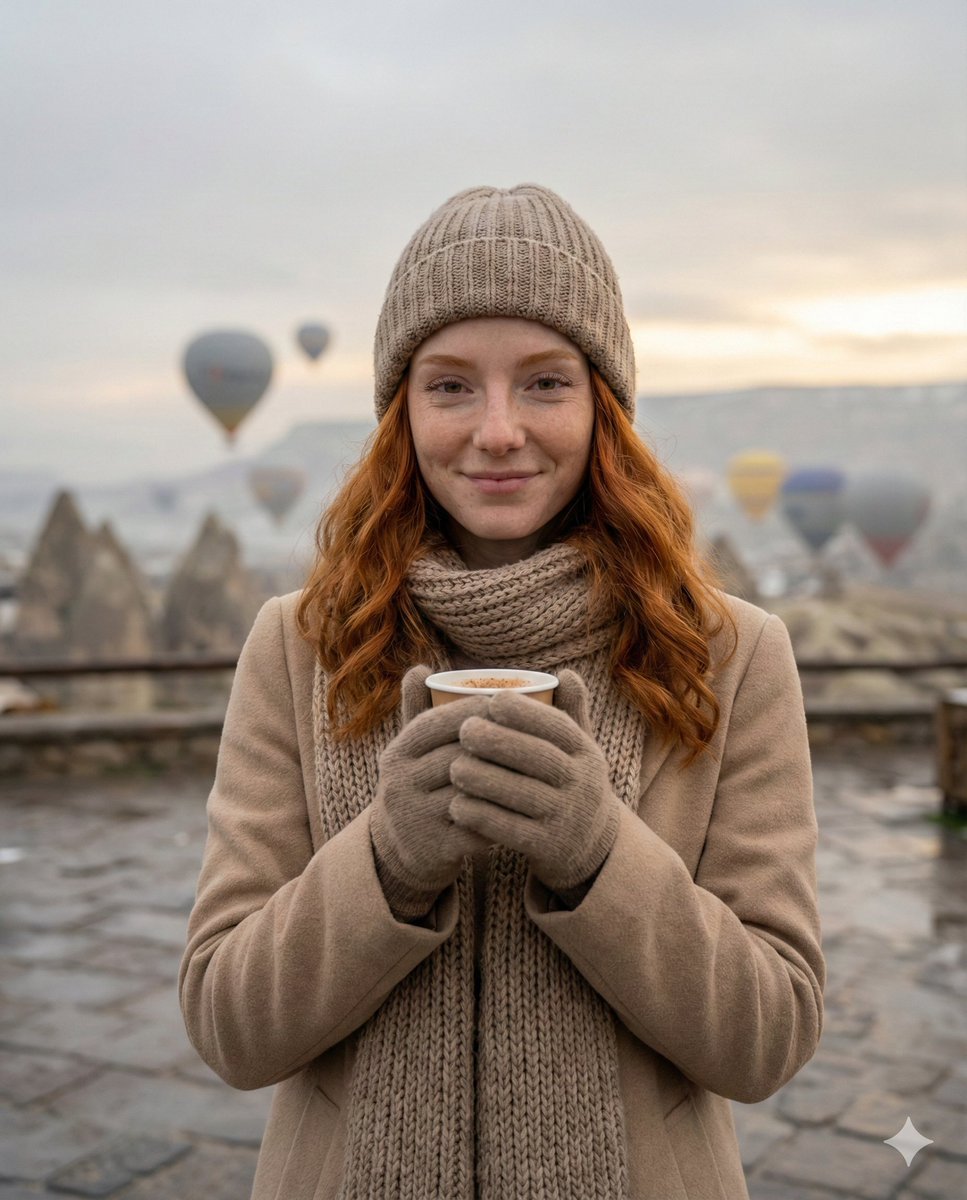
Cozy Winter Travel Photo in Cappadocia with Hot Air Balloons
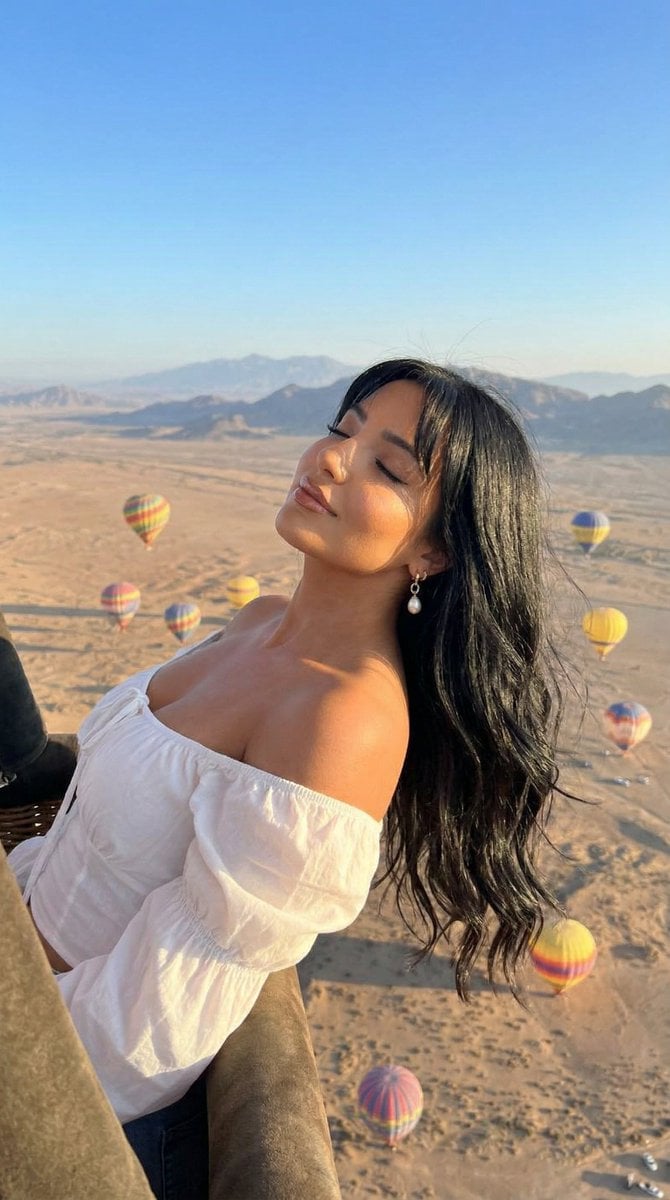
Cinematic Portrait of a Woman in a Hot Air Balloon over a Desert
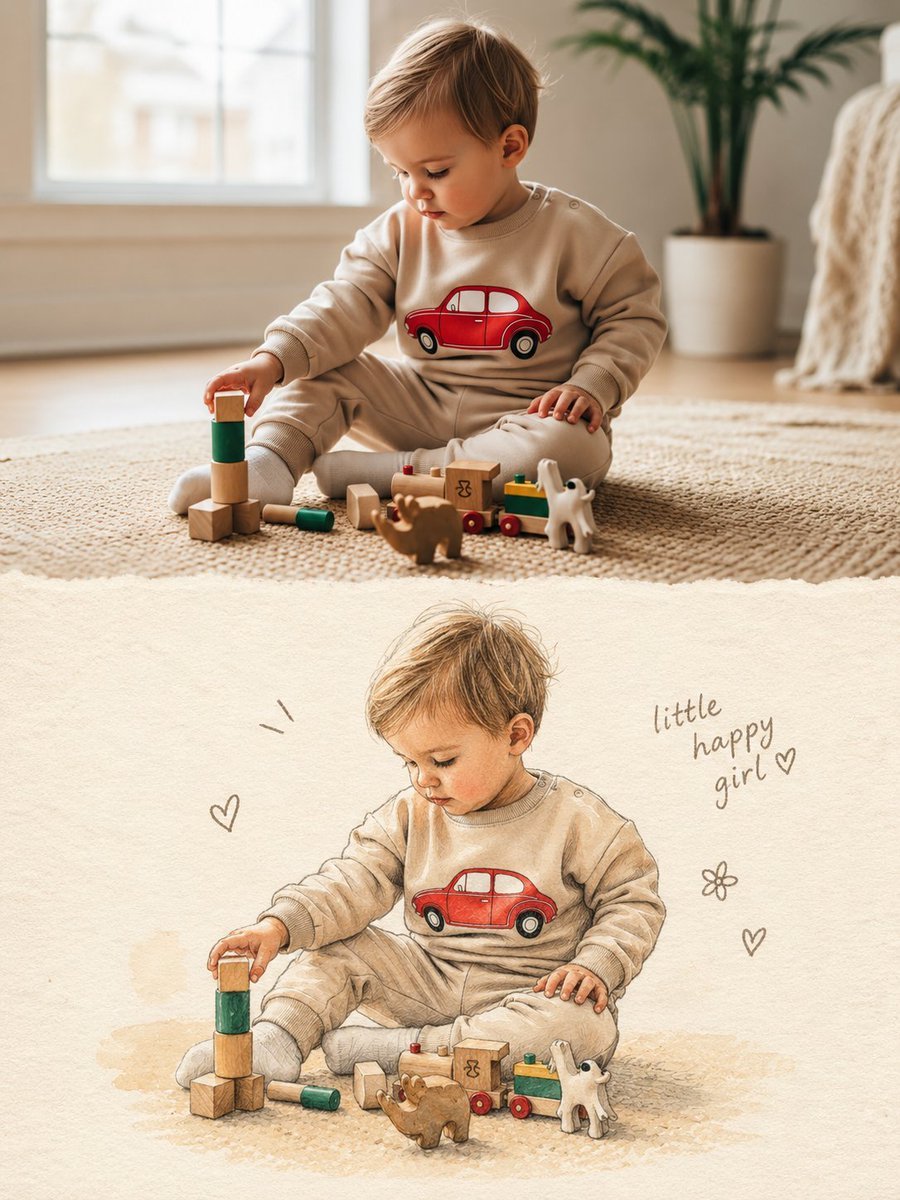
Split Photo and Storybook Illustration
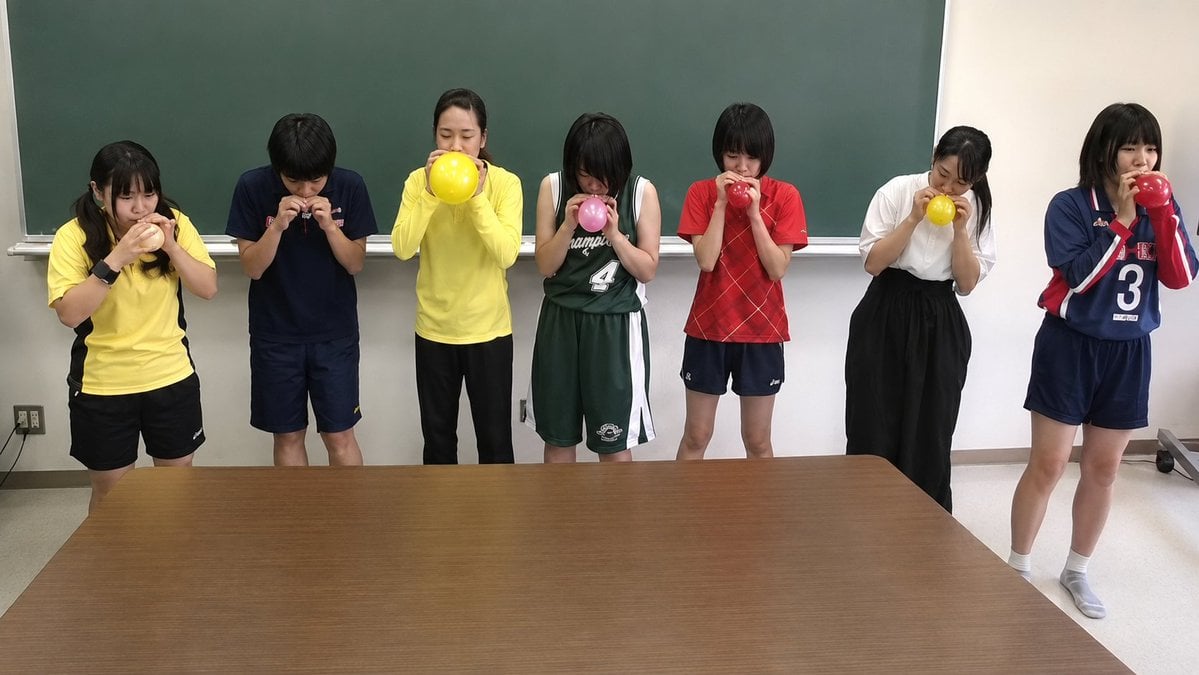
Classroom Balloon Photo Upscale
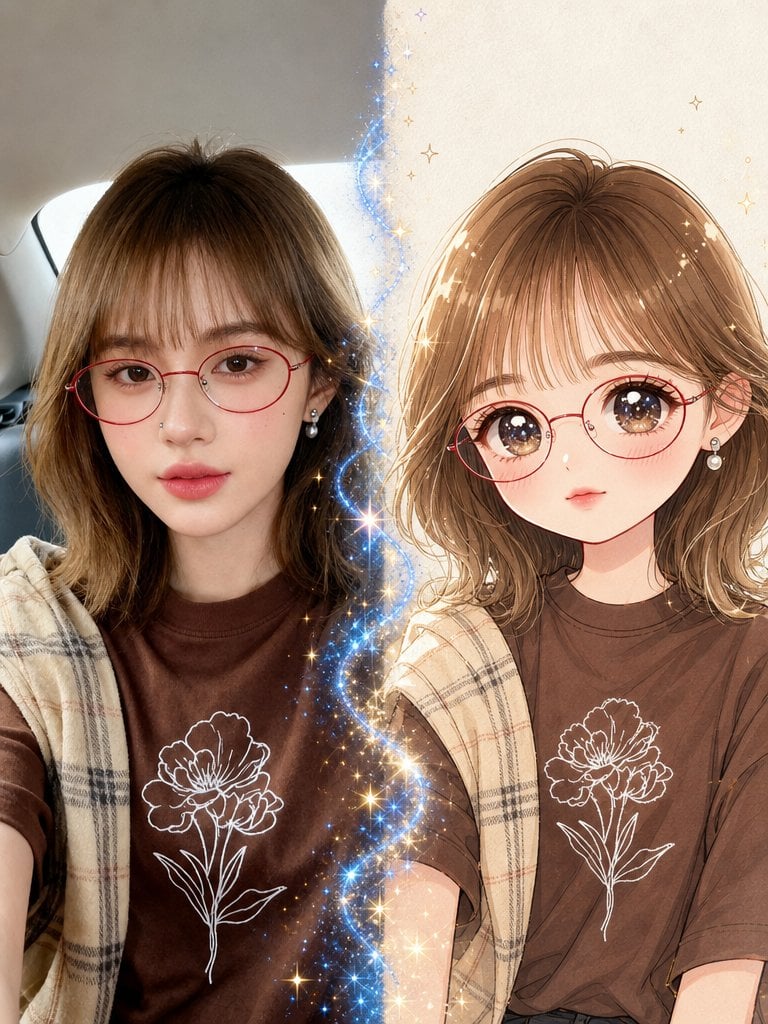
Real Photo to Anime Soul Split Portrait
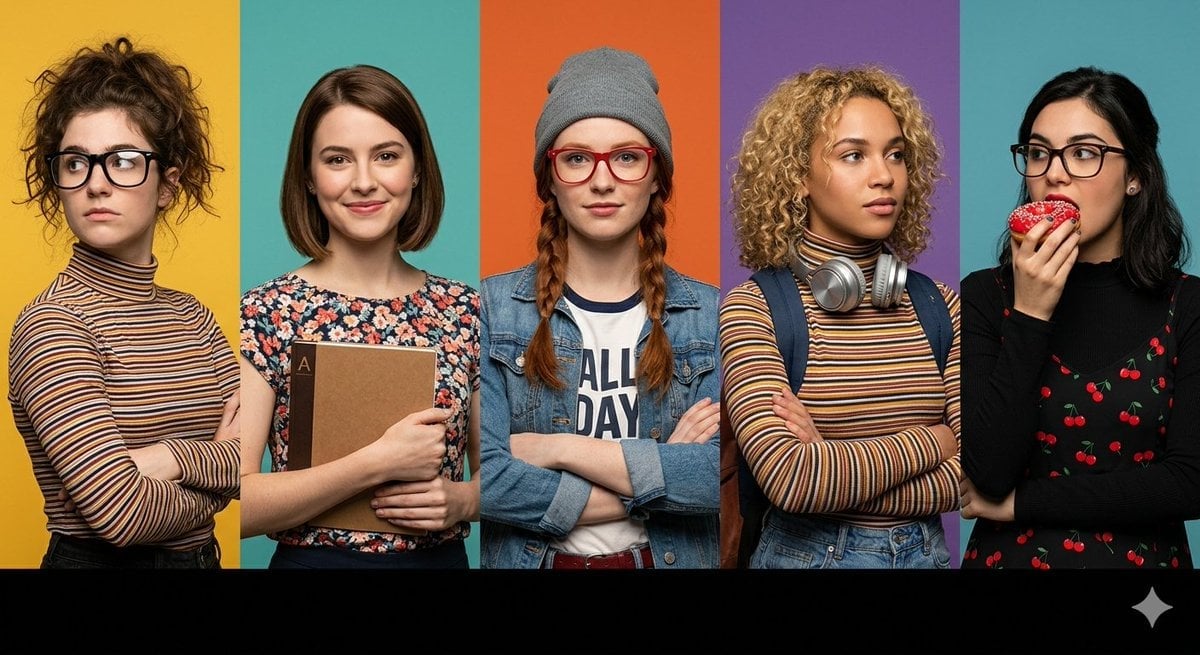
Multi-Panel Cinematic Studio Shot
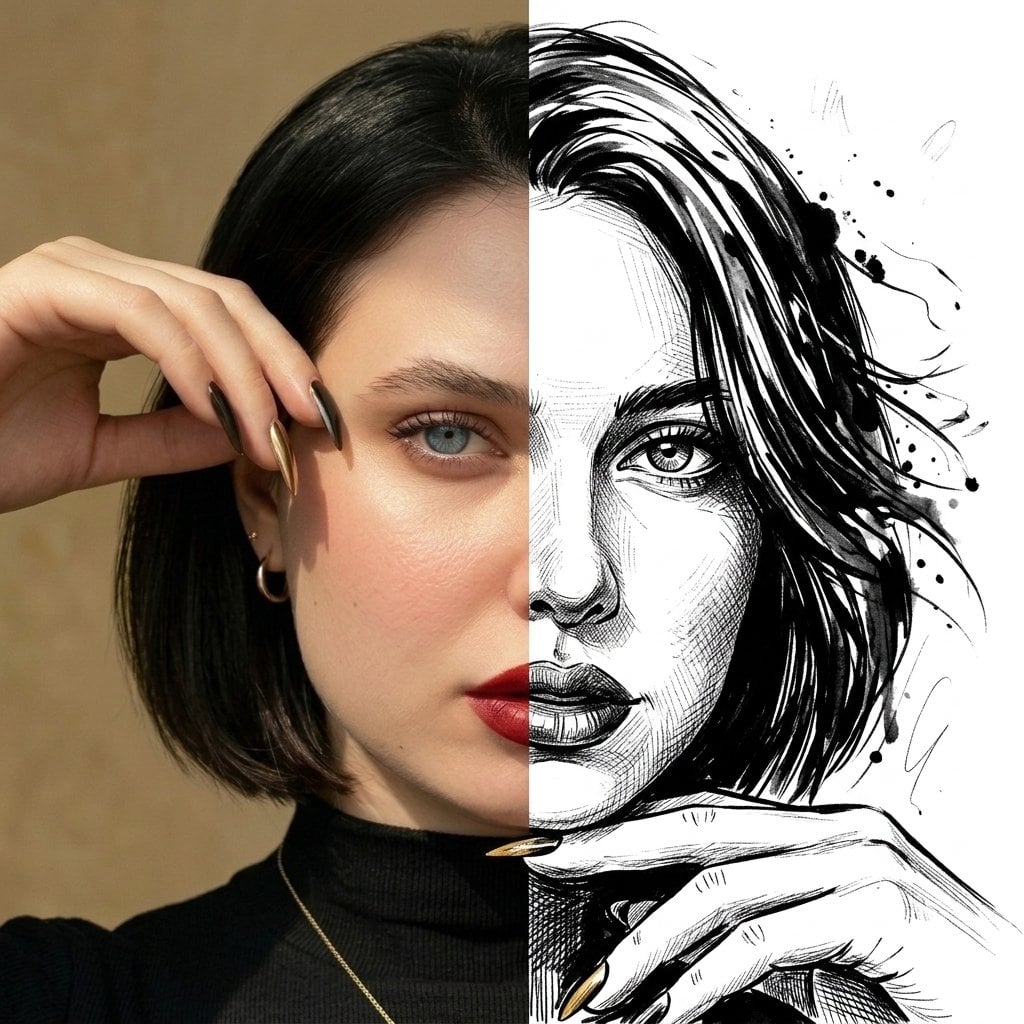
Split Face Photo and Ink Illustration
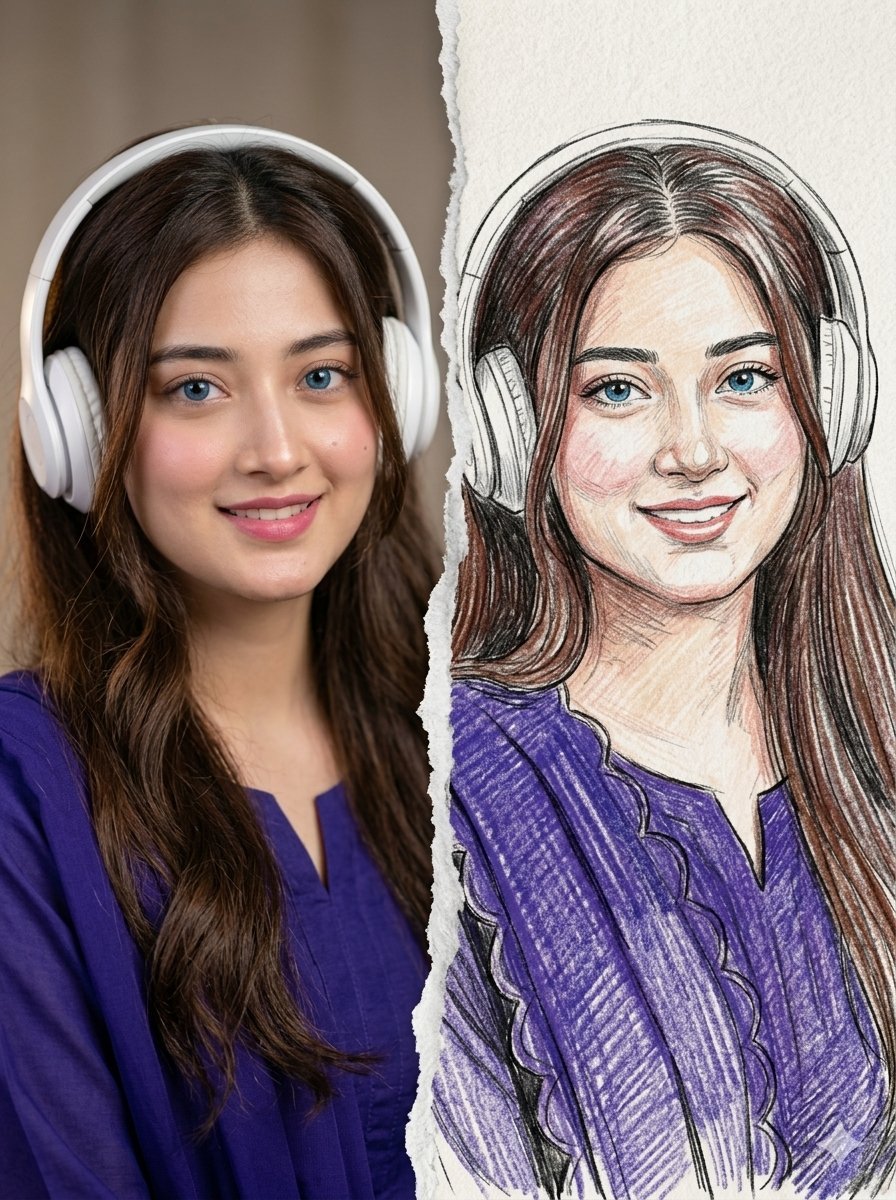
Split Photo and Sketch Portrait Effect
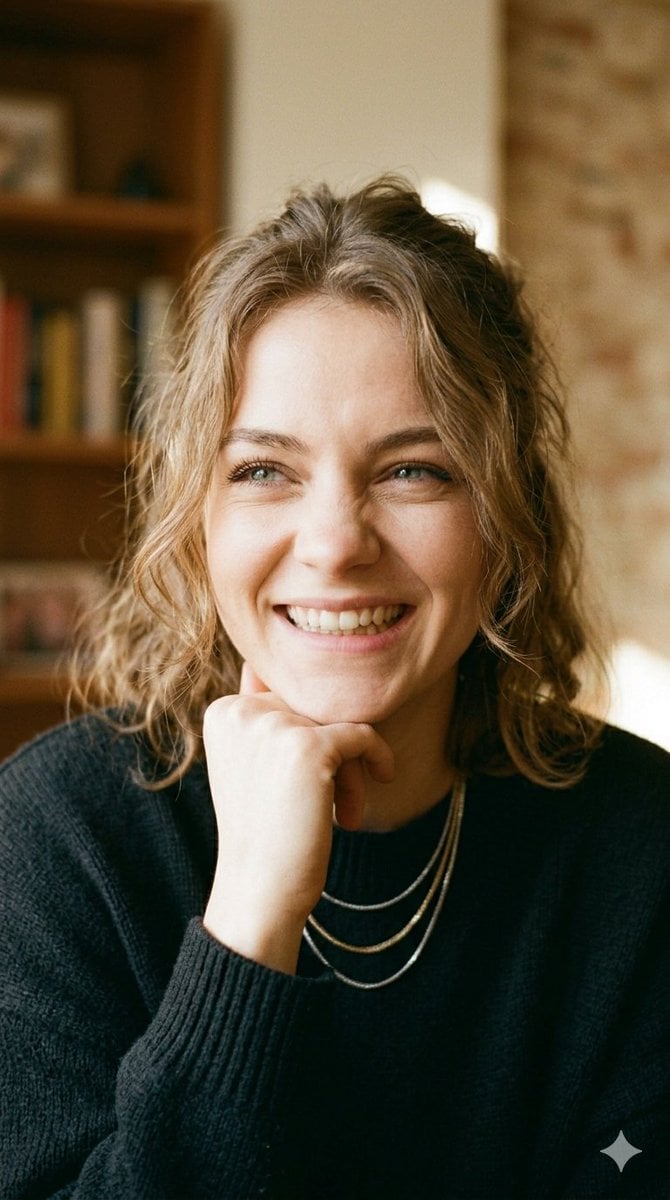
Dual Expression Split-Panel Portrait

Automotive Blueprint Split Composition

Blueprint Split Reality Archetype Prompt
Make it yours
Hot Air Balloon Journey Split Panel works as-is. These are the safest ways to change it without losing the look.
Change one field
Copy a single group, rewrite it, and generate again so you can see what that field is doing.
Keep the frame, change the subject
Hold the composition and light of Hot Air Balloon Journey Split Panel, then swap wardrobe, props or the person for a new take.
| If the result… | Why | Fix |
|---|---|---|
| The result drifts from the preview | Too many fields changed at once. | Reuse Hot Air Balloon Journey Split Panel as-is first, then change one group — subject, light, or setting. |
| The model over-stylizes the scene | The prose prompt leaves finish and camera underspecified. | Add one camera or lighting sentence and stay on GPT Image 2. |
More GPT Image 2 templates
Other prompts made for GPT Image 2.

Six VTuber Japanese Logo Sheet

Realistic Portrait of Woman and Deer

The Vista Modular Condo Poster

AI Model Routing Comparison Infographic

2.5D Anime Art Board

Isometric Productivity Desk Scene

New York Double Exposure Poster

Four-Panel AI Landscape Comparison

Japanese Tatami Lifestyle Magazine Cover

NESCAFÉ Coffee Map Poster
More image prompts
Fresh picks from across the catalog.
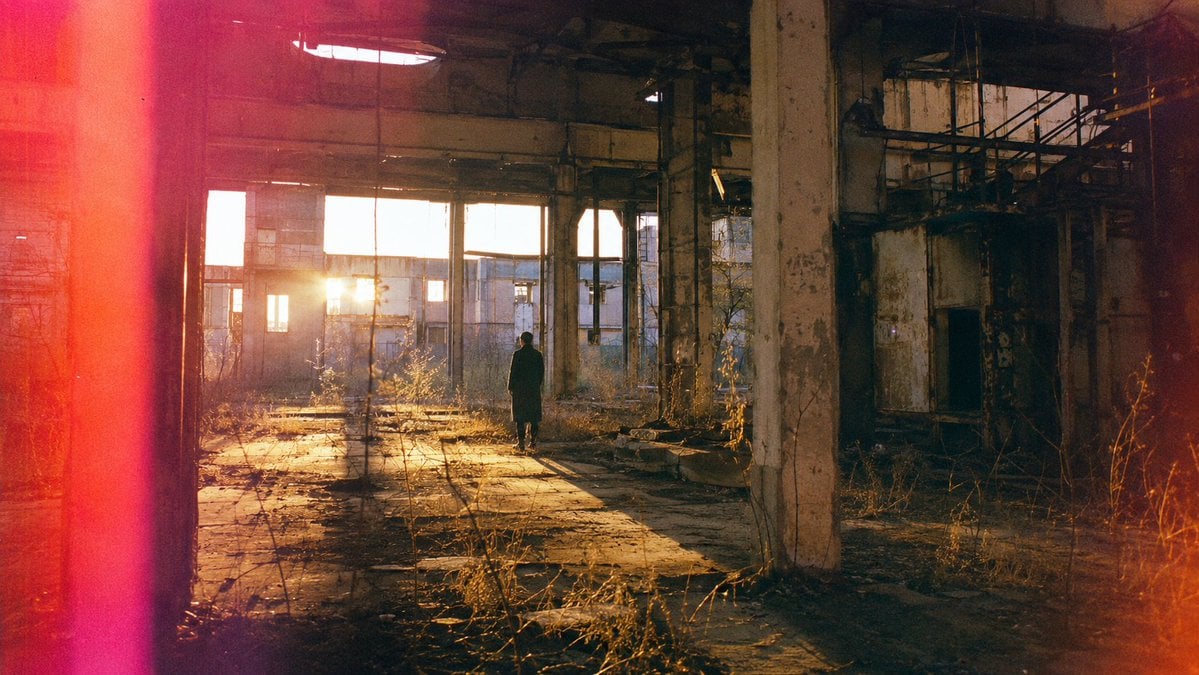
Lone Figure in Abandoned Warehouse
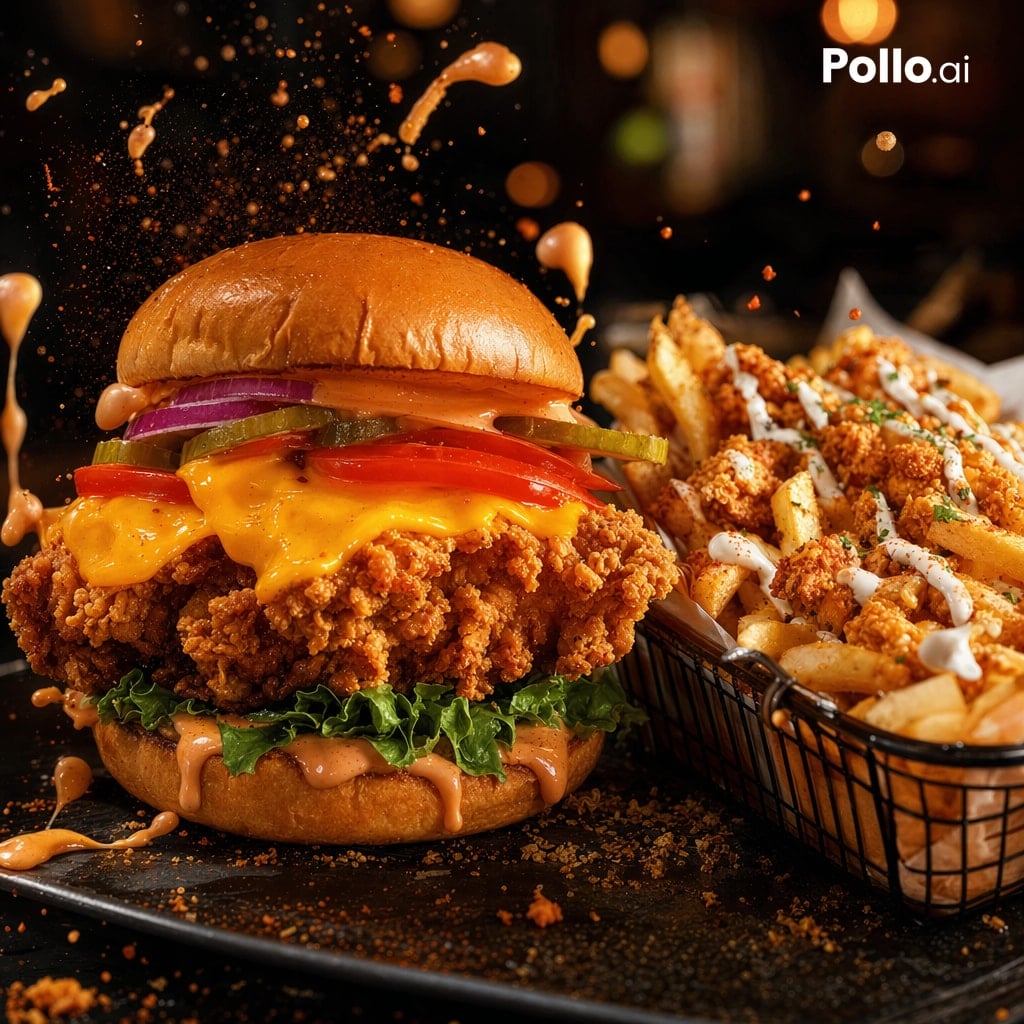
Cinematic Fried Chicken Burger Ad
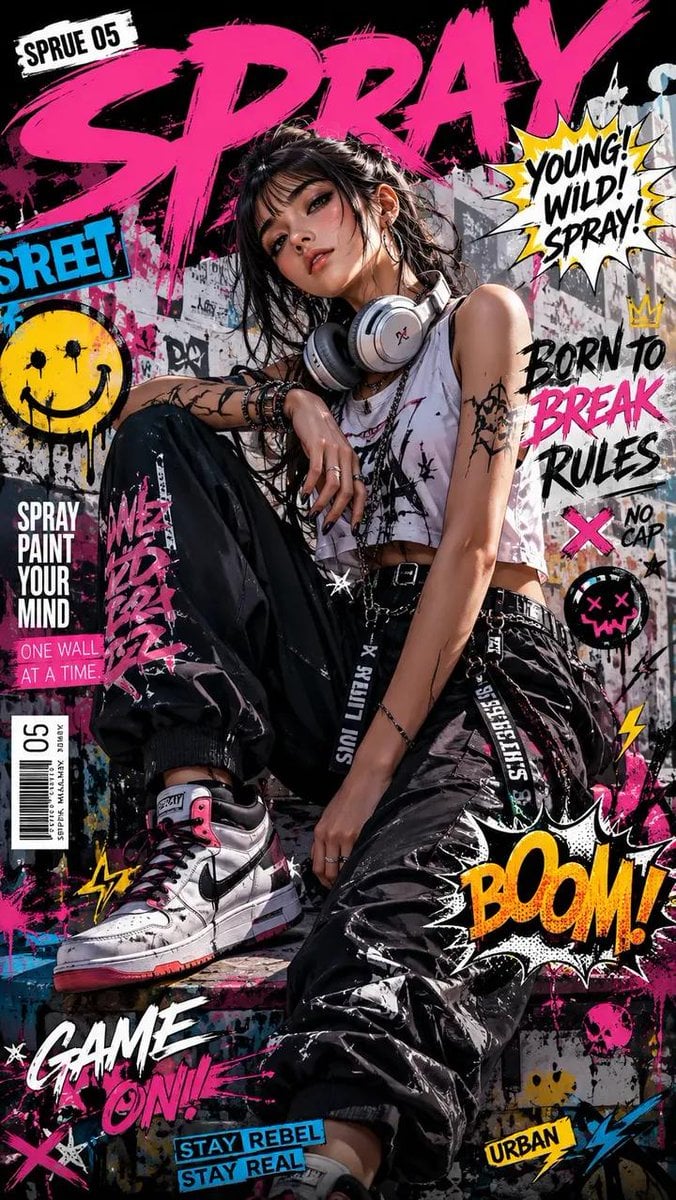
Street Art Rebel Magazine Cover
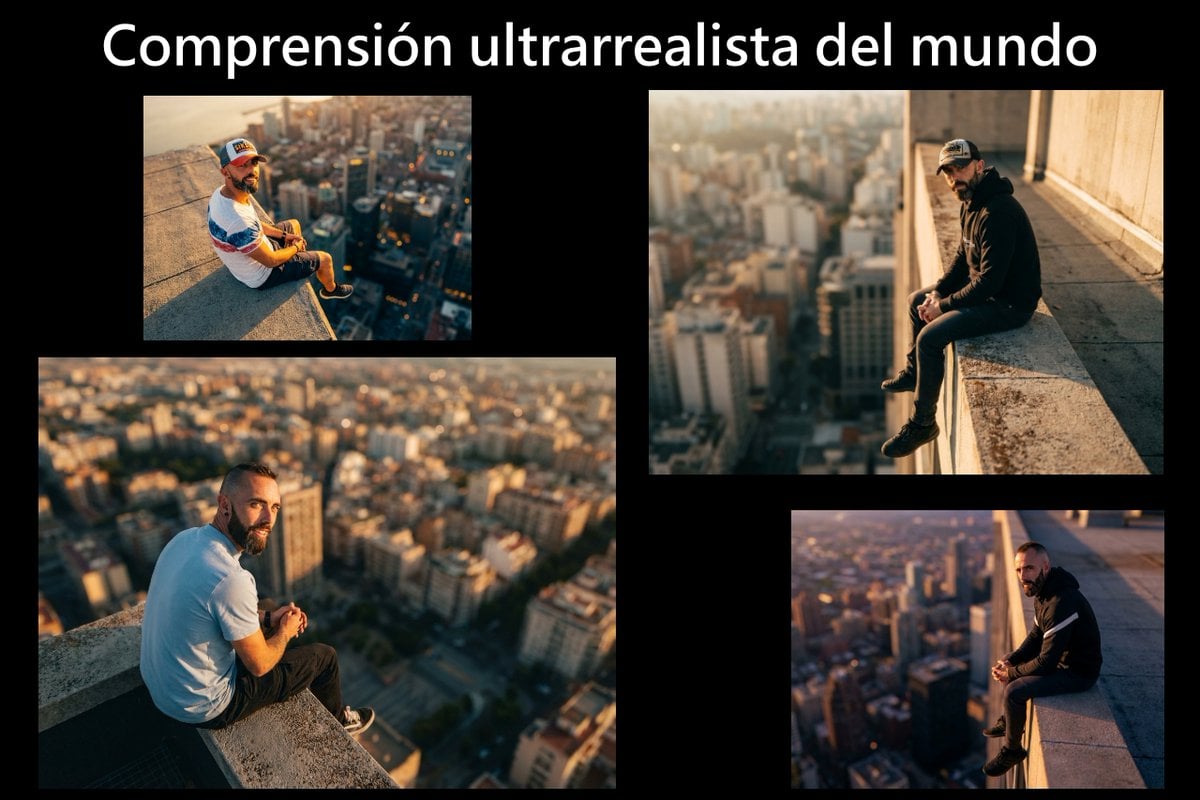
Cinematic rooftop portrait from reference photos
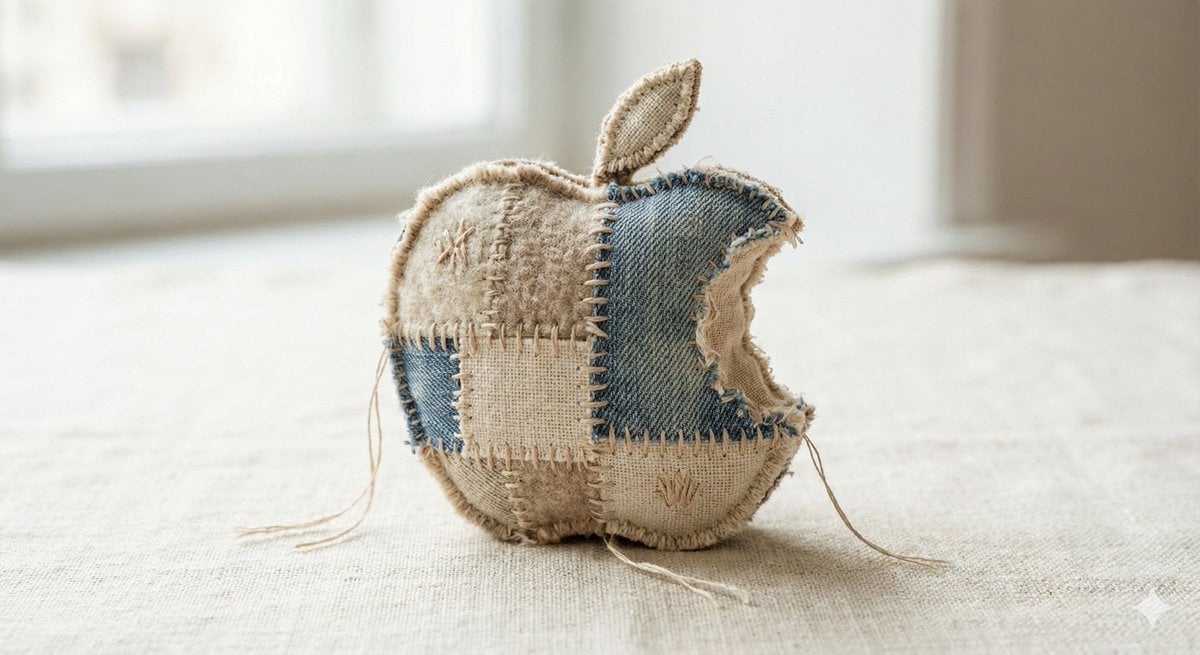
Fabric-Stitched Textile Logo Prompt
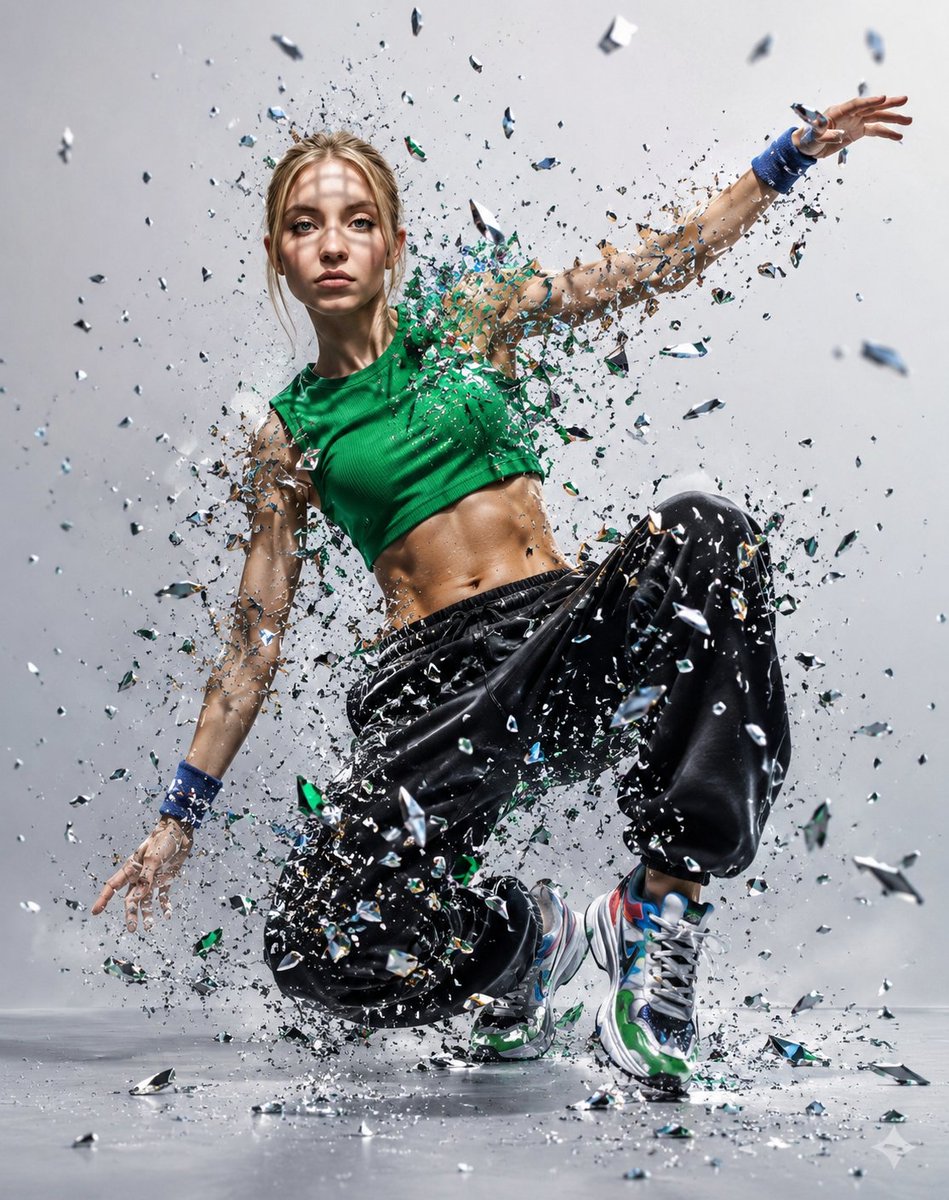
Glass Shard Dance Action Portrait
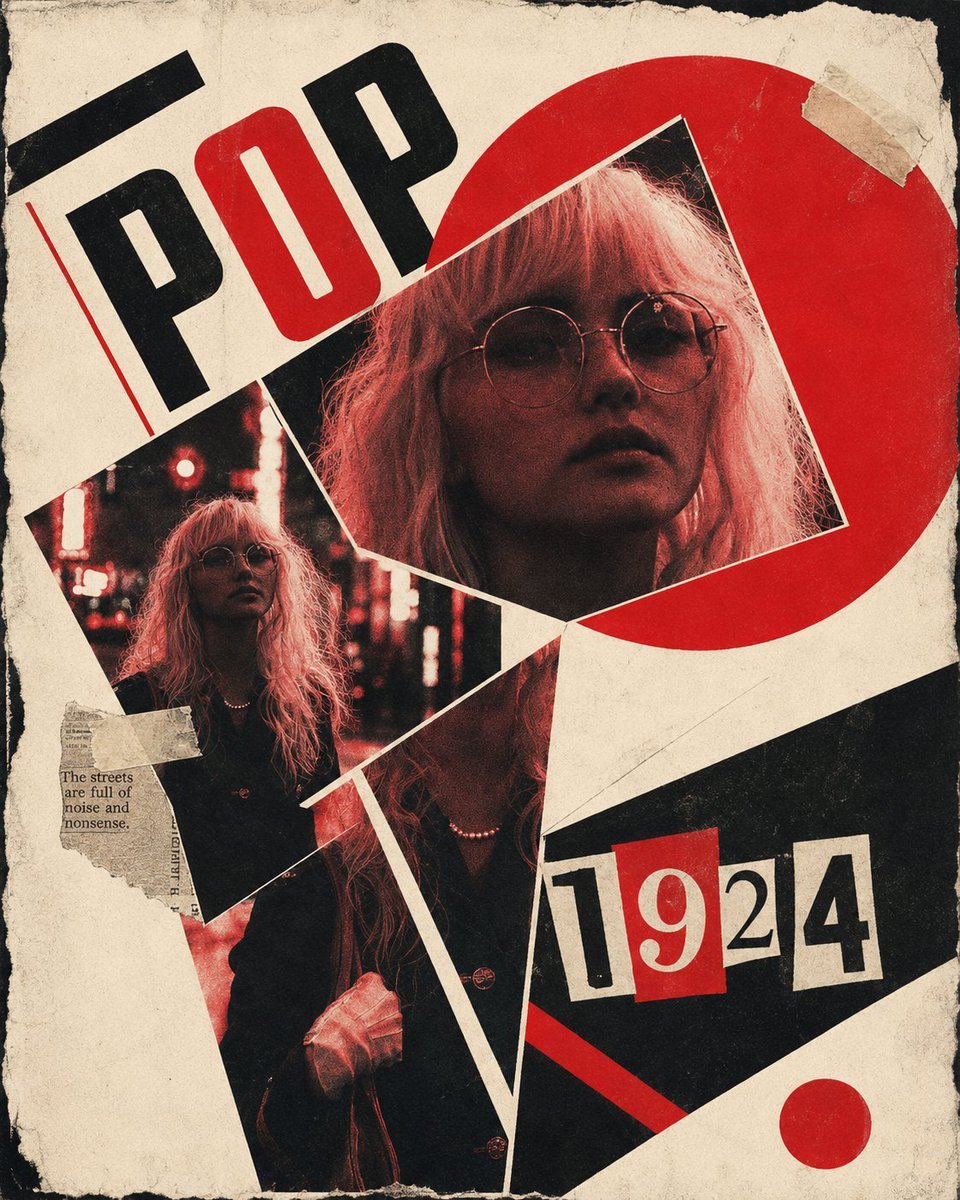
Constructivist Punk Collage Poster
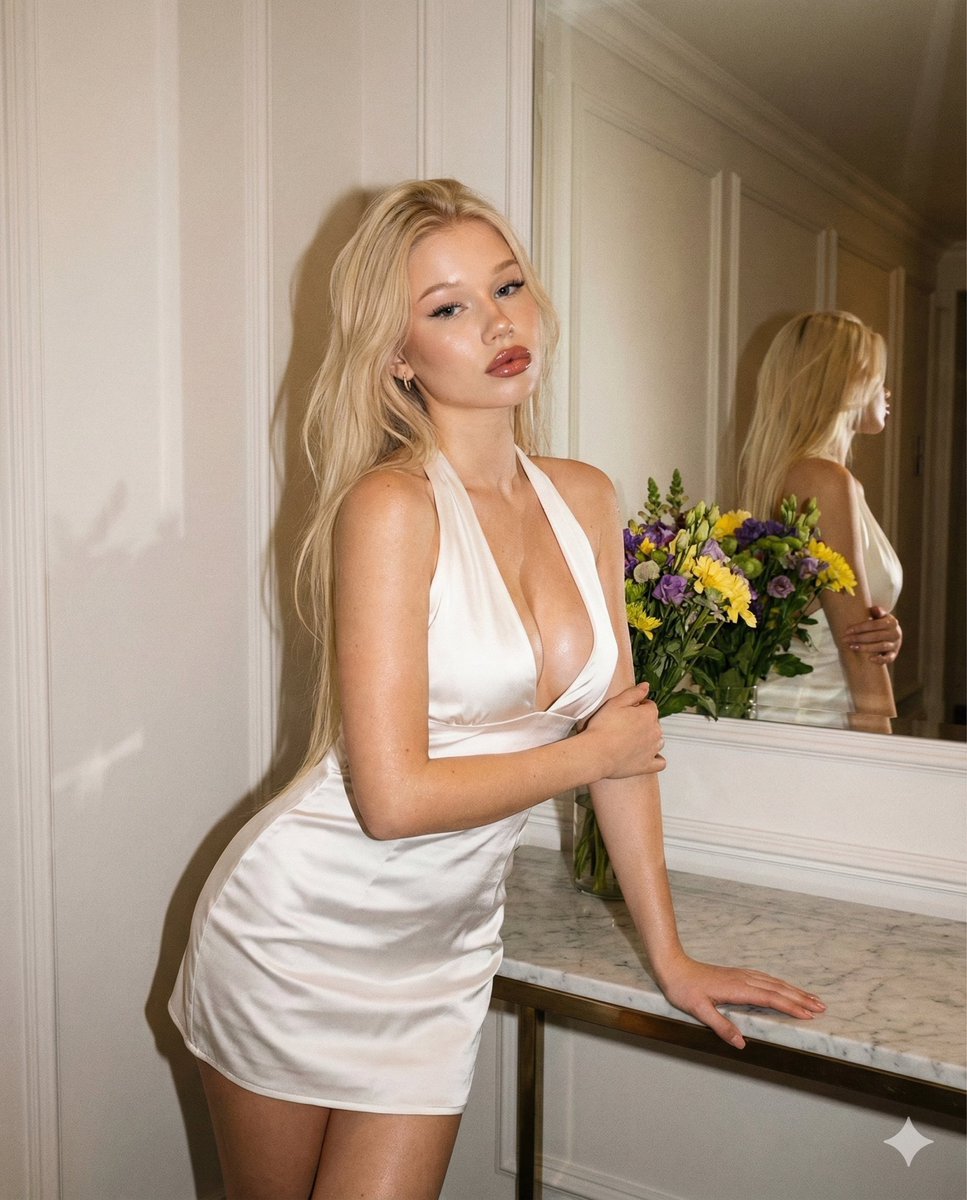
Vintage Evening Flash Portrait Transformation Prompt

Sticker Art Style - Rainbow Girl v2
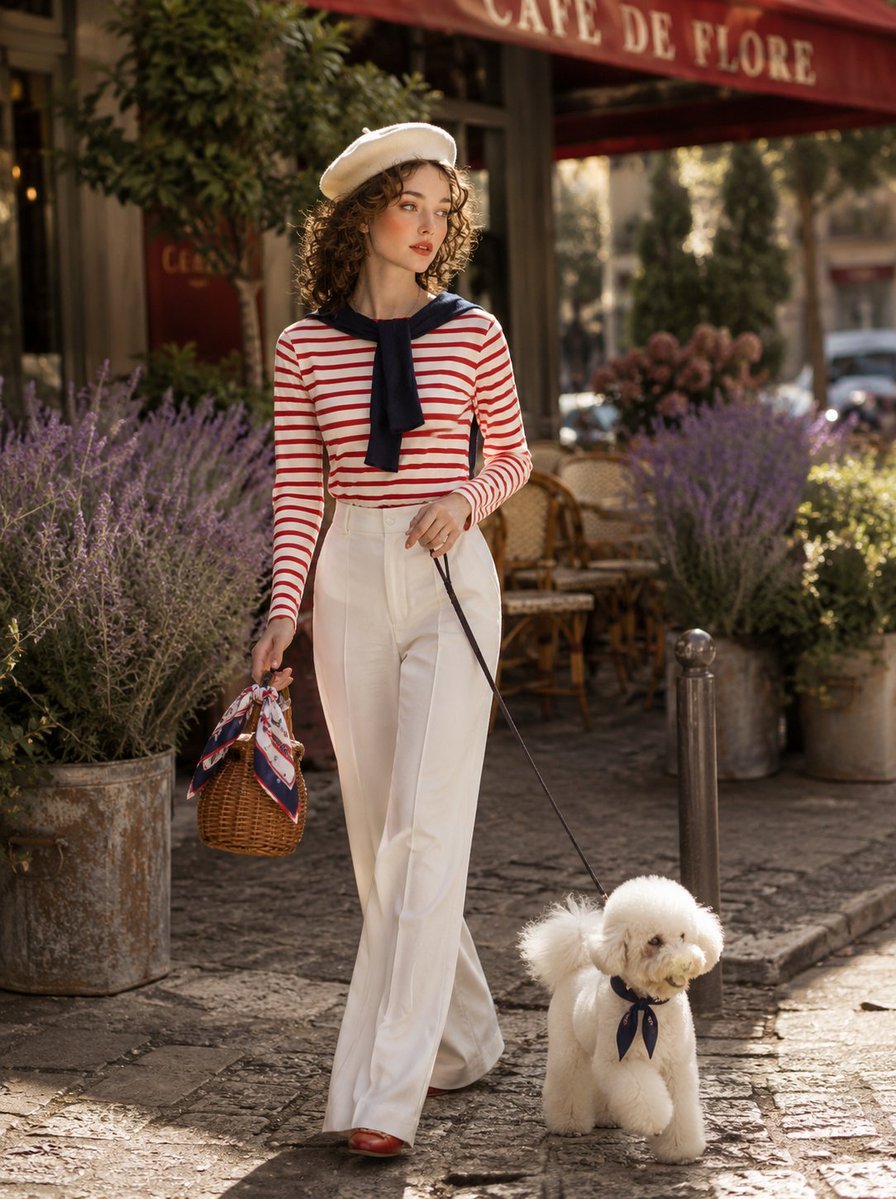
Parisian Café Lifestyle Photography
Browse template categories
Hot Air Balloon Journey Split Panel questions
How do I use the Hot Air Balloon Journey Split Panel template?
Add your photo if the template asks for one, edit the prompt if you like — the template's model and format are already selected — and press Generate. Your version opens in PicX Studio.
Can I customize the Hot Air Balloon Journey Split Panel template?
Yes. You can change the subject, setting, lighting, mood, format, and available model controls before creating your image.
Is the Hot Air Balloon Journey Split Panel template free?
Opening and editing this template is free. Generating uses credits, shown on the Generate button when you are signed in.
Which AI model should I use?
Start with GPT Image 2, which is the model associated with this template. You can compare another compatible model for a different finish.
Looking for something else? Browse all templates.

Your photo, any look
Thousands of ready templates for every top image and video model, from one credit balance.