
Spanish iPhone Pro Landing Page
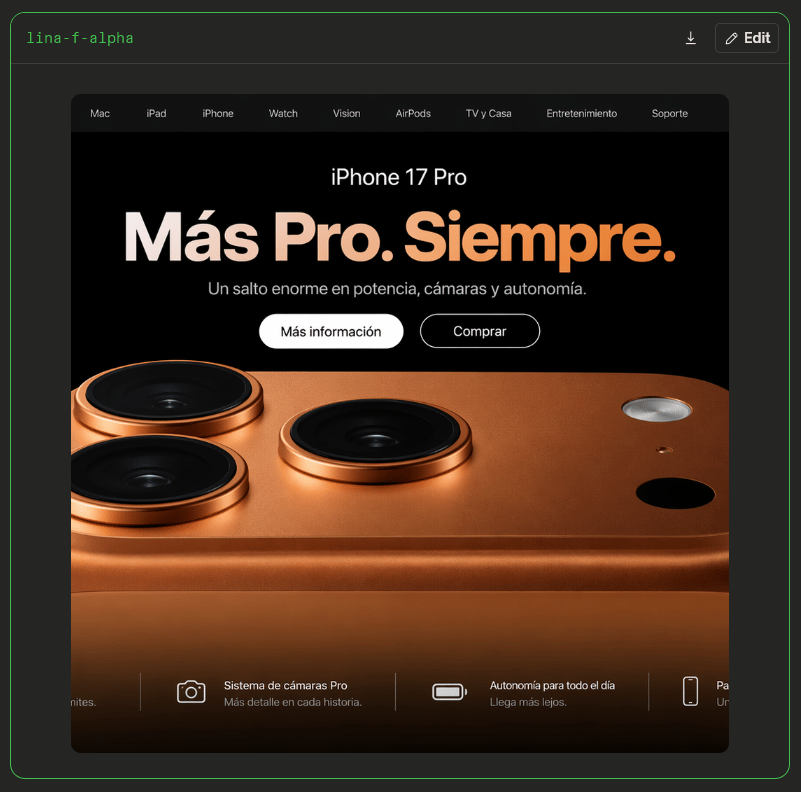
Generates a dark Apple-style Spanish product hero page with a copper iPhone close-up inside a comparison viewer frame.
- Prompt included
- Model and format preset
- Free template
The prompt behind this image
Copy the exact prompt behind Spanish iPhone Pro Landing Page, or open it in the studio and make it yours.
Goal: Create a realistic browser-like screenshot of a dark Apple-style product landing page for {argument name="product name" default="iPhone 17 Pro"}, shown inside a charcoal comparison/viewer frame. Canvas: Square 800×800 image with a very dark gray outer background. Add a thin neon-green rounded border around the whole viewer frame. In the top left of the frame place small green monospace text {argument name="viewer label" default="lina-f-alpha"}. In the top right place two small controls: a download icon and a rounded dark button labeled “Edit” with a pencil icon. Main webpage card: Center a large rounded-rectangle browser/page panel, approximately 660 px wide and 660 px tall, with clipped corners. The page is black with a dark top navigation bar. Navigation: Include exactly 9 navigation items across the top bar, small light-gray text: “Mac”, “iPad”, “iPhone”, “Watch”, “Vision”, “AirPods”, “TV y Casa”, “Entretenimiento”, “Soporte”. Hero section: Use a premium Apple keynote aesthetic. At the top center of the black hero area show the product name “iPhone 17 Pro” in white. Below it place a huge bold Spanish headline {argument name="headline text" default="Más Pro. Siempre."} with a soft cream-to-orange gradient. Under the headline add the subheading {argument name="subheading text" default="Un salto enorme en potencia, cámaras y autonomía."} in muted light gray. Below the subheading add exactly 2 pill buttons: a filled white button reading “Más información” and an outlined black button with white border reading “Comprar”. Product image: The lower two-thirds of the page is dominated by an extreme close-up render of the back of a copper/orange iPhone, cropped so only the top back and camera island area are visible. Show exactly 3 large raised black camera lenses with copper metallic rings: one near the upper left, one lower left, and one near the upper middle. On the right side show exactly 3 smaller elements: a silver circular flash near the upper right, a tiny small dot below it, and a black circular sensor below-right. The phone body should have warm metallic reflections, subtle texture, rounded edges, and glossy shadows. Bottom feature strip: Along the bottom of the webpage, overlay a dark translucent strip with exactly 4 feature cards separated by thin vertical divider lines. The leftmost card is partially cut off at the left edge, showing only the tail of text ending in “nites.” The second card has a white outline camera icon and text “Sistema de cámaras Pro” with subtext “Más detalle en cada historia.” The third card has a white battery icon and text “Autonomía para todo el día” with subtext “Llega más lejos.” The fourth card is partially visible on the right, with a white phone-outline icon and cropped Spanish text beginning “Pa…” and subtext beginning “Un…”. Visual style: Photorealistic product render, high contrast, black luxury technology design, Spanish Apple-inspired typography, clean spacing, subtle glow on the copper finish, crisp UI elements, no watermark. Keep all text legible and do not add extra navigation items, extra buttons, or extra camera lenses.
How to use Spanish iPhone Pro Landing Page in 3 steps
- 1Upload ImagePNG, JPG or paste
Add your photo
Upload the photo the template builds on. The prompt, model and format are already set.
- 2…a portrait of your subject in softgolden-hour light, 85mm…
Personalize
Edit the subject and creative details for your destination.
- 3Generate
Generate
Press Generate — your image is created in PicX Studio, so you can compare it with the original and refine one variable at a time.
More like this
Templates with the same subject, style or setup. Open one to see its prompt.

4x4 Grid - Candid Nostalgic Vacation Selfies

Outdoor Cafe Portrait — White Ruched Top Nano Banana

Tropical Hammock Latte — Nano Banana iPhone Style

Coastal Bench Portrait — Navy Floral Sundress

Nano Banana - Peace Sign Bedroom Selfie

Cute AI Doodle Generator Landing Page

Vibe Coder Bootcamp Landing Page

Atlas GTM SaaS Hero Landing Page
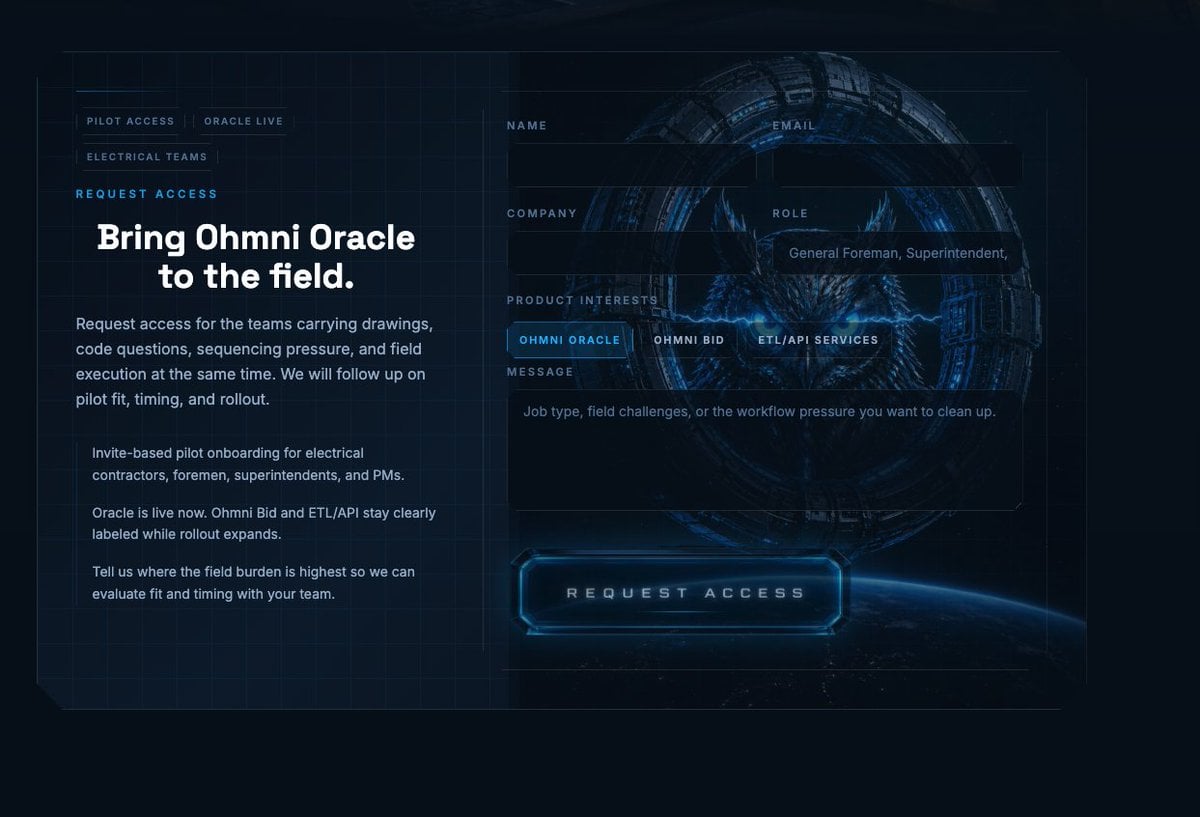
Futuristic Ohmni Access Landing Page

Luxury E-Commerce Landing Page Mockup
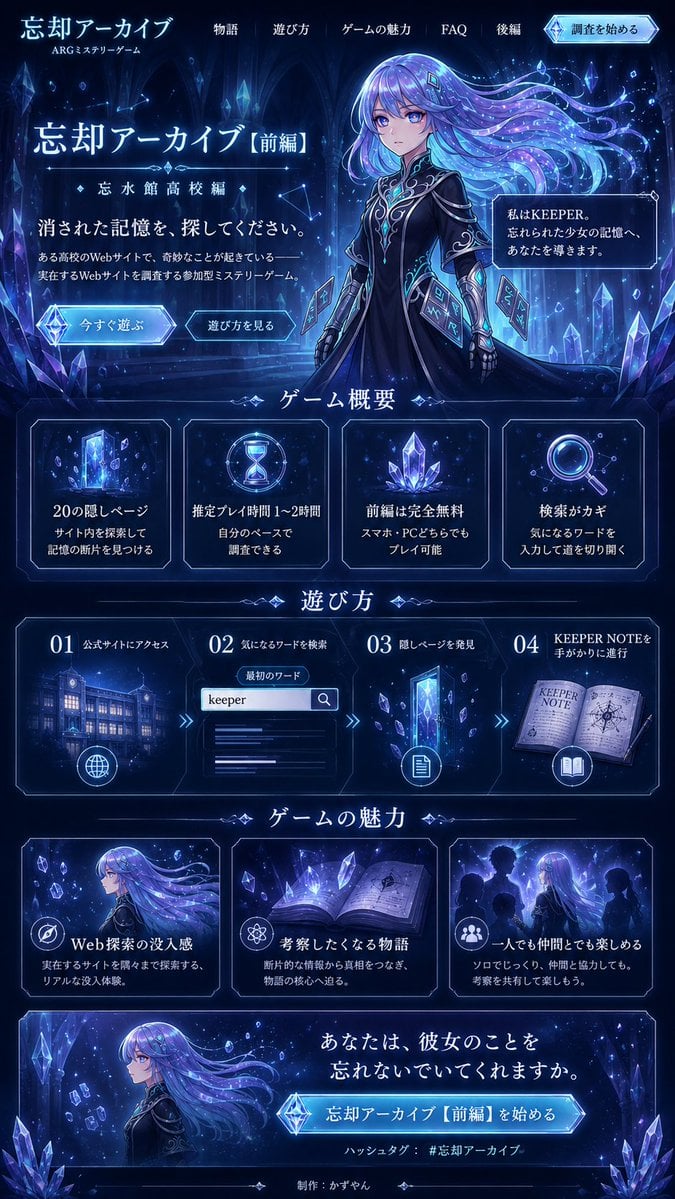
Forgotten Archive ARG Landing Page
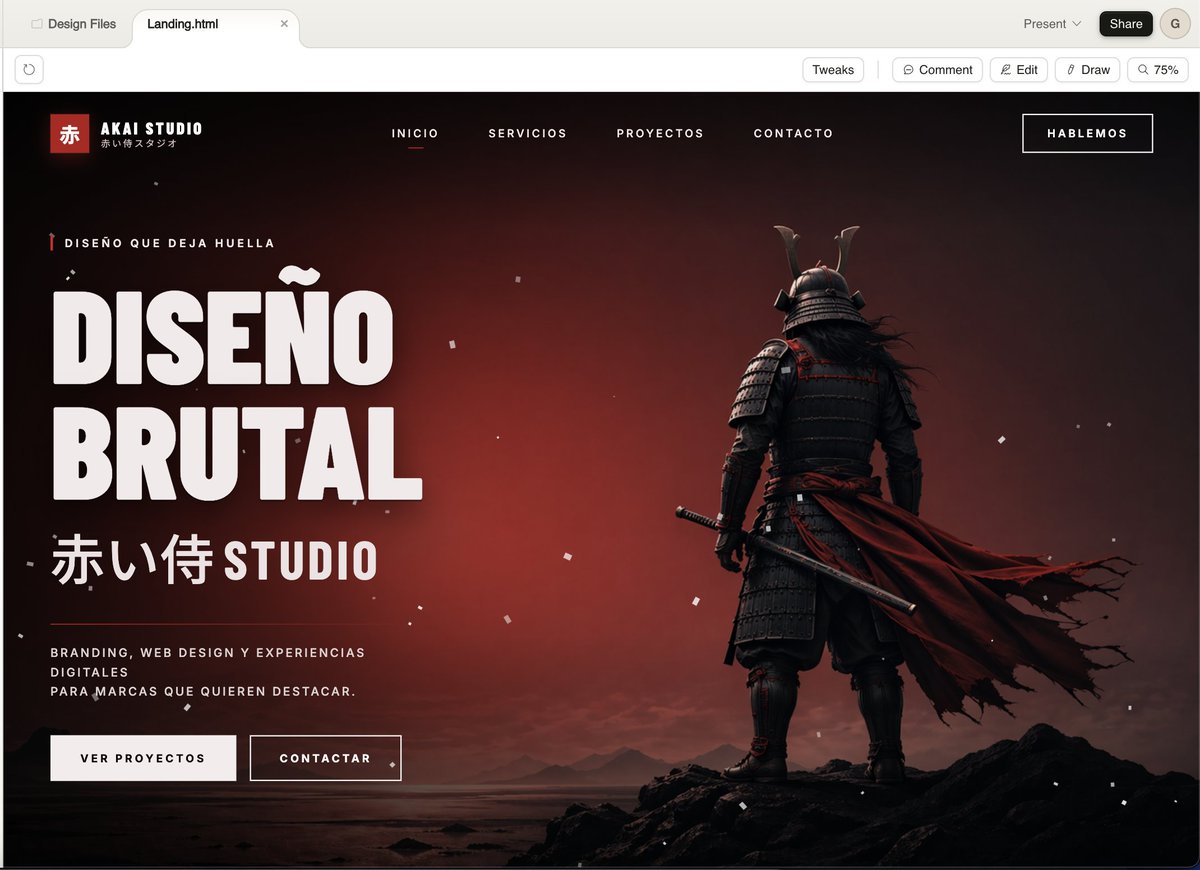
Cinematic Samurai Agency Landing Page
Make it yours
Spanish iPhone Pro Landing Page works as-is. These are the safest ways to change it without losing the look.
Change one field
Copy a single group, rewrite it, and generate again so you can see what that field is doing.
Keep the frame, change the subject
Hold the composition and light of Spanish iPhone Pro Landing Page, then swap wardrobe, props or the person for a new take.
| If the result… | Why | Fix |
|---|---|---|
| The result drifts from the preview | Too many fields changed at once. | Reuse Spanish iPhone Pro Landing Page as-is first, then change one group — subject, light, or setting. |
| The model over-stylizes the scene | The prose prompt leaves finish and camera underspecified. | Add one camera or lighting sentence and stay on GPT Image 2. |
More GPT Image 2 templates
Other prompts made for GPT Image 2.

Six VTuber Japanese Logo Sheet

Realistic Portrait of Woman and Deer

The Vista Modular Condo Poster

AI Model Routing Comparison Infographic

2.5D Anime Art Board

Isometric Productivity Desk Scene

New York Double Exposure Poster

Four-Panel AI Landscape Comparison

Japanese Tatami Lifestyle Magazine Cover

NESCAFÉ Coffee Map Poster
More image prompts
Fresh picks from across the catalog.

Cinematic Editorial in Snowy Mountains

Aesthetic Graphic Fusion Portrait

Natural Indoor Lifestyle Photography
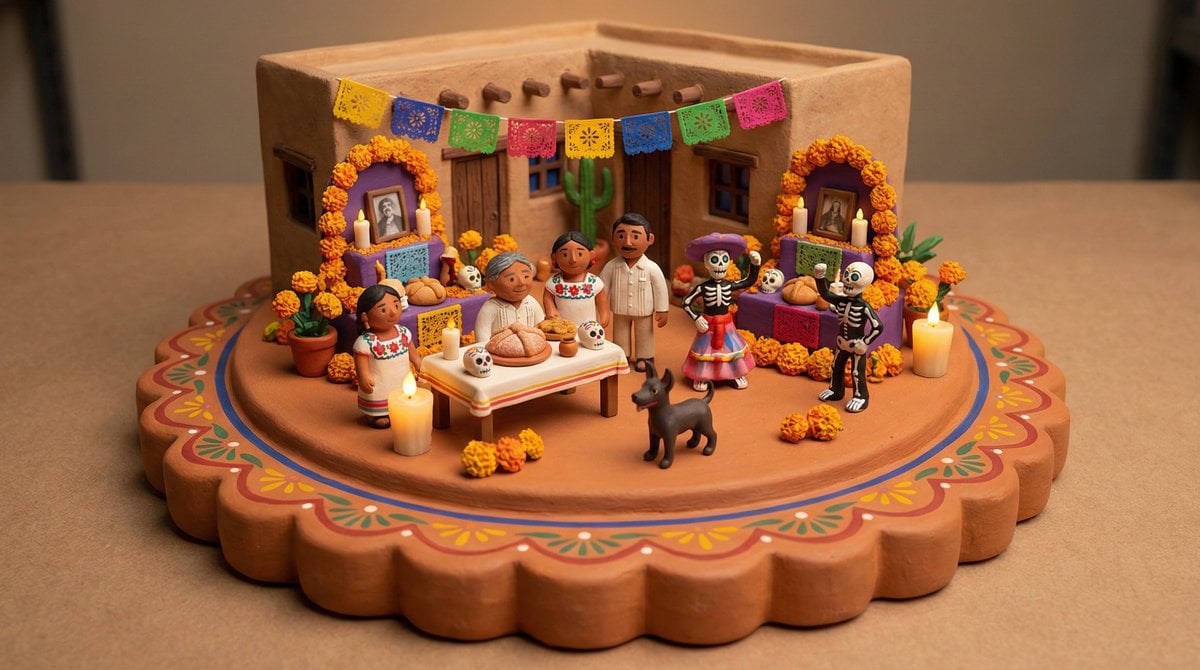
Tiny Clay World Diorama Generator

Selfie with random Brazilian celebrities

Chinese Portrait Photography Book Page

Y2K Korean Street Editorial Collage
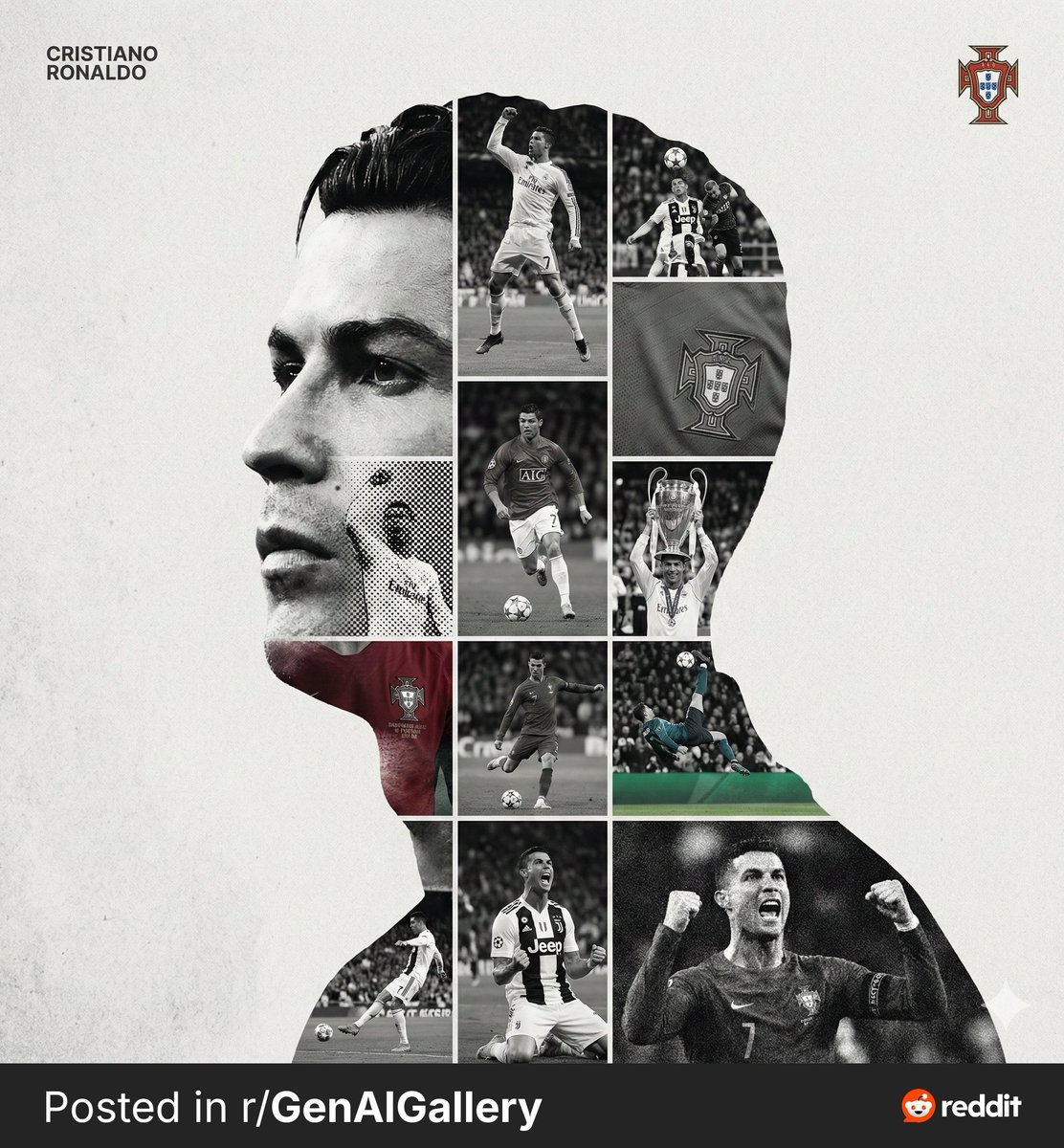
High-End Sports Graphic Poster Template

Lifestyle Café Photography Portrait
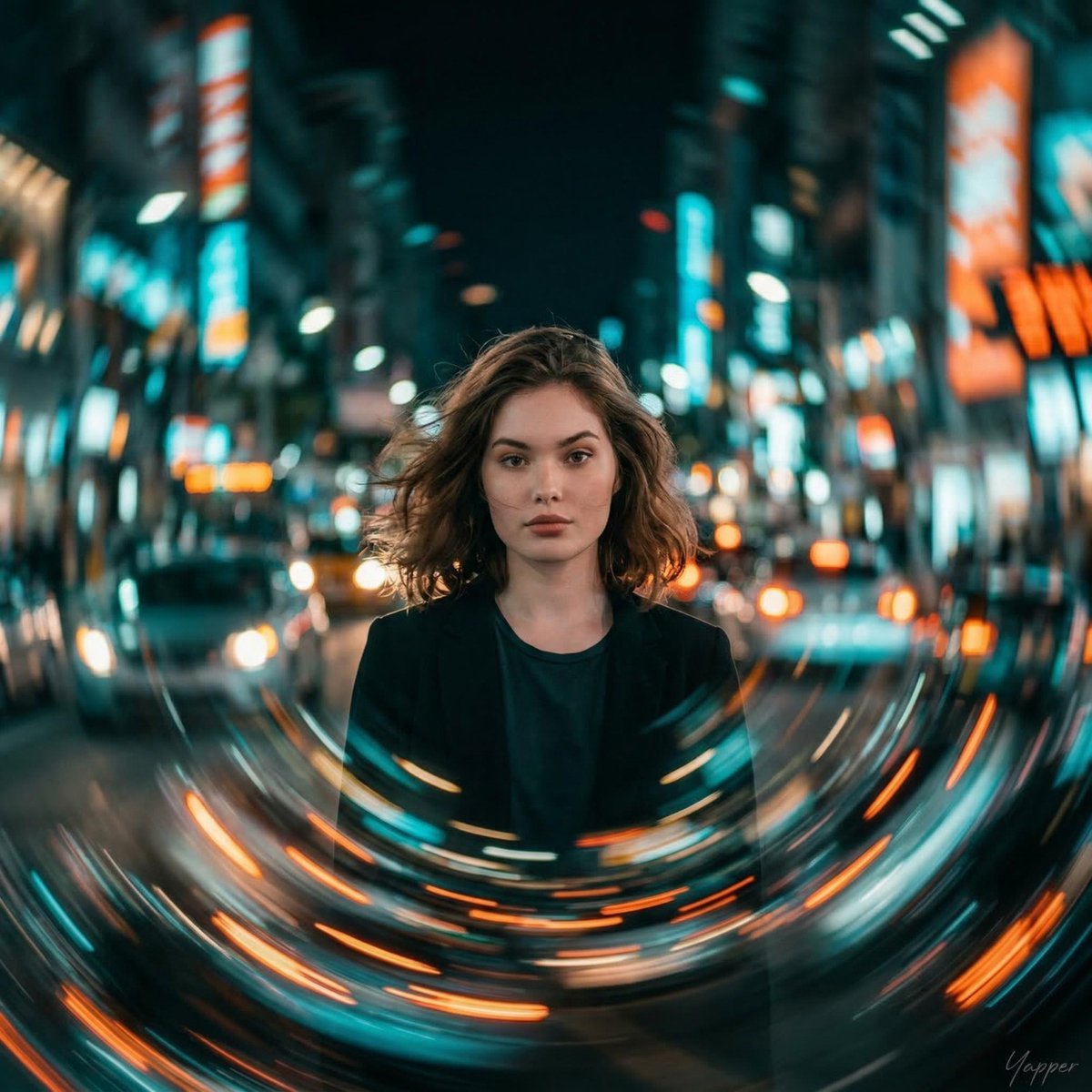
Cinematic Portrait with Motion Blur Cityscape
Browse template categories
Spanish iPhone Pro Landing Page questions
How do I use the Spanish iPhone Pro Landing Page template?
Add your photo if the template asks for one, edit the prompt if you like — the template's model and format are already selected — and press Generate. Your version opens in PicX Studio.
Can I customize the Spanish iPhone Pro Landing Page template?
Yes. You can change the subject, setting, lighting, mood, format, and available model controls before creating your image.
Is the Spanish iPhone Pro Landing Page template free?
Opening and editing this template is free. Generating uses credits, shown on the Generate button when you are signed in.
Which AI model should I use?
Start with GPT Image 2, which is the model associated with this template. You can compare another compatible model for a different finish.
Looking for something else? Browse all templates.

Your photo, any look
Thousands of ready templates for every top image and video model, from one credit balance.