How do I use the Kawaii Closed-Eye Cat Sticker template?
Choose the primary action to open PicX Studio with the available template settings. Review the model and format, personalize the creative direction, and generate when ready.
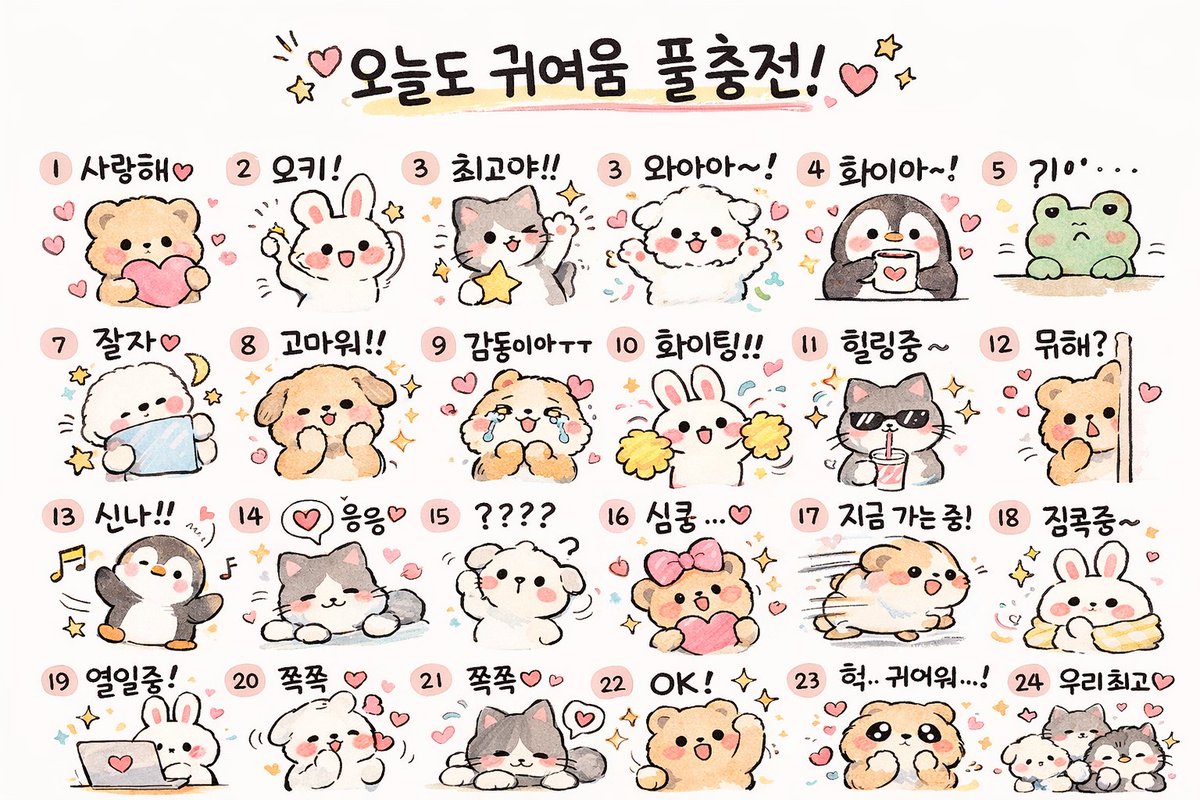
Generates a simple chibi black-and-white cat sticker with customizable markings and expression for mascot or emoji-style artwork.

Create a cute kawaii sticker illustration of a sitting chibi cat on a plain white background. The cat is mostly white with {argument name="patch color" default="black"} markings: one large rounded patch covering the viewer-right side of the head and ear, small dark patches on both sides of the body, and a dark curled tail on the viewer-right. Give it oversized triangular ears with soft pink inner ears, a tiny black oval nose, a small pouty cat mouth, three whiskers on each cheek, and closed horizontal eyes shaped like {argument name="eye shape" default="ーー"}. Add two pink blush ovals on the cheeks, each with three darker blush strokes. Use thick smooth black outlines, rounded simplified paws with visible toe lines, a white sticker die-cut border around the character, and a very subtle light gray shadow/outline outside the sticker edge. Center the cat, front-facing, symmetrical, minimal, clean vector-like anime mascot style, no text, no background objects.
Choose the primary action to open PicX Studio with the available template settings. Review the model and format, personalize the creative direction, and generate when ready.
Yes. You can change the subject, setting, lighting, mood, format, and available model controls before creating your image.
This template is free to open and customize. Generation usage is shown in PicX Studio before you create.
Start with GPT Image 2, which is the model associated with this template. You can compare another compatible model for a different finish.
Follow a topic to a crawlable collection of related PicX Studio templates.