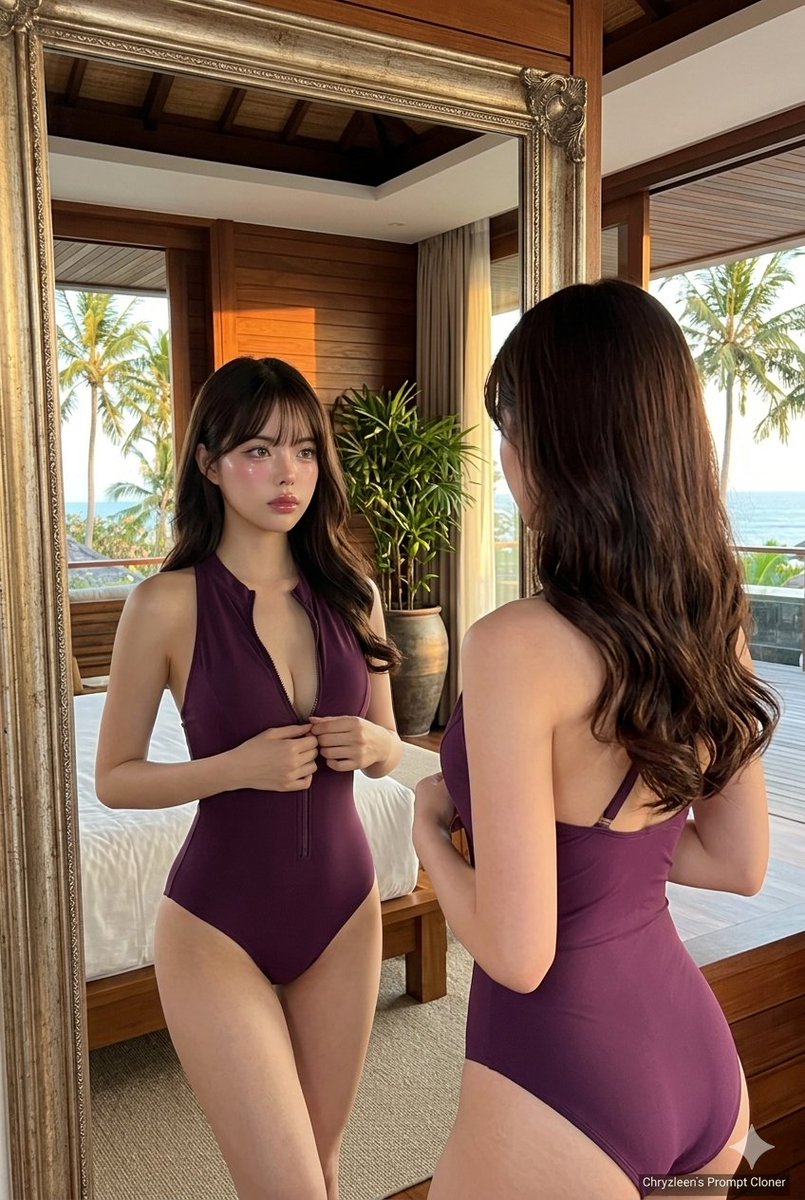
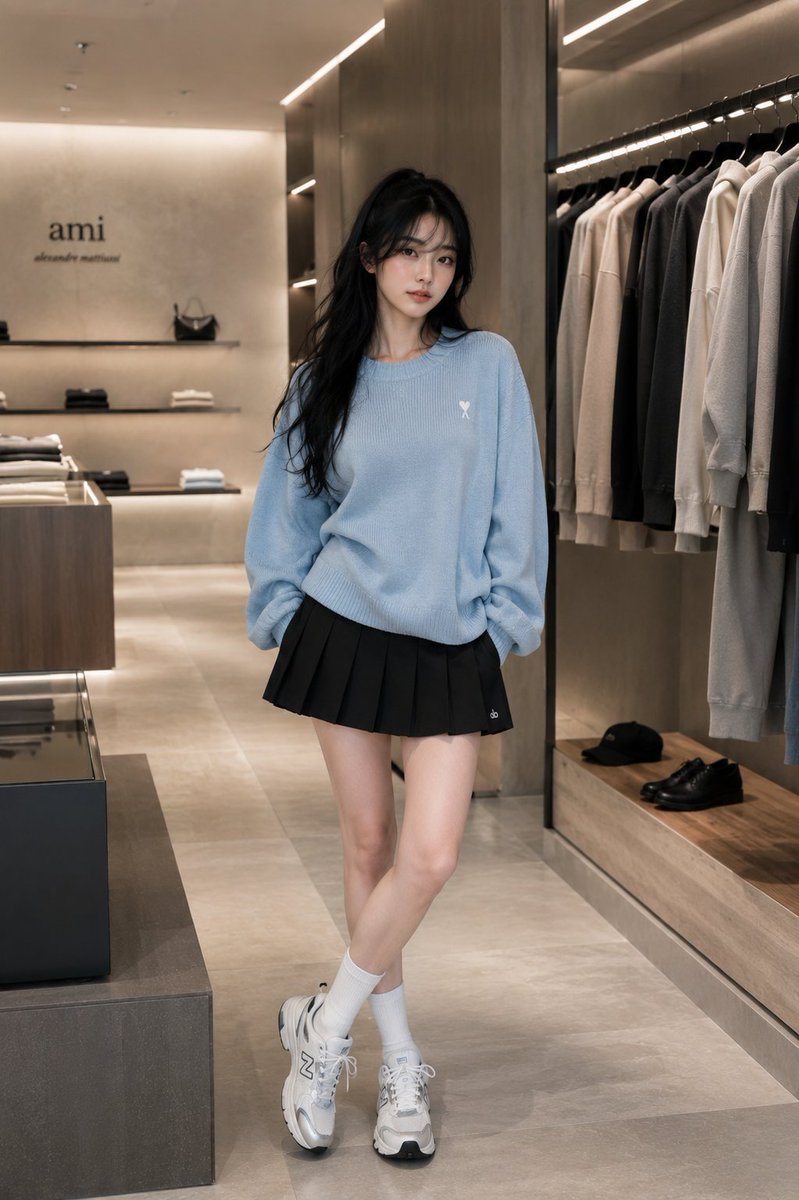
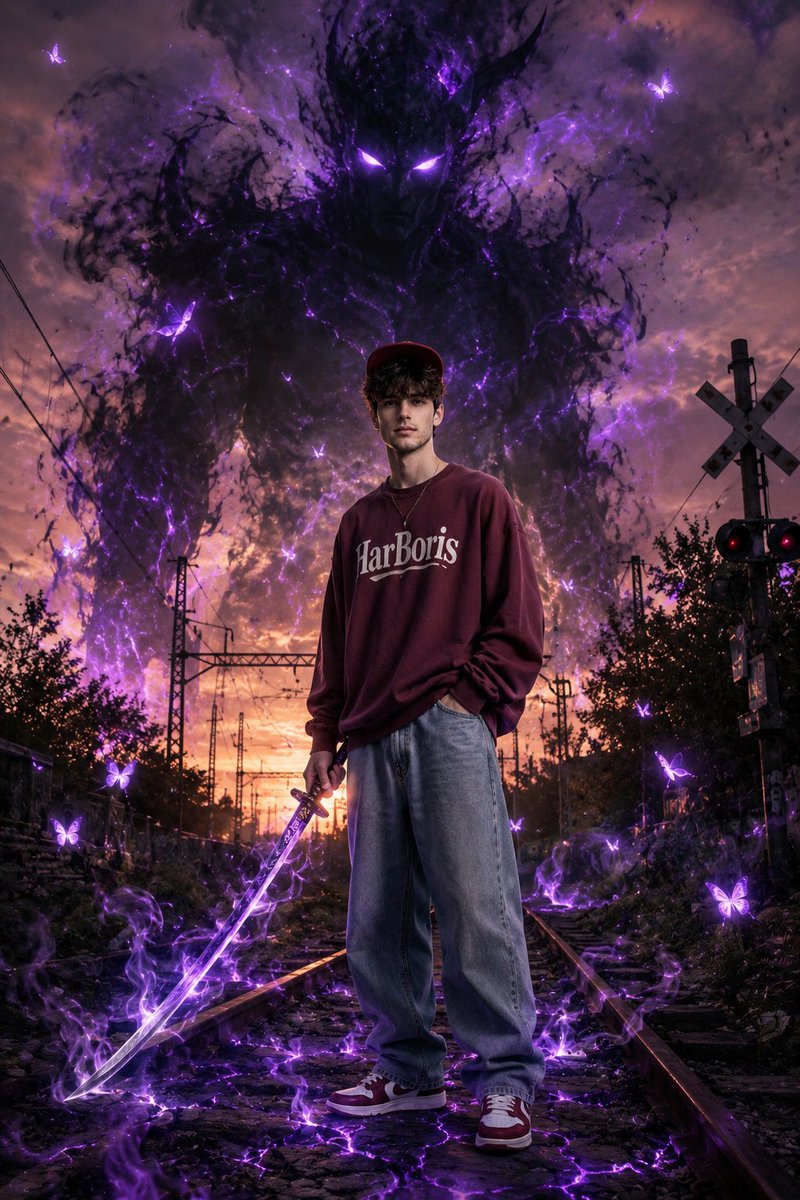
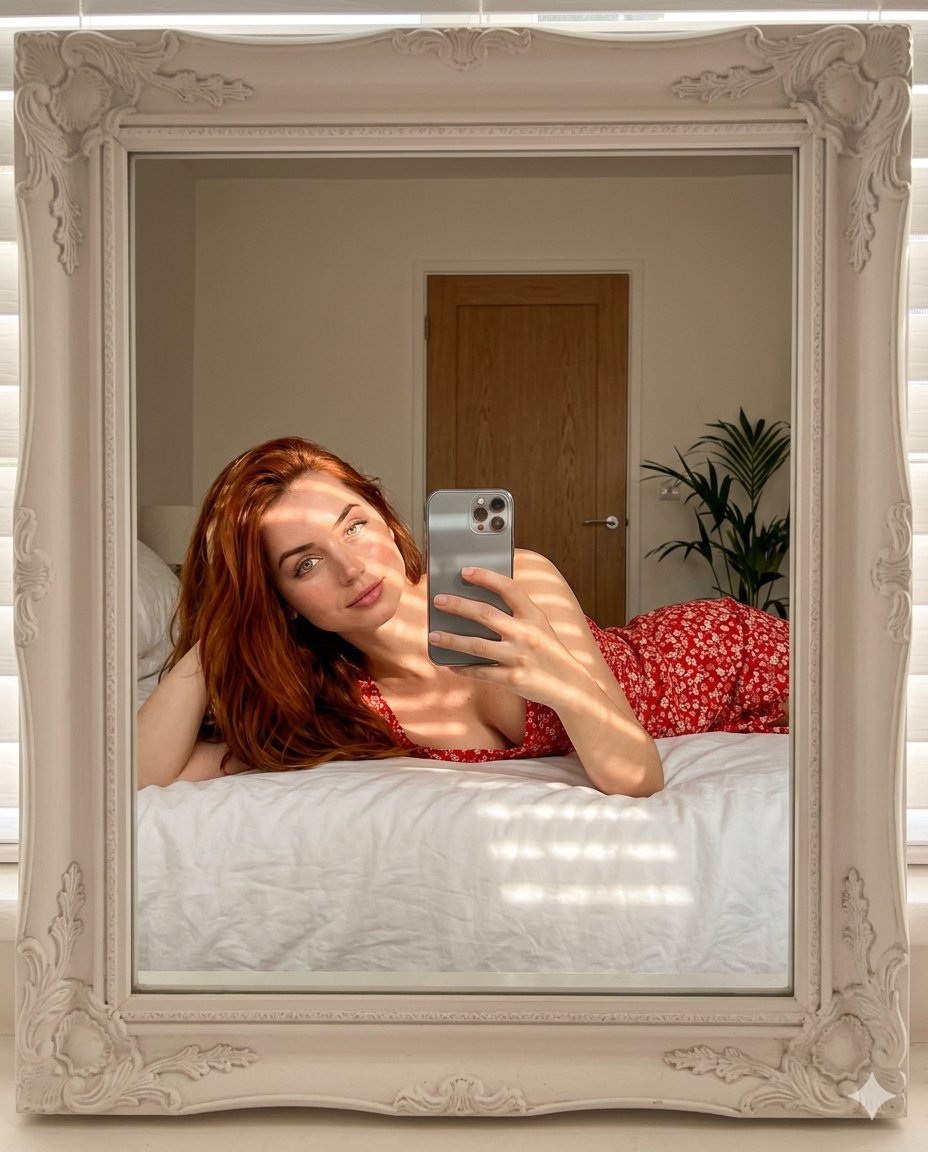
How do I use the Golden Hour Candid Portrait on Walk of Fame template?
Choose the primary action to open PicX Studio with the available template settings. Review the model and format, personalize the creative direction, and generate when ready.
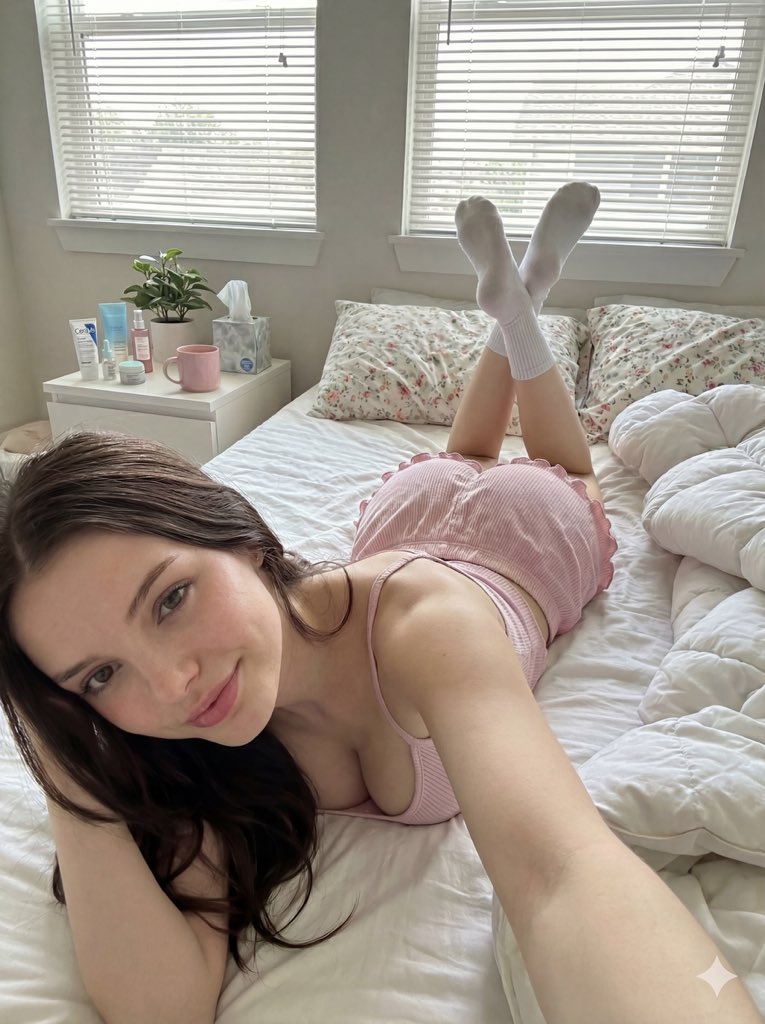
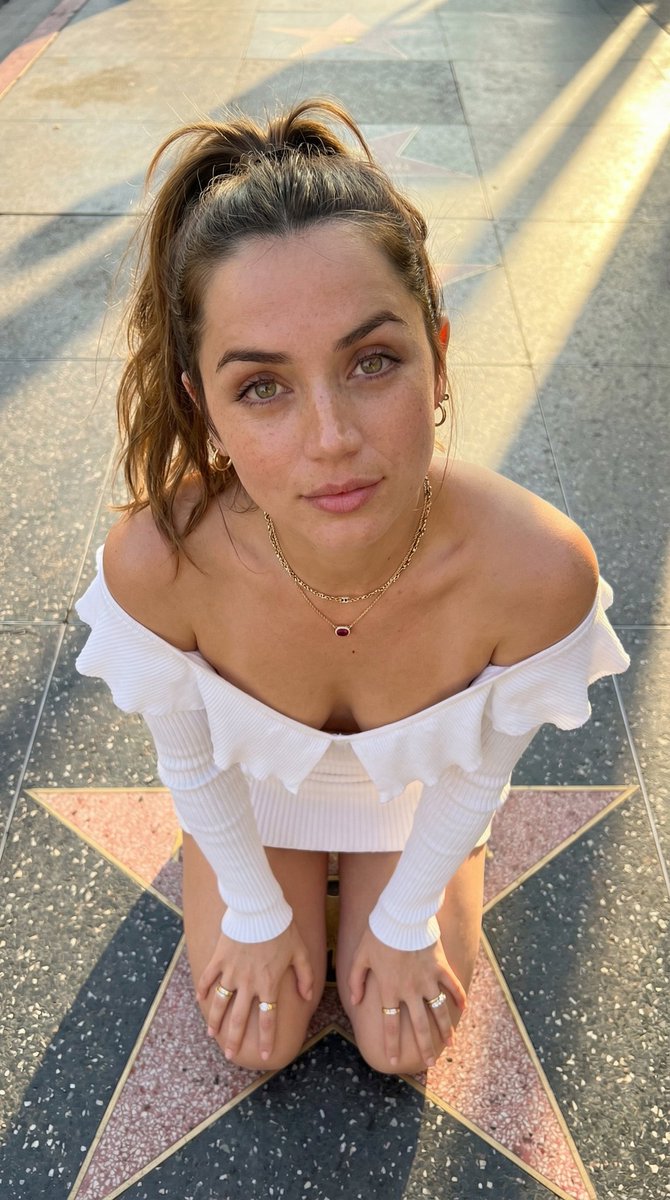
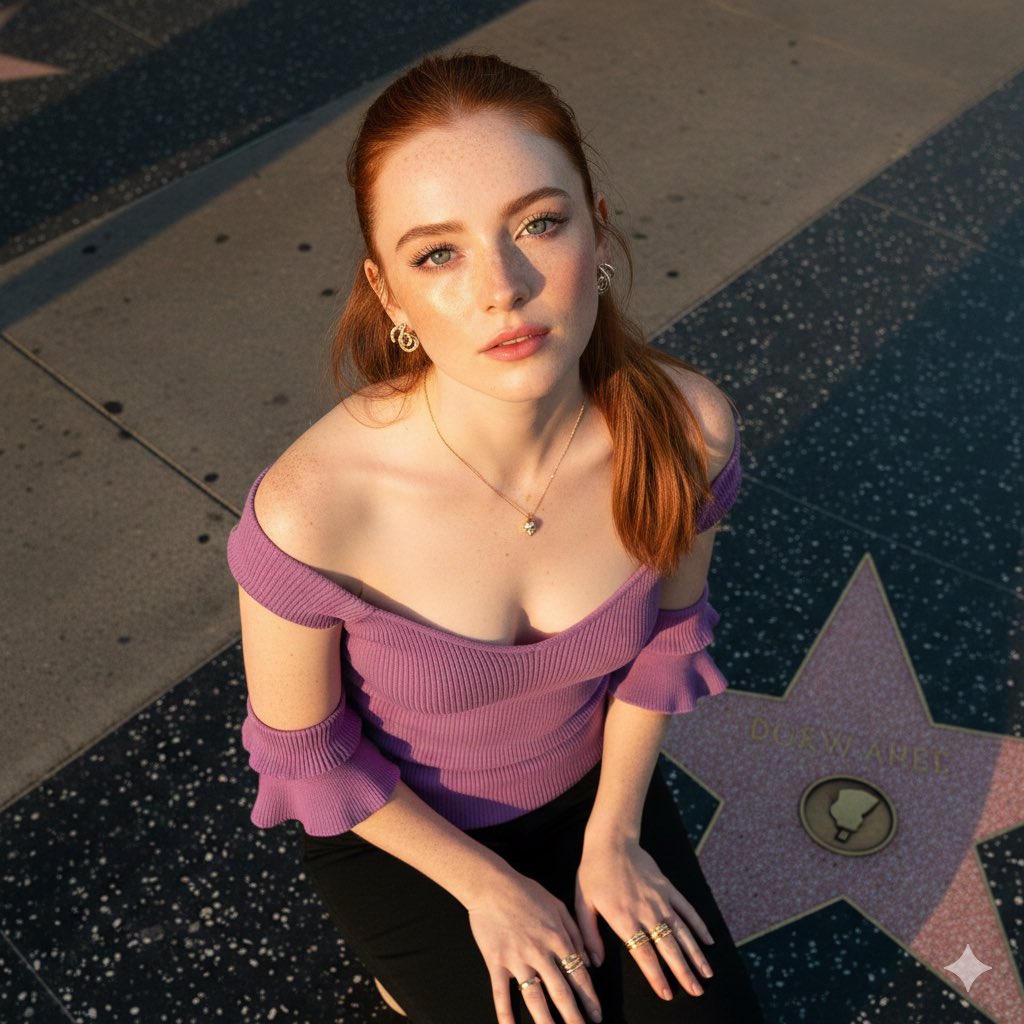
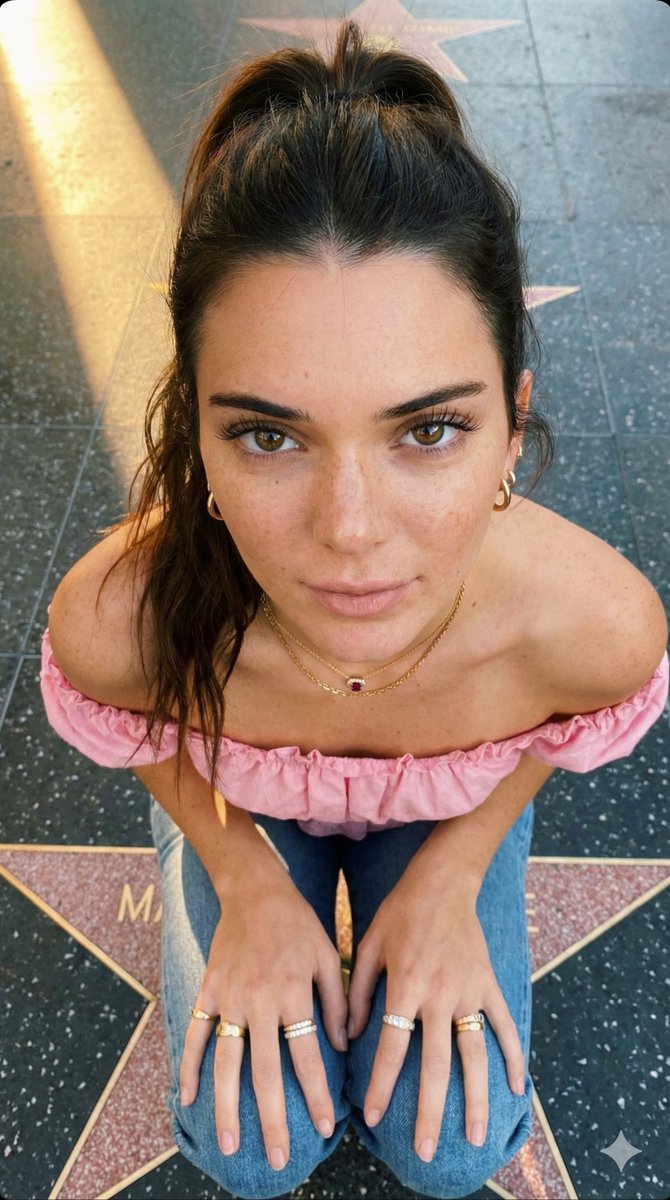
A detailed prompt for generating a high-angle, close-up, candid portrait of Sydney Sweeney (or similar subject) kneeling on the Los Angeles Walk of Fame. Change the subject, setting, or lighting one variable at a time.

{ "prompt": "A high-angle, close-up portrait photograph taken from directly above, capturing actress {argument name="actress name" default="Sydney Sweeney"} looking straight up with a soft, neutral expression. She has long, shoulder-length brown hair in a ponytail and fair skin with prominent natural freckles across her nose, cheeks, and forehead. Her light brown eyes with long dark lashes make direct eye contact. She is wearing a pink off-shoulder sleeveless top with ruffle details, a deep V-neck, multiple gold and diamond rings on her fingers, small gold hoop earrings, and a gold chain necklace with a ruby stone pendant. Both of her hands are resting on her knees as she kneels on the concrete Walk of Fame in Los Angeles, with a star visible. Soft, warm golden hour sunlight casts a diagonal shadow across the pavement. The image has a natural, intimate, candid feel with a social media aesthetic.", "negative_prompt": "indoor, studio lighting, heavy makeup, dark hair, side angle, full body, harsh shadows", "style": "natural portrait photography, golden hour outdoor, intimate close-up, social media aesthetic", "aspect_ratio": "9:16", "camera": { "type": "smartphone portrait or mirrorless camera", "angle": "high overhead angle looking down at subject looking up", "framing": "close-up portrait, head shoulders and hands visible" }, "lighting": { "type": "natural golden hour sunlight", "quality": "warm soft afternoon sun, diagonal light creating gentle shadow on concrete", "atmosphere": "warm outdoor natural light, intimate mood" }, "mood": "intimate, soft, natural, candid, warm, gentle", "color_palette": "long straight black, purple clothing, gold jewelry accents, warm skin tones, grey concrete, natural freckle tones", "subject_features": { "hair": "long black straight shoulder length, soft waves, middle parted, natural texture", "skin": "fair with natural freckles across nose cheeks and forehead, sun-kissed", "eyes": "light blue, large, looking directly up at camera, long dark lashes", "lips": "red mauve, soft full shape", "eyebrows": "natural dark brown, well groomed soft arch", "expression": "soft neutral, intimate, slightly pouty, direct eye contact", "freckles": "natural scattered freckles prominent across nose bridge, cheeks, forehead" }, "accessories": { "piercings": "small silver hoop on belly", "earrings": "small diamond spirals hoop earrings", "rings": "multiple gold and diamonds stacking rings on both hands fingers", "necklace": "delicate gold chain necklace with skull pendant" }, "wardrobe": { "top": "Light Pink off-shoulder sleeveless top, ribbed texture, ruffle frill details on sleeve cuffs, bare shoulders exposed", "bottom": "short denim miniskirt" }, "pose": { "position": "sitting or kneeling on ground of walk of fame in los angeles with gold star vip on the ground", "hands": "both resting on kneels",
Choose the primary action to open PicX Studio with the available template settings. Review the model and format, personalize the creative direction, and generate when ready.
Yes. You can change the subject, setting, lighting, mood, format, and available model controls before creating your image.
This template is free to open and customize. Generation usage is shown in PicX Studio before you create.
Start with Nano Banana 2, which is the model associated with this template. You can compare another compatible model for a different finish.
© 2026 PicX Studio. All rights reserved.

Follow a topic to a crawlable collection of related PicX Studio templates.
43,474 public templates available. Verified via the PicX Studio public templates API; refreshed hourly.




















![Naive doodle-style subject illustration — A doodle-style {argument name="subject" default="[subject]"}, naive lines, humorous shape exaggeration](https://pbs.twimg.com/media/G6Wl2YxbsAARB2b.jpg)


















![Commercial Studio Hero Shot with Giant Pikachu — [SCENE]
environment = bright monochromatic {argument name="environment color" default="yellow"} studio
backgrou](https://pbs.twimg.com/media/G9uUM5NasAM_nOI.jpg)