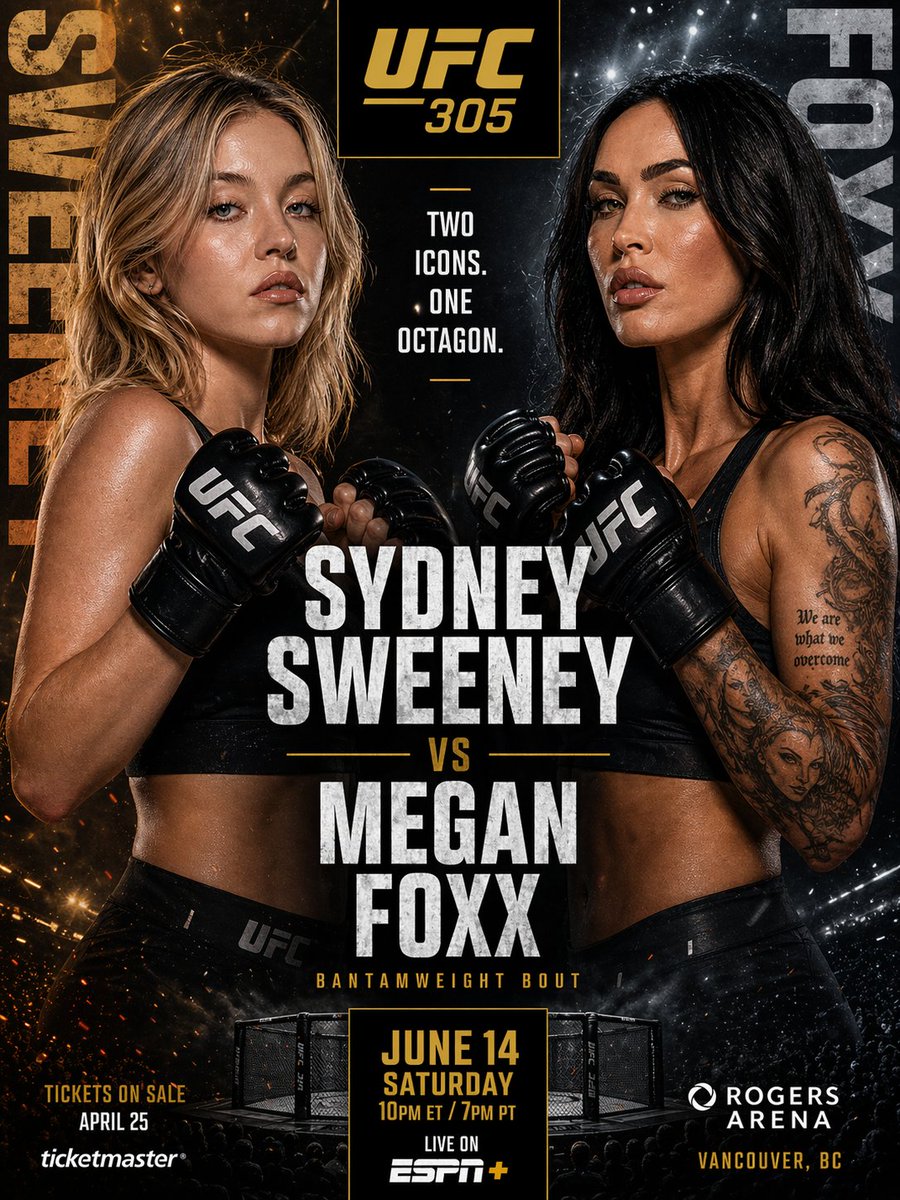
How do I use the Chibi 3D Character with Sports Car Prompt template?
Choose the primary action to open PicX Studio with the available template settings. Review the model and format, personalize the creative direction, and generate when ready.
A structured prompt for generating a high-definition 3D chibi character (female, blonde bob, expressive eyes) in a modern outfit (crop top with smiley face, high-waisted jeans), posed next to a vibrant blue sports car at dusk, rendered in a Pixar/mobile game animation style with cinematic lighting and bokeh city lights. Change the subject, setting, or lighting one variable at a time.
{ "subject": { "type": "chibi 3D character", "gender": "female", "features": { "eyes": "large, expressive dark brown eyes with detailed lashes", "hair": "straight blonde bob with bangs, smooth texture", "expression": "gentle smile, youthful and cute", "skin": "fair with subtle freckles on the nose" }, "clothing": { "top": "{argument name="top color" default="light blue"} short-sleeved crop top featuring a stylized smiley face graphic", "bottom": "high-waisted denim jeans with rolled cuffs", "accessories": "thin white belt with a silver buckle", "footwear": "clean white sneakers" } }, "background": { "primary_object": "vibrant {argument name="car color" default="blue"} modern sports car, sleek design", "setting": "asphalt road at dusk or nighttime", "atmosphere": "soft bokeh background with blurred city lights in shades of orange and teal" }, "art_style": { "type": "digital 3D animation style", "inspiration": "reminiscent of Pixar or modern mobile game graphics", "lighting": "soft, cinematic lighting with gentle highlights on the hair and car", "rendering": "high-definition, smooth surfaces, matte finish" } }
Choose the primary action to open PicX Studio with the available template settings. Review the model and format, personalize the creative direction, and generate when ready.
Yes. You can change the subject, setting, lighting, mood, format, and available model controls before creating your image.
This template is free to open and customize. Generation usage is shown in PicX Studio before you create.
Start with Nano Banana 2, which is the model associated with this template. You can compare another compatible model for a different finish.
© 2026 PicX Studio. All rights reserved.

Follow a topic to a crawlable collection of related PicX Studio templates.
43,474 public templates available. Verified via the PicX Studio public templates API; refreshed hourly.




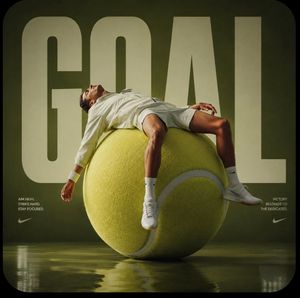
![clean-minimalist-player-editorial-poster — A professional sports graphic design poster of [Player Name], designed in a clean, modern, and minimalist editorial s](/_next/image?url=https%3A%2F%2Fcdn.picxstudio.com%2Fuploads%2Fmeigen_5524a0a10196_94b81982-ef58-45e9-8d49-9b017a7f26cb.jpg&w=828&q=100)




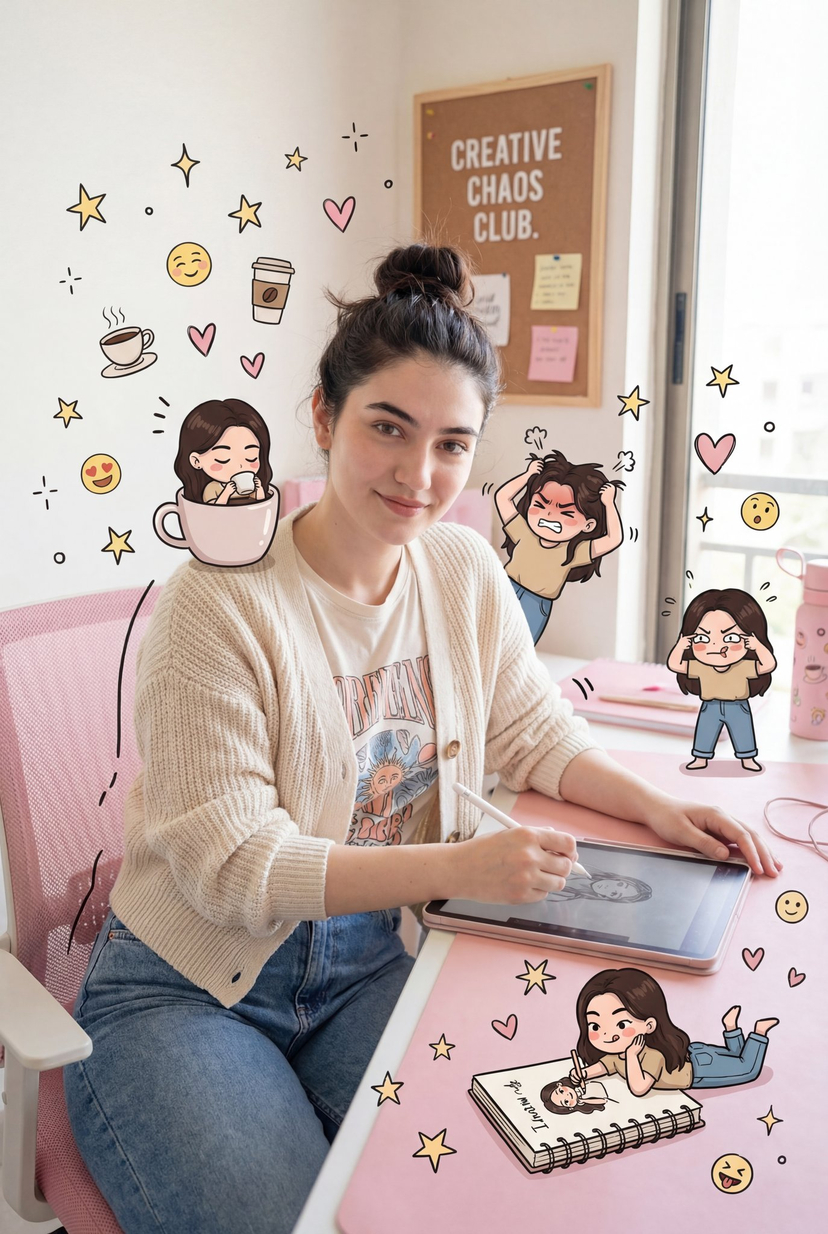

![Naive doodle-style subject illustration — A doodle-style {argument name="subject" default="[subject]"}, naive lines, humorous shape exaggeration](https://pbs.twimg.com/media/G6Wl2YxbsAARB2b.jpg)















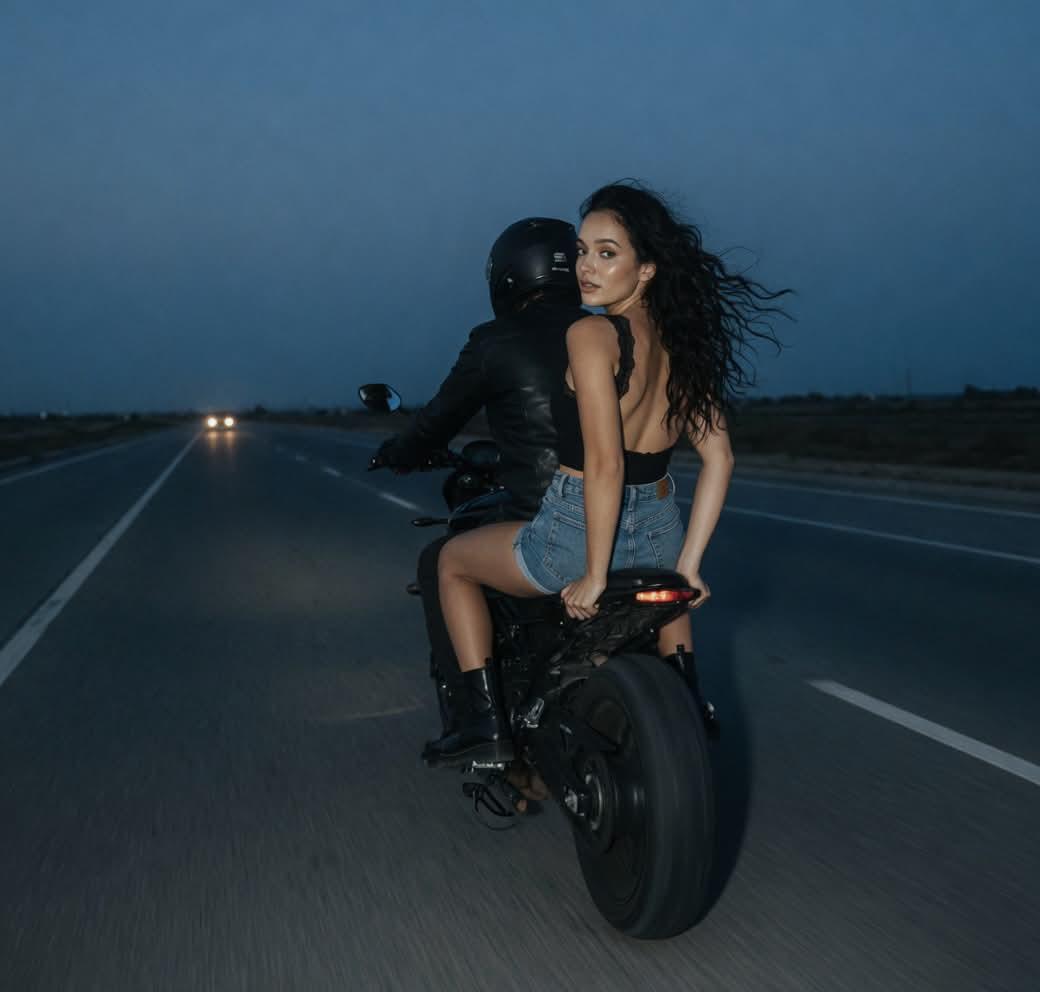
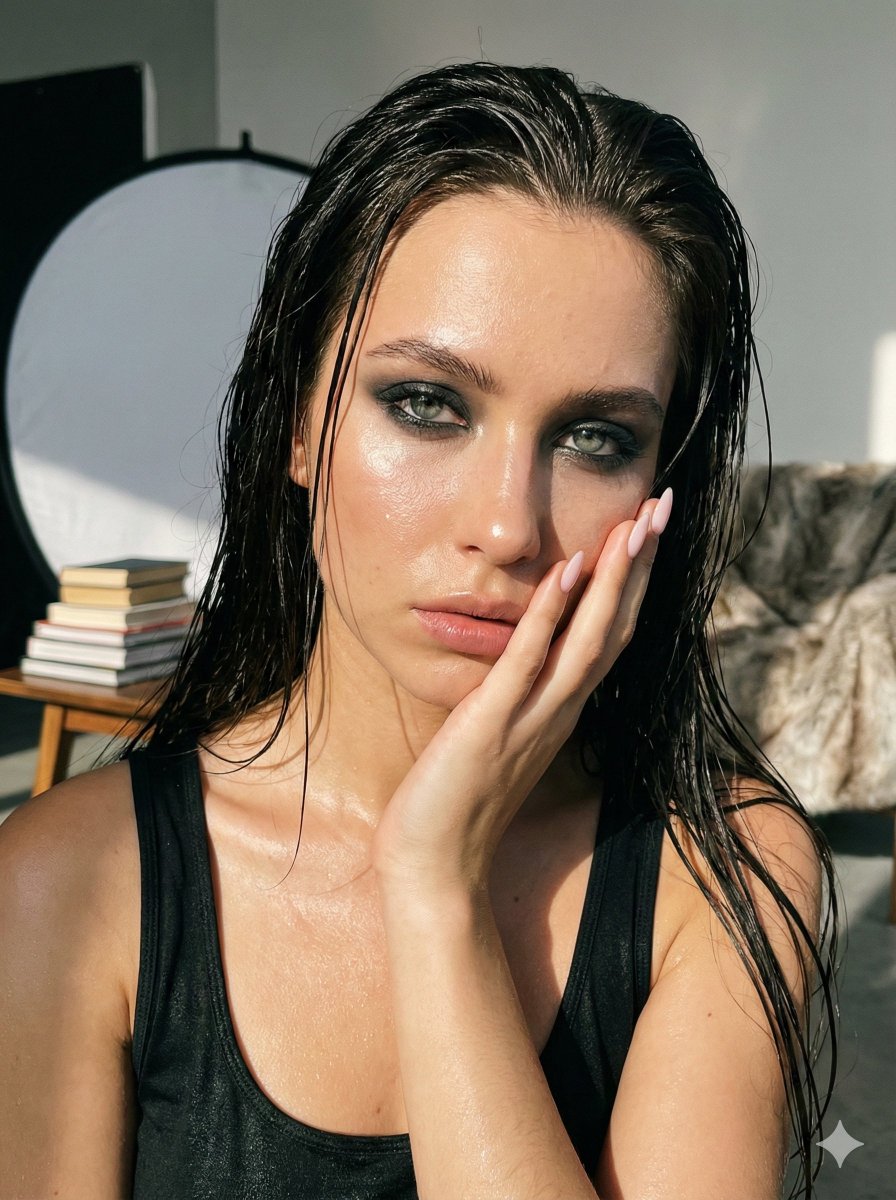

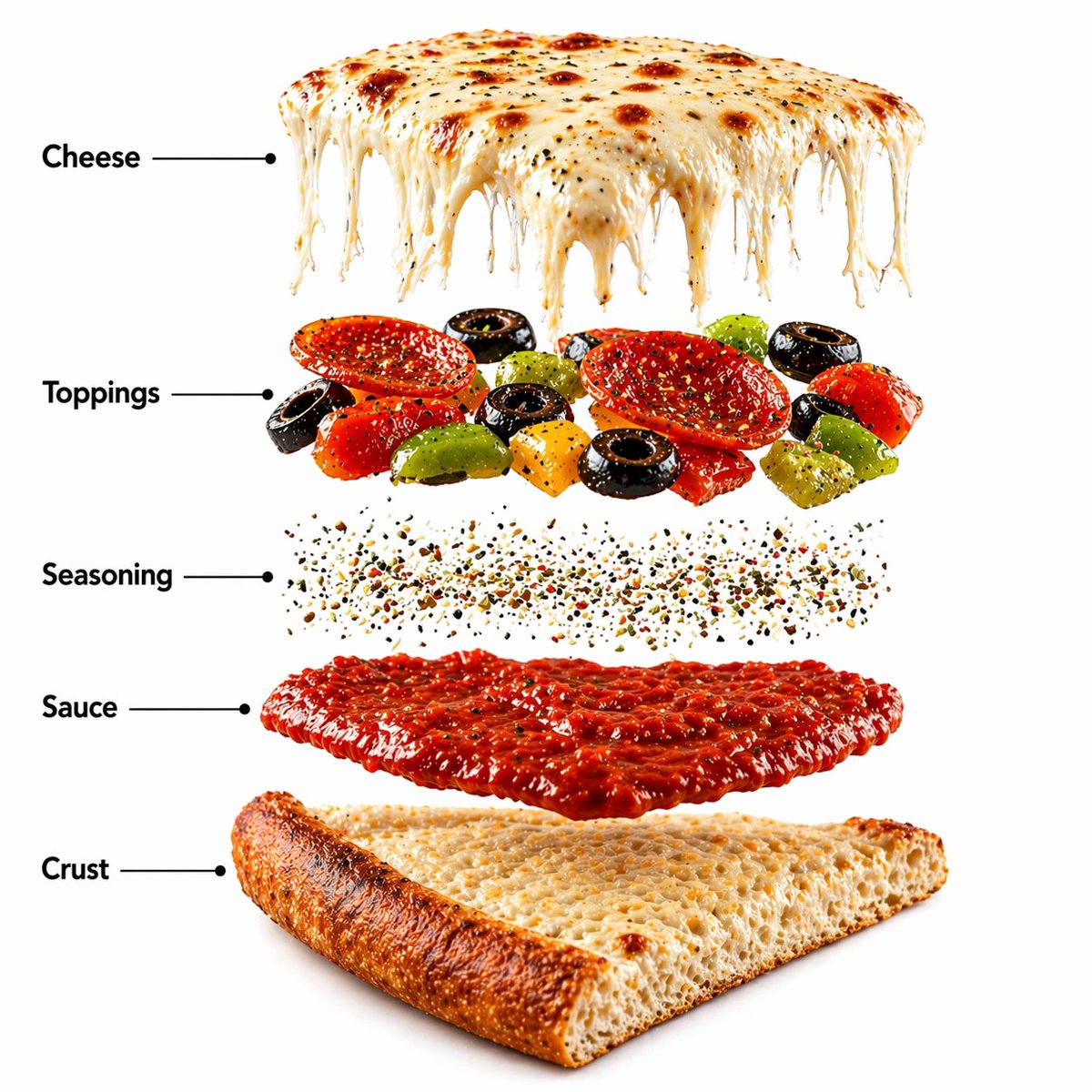
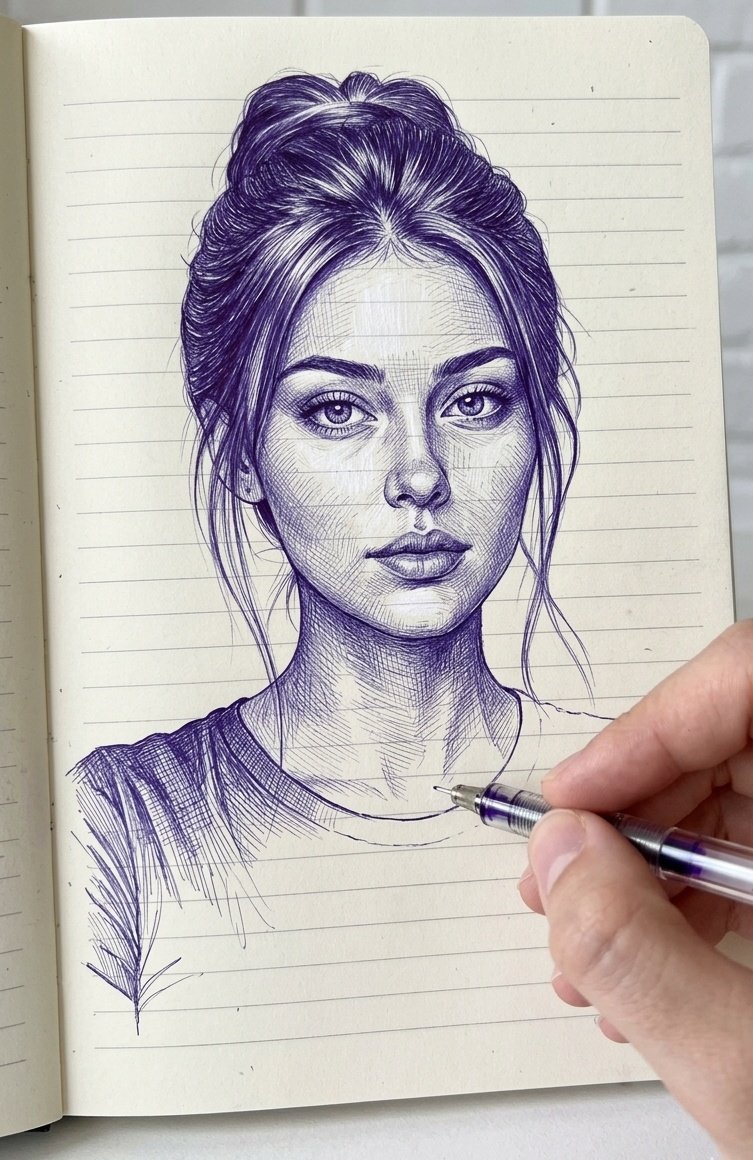


![Realistic Miniature Sports Figurine Transformation — Turn [uploaded_photo] into a realistic miniature isometric figurine, full body, dressed in {argument name="](https://cms-assets.youmind.com/media/1781169529225_0a3hbg_HKblvoKbsAAyeib.jpg)