How do I use the Playful Beach Selfie with Bikini and Jewelry template?
Choose the primary action to open PicX Studio with the available template settings. Review the model and format, personalize the creative direction, and generate when ready.
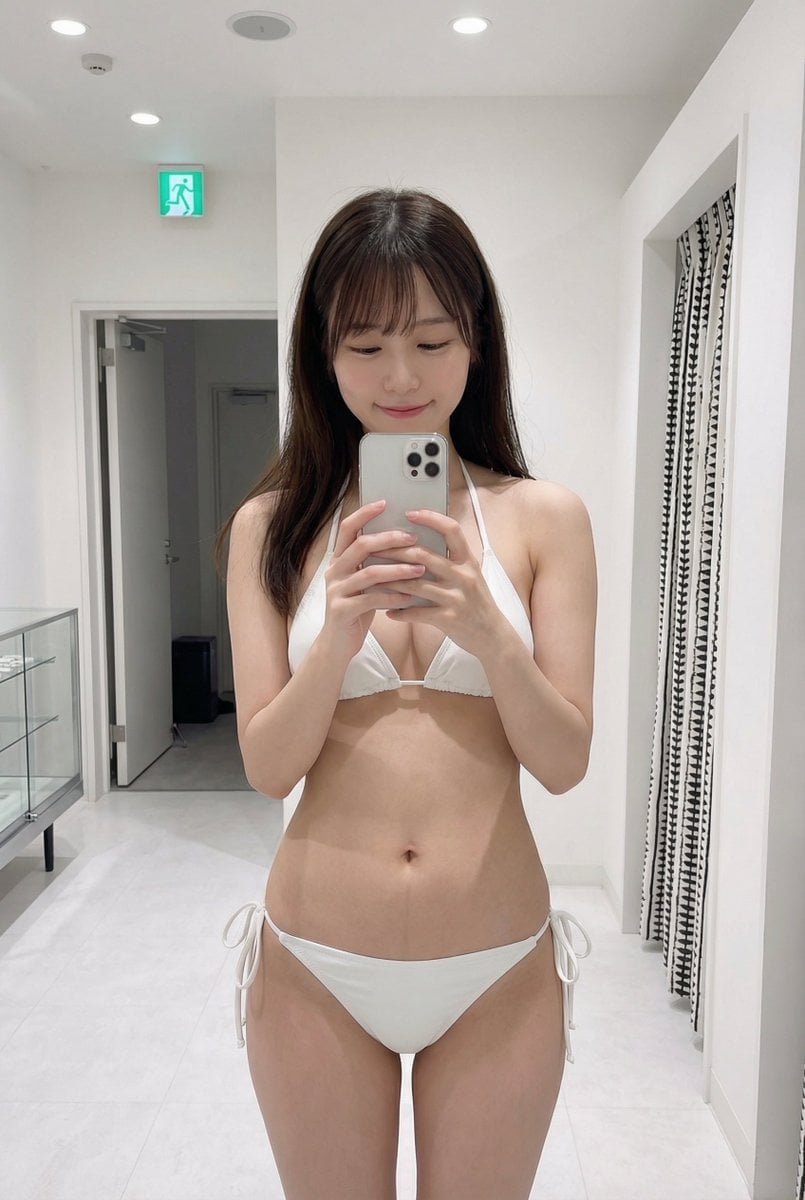
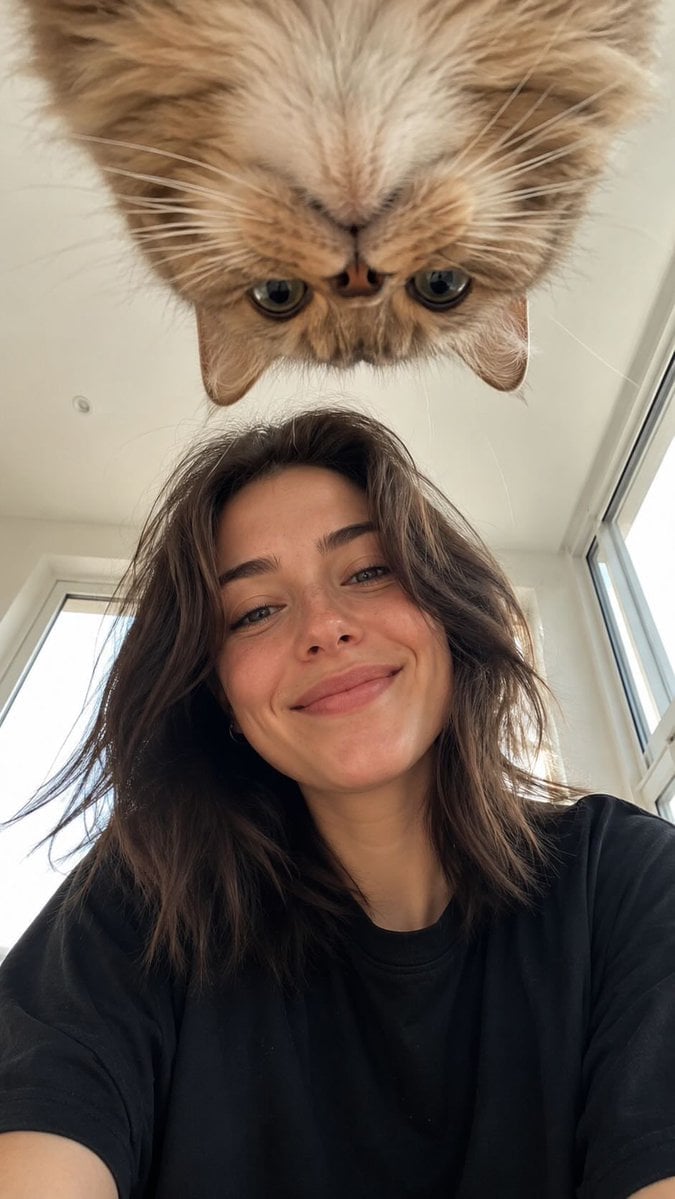
A structured prompt for generating a photorealistic, candid beach selfie of a young woman.
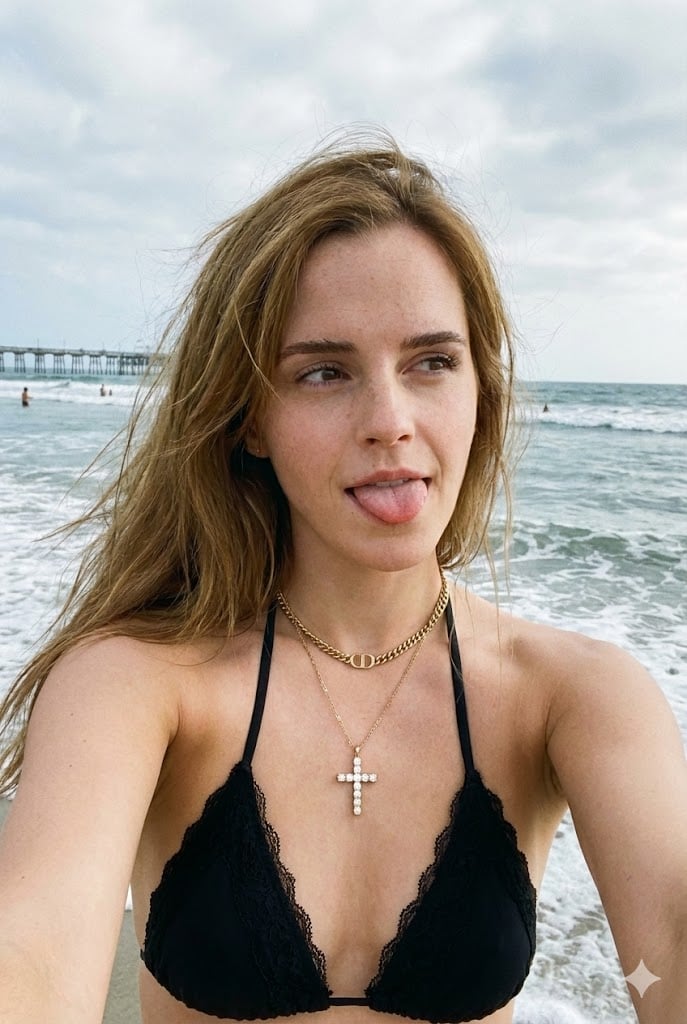
{ "image_prompt": { "subject": { "description": "Young woman , Fair skin tone, long straight light brown hair with some strands blowing in the wind.", "pose": "Selfie angle, slightly tilted head, sticking tongue out playfully, looking off-camera to the side.", "visible_body": "Shoulders, chest, and partial upper torso visible." }, "attire": { "top": "Black bikini top with lace trim detailing on the edges and thin straps.", "jewelry": [ "Gold layered necklace.", "Gold cross pendant with small embedded crystals.", "Gold 'CD' logo charms integrated into the chain (Dior style)." ] }, "environment": { "location": "Beach setting.", "background": { "ocean": "Choppy ocean waves with white foam, blue-grey water.", "sky": "Overcast sky with bright patches, white and grey clouds.", "distant_details": "Silhouette of a distant pier or structure and small figures in the water." } }, "lighting_and_atmosphere": { "type": "Natural daylight, slightly backlit causing soft shadows on the face.", "mood": "Playful, casual, summer vibe, beach day.", "color_palette": "Natural tones, cool ocean blues, warm skin tones, bright sky." }, "technical_specs": { "quality": "4k, HD, Ultra-realistic, high resolution.", "style": "Photorealistic selfie, candid shot.", "focus": "Sharp focus on the face, slightly softer background depth of field." } } }
Choose the primary action to open PicX Studio with the available template settings. Review the model and format, personalize the creative direction, and generate when ready.
Yes. You can change the subject, setting, lighting, mood, format, and available model controls before creating your image.
This template is free to open and customize. Generation usage is shown in PicX Studio before you create.
Start with Nano Banana 2, which is the model associated with this template. You can compare another compatible model for a different finish.
Follow a topic to a crawlable collection of related PicX Studio templates.