
Contrasting Coder Personas Illustration
Generates a highly detailed 3D illustration contrasting two distinct personality types with customized text, props, and environmental storytelling.
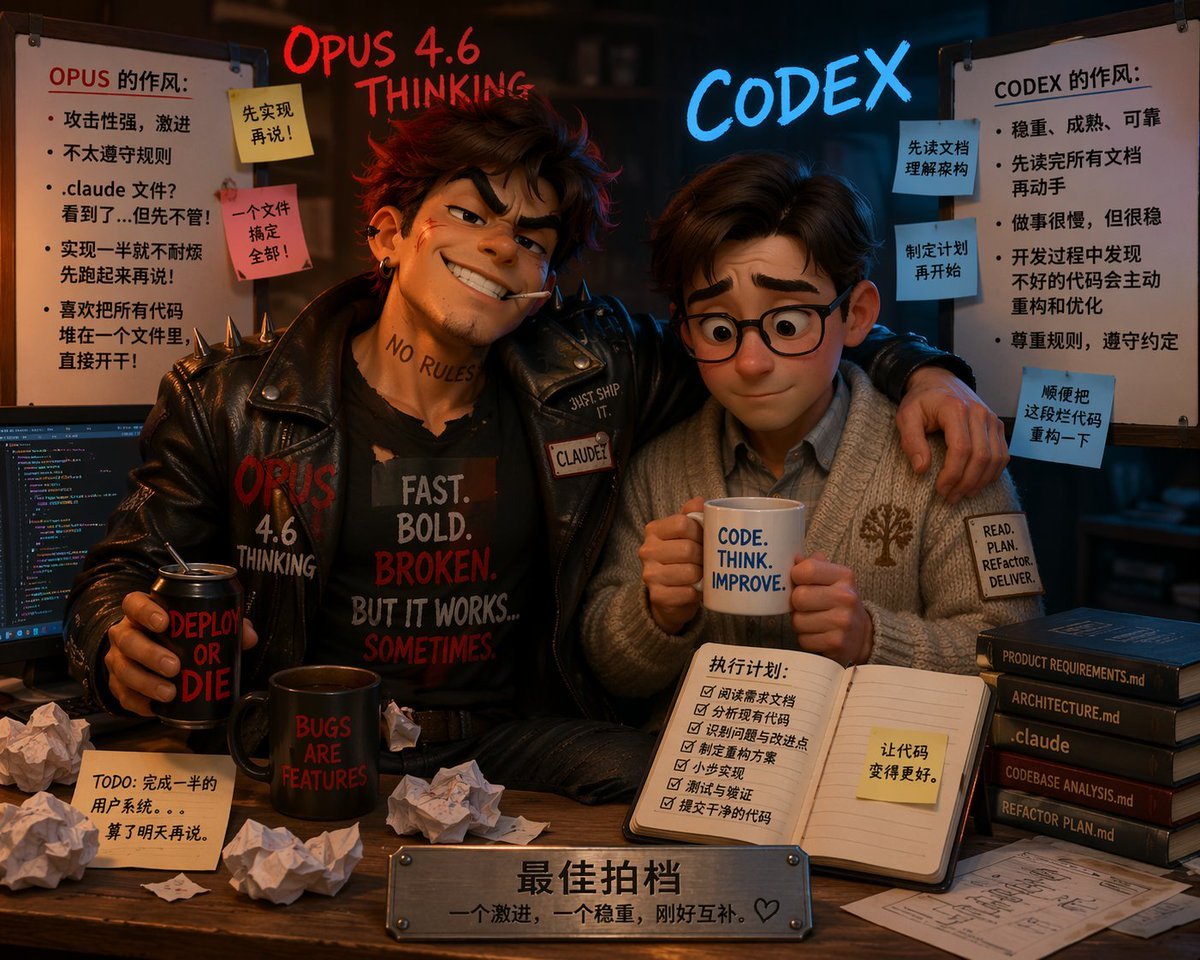
- Prompt included
- Model and format preset
- Free template
The prompt behind this image
Copy the exact prompt behind Contrasting Coder Personas Illustration, or open it in the studio and make it yours.
- Type
- 3D Pixar-style animated illustration
- Composition
- Two contrasting characters sitting at a desk, split-screen aesthetic with messy left side and neat right side
- Floating Text › Left
- {argument name="left character name" default="OPUS 4.6 THINKING"} in glowing red handwritten font
- Floating Text › Right
- {argument name="right character name" default="CODEX"} in glowing blue neon font
- Characters › 0 › Position
- left
- Characters › 0 › Persona
- Rebellious, aggressive coder
- Characters › 0 › Appearance
- Messy brown hair, confident smirk, cigarette in mouth, neck tattoo 'NO RULES'
- Characters › 0 › Clothing
- Black leather jacket with spikes, black t-shirt with text '{argument name="left shirt text" default="FAST. BOLD. BROKEN. BUT IT WORKS... SOMETIMES."}'
- Characters › 0 › Pose
- Arm wrapped around the right character, holding a black can reading 'DEPLOY OR DIE'
- Characters › 1 › Position
- right
- Characters › 1 › Persona
- Organized, steady coder
- Characters › 1 › Appearance
- Neat brown hair, round glasses, nervous but compliant expression
- Characters › 1 › Clothing
- Cozy grey cardigan with a tree logo, collared shirt, sleeve patch reading 'READ. PLAN. REFACTOR. DELIVER.'
- Characters › 1 › Pose
- Holding a white mug with text '{argument name="right mug text" default="CODE. THINK. IMPROVE."}' with both hands
- Environment › Left Side › Vibe
- chaotic and messy
- Environment › Left Side › Props
- Computer monitor showing colorful code, Black mug reading 'BUGS ARE FEATURES', 5 crumpled pieces of paper, 1 sticky note on desk reading 'TODO: 完成一半的用户系统。。。算了明天再说。'
- Environment › Left Side › Whiteboard › Title
- OPUS 的作风:
- Environment › Left Side › Whiteboard › Bullet Points Count
- 5
- Environment › Left Side › Whiteboard › Sticky Notes Count
- 2
- Environment › Left Side › Whiteboard › Sticky Notes Text
- 先实现再说!, 一个文件搞定全部!
- Environment › Right Side › Vibe
- structured and neat
- Environment › Right Side › Props
- Open notebook with a 6-item checklist titled '执行计划:' and a yellow sticky note '让代码变得更好。', Stack of 5 dark books with spine text: 'PRODUCT REQUIREMENTS.md', 'ARCHITECTURE.md', '.claude', 'CODEBASE ANALYSIS.md', 'REFACTOR PLAN.md', Neat architectural blueprint on the desk
- Environment › Right Side › Whiteboard › Title
- CODEX 的作风:
- Environment › Right Side › Whiteboard › Bullet Points Count
- 5
Raw JSON
{
  "type": "3D Pixar-style animated illustration",
  "composition": "Two contrasting characters sitting at a desk, split-screen aesthetic with messy left side and neat right side",
  "floating_text": {
    "left": "{argument name=\"left character name\" default=\"OPUS 4.6 THINKING\"} in glowing red handwritten font",
    "right": "{argument name=\"right character name\" default=\"CODEX\"} in glowing blue neon font"
  },
  "characters": [
    {
      "position": "left",
      "persona": "Rebellious, aggressive coder",
      "appearance": "Messy brown hair, confident smirk, cigarette in mouth, neck tattoo 'NO RULES'",
      "clothing": "Black leather jacket with spikes, black t-shirt with text '{argument name=\"left shirt text\" default=\"FAST. BOLD. BROKEN. BUT IT WORKS... SOMETIMES.\"}'",
      "pose": "Arm wrapped around the right character, holding a black can reading 'DEPLOY OR DIE'"
    },
    {
      "position": "right",
      "persona": "Organized, steady coder",
      "appearance": "Neat brown hair, round glasses, nervous but compliant expression",
      "clothing": "Cozy grey cardigan with a tree logo, collared shirt, sleeve patch reading 'READ. PLAN. REFACTOR. DELIVER.'",
      "pose": "Holding a white mug with text '{argument name=\"right mug text\" default=\"CODE. THINK. IMPROVE.\"}' with both hands"
    }
  ],
  "environment": {
    "left_side": {
      "vibe": "chaotic and messy",
      "props": [
        "Computer monitor showing colorful code",
        "Black mug reading 'BUGS ARE FEATURES'",
        "5 crumpled pieces of paper",
        "1 sticky note on desk reading 'TODO: 完成一半的用户系统。。。算了明天再说。'"
      ],
      "whiteboard": {
        "title": "OPUS 的作风:",
        "bullet_points_count": 5,
        "sticky_notes_count": 2,
        "sticky_notes_text": ["先实现再说!", "一个文件搞定全部!"]
      }
    },
    "right_side": {
      "vibe": "structured and neat",
      "props": [
        "Open notebook with a 6-item checklist titled '执行计划:' and a yellow sticky note '让代码变得更好。'",
        "Stack of 5 dark books with spine text: 'PRODUCT REQUIREMENTS.md', 'ARCHITECTURE.md', '.claude', 'CODEBASE ANALYSIS.md', 'REFACTOR PLAN.md'",
        "Neat architectural blueprint on the desk"
      ],
      "whiteboard": {
        "title": "CODEX 的作风:",
        "bullet_points_count": 5,
        "sticky_notes_count": 3,
        "sticky_notes_text": ["先读文档理解架构", "制定计划再开始", "顺便把这段代码重构一下"]
      }
    }
  },
  "foreground": {
    "plaque": "Metal nameplate on the front edge of the desk with engraved text '{argument name=\"plaque text\" default=\"最佳拍档 一个激进,一个稳重,刚好互补。♡\"}'"
  }
}How to use Contrasting Coder Personas Illustration in 3 steps
- 1Upload ImagePNG, JPG or paste
Add your photo
Upload the photo the template builds on. The prompt, model and format are already set.
- 2…a portrait of your subject in softgolden-hour light, 85mm…
Personalize
Edit the subject and creative details for your destination.
- 3Generate
Generate
Press Generate — your image is created in PicX Studio, so you can compare it with the original and refine one variable at a time.
More like this
Templates with the same subject, style or setup. Open one to see its prompt.

Quiet Minimalist Anime Style Guide

Real Illustration Split Portrait Transition
Quiet Minimalist Anime Style Guide

Watercolor Café Cheesecake Editorial Illustration
Real Illustration Split Portrait Transition

Bold Side Profile Superhero Poster

Hero Portrait Comic Multi-Panel Poster

Spider-Verse Painterly Portrait Poster

Captain Tsubasa Anime World Cup Poster

Anime Character Charm Analysis Sheet
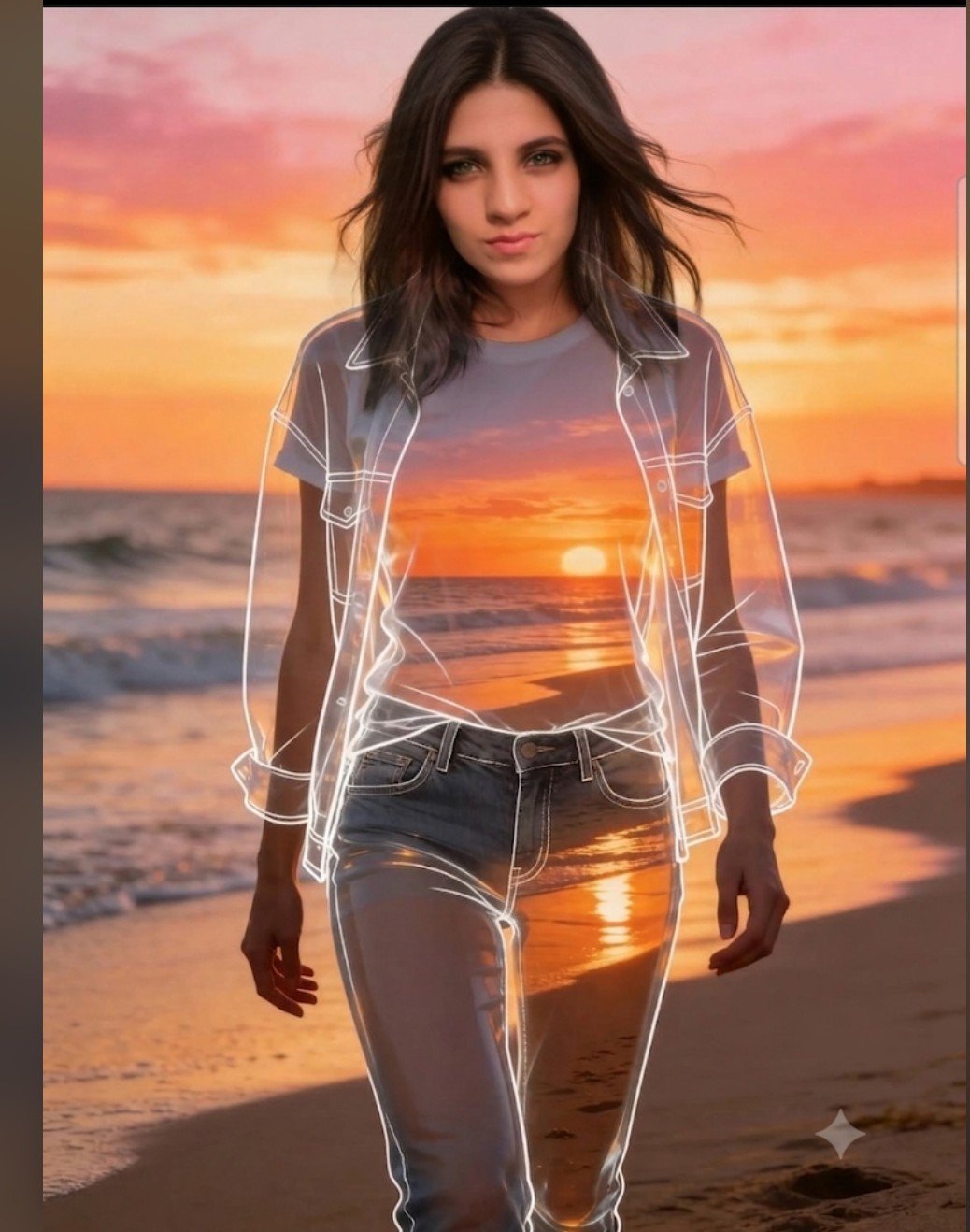
Beach Sunset Double Exposure Wireframe Portrait
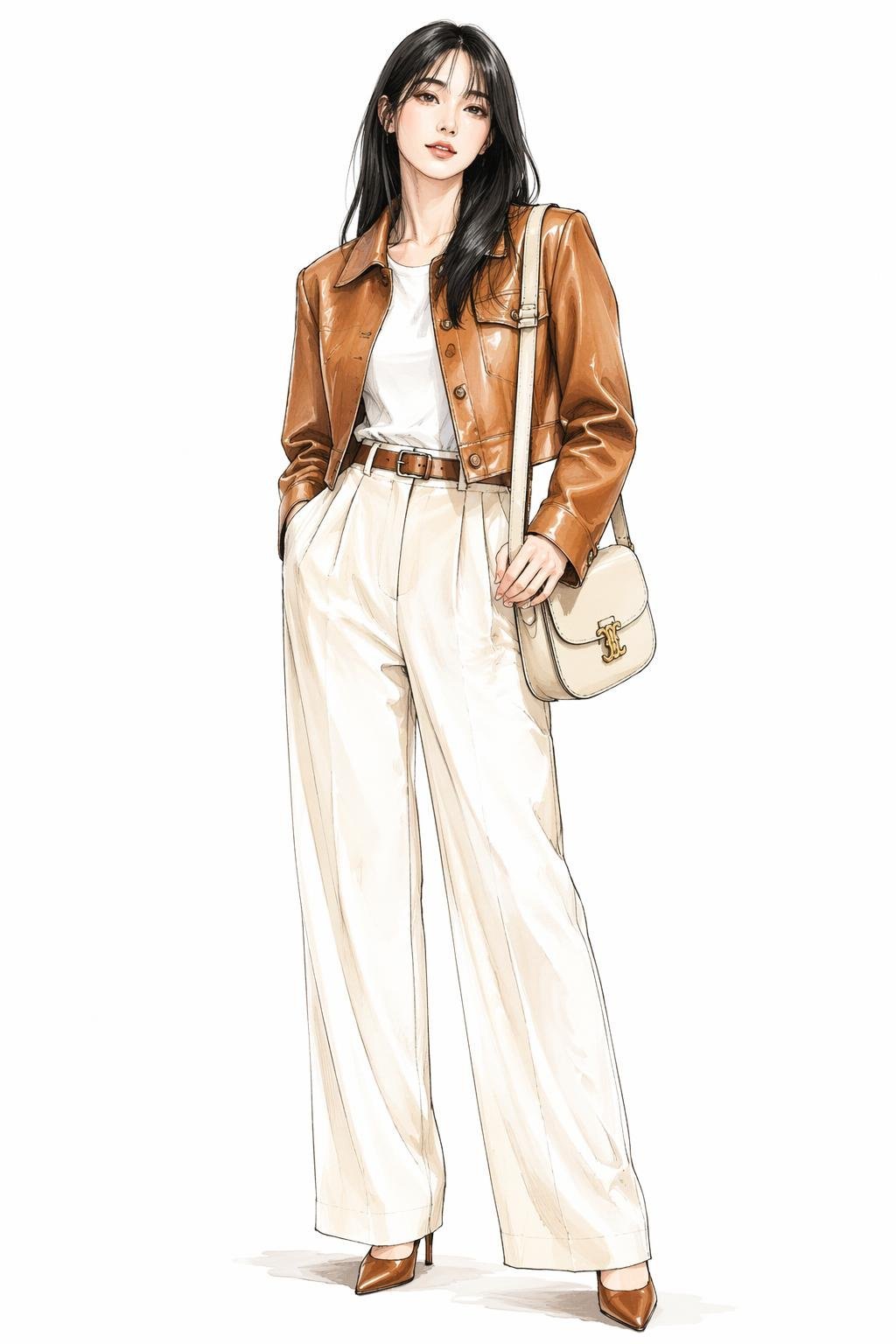
Leather Jacket Cream Trousers Fashion Sketch
Make it yours
Contrasting Coder Personas Illustration works as-is. These are the safest ways to change it without losing the look.
Swap the setting
Keep the rest of the prompt and replace the location block. The current setting is “chaotic and messy”.
Change one field
Copy a single group, rewrite it, and generate again so you can see what that field is doing.
Keep the frame, change the subject
Hold the composition and light of Contrasting Coder Personas Illustration, then swap wardrobe, props or the person for a new take.
| If the result… | Why | Fix |
|---|---|---|
| The result drifts from the preview | Too many fields changed at once. | Reuse Contrasting Coder Personas Illustration as-is first, then change one group — subject, light, or setting. |
| GPT Image 2 ignores part of the JSON | Some models flatten or skip nested keys. | Keep the same values and paste them as a short paragraph instead. |
More GPT Image 2 templates
Other prompts made for GPT Image 2.

Six VTuber Japanese Logo Sheet

Realistic Portrait of Woman and Deer

The Vista Modular Condo Poster

AI Model Routing Comparison Infographic

2.5D Anime Art Board

Isometric Productivity Desk Scene

New York Double Exposure Poster

Four-Panel AI Landscape Comparison

Japanese Tatami Lifestyle Magazine Cover

NESCAFÉ Coffee Map Poster
More image prompts
Fresh picks from across the catalog.
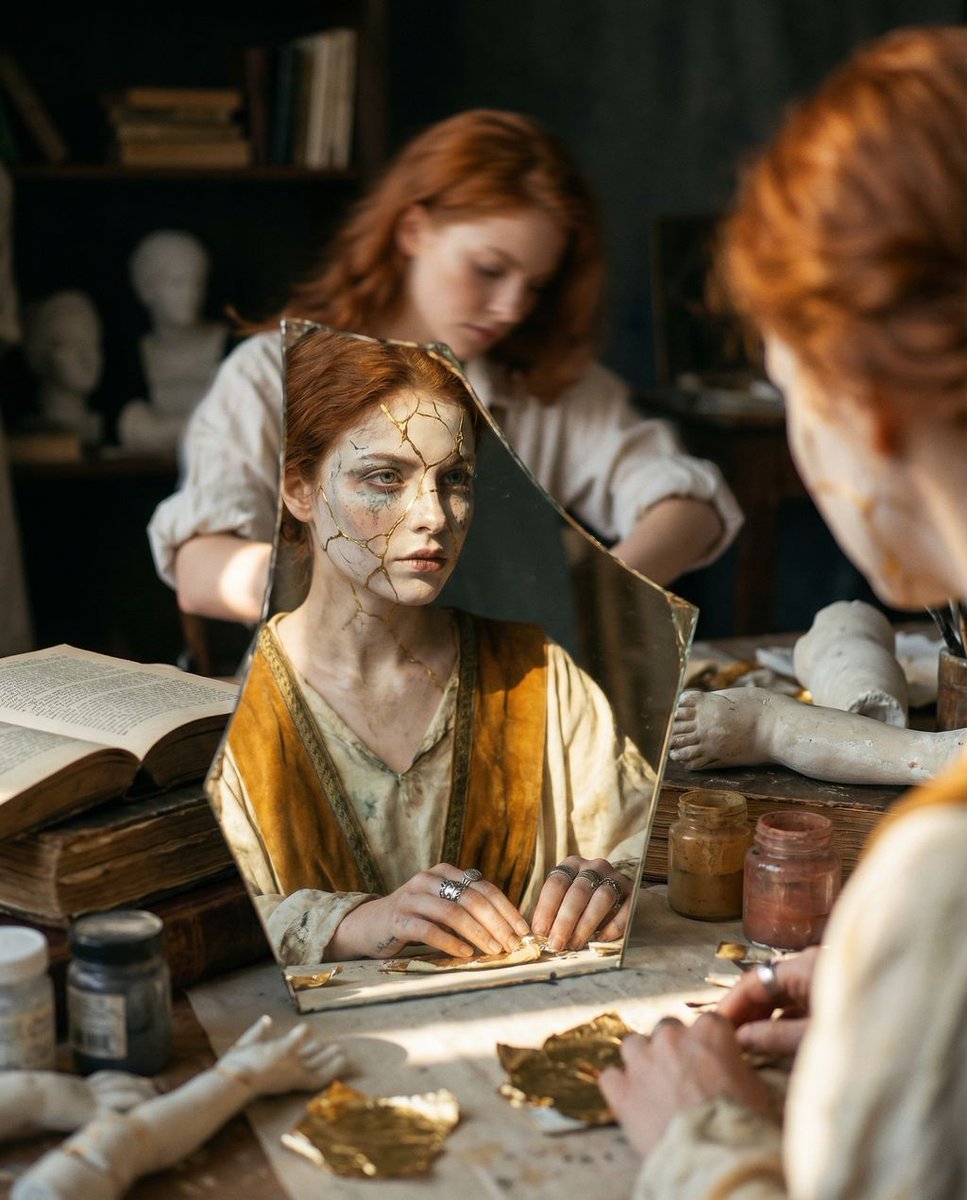
Reflected Relic: Surreal Artisan Portrait
Anime Yellow Umbrella Ad Poster
Moonlit Sierra-Style Castle Pixel Art
PET LOVE
High-Fidelity Skin Texture Portrait of a Young Doctor
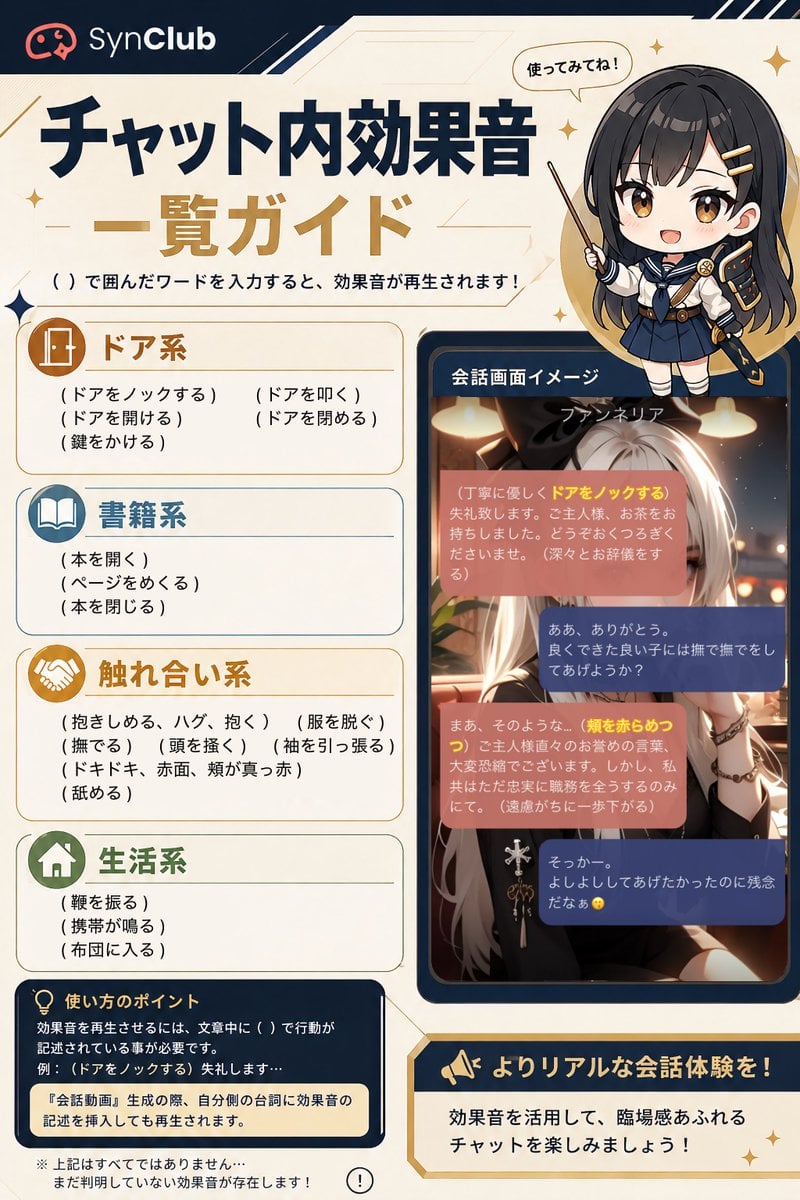
SynClub Chat Sound Effects Guide

Firefly Pixar Spill — Nano Banana Pro
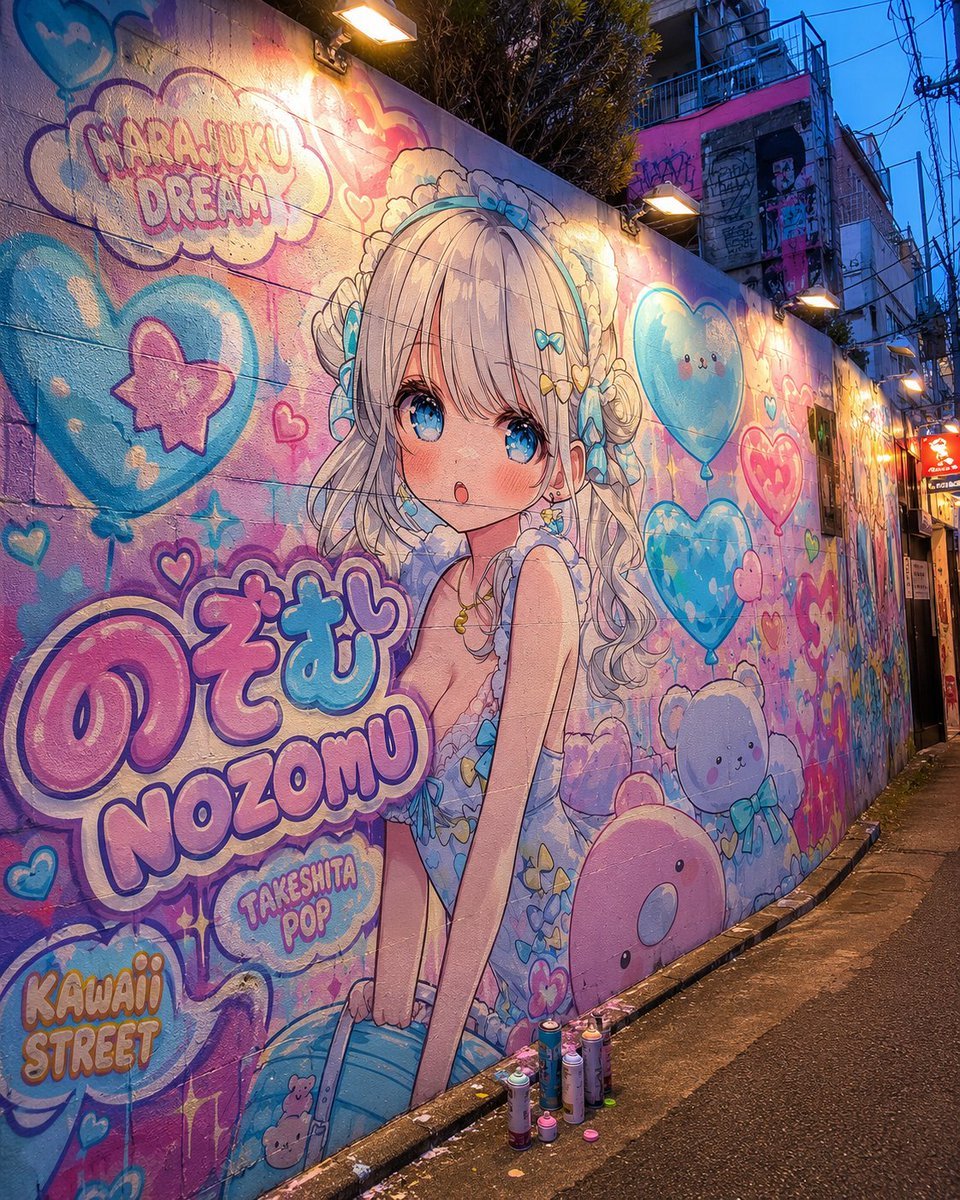
Harajuku Kawaii Graffiti Mural
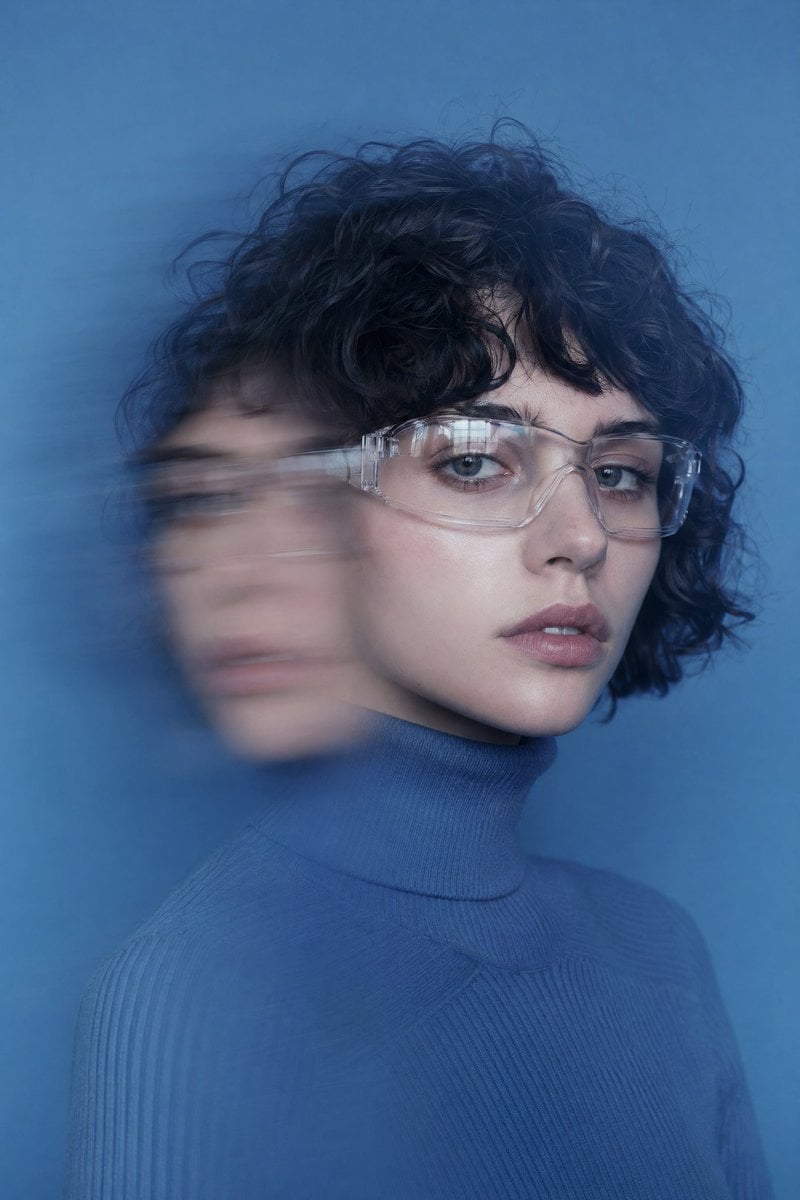
Double Exposure Motion Blur Portrait
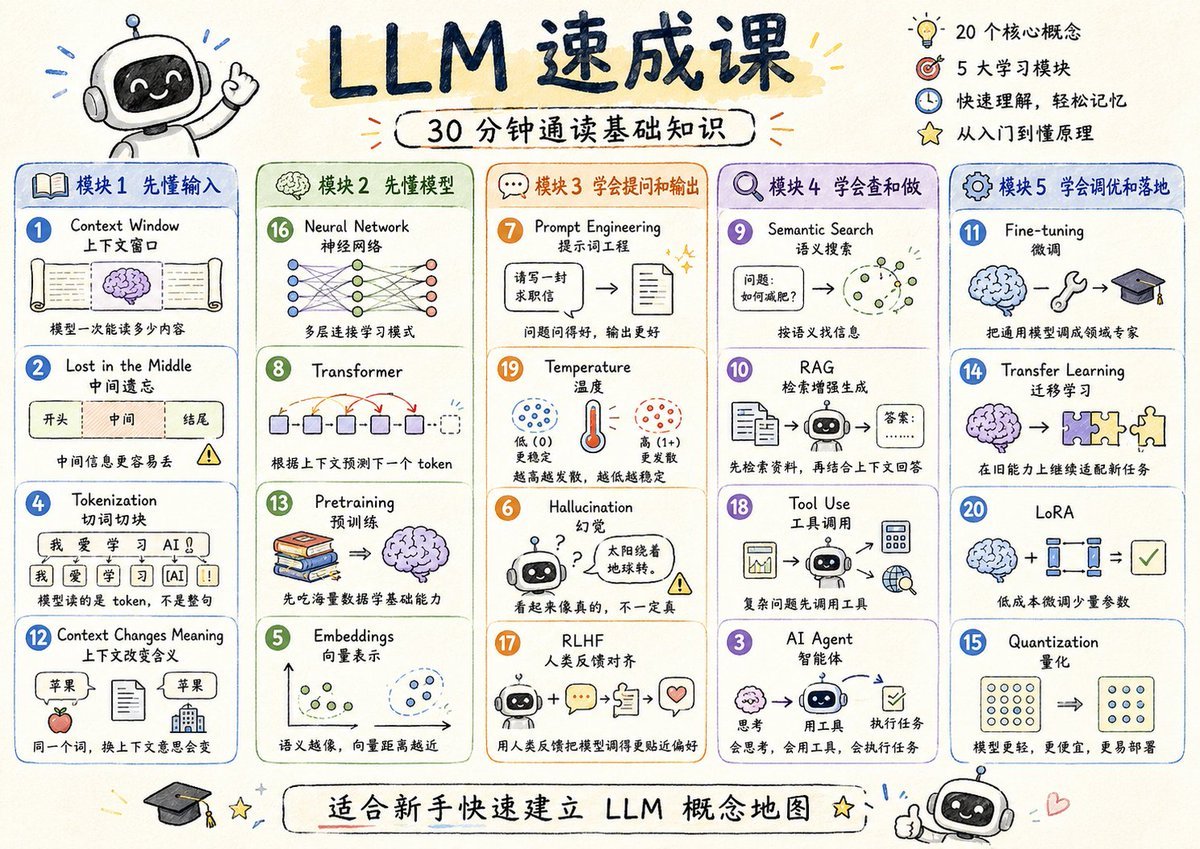
LLM Crash Course Visualizer
Browse template categories
Contrasting Coder Personas Illustration questions
How do I use the Contrasting Coder Personas Illustration template?
Add your photo if the template asks for one, edit the prompt if you like — the template's model and format are already selected — and press Generate. Your version opens in PicX Studio.
Can I customize the Contrasting Coder Personas Illustration template?
Yes. You can change the subject, setting, lighting, mood, format, and available model controls before creating your image.
Is the Contrasting Coder Personas Illustration template free?
Opening and editing this template is free. Generating uses credits, shown on the Generate button when you are signed in.
Which AI model should I use?
Start with GPT Image 2, which is the model associated with this template. You can compare another compatible model for a different finish.
Looking for something else? Browse all templates.

Your photo, any look
Thousands of ready templates for every top image and video model, from one credit balance.