
Japanese Rock Saxophone Album Cover
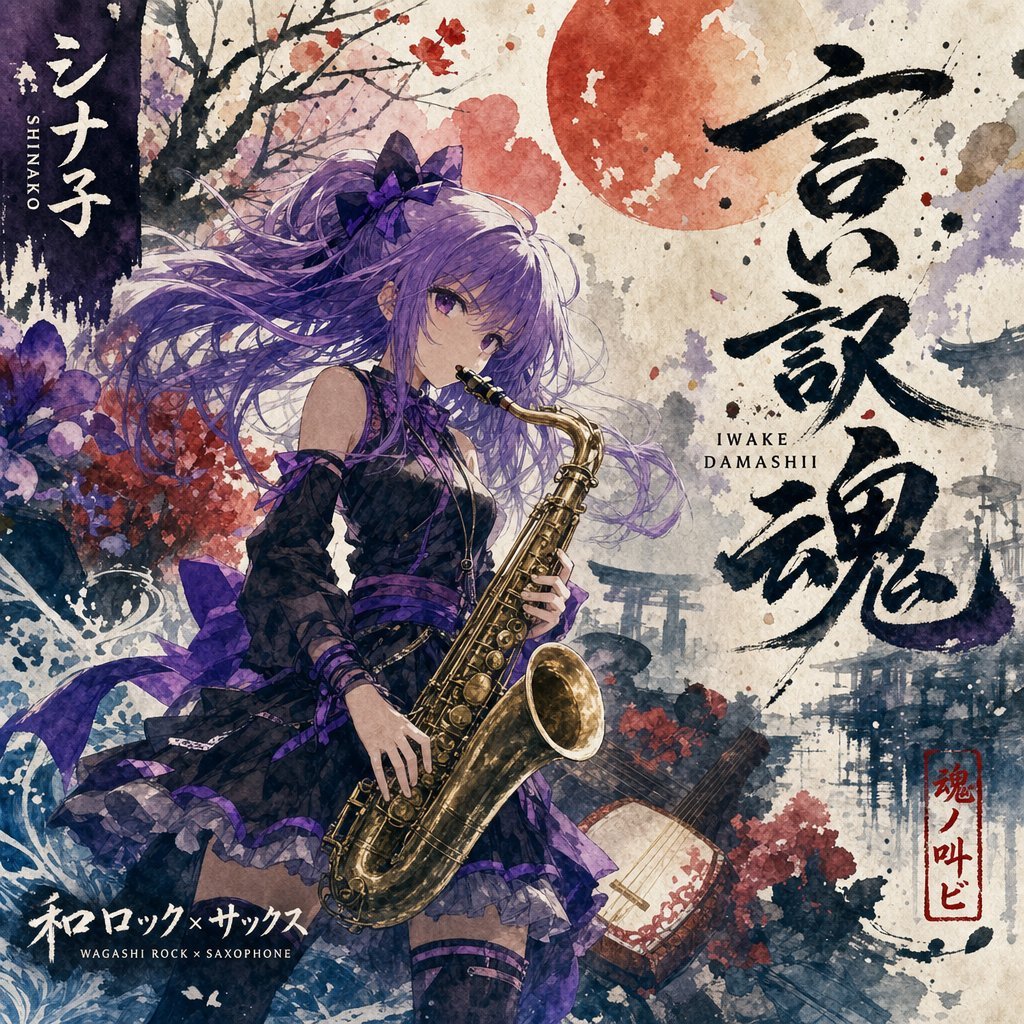
Generates a square anime CD jacket with a purple-haired saxophonist, sumi-e watercolor scenery, and Japanese rock album typography.
- Prompt included
- Model and format preset
- Premium template
The prompt behind this image
Copy the exact prompt behind Japanese Rock Saxophone Album Cover, or open it in the studio and make it yours.
Create a square anime-style CD jacket illustration with a dramatic Japanese ink-wash and watercolor aesthetic on aged cream paper. The central subject is a young woman named {argument name="character name" default="シナ子"}, an elegant saxophone player with very long wind-swept {argument name="hair color" default="violet-purple"} hair, purple eyes, and a large dark purple flower hair ornament. She wears a gothic black dress with layered ruffles, lace sleeves, violet ribbons, a purple waist sash, thigh-high dark stockings, and a slightly melancholic but confident expression while playing a large polished brass saxophone angled downward across her body. The composition should feel like a fusion of traditional Japanese art and modern rock album cover design: splattered sumi ink, watercolor blooms, red maple leaves, purple hydrangea-like flowers, bare tree branches, distant shrine torii gates, a hazy pagoda silhouette, a large muted red sun near the top, and dynamic blue-black waves swirling at the lower left. Use textured paper grain, ink splashes, rough brush edges, and layered transparent washes; keep the palette dominated by purple, black, indigo, antique gold, muted crimson, and ivory. Include exactly 7 visible text elements integrated like album cover typography: a dark vertical brush-stroke name strip on the upper left containing large Japanese text {argument name="artist name Japanese" default="シナ子"}, small vertical roman text "SHINAKO" beside it, a huge black calligraphic Japanese album title on the right reading {argument name="album title Japanese" default="言訳魂"}, small centered roman text beneath it reading "IWAKE DAMASHII", bottom-left Japanese genre text {argument name="genre tagline Japanese" default="和ロック×サックス"}, tiny English subtitle below it reading "WAGASHI ROCK × SAXOPHONE", and a red rectangular seal stamp on the lower right reading {argument name="seal text" default="魂ノ叫ビ"}. Make the lettering look hand-brushed, asymmetrical, and slightly weathered, with no modern clean vector look. The final image should be a polished square album-cover illustration, highly detailed, atmospheric, and print-ready.
How to use Japanese Rock Saxophone Album Cover in 3 steps
- 1Upload ImagePNG, JPG or paste
Add your photo
Upload the photo the template builds on. The prompt, model and format are already set.
- 2…a portrait of your subject in softgolden-hour light, 85mm…
Personalize
Edit the subject and creative details for your destination.
- 3Generate
Generate
Press Generate — your image is created in PicX Studio, so you can compare it with the original and refine one variable at a time.
More like this
Templates with the same subject, style or setup. Open one to see its prompt.
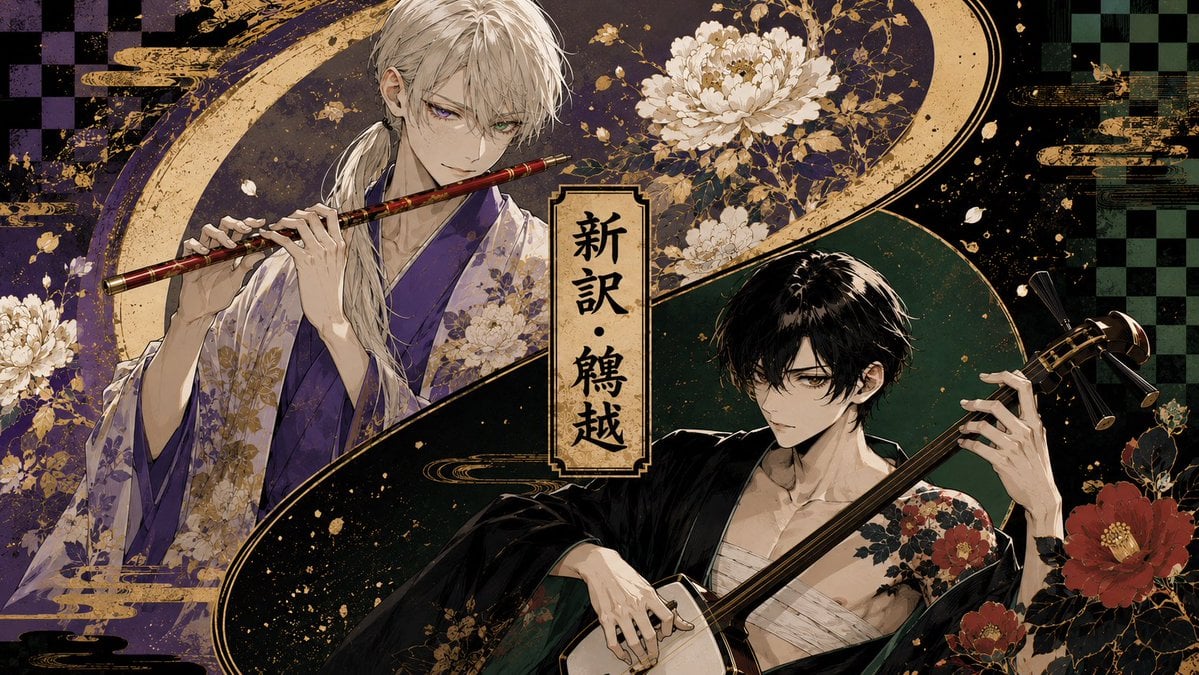
Japanese Musician Album Cover
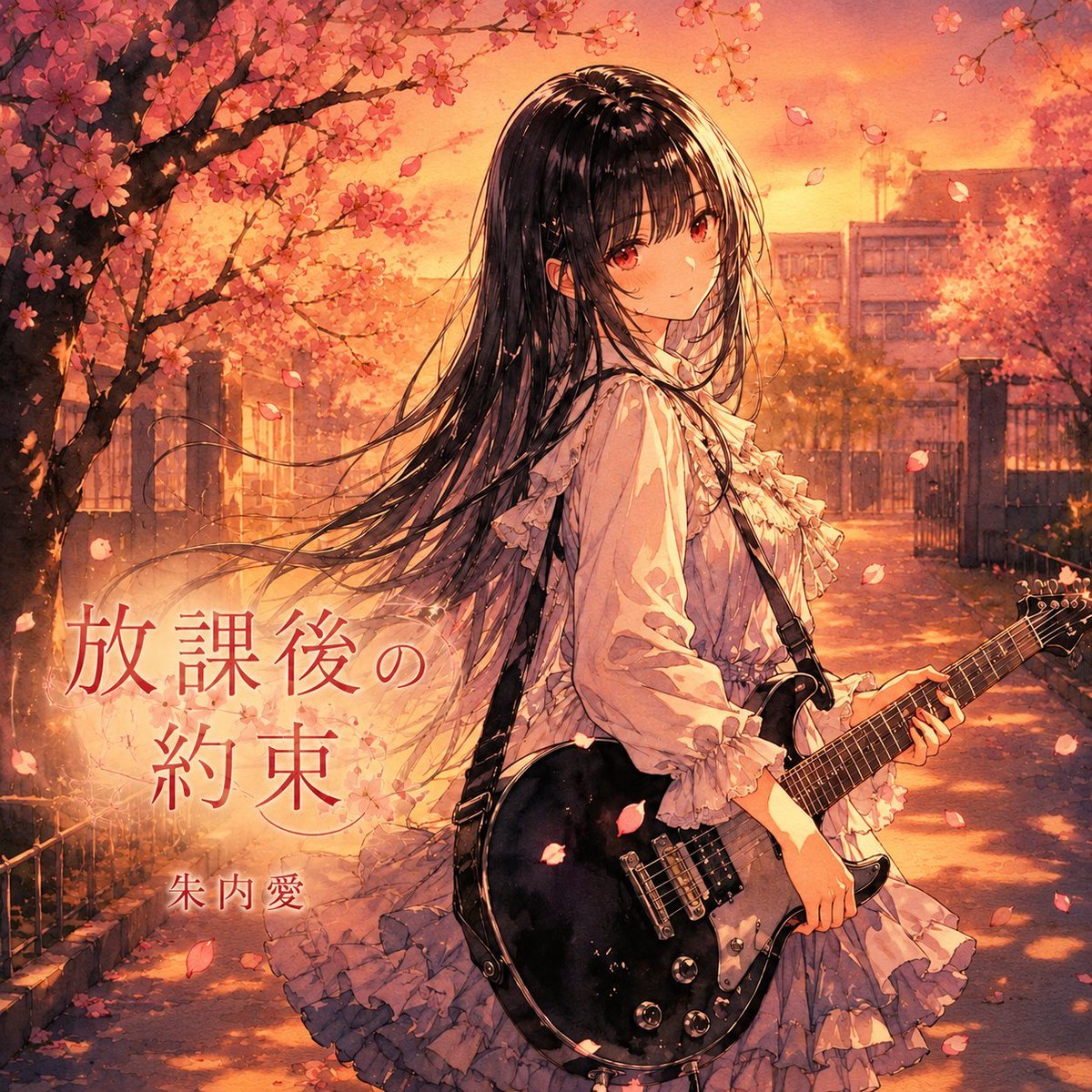
Anime Cherry Blossom Rock Album Cover
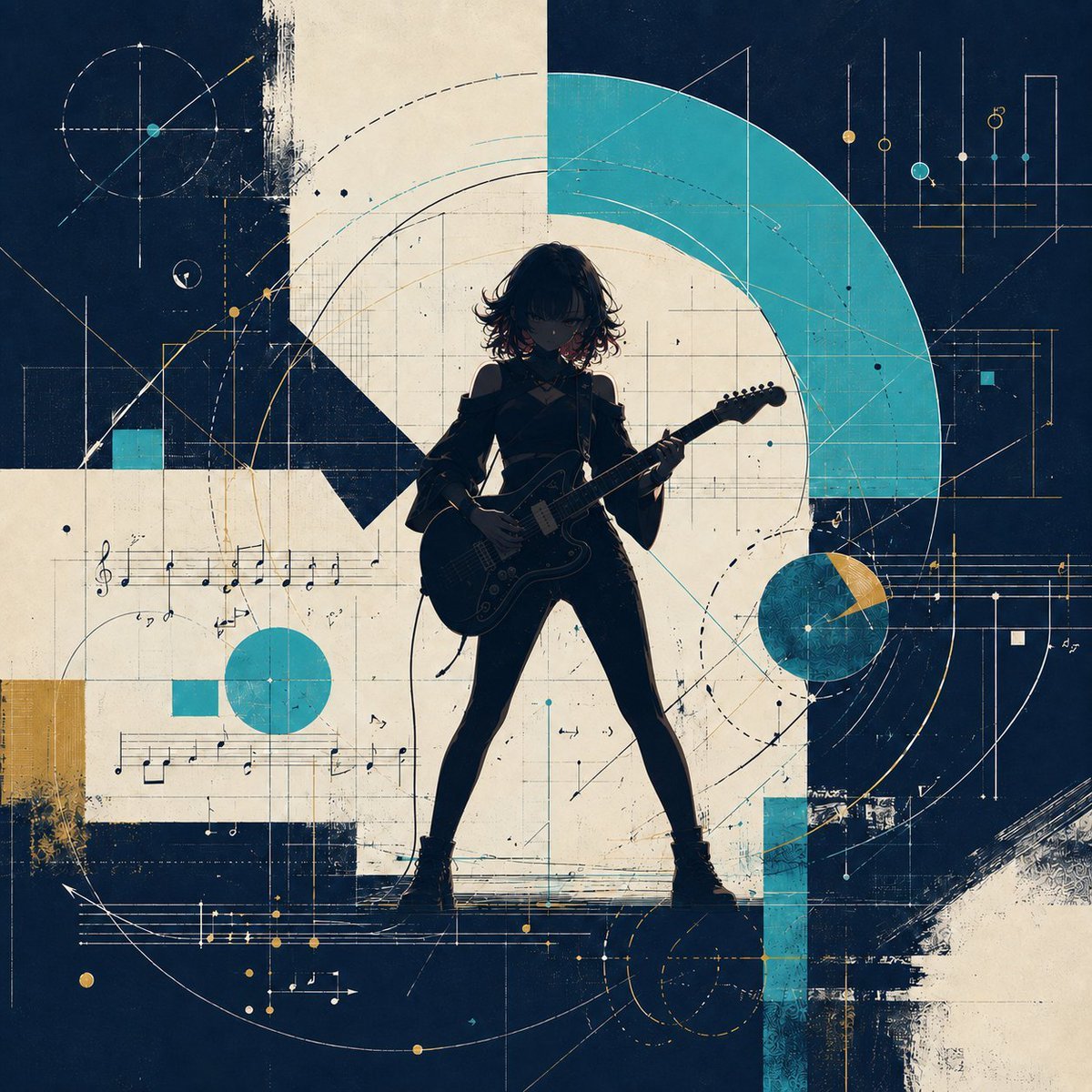
Abstract Rock Guitarist Album Art
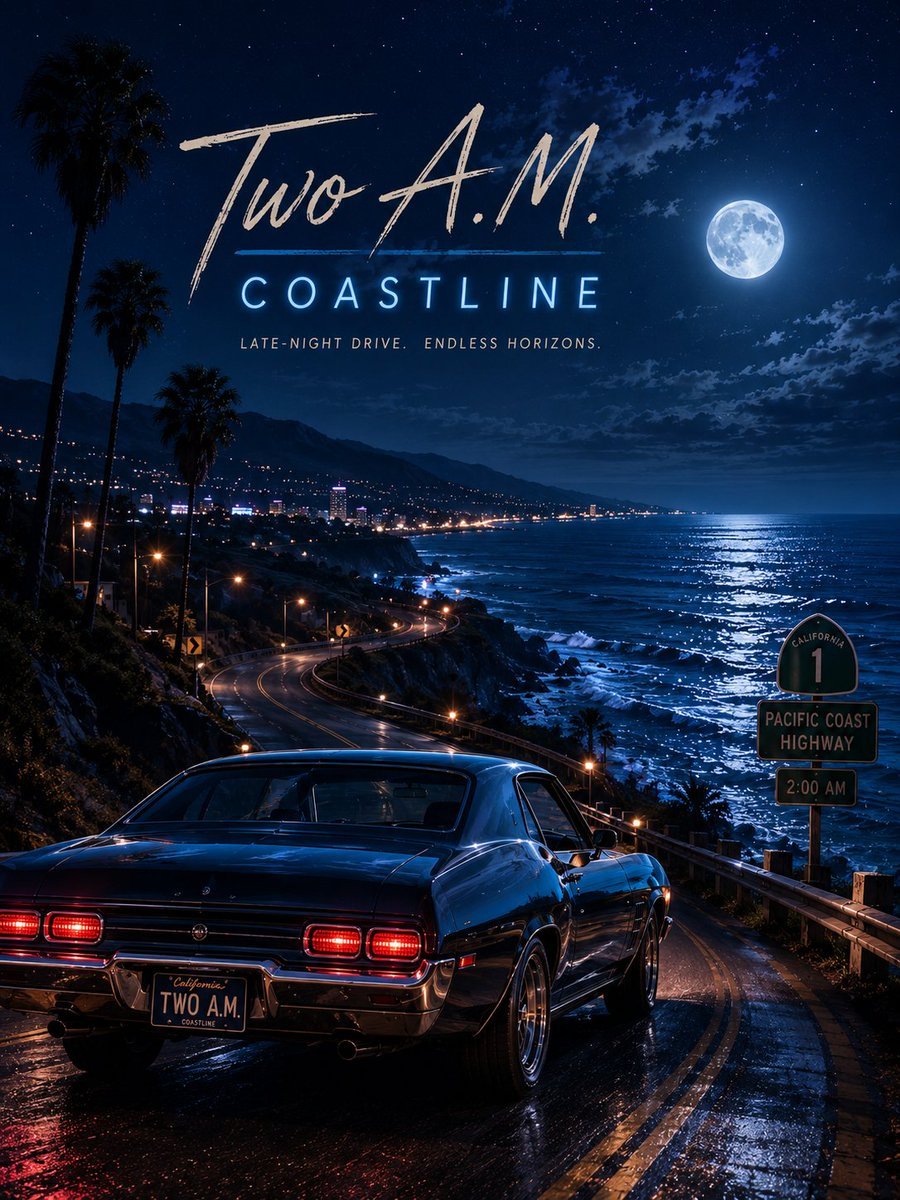
Two A.M. Coastline Album Cover
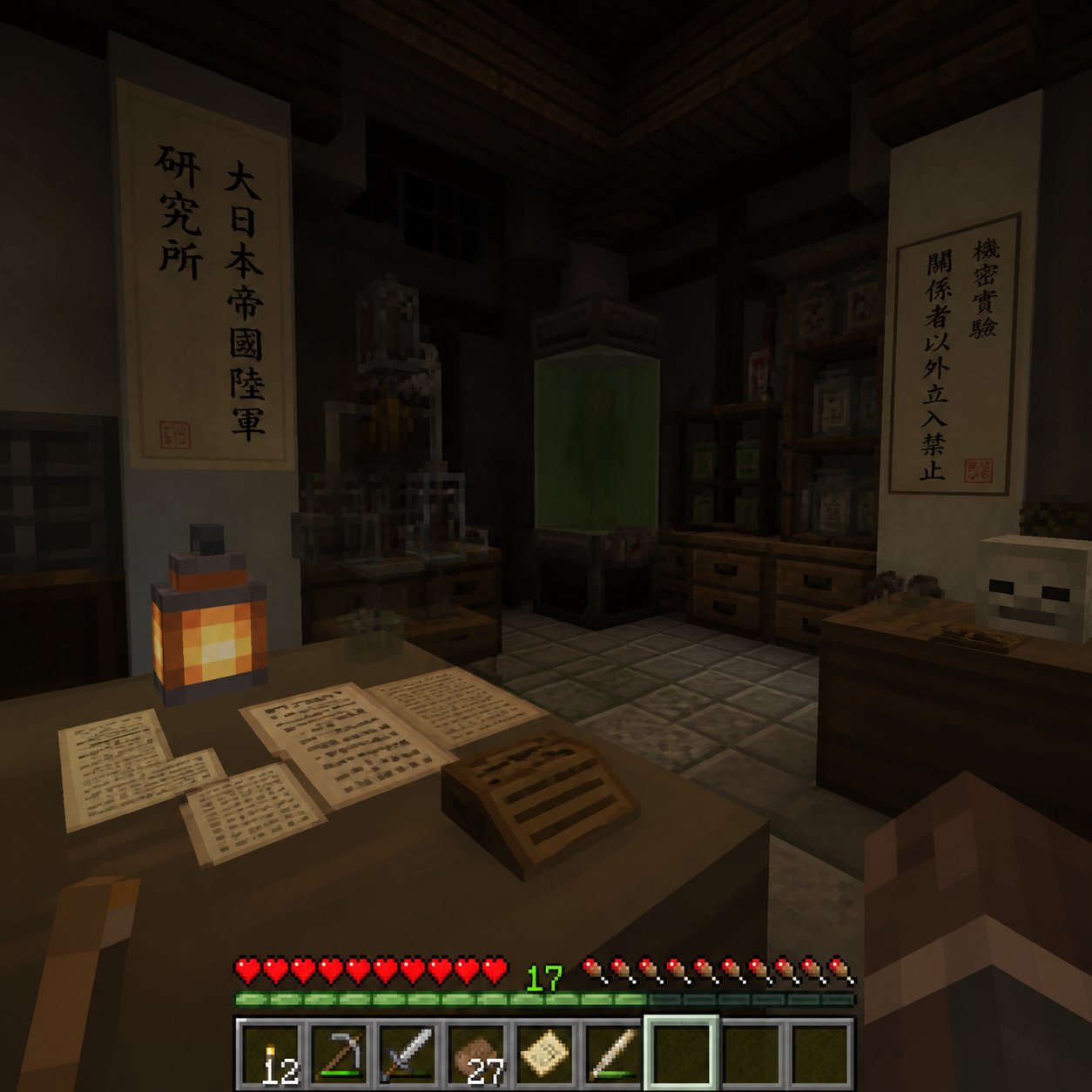
Minecraft Japanese Research Lab Exploration

Music Album Cover Abstract Liquid Mercury
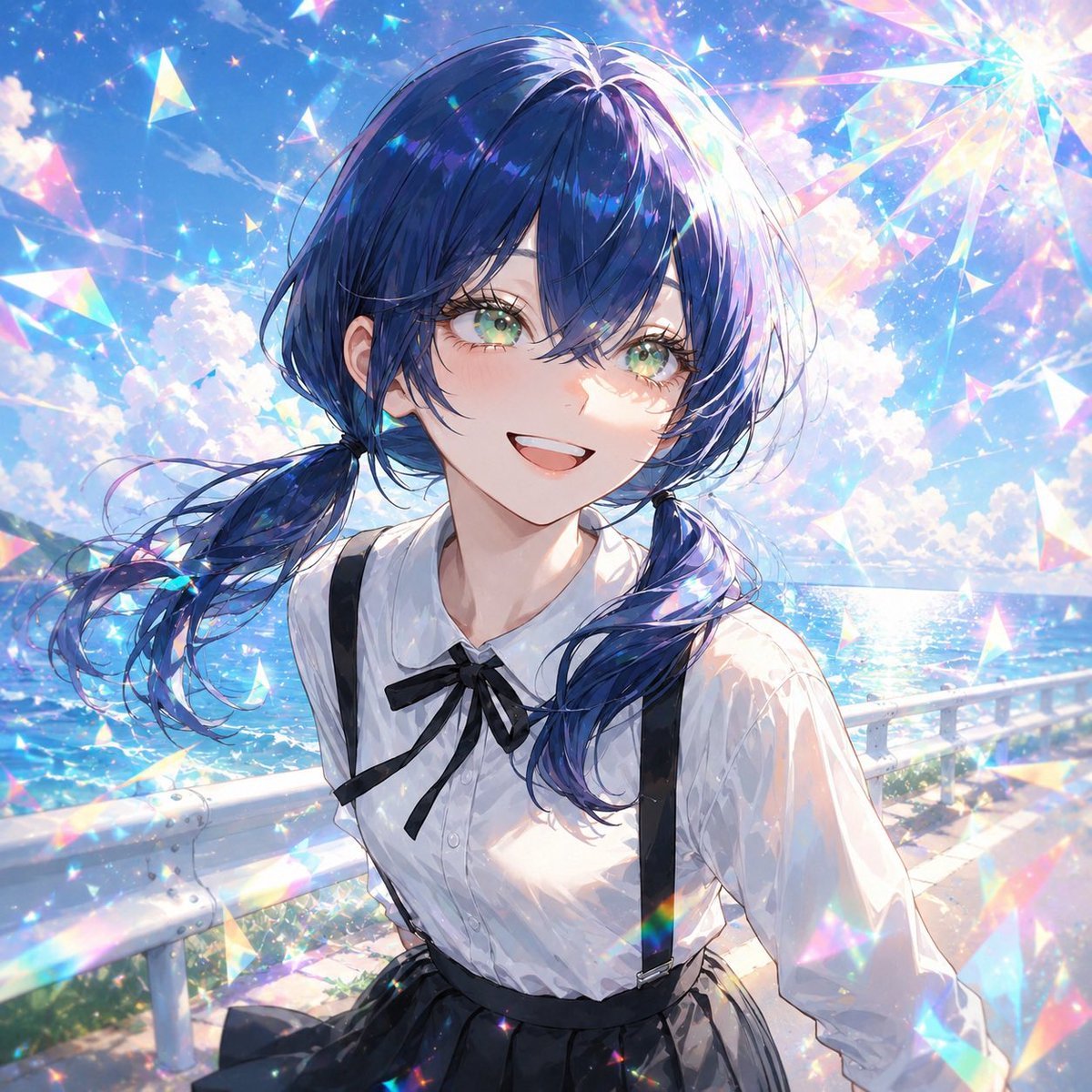
Sparkling Seaside Anime Album Cover

Ornate A-Un Kimono Album Cover
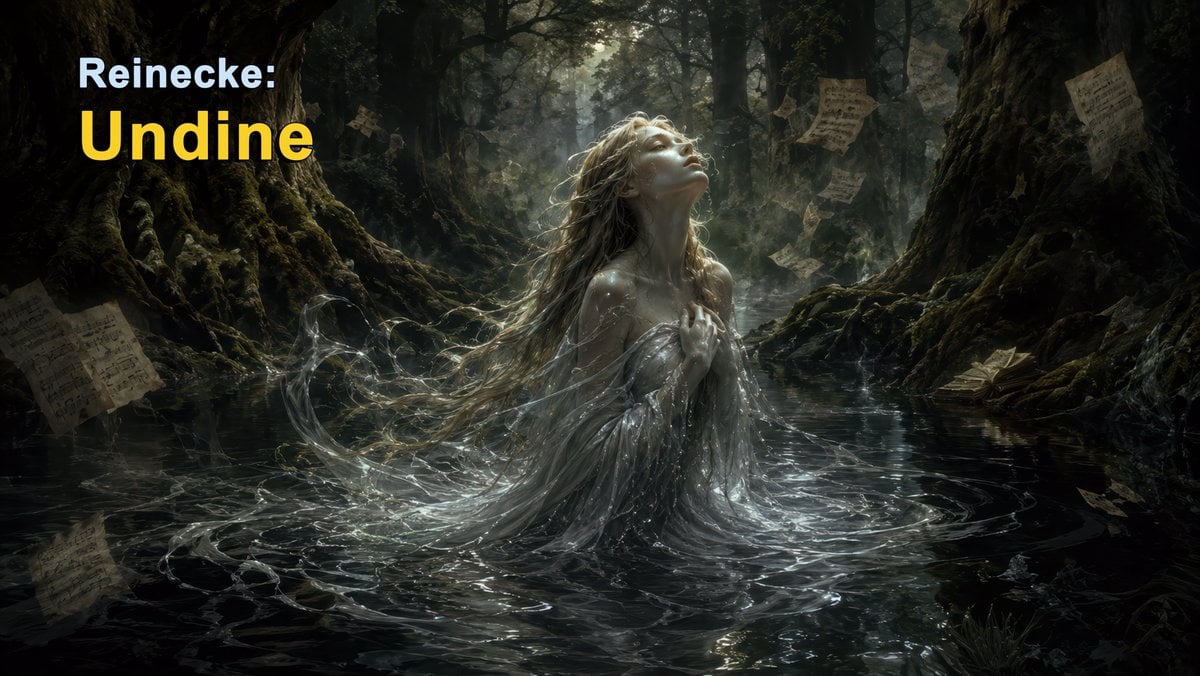
Dark Forest Undine Album Cover
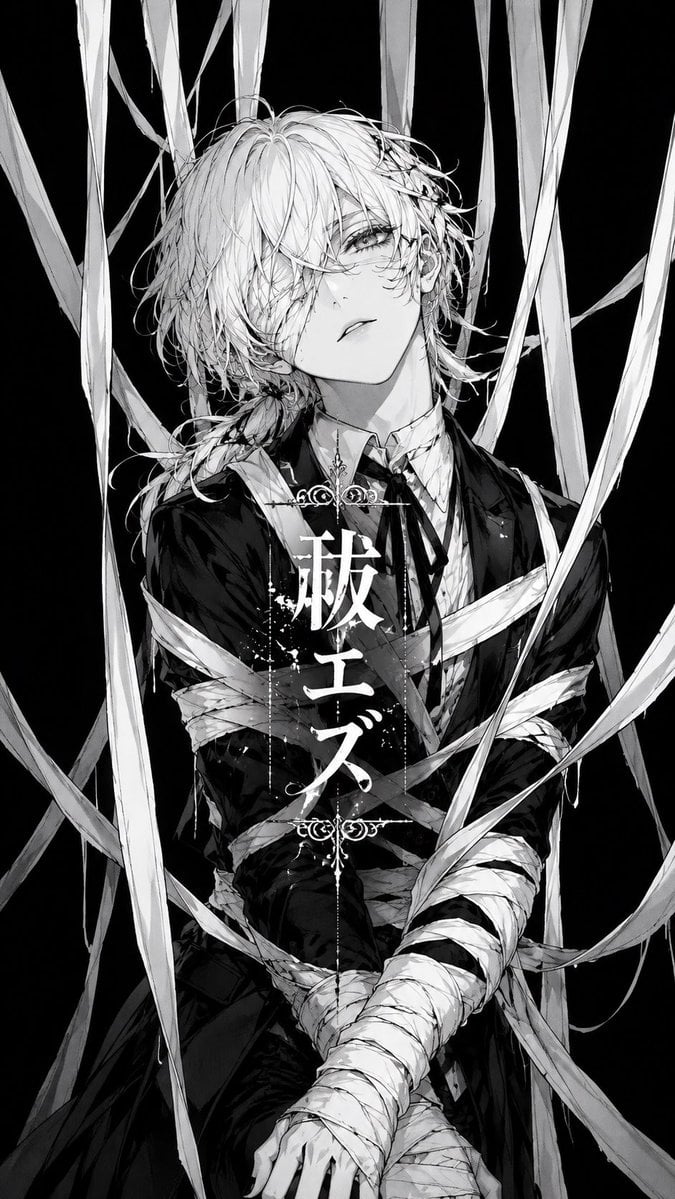
Monochrome Visual-Kei Album Cover
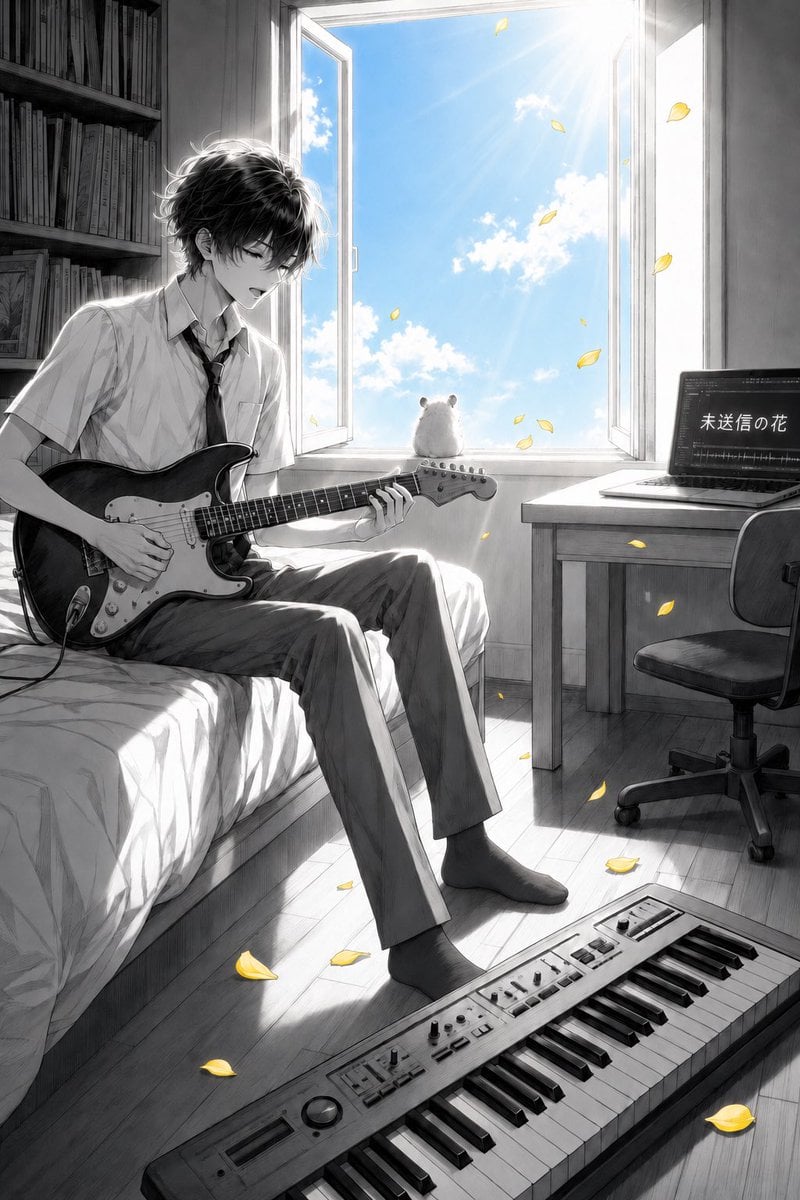
Anime Bedroom Guitar Album Cover
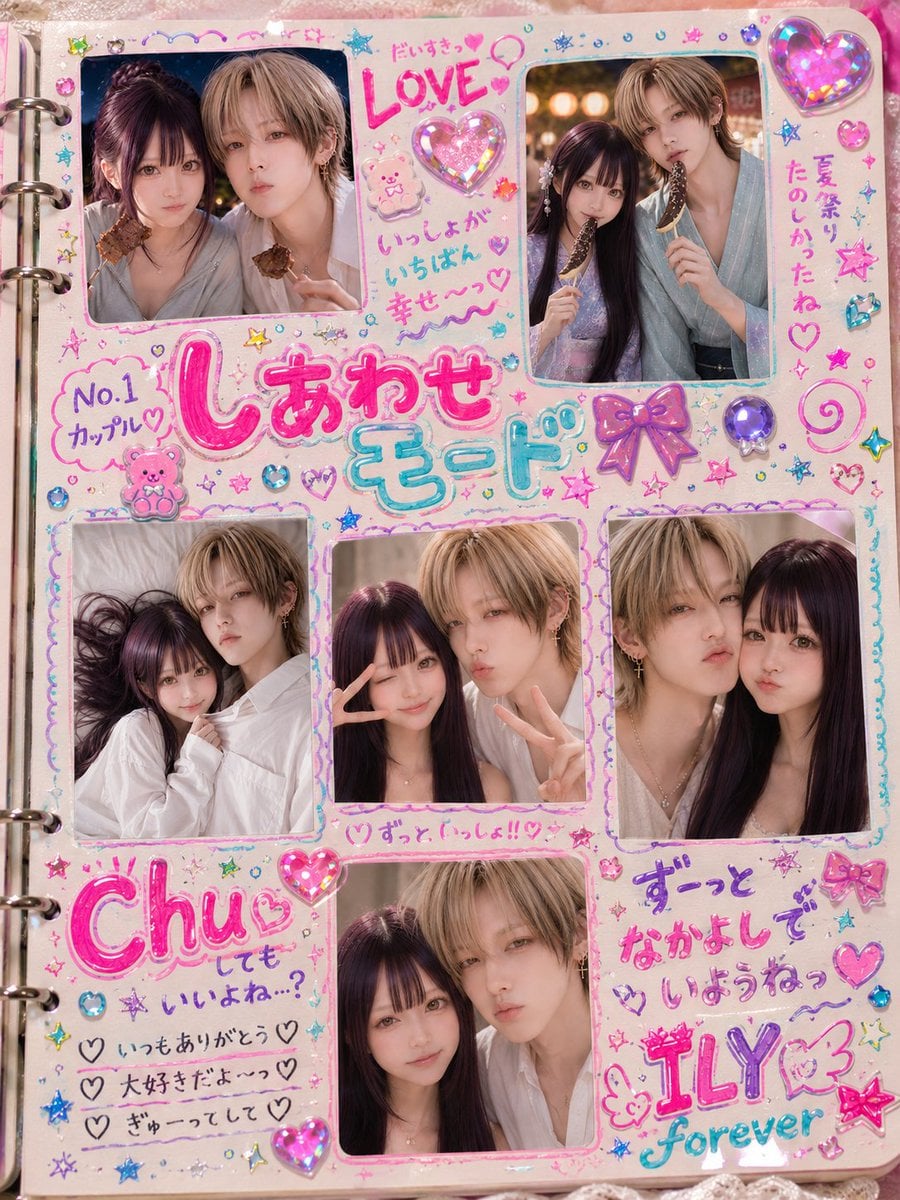
Y2K Japanese Purikura Sticker Album
Make it yours
Japanese Rock Saxophone Album Cover works as-is. These are the safest ways to change it without losing the look.
Change one field
Copy a single group, rewrite it, and generate again so you can see what that field is doing.
Keep the frame, change the subject
Hold the composition and light of Japanese Rock Saxophone Album Cover, then swap wardrobe, props or the person for a new take.
| If the result… | Why | Fix |
|---|---|---|
| The result drifts from the preview | Too many fields changed at once. | Reuse Japanese Rock Saxophone Album Cover as-is first, then change one group — subject, light, or setting. |
| The model over-stylizes the scene | The prose prompt leaves finish and camera underspecified. | Add one camera or lighting sentence and stay on GPT Image 2. |
More GPT Image 2 templates
Other prompts made for GPT Image 2.

Six VTuber Japanese Logo Sheet

Realistic Portrait of Woman and Deer

The Vista Modular Condo Poster

AI Model Routing Comparison Infographic

2.5D Anime Art Board

Isometric Productivity Desk Scene

New York Double Exposure Poster

Four-Panel AI Landscape Comparison

NESCAFÉ Coffee Map Poster

Brutalist Cogito Chinese Typography Poster
More image prompts
Fresh picks from across the catalog.
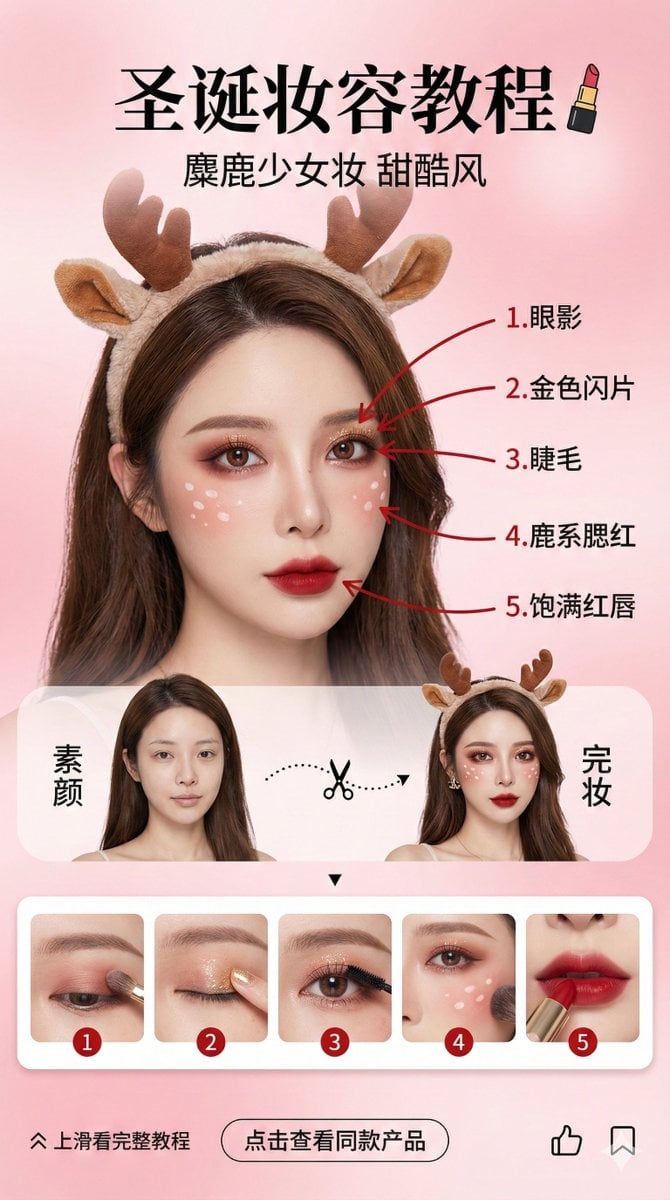
Beauty Vlogger Christmas Makeup Tutorial Interface

Hyper-Real Wildlife Photography Close-Up Prompt
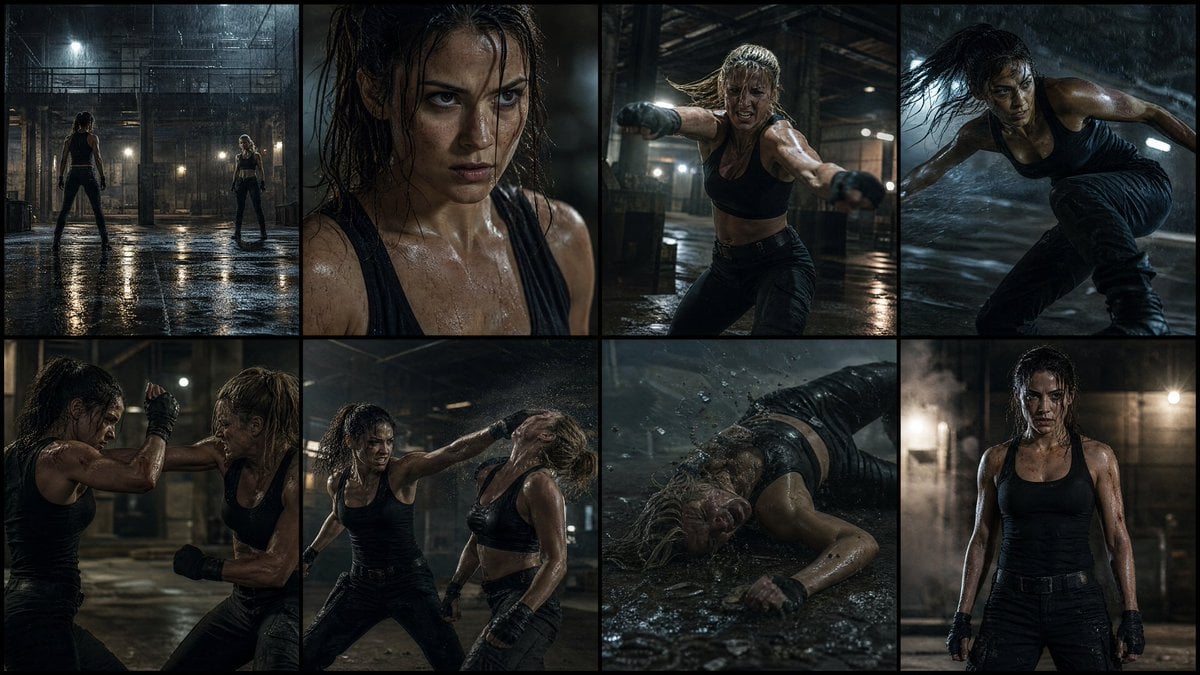
Cinematic Action Movie Storyboard
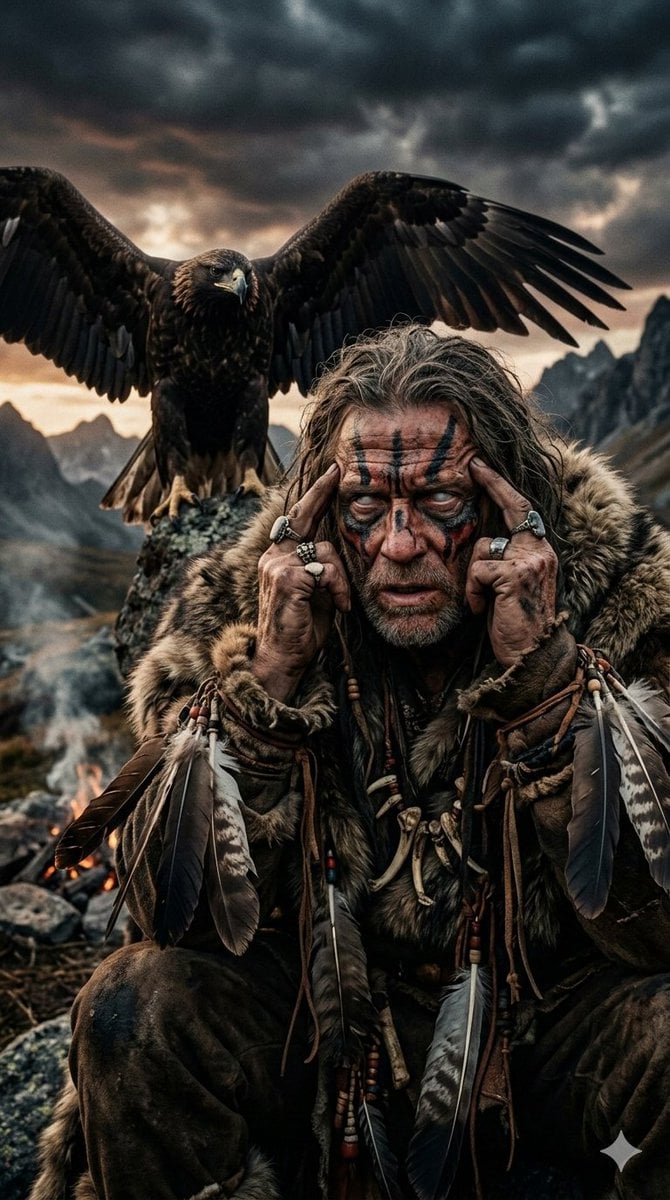
Prehistoric Shaman Bonded with Eagle Spirit
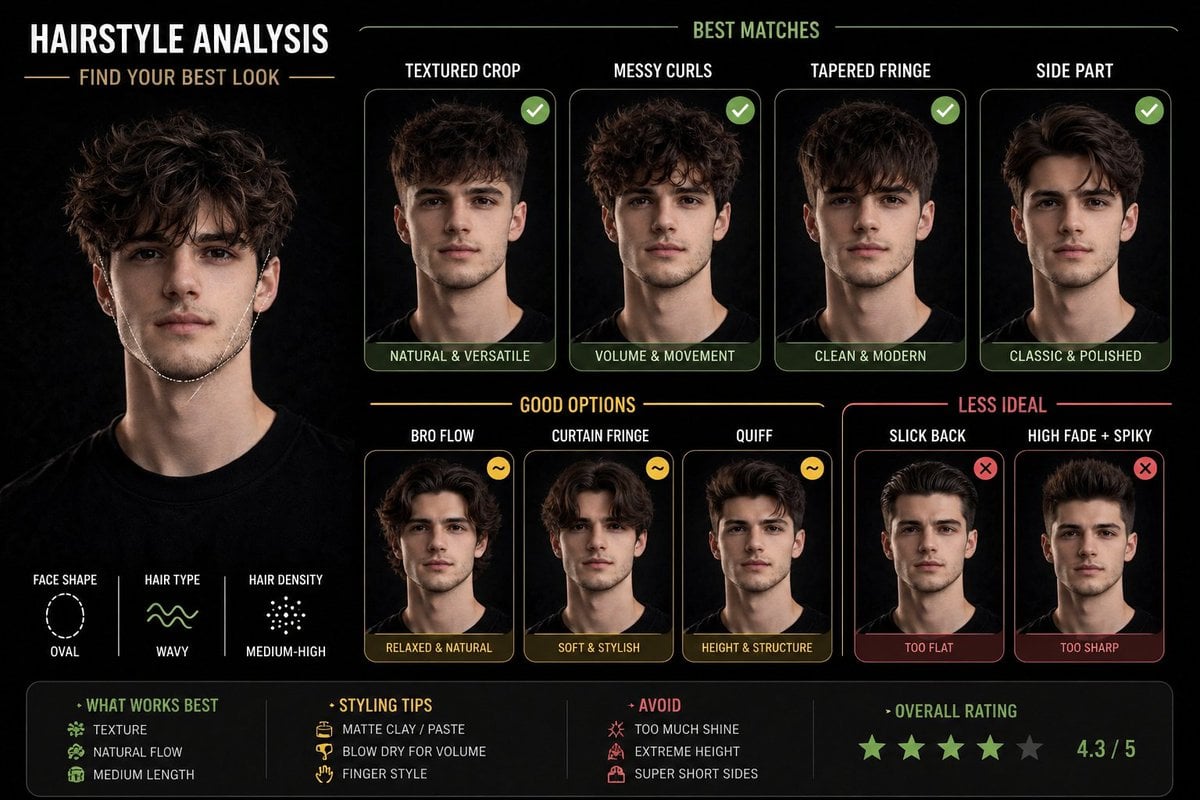
Hairstyle Suitability Analysis Chart
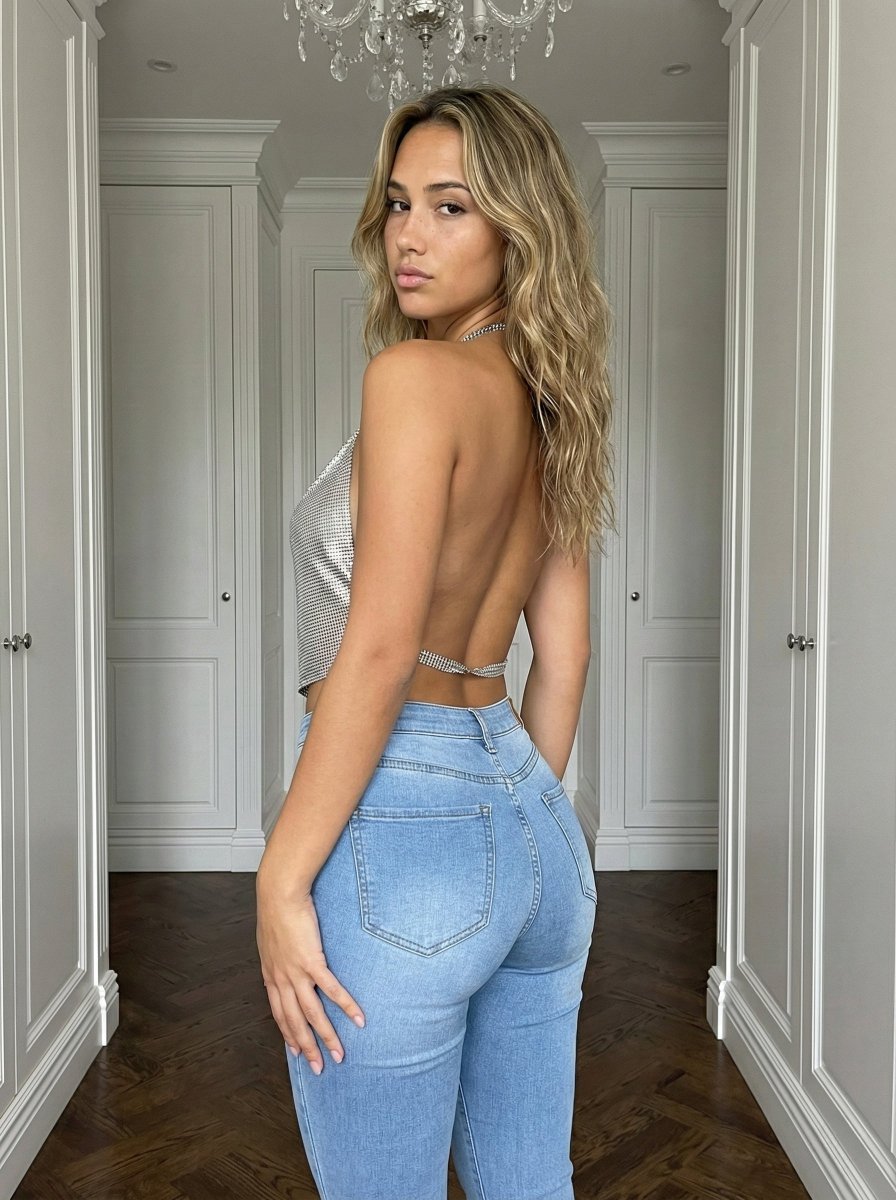
Curvy Influencer Aesthetic Back-View Portrait

X Sairah 0 Google Gemini Nano Banana Pro
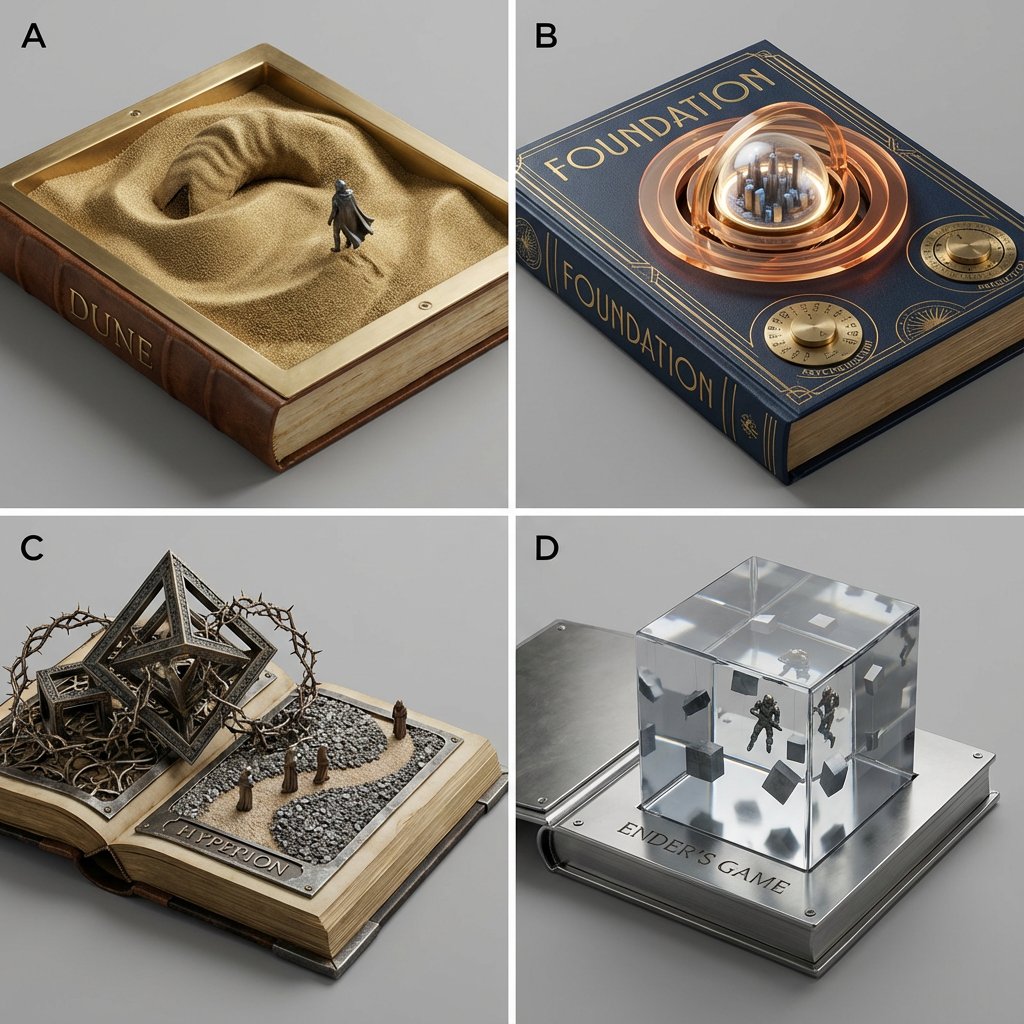
Sci-Fi Book Cover Diorama Grid Prompt

Futuristic Tech Strategy Slide
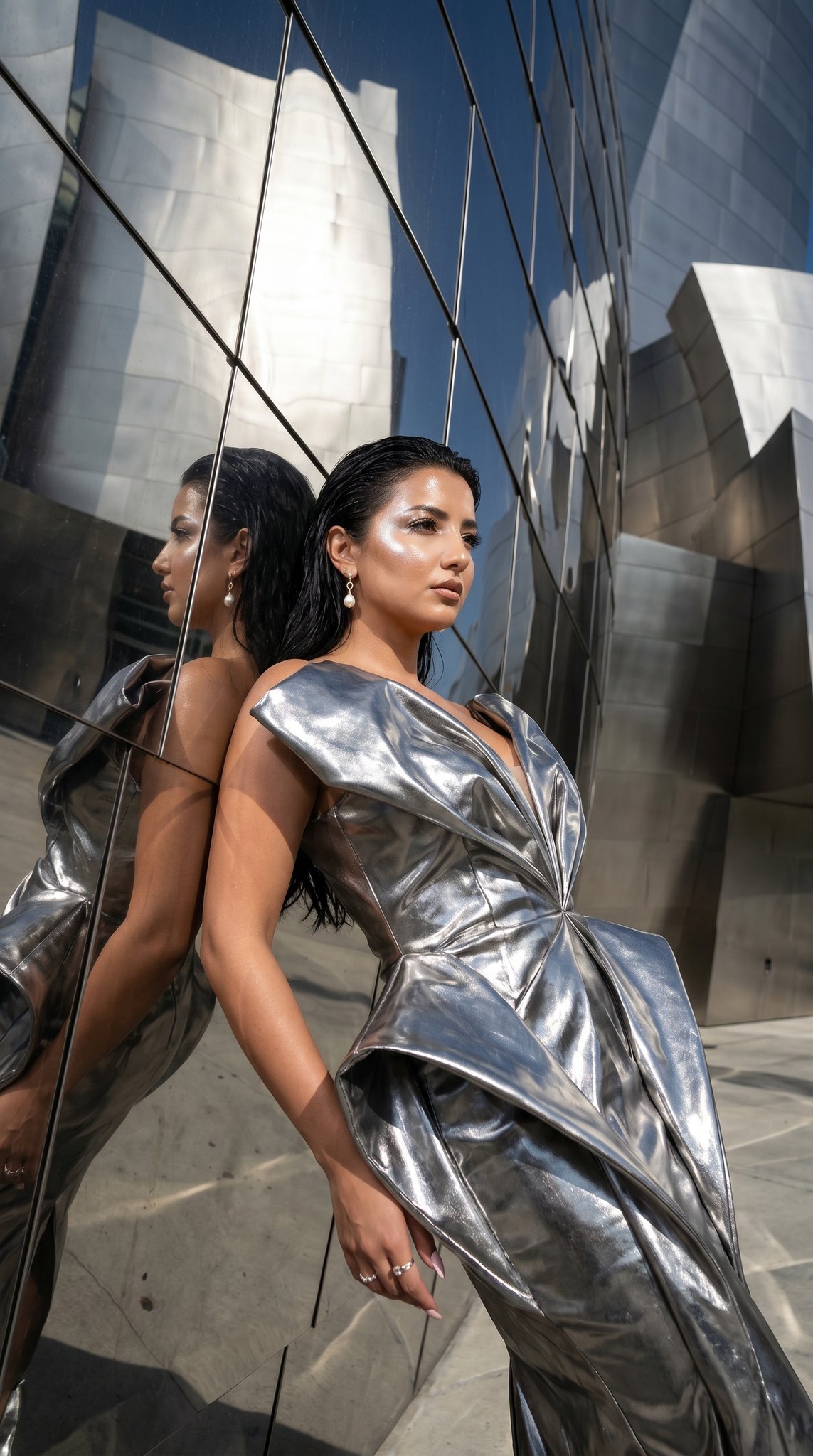
11 Walt Disney Concert Hall — California Series
Browse template categories
Japanese Rock Saxophone Album Cover questions
How do I use the Japanese Rock Saxophone Album Cover template?
Add your photo if the template asks for one, edit the prompt if you like — the template's model and format are already selected — and press Generate. Your version opens in PicX Studio.
Can I customize the Japanese Rock Saxophone Album Cover template?
Yes. You can change the subject, setting, lighting, mood, format, and available model controls before creating your image.
Is the Japanese Rock Saxophone Album Cover template free?
Opening and editing this template is free. Generating uses credits, shown on the Generate button when you are signed in.
Which AI model should I use?
Start with GPT Image 2, which is the model associated with this template. You can compare another compatible model for a different finish.
Looking for something else? Browse all templates.

Your photo, any look
Thousands of ready templates for every top image and video model, from one credit balance.