How do I use the Landmark Souvenir Magnet Design template?
Choose the primary action to open PicX Studio with the available template settings. Review the model and format, personalize the creative direction, and generate when ready.
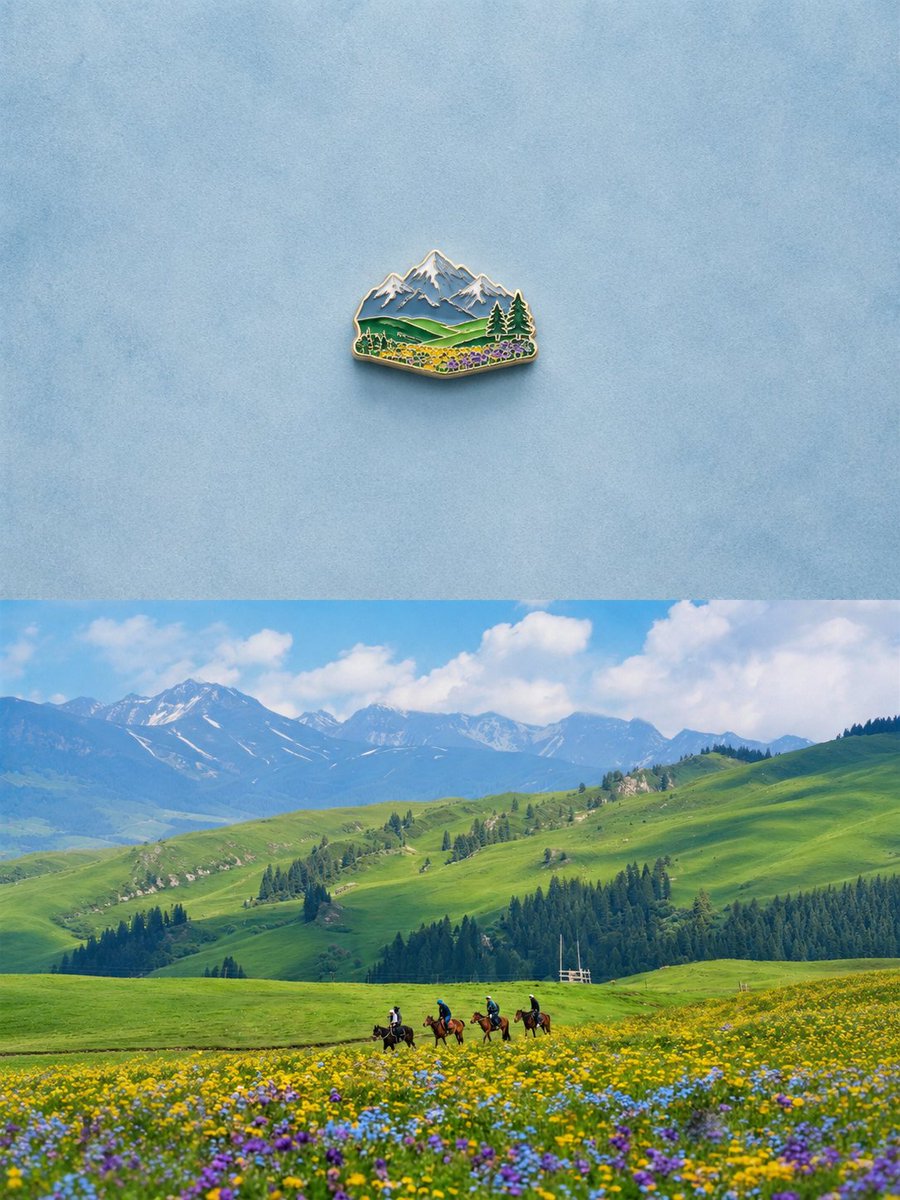
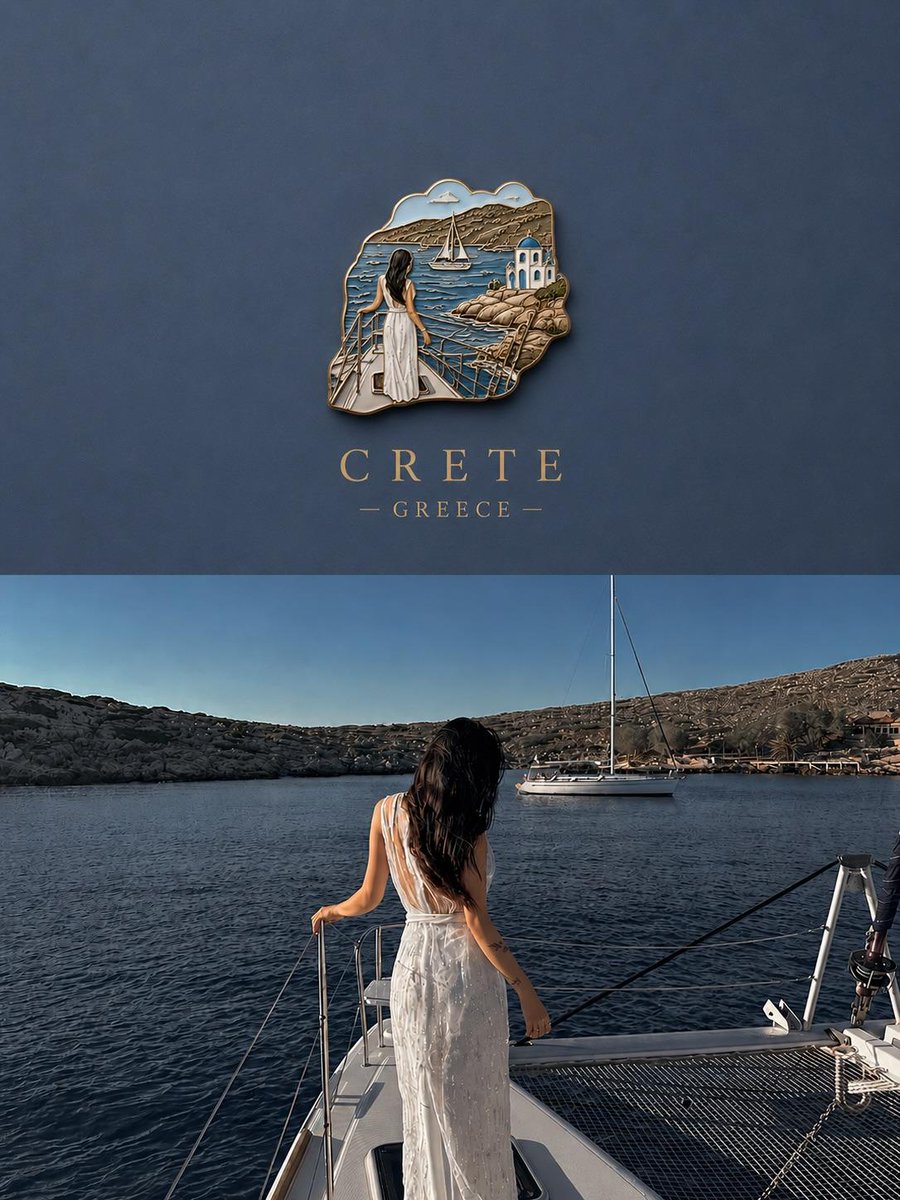
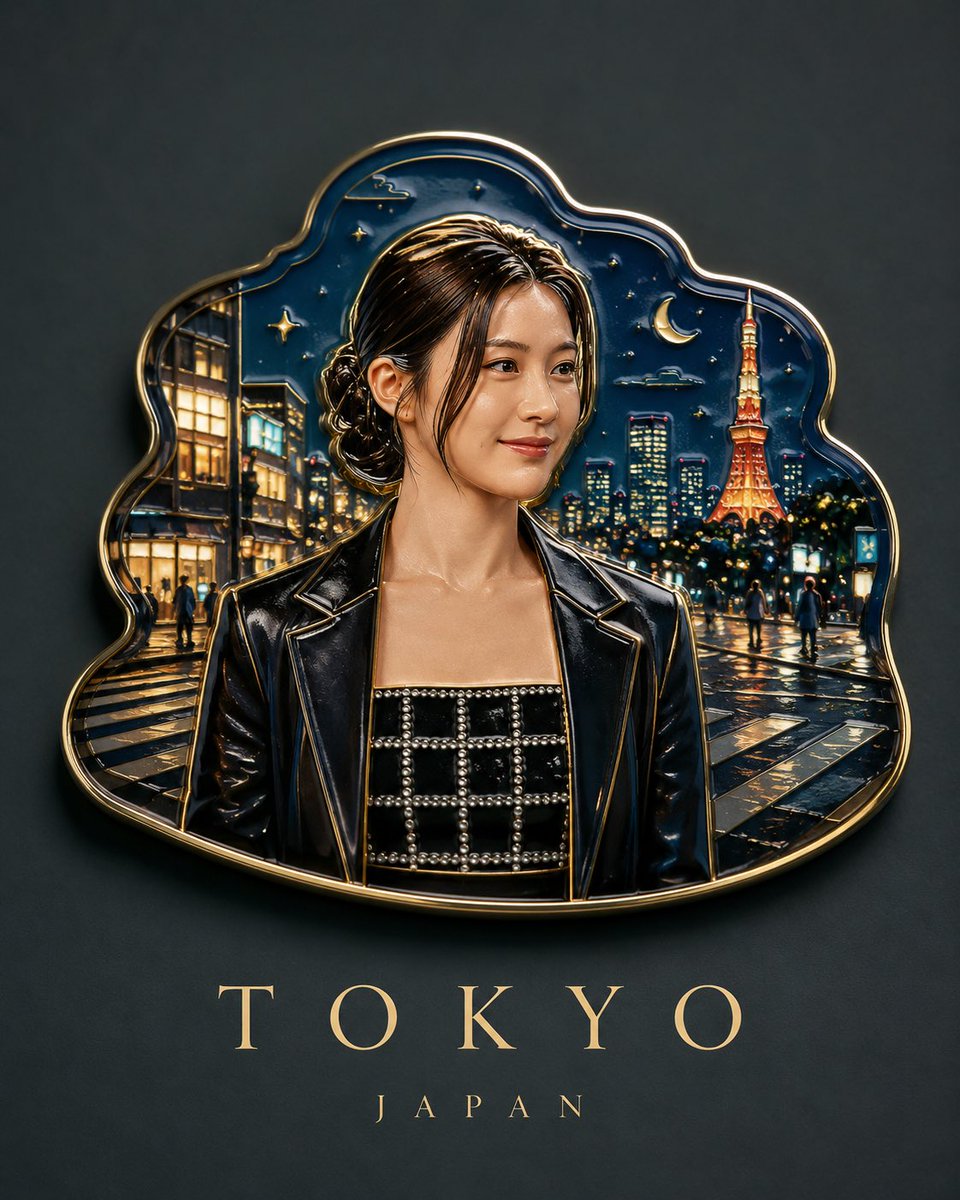
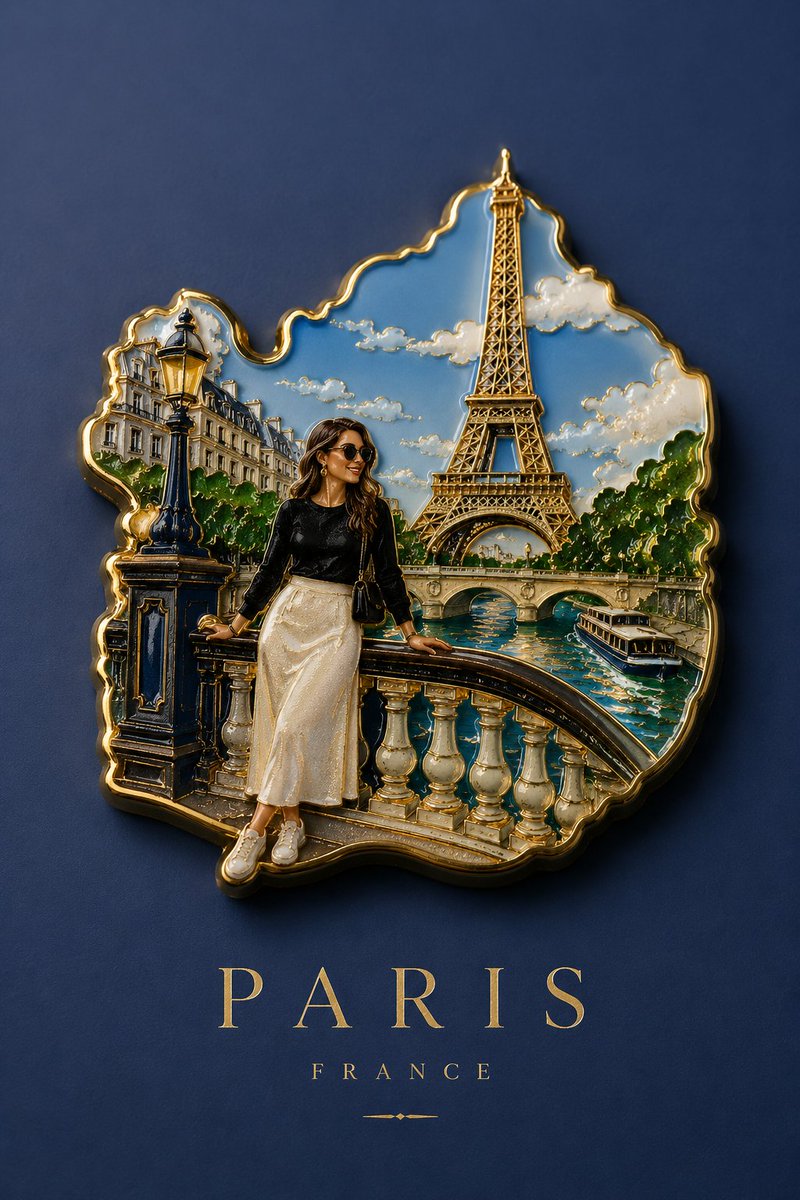
A character consistency prompt that transforms personal photos into realistic handcrafted souvenir refrigerator magnets from world landmarks. Change the subject, setting, or lighting one variable at a time.
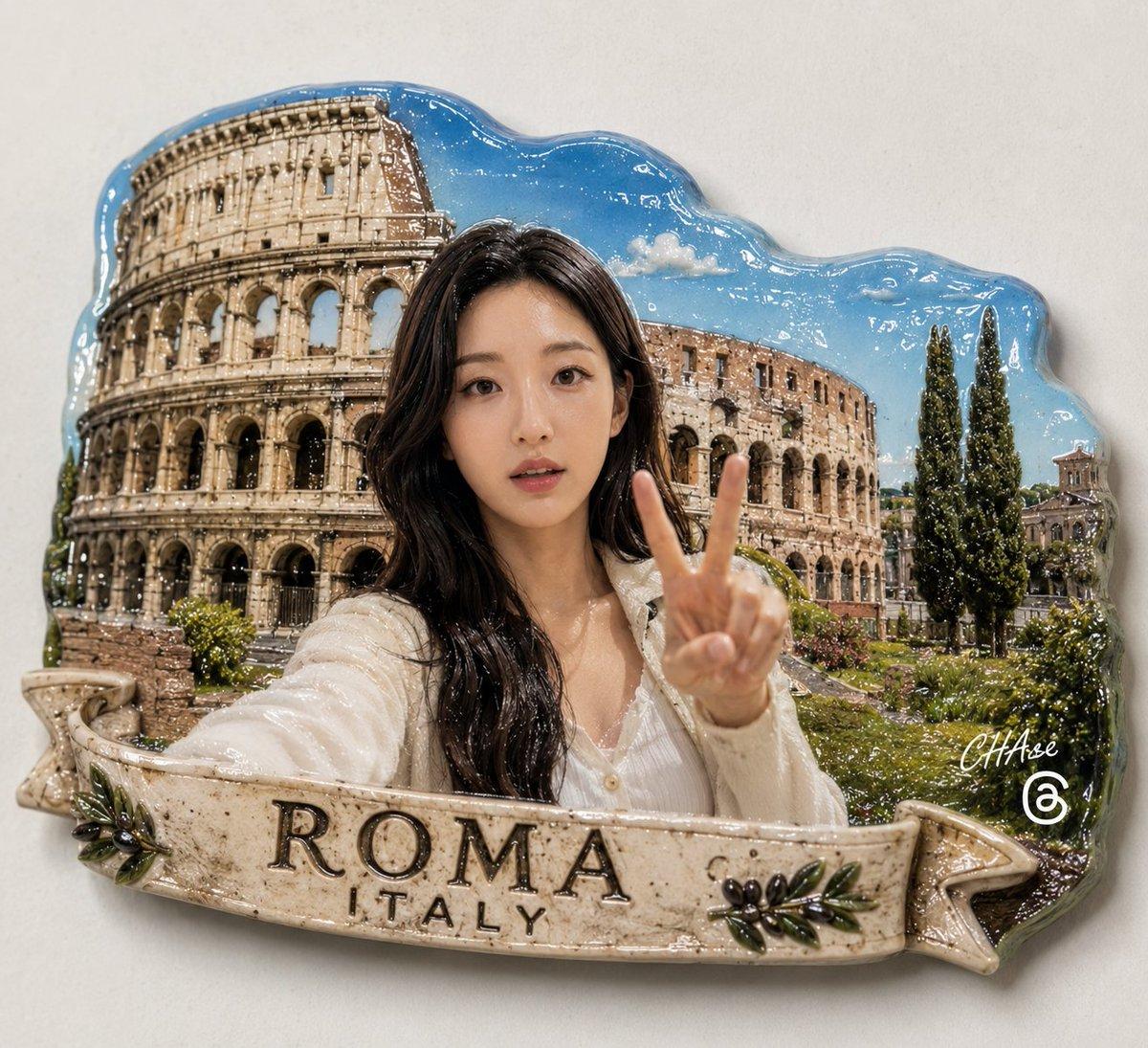
[인물] 이미지 1, 이미지 2를 따릅니다. 의상은 {argument name="의상" default="가벼운 여행복장"}으로 변경하고, 포즈는 {argument name="포즈" default="여행중 촬영하는 활기차고 즐거운 포즈"}인 미디엄 클로즈업샷으로 변경하세요. 인물은 한명만 등장합니다. 세계여행 랜드마크를 배경으로 한 '{argument name="아이템" default="기념품 마그넷"}'의 사실적인 디자인을 만드세요. 인물은 세계 여행지를 대표하는 랜드마크 관광지를 배경으로 위치하고 있으며, 이것은 사진이 아니라 실제 판매하는 냉장고 부착용 '기념품 마그넷' 입니다. 모양은 도형을 따르지 않으며 세계 여행지 랜드마크를 알 수 있는 모양으로 만들어져 있고, 실제 수공업으로 만든 제품의 형식을 그대로 따릅니다. 마그넷 아래에는 해당 랜드마크가 있는 도시나 구역의 이름이 적혀 있습니다. [싸인] 우측하단에는 Meta가 운영하는 Threads 로고가 작게 위치하고, 그 위에 흰색 필기체로 "CHAse"라고 싸인처럼 작게 적혀 있다
Choose the primary action to open PicX Studio with the available template settings. Review the model and format, personalize the creative direction, and generate when ready.
Yes. You can change the subject, setting, lighting, mood, format, and available model controls before creating your image.
This template is free to open and customize. Generation usage is shown in PicX Studio before you create.
Start with GPT Image 2, which is the model associated with this template. You can compare another compatible model for a different finish.
© 2026 PicX Studio. All rights reserved.

Follow a topic to a crawlable collection of related PicX Studio templates.
43,474 public templates available. Verified via the PicX Studio public templates API; refreshed hourly.




![Knolling Flatlay of City Landmark Magnets — {
"prompt": "Present a clear, directly top-down photograph of {argument name="city name" default="[CITY]"} landmarks](https://pbs.twimg.com/media/G91MUEFbsAAK5uL.jpg)



![Country Landmarks 2x2 Collectible Grid — <instructions> Role: You are a Lead 3D Artist at a premium collectible company Input Variable: [INSERT COUNTRY] Syst](/_next/image?url=https%3A%2F%2Fcdn.picxstudio.com%2Fuploads%2Fmeigen_2010411888434417944_1e02f0c8-5921-4445-9757-625e5c8a678b.jpg&w=828&q=100)


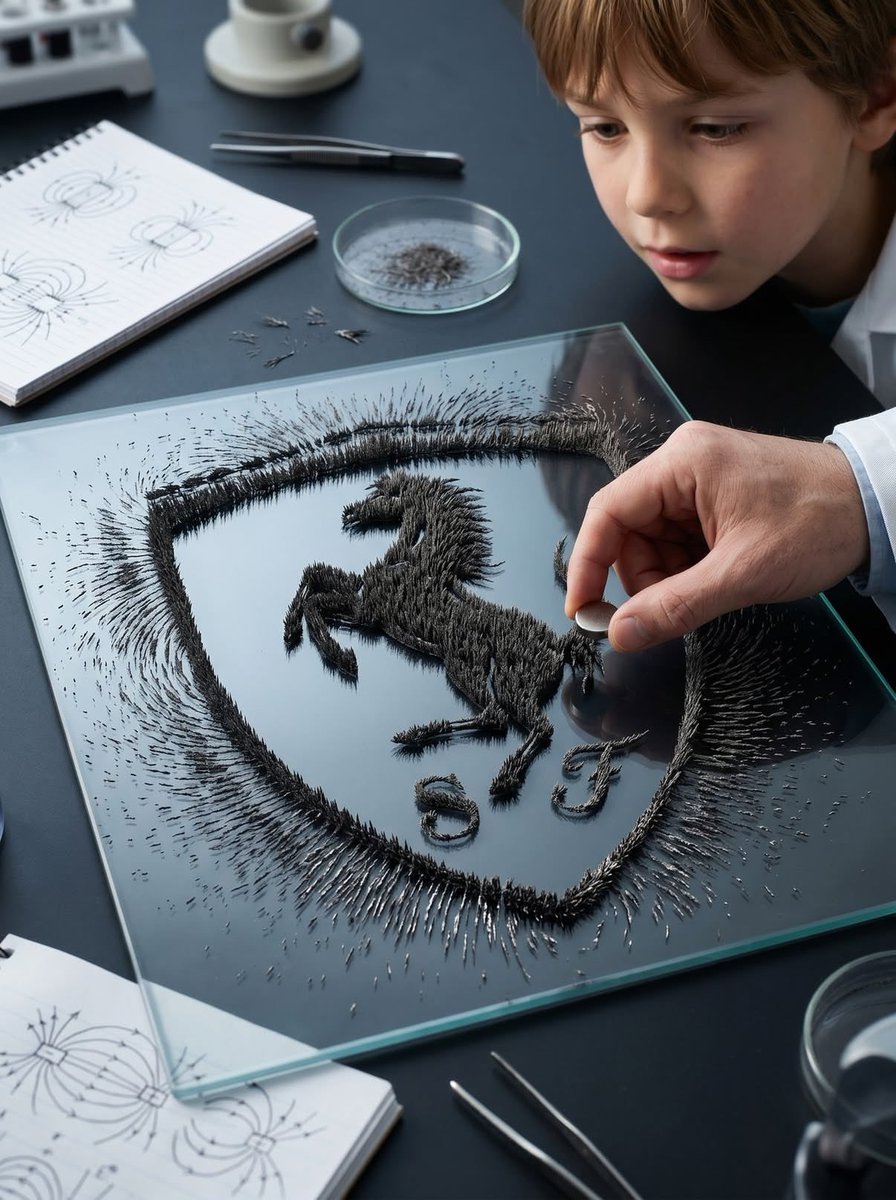

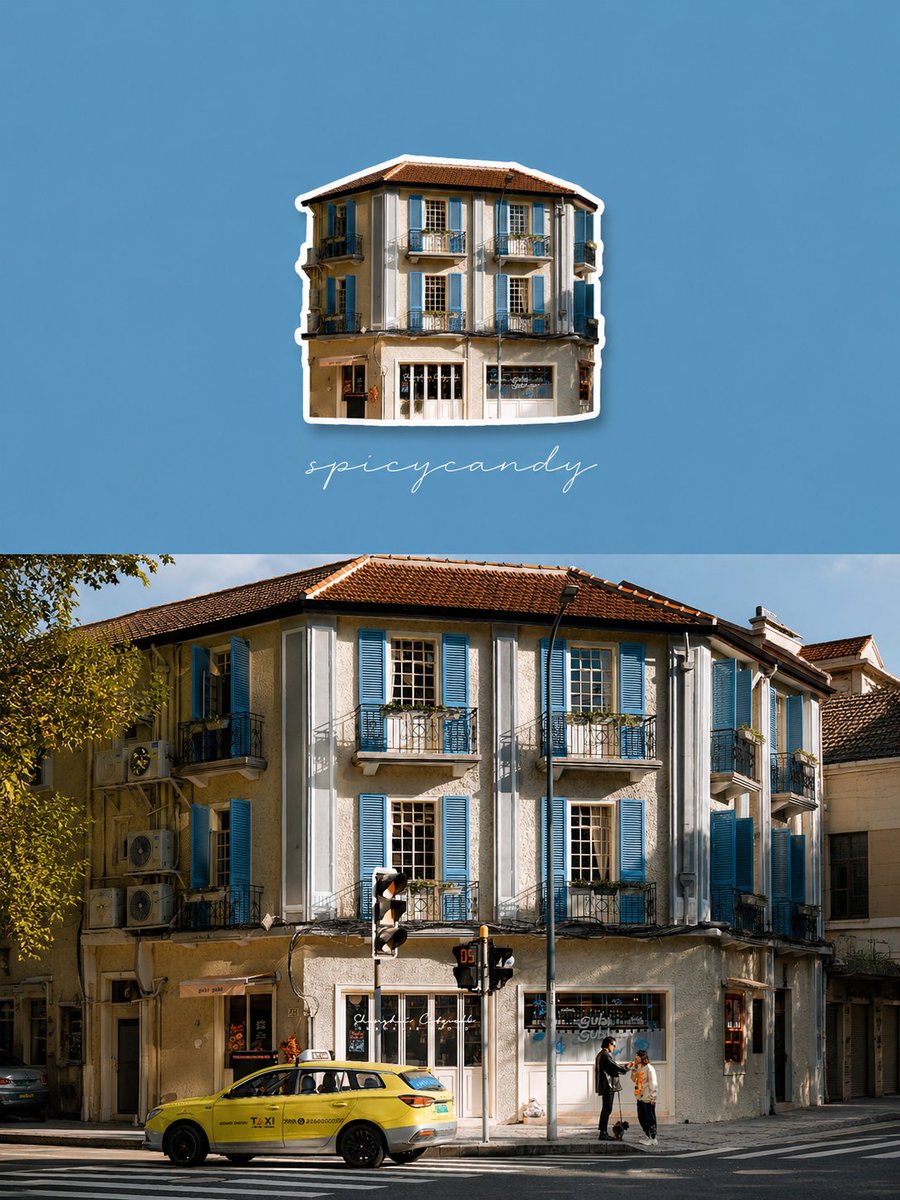
![Geometric Landmark City Poster — CITY: [ENTER CITY NAME IN ENGLISH] LANDMARK: [ENTER ONE MAIN LANDMARK] Create an original vertical emotional city poster featur](https://cms-assets.youmind.com/media/1788682064291_6tmucd_HRbUlt5bYAArfI5-300x375.jpg)
![Isometric Architectural Landmark Diorama — A miniature isometric architectural diorama of [LANDMARK NAME], accurately reflecting its real-world structure and pr](/_next/image?url=https%3A%2F%2Fcdn.picxstudio.com%2Fuploads%2Fmeigen_2011378770494566596_41d7c0b4-01a5-45ac-842a-ba02f6199f1c.jpg&w=828&q=100)


![Minimalist Flat Vector Travel Poster — Premium minimalist flat-vector travel poster for {argument name="city name" default="[CITY_NAME]"}, 3:4 vertical format.](https://cms-assets.youmind.com/media/1787917359711_3ug846_HQX205cbMAA6F6S-300x400.jpg)




















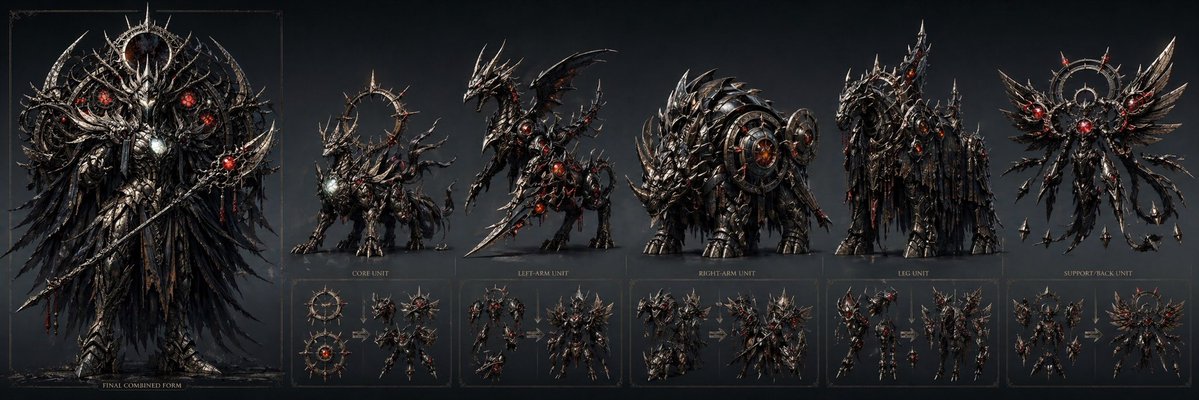
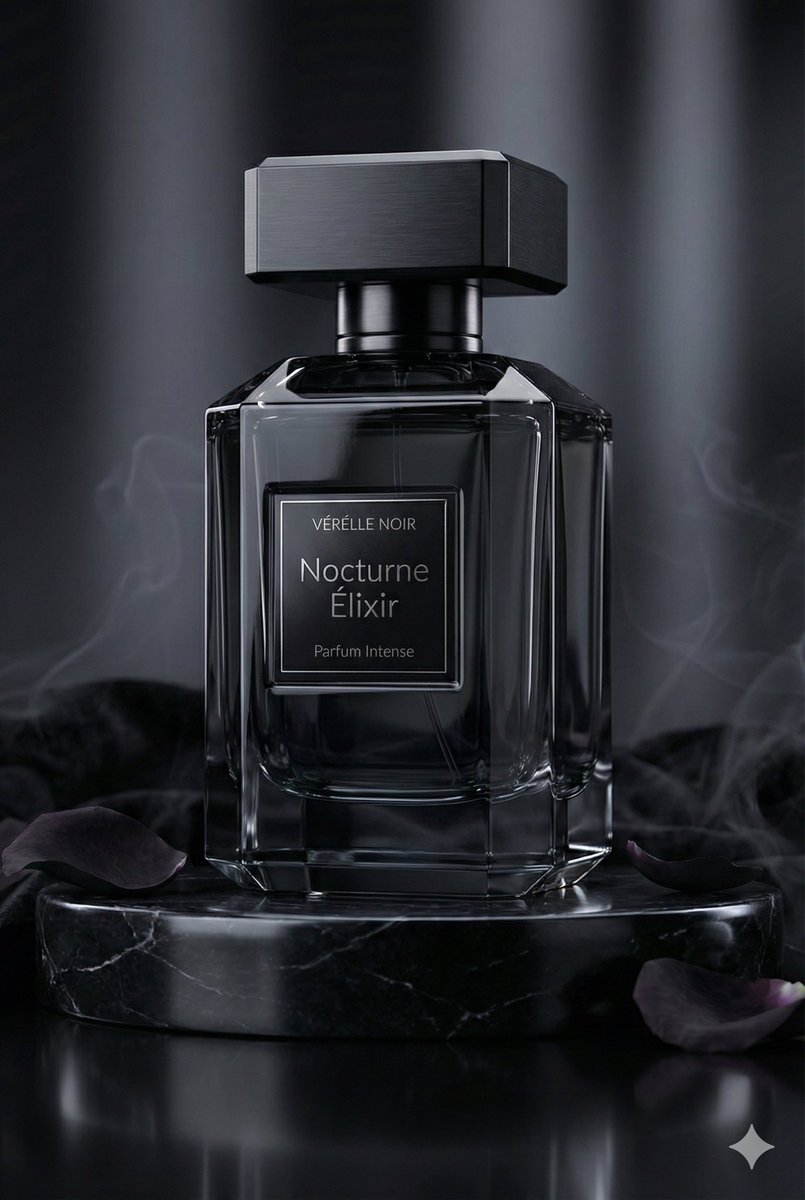
![Monochrome Kinetic Product Photography Prompt — [WHAT_IT_IS] Commerce/editorial product image. Monochrome studio study of a skincare bottle held bet…](https://pbs.twimg.com/media/HDQydCnbAAAkRZK.jpg)