How do I use the Upscaled Vintage Soccer Photo template?
Choose the primary action to open PicX Studio with the available template settings. Review the model and format, personalize the creative direction, and generate when ready.
This prompt restores and upscales a reference sports photograph while preserving the original composition and improving clarity for remastering old archival images. Change the subject, setting, or lighting one variable at a time.
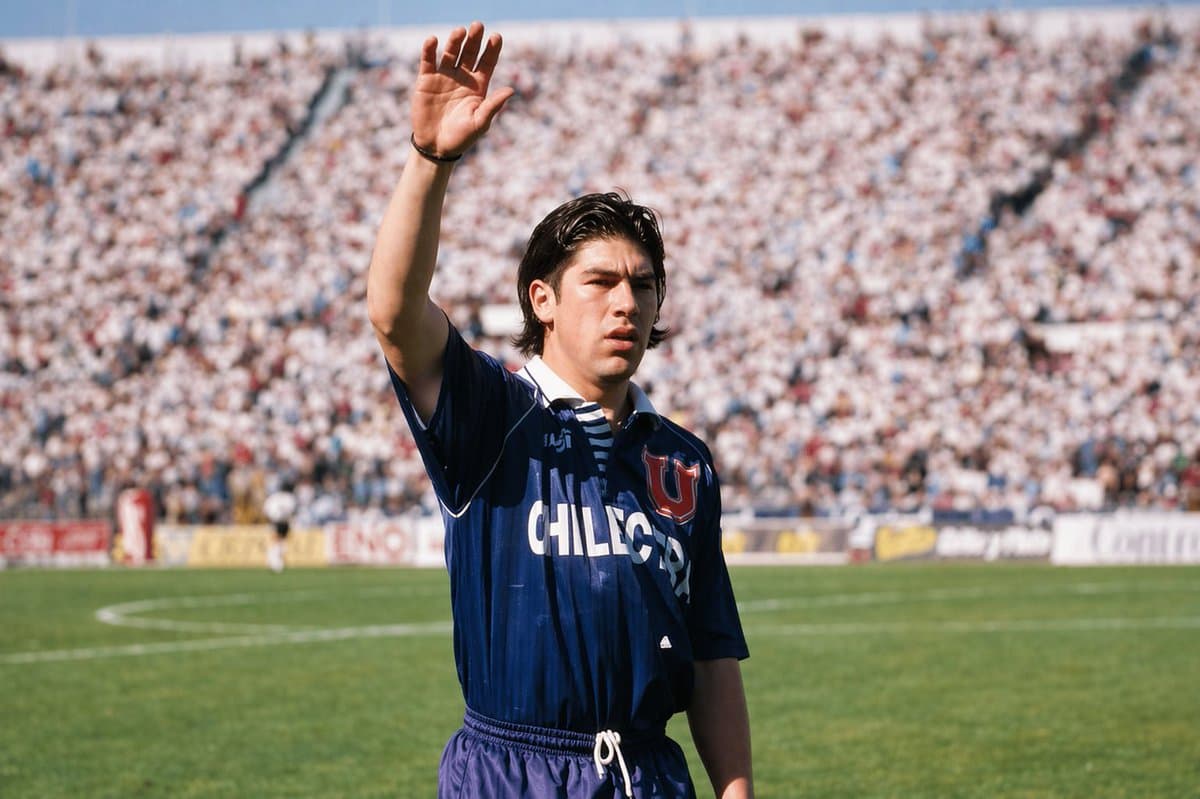
Using the provided reference image, upscale and restore the old soccer photograph into a sharper, higher-resolution, photorealistic version. Keep the same player, waving pose, blue Universidad de Chile jersey, stadium setting, and similar framing, but improve facial-area reconstruction only as much as needed under the existing censorship block, clean up the jersey details and folds, enhance color and contrast, and make the crowd/background more naturally blurred with a polished shallow-depth-of-field look. Preserve the vintage daylight sports-photo feeling while making it look clearer, crisper, and professionally remastered.
Upscaled Vintage Soccer Photo needs input media to work. Open it in the studio and these load alongside the prompt — pick whichever ones your chosen model can take.
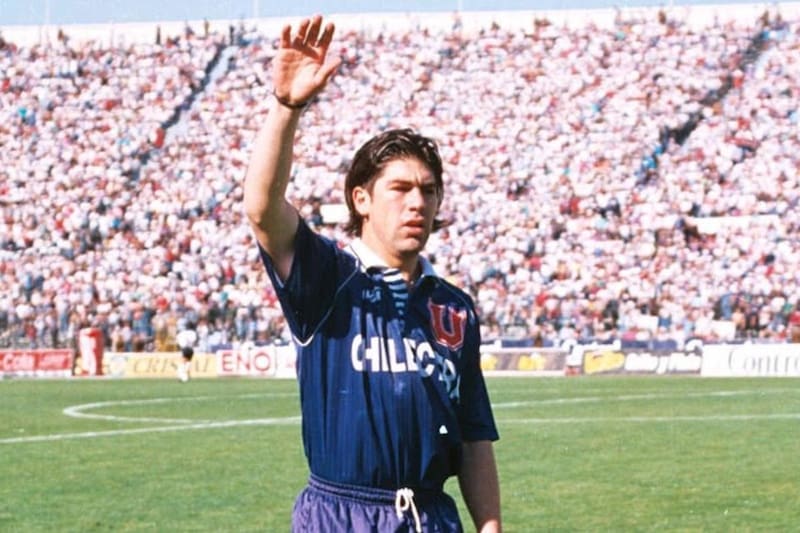
Choose the primary action to open PicX Studio with the available template settings. Review the model and format, personalize the creative direction, and generate when ready.
Yes. You can change the subject, setting, lighting, mood, format, and available model controls before creating your image.
This template is free to open and customize. Generation usage is shown in PicX Studio before you create.
Start with GPT Image 2, which is the model associated with this template. You can compare another compatible model for a different finish.
© 2026 PicX Studio. All rights reserved.

Follow a topic to a crawlable collection of related PicX Studio templates.
43,474 public templates available. Verified via the PicX Studio public templates API; refreshed hourly.









![Minimalist Flat Vector Travel Poster — Premium minimalist flat-vector travel poster for {argument name="city name" default="[CITY_NAME]"}, 3:4 vertical format.](https://cms-assets.youmind.com/media/1787917359711_3ug846_HQX205cbMAA6F6S-300x400.jpg)



















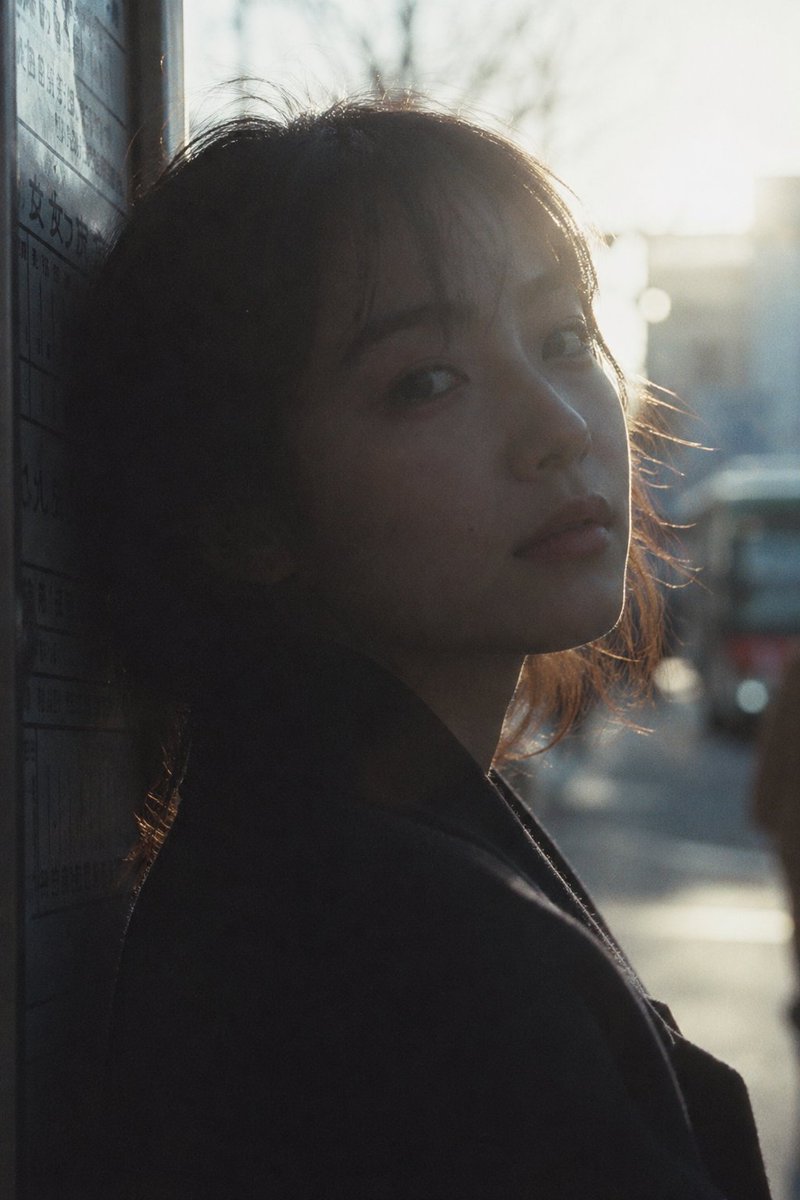









![Refractive High Fashion Editorial Portrait — "Refractive photography",
"Fine art portrait"
],
"photography_style": {
"genre": "High-end fashion edit](https://pbs.twimg.com/media/G9ys-IDaQAA5ZWL.jpg)
![3D Isometric Urban Transit Stop Diorama Prompt — A clean, minimal 3D isometric diorama of a {argument name="city transport type" default="[CITY TRANSPORT TYPE]"](https://pbs.twimg.com/media/G-rcPi3bQAMNVo8.jpg)