
Gothic Visual Novel Character Lineup
This prompt generates a polished anime visual novel scene with four distinct girls posed in a dark gothic mansion interior, ideal for game mockups, story screenshots, or character ensemble illustrations.
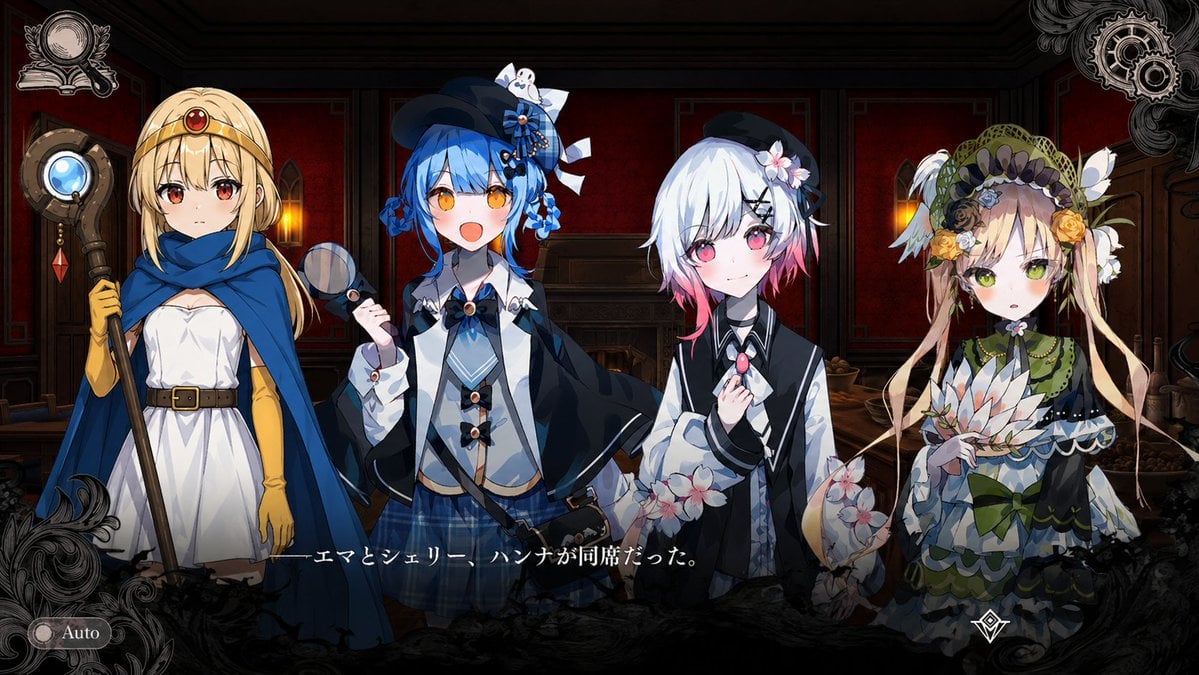
- Prompt included
- Model and format preset
- Free template
The prompt behind this image
Copy the exact prompt behind Gothic Visual Novel Character Lineup, or open it in the studio and make it yours.
A dark fantasy visual novel screenshot in polished anime game art, showing 4 girls standing side by side inside a dim, old-fashioned crimson prison mansion lounge with deep red walls, dark wood paneling, a lit fireplace in the center background, and two warm wall lamps glowing on either side. The composition is a front-facing character lineup cropped around the knees, with ornate black filigree shadows and UI decoration around the frame, a silver crest emblem in the top left, interlocking gear motifs in the top right, and a small rounded "Auto" button in the bottom left. Put a Japanese dialogue subtitle across the lower center reading "——エマとシェリー、ハンナが同席だった。" in white Mincho-style text with a subtle glow. The overall mood is gothic, mysterious, and elegant, like a steampunk-inflected otome or dark academy visual novel. Show exactly 4 female characters. Character 1 on the far left: a blonde young woman in a simple white dress with a brown belt, long yellow gloves, and a royal blue hooded cape draped over her shoulders, holding a tall staff topped with a circular metallic ornament containing a glowing pale blue orb and a dangling red crystal; she has a red jewel set on her forehead and a calm upright posture. Character 2 second from left: a cheerful blue-haired girl with bright orange eyes, short twin-tied or bobbed hair adorned with blue roses and ribbons, wearing a small black hat with lace and bows, a navy-and-white layered outfit with capelet, oversized sleeves, bows, a blue plaid skirt, and a crossbody satchel; she smiles openly and holds a small handheld magnifying glass up near her chest. Character 3 second from right: a soft-looking white-haired girl with a short bob that fades to pink at the tips, pink eyes, a black hair clip and flower accessory, wearing a black-and-white outfit with a vest-like top and voluminous translucent sleeves decorated with pale pink blossoms; she gently holds a pink gem pendant or brooch near her collar and smiles subtly. Character 4 on the far right: an ornate doll-like girl in an elaborate green-and-cream layered dress with lace, bows, petal-like trims, white feathered or wing-like accents near the shoulders, and a lavish bonnet covered in flowers, ribbons, and netting; she holds a white lotus-like flower fan or bouquet in front of her torso. Use detailed anime facial rendering, glossy eyes, refined costume textures, crisp linework, warm rim lighting from the lamps and fireplace, and a slightly vignetted, game-screenshot presentation.
How to use Gothic Visual Novel Character Lineup in 3 steps
- 1Upload ImagePNG, JPG or paste
Add your photo
Upload the photo the template builds on. The prompt, model and format are already set.
- 2…a portrait of your subject in softgolden-hour light, 85mm…
Personalize
Edit the subject and creative details for your destination.
- 3Generate
Generate
Press Generate — your image is created in PicX Studio, so you can compare it with the original and refine one variable at a time.
More like this
Templates with the same subject, style or setup. Open one to see its prompt.
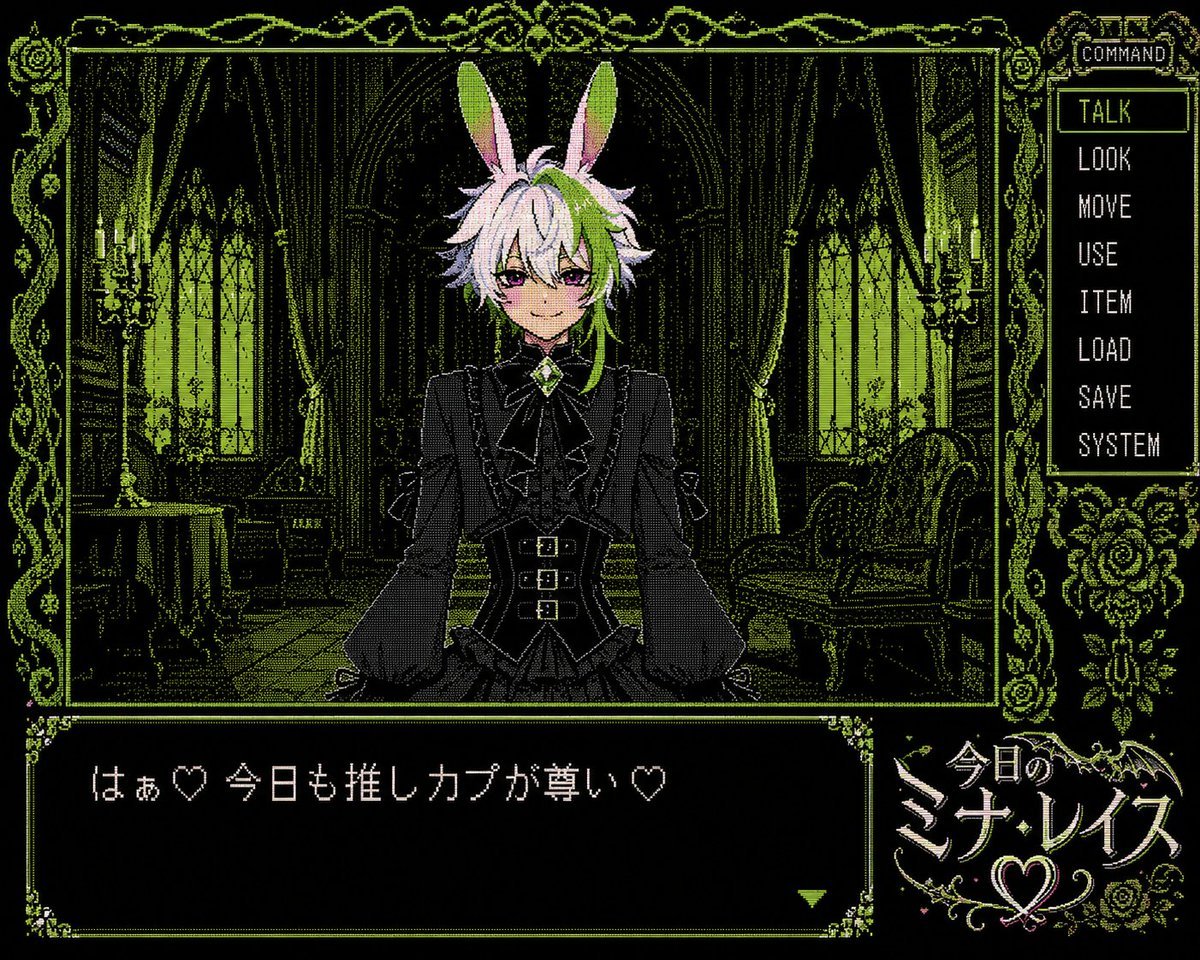
PC-98 Gothic Visual Novel UI
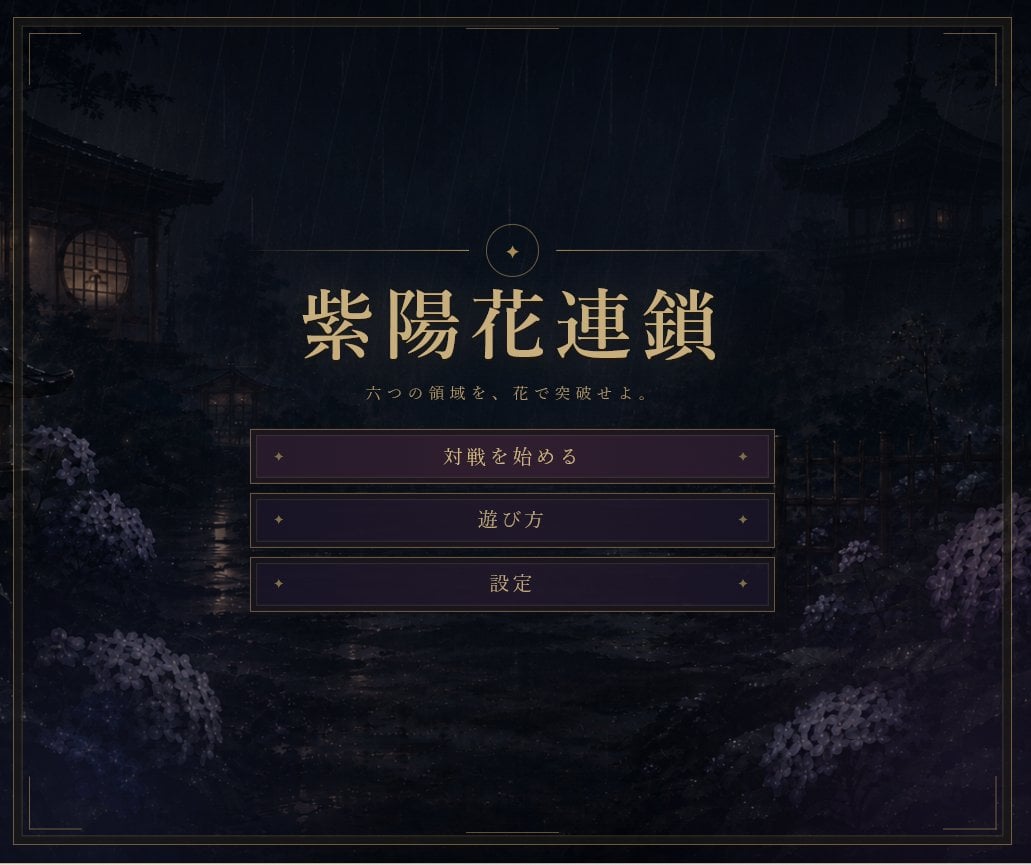
Rainy Japanese Visual Novel Title Screen
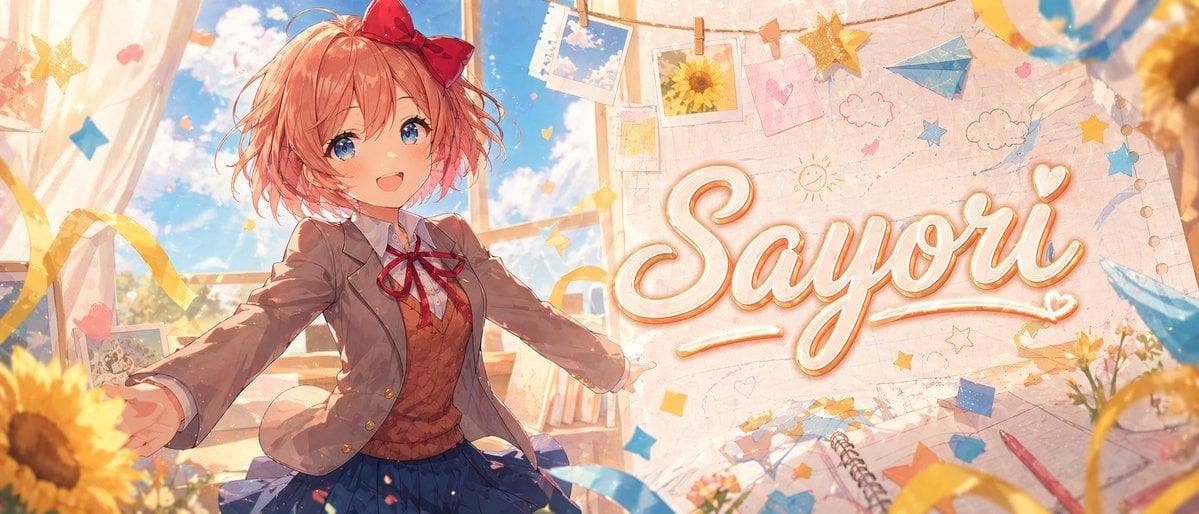
Anime Visual Novel Classroom Banner
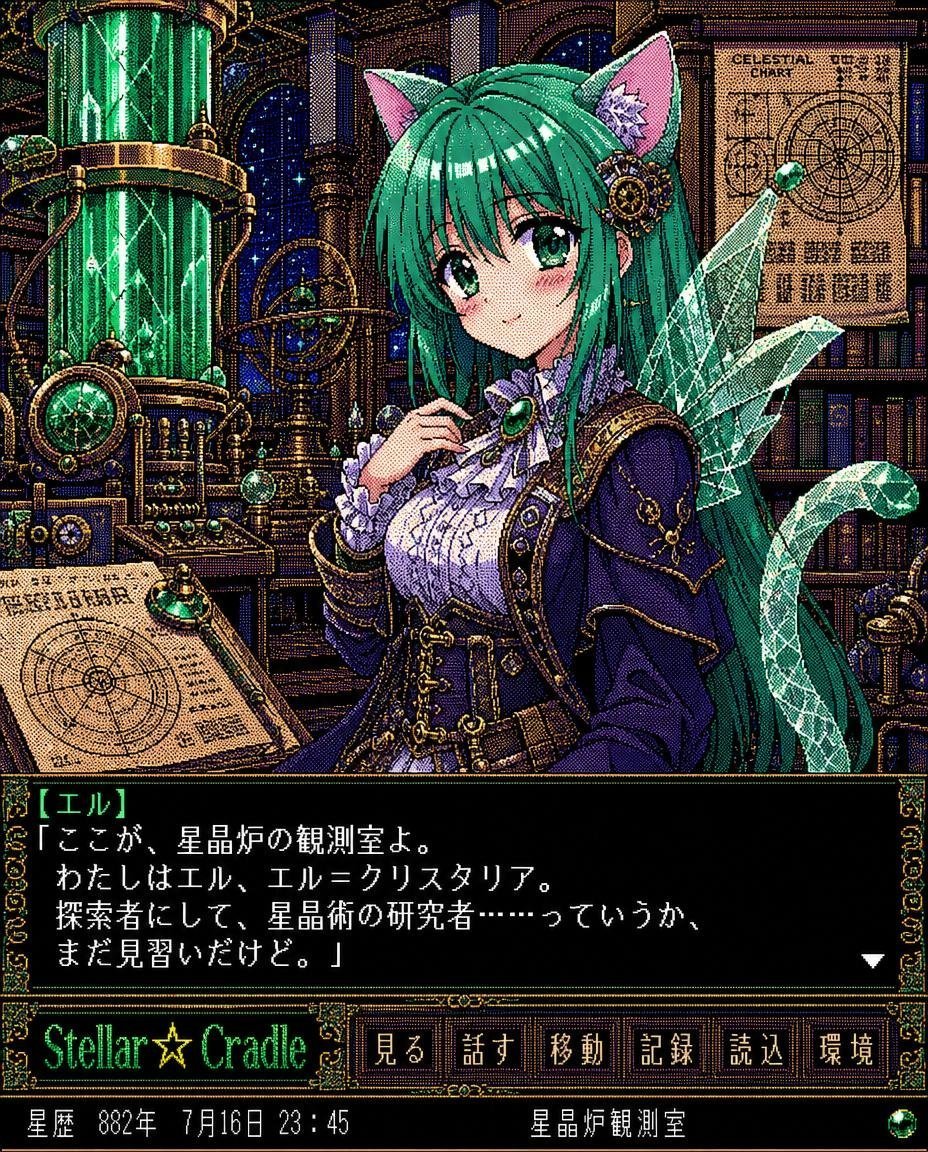
Retro Crystal Observatory Visual Novel
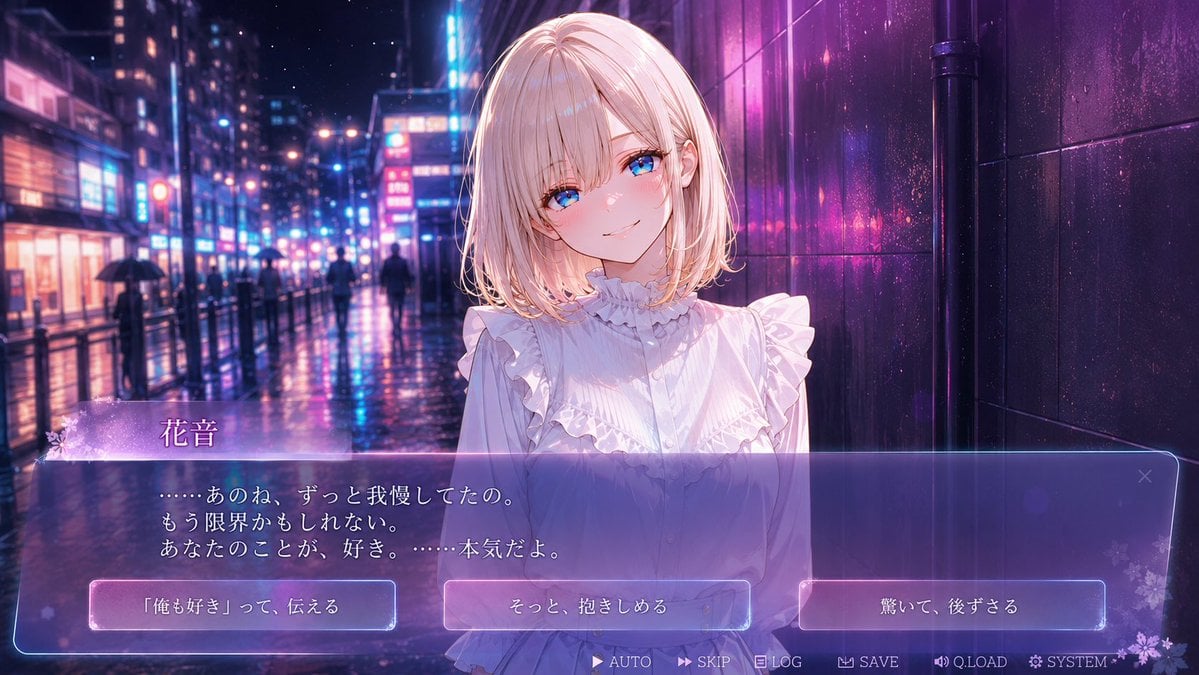
Rainy Neon Visual Novel Confession
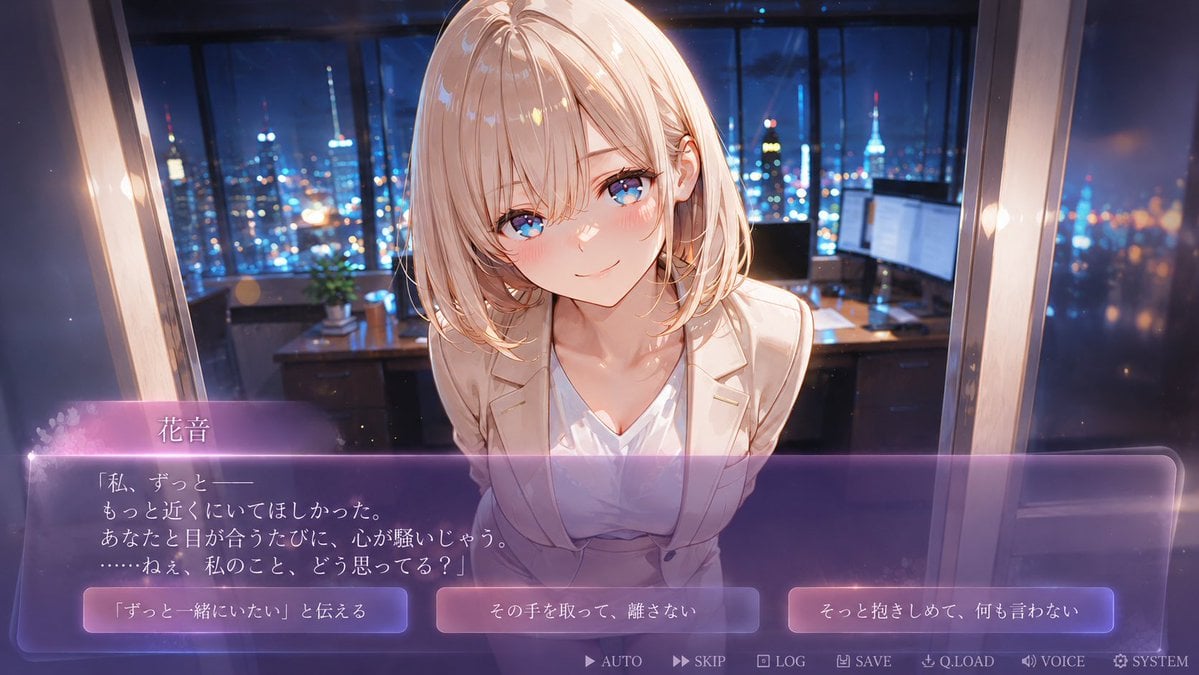
Faceless Romance Visual Novel CG
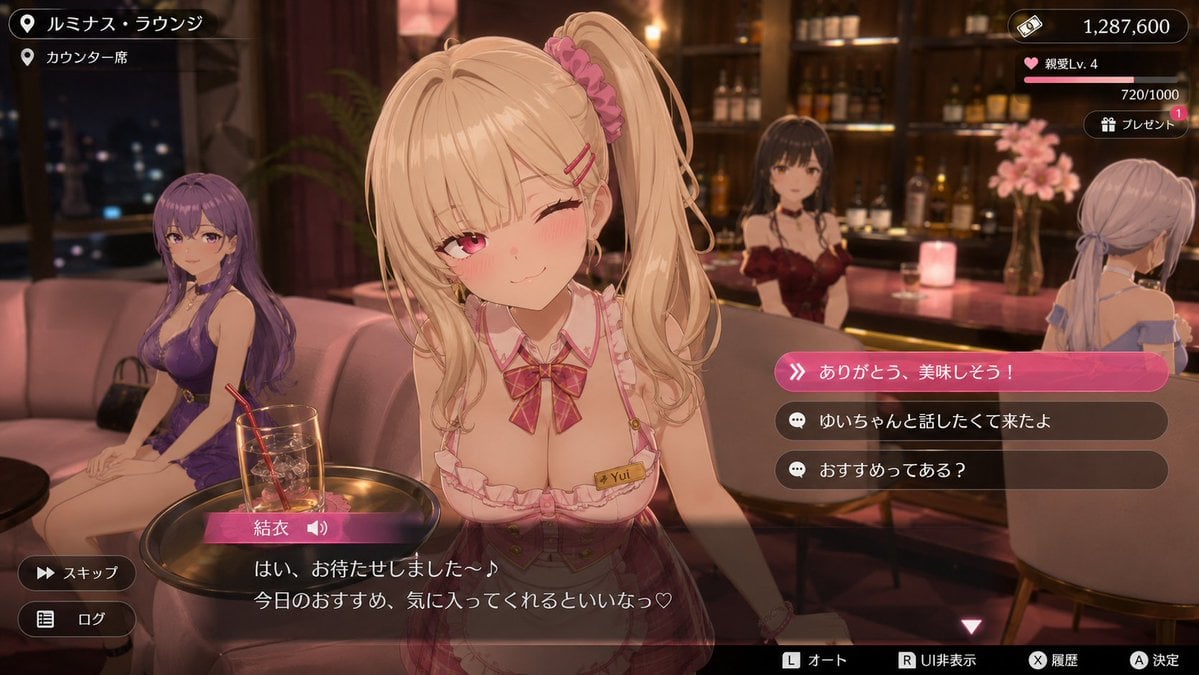
Anime Visual Novel Confession Scene
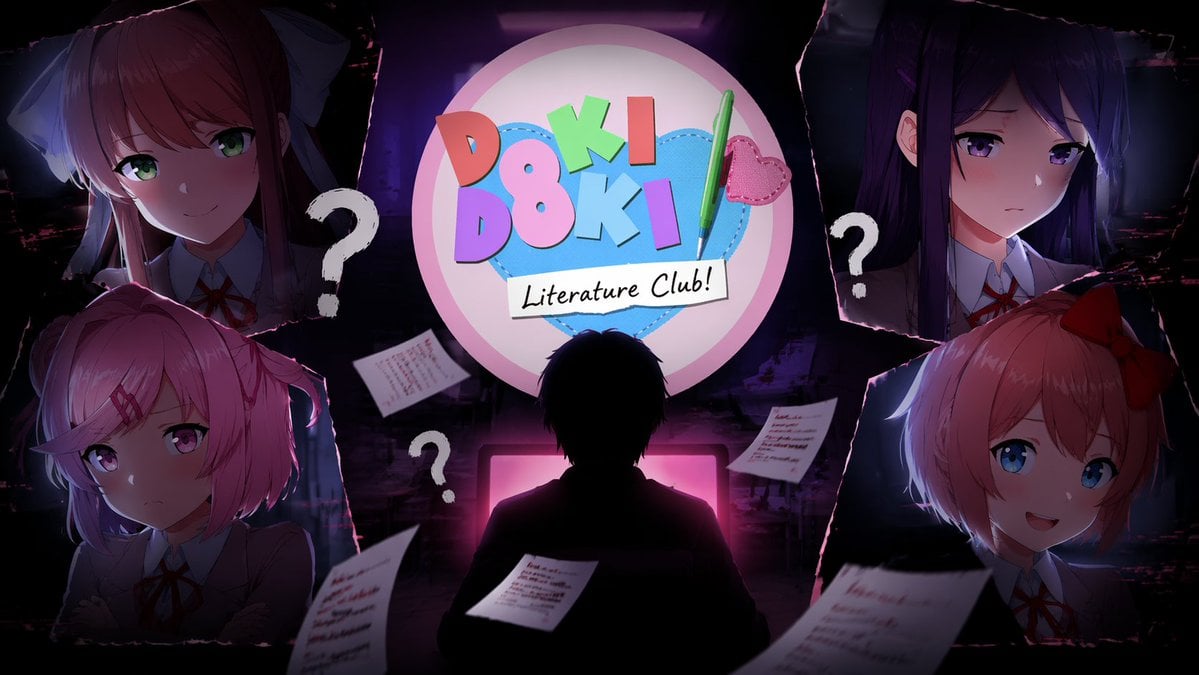
Visual Novel Composite Layout
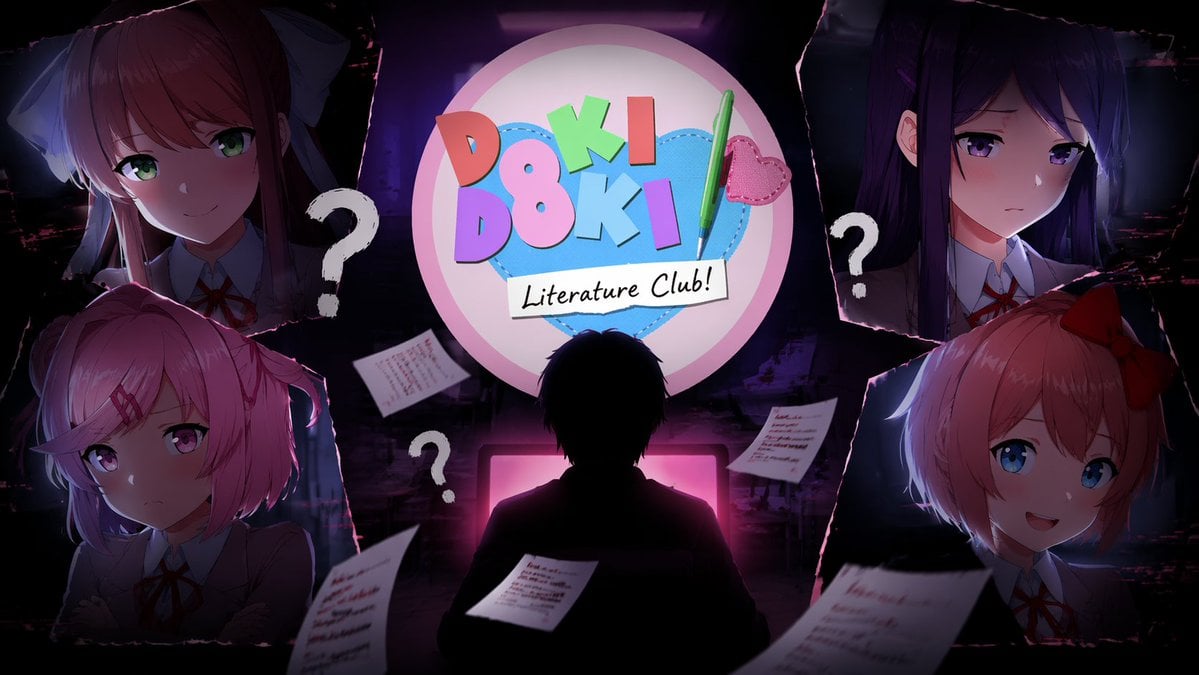
Visual Novel Psychological Horror Concept Art
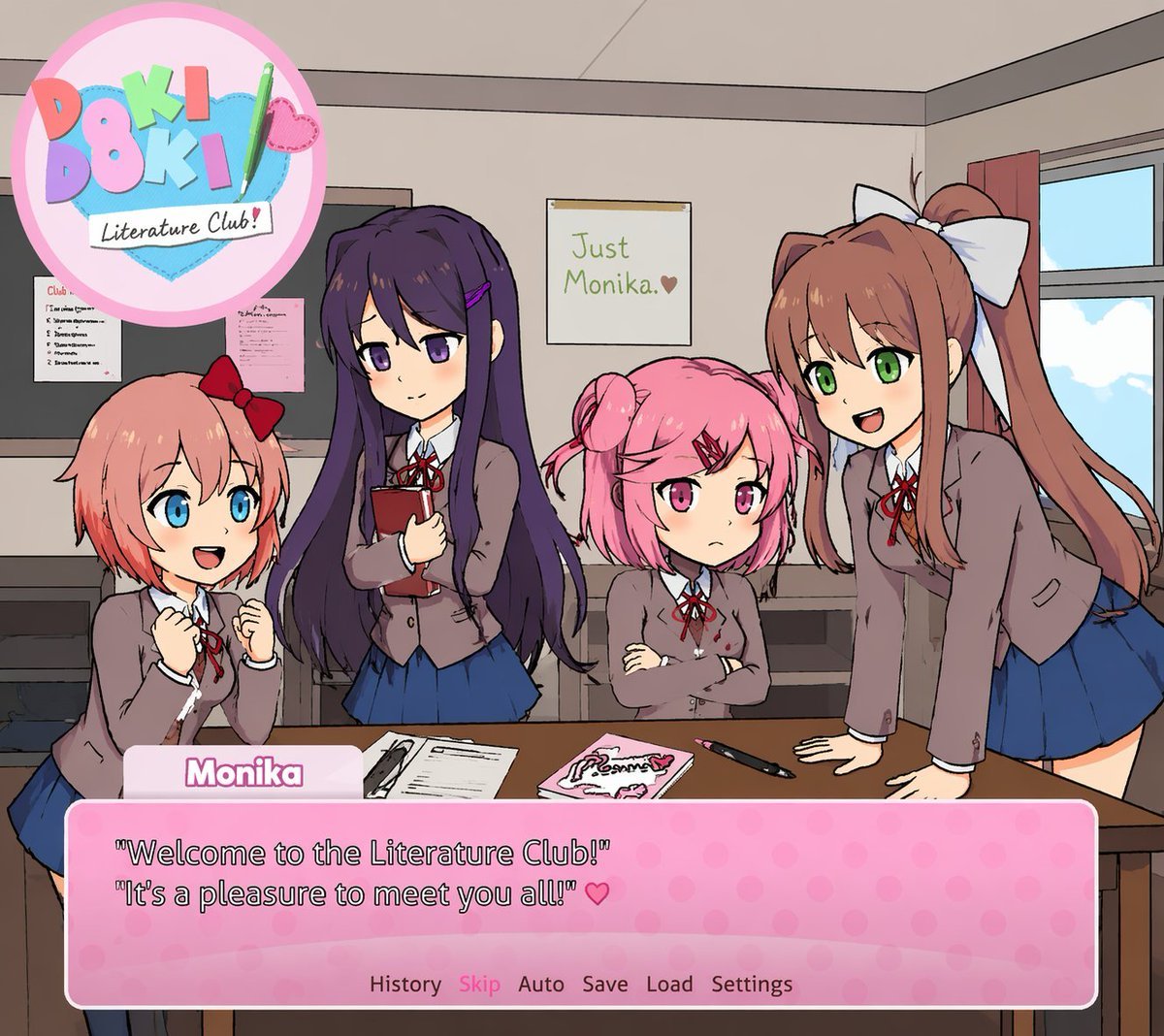
Visual Novel Screenshot Mockup
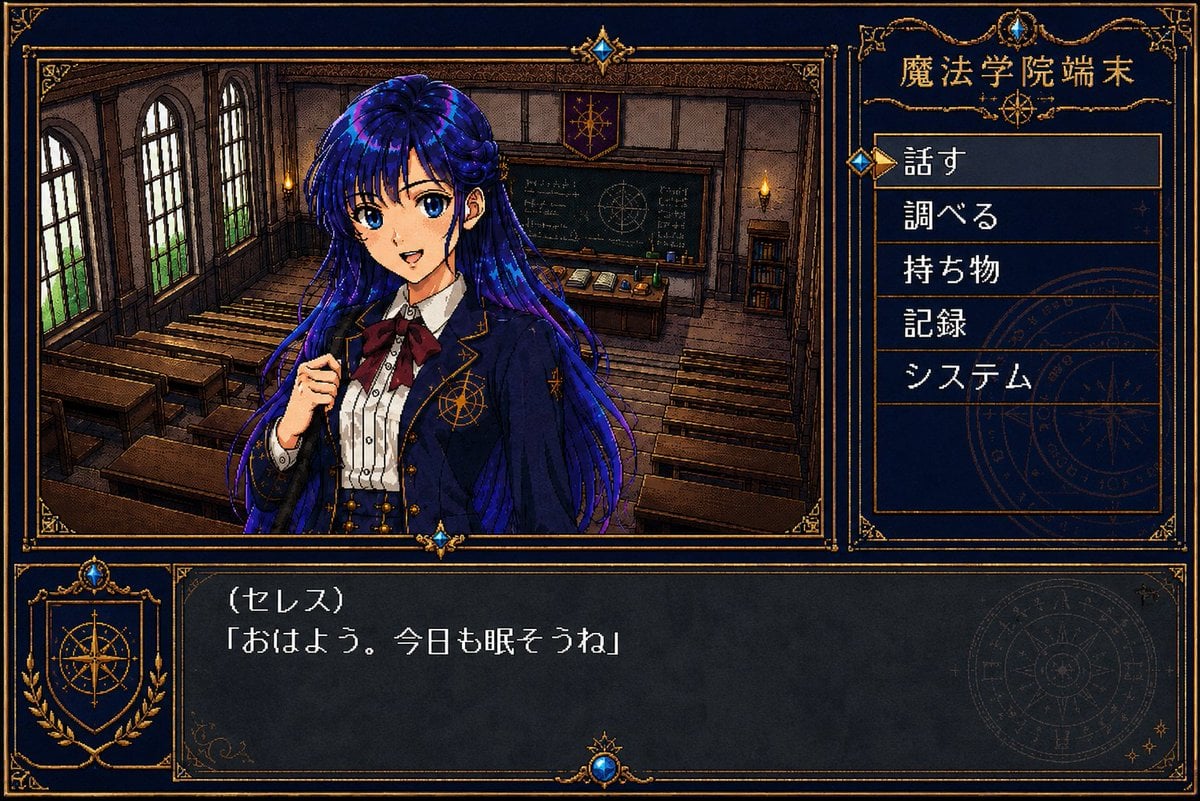
Retro Magic Academy Visual Novel UI
Three Mecha Combination Lineup
Make it yours
Gothic Visual Novel Character Lineup works as-is. These are the safest ways to change it without losing the look.
Change one field
Copy a single group, rewrite it, and generate again so you can see what that field is doing.
Keep the frame, change the subject
Hold the composition and light of Gothic Visual Novel Character Lineup, then swap wardrobe, props or the person for a new take.
| If the result… | Why | Fix |
|---|---|---|
| The result drifts from the preview | Too many fields changed at once. | Reuse Gothic Visual Novel Character Lineup as-is first, then change one group — subject, light, or setting. |
| The model over-stylizes the scene | The prose prompt leaves finish and camera underspecified. | Add one camera or lighting sentence and stay on GPT Image 2. |
More GPT Image 2 templates
Other prompts made for GPT Image 2.

Six VTuber Japanese Logo Sheet

Realistic Portrait of Woman and Deer

The Vista Modular Condo Poster

AI Model Routing Comparison Infographic

2.5D Anime Art Board

Isometric Productivity Desk Scene

New York Double Exposure Poster

Four-Panel AI Landscape Comparison

Japanese Tatami Lifestyle Magazine Cover

NESCAFÉ Coffee Map Poster
More image prompts
Fresh picks from across the catalog.
Kai Industrial Titan Storyboard
Japanese Y-DNA History Infographic Poster
Mirror Selfie in Ornate Lounge
Vintage Film Selfie with Direct Flash
Premium Floating Food Hero Shot Template
Anne Hathaway Ethereal Altitude Portrait
NanoBanana2
Vintage Librarian Fantasy Portrait
Photo Edit with Fixed Face and Golden Hour Lighting
Luxury Fashion Magazine Cover Prompt
Browse template categories
Gothic Visual Novel Character Lineup questions
How do I use the Gothic Visual Novel Character Lineup template?
Add your photo if the template asks for one, edit the prompt if you like — the template's model and format are already selected — and press Generate. Your version opens in PicX Studio.
Can I customize the Gothic Visual Novel Character Lineup template?
Yes. You can change the subject, setting, lighting, mood, format, and available model controls before creating your image.
Is the Gothic Visual Novel Character Lineup template free?
Opening and editing this template is free. Generating uses credits, shown on the Generate button when you are signed in.
Which AI model should I use?
Start with GPT Image 2, which is the model associated with this template. You can compare another compatible model for a different finish.
Looking for something else? Browse all templates.

Your photo, any look
Thousands of ready templates for every top image and video model, from one credit balance.