How do I use the Cozy Morning Bedroom with Cat template?
Choose the primary action to open PicX Studio with the available template settings. Review the model and format, personalize the creative direction, and generate when ready.
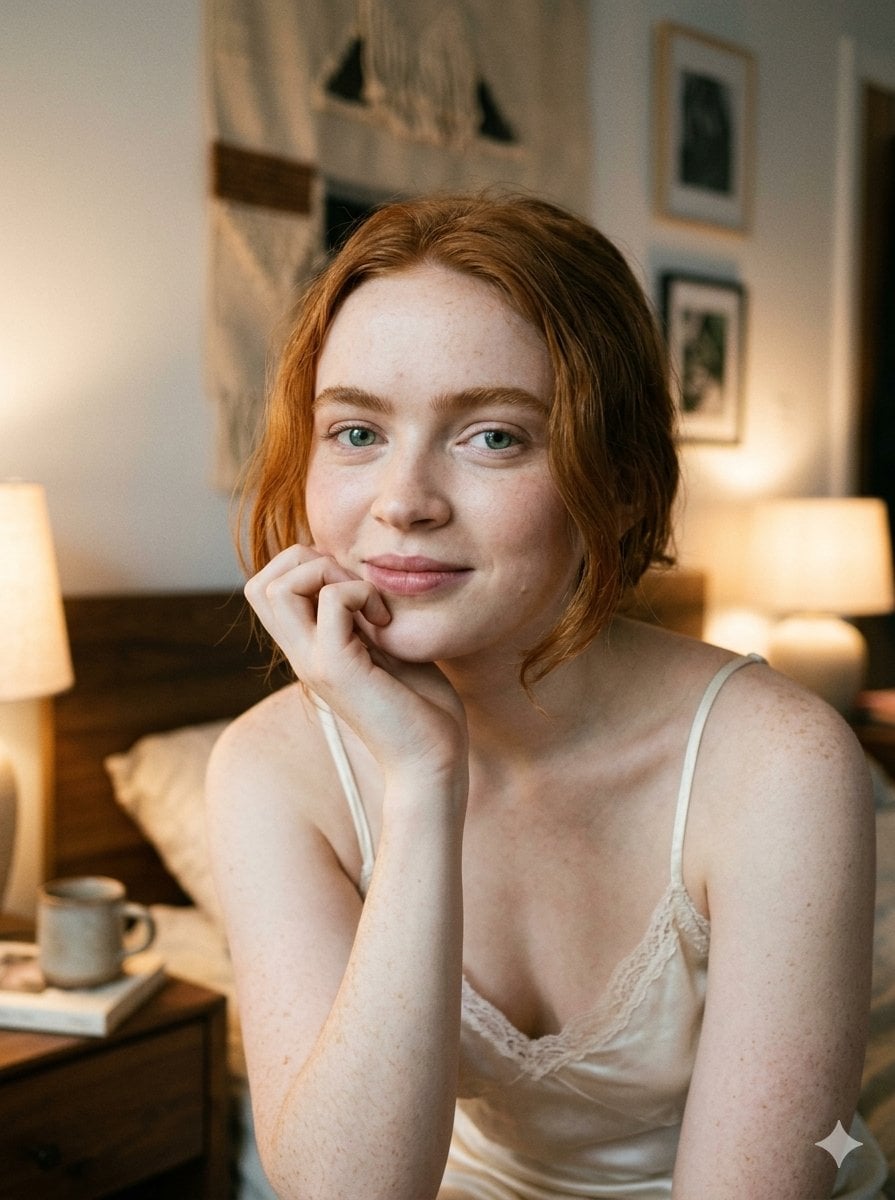
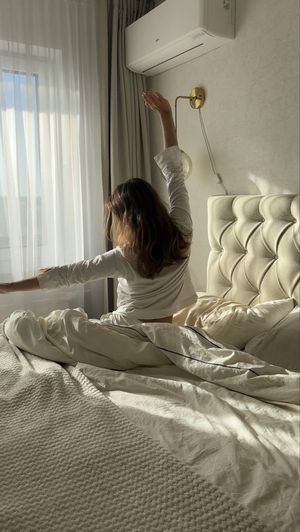
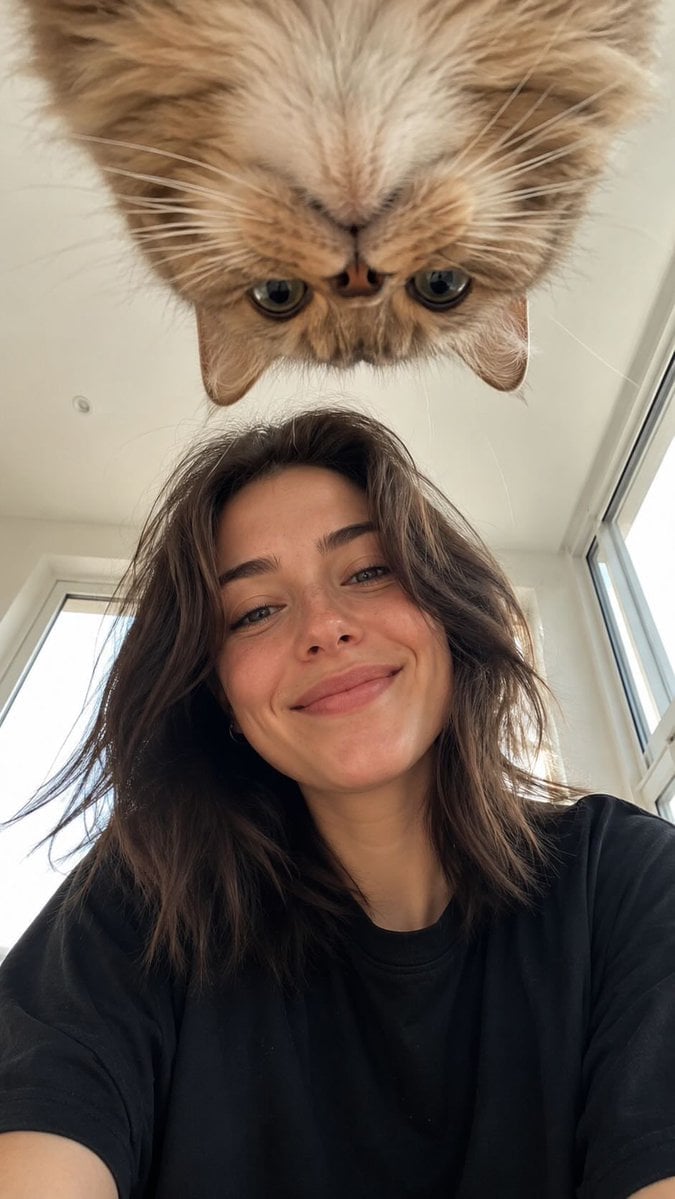
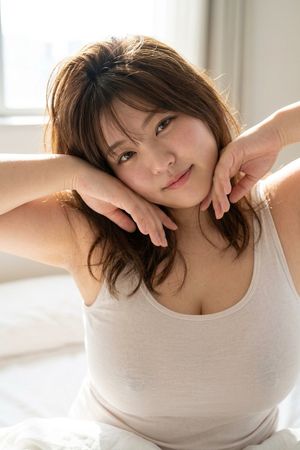
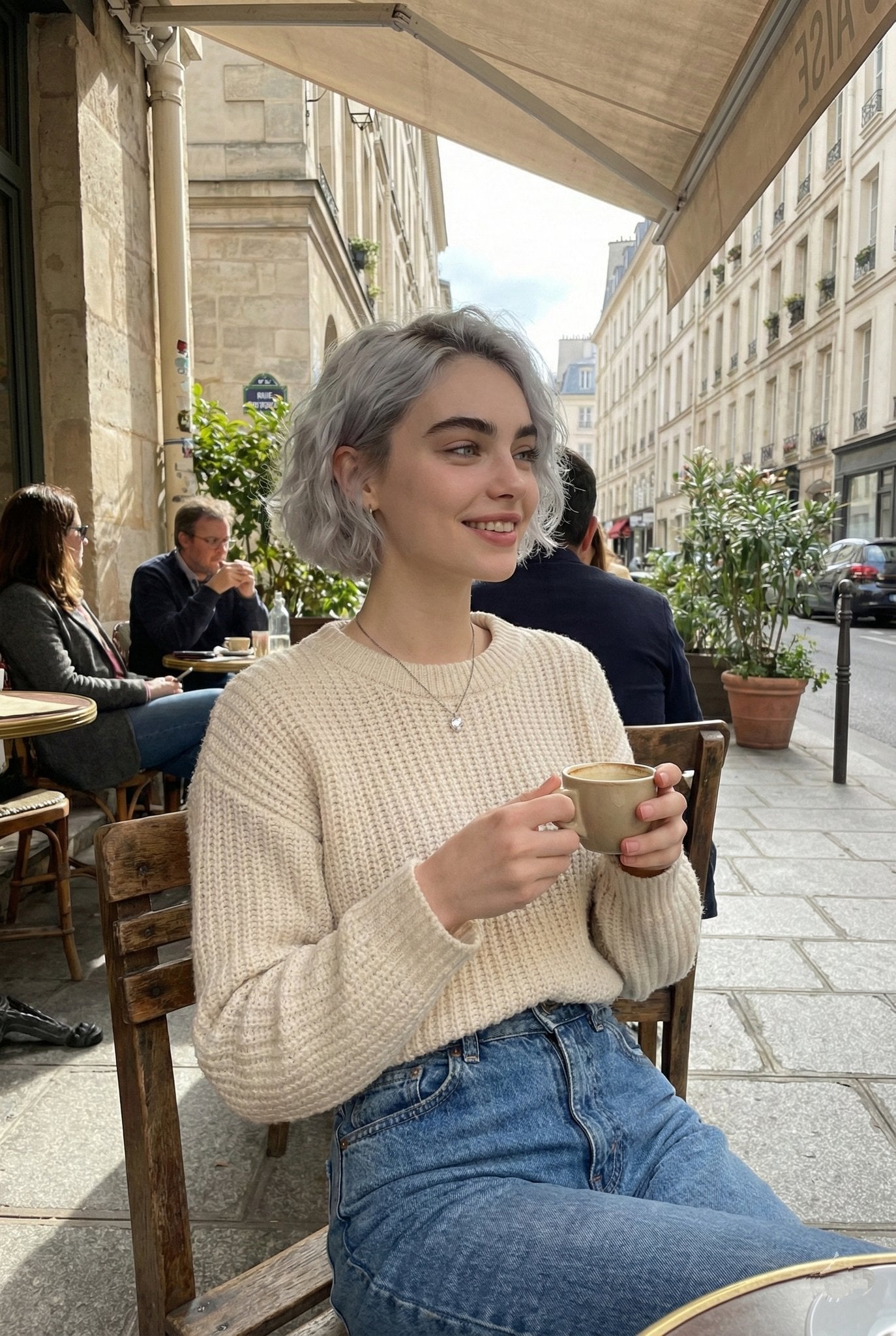
A peaceful morning portrait of a woman in a blue nightgown lying on a bed with a sleeping cat.

{ "type": "image_prompt", "description": { "subject": { "identity": "{argument name="subject" default="Alexandra Daddario"}", "appearance": { "hair": "Long hair flowing down her back", "expression": "Soft and relaxed expression with a gentle, subtle smile", "gaze": "Looking warmly downward toward the cat", "makeup": "Subtle natural makeup", "lips": "Glossy pink lips", "nails": "Well-manicured nails" } }, "clothing": { "garment": "{argument name="clothing" default="Soft blue satin nightgown"}", "details": { "neckline": "Deep V-neck", "trim": "Delicate wavy white floral lace along the neckline", "straps": "Thin blue straps" } }, "pose": { "body_position": "Lying on her stomach on a bed", "support": "Supporting her body weight on one arm", "left_hand": "Placed delicately near her chin with softly curved fingers in a relaxed gesture", "head_position": "Head slightly tilted", "interaction": "Looking affectionately at a sleeping cat" }, "setting": { "location": "Cozy indoor bedroom environment", "surface": "Resting on a quilted blue bedsheet", "background": { "wall": "Smooth light blue wall", "curtain": "Blue curtain hanging on the right side" } }, "props": { "animal": { "type": "{argument name="cat color" default="White cat"}", "state": "Sleeping curled up very close beside her" } }, "lighting": { "style": "High-key lighting", "quality": "Bright and airy", "beauty_lighting": "Flat beauty lighting", "illumination": "Even illumination on the face", "shadows": "Extremely soft shadows", "contrast": "Low contrast" }, "mood": [ "Peaceful", "Cozy", "Intimate", "Serene", "Domestic", "Affectionate" ], "technical": { "camera_angle": "Medium close-up shot at eye level, slightly tilted downward toward the bed", "style": "Candid lifestyle portrait, photorealistic, hyper-realistic", "quality": "Highly detailed, sharp focus on face and lace textures, natural skin texture, 8k", "aspect_ratio": "9:16" } } }
Choose the primary action to open PicX Studio with the available template settings. Review the model and format, personalize the creative direction, and generate when ready.
Yes. You can change the subject, setting, lighting, mood, format, and available model controls before creating your image.
This template is free to open and customize. Generation usage is shown in PicX Studio before you create.
Start with Nano Banana 2, which is the model associated with this template. You can compare another compatible model for a different finish.
Follow a topic to a crawlable collection of related PicX Studio templates.