How do I use the Fashion Campaign Triptych Layout template?
Choose the primary action to open PicX Studio with the available template settings. Review the model and format, personalize the creative direction, and generate when ready.
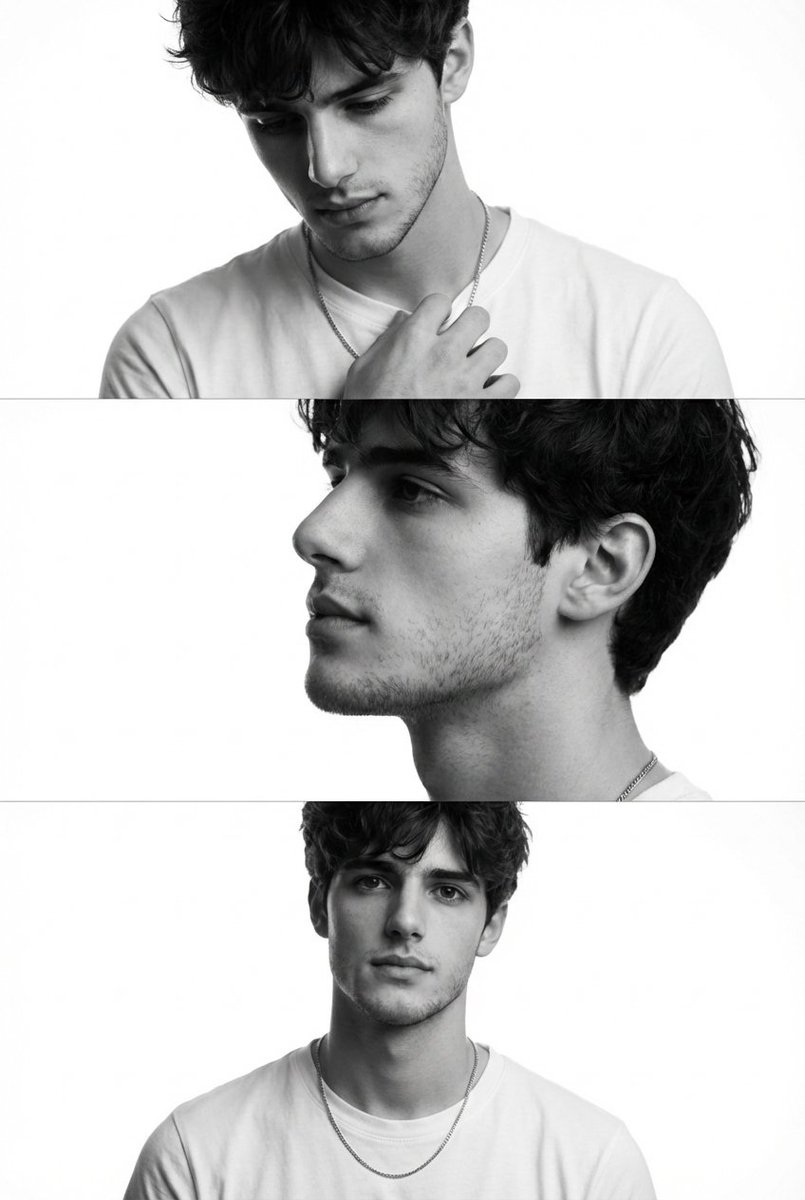
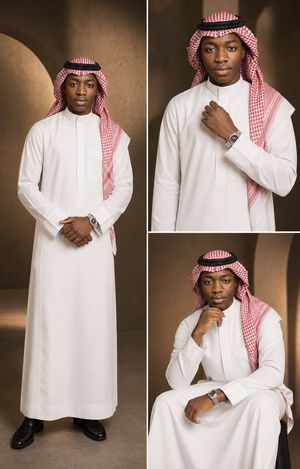
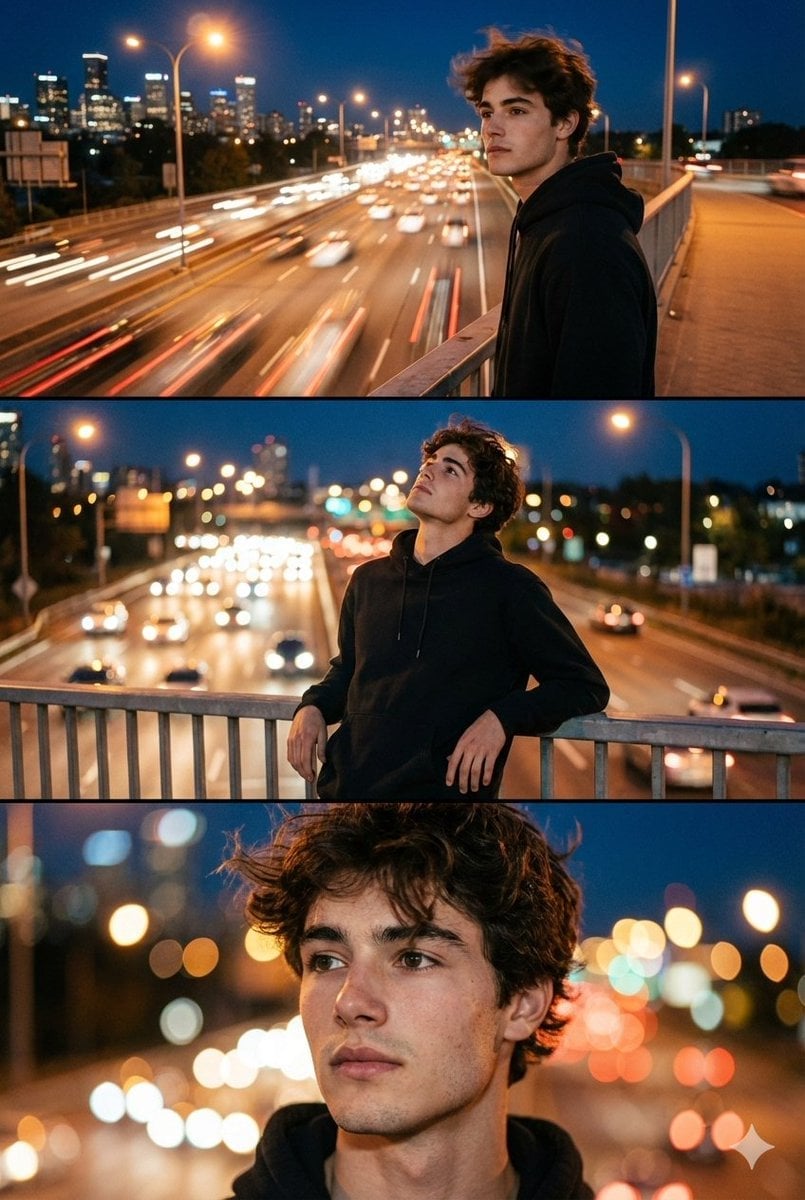
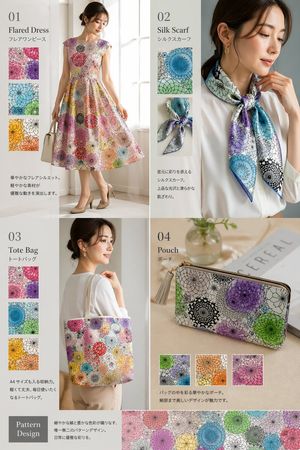
A high-end promotional layout showing the same character in three different stylish poses and outfits across horizontal panels.

A vibrant, high-end studio promotional image featuring the same stylish young Japanese woman repeated across three side-by-side panels in a horizontal triptych layout. She must clearly appear as the same person in all three panels (consistent face, hair, skin tone, identity), with strong face consistency. Each panel shows her fully from head to mid-thigh (no cropping), centered and clearly visible. The character is a fashionable, modern Japanese girl with a trendy, stylish appearance, natural glowing skin, well-groomed hair, and a confident personality. Each panel presents a different stylish pose, angle, and expression: Left panel: wearing a {argument name="outfit 1" default="chic mustard yellow polka-dot dress with sunglasses"}, playful and confident pose, slightly tilted body, hand in hair, looking off-camera with attitude. Center panel: wearing a {argument name="outfit 2" default="colorful patterned headscarf, fitted red top, and elegant beige high-waisted pants"}, facing forward with a confident, calm smile, strong eye contact, fashion model posture. Right panel: wearing a {argument name="outfit 3" default="modern green sweater with light-toned pants"}, relaxed yet stylish pose, slight side angle, soft natural smile, hands casually positioned. Background: three bold gradient panels (orange, purple, blue), each featuring soft abstract curved shapes and subtle cloud textures, giving a premium modern advertising aesthetic. Lighting: bright, soft, evenly diffused studio lighting, vibrant color grading, high contrast, ultra-sharp details, realistic skin tones. Style: luxury fashion campaign, modern commercial photography, editorial magazine quality, highly detailed, cinematic polish. Strict requirements: same Japanese girl in all panels, stylish fashion-focused appearance, different poses and angles in each panel, no text, no logos, no typography, no stickers, no branding elements, no cropping of characters, full composition visible, perfectly balanced horizontal layout.
Choose the primary action to open PicX Studio with the available template settings. Review the model and format, personalize the creative direction, and generate when ready.
Yes. You can change the subject, setting, lighting, mood, format, and available model controls before creating your image.
This template is free to open and customize. Generation usage is shown in PicX Studio before you create.
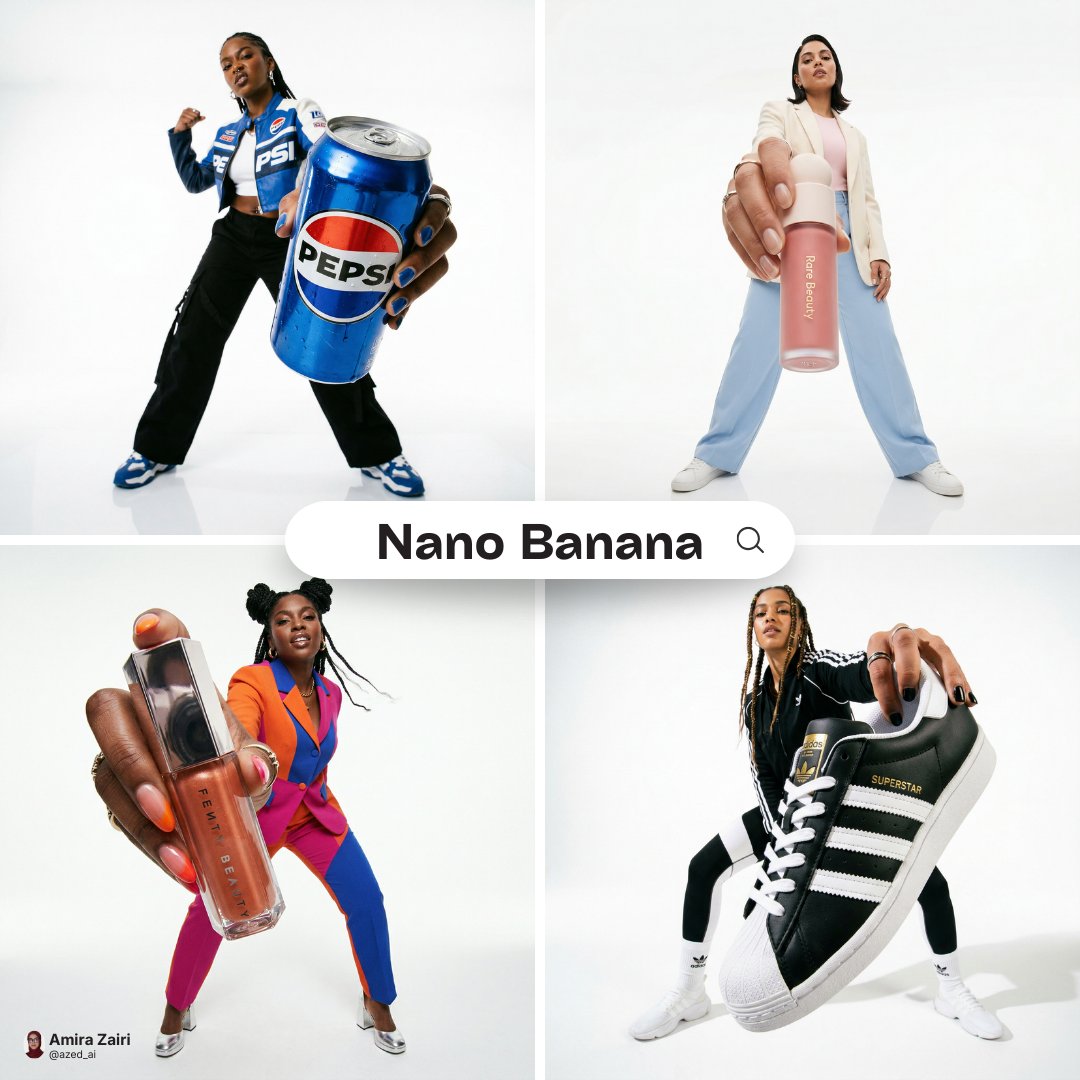
Start with Nano Banana 2, which is the model associated with this template. You can compare another compatible model for a different finish.
Follow a topic to a crawlable collection of related PicX Studio templates.