
Fantasy Knight Library Study Scene
Transforms a reference anime knight character into a cinematic gothic library scene for consistent character-to-scene generation.
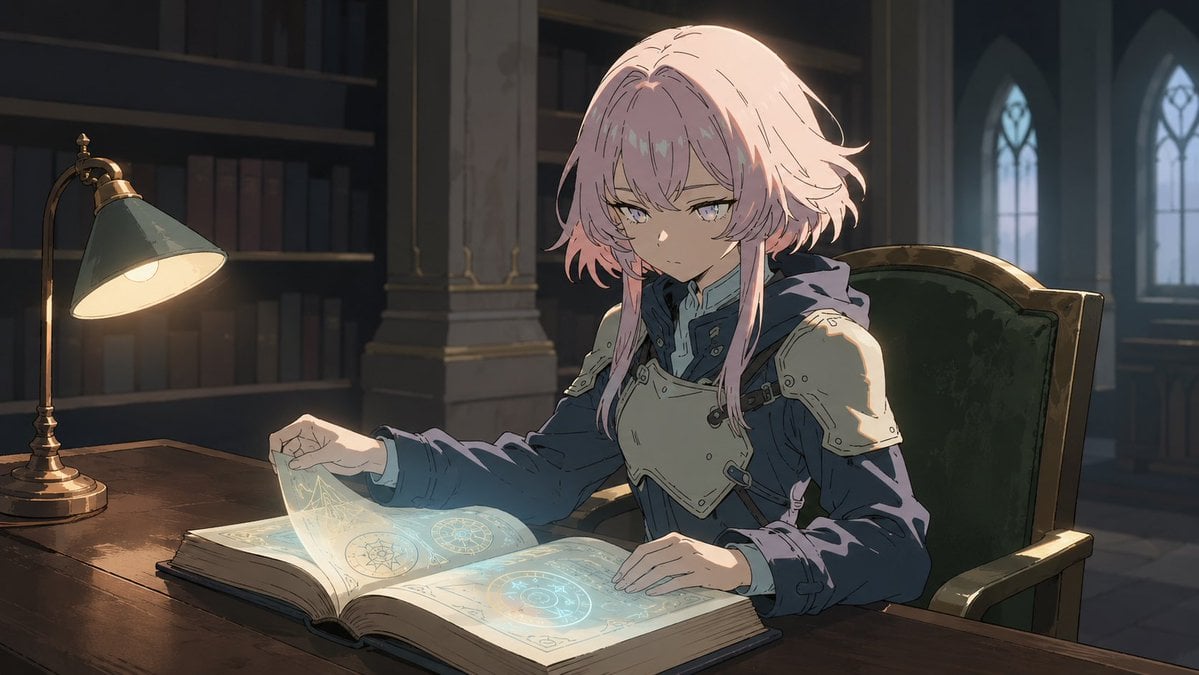
- Prompt included
- Model and format preset
- Free template
The prompt behind this image
Copy the exact prompt behind Fantasy Knight Library Study Scene, or open it in the studio and make it yours.
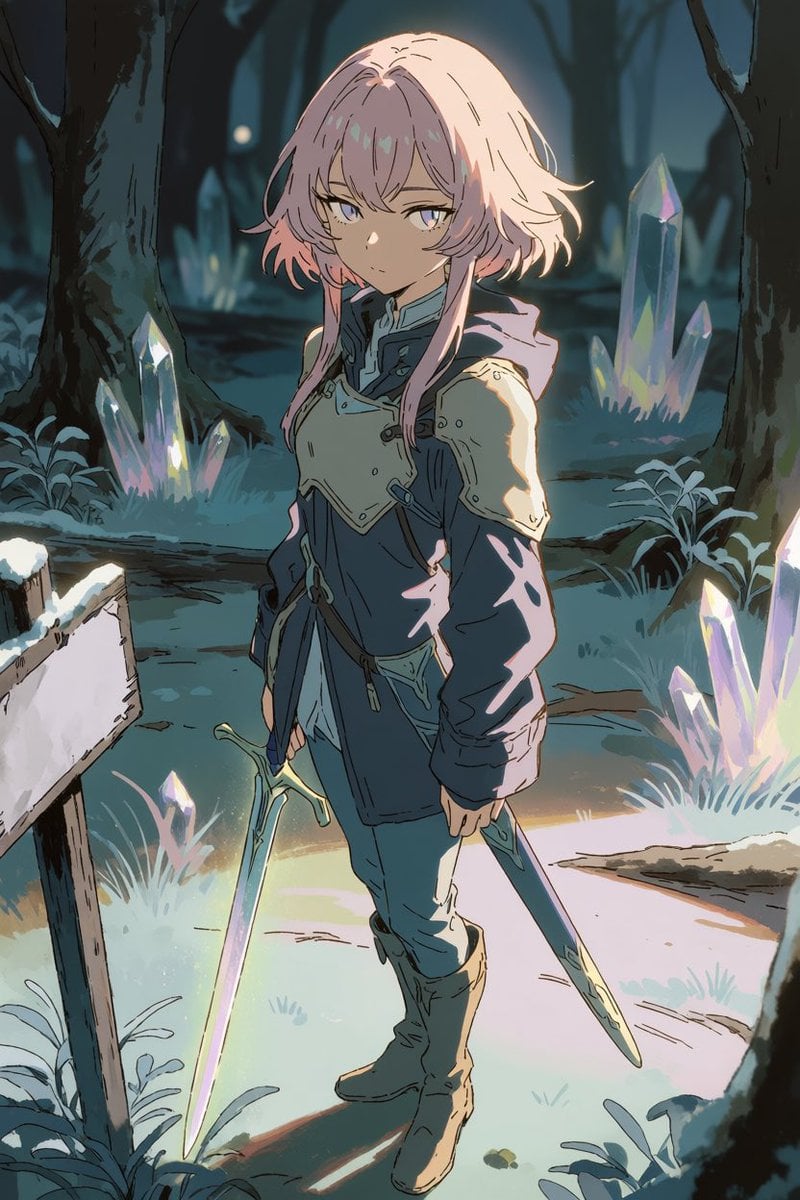
Using REFERENCE_0 as the character base, regenerate the same character with the same identity, anime illustration style, facial features, hairstyle, armor, cloak, and overall color palette, but place her in a new indoor study scene instead of the crystal forest. Goal: Create a cinematic fantasy-library scene where {argument name="character name" default="the pink-haired young knight"} is seated at a wooden desk, calmly studying a magical book. Pose and action: Change the full-body standing sword pose into a seated three-quarter view at the desk. Her left hand should be lifting or holding a translucent glowing page, and her right hand should rest on the open book. Remove the sword from view. New environment: Replace the outdoor forest and crystals with a dim gothic library or archive. Add exactly these new visible scene elements: 1 large wooden desk in the foreground, 1 brass desk lamp with a green shade on the left side, 1 open oversized magic book with glowing blue diagrams, 1 high-backed green upholstered chair, dark bookshelves in the background, stone columns, and 3 tall arched gothic windows in the back-right area. Lighting: Use warm lamplight from the left and cool blue moonlight from the arched windows, plus soft cyan glow from the magic book illuminating her hands and armor. Keep dramatic shadows and a quiet, contemplative mood. Style constraints: Preserve the reference image’s clean anime linework, painterly shading, soft rim lighting, fantasy atmosphere, and character consistency. Make the composition horizontal widescreen, {argument name="aspect ratio" default="16:9"}, suitable as a video reference frame. Avoid adding text, watermarks, extra characters, or changing the character’s outfit design.
Reference images included
Fantasy Knight Library Study Scene needs input media to work. They load alongside the prompt when you open it in the studio.
How to use Fantasy Knight Library Study Scene in 3 steps
- 1Upload ImagePNG, JPG or paste
Add your photo
Upload the photo the template builds on. The prompt, model and format are already set.
- 2…a portrait of your subject in softgolden-hour light, 85mm…
Personalize
Edit the subject and creative details for your destination.
- 3Generate
Generate
Press Generate — your image is created in PicX Studio, so you can compare it with the original and refine one variable at a time.
More like this
Templates with the same subject, style or setup. Open one to see its prompt.
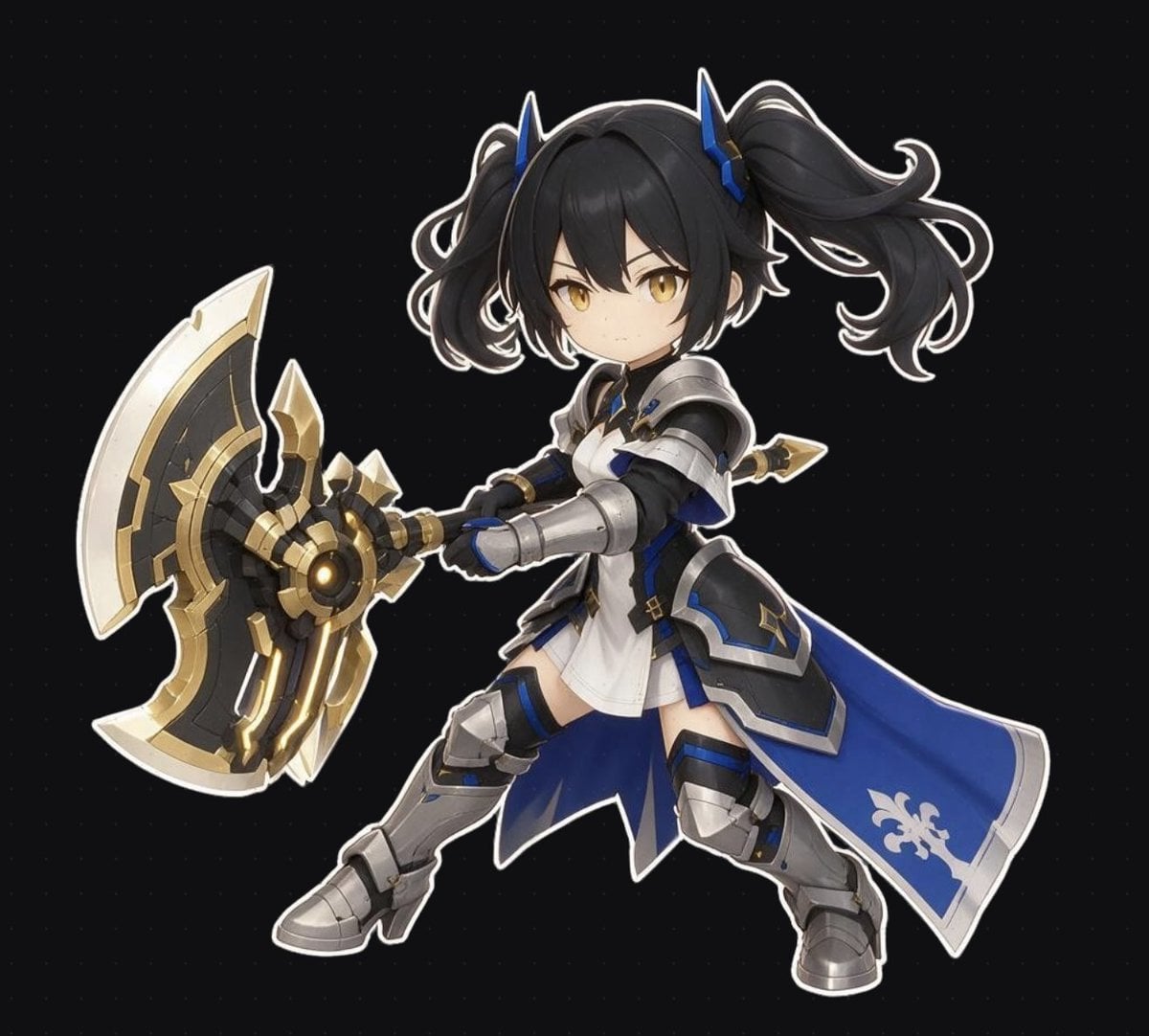
Chibi Fantasy Axe Knight
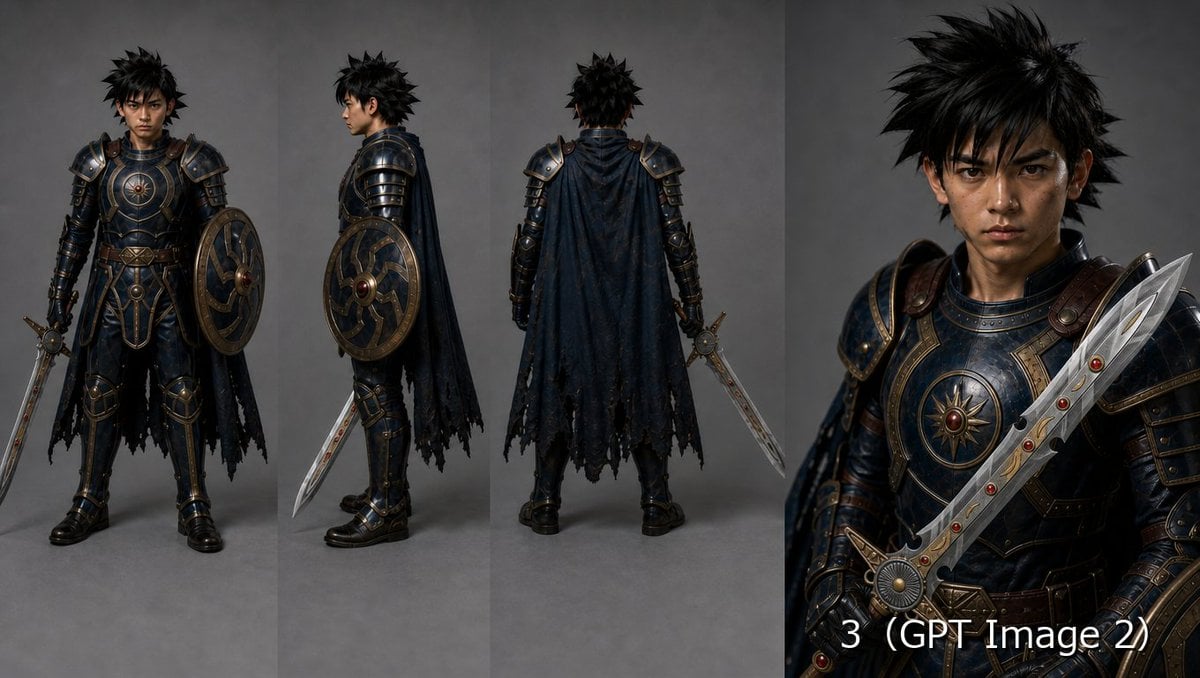
Fantasy Knight Character Turnaround Sheet

Anime Fantasy Celestial Movie Poster
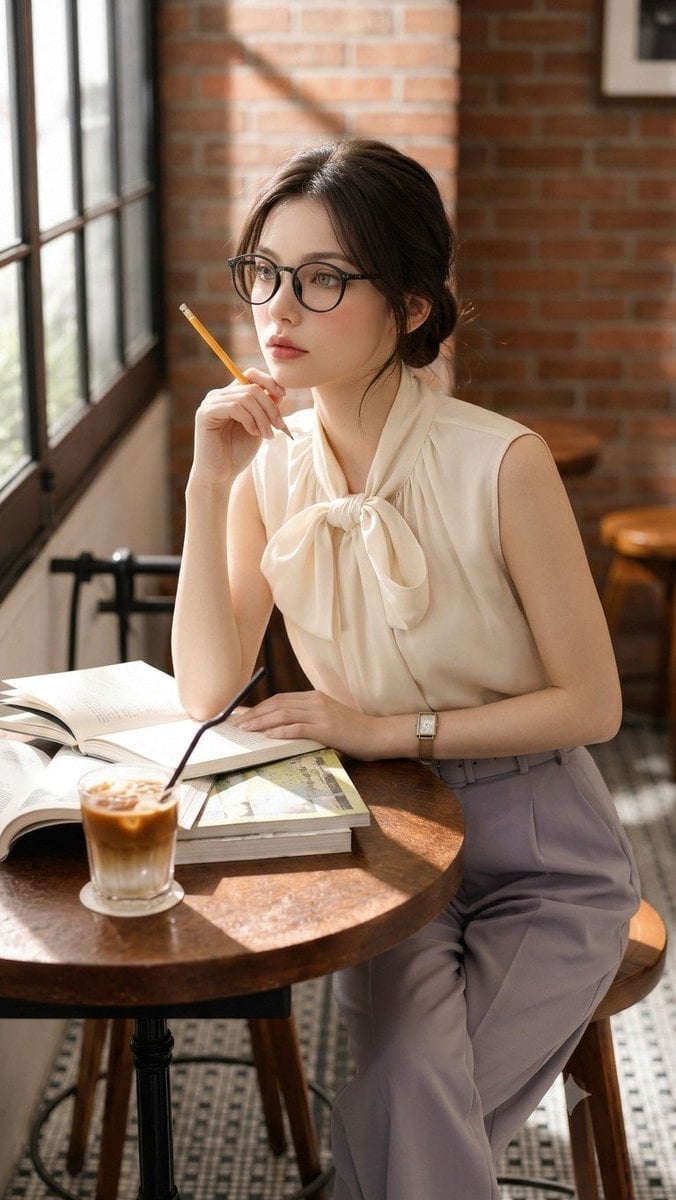
Douyin Aesthetic Café Study Portrait
Anime Fantasy Celestial Movie Poster
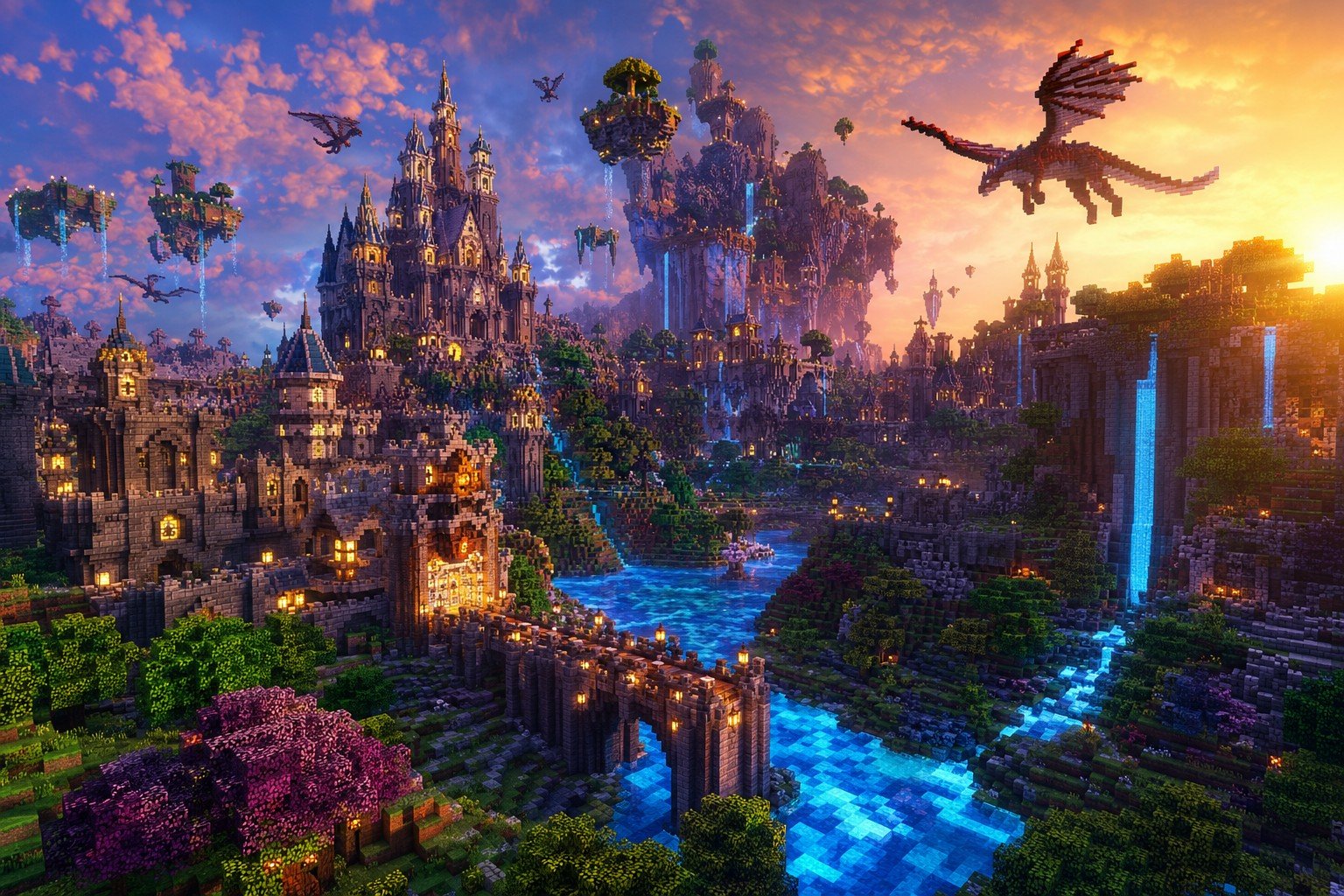
Minecraft Fantasy Kingdom Voxel Landscape
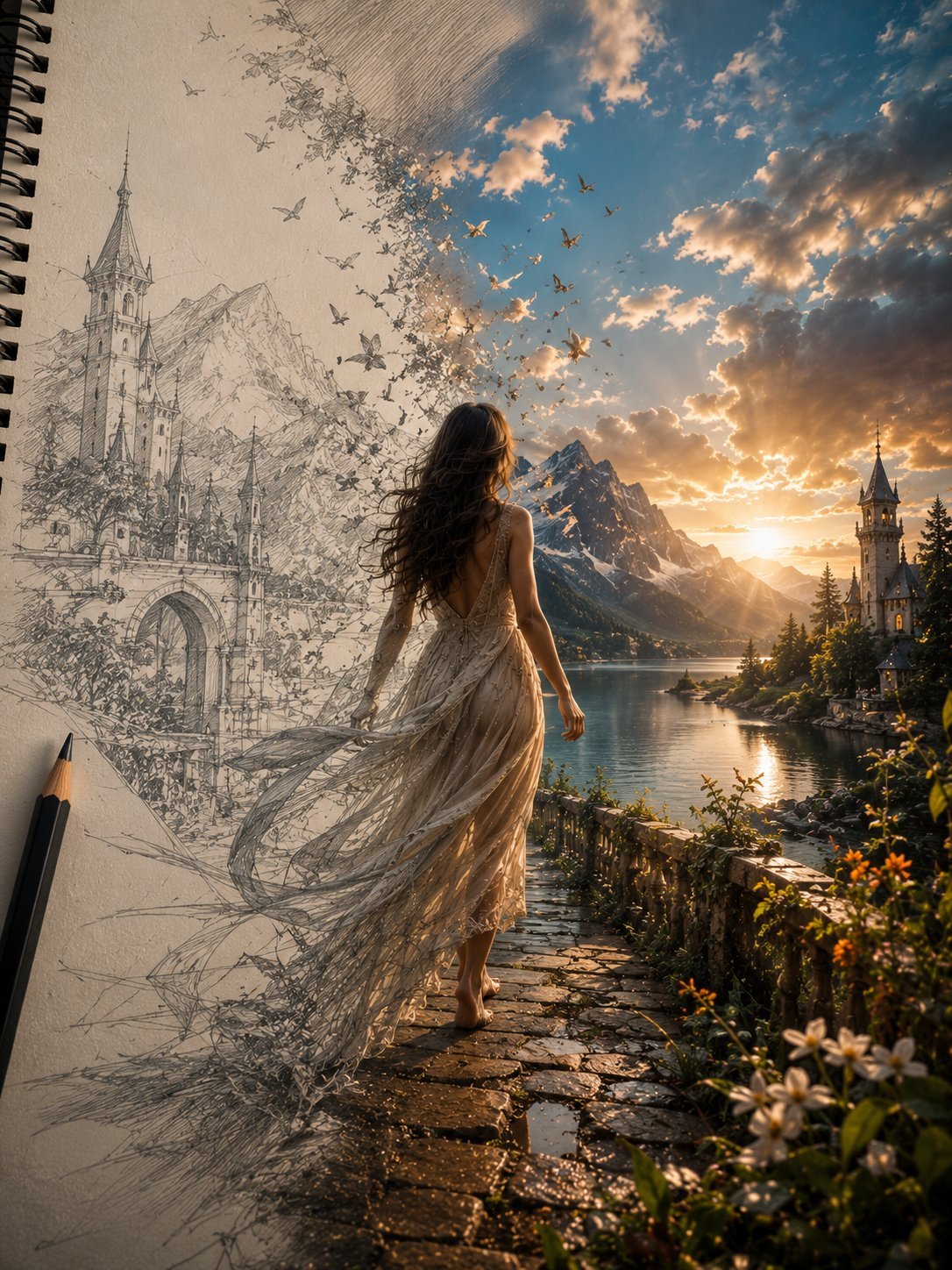
Unfinished Sketch Comes Alive Portrait
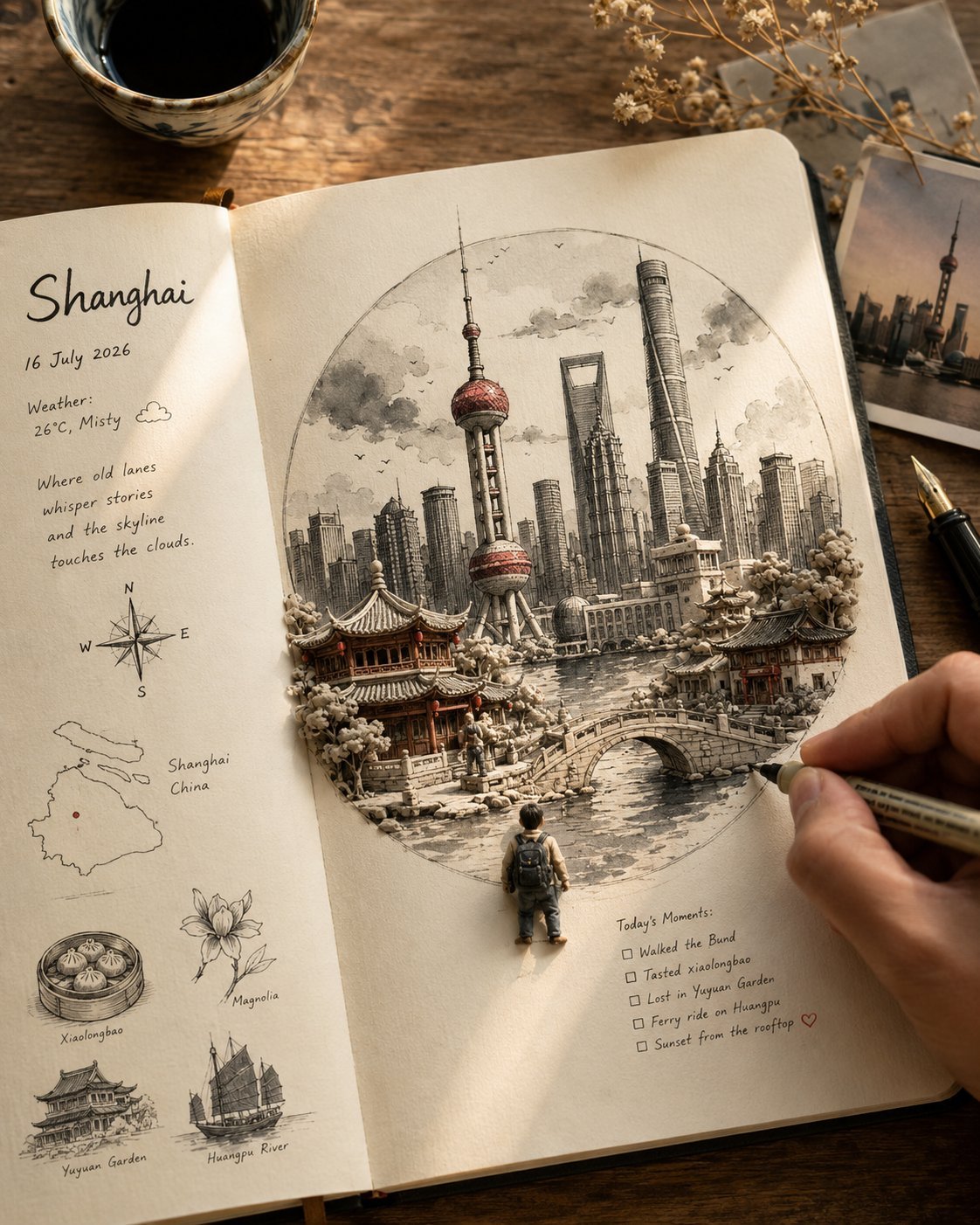
Open Travel Journal Overhead Still Life
Tiny Woman Miniature Fantasy Macro Scene
Cylindrical Fantasy Library
Fantasy Knight Food Reaction Manga
Teal Dragon Knight Cathedral Fantasy
Make it yours
Fantasy Knight Library Study Scene works as-is. These are the safest ways to change it without losing the look.
Change one field
Copy a single group, rewrite it, and generate again so you can see what that field is doing.
Keep the frame, change the subject
Hold the composition and light of Fantasy Knight Library Study Scene, then swap wardrobe, props or the person for a new take.
| If the result… | Why | Fix |
|---|---|---|
| The result drifts from the preview | Too many fields changed at once. | Reuse Fantasy Knight Library Study Scene as-is first, then change one group — subject, light, or setting. |
| The model over-stylizes the scene | The prose prompt leaves finish and camera underspecified. | Add one camera or lighting sentence and stay on GPT Image 2. |
More GPT Image 2 templates
Other prompts made for GPT Image 2.

Six VTuber Japanese Logo Sheet

Realistic Portrait of Woman and Deer

The Vista Modular Condo Poster

AI Model Routing Comparison Infographic

2.5D Anime Art Board

Isometric Productivity Desk Scene

New York Double Exposure Poster

Four-Panel AI Landscape Comparison

Japanese Tatami Lifestyle Magazine Cover

NESCAFÉ Coffee Map Poster
More image prompts
Fresh picks from across the catalog.
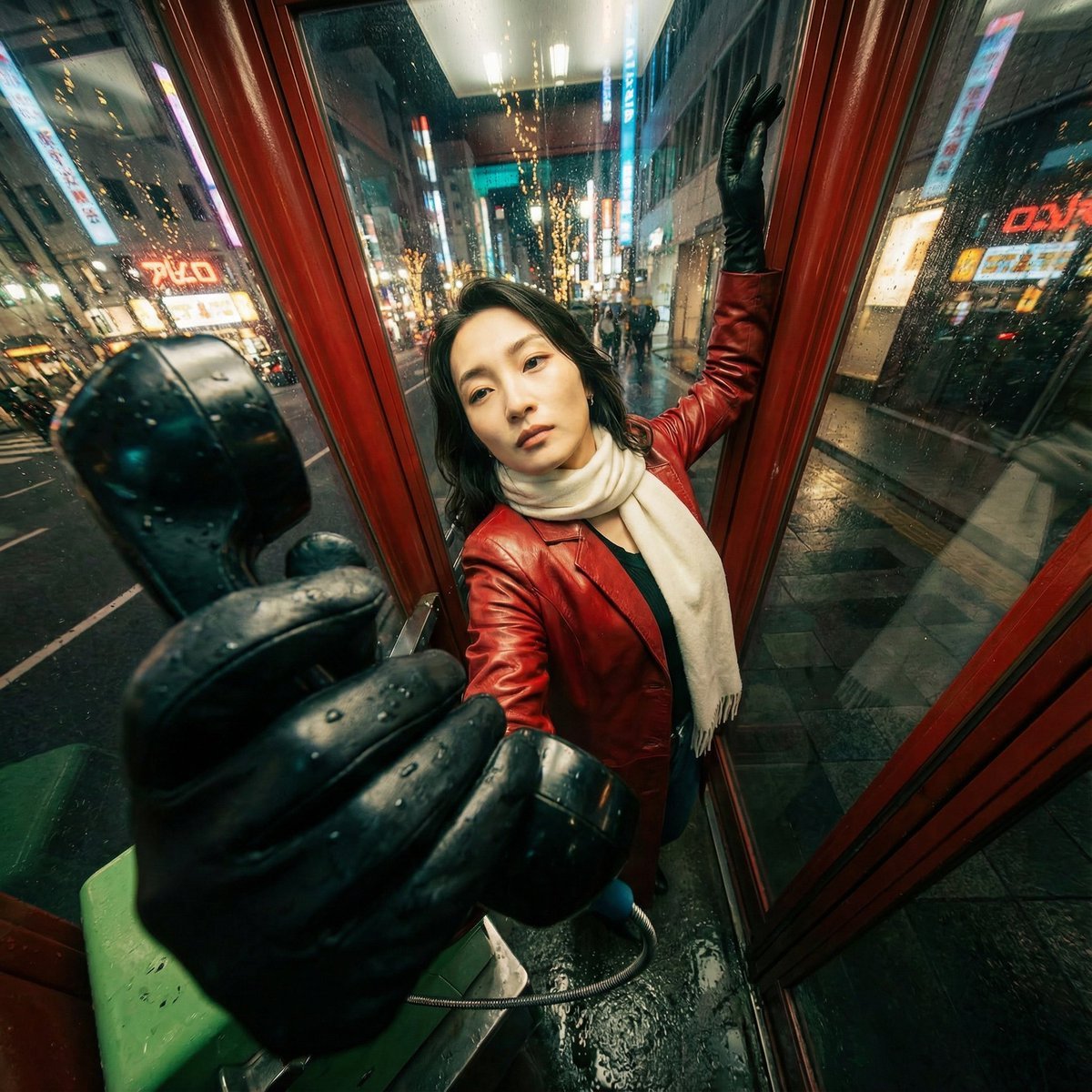
Extreme Wide-Angle Perspective Transformation
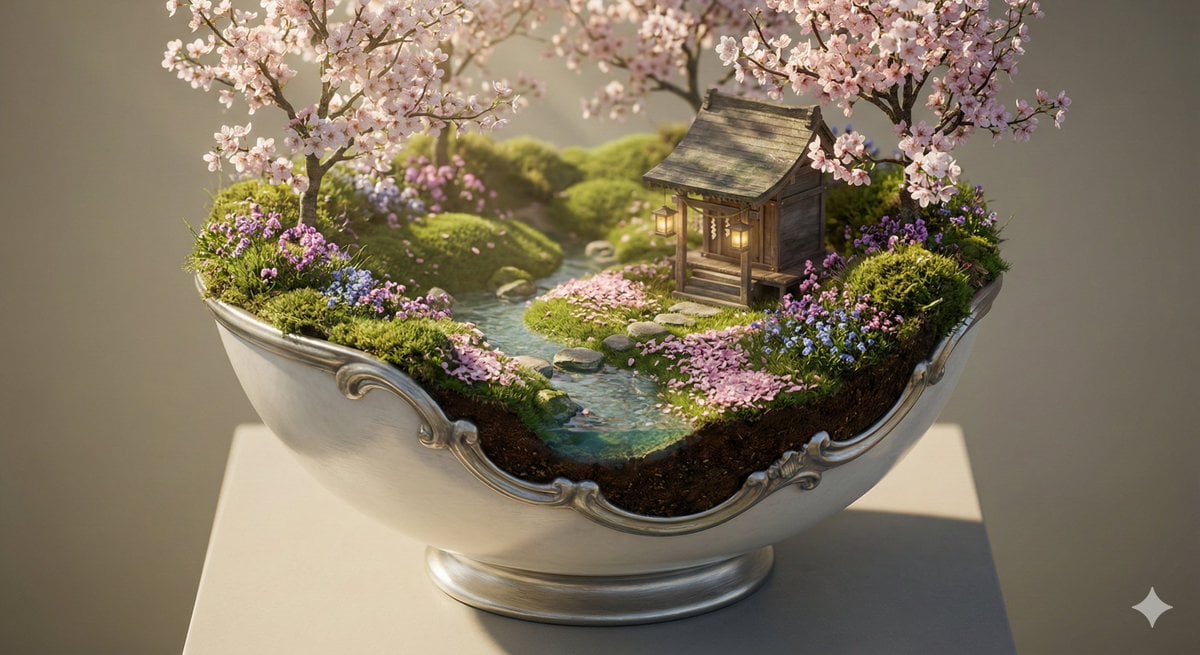
Ornate Diorama of a Spring Shrine Prompt
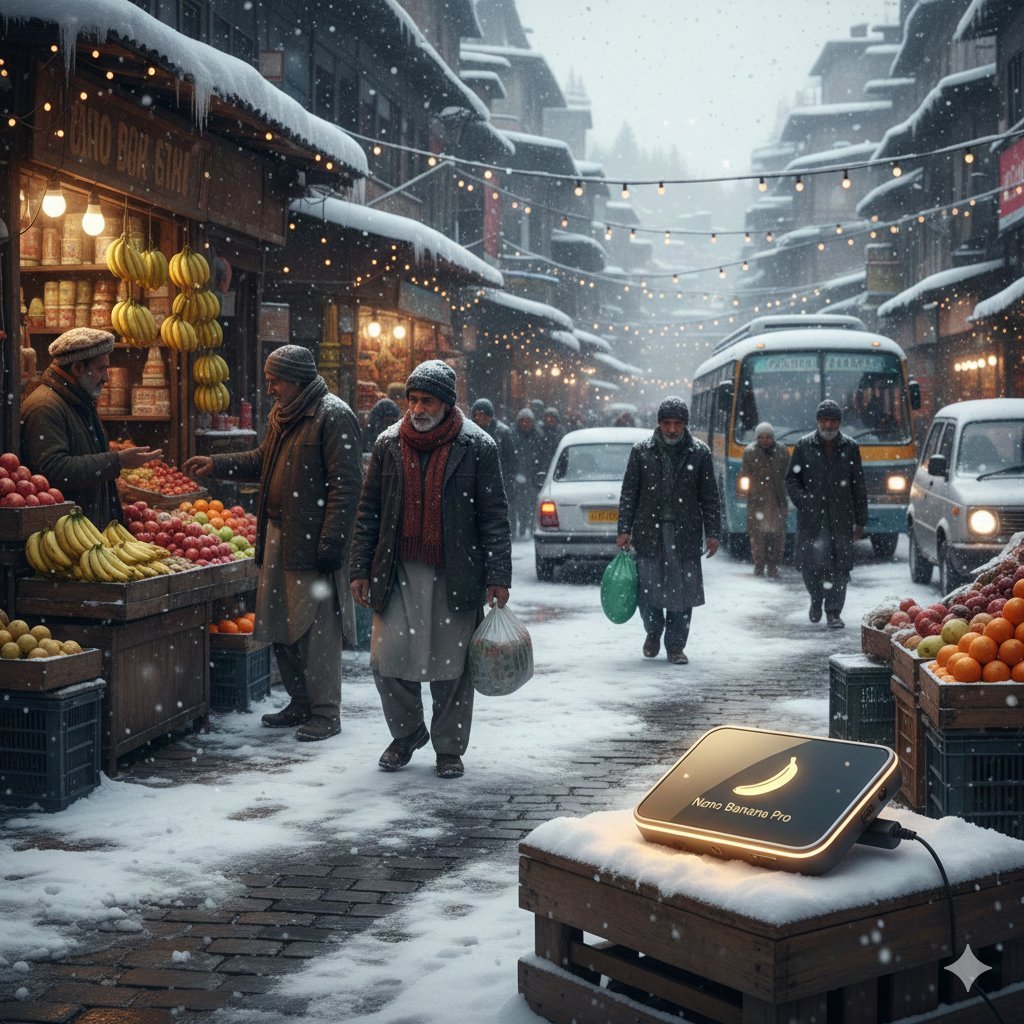
Kashmir Winter Promotional Scene Prompt
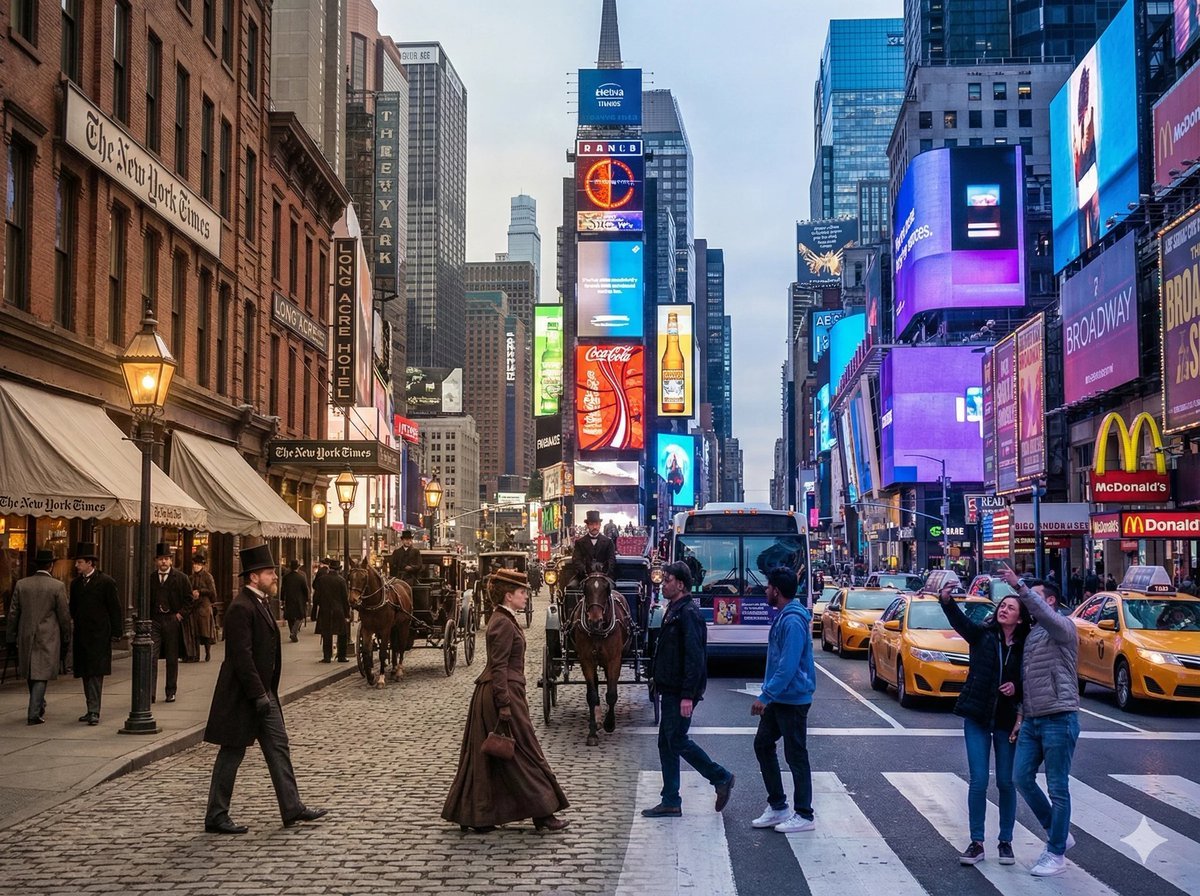
Times Square Time-Blend Split-Screen
MapleStory Style Pixel Art Avatar
Cinematic Sunset Lifestyle Photo Prompt for Nano Banana Pro
Realistic Cafe Portrait of Young Japanese Woman
Bold Winter Fashion Portrait (Ester Expósito)
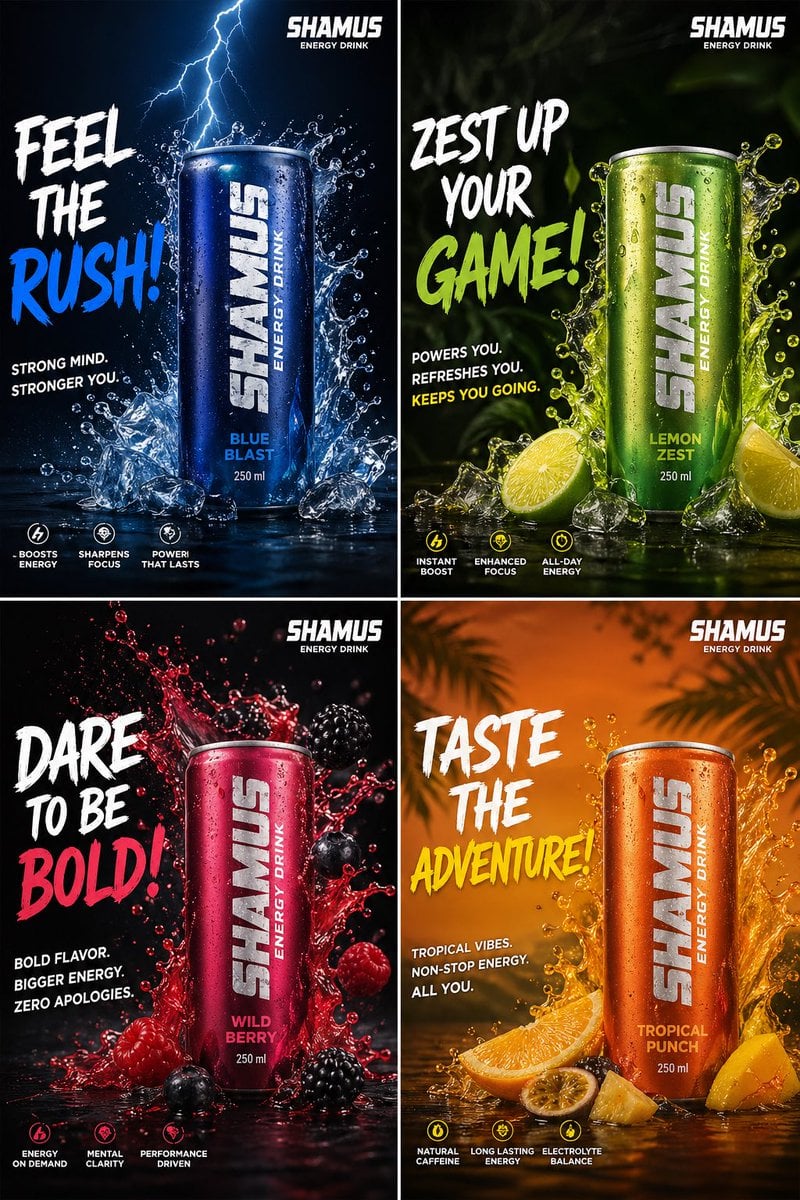
Energy Drink Brand Instagram Creatives
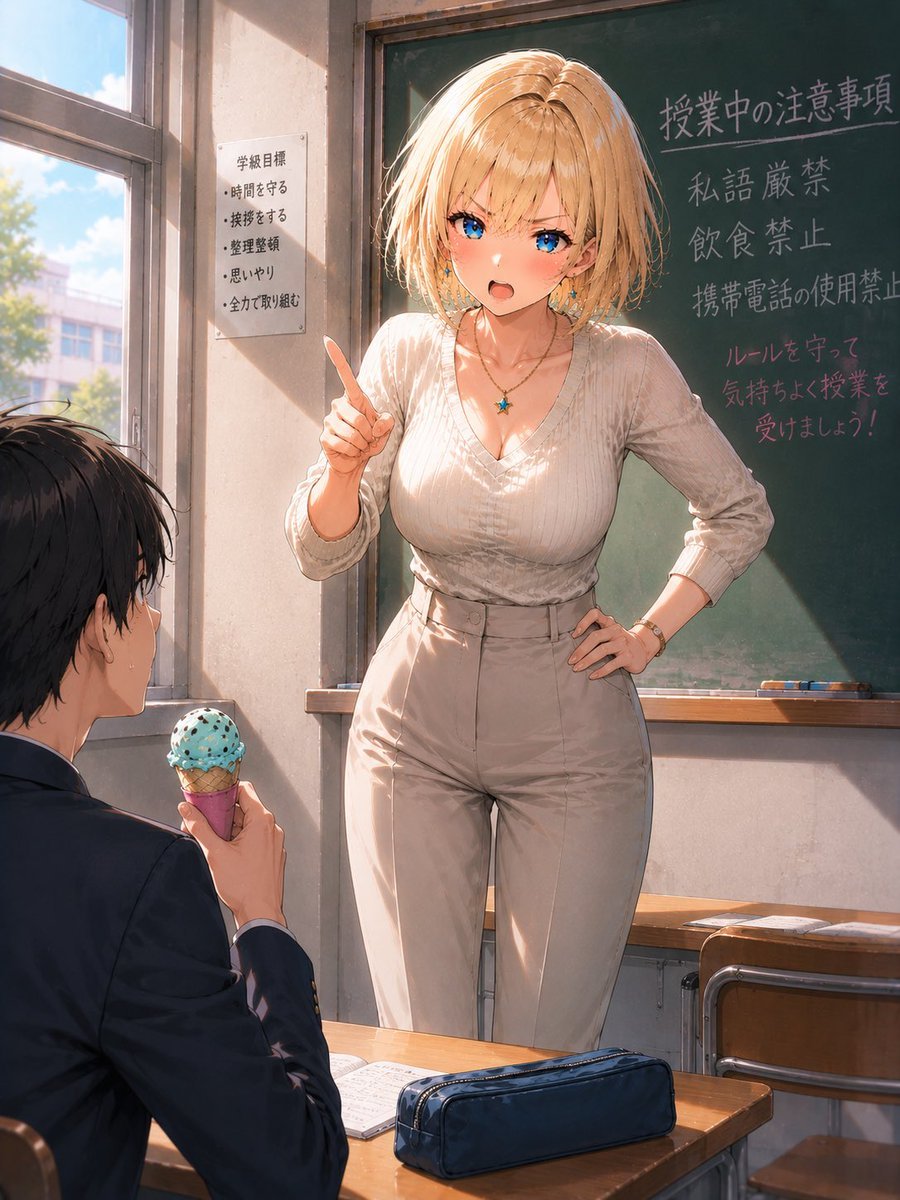
Blonde Teacher Classroom Scene
Browse template categories
Fantasy Knight Library Study Scene questions
How do I use the Fantasy Knight Library Study Scene template?
Add your photo if the template asks for one, edit the prompt if you like — the template's model and format are already selected — and press Generate. Your version opens in PicX Studio.
Can I customize the Fantasy Knight Library Study Scene template?
Yes. You can change the subject, setting, lighting, mood, format, and available model controls before creating your image.
Is the Fantasy Knight Library Study Scene template free?
Opening and editing this template is free. Generating uses credits, shown on the Generate button when you are signed in.
Which AI model should I use?
Start with GPT Image 2, which is the model associated with this template. You can compare another compatible model for a different finish.
Looking for something else? Browse all templates.

Your photo, any look
Thousands of ready templates for every top image and video model, from one credit balance.