How do I use the Dark Noble Warrior Holding Cat template?
Choose the primary action to open PicX Studio with the available template settings. Review the model and format, personalize the creative direction, and generate when ready.
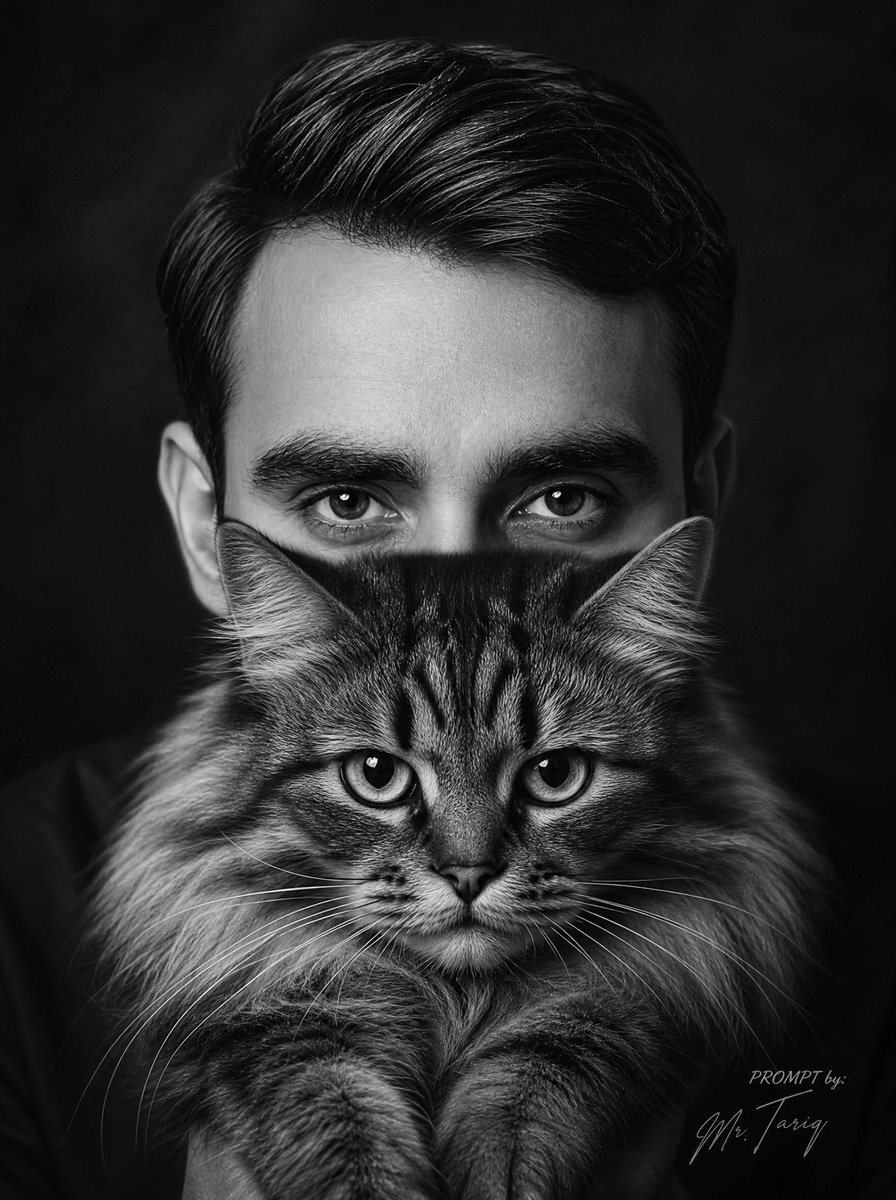
A cinematic fantasy portrait prompt for generating a handsome black-robed ancient Chinese noble warrior holding a black-and-white cat in a lantern-lit night mar
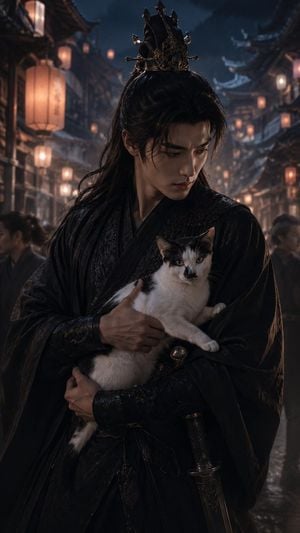
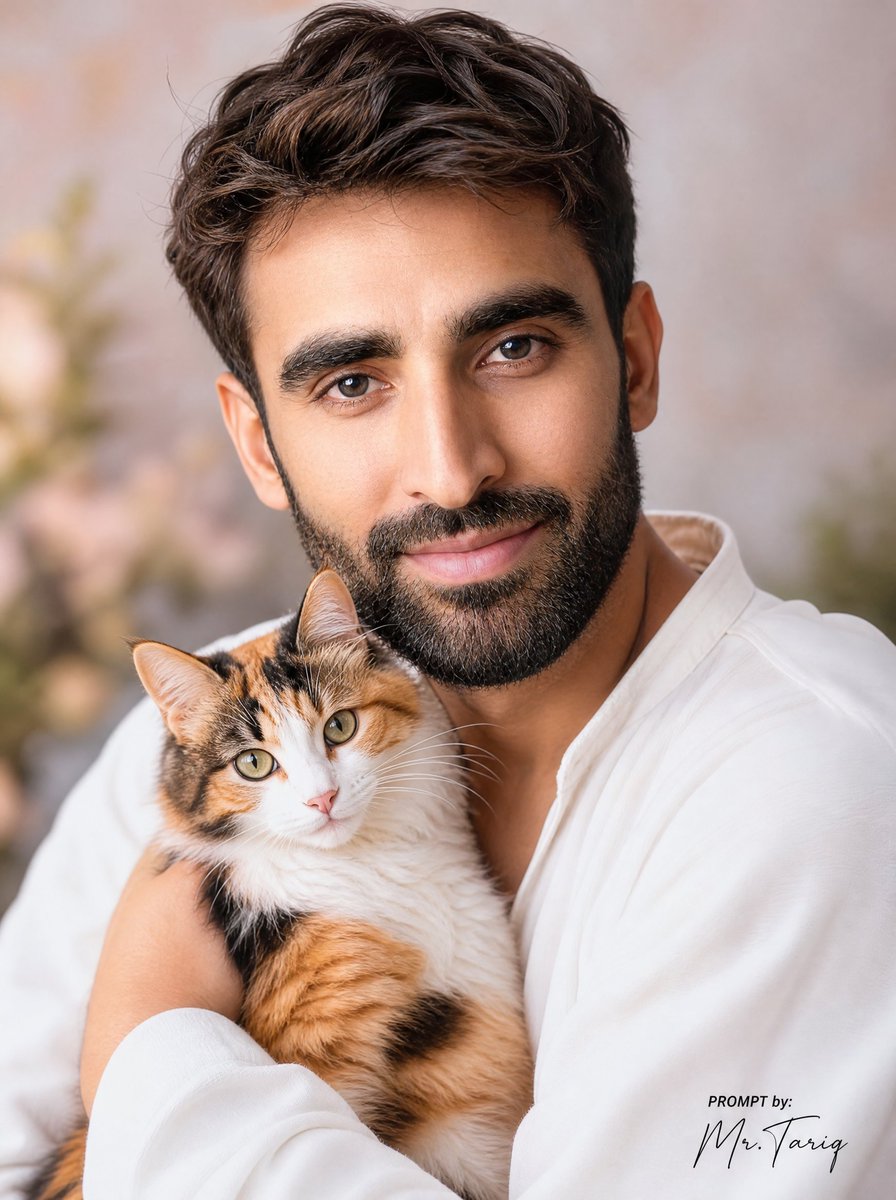
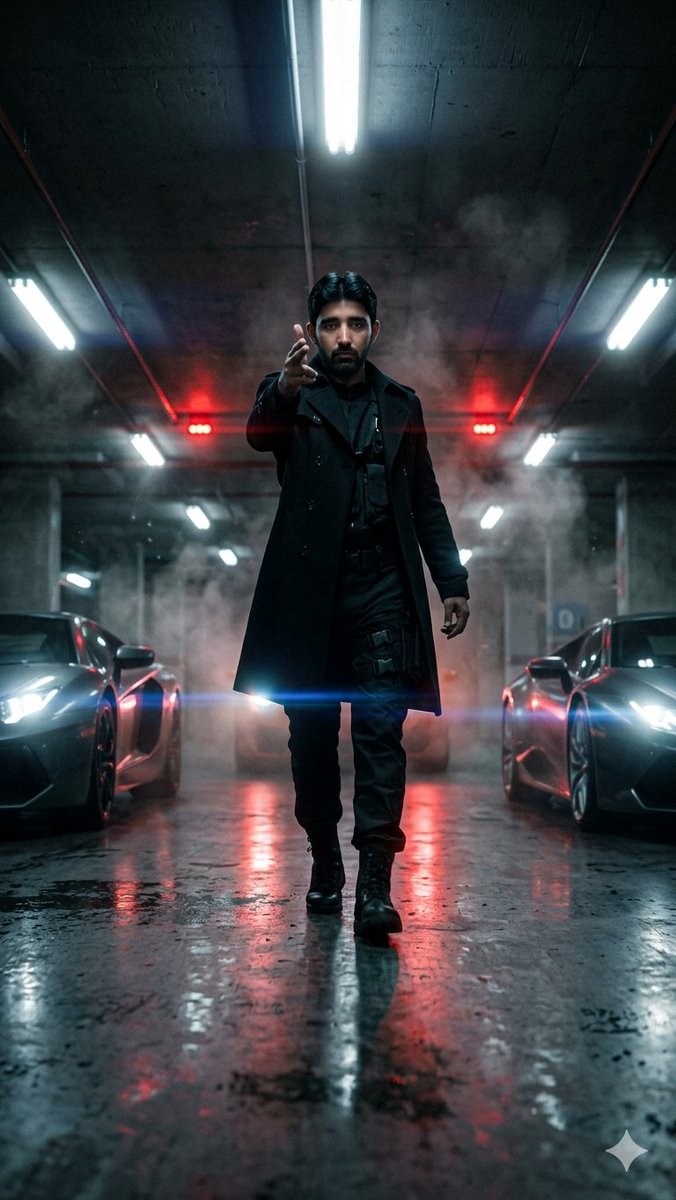
Create a cinematic vertical fantasy portrait of a handsome young East Asian man, {argument name="character name" default="a mysterious noble warrior"}, standing in a crowded ancient Chinese night market street during light rain. He has pale skin, sharp refined features, a serious melancholic expression, and long flowing {argument name="hair color" default="black"} hair tied half-up beneath an ornate dark metal crown with jagged black-gold points. He wears layered black hanfu-style robes with subtle embroidered patterns, leather wrist guards, a dark cloak, and a sheathed sword at his waist. He is holding exactly one cat in his arms: a white cat with black markings on the head, ears, back, and tail, alert golden eyes, and one paw extended over his sleeve. The man looks downward toward the cat, protective and introspective. Background: narrow old-town street with traditional wooden buildings on both sides, curved tiled rooftops, warm hanging paper lanterns, blurred pedestrians, wet reflective stone pavement, faint mist and smoke, deep blue night sky. Lighting should contrast warm orange lantern glow with cool moonlit blue shadows, creating dramatic rim light on hair, crown, robe folds, and the cat’s fur. Style: ultra-realistic cinematic historical fantasy, high-detail costume texture, shallow depth of field, atmospheric bokeh, moody romantic drama, vertical 9:16 composition, waist-up framing, centered subject. Avoid text, logos, modern objects, extra animals, distorted hands, or duplicate faces.
Choose the primary action to open PicX Studio with the available template settings. Review the model and format, personalize the creative direction, and generate when ready.
Yes. You can change the subject, setting, lighting, mood, format, and available model controls before creating your image.
This template is free to open and customize. Generation usage is shown in PicX Studio before you create.
Start with GPT Image 2, which is the model associated with this template. You can compare another compatible model for a different finish.
Follow a topic to a crawlable collection of related PicX Studio templates.