How do I use the Minimalist Digital Illustration Transformation template?
Choose the primary action to open PicX Studio with the available template settings. Review the model and format, personalize the creative direction, and generate when ready.
A transformation prompt for GPT Image 2 that converts uploaded photos into clean, semi-realistic digital illustrations while maintaining the original compositio
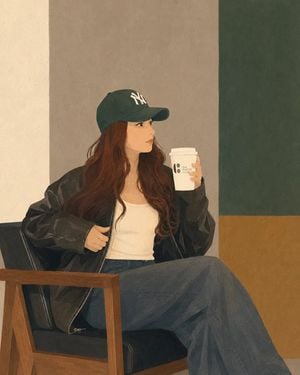
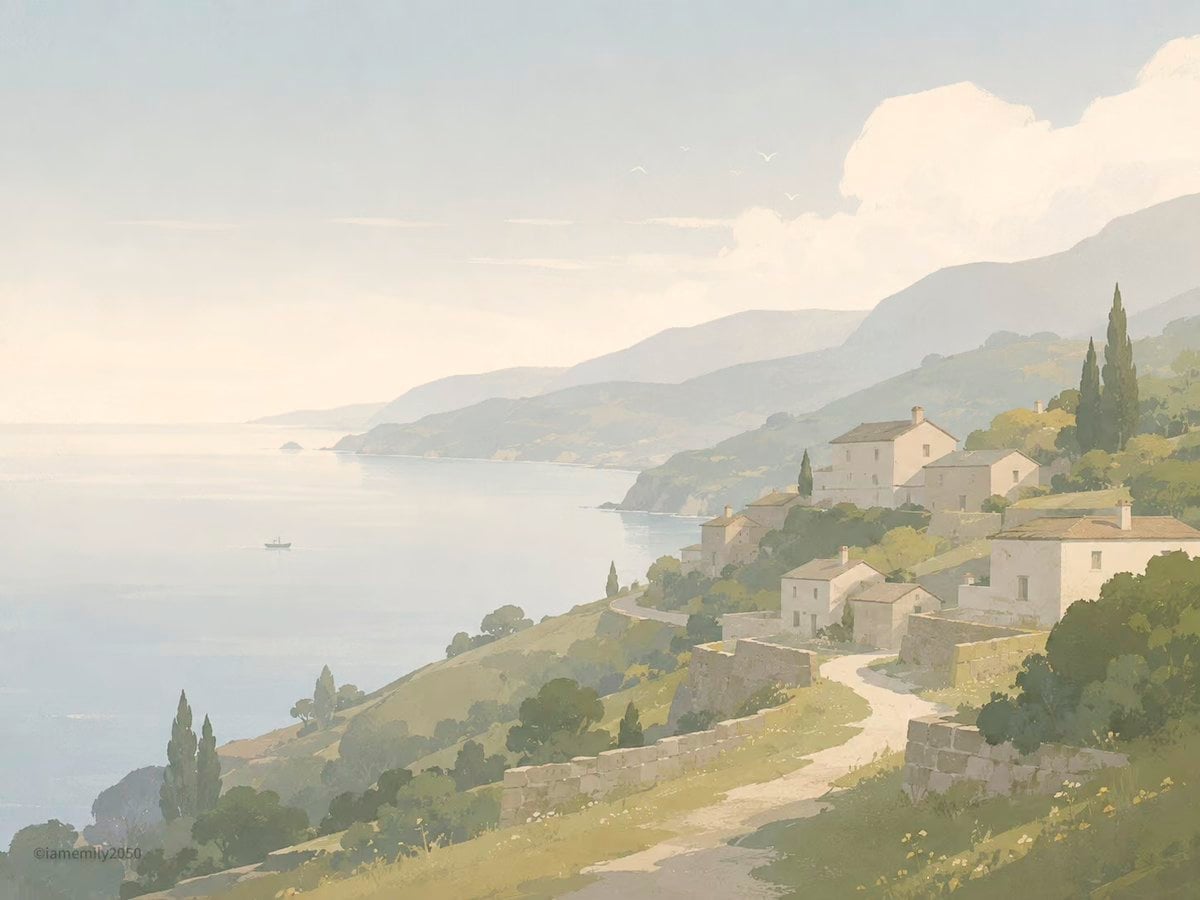
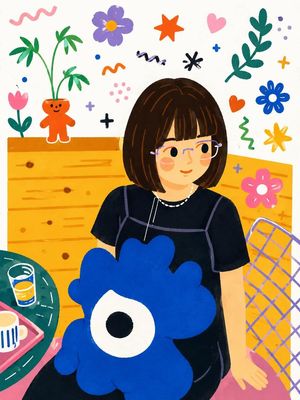
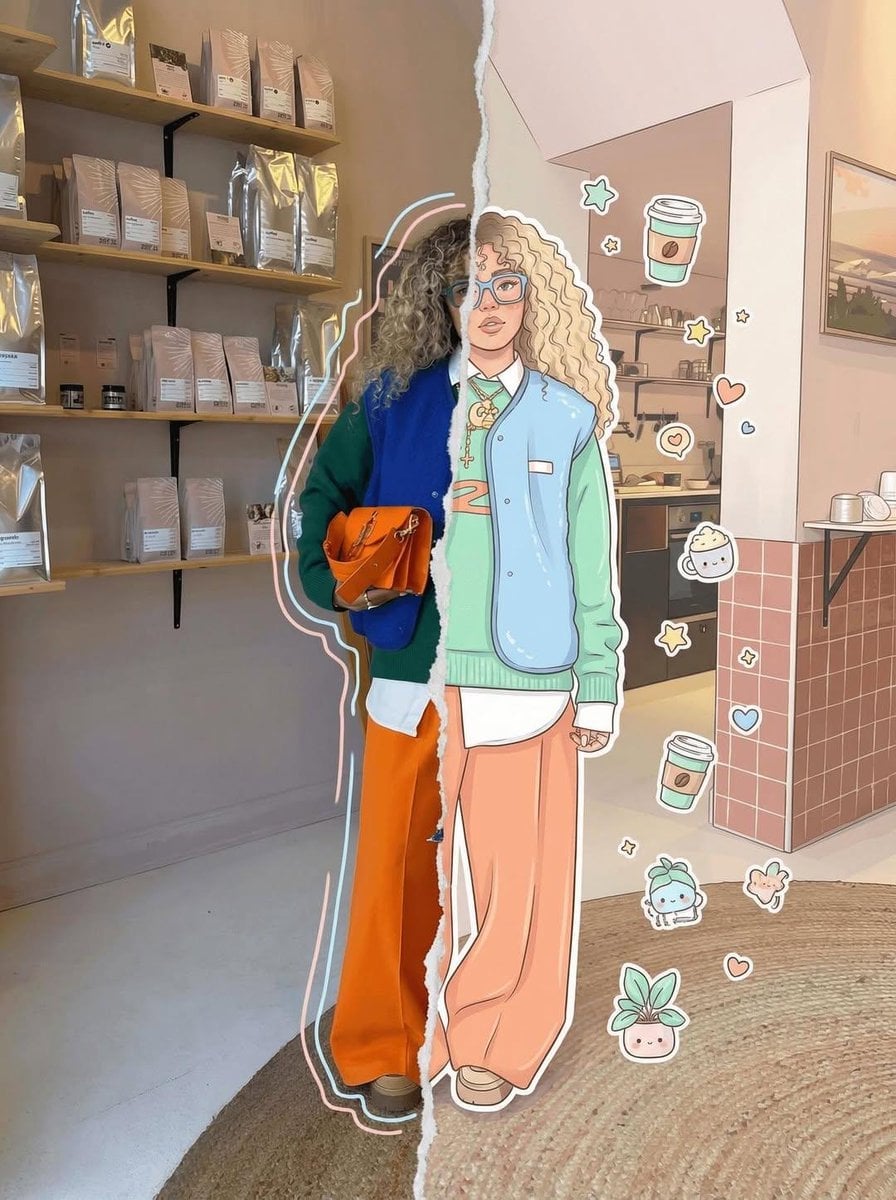
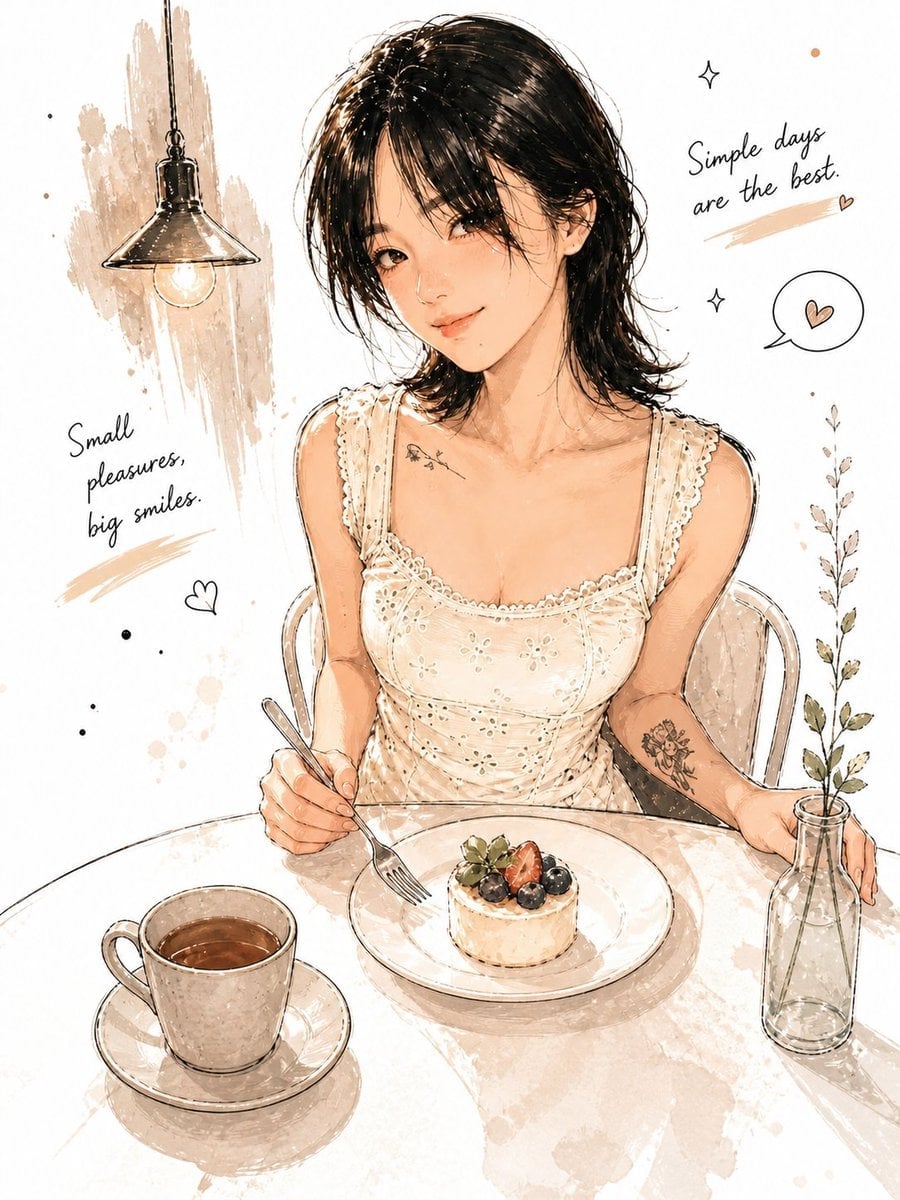
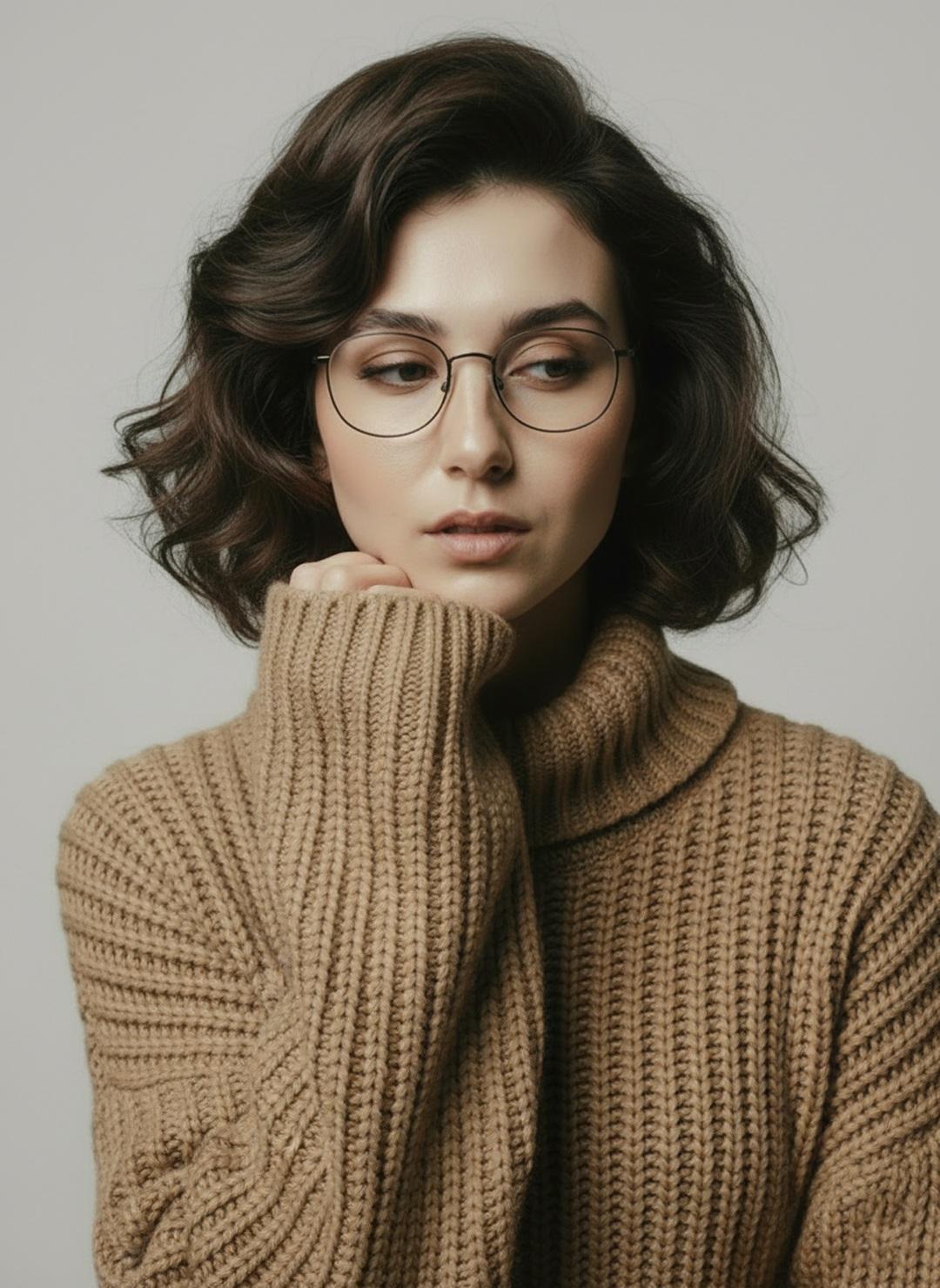
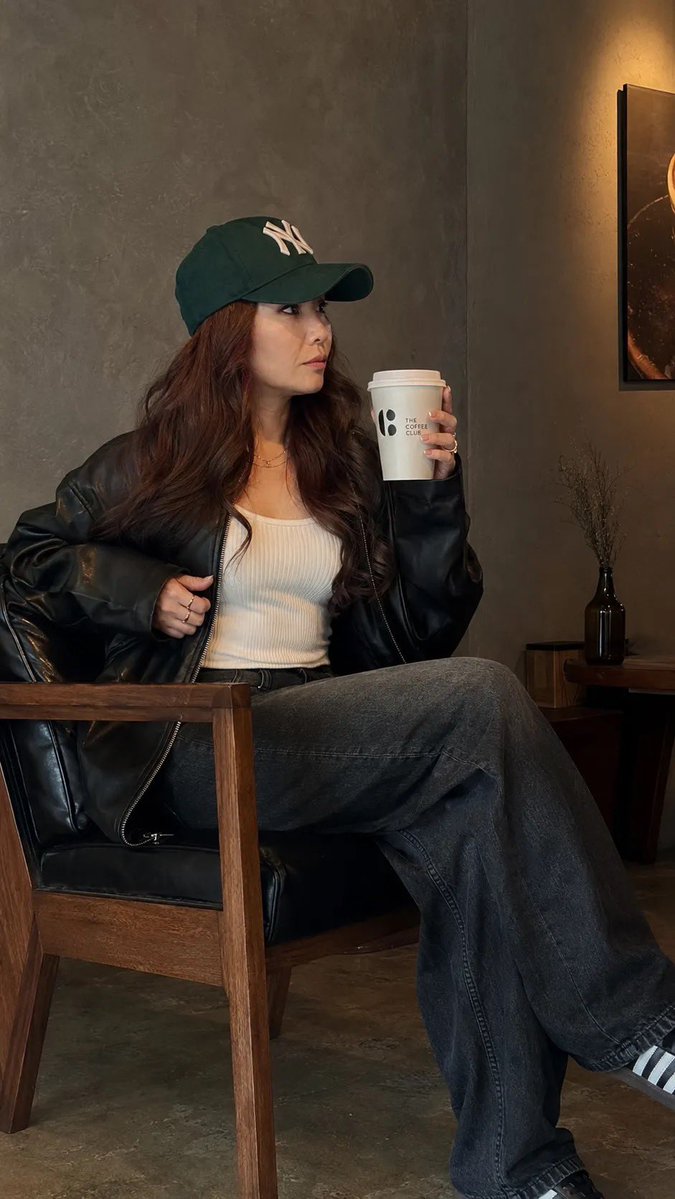
Transform the uploaded photo into a clean, minimalist semi-realistic digital illustration while preserving the original composition, pose, outfit, chair, coffee cup, and overall framing. Simplify facial features with smooth vector-like shapes, soft painterly shading, and subtle linework. Use {argument name="color palette" default="muted earthy tones, warm beige, olive green, charcoal black, and soft brown"}. Replace the detailed café background with simple geometric color-blocked walls and minimal interior elements. Maintain {argument name="clothing and accessories" default="natural long wavy hair, oversized black leather jacket, white ribbed tank top, dark wide-leg jeans, and green baseball cap"}. Create a calm, cozy coffeehouse atmosphere with soft ambient lighting, smooth textures, flat-color rendering, elegant minimalism, modern editorial illustration style, high detail, clean edges, balanced composition, premium lifestyle artwork, 4K quality.
Minimalist Digital Illustration Transformation needs input media to work. Open it in the studio and these load alongside the prompt — pick whichever ones your chosen model can take.
Choose the primary action to open PicX Studio with the available template settings. Review the model and format, personalize the creative direction, and generate when ready.
Yes. You can change the subject, setting, lighting, mood, format, and available model controls before creating your image.
This template is free to open and customize. Generation usage is shown in PicX Studio before you create.
Start with GPT Image 2, which is the model associated with this template. You can compare another compatible model for a different finish.
Follow a topic to a crawlable collection of related PicX Studio templates.