
GPT Image 2 vs 2.5 Space Comparison
A vertical comparison poster showing two cinematic sci-fi space scenes labeled as different GPT Image versions for social media discussion.
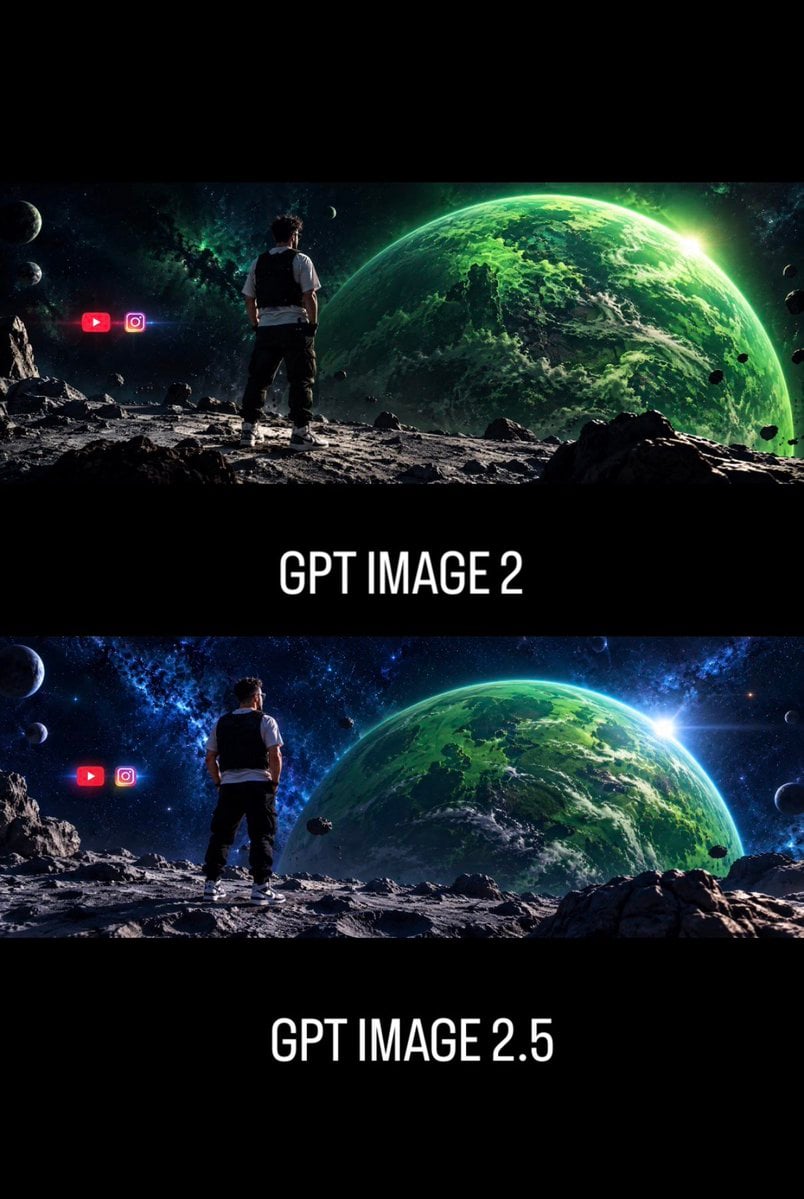
- Prompt included
- Model and format preset
- Free template
The prompt behind this image
Copy the exact prompt behind GPT Image 2 vs 2.5 Space Comparison, or open it in the studio and make it yours.
Goal: Create a vertical social-media comparison graphic showing two cinematic AI-image generations of the same sci-fi scene, emphasizing improved art direction between versions. Canvas: Portrait 2:3 format, black background, high-contrast cinematic presentation with wide letterboxed image strips. Use a stacked layout with exactly 2 panoramic sci-fi image panels separated by thick black bands. Layout: Top panel: a wide cinematic space landscape occupying the upper third. Center band below it contains the large white label “{argument name="top label" default="GPT IMAGE 2"}”. Bottom panel: a second wide cinematic space landscape occupying the middle-lower third. Bottom band contains the large white label “{argument name="bottom label" default="GPT IMAGE 2.5"}”. Keep the typography centered, tall condensed sans-serif, all caps, white, clean, and glowing slightly against black. Scene content in each panel: Show the same composition in both panels: one man viewed from behind, standing on a rocky moon-like surface, looking toward a huge green Earth-like planet filling the right side of the sky. The man is centered-left, wearing a white short-sleeve shirt, black vest, dark pants, and white sneakers. The terrain is gray, cratered, and covered with jagged rocks. The background is deep outer space with stars, nebula clouds, small moons, and scattered asteroids. A bright sun flare appears near the right edge of the large green planet. Panel differences: The top panel should look slightly darker, rougher, less refined, with a greener color cast and a more chaotic, lower-polish atmosphere. The bottom panel should look more polished, sharper, more balanced, with richer blue space tones, better light direction, clearer composition, crisper rocks, stronger planet detail, and a more cinematic lens flare. Discrete visible elements to include: exactly 2 image panels; exactly 2 text labels; exactly 1 human figure in each panel, for 2 total human figures; exactly 1 large green planet in each panel, for 2 total large planets; exactly 2 social media icons in each panel, for 4 total icons. In both panels, place the two icons to the left of the man: a red YouTube play-button icon and a pink-purple Instagram camera icon, glowing slightly and floating in space. Visual style: Ultra-wide cinematic sci-fi concept art, photorealistic digital matte painting, dramatic rim lighting, high detail, strong depth, black letterbox bands, poster-like comparison layout, no watermark, no extra captions beyond the two version labels. Use {argument name="main color palette" default="emerald green planets, blue-black space, gray lunar rocks, white typography"}.
How to use GPT Image 2 vs 2.5 Space Comparison in 3 steps
- 1Upload ImagePNG, JPG or paste
Add your photo
Upload the photo the template builds on. The prompt, model and format are already set.
- 2…a portrait of your subject in softgolden-hour light, 85mm…
Personalize
Edit the subject and creative details for your destination.
- 3Generate
Generate
Press Generate — your image is created in PicX Studio, so you can compare it with the original and refine one variable at a time.
More like this
Templates with the same subject, style or setup. Open one to see its prompt.
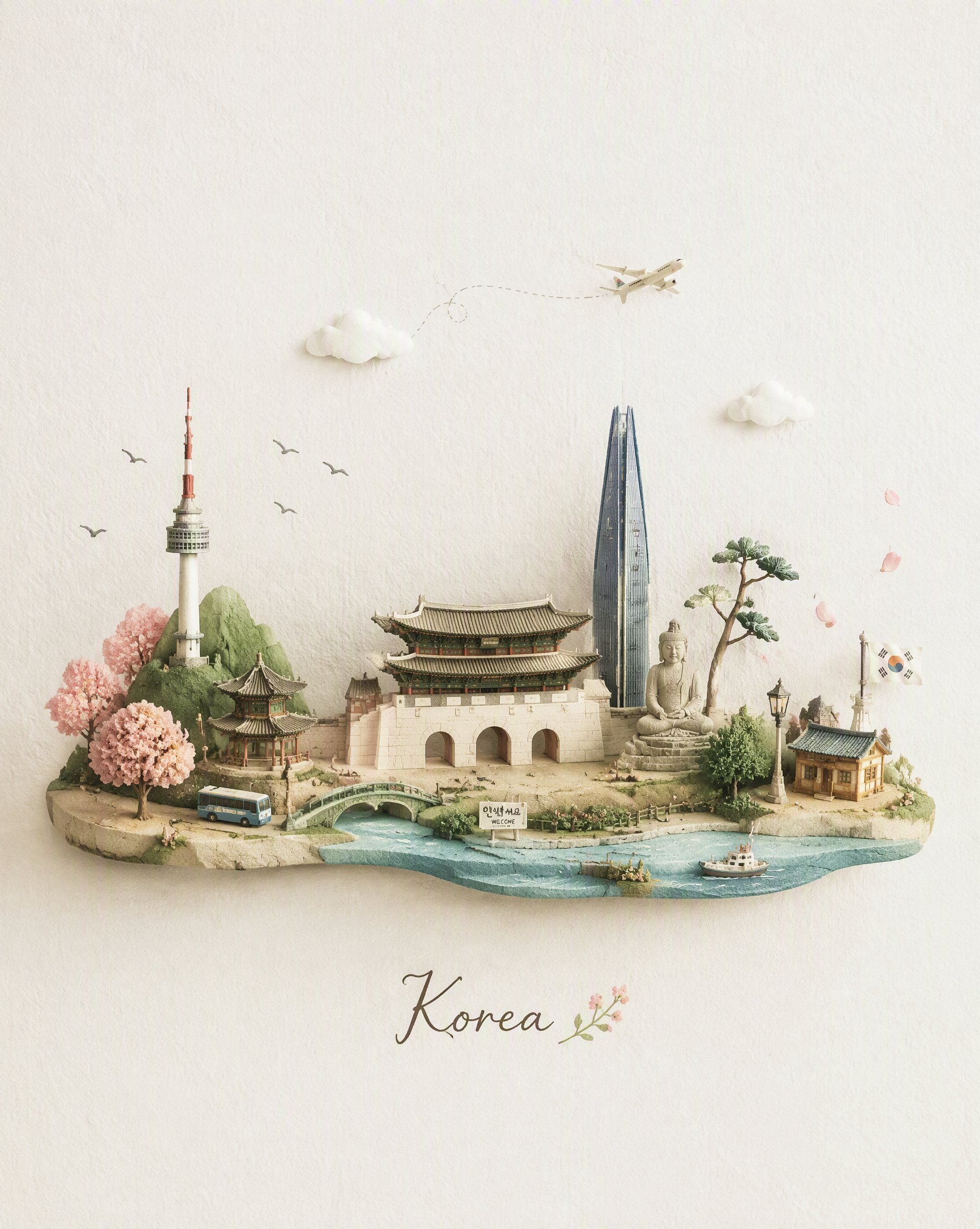
Miniature Travel Diorama Postcard
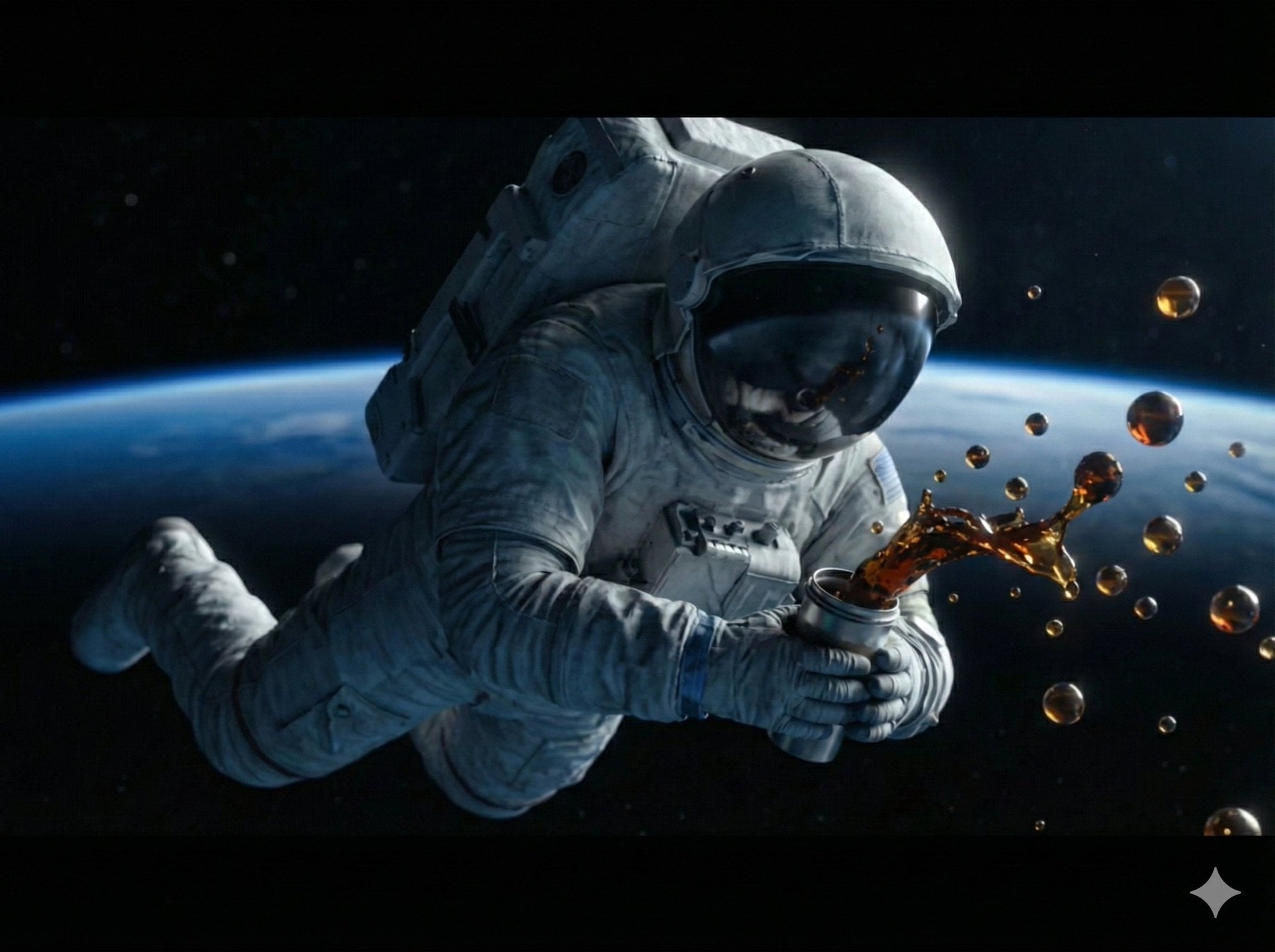
Astronaut Zero-Gravity Coffee Splash
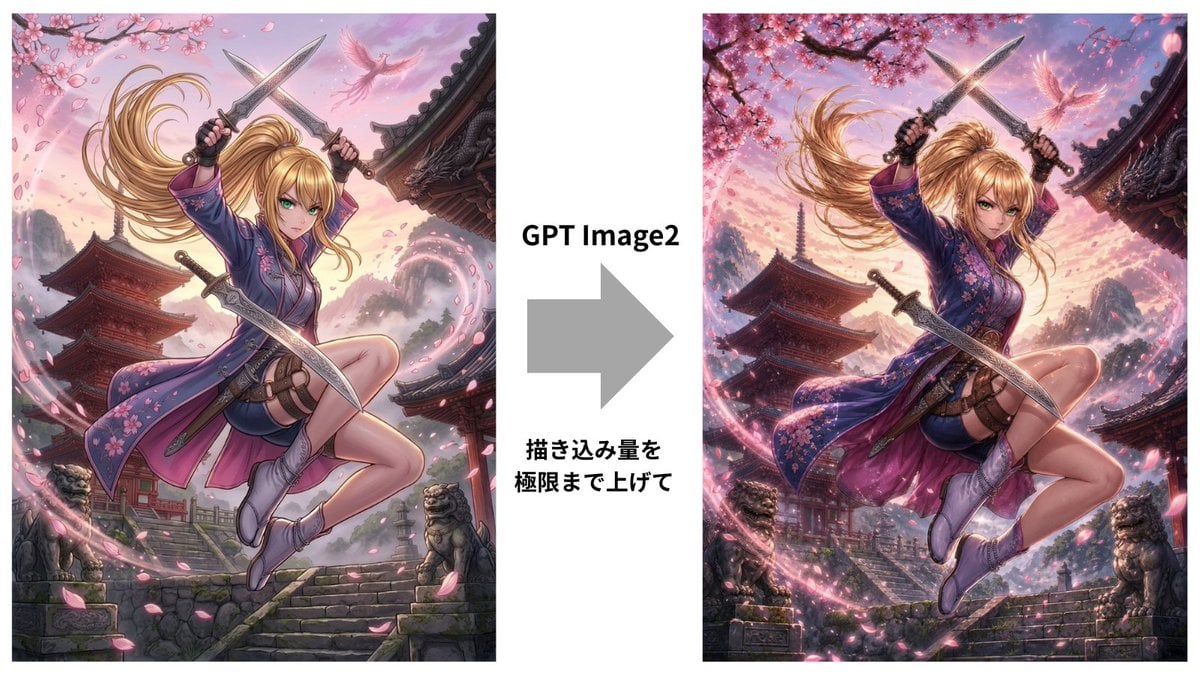
GPT Image 2 Kunoichi Comparison
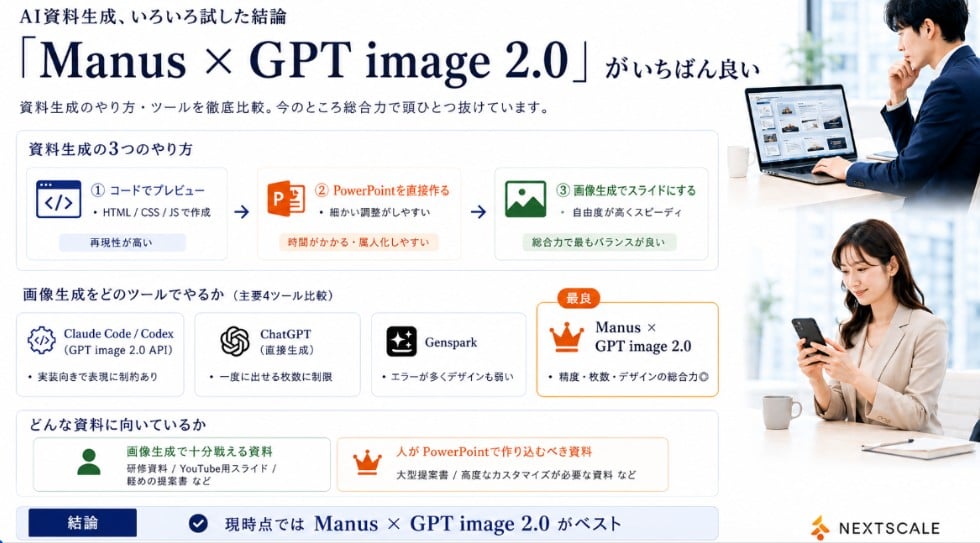
Manus GPT Image 2.0 Comparison Slide
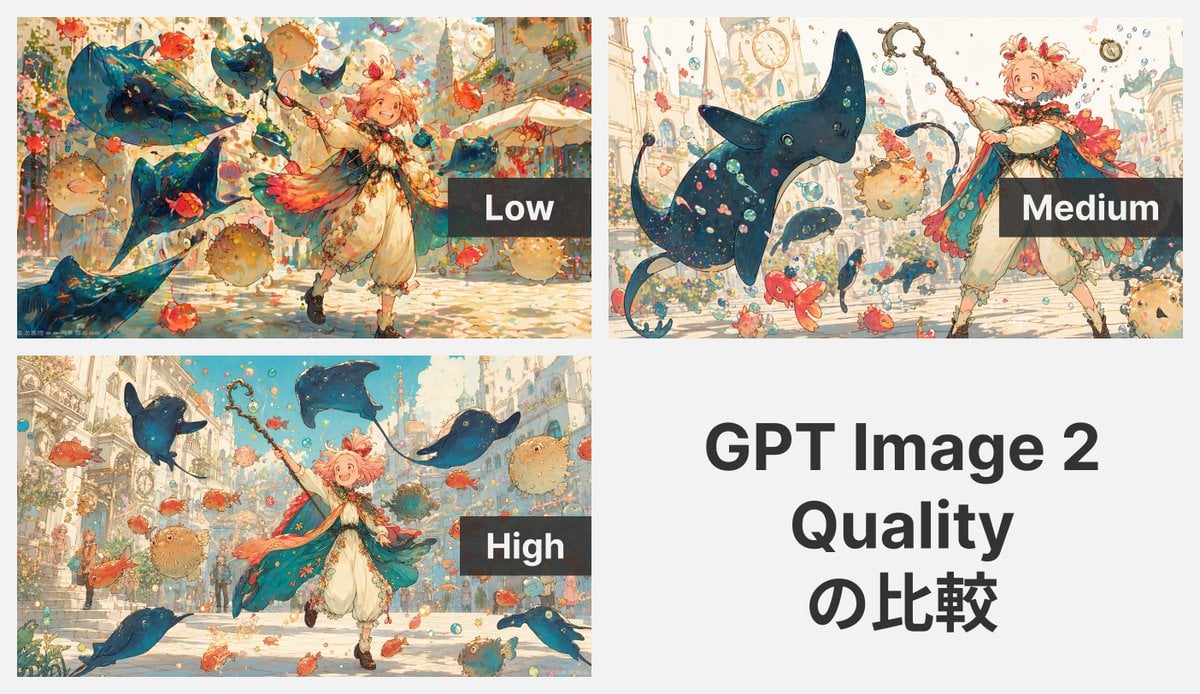
GPT Image 2 Quality Comparison Grid

GPT Image 2 Comparison Poster
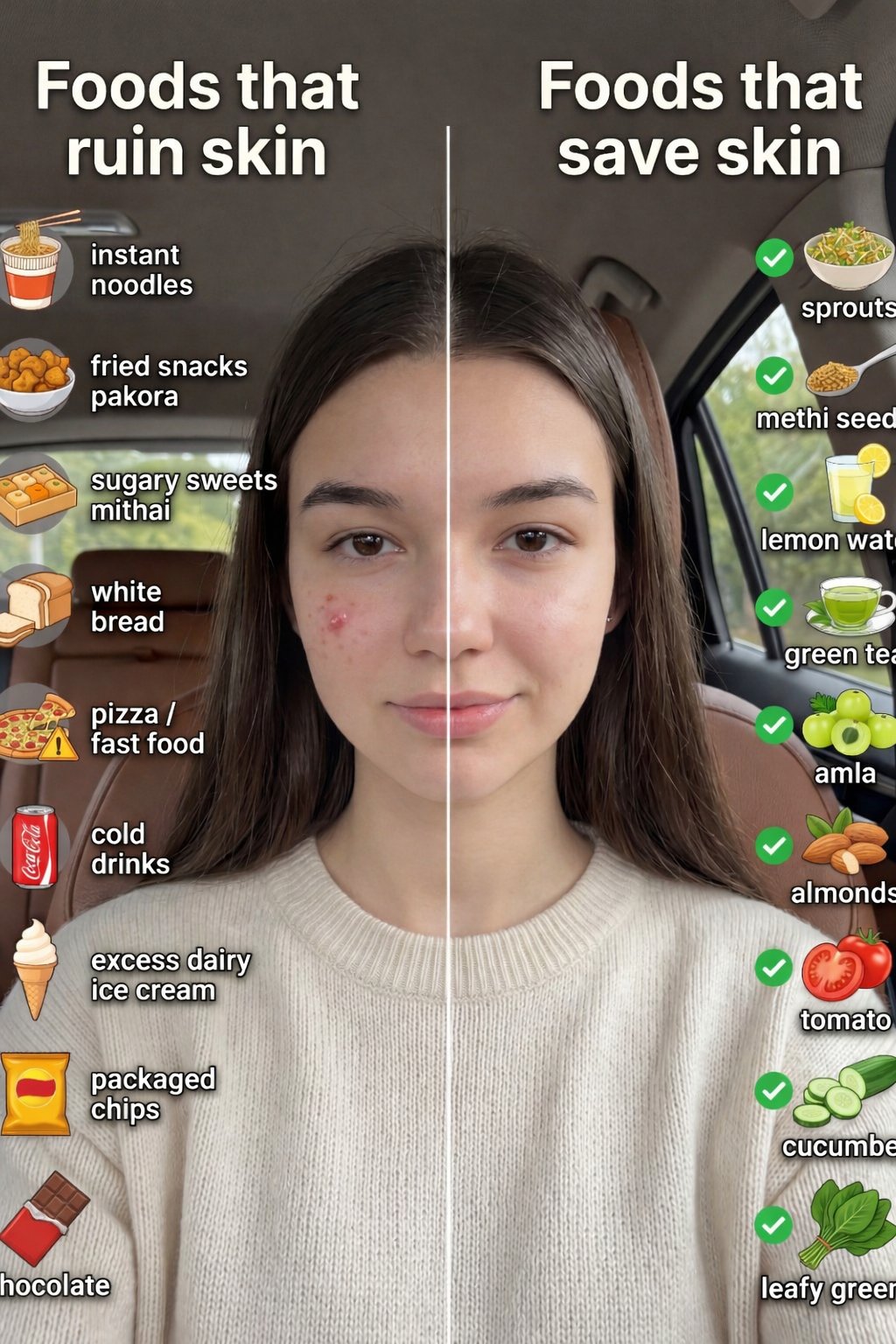
Skin Comparison Portrait — Nano Banana Pro
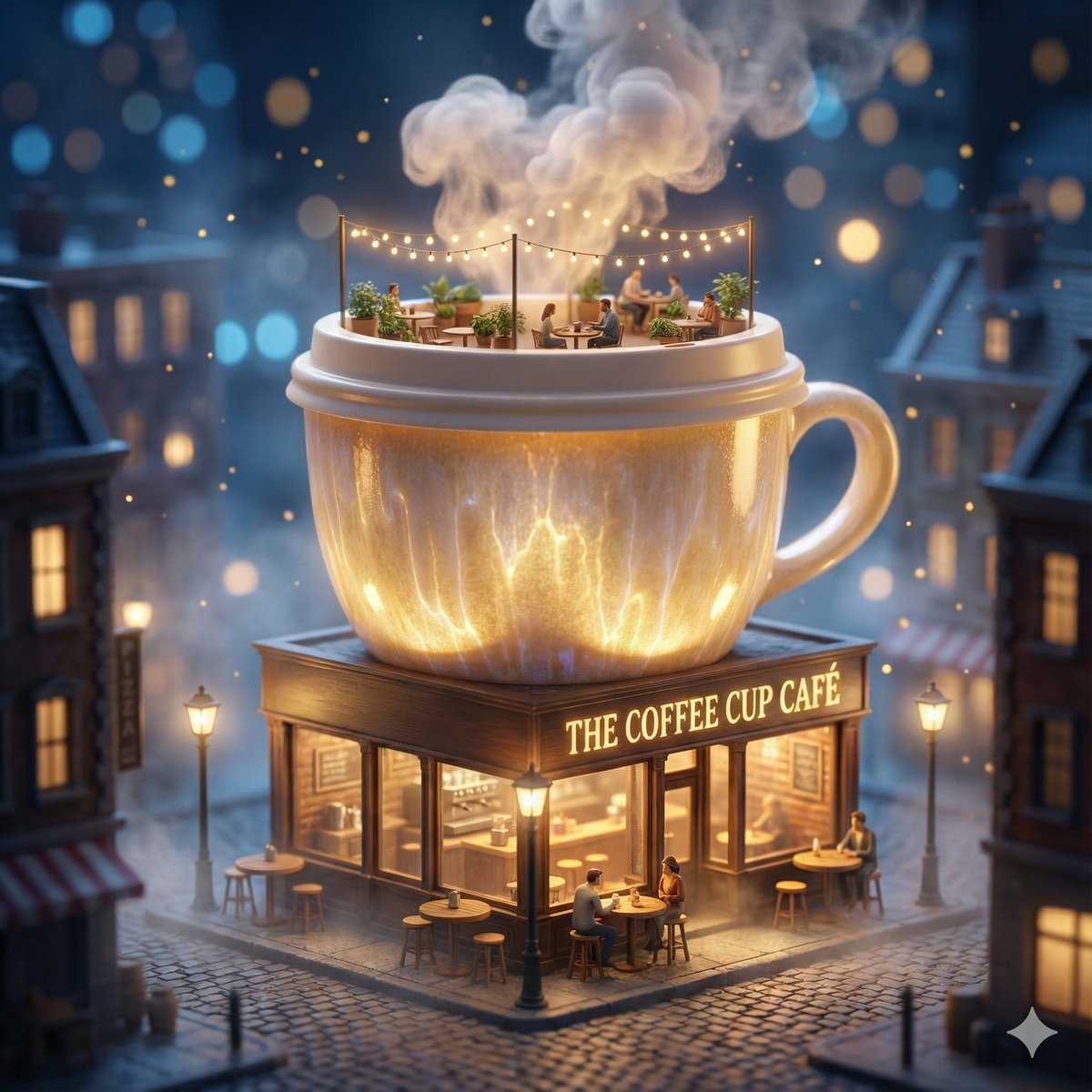
ChatGPT Image 1 5 Google Veo 3 1
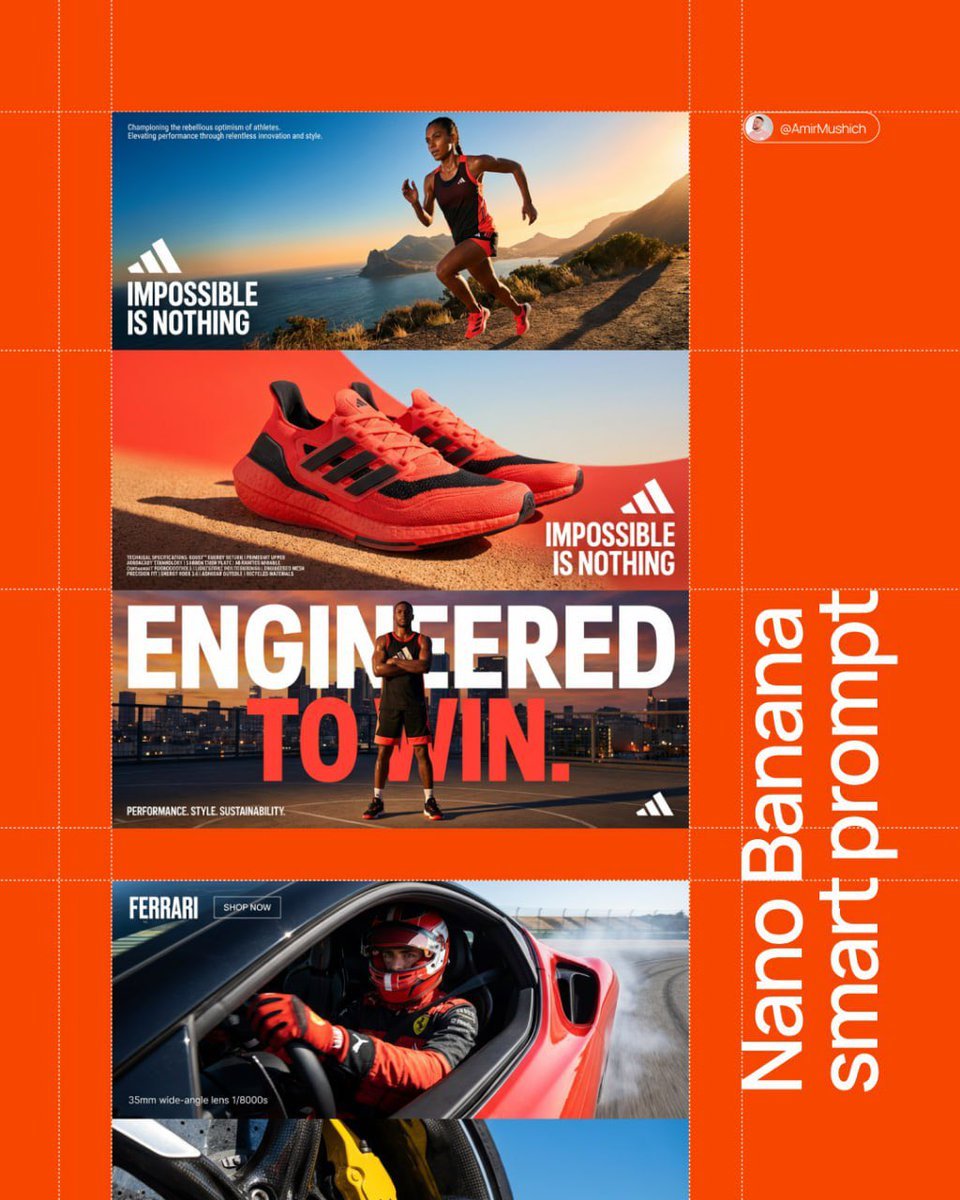
Aesthetic and fill the negative space
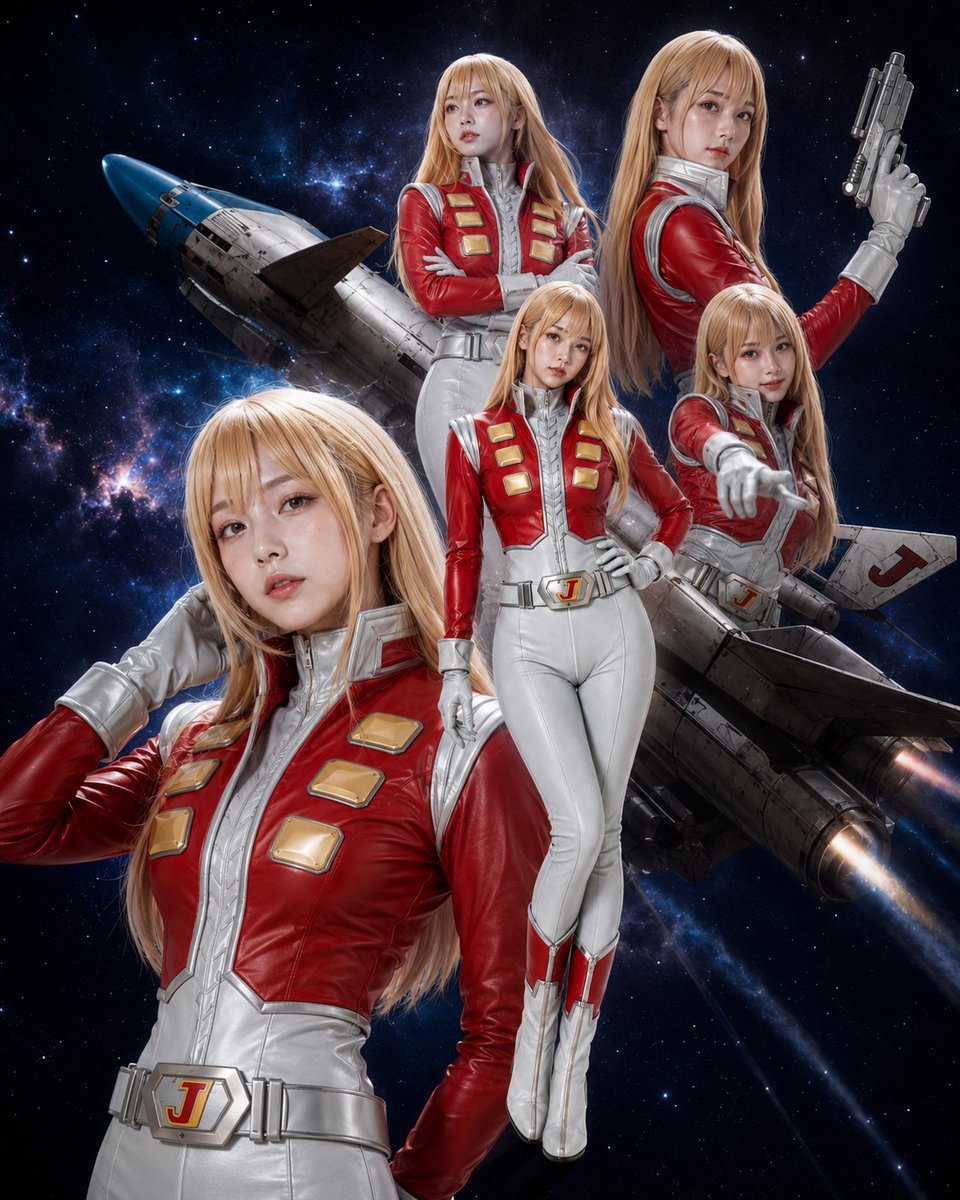
Alfin Space Anime Cosplay Composite
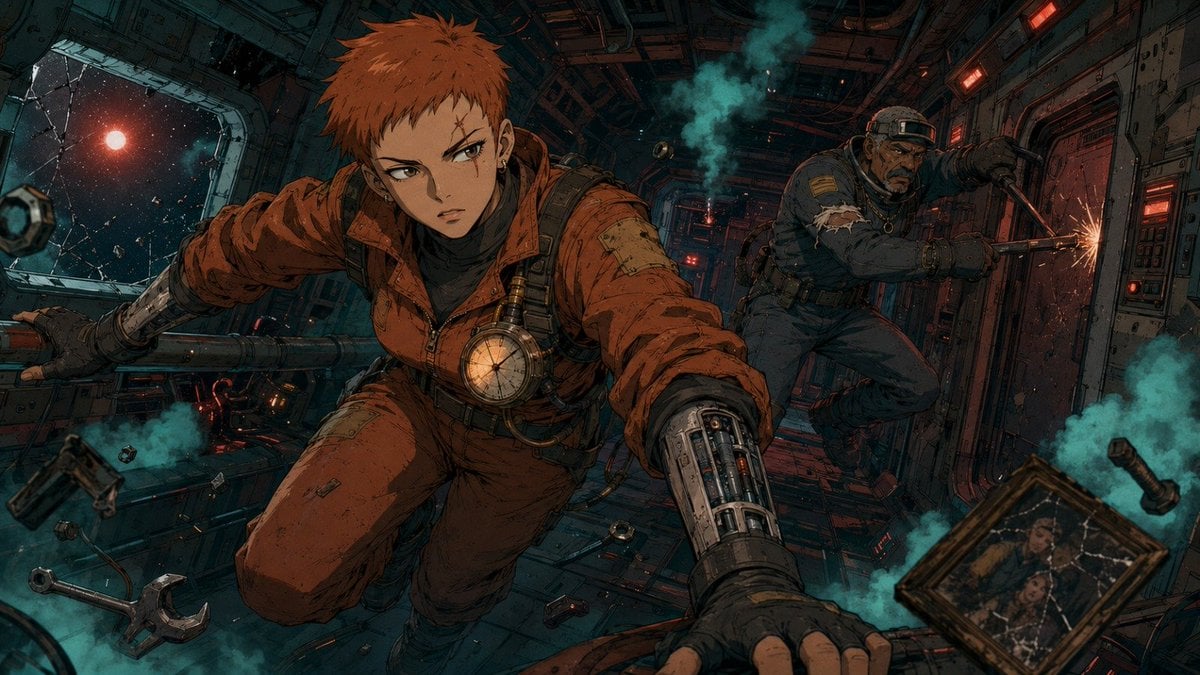
Zero-Gravity Anime Spaceship Escape

AI Model Routing Comparison Infographic
Make it yours
GPT Image 2 vs 2.5 Space Comparison works as-is. These are the safest ways to change it without losing the look.
Change one field
Copy a single group, rewrite it, and generate again so you can see what that field is doing.
Keep the frame, change the subject
Hold the composition and light of GPT Image 2 vs 2.5 Space Comparison, then swap wardrobe, props or the person for a new take.
| If the result… | Why | Fix |
|---|---|---|
| The result drifts from the preview | Too many fields changed at once. | Reuse GPT Image 2 vs 2.5 Space Comparison as-is first, then change one group — subject, light, or setting. |
| The model over-stylizes the scene | The prose prompt leaves finish and camera underspecified. | Add one camera or lighting sentence and stay on GPT Image 2. |
More GPT Image 2 templates
Other prompts made for GPT Image 2.

Six VTuber Japanese Logo Sheet

Realistic Portrait of Woman and Deer

The Vista Modular Condo Poster

2.5D Anime Art Board

Isometric Productivity Desk Scene

New York Double Exposure Poster

Japanese Tatami Lifestyle Magazine Cover

NESCAFÉ Coffee Map Poster

Brutalist Cogito Chinese Typography Poster
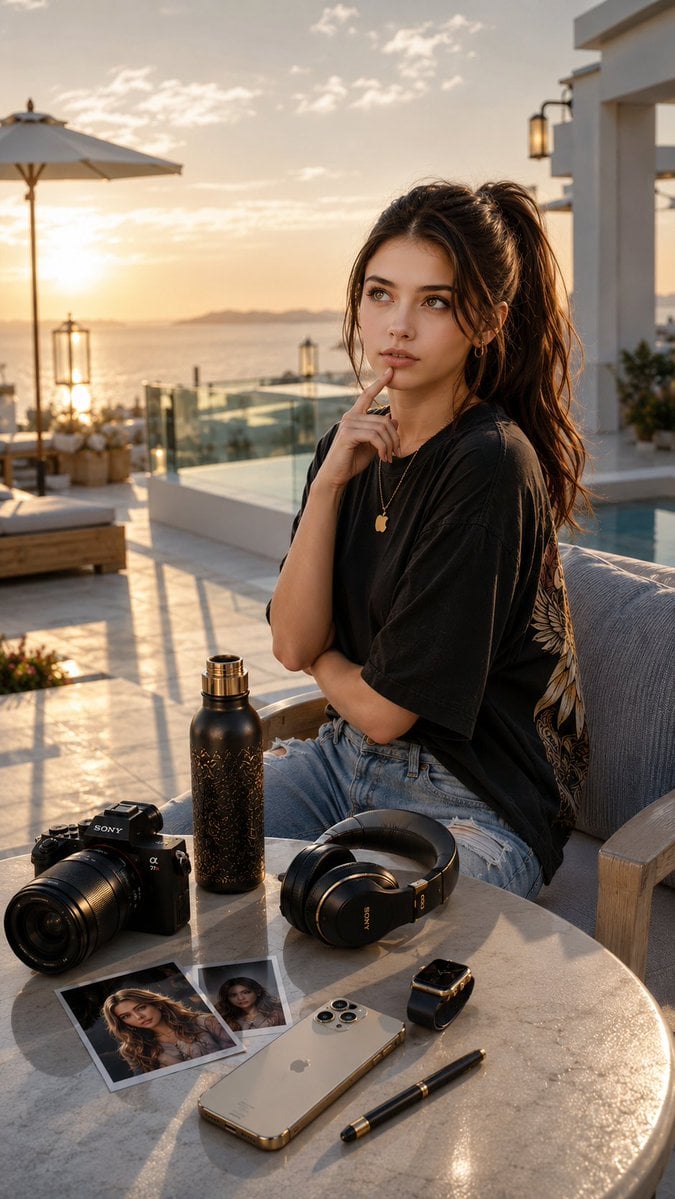
Cinematic Luxury Terrace Portrait
More image prompts
Fresh picks from across the catalog.
Split-Screen Chibi Selfie Scrapbook
Dynamic Energy Drink Advertisement
Cinematic Street Portrait with Motion Blur Effect
Fantasy Mushroom Forest Storyboard

Overlay Image with Conspiracy Scribbles
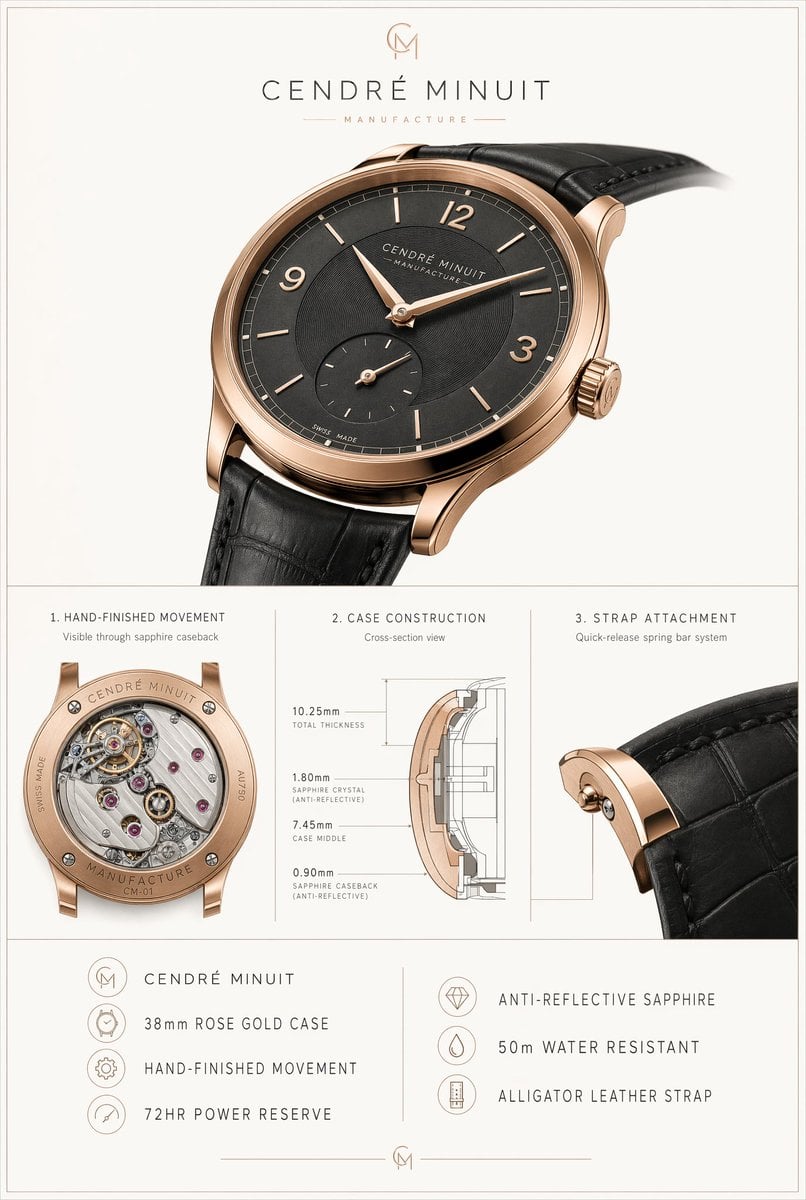
Luxury Watch Technical Poster
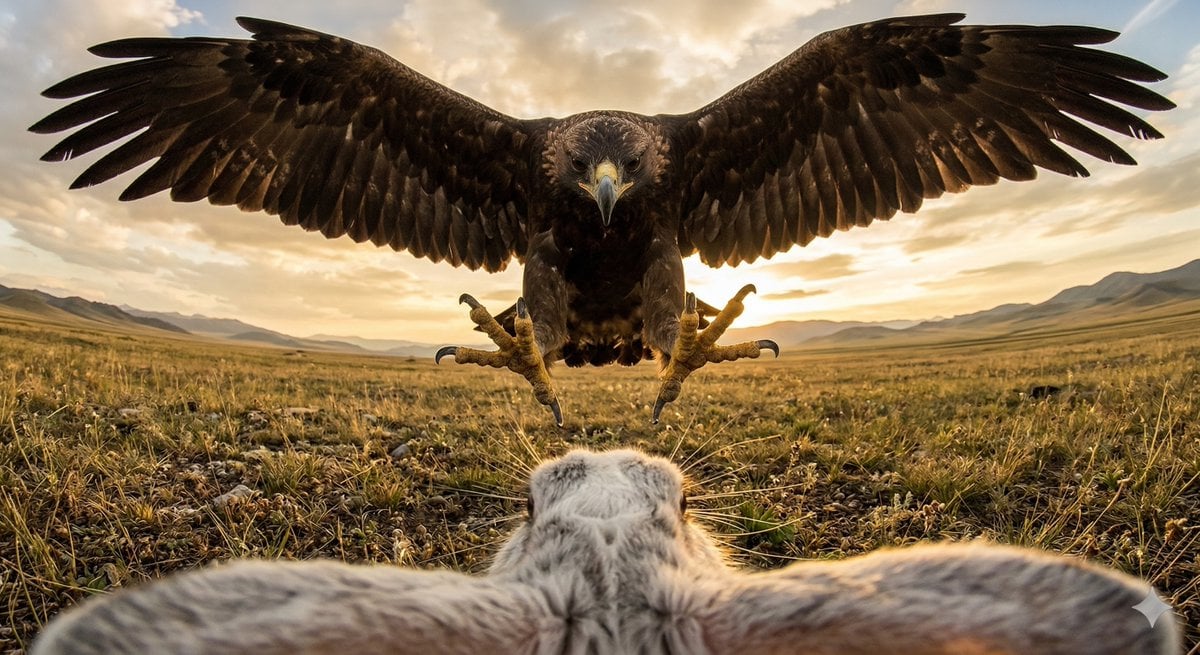
Ultra wide-angle cinematic photo of a rabbit and eagle

Fake Apple CEO Announcement Poster
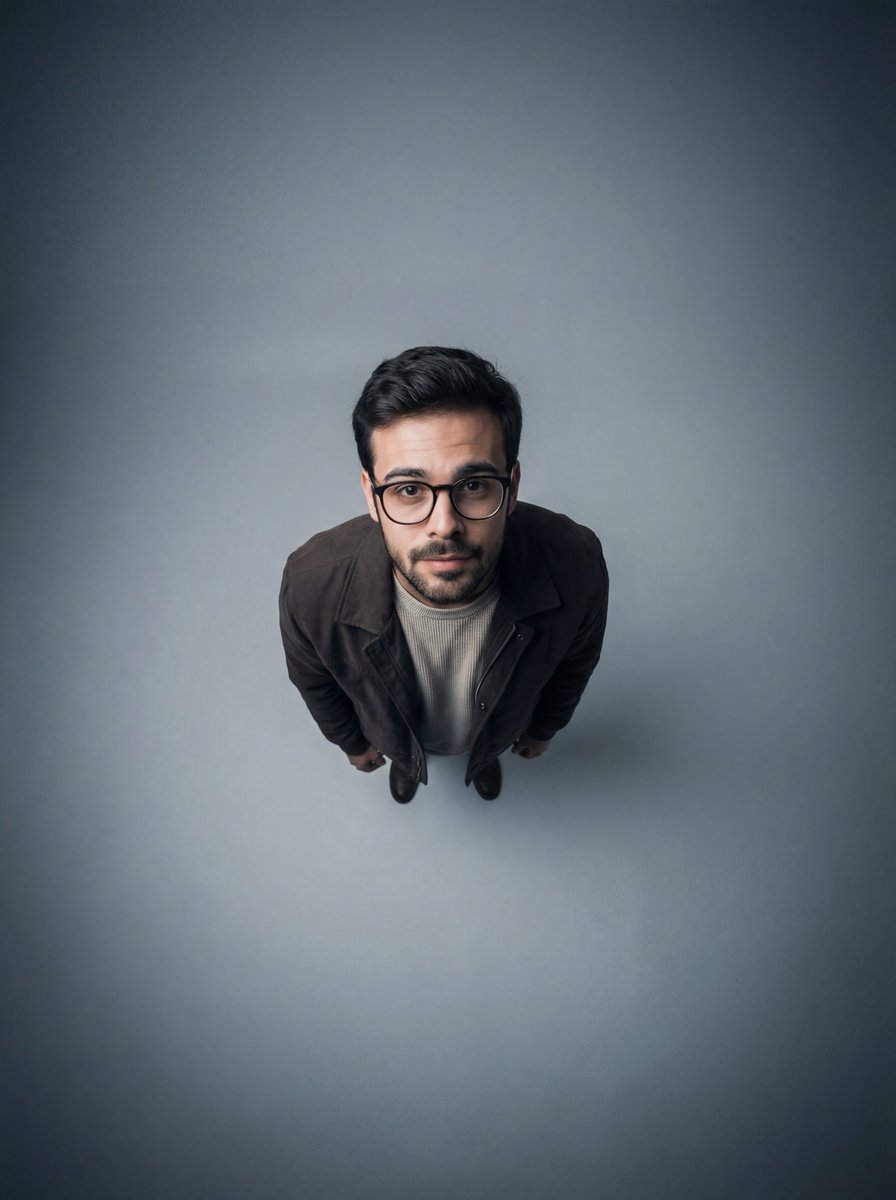
Cinematic Overhead Portrait with Wide-Angle Distortion
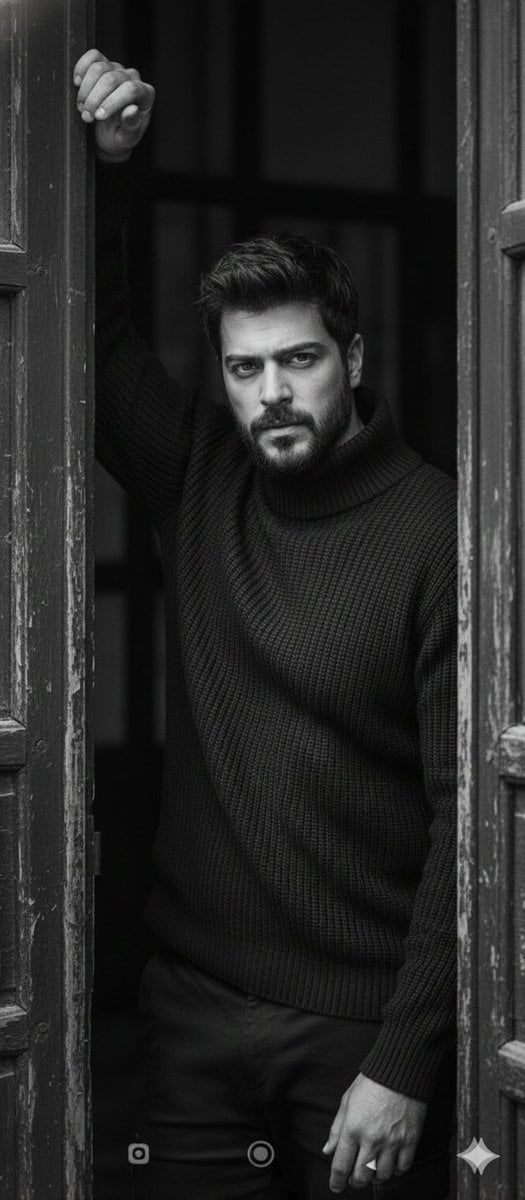
Black and White Fine-Art Doorway Portrait
Browse template categories
GPT Image 2 vs 2.5 Space Comparison questions
How do I use the GPT Image 2 vs 2.5 Space Comparison template?
Add your photo if the template asks for one, edit the prompt if you like — the template's model and format are already selected — and press Generate. Your version opens in PicX Studio.
Can I customize the GPT Image 2 vs 2.5 Space Comparison template?
Yes. You can change the subject, setting, lighting, mood, format, and available model controls before creating your image.
Is the GPT Image 2 vs 2.5 Space Comparison template free?
Opening and editing this template is free. Generating uses credits, shown on the Generate button when you are signed in.
Which AI model should I use?
Start with GPT Image 2, which is the model associated with this template. You can compare another compatible model for a different finish.
Looking for something else? Browse all templates.

Your photo, any look
Thousands of ready templates for every top image and video model, from one credit balance.