
Moonlit Mansion Anime Album Cover
Generates a gothic monochrome anime-style album cover featuring a wistful suited young man at an abandoned mansion window under a full moon.
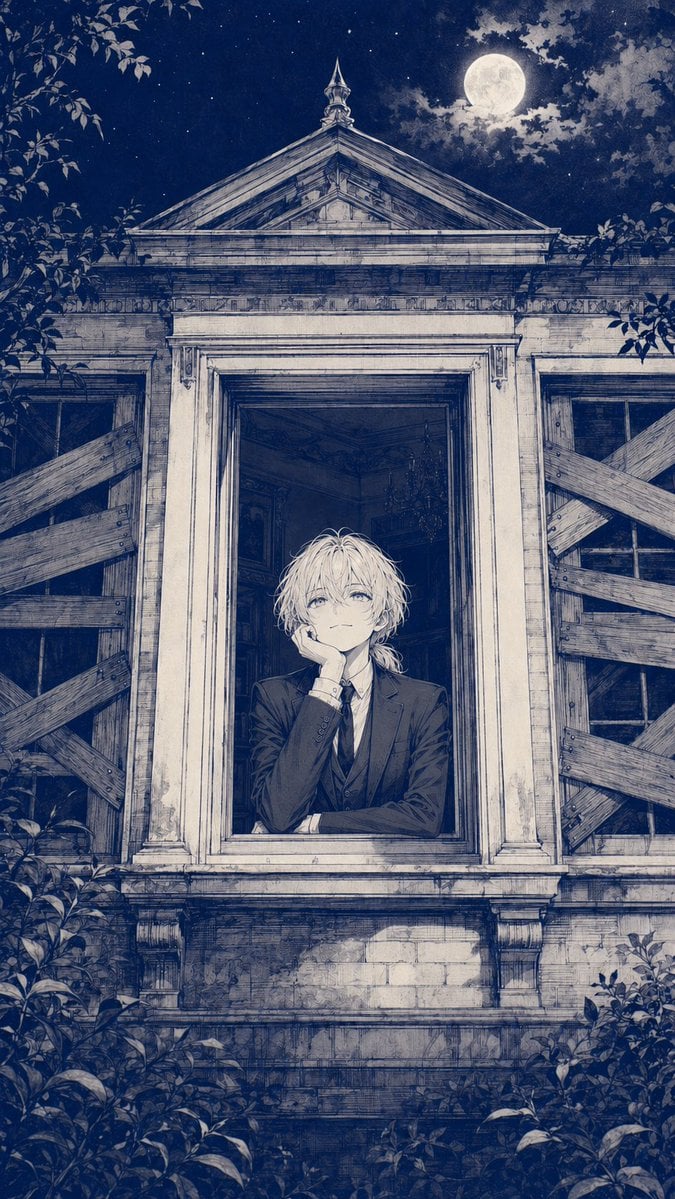
- Prompt included
- Model and format preset
- Free template
The prompt behind this image
Copy the exact prompt behind Moonlit Mansion Anime Album Cover, or open it in the studio and make it yours.
Create a vertical anime album-cover illustration in a monochrome deep navy and antique ivory ink style. Show {argument name="character name" default="a delicate blond young man"} leaning out of the central open window of an abandoned old mansion at night, resting his cheek on one hand with a faint wistful smile and pale reflective eyes. He wears {argument name="outfit" default="a formal black three-piece suit, white shirt, and tie"}; his messy light hair is softly backlit and slightly tousled. The mansion facade is symmetrical and richly detailed: a large classical pediment roof with carved trim above, weathered columns and molding around the central window, cracked stone and brick below, and exactly two boarded side windows, one on the left and one on the right, each crossed by rough diagonal wooden planks. Inside the dark room behind him, hint at an old chandelier and shadowy antique interior details. The sky is a starry midnight blue with {argument name="moon" default="a bright full moon"} near the upper right partly veiled by thin clouds. Frame the scene with overgrown leaves and branches around the edges, especially upper left, lower left, and lower right, creating a gothic romantic atmosphere. Use fine manga cross-hatching, engraved linework, delicate stippling, worn paper texture, high architectural detail, subtle moonlit highlights, and a melancholic yet serene mood. No text, no logo, no modern objects, no extra characters.
How to use Moonlit Mansion Anime Album Cover in 3 steps
- 1Upload ImagePNG, JPG or paste
Add your photo
Upload the photo the template builds on. The prompt, model and format are already set.
- 2…a portrait of your subject in softgolden-hour light, 85mm…
Personalize
Edit the subject and creative details for your destination.
- 3Generate
Generate
Press Generate — your image is created in PicX Studio, so you can compare it with the original and refine one variable at a time.
More like this
Templates with the same subject, style or setup. Open one to see its prompt.

Sparkling Seaside Anime Album Cover
Anime Bedroom Guitar Album Cover
Anime Haunted Mansion Peek
Anime Cherry Blossom Rock Album Cover
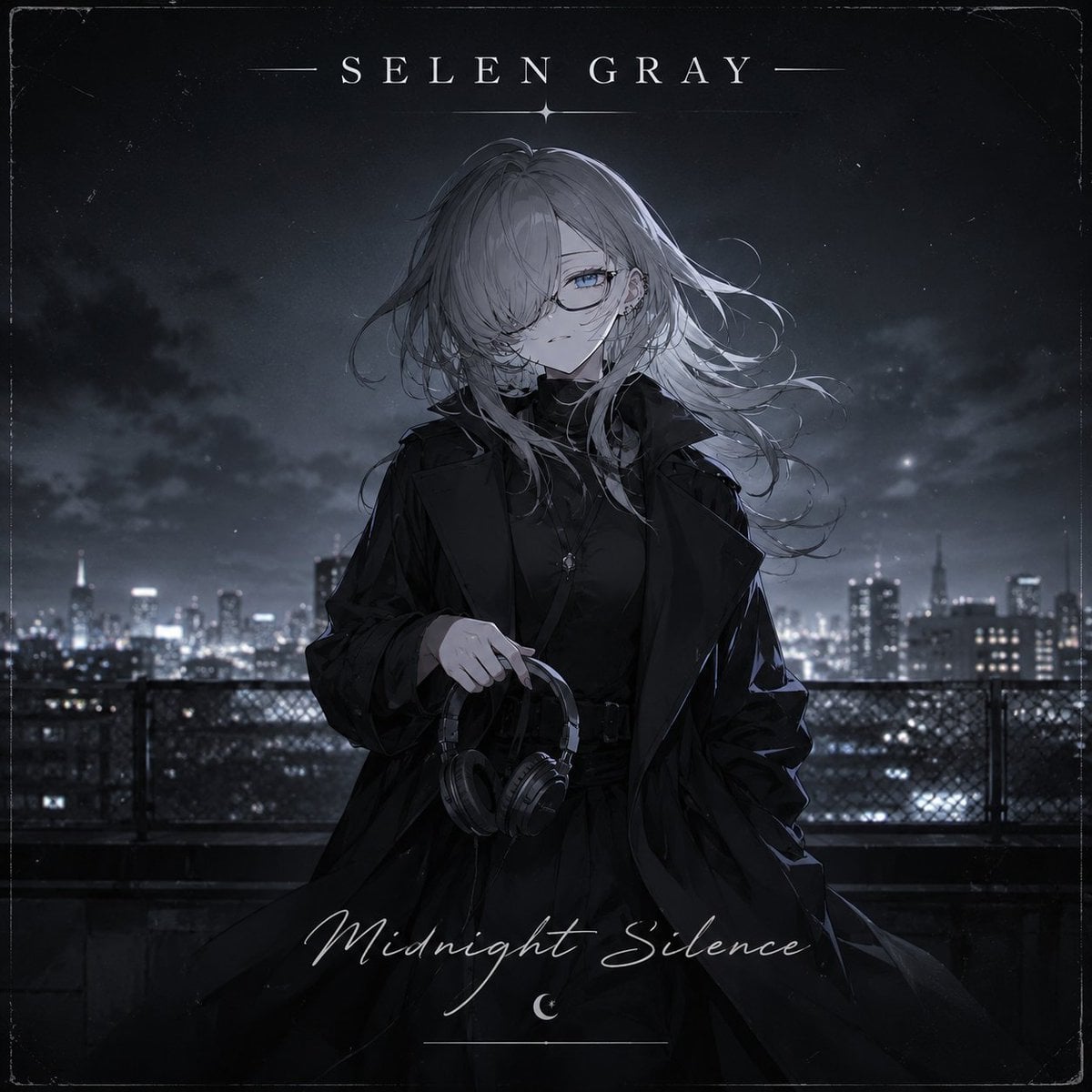
Midnight Anime Album Cover
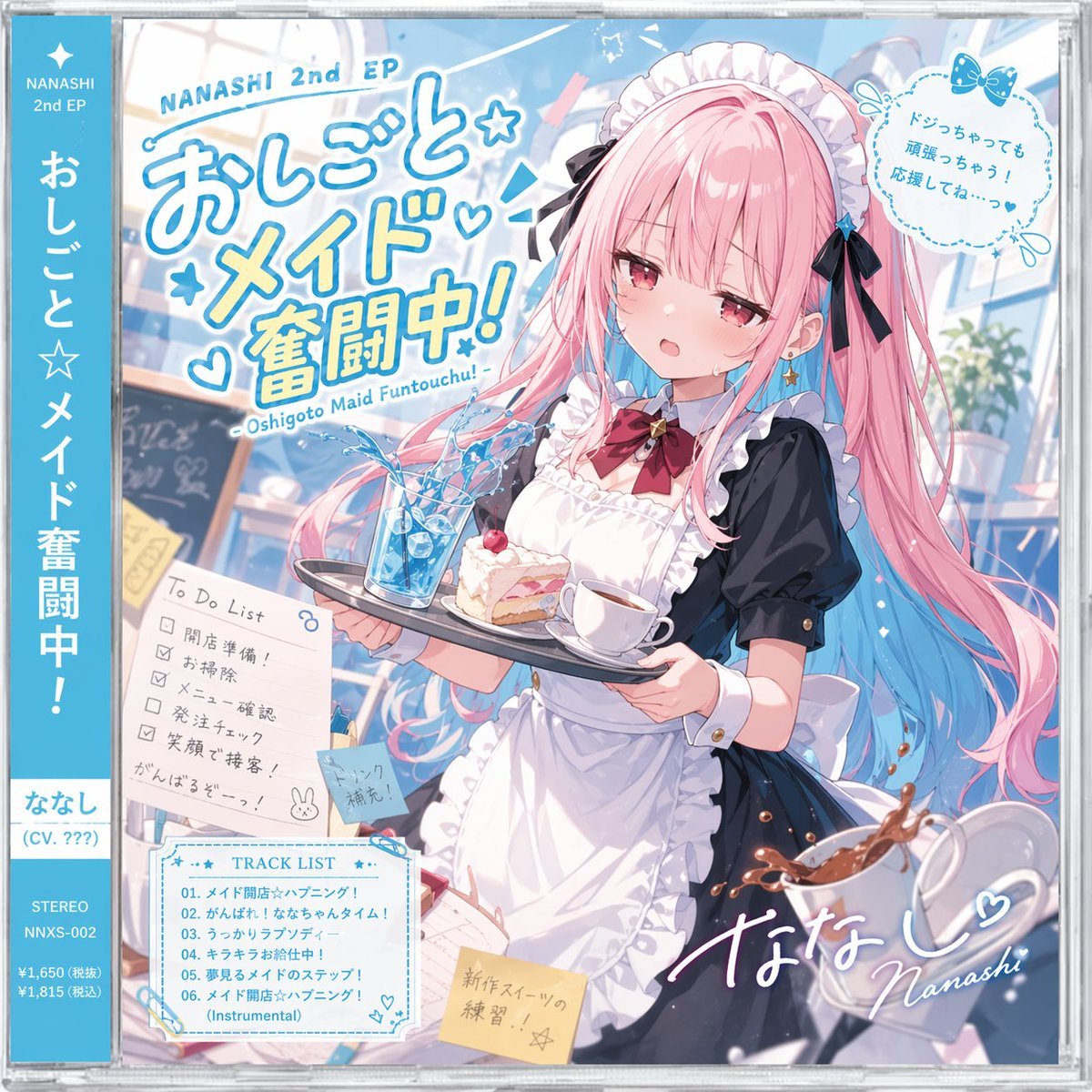
Anime Maid CD Album Cover
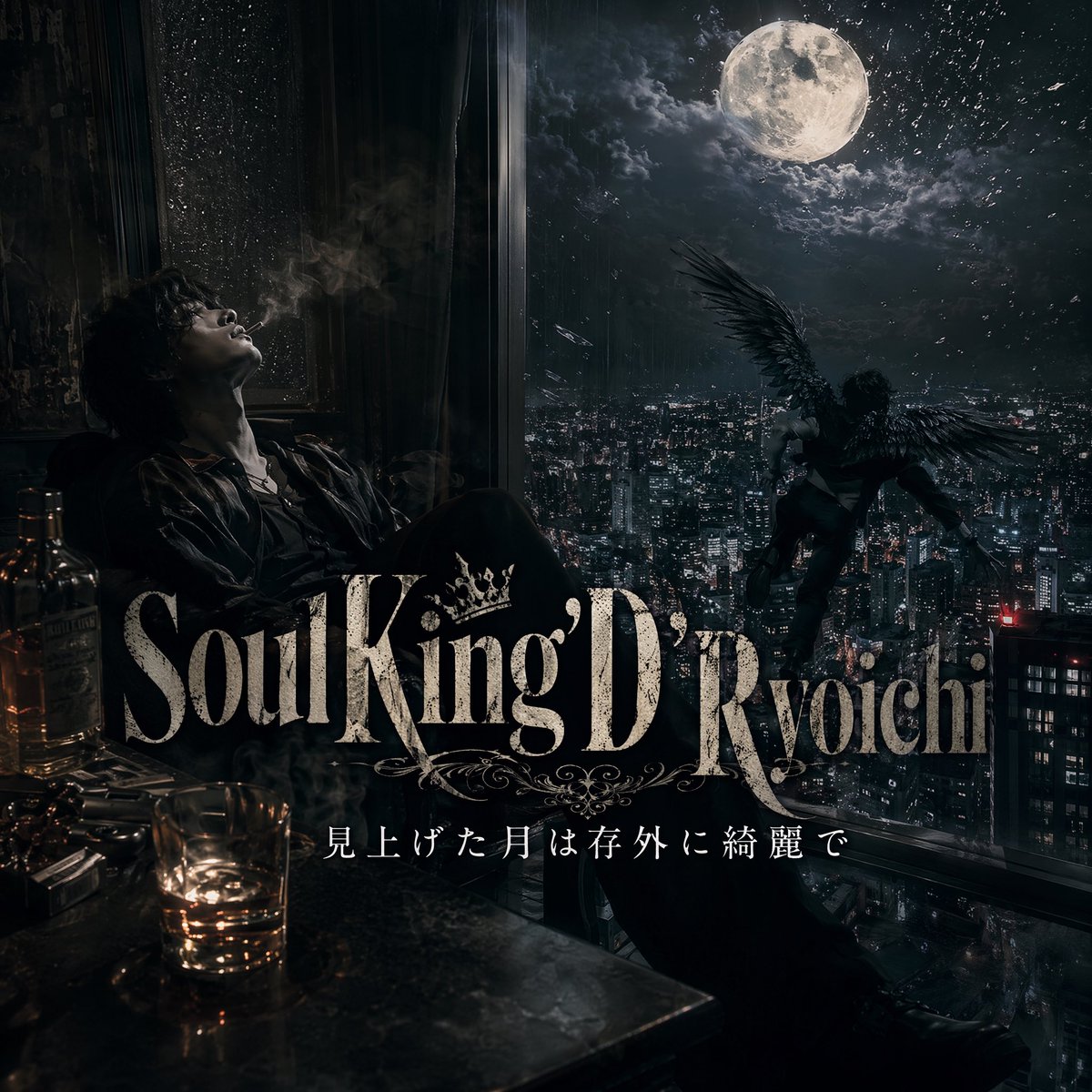
Dark Moonlit Noir Album Cover
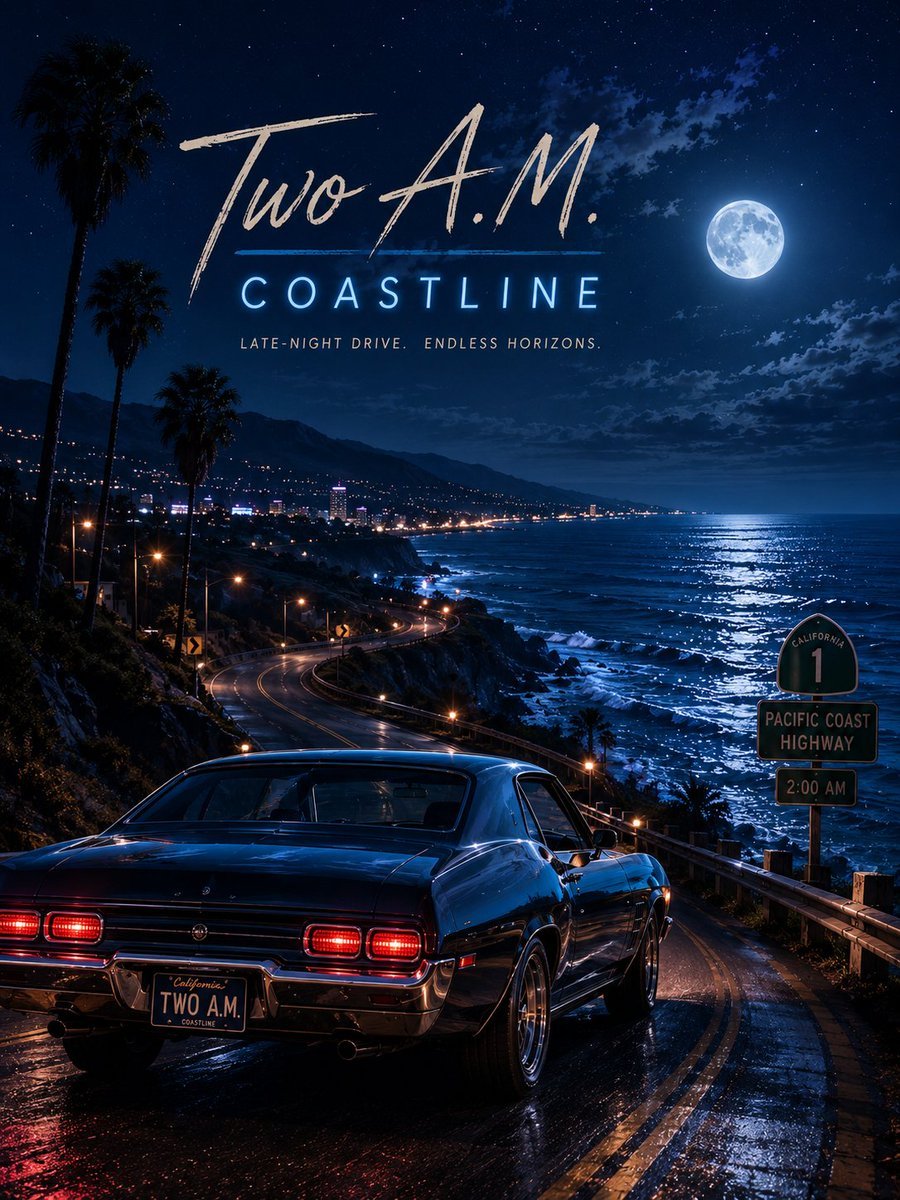
Two A.M. Coastline Album Cover

Moonlit Ghost Lotus Anime Portrait

Music Album Cover Abstract Liquid Mercury
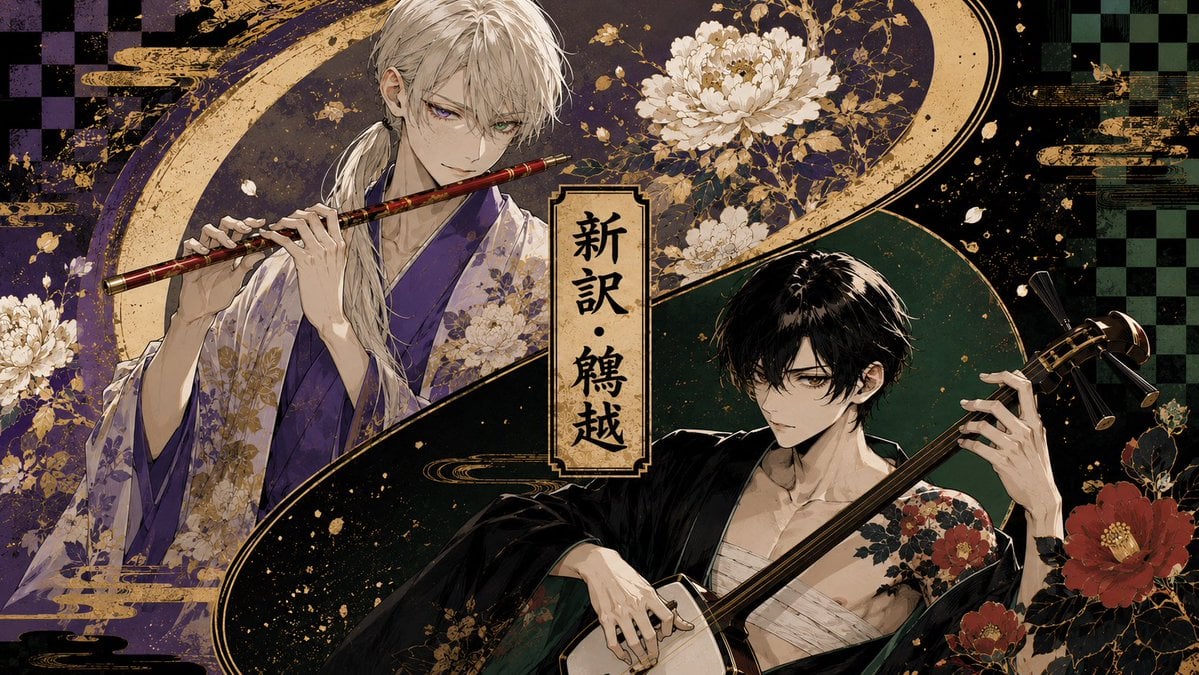
Japanese Musician Album Cover
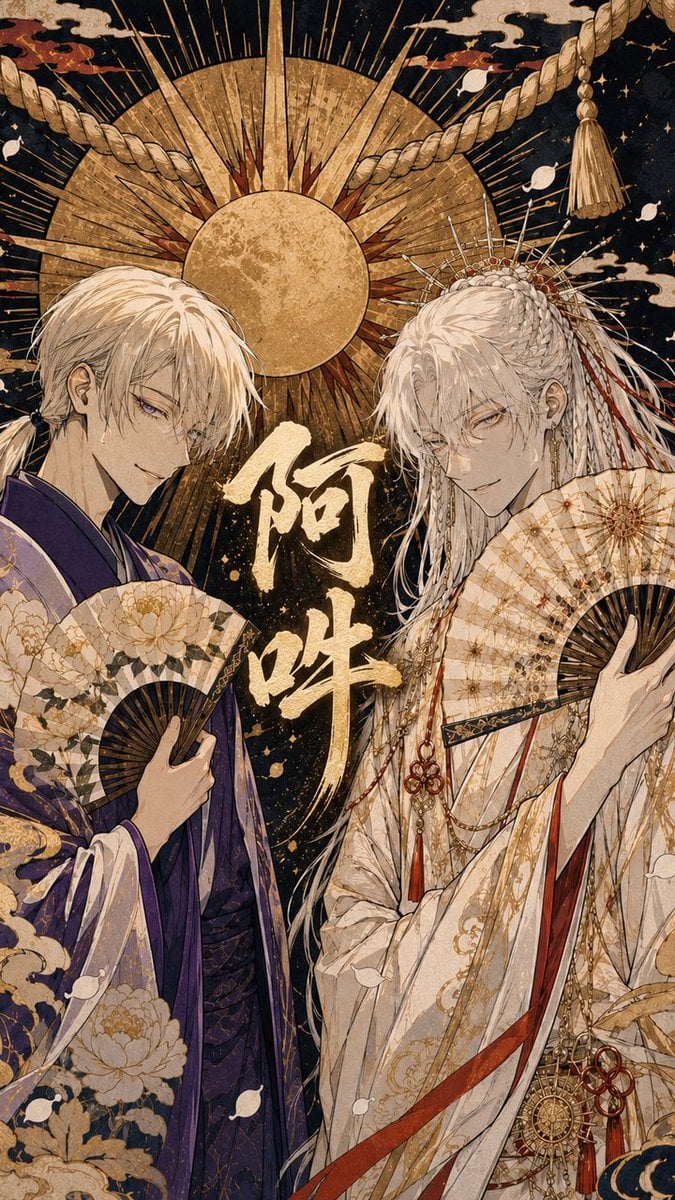
Ornate A-Un Kimono Album Cover
Make it yours
Moonlit Mansion Anime Album Cover works as-is. These are the safest ways to change it without losing the look.
Change one field
Copy a single group, rewrite it, and generate again so you can see what that field is doing.
Keep the frame, change the subject
Hold the composition and light of Moonlit Mansion Anime Album Cover, then swap wardrobe, props or the person for a new take.
| If the result… | Why | Fix |
|---|---|---|
| The result drifts from the preview | Too many fields changed at once. | Reuse Moonlit Mansion Anime Album Cover as-is first, then change one group — subject, light, or setting. |
| The model over-stylizes the scene | The prose prompt leaves finish and camera underspecified. | Add one camera or lighting sentence and stay on GPT Image 2. |
More GPT Image 2 templates
Other prompts made for GPT Image 2.

Six VTuber Japanese Logo Sheet

Realistic Portrait of Woman and Deer

The Vista Modular Condo Poster

AI Model Routing Comparison Infographic

2.5D Anime Art Board

Isometric Productivity Desk Scene

New York Double Exposure Poster

Four-Panel AI Landscape Comparison

Japanese Tatami Lifestyle Magazine Cover

NESCAFÉ Coffee Map Poster
More image prompts
Fresh picks from across the catalog.
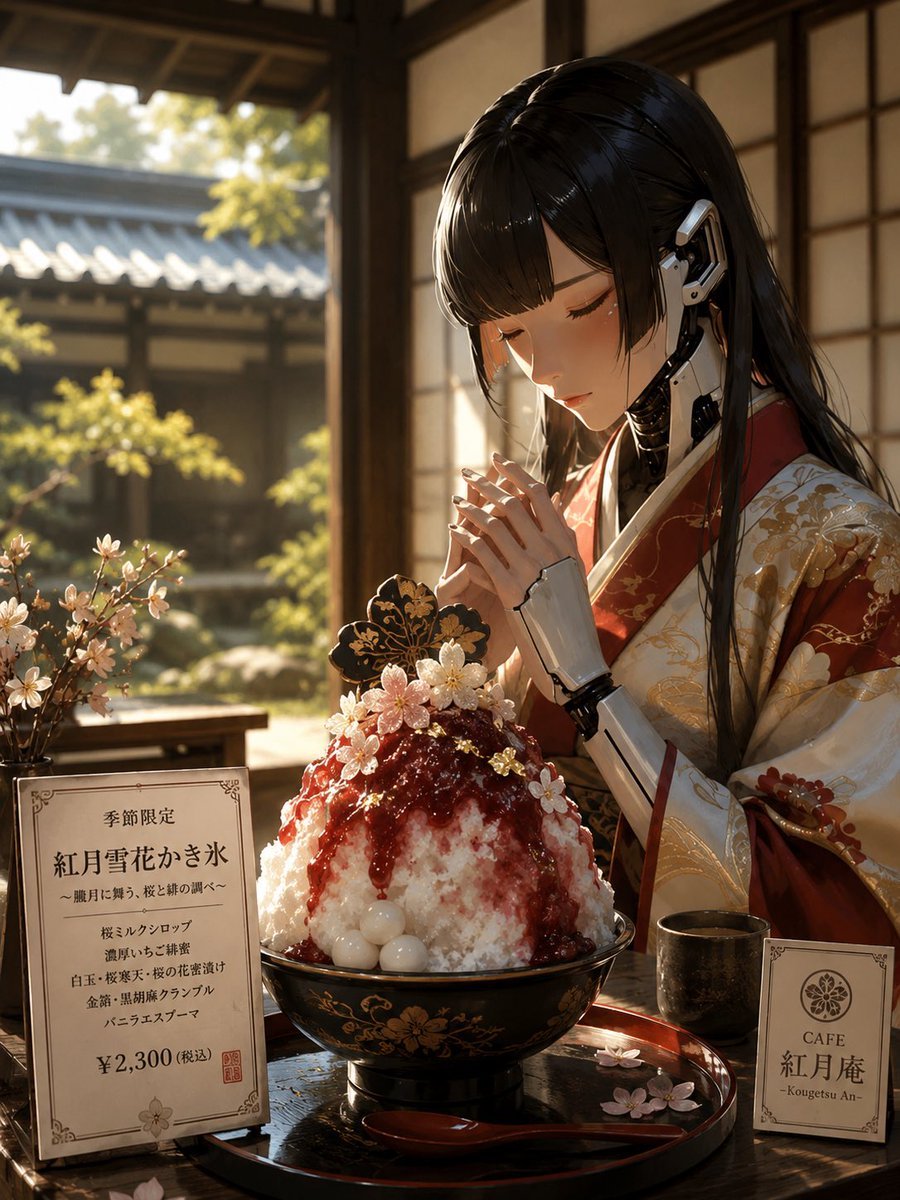
Cybernetic Kimono Shaved Ice Cafe
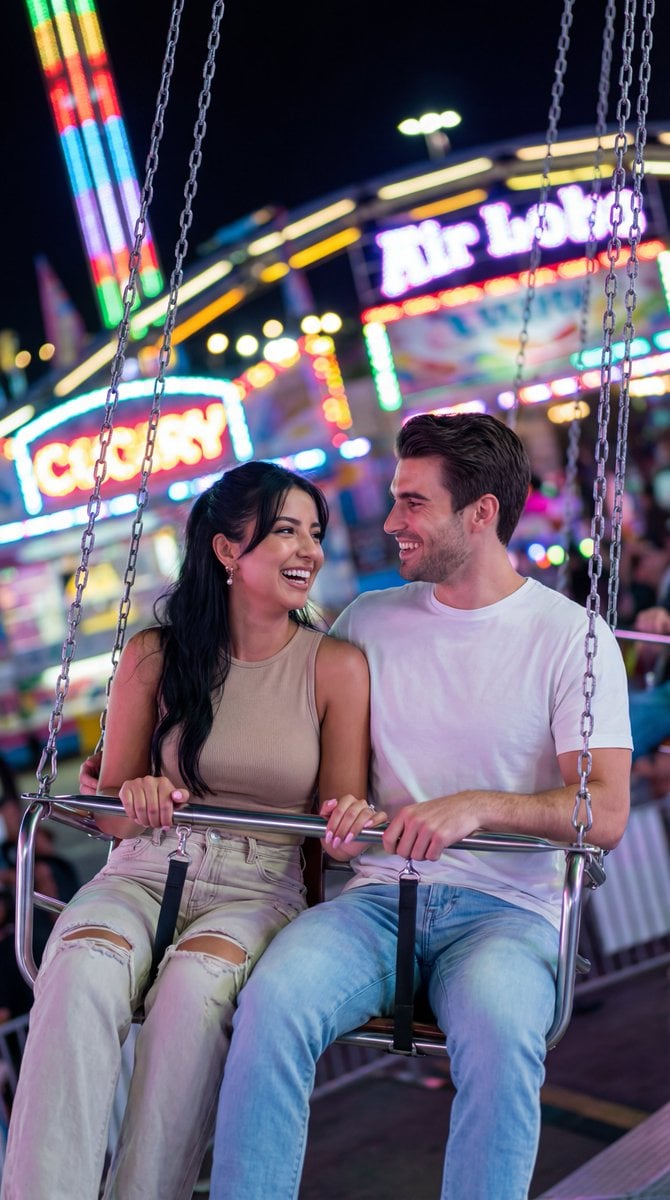
Nano Banana Pro Cinematic Night Romcom Ride Prompt
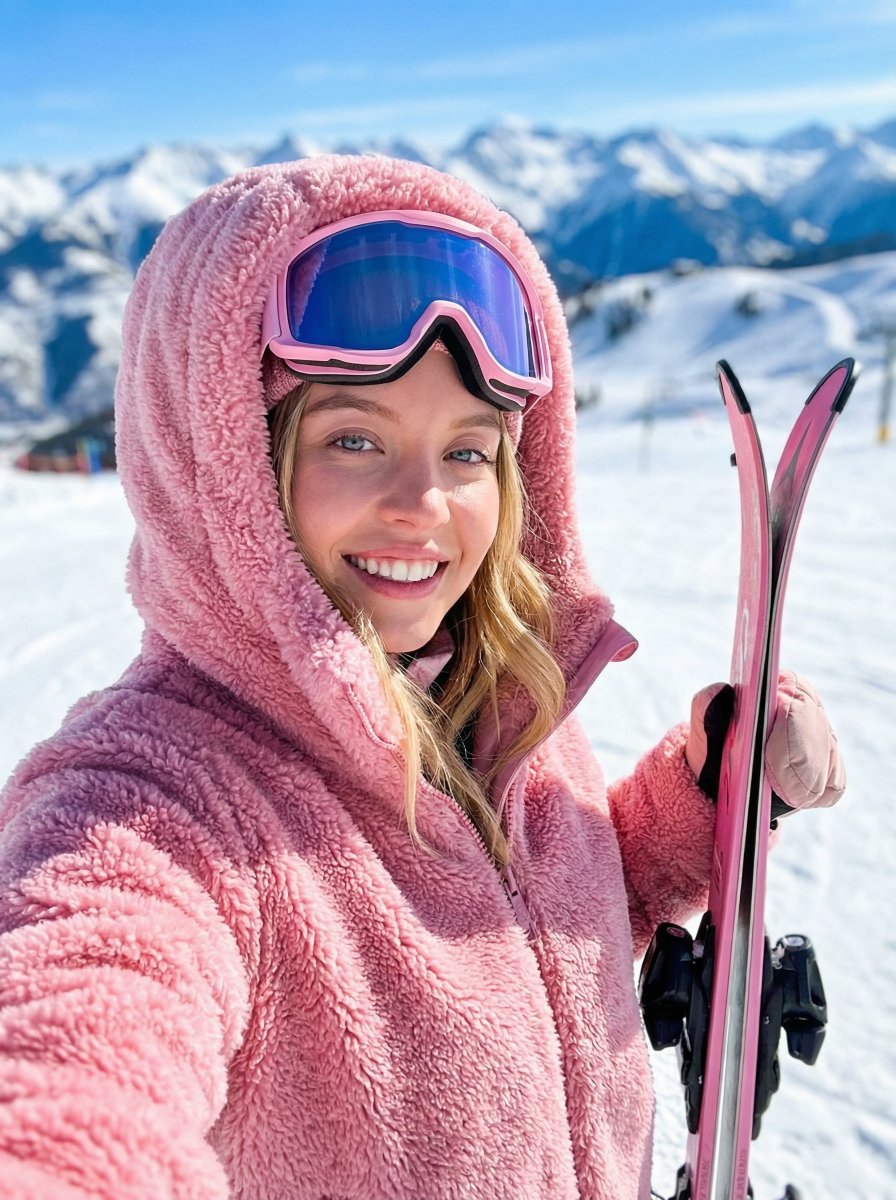
Ski Trip Selfie Perspective Prompt

2025 Aesthetic Photography
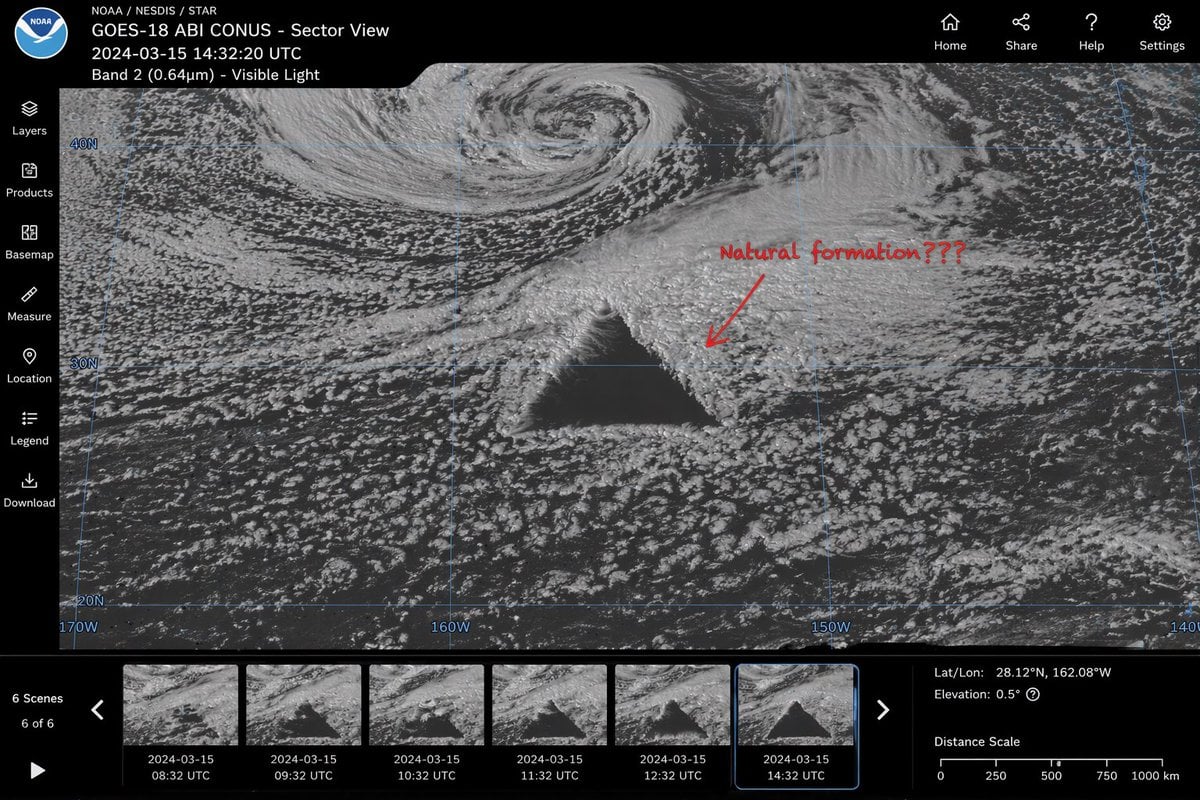
Satellite Anomaly Interface Mockup
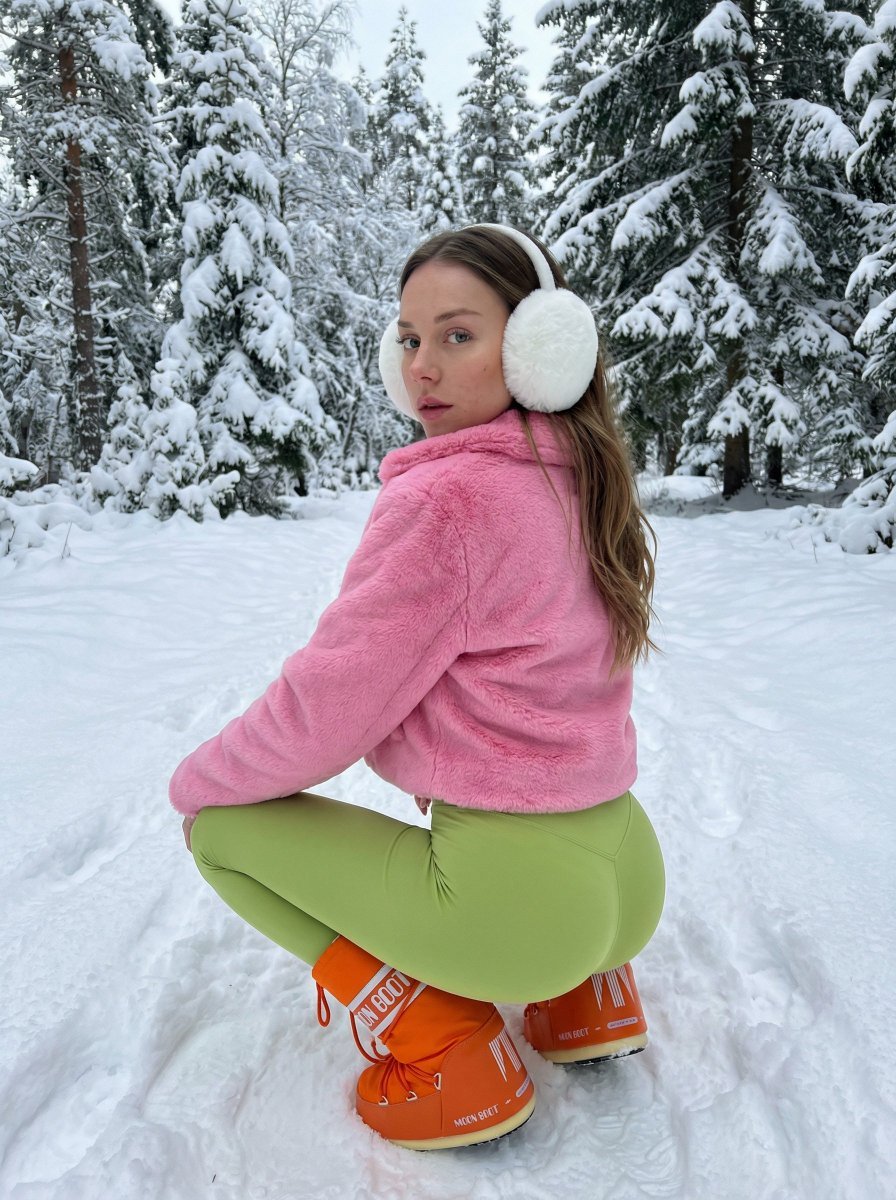
Bold Winter Fashion Portrait (Ester Expósito)
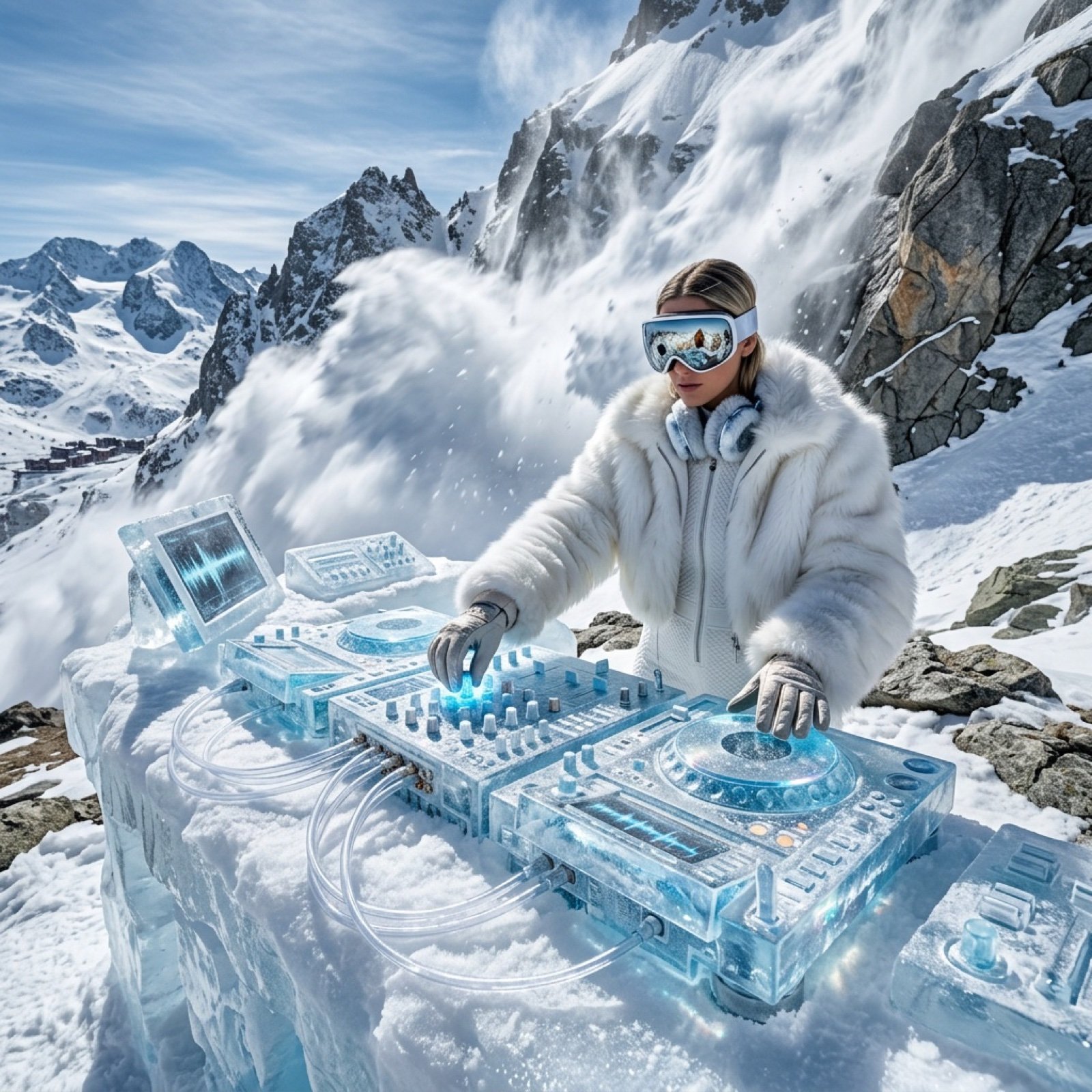
Futuristic Ice DJ Setup Prompt

AI Saws Enterprise Developers Branch
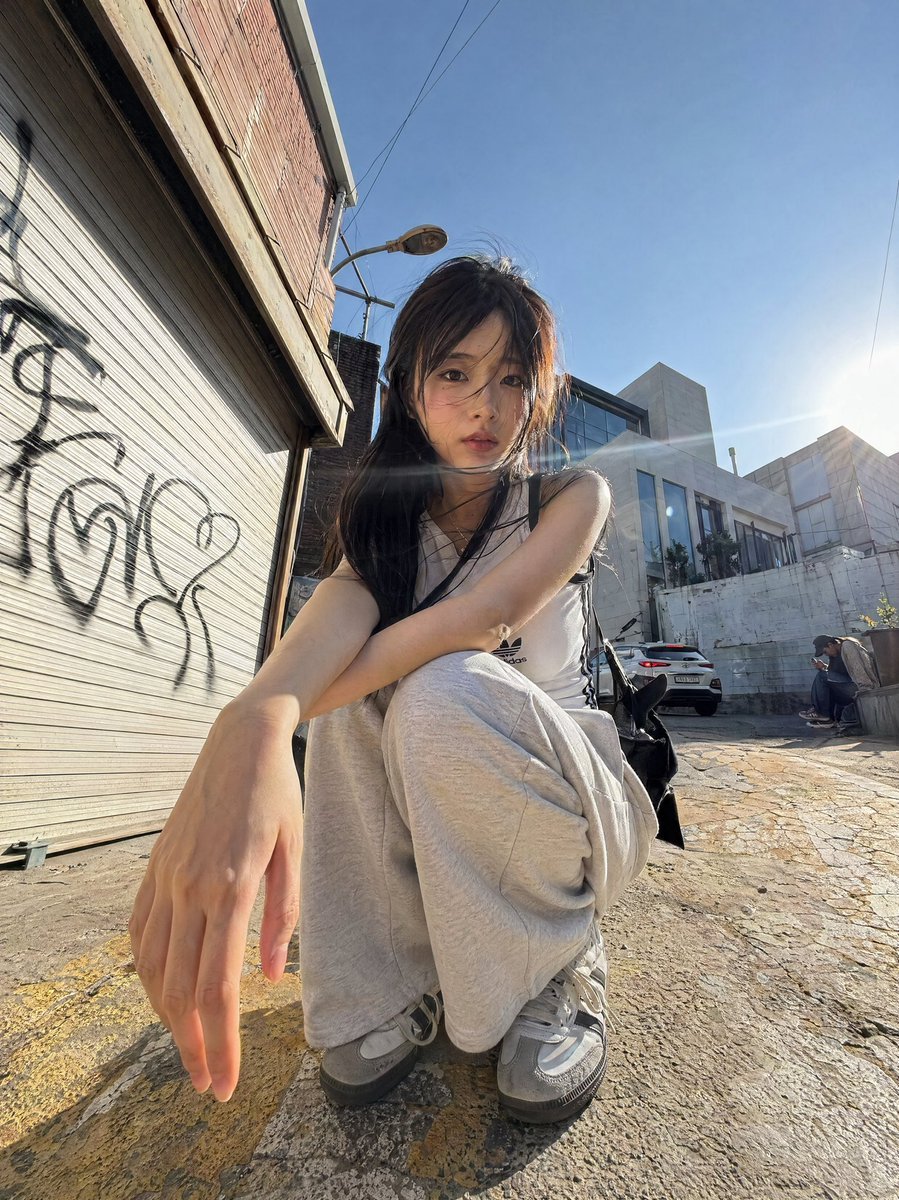
Dynamic Korean Street Photography
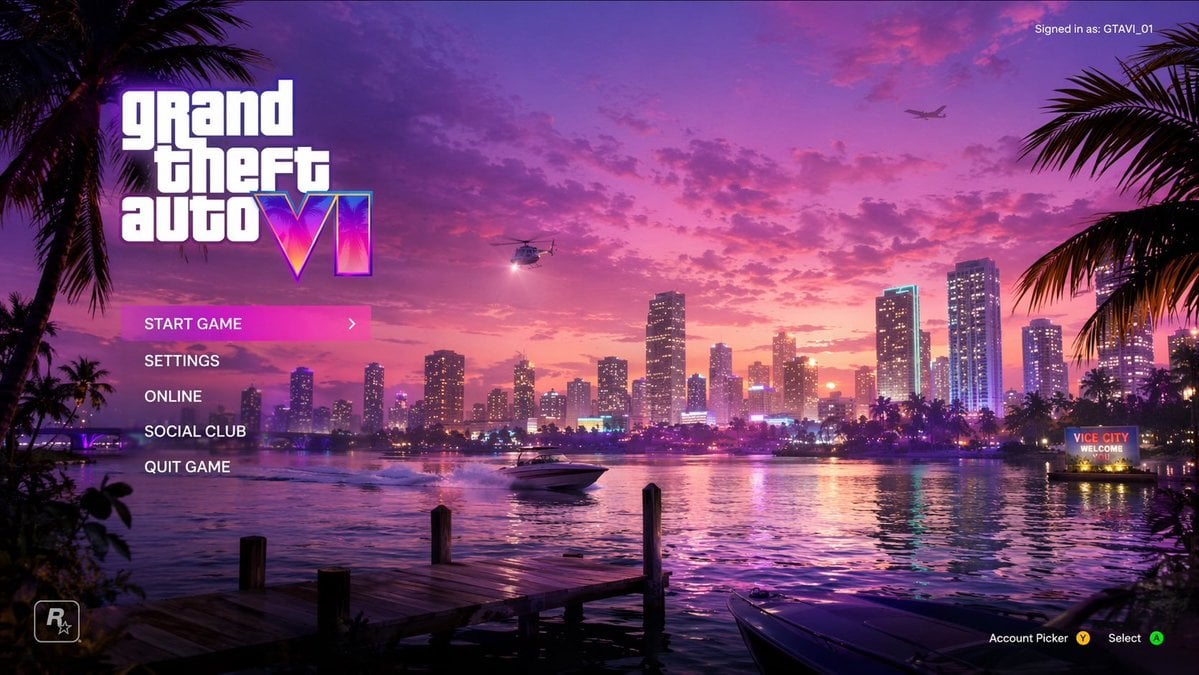
Vice City Sunset Game Menu Mockup
Browse template categories
Moonlit Mansion Anime Album Cover questions
How do I use the Moonlit Mansion Anime Album Cover template?
Add your photo if the template asks for one, edit the prompt if you like — the template's model and format are already selected — and press Generate. Your version opens in PicX Studio.
Can I customize the Moonlit Mansion Anime Album Cover template?
Yes. You can change the subject, setting, lighting, mood, format, and available model controls before creating your image.
Is the Moonlit Mansion Anime Album Cover template free?
Opening and editing this template is free. Generating uses credits, shown on the Generate button when you are signed in.
Which AI model should I use?
Start with GPT Image 2, which is the model associated with this template. You can compare another compatible model for a different finish.
Looking for something else? Browse all templates.

Your photo, any look
Thousands of ready templates for every top image and video model, from one credit balance.