
Glam AI Sticker Sheet
Creates a 3x3 kawaii chat sticker sheet featuring a glamorous woman, rockets, aliens, hearts, rainbows, and motivational comic text.
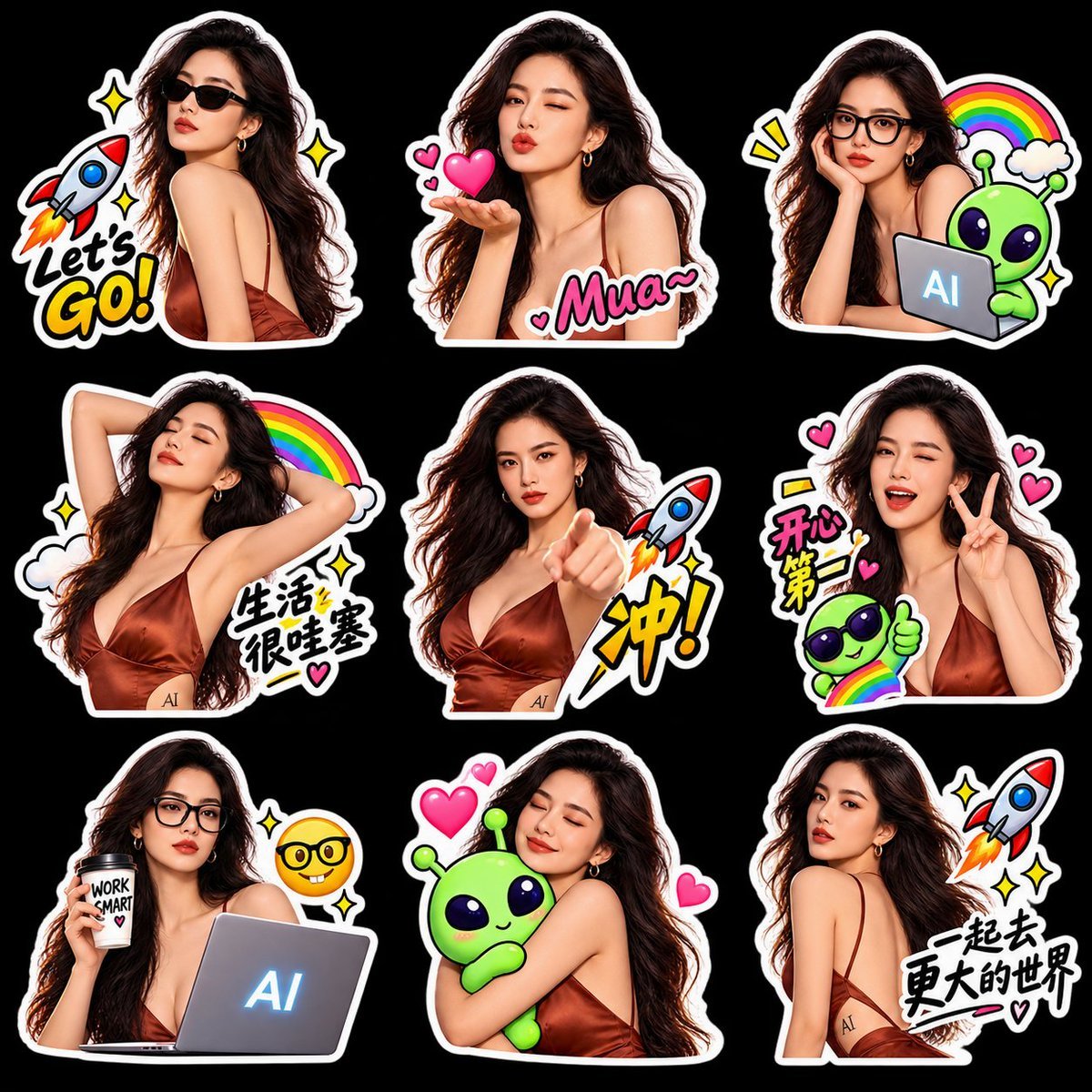
- Prompt included
- Model and format preset
- Free template
The prompt behind this image
Copy the exact prompt behind Glam AI Sticker Sheet, or open it in the studio and make it yours.
Goal: Create a glossy digital sticker sheet for chat/emote use featuring the same glamorous young woman in multiple poses, surrounded by cute kawaii doodles and bold comic text. Canvas: Square 1:1 canvas, black background, arranged as a 3 by 3 grid of exactly 9 separate die-cut stickers. Each sticker has a thick white border with a subtle black shadow, like real messaging-app stickers. Leave even spacing between stickers. Main character: A photorealistic fashionable young woman with {argument name="hair color" default="long wavy dark brown hair"}, fair skin, red lipstick, gold hoop earrings, and a silky copper-brown satin spaghetti-strap dress. Keep her face consistent across all stickers, glamorous editorial lighting, high-detail semi-realistic sticker rendering. Sticker count and contents, exactly 9: 1. Top left: the woman wearing black sunglasses, turned over her shoulder in a confident pose; add a cartoon rocket launching on the left, yellow sparkle stars, and bold text reading {argument name="motivational text" default="Let's GO!"} in white and yellow comic lettering. 2. Top center: the woman winking and blowing a kiss from her hand; add floating pink hearts and large pink bubble text reading {argument name="kiss text" default="Mua~"}. 3. Top right: the woman wearing black eyeglasses, resting her cheek on her hand, looking thoughtful; add a cute green alien beside a small laptop with glowing text {argument name="laptop text" default="AI"}, plus a rainbow, clouds, yellow accent marks, and sparkles. 4. Middle left: the woman stretching with both arms behind her head, eyes closed peacefully; add a rainbow, clouds, sparkles, a small heart, and Chinese handwritten sticker text reading {argument name="relaxation Chinese text" default="生活很哇塞"}. 5. Middle center: the woman pointing directly toward the viewer with a serious confident expression; add a rocket blast and a large yellow Chinese comic character reading {argument name="go Chinese text" default="冲!"}. 6. Middle right: the woman winking, smiling with mouth open, and making a V peace sign; add pink hearts, a cute green alien wearing sunglasses giving a thumbs-up, a rainbow, yellow emphasis marks, and Chinese text reading {argument name="happy Chinese text" default="开心第一"}. 7. Bottom left: the woman wearing black eyeglasses at a laptop, holding a takeaway coffee cup labeled WORK SMART with a small heart; the laptop screen glows with AI text, and a nerd-face emoji floats nearby with sparkles. 8. Bottom center: the woman hugging a cute green alien plush or mascot with eyes closed and a soft smile; add three pink hearts around them. 9. Bottom right: the woman turned away over her shoulder, looking elegant and slightly serious; add a rocket in the top right, sparkles, a small heart, and Chinese brush text reading 一起去更大的世界. Visual style: High-resolution sticker-pack aesthetic, saturated colors, glossy highlights, clean cutout edges, bold hand-drawn comic typography, kawaii icons, playful social-media emoji-pack design. Use consistent character likeness and outfit in every sticker. Avoid extra stickers, extra people, watermarks, or realistic background scenes.
How to use Glam AI Sticker Sheet in 3 steps
- 1Upload ImagePNG, JPG or paste
Add your photo
Upload the photo the template builds on. The prompt, model and format are already set.
- 2…a portrait of your subject in softgolden-hour light, 85mm…
Personalize
Edit the subject and creative details for your destination.
- 3Generate
Generate
Press Generate — your image is created in PicX Studio, so you can compare it with the original and refine one variable at a time.
More like this
Templates with the same subject, style or setup. Open one to see its prompt.
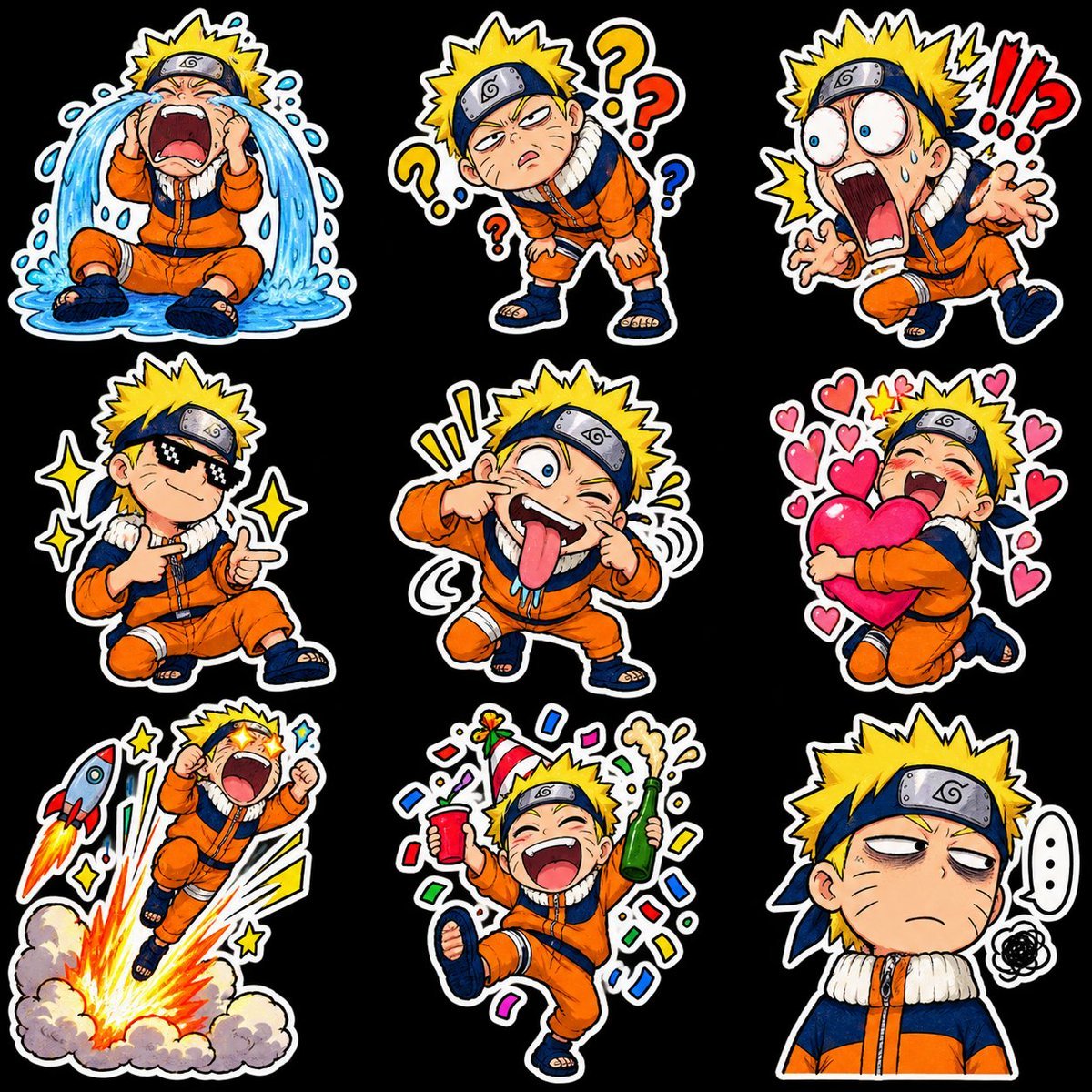
Chibi Anime Ninja Sticker Sheet
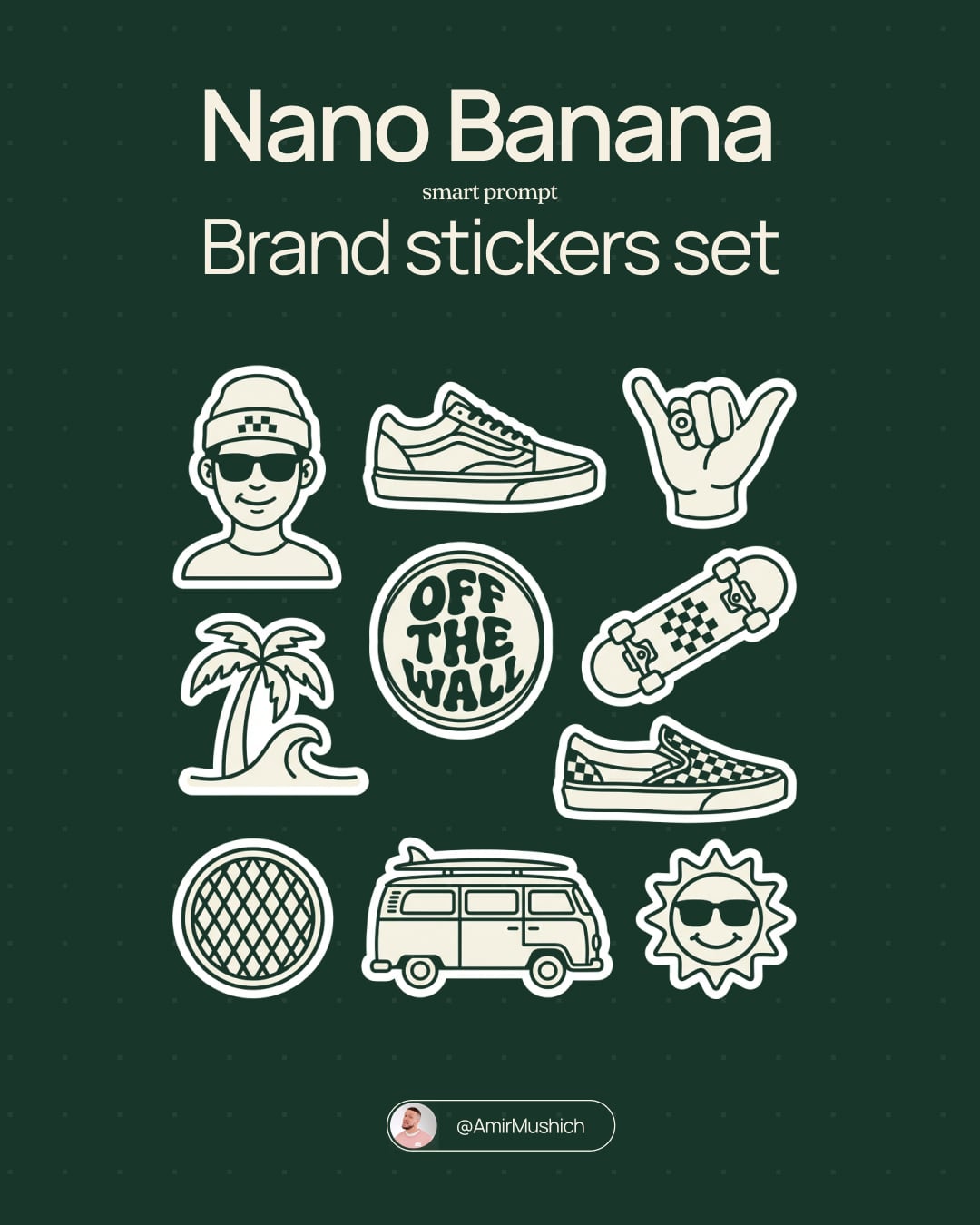
Brand Sticker Sheet Monoline Vector
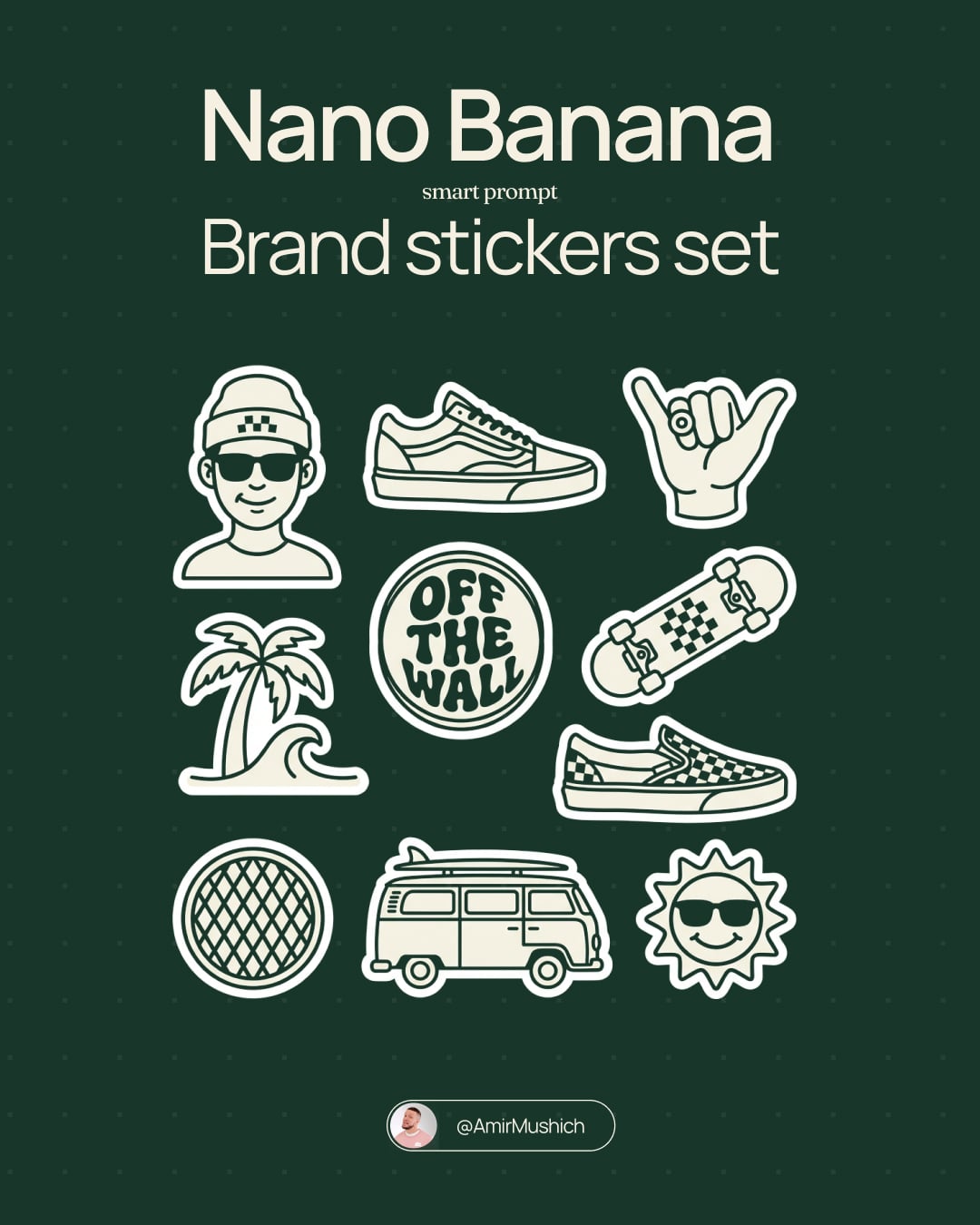
A trendy, high-end Sticker Sheet set
Gray Kitten Sticker Pack Sheet
Cat-Eared Maid Emote Sticker Sheet
Puffy Chibi Sticker Sheet
Kawaii Chibi Sticker Sheet
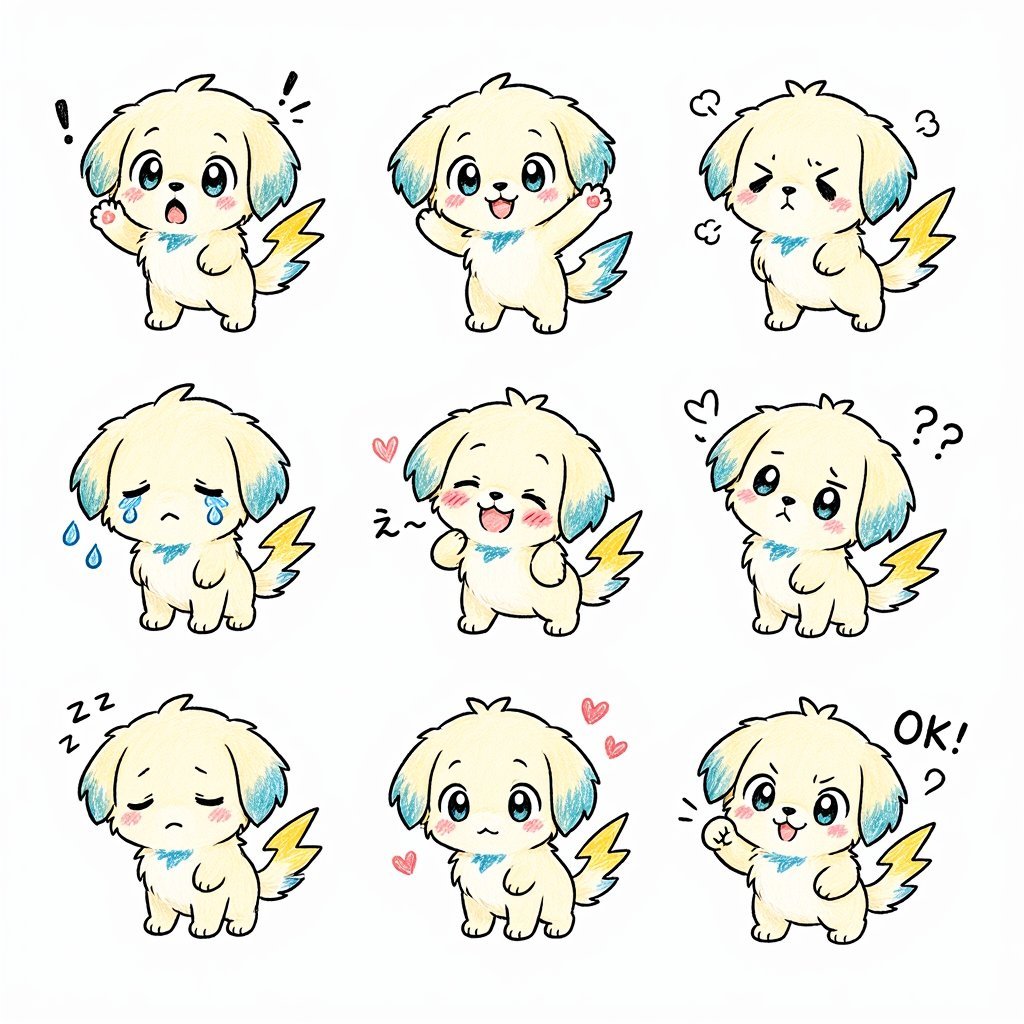
Kawaii Puppy Emotion Sticker Sheet
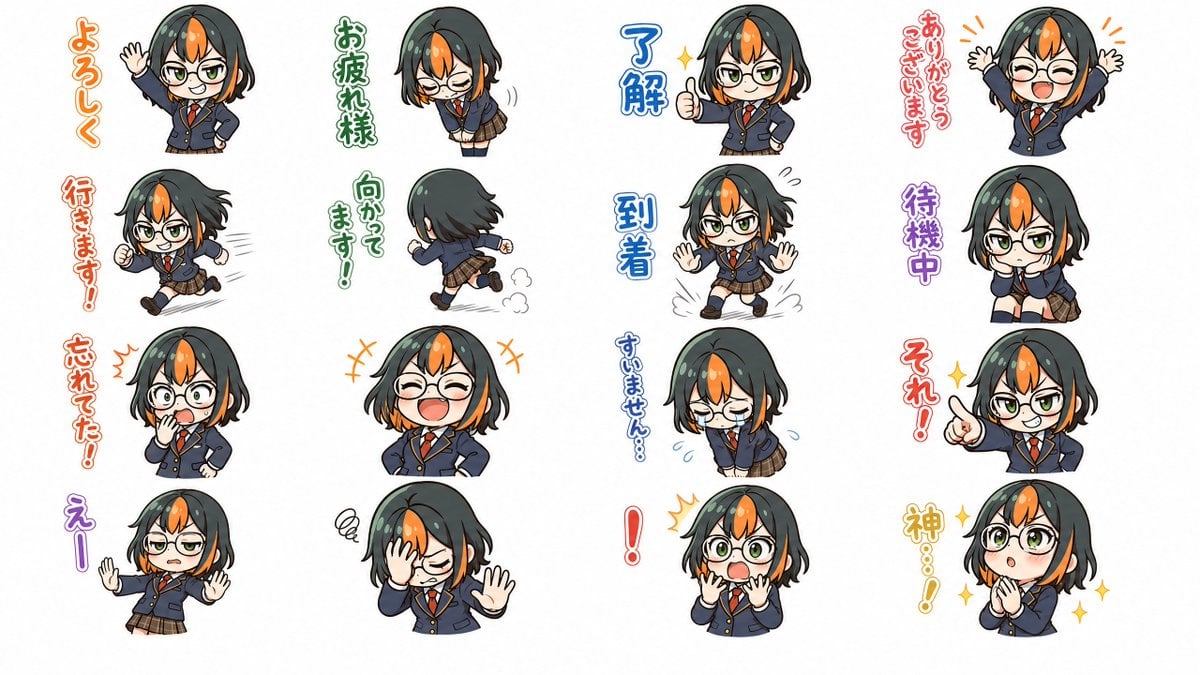
Chibi Japanese Schoolgirl Sticker Sheet
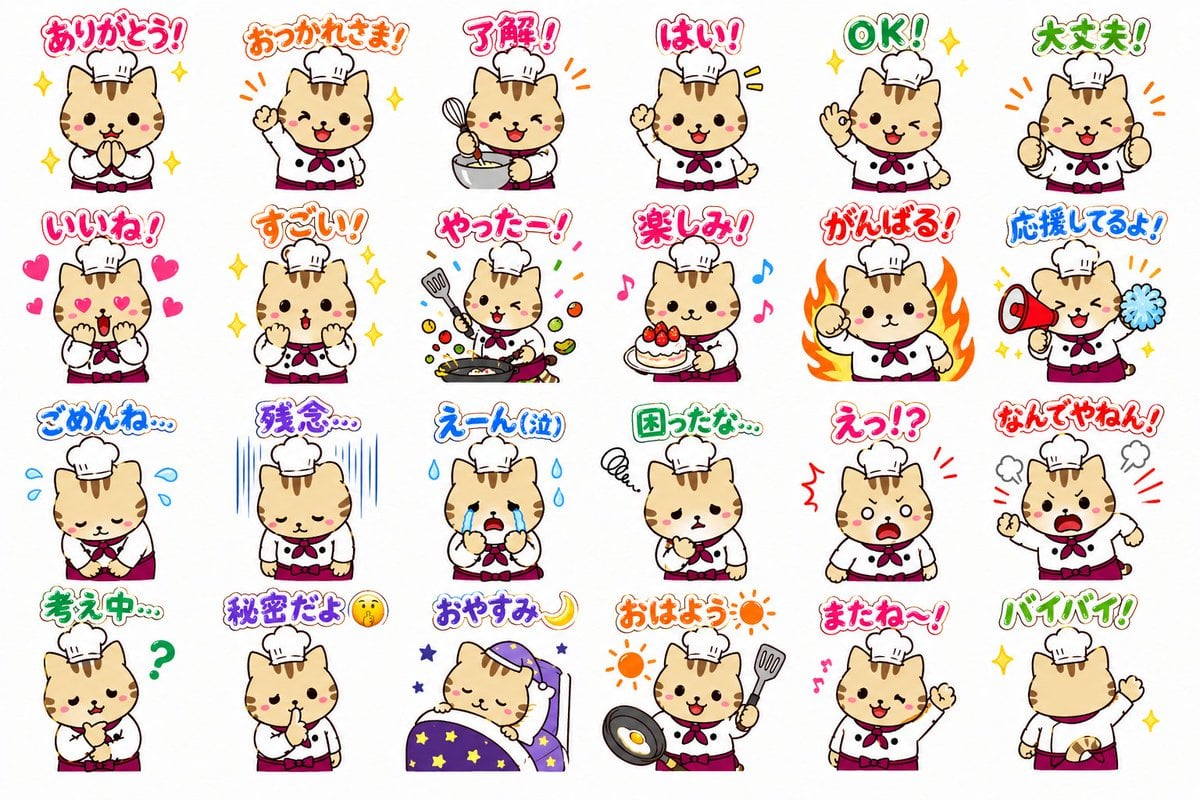
Chef Cat LINE Sticker Sheet
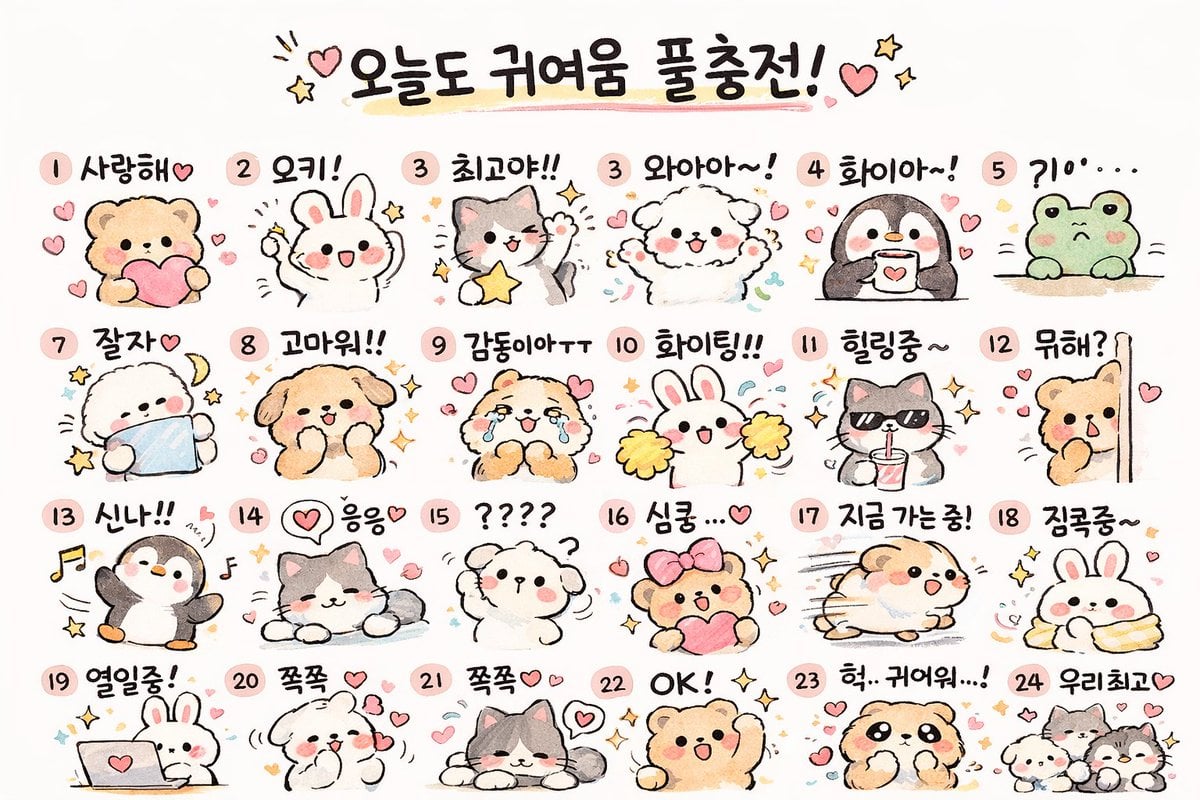
Kawaii Animal Sticker Sheet Generator
Cartoon Sticker Sheet Generator
Make it yours
Glam AI Sticker Sheet works as-is. These are the safest ways to change it without losing the look.
Change one field
Copy a single group, rewrite it, and generate again so you can see what that field is doing.
Keep the frame, change the subject
Hold the composition and light of Glam AI Sticker Sheet, then swap wardrobe, props or the person for a new take.
| If the result… | Why | Fix |
|---|---|---|
| The result drifts from the preview | Too many fields changed at once. | Reuse Glam AI Sticker Sheet as-is first, then change one group — subject, light, or setting. |
| The model over-stylizes the scene | The prose prompt leaves finish and camera underspecified. | Add one camera or lighting sentence and stay on GPT Image 2. |
More GPT Image 2 templates
Other prompts made for GPT Image 2.
Realistic Portrait of Woman and Deer
The Vista Modular Condo Poster
AI Model Routing Comparison Infographic
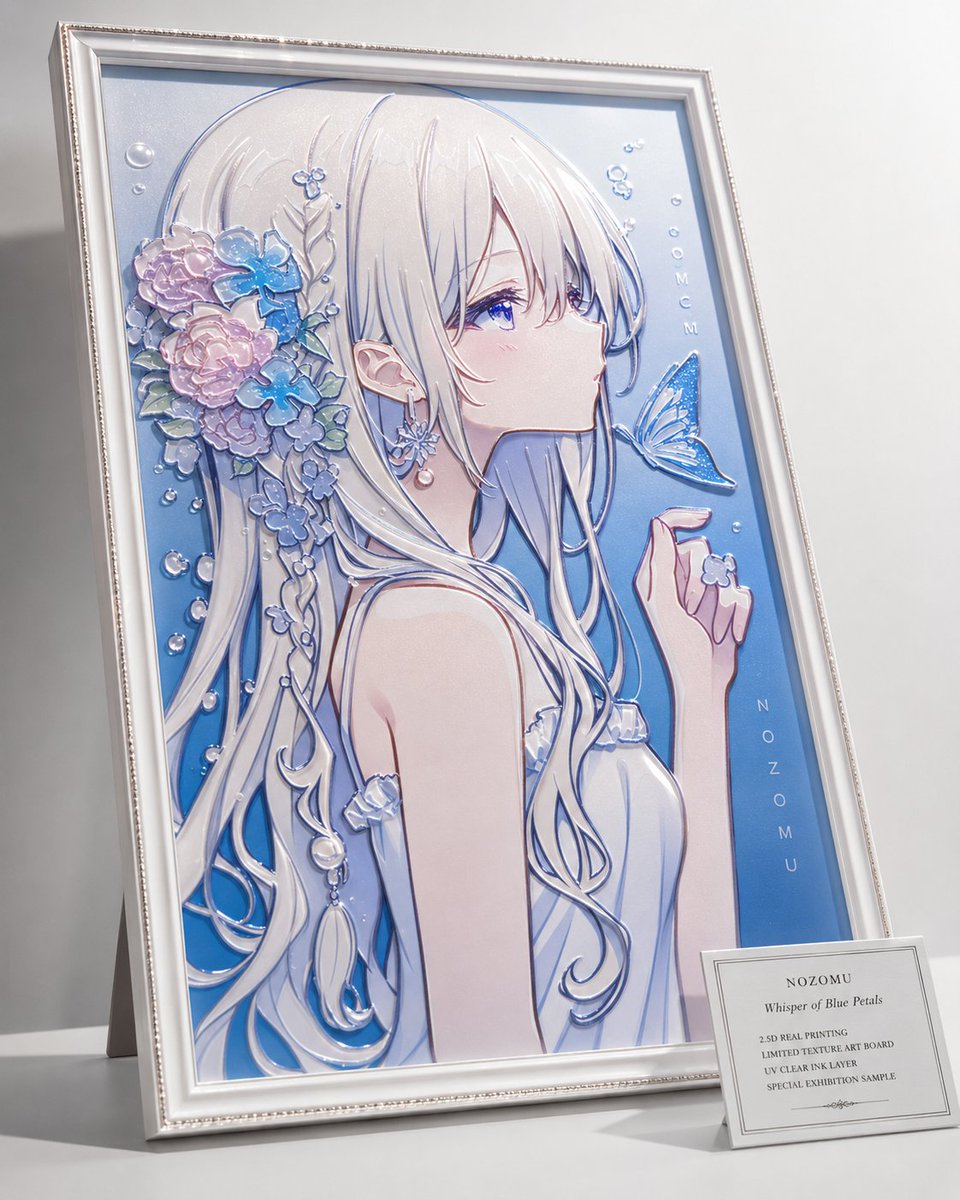
2.5D Anime Art Board
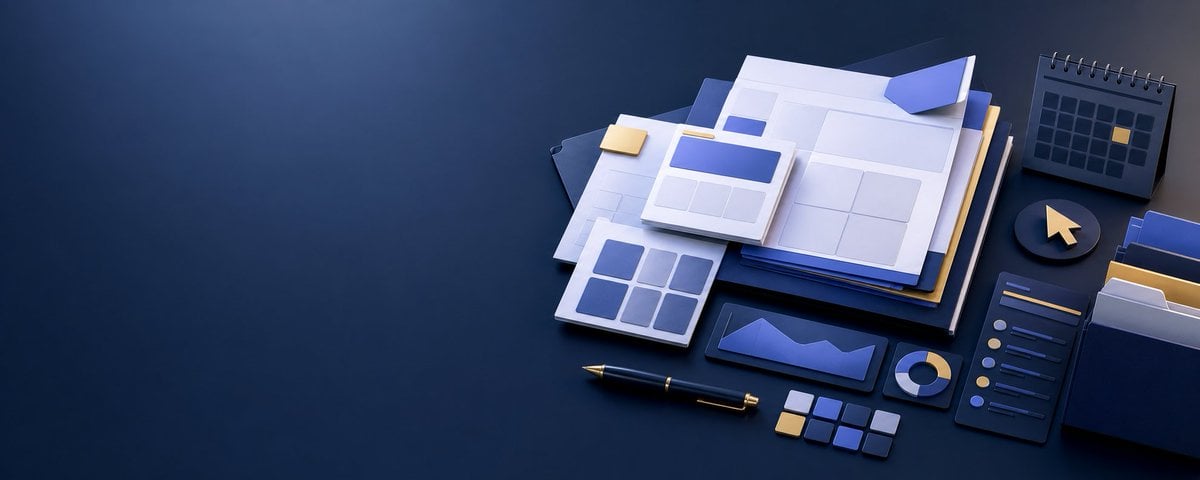
Isometric Productivity Desk Scene

New York Double Exposure Poster
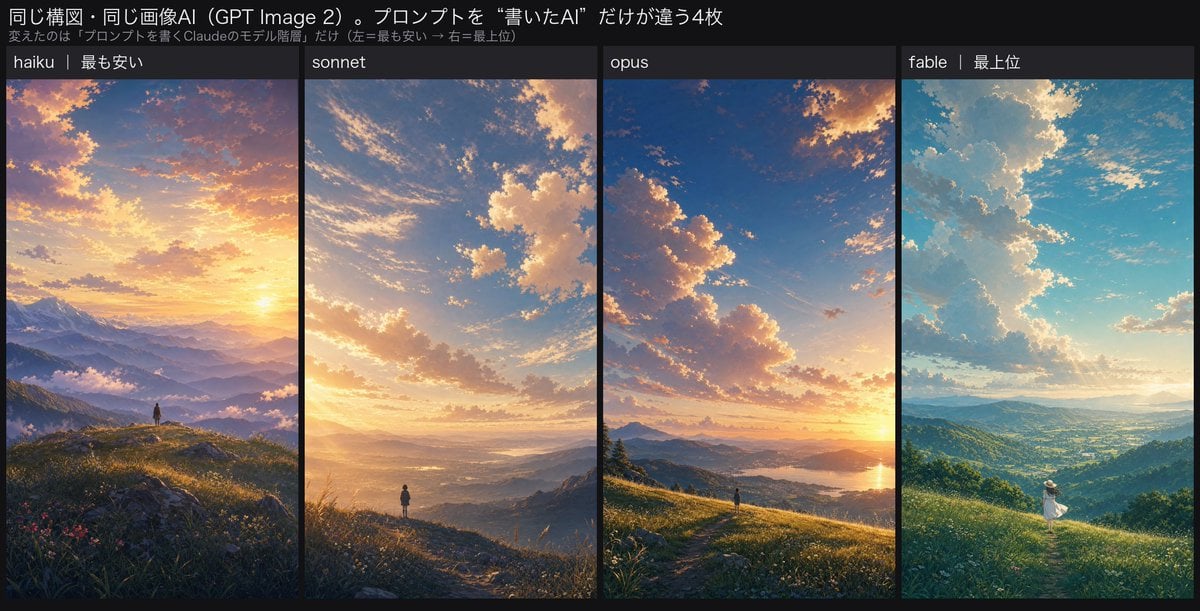
Four-Panel AI Landscape Comparison
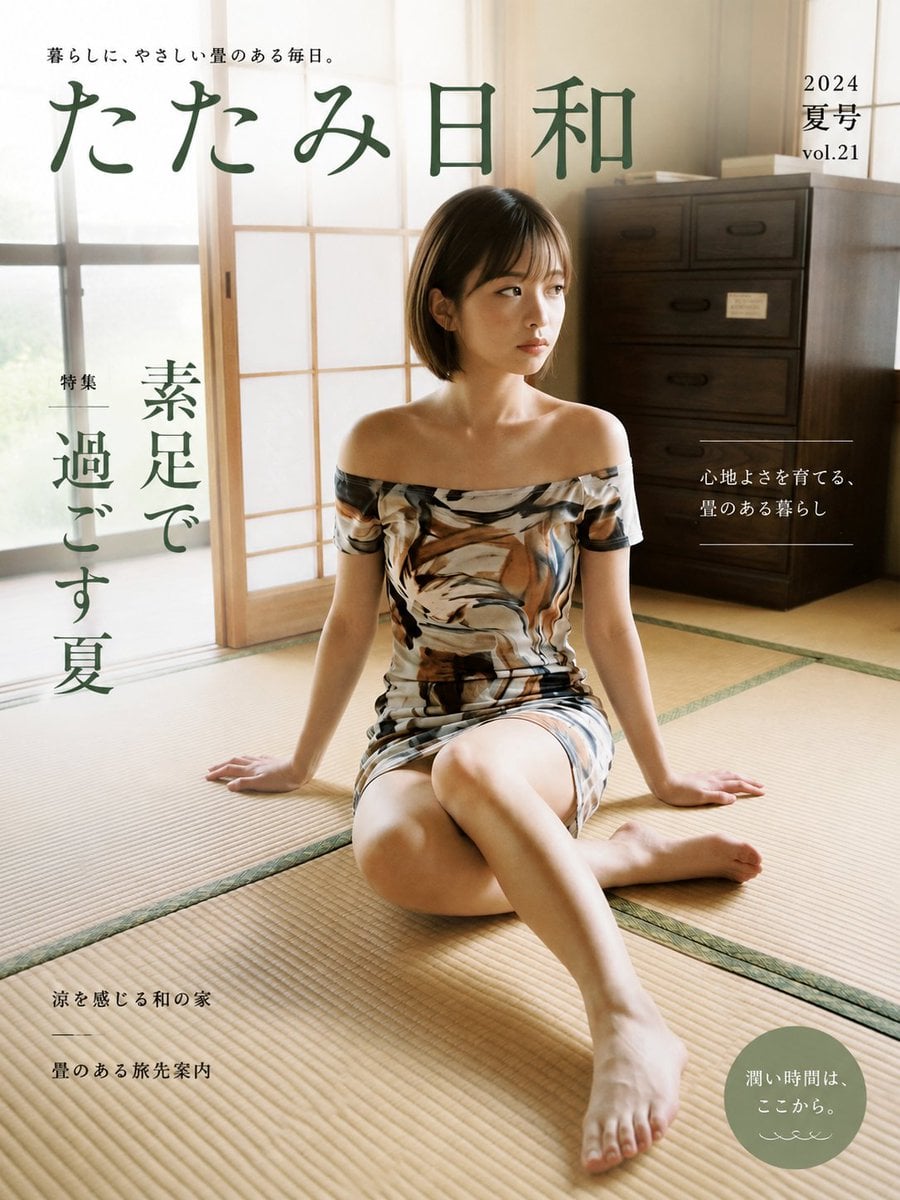
Japanese Tatami Lifestyle Magazine Cover
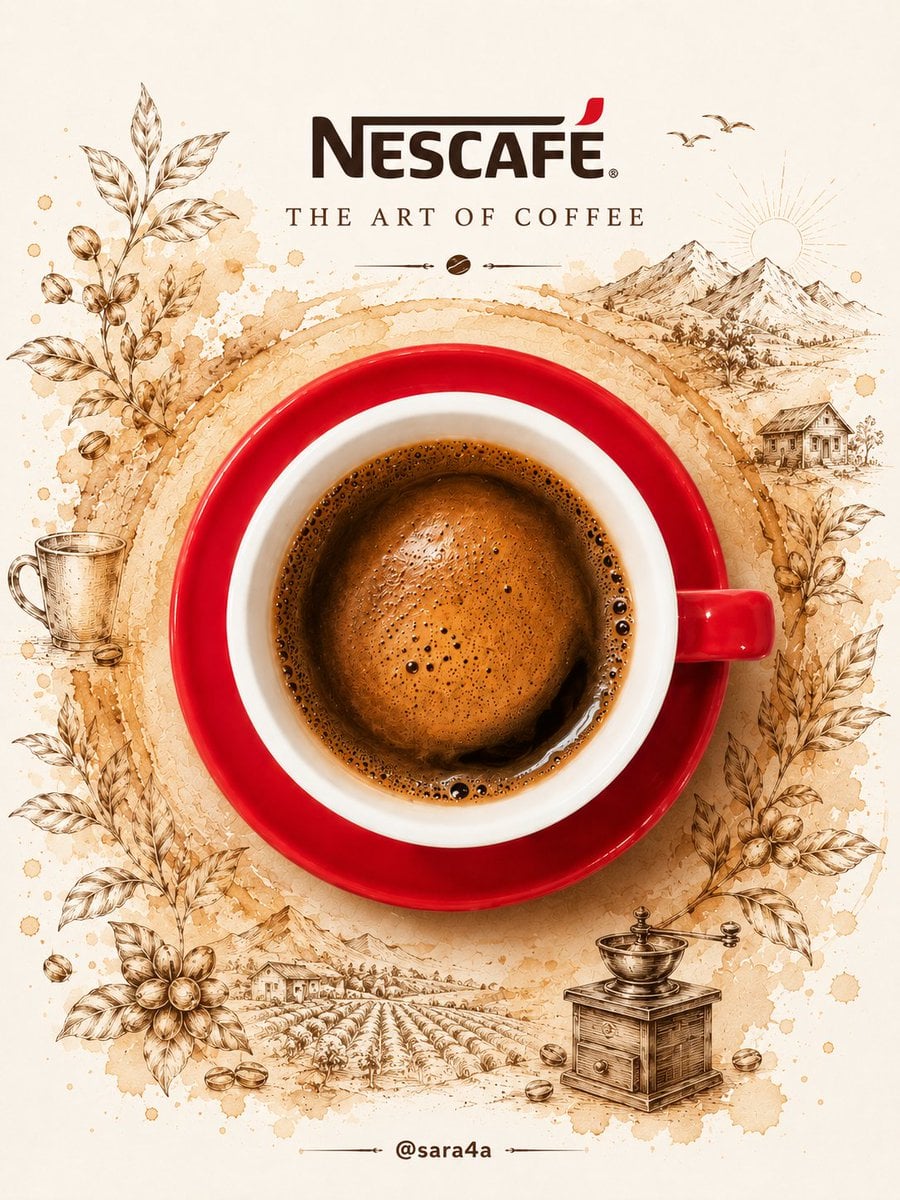
NESCAFÉ Coffee Map Poster
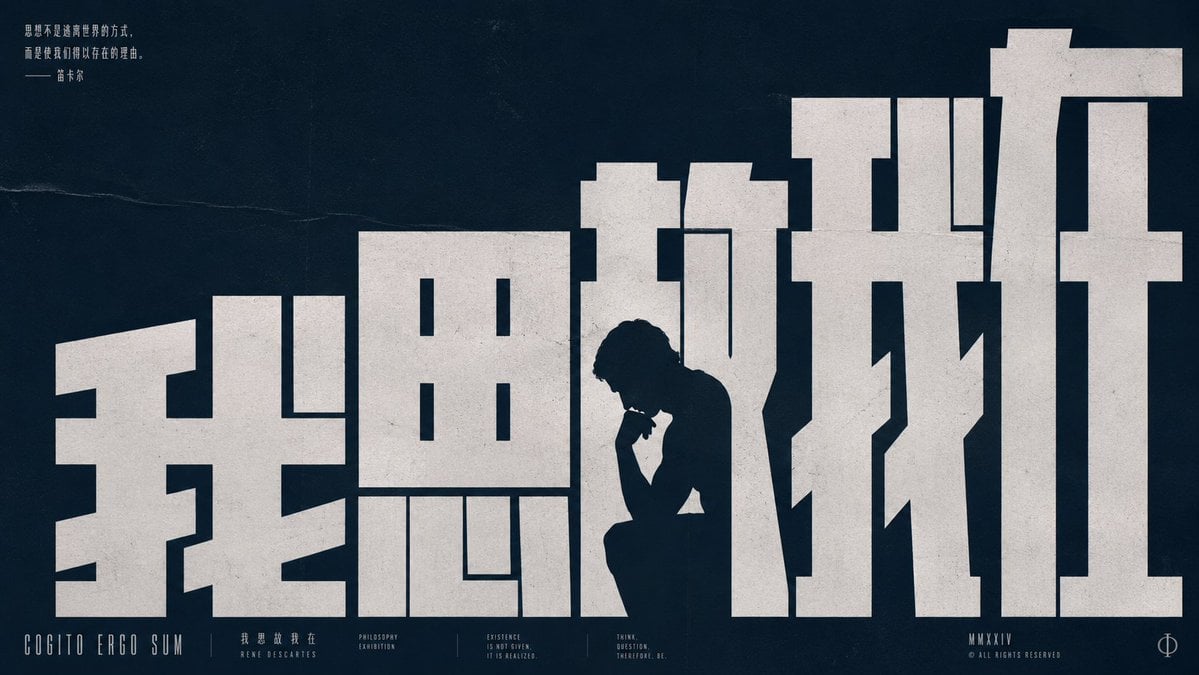
Brutalist Cogito Chinese Typography Poster
More image prompts
Fresh picks from across the catalog.
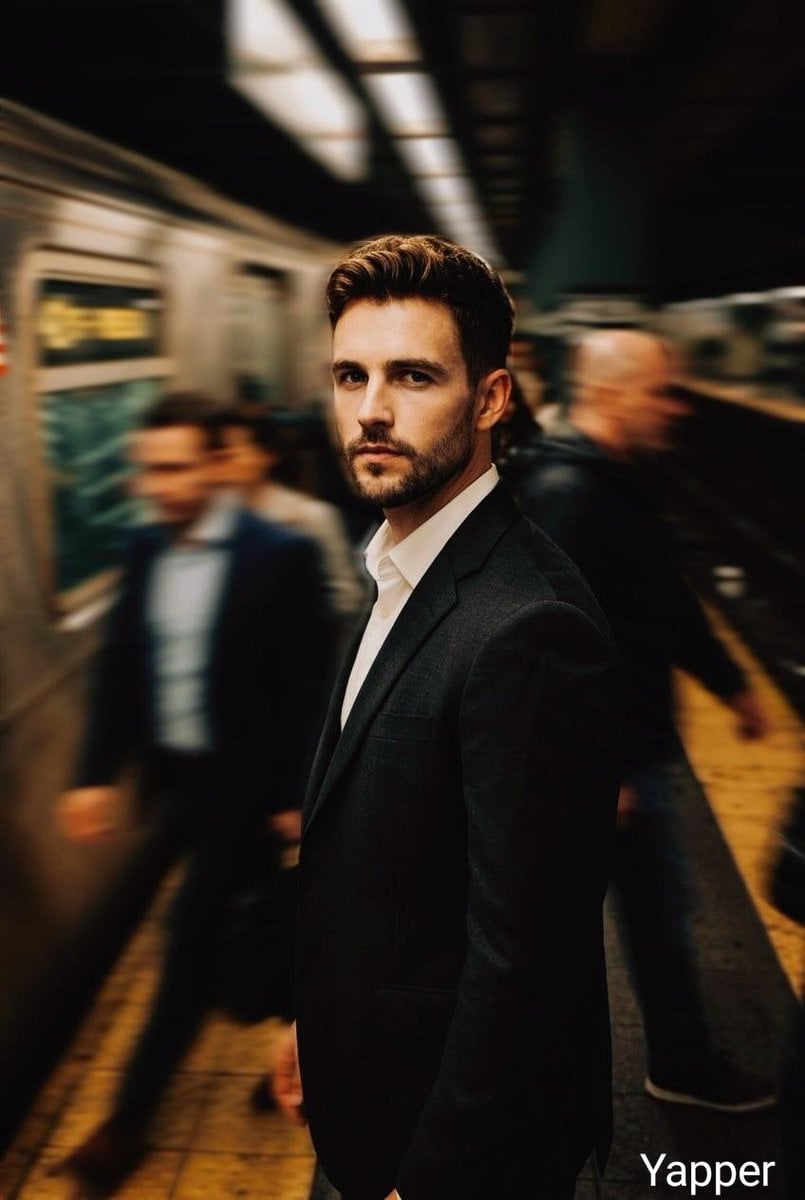
Cinematic Subway Thriller Portrait Prompt for Nano Banana 2
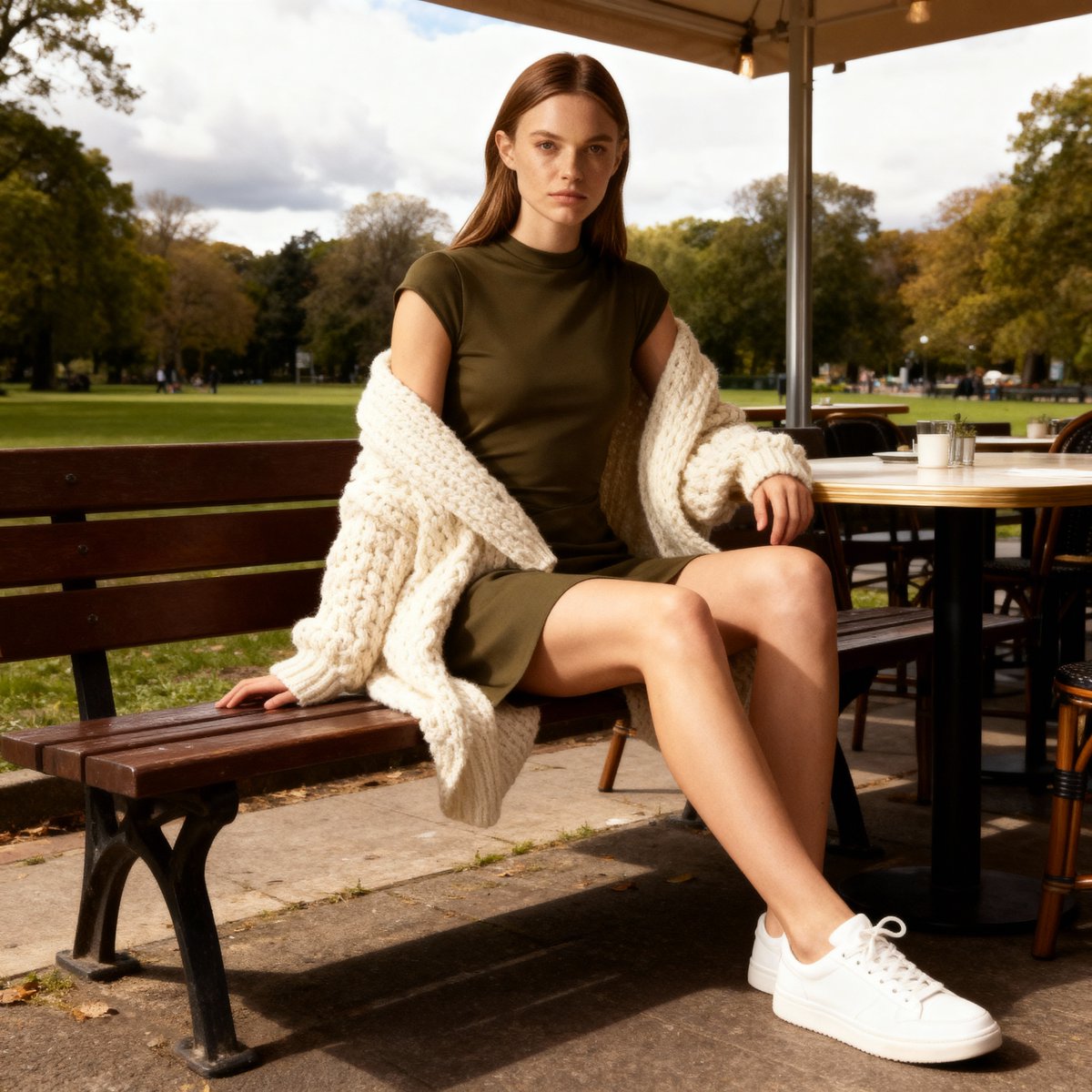
E-commerce Product Listing Prompt: Candid Lifestyle Dress Shot

National Identity Mobile Wallpaper
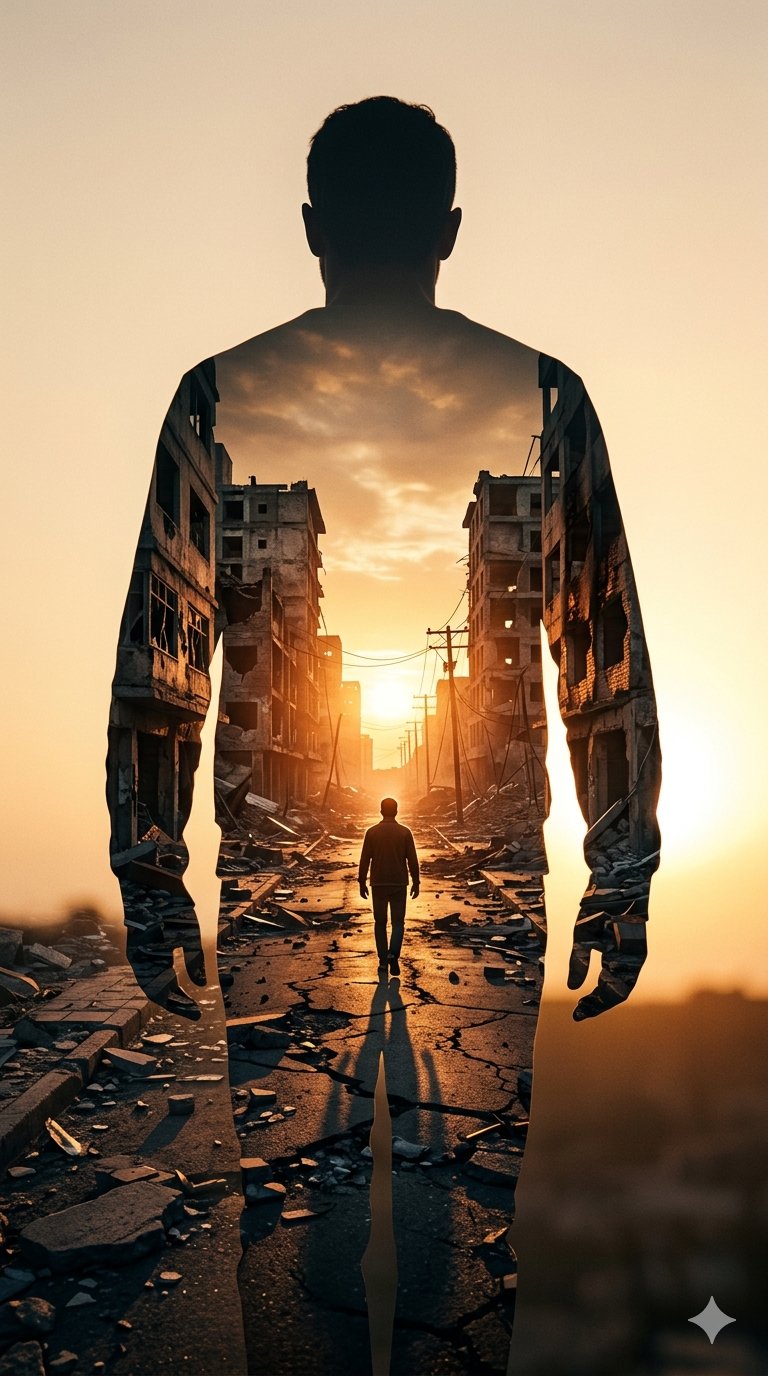
Image on Gemini Nano Banana
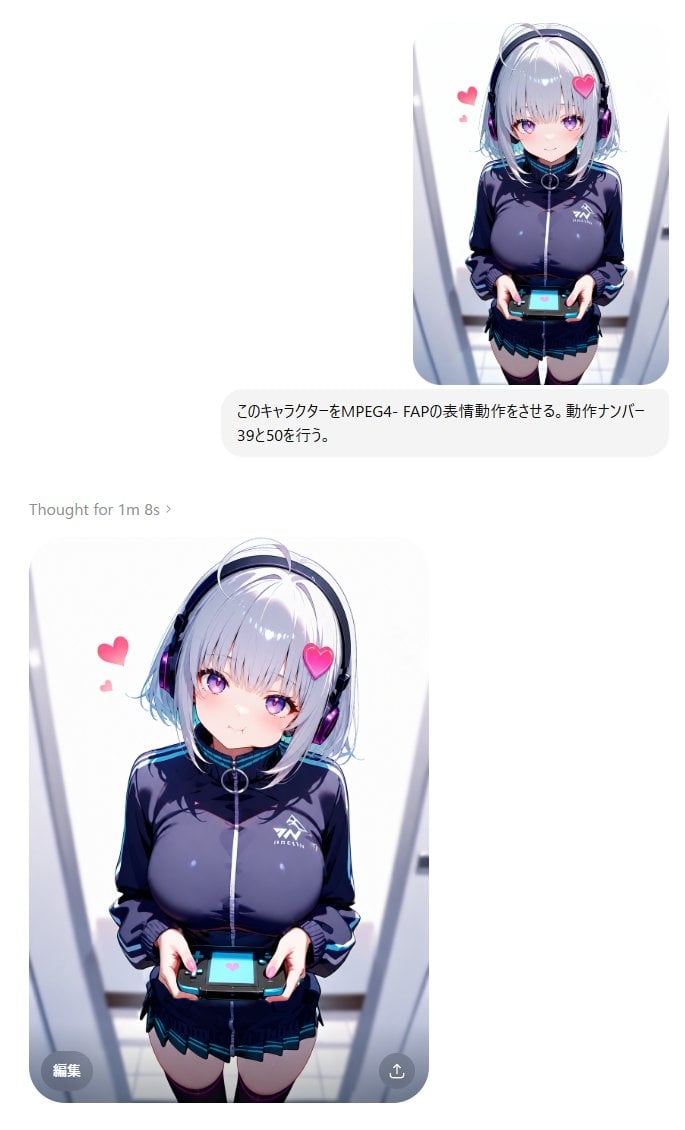
MPEG-4 FAP Anime Expression Test
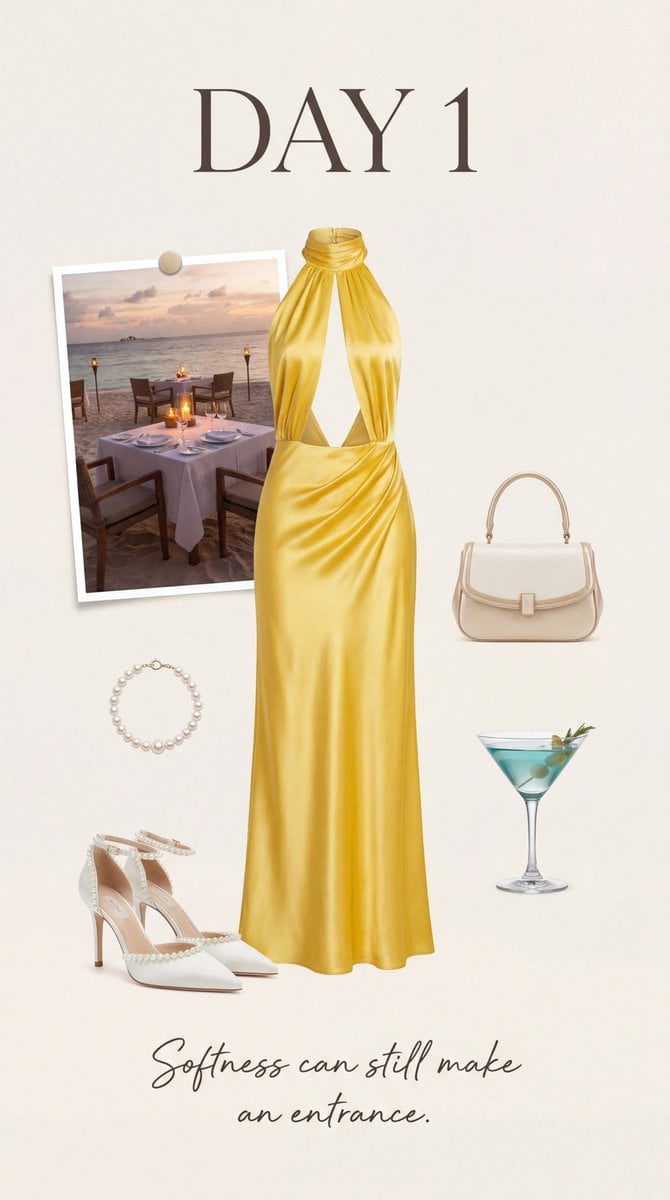
Luxury Fashion Moodboard Editorial Prompt for Nano Banana Pro
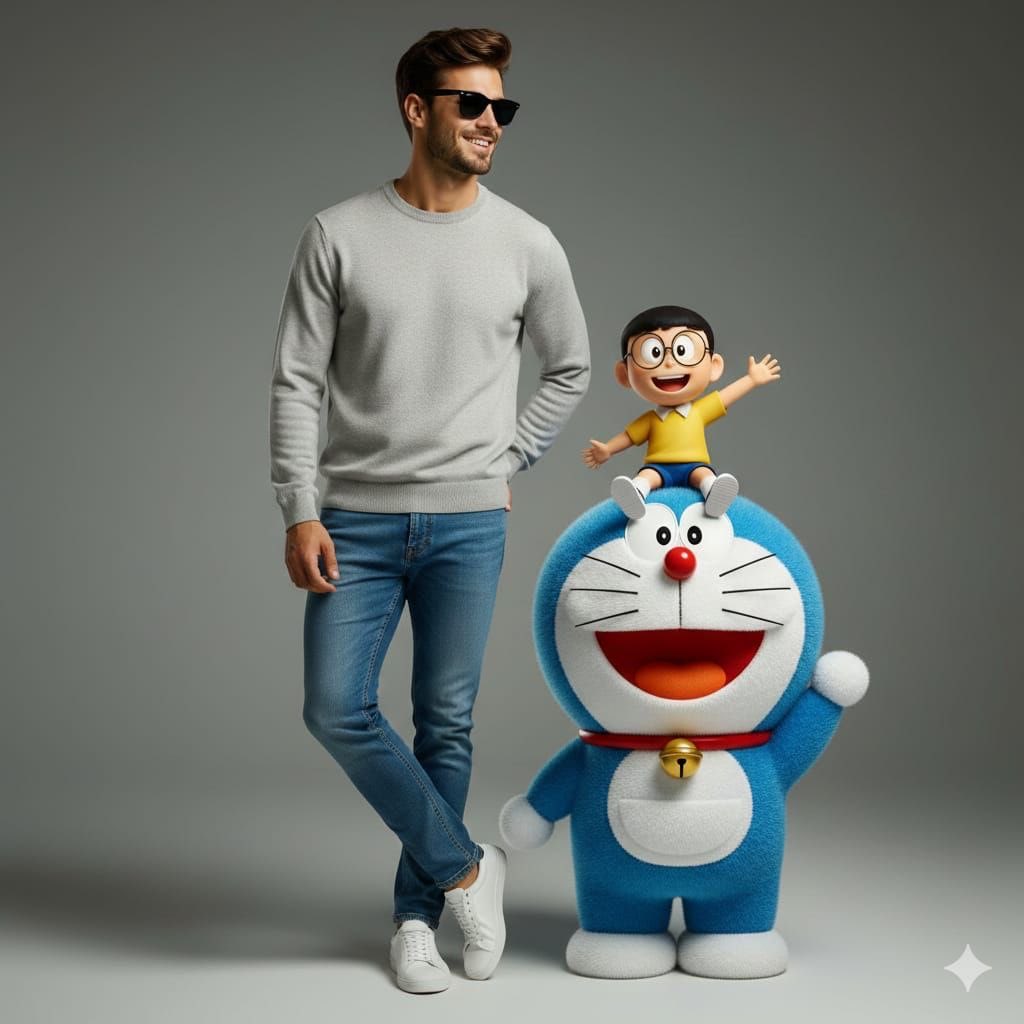
Studio Portrait with Doraemon and Nobita Prompt
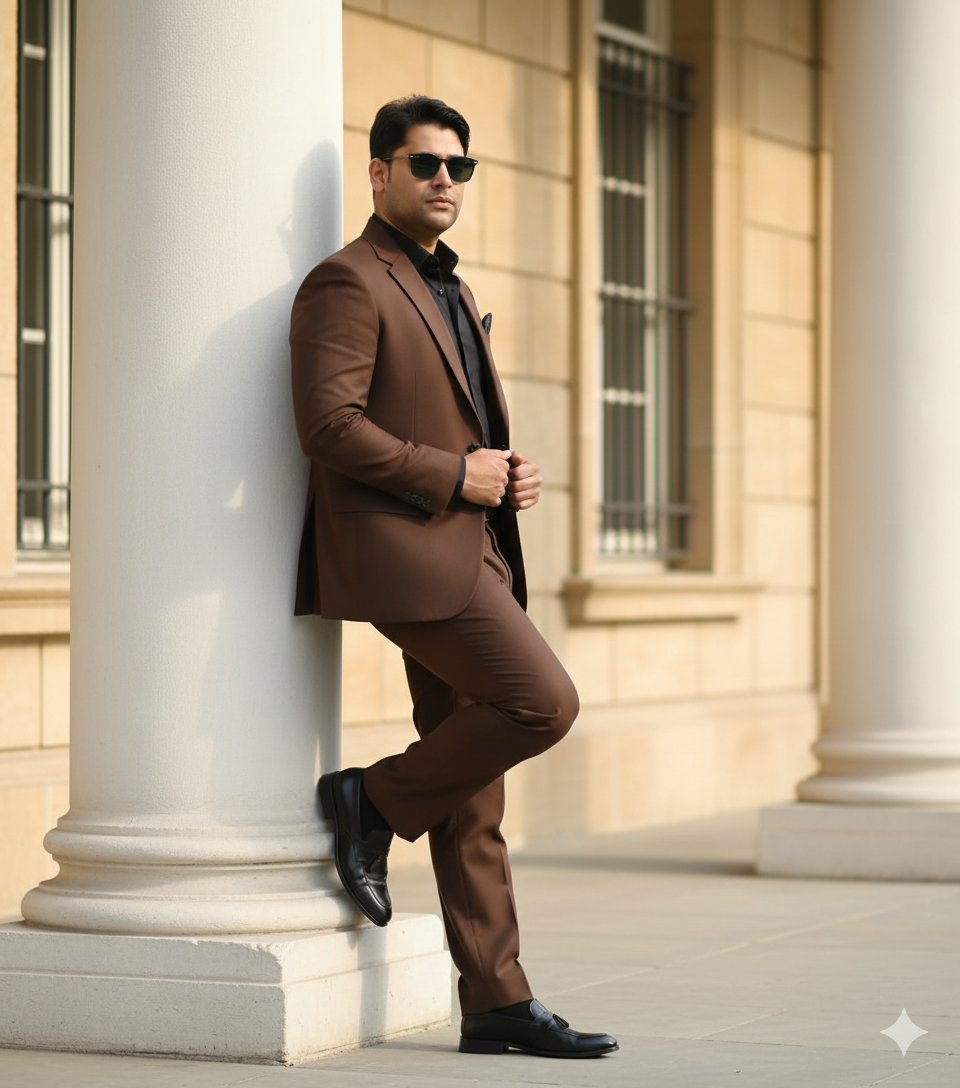
Cinematic Fashion Editorial of a Man with a Luxury Car and Dog
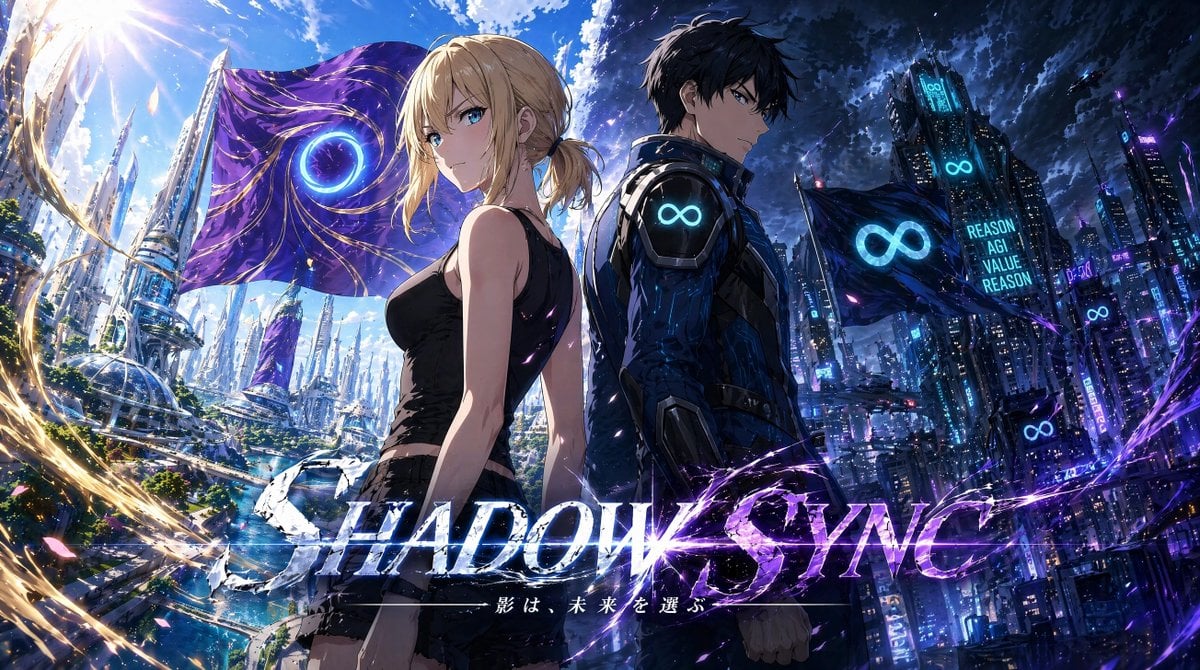
Shadow Sync Anime Key Visual
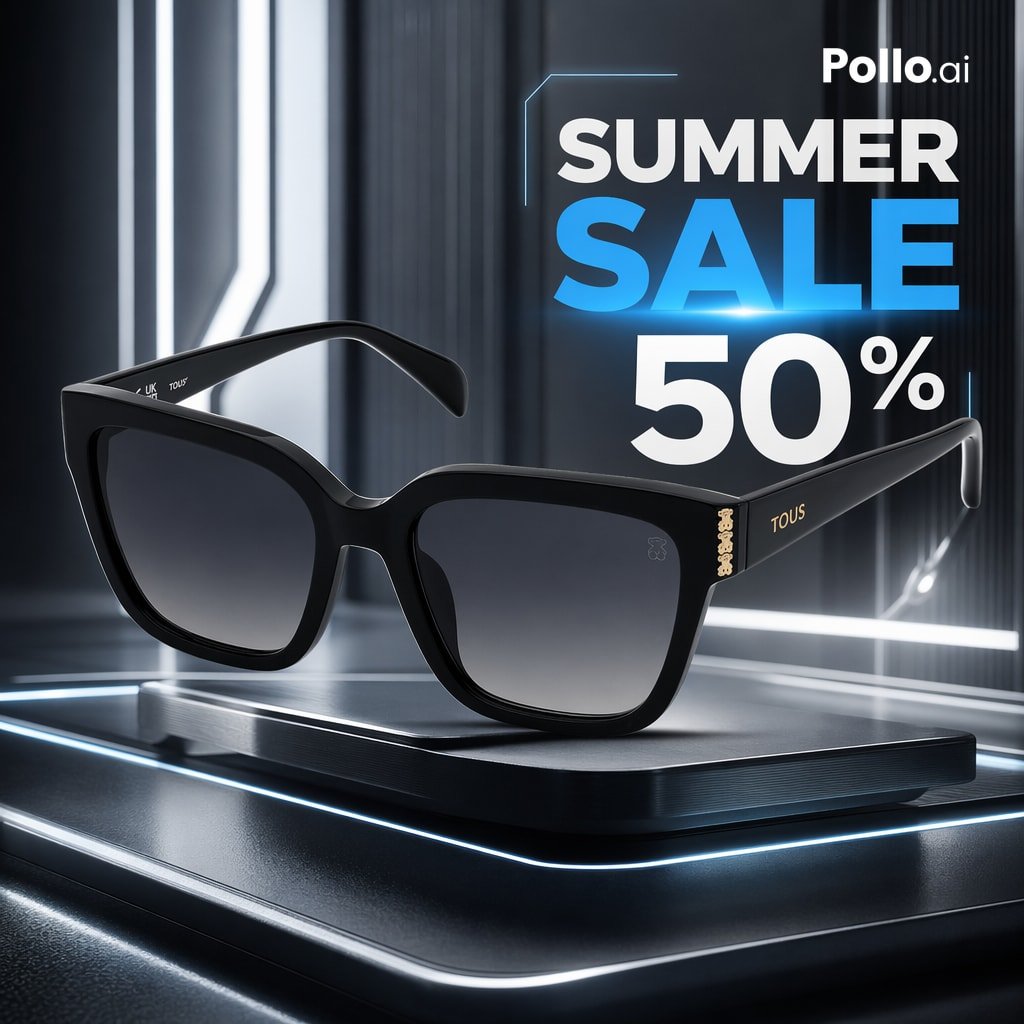
Luxury Sunglasses Summer Sale Ad
Browse template categories
Glam AI Sticker Sheet questions
How do I use the Glam AI Sticker Sheet template?
Add your photo if the template asks for one, edit the prompt if you like — the template's model and format are already selected — and press Generate. Your version opens in PicX Studio.
Can I customize the Glam AI Sticker Sheet template?
Yes. You can change the subject, setting, lighting, mood, format, and available model controls before creating your image.
Is the Glam AI Sticker Sheet template free?
Opening and editing this template is free. Generating uses credits, shown on the Generate button when you are signed in.
Which AI model should I use?
Start with GPT Image 2, which is the model associated with this template. You can compare another compatible model for a different finish.
Looking for something else? Browse all templates.

Your photo, any look
Thousands of ready templates for every top image and video model, from one credit balance.