How do I use the Ana de Armas Boudoir Portrait in Silk Nightwear template?
Choose the primary action to open PicX Studio with the available template settings. Review the model and format, personalize the creative direction, and generate when ready.
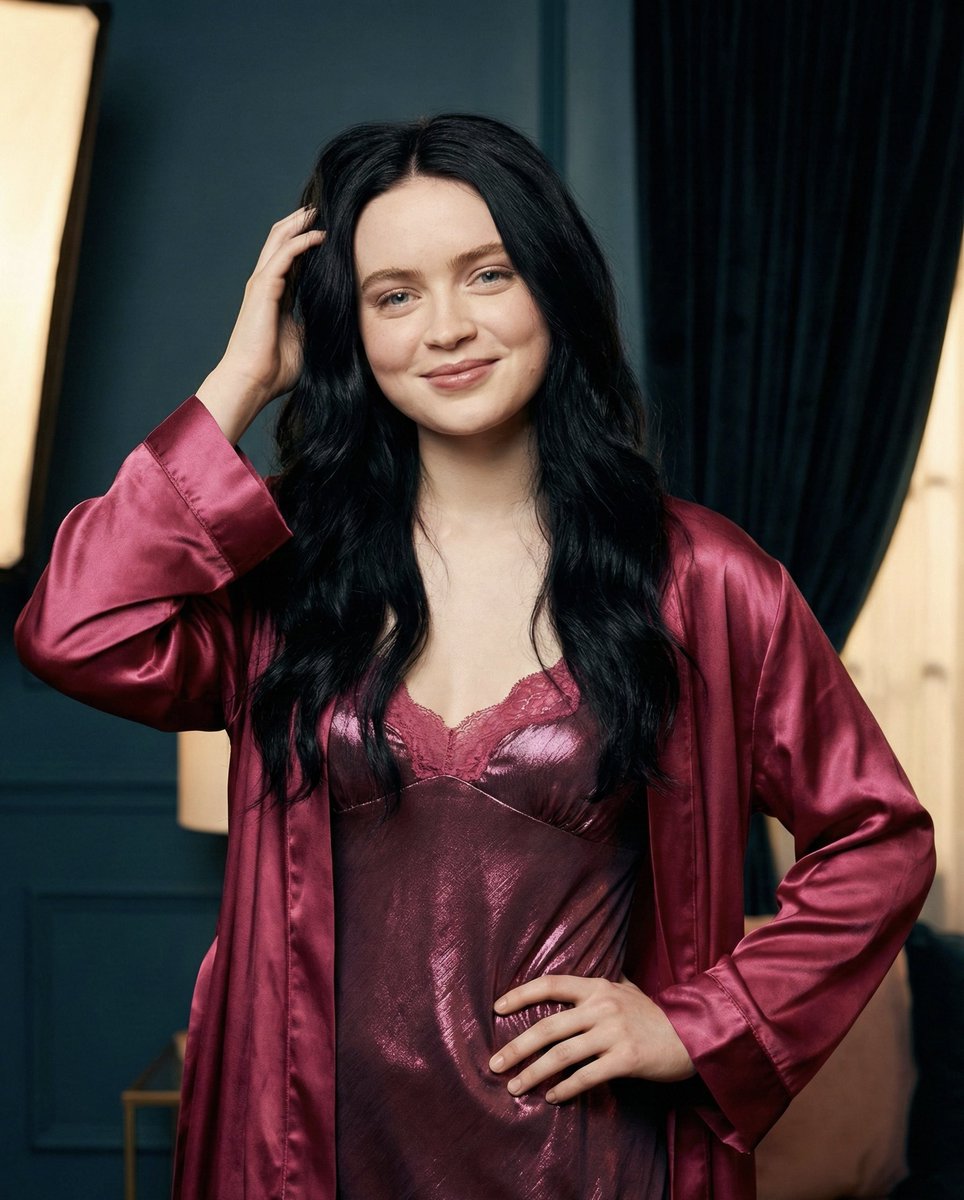
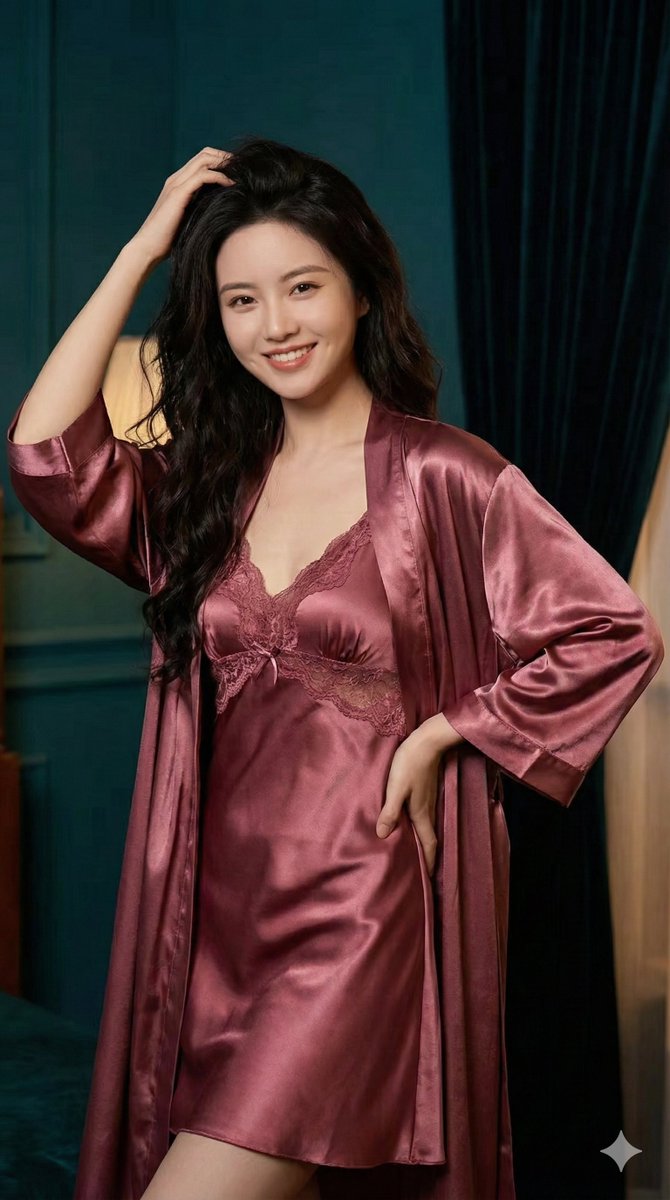
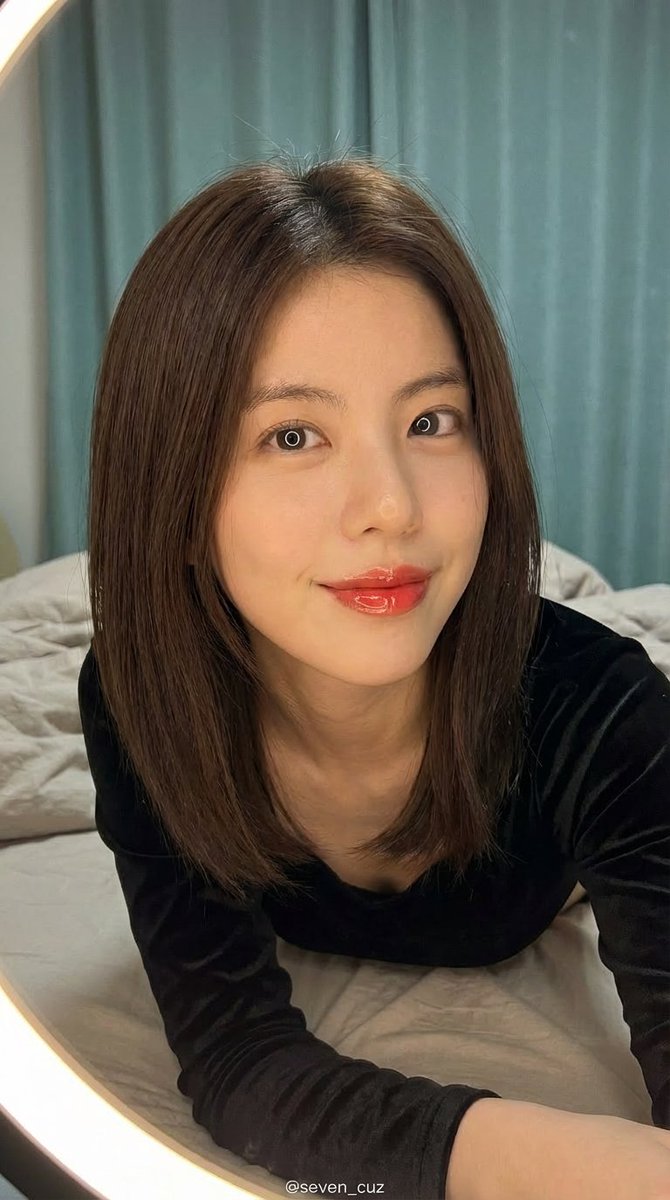
A highly detailed JSON prompt for Gemini Nano Banana Pro to generate a photorealistic portrait of Ana de Armas in a magenta silk nightgown and robe, set in an i

{ "image_generation_request": { "technical_configuration": { "aspect_ratio": "3:4", "resolution": "8K Ultra HD", "rendering_engine": "Photorealistic / Ray-traced", "camera_settings": { "shot_type": "Medium Shot (Mid-shot)", "focal_length": "85mm (Portrait Lens)", "aperture": "f/2.8", "focus_point": "Sharp focus on eyes and facial features", "depth_of_field": "Soft bokeh background" } }, "subject_details": { "identity": { "reference": "{argument name="celebrity name" default="Ana de Armas"}", "fidelity": "Strict face preservation (100% likeness)", "demographics": "Adult female" }, "physical_attributes": { "hair": { "color": "Jet black", "length": "Long", "style": "Loose, flowing waves", "interaction": "Hand running through strands" }, "expression": { "mouth": "Soft, inviting smile", "eyes": "Warm and engaging", "mood": "Romantic, relaxed, sensual" } }, "pose_composition": { "left_hand": "Raised, gently running fingers through hair", "right_hand": "Resting comfortably on the natural waistline", "posture": "Relaxed but elegant standing pose", "orientation": "Slightly angled towards the camera" } }, "wardrobe_specifications": { "layer_1_nightgown": { "garment": "Slip dress / Nightgown", "color": "Dark pink / Magenta", "fabric_finish": "Metallic sheen", "texture": "Smooth satin blend", "details": "Intricate lace detailing along the neckline and hem" }, "layer_2_robe": { "garment": "Matching robe", "material": "Pure silk", "color": "Dark pink (matching tone)", "drape": "Loose and flowing over shoulders", "surface_reaction": "High reflectivity to light" } }, "environmental_context": { "setting": "Indoor / Boudoir", "background_elements": { "wall_color": "Deep Teal", "textiles": "Dark, heavy curtain (velvet texture)", "atmosphere": "Intimate and cozy" } }, "lighting_and_atmosphere": { "style": "Soft Romantic Indoor Lighting", "key_light": "Diffused softbox from the side", "highlights": "Emphasis on the metallic sheen of the nightgown and silk robe", "shadows": "Gentle, flattering contouring", "color_grade": "Warm tones with contrasting cool background (Teal vs Pink)" } } }
Choose the primary action to open PicX Studio with the available template settings. Review the model and format, personalize the creative direction, and generate when ready.
Yes. You can change the subject, setting, lighting, mood, format, and available model controls before creating your image.
This template is free to open and customize. Generation usage is shown in PicX Studio before you create.
© 2026 PicX Studio. All rights reserved.

Start with Nano Banana 2, which is the model associated with this template. You can compare another compatible model for a different finish.
Follow a topic to a crawlable collection of related PicX Studio templates.