How do I use the Hard Flash City Glow Portrait Prompt template?
Choose the primary action to open PicX Studio with the available template settings. Review the model and format, personalize the creative direction, and generate when ready.
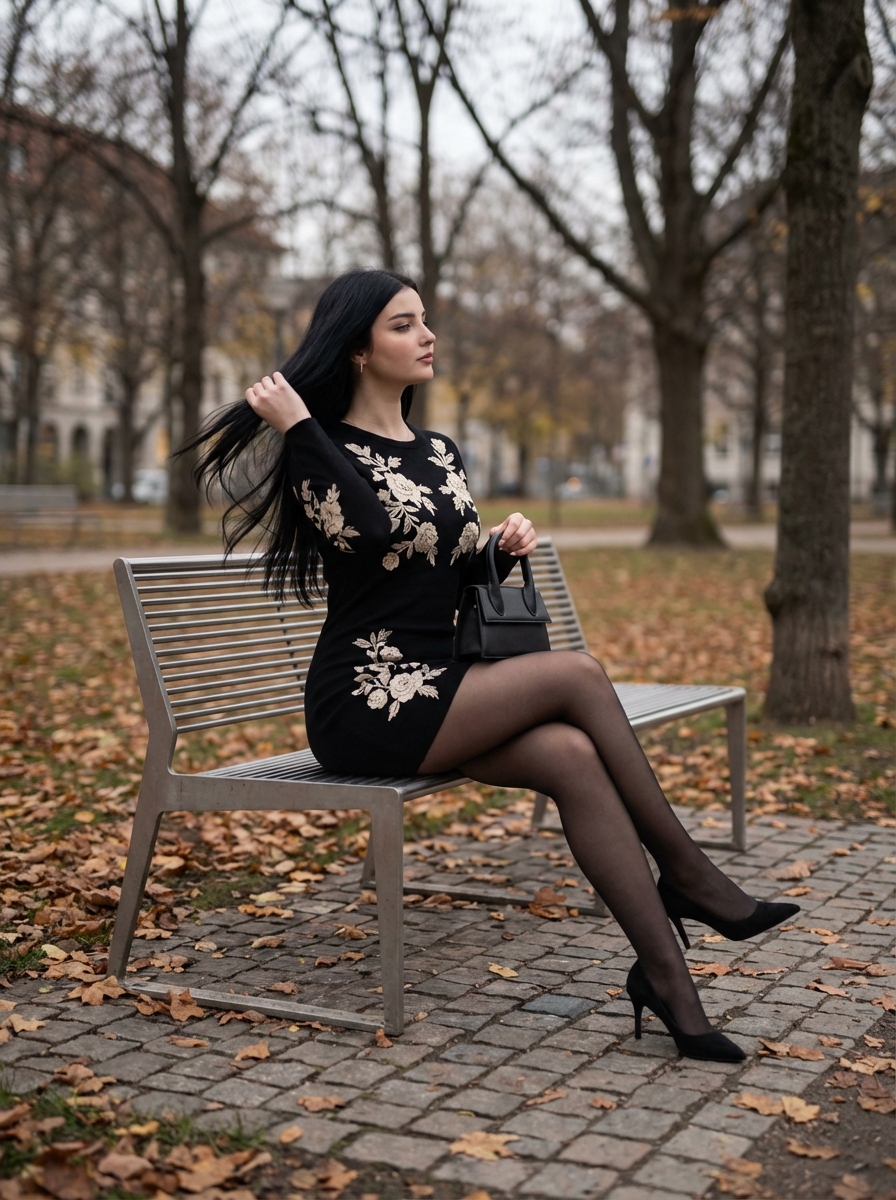
A highly detailed JSON prompt for generating a photorealistic portrait using hard, frontal on-camera flash. Change the subject, setting, or lighting one variable at a time.

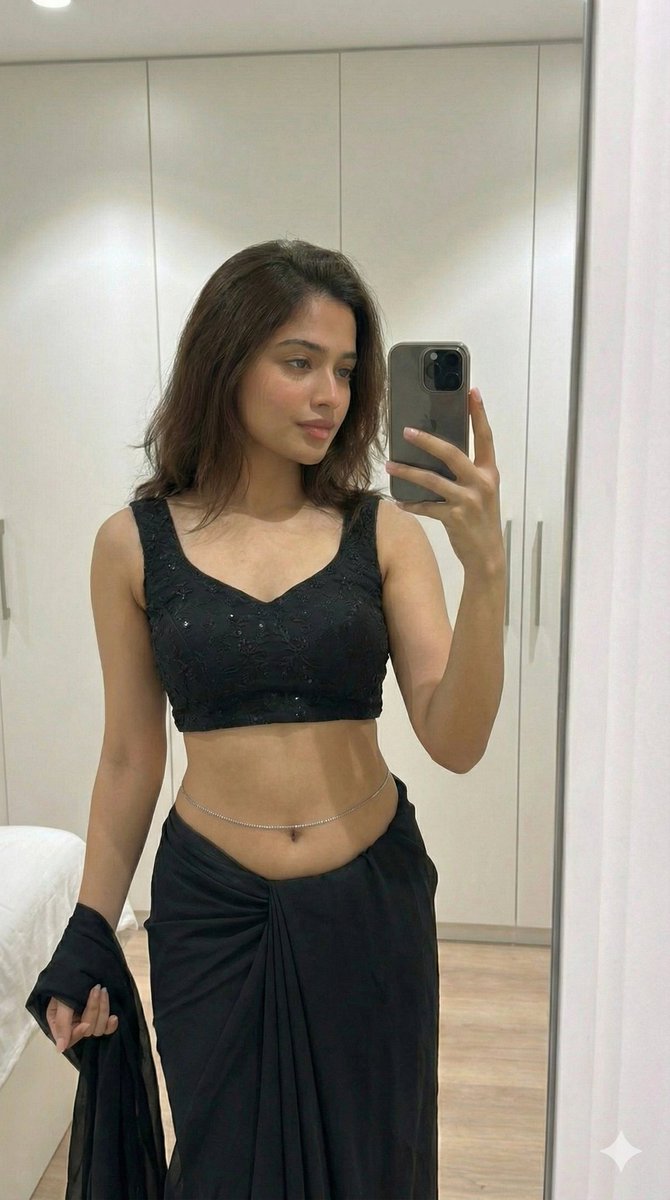
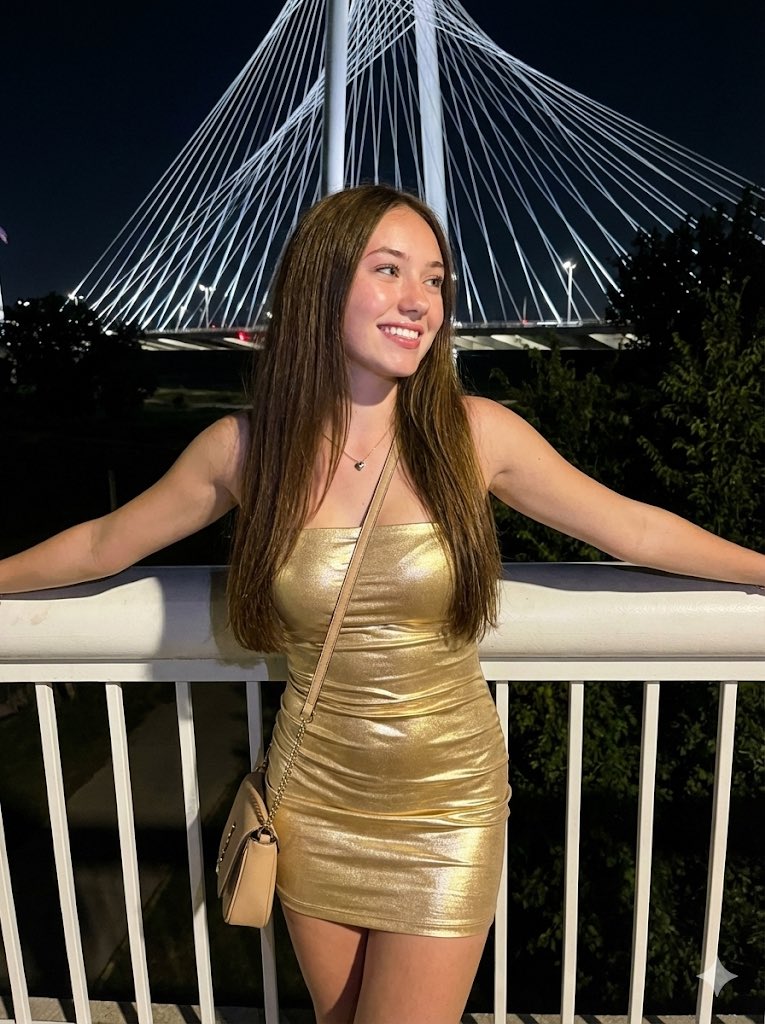
{ "prompt_type": "photorealistic image generation", "subject": { "gender": "female", "age": 20, "ethnicity_appearance": "light-skinned Caucasian appearance", "body_type": "fit, slim hourglass figure, toned midsection", "pose": "standing leaning back against a dark window frame, one arm raised resting high on the frame, the other hand delicately holding a single red rose near her face", "facial_expression": "soft, captivating gaze directly at the camera, lips slightly parted, relaxed and confident" }, "face_details": { "face_shape": "sculpted oval with defined jawline", "skin_tone": "fair with warm undertones, illuminated by flash", "skin_texture": "smooth, realistic grain, slight shine from flash photography", "cheeks": { "shape": "high cheekbones", "color": "soft peachy blush" }, "nose": { "shape": "straight", "size": "small to medium", "tip": "refined" }, "lips": { "shape": "full and plump", "color": "natural mauve-pink", "finish": "satin matte" }, "eyes": { "color": "piercing light blue-green", "shape": "almond", "expression": "alluring and focused", "eyelashes": "natural but defined" }, "eyebrows": { "shape": "arched", "thickness": "medium", "color": "dark blonde" } }, "hair": { "color": "platinum blonde", "style": "long single thick braid hanging over one shoulder", "length": "long", "texture": "smooth, sleek with some loose strands illuminated by flash" }, "clothing": { "top": { "type": "hoodie", "color": "hot pink", "details": "cropped length revealing midriff, long sleeves, drawstring hood" }, "bottom": { "type": "denim shorts", "color": "light blue wash", "details": "high-waisted, distressed/ripped texture, frayed hem" }, "outerwear": { "type": "none", "color": "none", "wearing_style": "none" } }, "accessories": { "bag": "none", "jewelry": "small stud earrings", "props": "a single red rose held in the right hand" }, "background": { "setting": "indoor night scene near a window", "objects": [ "dark window glass", "window frame", "distant city lights bokeh outside (very faint)" ], "depth_of_field": "background dark and out of focus" }, "lighting": { "type": "direct on-camera flash", "direction": "frontal", "effect": "hard flash lighting, casting a shadow behind the subject on the window frame, high contrast, vibrant colors" }, "camera": { "shot_type": "three-quarter shot (thighs up)", "angle": "slightly low angle", "focus": "sharp focus on face and rose" }, "image_quality": { "style": "flash photography, candid aesthetic, raw DSLR look", "detail_level": "high detail on denim texture and skin", "noise": "visibl" }
Choose the primary action to open PicX Studio with the available template settings. Review the model and format, personalize the creative direction, and generate when ready.
Yes. You can change the subject, setting, lighting, mood, format, and available model controls before creating your image.
This template is free to open and customize. Generation usage is shown in PicX Studio before you create.
Start with Nano Banana 2, which is the model associated with this template. You can compare another compatible model for a different finish.
© 2026 PicX Studio. All rights reserved.

Follow a topic to a crawlable collection of related PicX Studio templates.
43,474 public templates available. Verified via the PicX Studio public templates API; refreshed hourly.
![53-gemini-nano-banana-2-isometric-3d-city-d — A hyper-realistic, isometric 3D diorama of [CITY NAME] presented as a detached cubic slice of earth. The top surfa](/_next/image?url=https%3A%2F%2Fcdn.picxstudio.com%2Fuploads%2Fpost53_img0_b47da948-19de-4044-a4f6-5088b1e5de4d.jpg&w=828&q=100)



![69-untitled — FORMAT: 15s / 145 BPM / 14 SHOTS
SUBJECT: @[image1]
WARDROBE: Clean modern outfit
ENVIRONMENT: Street / indoor transitions
MOOD: Discovery → contr](/_next/image?url=https%3A%2F%2Fcdn.picxstudio.com%2Fuploads%2Fpost69_img0_d45faecf-38c3-4bcb-81a4-f6eb1cf42bb2.jpg&w=828&q=100)












![Naive doodle-style subject illustration — A doodle-style {argument name="subject" default="[subject]"}, naive lines, humorous shape exaggeration](https://pbs.twimg.com/media/G6Wl2YxbsAARB2b.jpg)