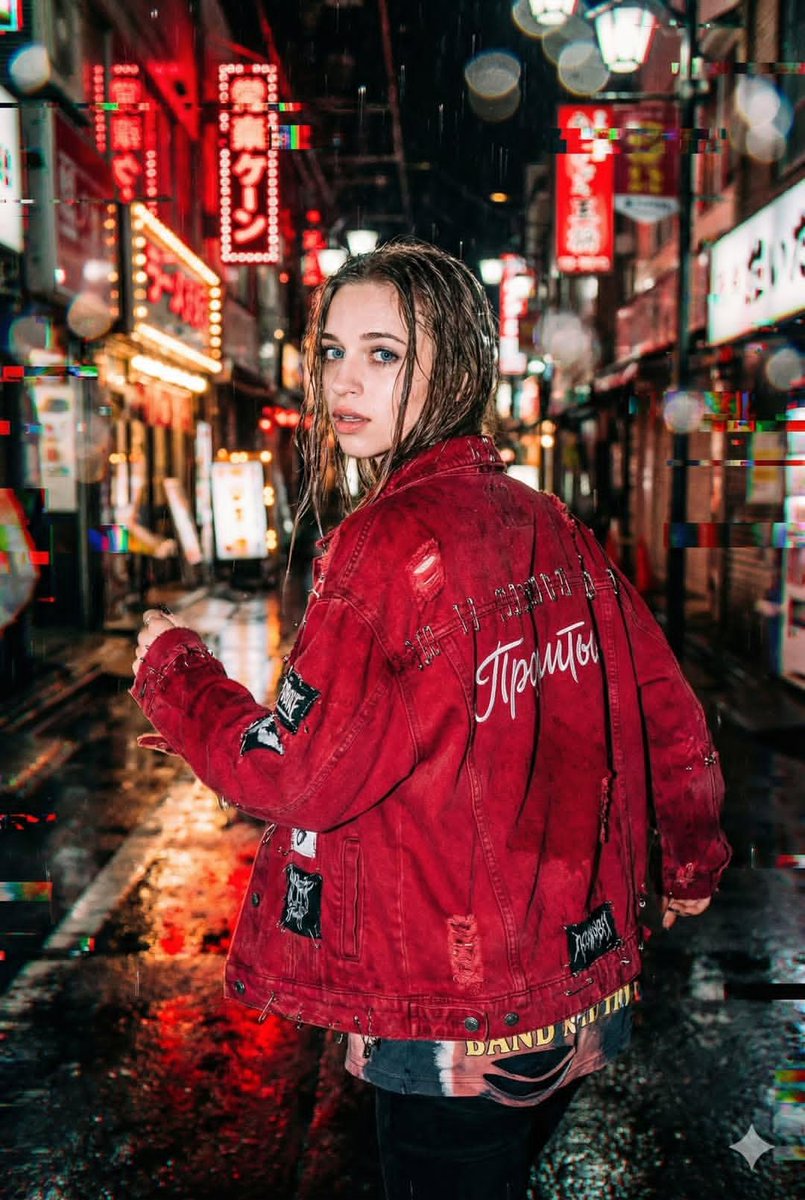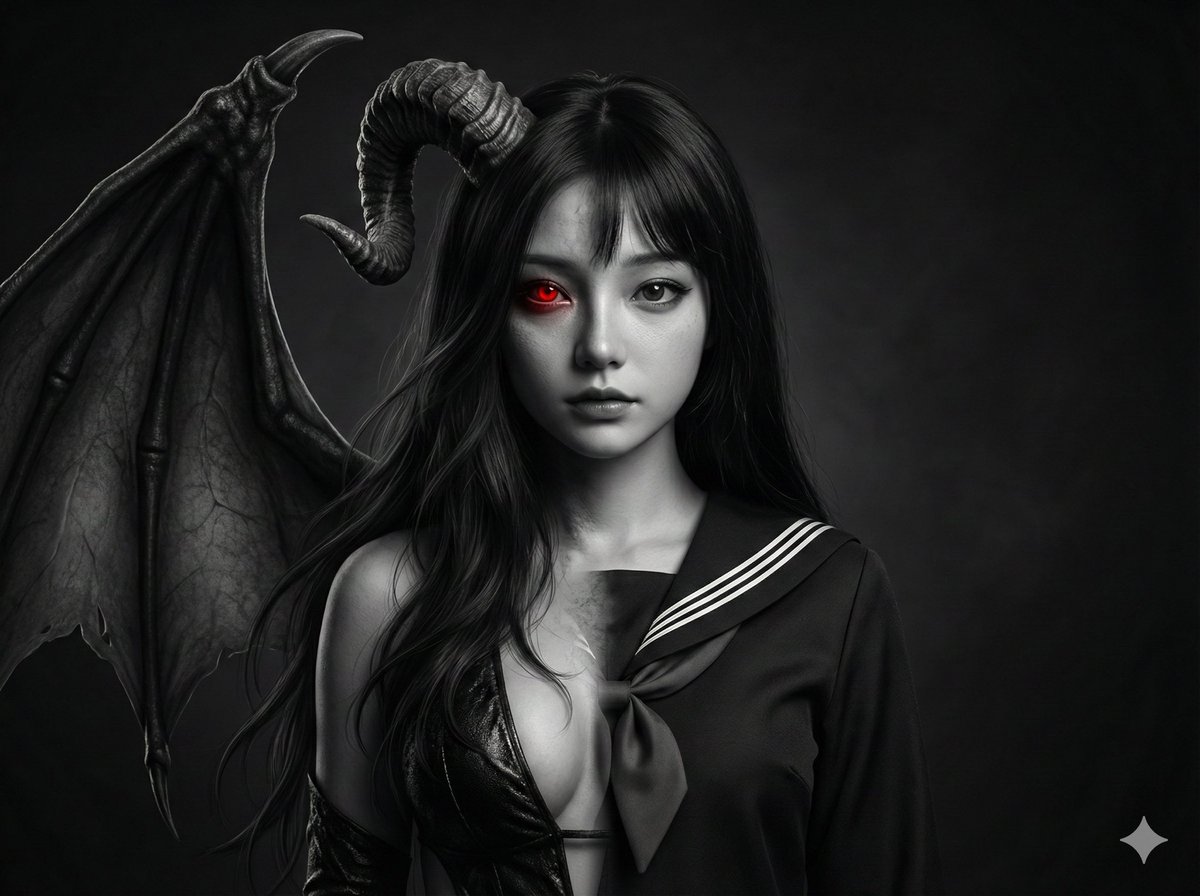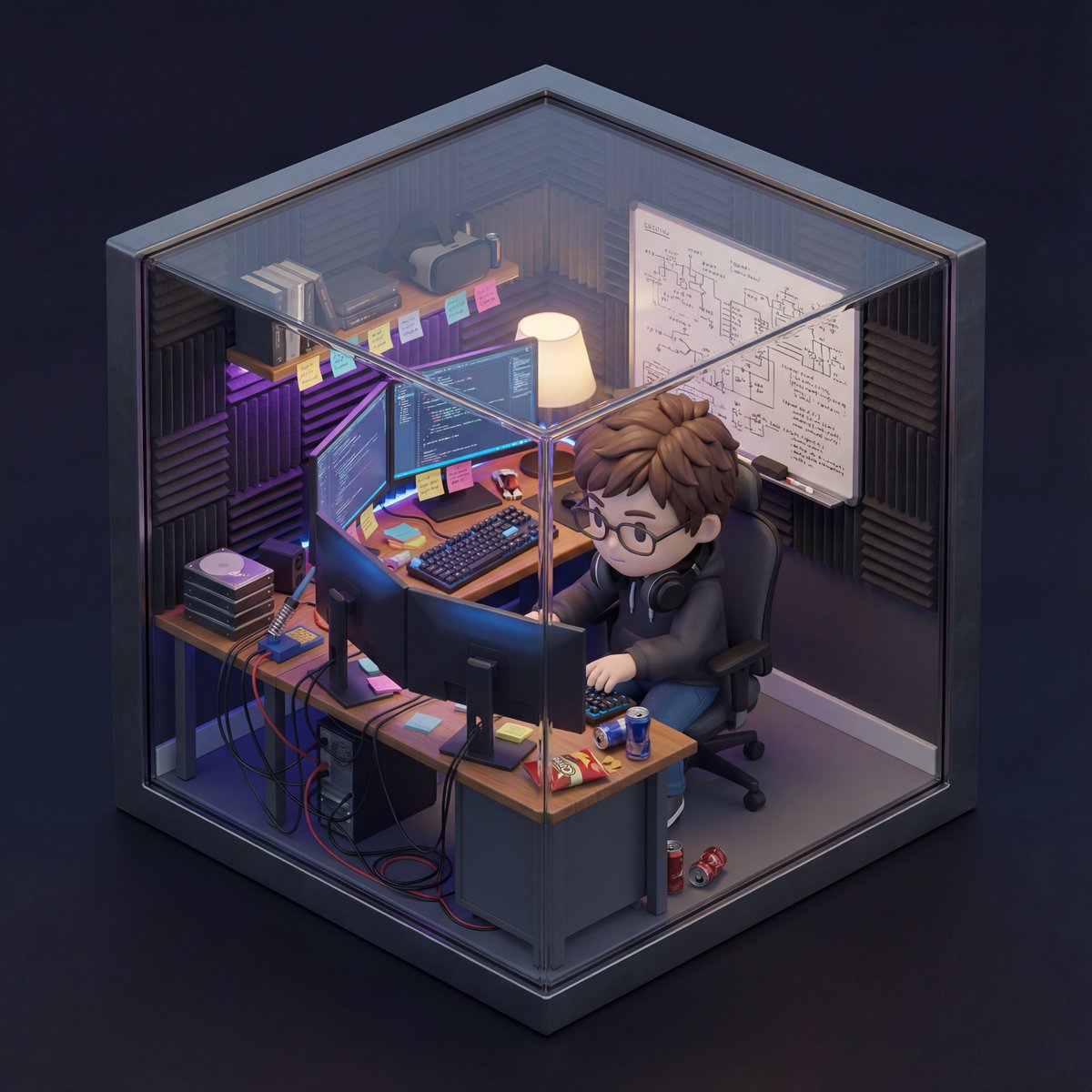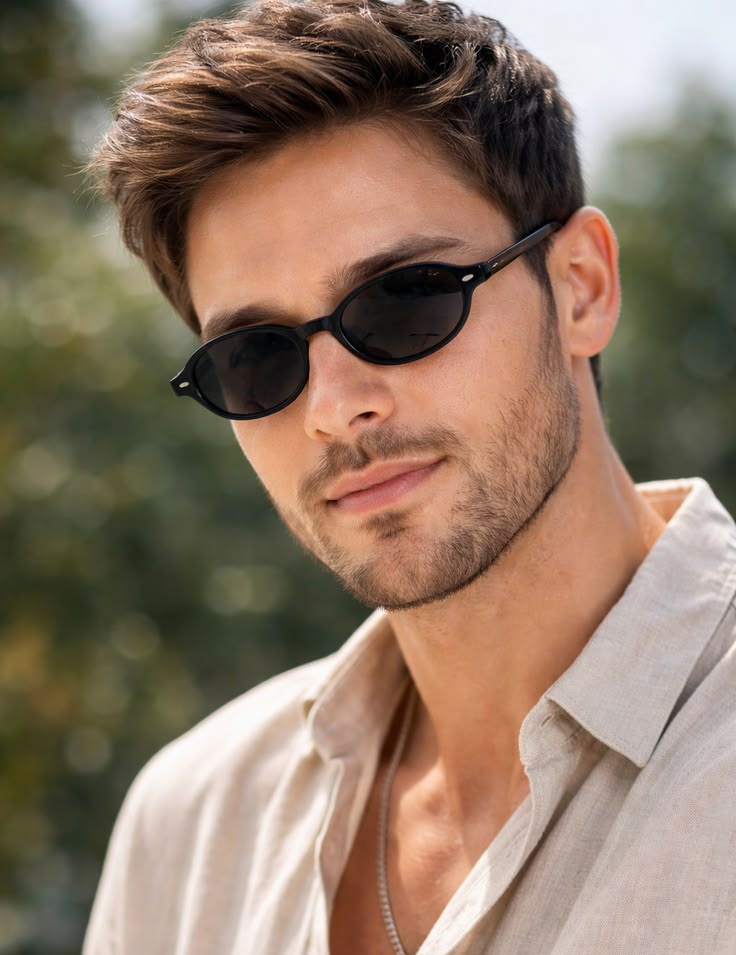
How do I use the Athleisure Street Style Paparazzi Shot template?
Choose the primary action to open PicX Studio with the available template settings. Review the model and format, personalize the creative direction, and generate when ready.
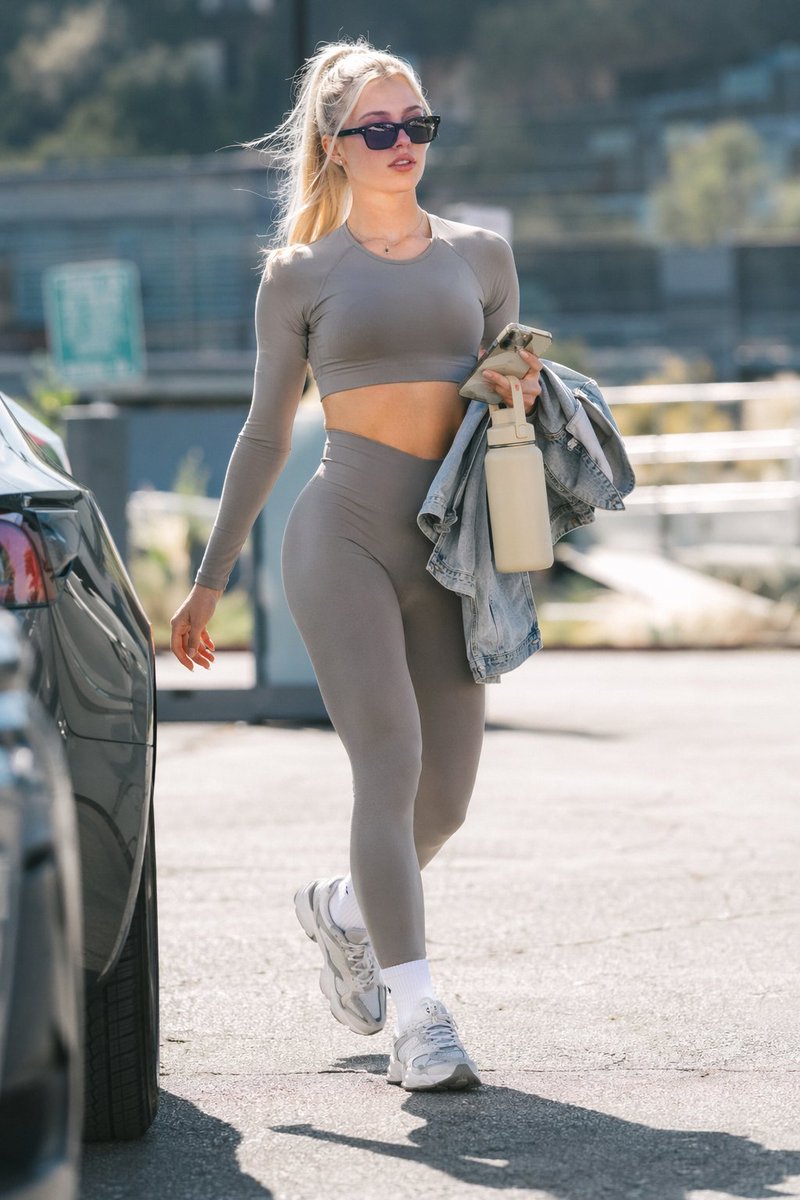
Generates a photorealistic, candid street style image of a woman in activewear walking outdoors. (free to use) — Free AI image template on PicX Studio.
A photorealistic street style paparazzi shot of a young woman walking through a {argument name="setting" default="sunny parking lot"}. She has {argument name="hair color and style" default="blonde hair in a high ponytail"} and is wearing {argument name="accessory" default="black rectangular sunglasses"}. Her outfit consists of a matching {argument name="activewear color" default="grey"} long-sleeve crop top and high-waisted leggings, paired with chunky white sneakers and white crew socks. Over her left arm, she carries a light blue denim jacket, while holding a {argument name="held item" default="beige insulated water bottle"} and a smartphone in the same hand. The background is blurred with a shallow depth of field, showing the rear of a dark car on the left and out-of-focus buildings and trees in the distance, capturing a casual, candid athleisure aesthetic in bright daylight.
Use Athleisure Street Style Paparazzi Shot to plan an AI image around gpt-image-2 generation, themes such as en and gpt-image-2. Match the preview's composition first, then personalize the subject, setting, and mood for your own project.
Use the primary action to load the template settings in PicX Studio.
Adjust the subject and creative details for your destination.
Create the image, compare the result with the preview, and refine one variable at a time.
A continuous mix — similar concepts first, woven with same-model prompts and fresh picks from the catalog.
Choose the primary action to open PicX Studio with the available template settings. Review the model and format, personalize the creative direction, and generate when ready.
Yes. You can change the subject, setting, lighting, mood, format, and available model controls before creating your image.
This template is free to open and customize. Generation usage is shown in PicX Studio before you create.
Start with gpt-image-2, which is the model associated with this template. You can compare another compatible model for a different finish.
A continuous mix — similar concepts first, woven with same-model prompts and fresh picks from the catalog.
Follow a topic to a crawlable collection of related PicX Studio templates.
39,157 public templates available. Verified via the PicX Studio public templates API; refreshed hourly.