How do I use the Professional Character Sheet Template template?
Choose the primary action to open PicX Studio with the available template settings. Review the model and format, personalize the creative direction, and generate when ready.
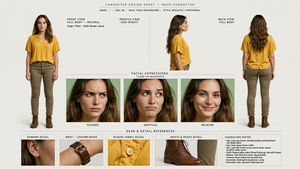
A comprehensive structured prompt for generating professional character reference sheets with multiple angles and close-ups to ensure character consistency. Change the subject, setting, or lighting one variable at a time.
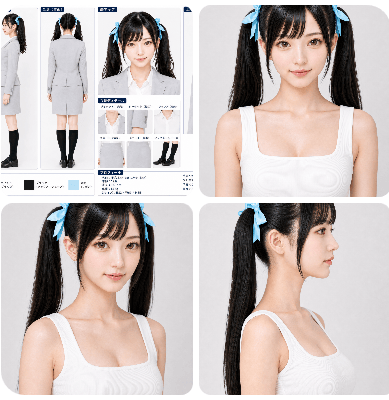
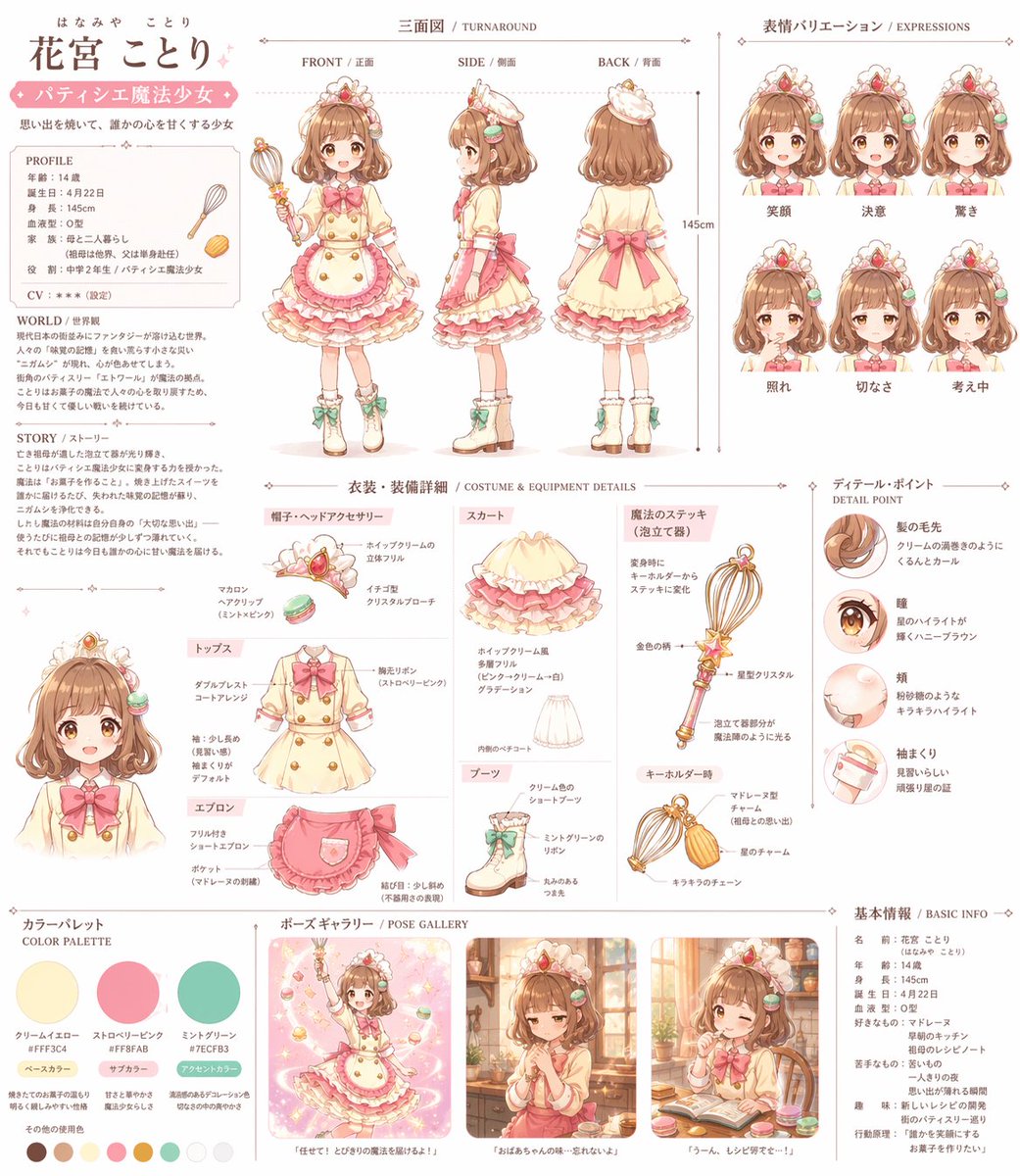
[レイアウト] 1枚の整理されたキャラクターシートとして構成する。 背景は白またはごく薄いグレー。 見やすく、余白が整った清潔なレイアウト。 各パネルには濃紺または落ち着いた青系の見出しラベルを付ける。 装飾は控えめで、情報が見やすいことを優先する。 [必須パネル構成] 1. 全身(正面) 2. 全身(側面) 3. 全身(背面) 4. 顔アップ(正面) 5. 顔アップ(斜め45度) 6. 顔アップ(真横) 7. 上半身アップ(正面) [各パネルの内容] - 全身(正面) まっすぐ立った自然な立ち姿。 顔、髪、スーツ全体、スカート丈、黒ハイソックス、靴まで分かるようにする。 - 全身(側面) 真横の立ち姿。 顔の側面形状、胸元、腰、ヒップ、脚のライン、髪の落ち方、ツインテール位置が分かるようにする。 - 全身(背面) 後ろ姿。 分け目、ツインテールの後ろからの見え方、ジャケット背面、スカート背面、脚のラインが分かるようにする。 - 顔アップ(正面) 顔の基準カット。 目、鼻、口、輪郭、前髪、リボン位置が明確に見えるようにする。 - 顔アップ(斜め45度) 斜めから見た顔の立体感、頬の見え方、前髪の落ち方、片側のツインテールの見え方が分かるようにする。 - 顔アップ(真横) 額、鼻筋、口元、顎先、耳位置、首のつながり、横顔シルエットが明確に分かるようにする。 - 上半身アップ(正面) 顔に加え、ジャケット襟、ブラウス襟元、肩の形、胸上から腰上までのシルエットが分かるようにする。 [画風・質感] 実写寄りの高品質ポートレート表現。 過度なAI風の肌処理を避け、{argument name="対象者" default="若い人間"}として自然な肌感。 肌は清潔でなめらかだが、蝋人形のような質感にしない。 {argument name="髪型" default="黒髪"}は自然なツヤ。 {argument name="服装" default="スーツ"}は清潔で上質な生地感。 全体として明るくクリアで、資料性の高い仕上がり。 [除外・不要項目] 細かすぎる衣装ディテール小窓は不要。 カラーパレット欄は不要。 長文プロフィール欄は不要。 説明文を大量に入れない。 シーン演出、背景演出、小物演出は不要。 [禁止] 別人化、幼顔化、量産型アニメ顔化、目の巨大化、鼻や顎の形の不安定化、横顔の破綻、ツインテール位置の変化、リボン形状の変化、髪型改変、スーツ色変更、不要なアクセサリー追加、過剰な美肌加工、過剰な陰影、情報過多のレイアウト。
Choose the primary action to open PicX Studio with the available template settings. Review the model and format, personalize the creative direction, and generate when ready.
Yes. You can change the subject, setting, lighting, mood, format, and available model controls before creating your image.
This template is free to open and customize. Generation usage is shown in PicX Studio before you create.
Start with GPT Image 2, which is the model associated with this template. You can compare another compatible model for a different finish.
© 2026 PicX Studio. All rights reserved.

Follow a topic to a crawlable collection of related PicX Studio templates.
43,474 public templates available. Verified via the PicX Studio public templates API; refreshed hourly.
![Character Archive — Blueprint Concept Sheet — A character concept sheet of a [character], featuring detailed front, back, and side views, along with close-up sk](/_next/image?url=https%3A%2F%2Fcdn.picxstudio.com%2Fuploads%2Fcharacter-archive-blueprint_bfd5779a-687e-4233-83b2-2ae86a20e679.jpg&w=828&q=100)

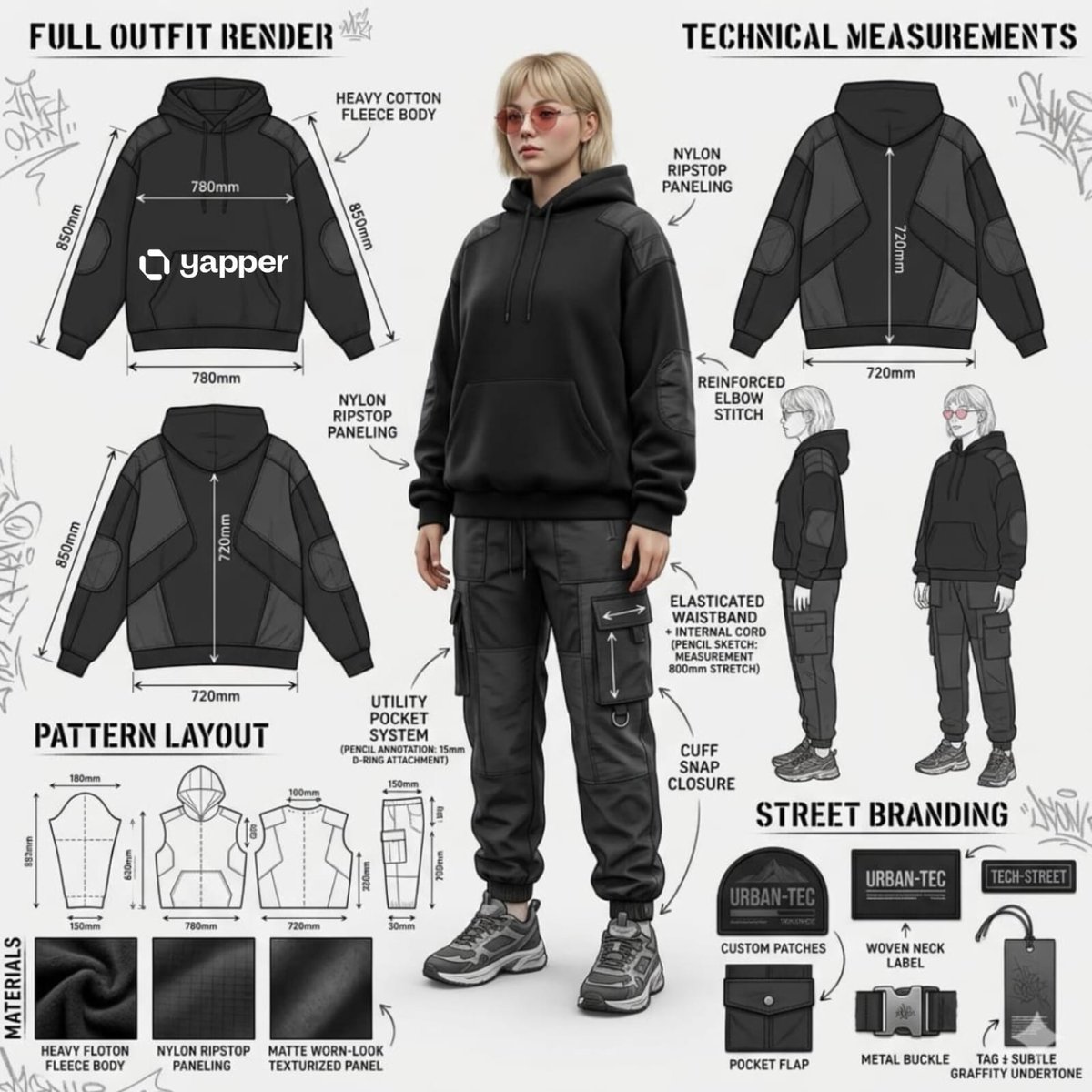
![CORE OBJECTIVE Create a professional 8k studio editorial based — CORE OBJECTIVE: Create a professional 8k studio editorial based on [ATTACHED_INPUT_IMAGE]. Anal](https://images.meigen.ai/tweets/2033941378279883011/0.jpg)

![Movement Sheet - Dance Reference (Seedance 2.0) — [STYLE]
Monochrome grayscale illustration, 3D-rendered character, clean instructional reference sheet, white b](https://pbs.twimg.com/media/HGzSvcnboAA_bjD.jpg?name=orig)

![Hyper-realistic professional automotive commercial ad poster — Hyper-realistic professional automotive commercial ad poster. [BRAND] [MODEL] in [COLOR] parked a](https://images.meigen.ai/tweets/2041366564516368436/0.jpg)
![A professional commercial fashion advertisement featuring — A professional commercial fashion advertisement featuring [a young male model] in the uploaded image](https://images.meigen.ai/tweets/2029599397483532714/0.jpg)


![Minimalist Flat Vector Travel Poster — Premium minimalist flat-vector travel poster for {argument name="city name" default="[CITY_NAME]"}, 3:4 vertical format.](https://cms-assets.youmind.com/media/1787917359711_3ug846_HQX205cbMAA6F6S-300x400.jpg)























![Zhao Lusi Red Carpet Gothic Chic Portrait — {
"subject": {
"name": "{argument name="celebrity name" default="Zhao Lusi"}",
"aliases": ["Rosy Zhao"],](https://pbs.twimg.com/media/HA2i_45aMAA84bG.jpg)