How do I use the Fashion Product Campaign Collage template?
Choose the primary action to open PicX Studio with the available template settings. Review the model and format, personalize the creative direction, and generate when ready.
A polished editorial-style collage of six oversized product-and-model ad compositions, ideal for beauty, skincare, and fashion campaign mockups. Change the subject, setting, or lighting one variable at a time.
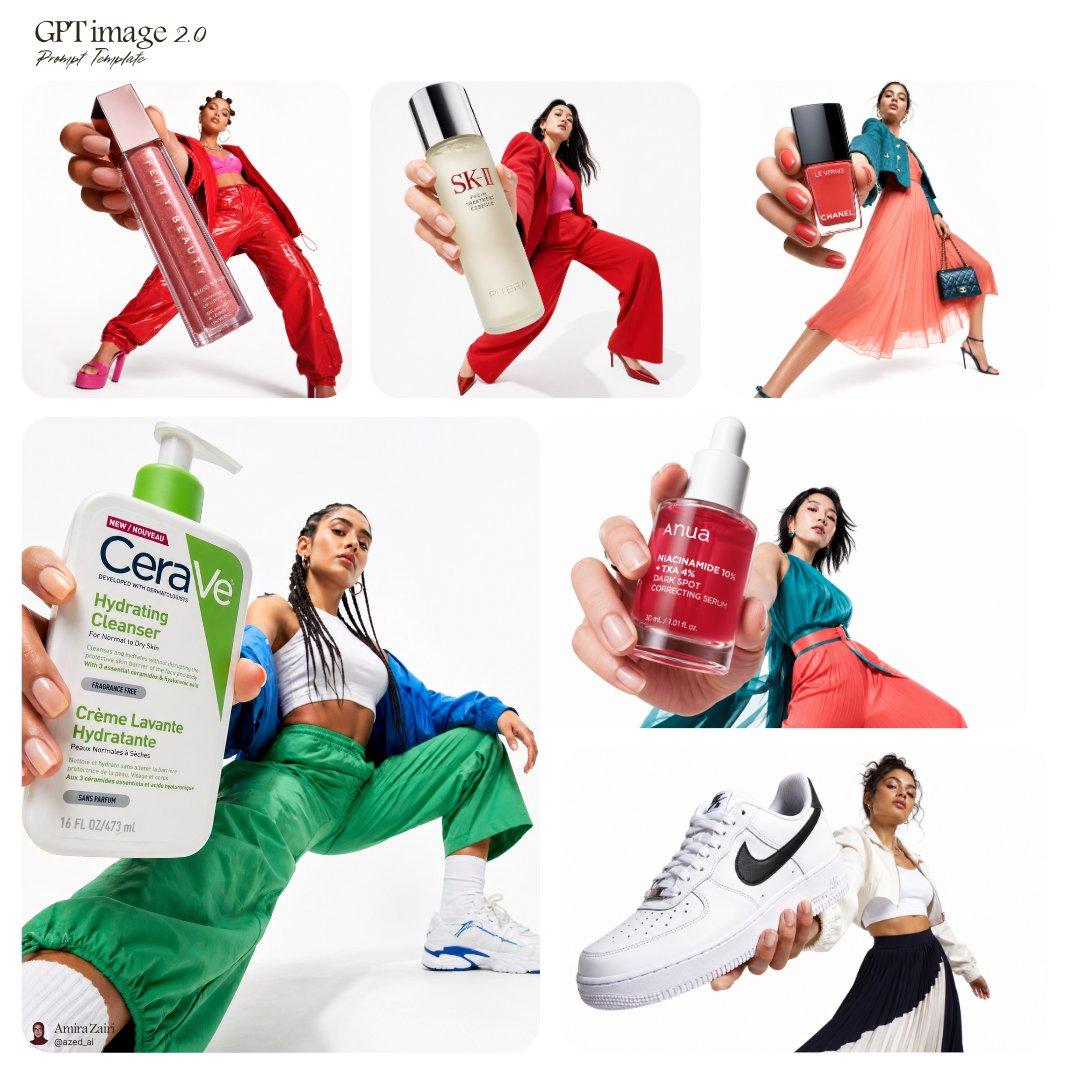
Create a clean editorial collage of 6 fashion-and-beauty product campaign visuals on a light gray studio background, arranged in a balanced magazine-style grid with rounded rectangular image blocks and generous white space. Add elegant serif text at the top left reading "GPT image 2.0" with a smaller handwritten script subtitle reading "Prompt Template". Each panel should combine an oversized foreground product held close to the camera with a full-body fashion model in the background, using forced perspective so the product looks much larger than the person. Use sharp studio lighting, soft shadows, glossy commercial retouching, high-end advertising aesthetics, and vibrant color styling. Panel 1: a close hand holding a tall rectangular pink lip gloss tube with metallic cap, label visible, in front of a female model wearing a bold monochrome red outfit with a red jacket and shiny red pants, standing in a dynamic leaning pose with pink platform heels. Panel 2: a close hand holding a frosted skincare essence bottle with a black cap, luxury minimalist label, in front of a female model wearing a red tailored pantsuit and red heels, posed in a fashion-forward stride or lunge. Panel 3: a close hand holding a square bottle of red nail polish with a black cap and luxury branding, in front of a female model wearing a coral pleated midi skirt, teal top or jacket, a dark quilted handbag, and heeled sandals, posed as if walking. Panel 4: a larger bottom-left hero panel featuring a close hand holding a large white-and-green pump bottle of facial cleanser with pharmacy-style branding, in front of a female model crouching low in green track pants, white crop top, blue jacket, and white sneakers, with a wide-angle fashion pose. Panel 5: a close hand holding a red glass skincare serum dropper bottle with white text, in front of a female model in a teal satin-like blouse and flowing coral or red skirt, posed in motion. Panel 6: a close hand holding a white low-top sneaker with a black swoosh, in front of a female model wearing a white cropped jacket, white top, and dark pleated skirt, posed in a graceful editorial stance. Overall composition should feel like a social-media-ready campaign template for agencies: modern, premium, minimal, stylish, commercial, and highly polished. Keep the background uncluttered, faces intentionally soft or de-emphasized, and emphasize the contrast between the oversized products and the fashion models behind them.
Choose the primary action to open PicX Studio with the available template settings. Review the model and format, personalize the creative direction, and generate when ready.
Yes. You can change the subject, setting, lighting, mood, format, and available model controls before creating your image.
This template is free to open and customize. Generation usage is shown in PicX Studio before you create.
Start with GPT Image 2, which is the model associated with this template. You can compare another compatible model for a different finish.
© 2026 PicX Studio. All rights reserved.

Follow a topic to a crawlable collection of related PicX Studio templates.
43,474 public templates available. Verified via the PicX Studio public templates API; refreshed hourly.

![Low-angle fashion campaign photograph of a confident model holding — Low-angle fashion campaign photograph of a confident model holding a large [product name] v](https://images.meigen.ai/tweets/2048748266293190833/0.jpg)



![A high fashion campaign poster — [BRAND]. A high fashion campaign poster. A model with a strong expressive face as the centerpiece, wearing a signature outfit i](https://images.meigen.ai/tweets/2031843569942622631/0.jpg)
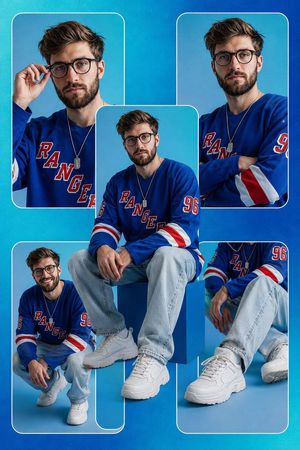
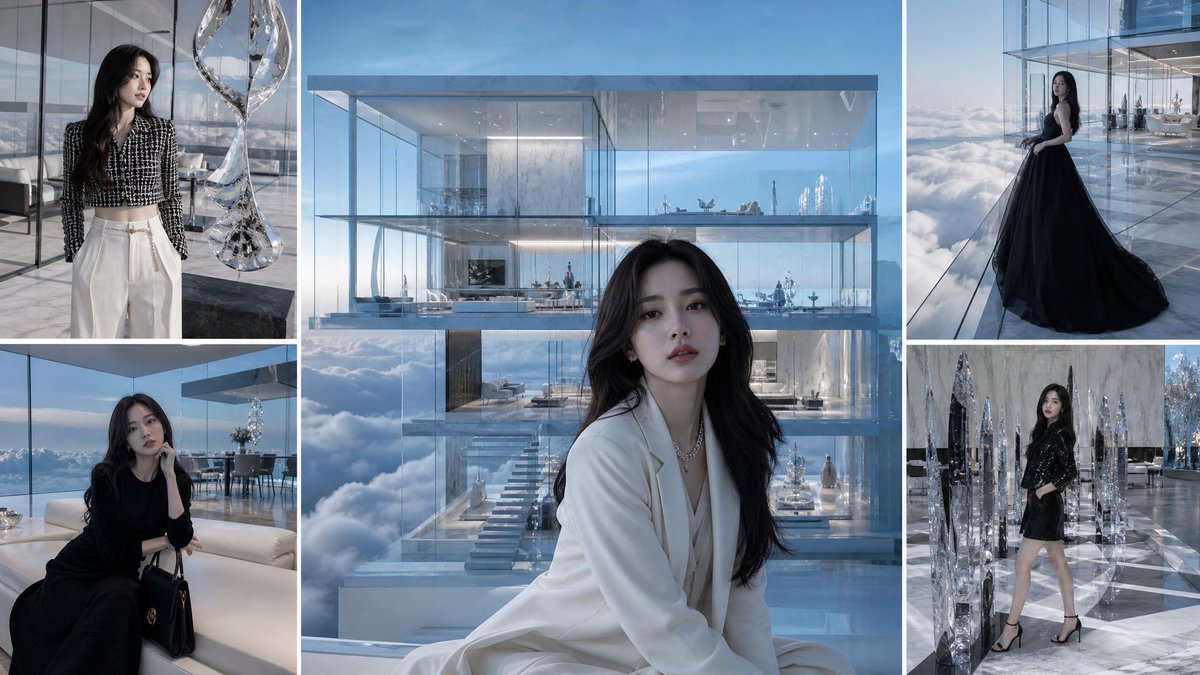


![Low-angle fashion campaign photograph of a confident model holding — Low-angle fashion campaign photograph of a confident model holding a large [product name] v](https://images.meigen.ai/tweets/2037168464801259602/0.jpg)






![Minimalist Flat Vector Travel Poster — Premium minimalist flat-vector travel poster for {argument name="city name" default="[CITY_NAME]"}, 3:4 vertical format.](https://cms-assets.youmind.com/media/1787917359711_3ug846_HQX205cbMAA6F6S-300x400.jpg)




















![Moss Living Product Rendering Prompt — A {argument name="product type" default="[PRODUCT]"} rendered as if entirely grown from living moss, perfectly maintainin](https://pbs.twimg.com/media/G_fOOLPWEAAdYpL.jpg)





![Pixar Style Celebrity Astronaut Caricature — A stylized 3D caricature of {argument name="celebrity" default="[celebrity]"} wearing a cute mini astronaut suit, f](https://pbs.twimg.com/media/G7umWQOagAAp8Ft.jpg)
![Pulp Comic Style Poster Design with Multiple Characters Prompt — [画像1] [画像2] [画像3] この3人をかなず入れて。必ず人物のタッチ、ポージング全て一貫性は保つ。
人物たちは大胆に飛び出すような描写とレイアウト。コマをぶち抜く。
「パンク」「コ](https://pbs.twimg.com/media/G7-etc9agAMik53.jpg)

![Luxury Culinary Chemistry Poster — 2x2 grid, do this for 4 culinary techniques INPUT: {argument name="technique" default="[technique]"}
SYSTEM: Render the in](https://cms-assets.youmind.com/media/1780735284837_z7is9c_HJ4ZADhXsAIsWyE.jpg)
![Professional Infographic Generation Prompt — 根据以下主题[{argument name="主题" default="精品咖啡的产地与风味地图"}],创建一张专业的知识信息图。要求:1)提取3-5个核心知识点;2)使用图标、…](https://pbs.twimg.com/media/G70EbwOaMAAoQOJ.jpg)


![Octane-Rendered Floating Ecological Island — [SUBJECT]
A massive floating island captured as a photoreal, physically plausible environment, rendered with Octane](https://pbs.twimg.com/media/HA0hnpMaMAAfeTe.jpg)
![Feature Article Generation Prompt for K-Pop Magazine — Nano Banana Pro에 기사 작성 및 형식 지정을 요청할 수 있습니다. [프롬프트] 검색 기능을 통해 {argument name="어워드" default="2025 MAMA AWA](https://pbs.twimg.com/media/G8fDyCQaMAASnUG.jpg)