How do I use the Colorized Painterly Portrait Transformation template?
Choose the primary action to open PicX Studio with the available template settings. Review the model and format, personalize the creative direction, and generate when ready.
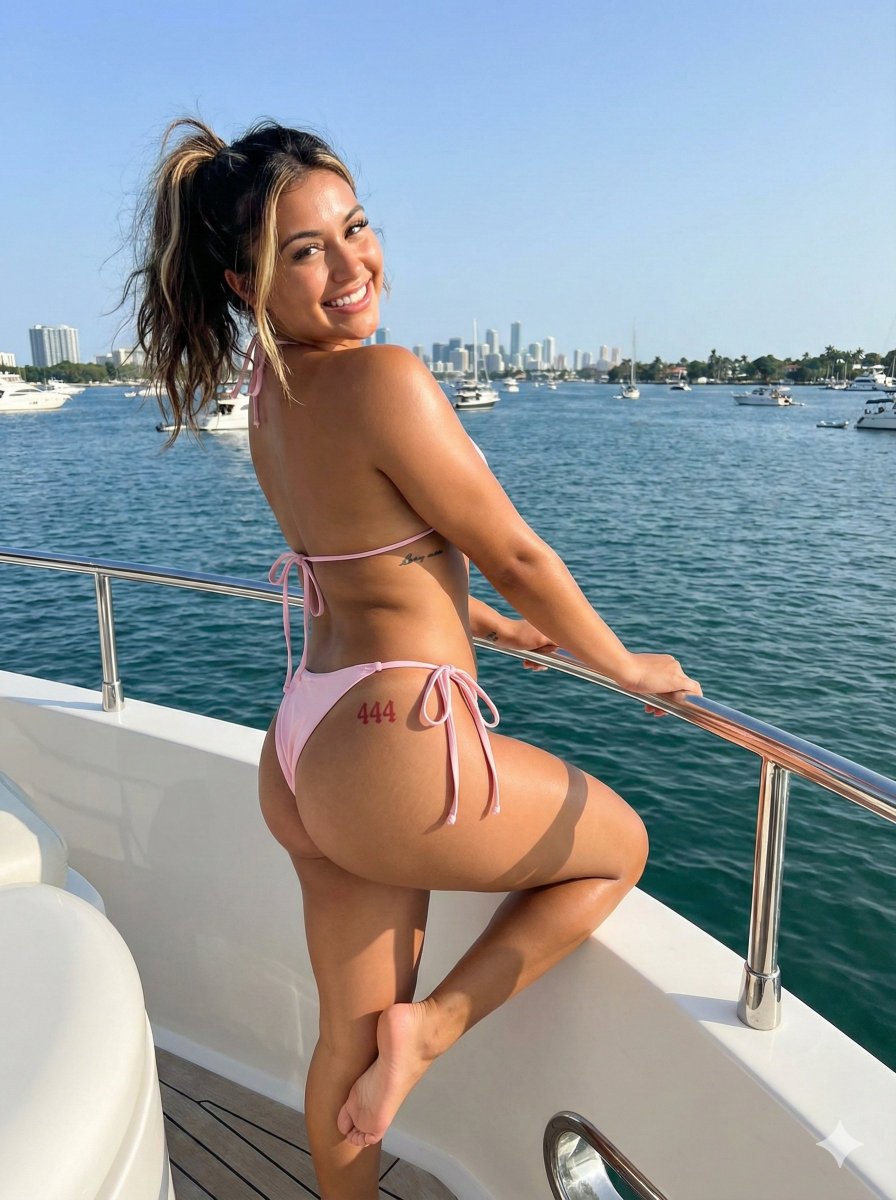
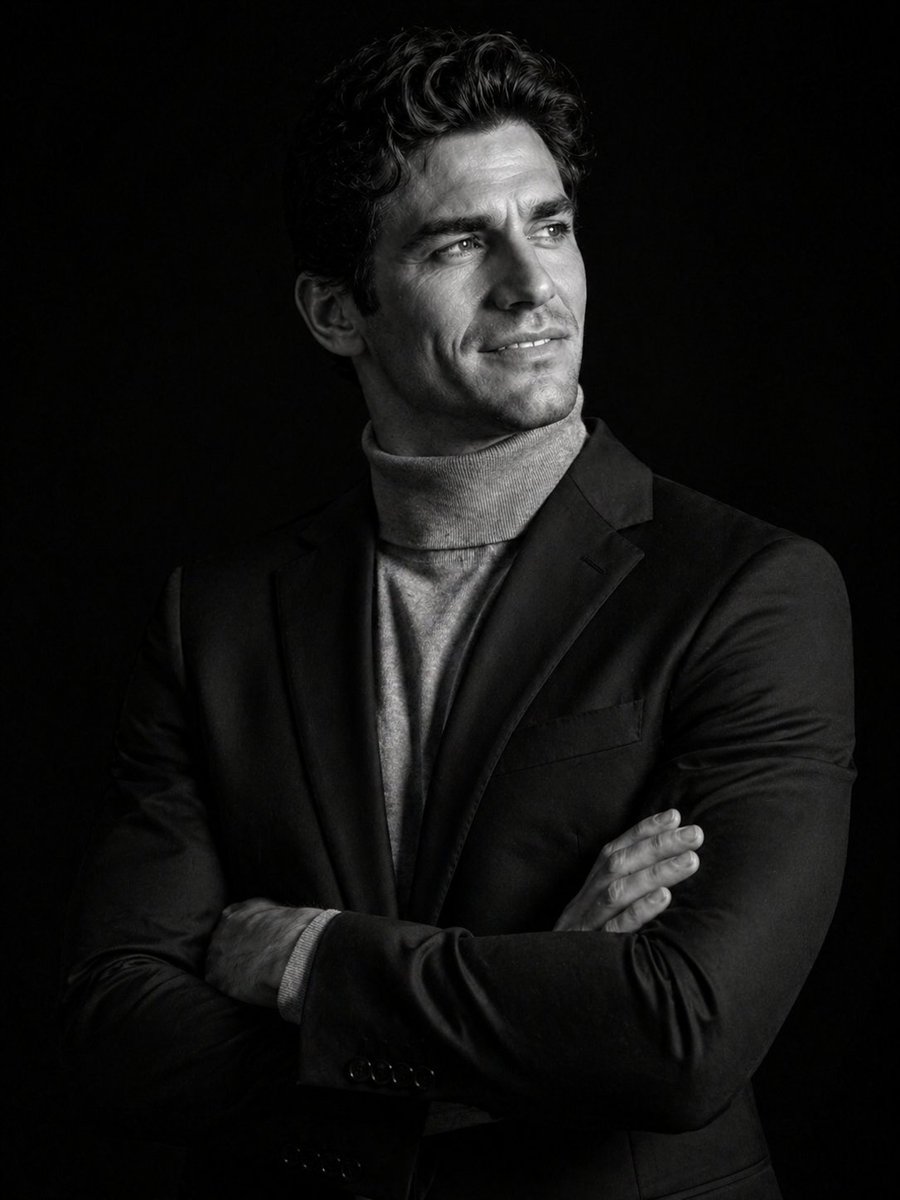
Transforms a black-and-white portrait reference into a colorful expressive painted illustration with an abstract blue ink background while preserving the face censor block. Change the subject, setting, or lighting one variable at a time.
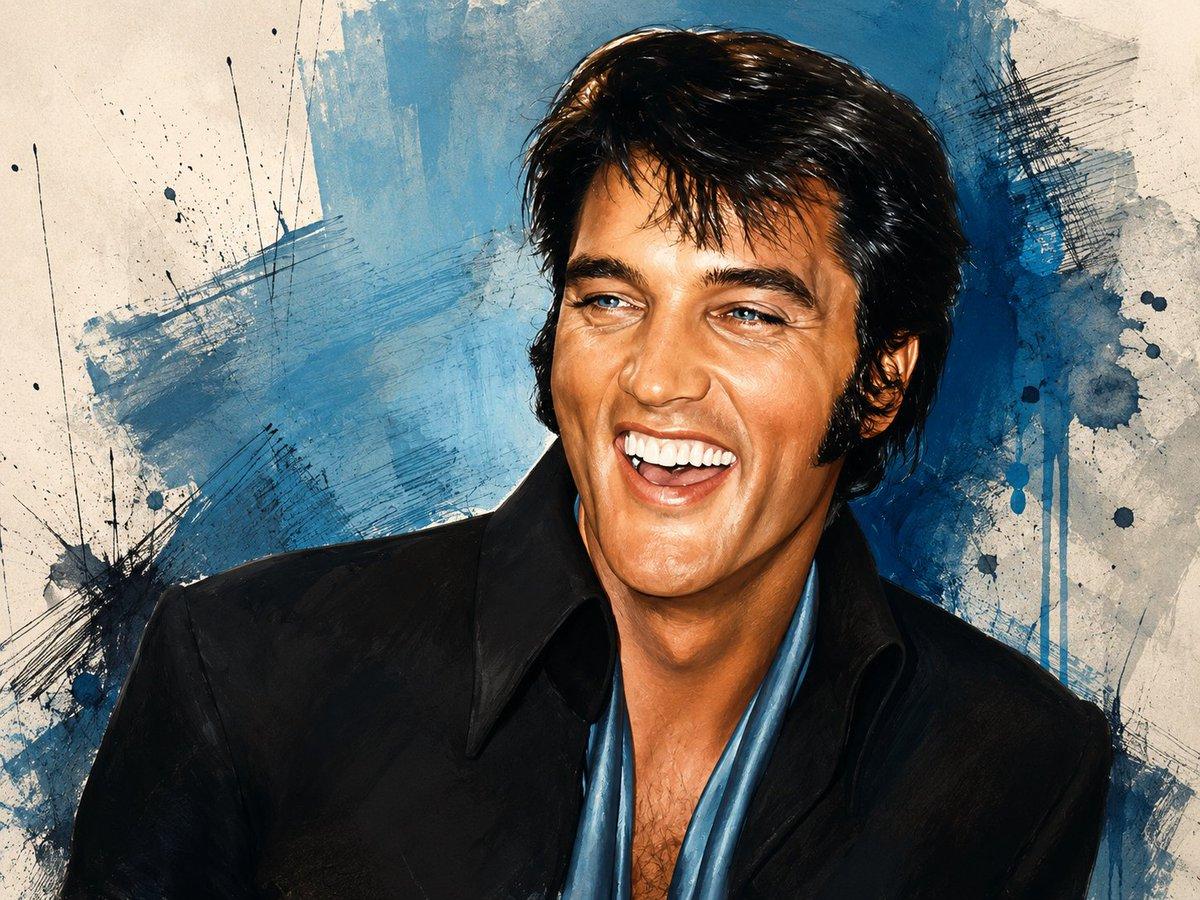
Using the provided reference image as the base, convert it from black-and-white photography into a vivid color painted illustration while preserving the same crop, pose, clothing silhouette, hairstyle, and the rectangular face-obscuring block. Add a textured abstract art background that was not in the reference: off-white paper with broad blue paint washes, dark blue ink splatters, scratchy crosshatch marks, brush streaks, and drip effects. Colorize the subject naturally with warm skin tones, glossy dark hair, a black jacket, and a blue open shirt/scarf, rendered with expressive painterly highlights and high-contrast ink-like edges. Keep the overall composition close to the reference and do not reveal or reconstruct the hidden face; the face area must remain covered by a solid rectangle.
Colorized Painterly Portrait Transformation needs input media to work. Open it in the studio and these load alongside the prompt — pick whichever ones your chosen model can take.
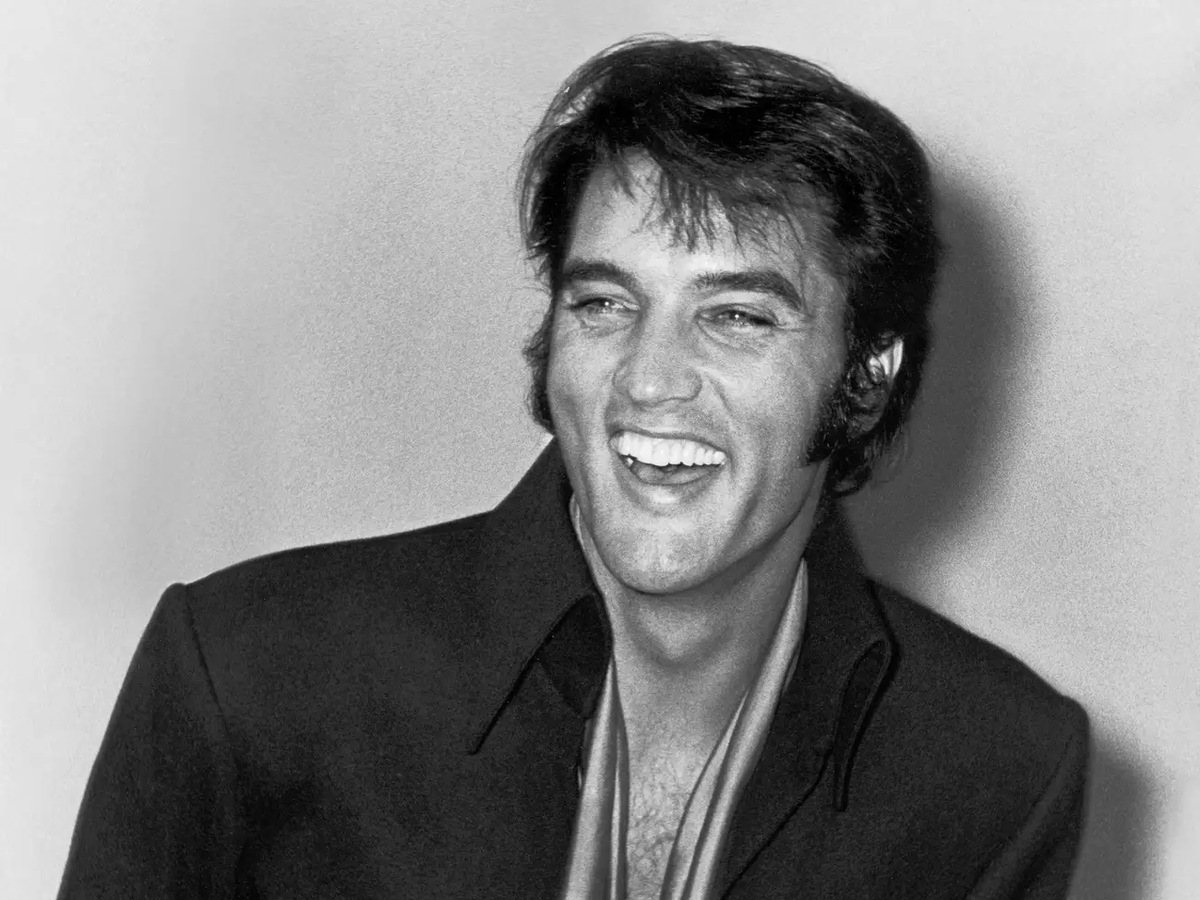
Choose the primary action to open PicX Studio with the available template settings. Review the model and format, personalize the creative direction, and generate when ready.
Yes. You can change the subject, setting, lighting, mood, format, and available model controls before creating your image.
This template is free to open and customize. Generation usage is shown in PicX Studio before you create.
Start with GPT Image 2, which is the model associated with this template. You can compare another compatible model for a different finish.
© 2026 PicX Studio. All rights reserved.

Follow a topic to a crawlable collection of related PicX Studio templates.
43,474 public templates available. Verified via the PicX Studio public templates API; refreshed hourly.
Prompt stories that include this template.










![118-google-nano-banana-pro-skincare-product- — A professional skincare shot of a [product container] with [cap/lid], labeled [brand, product, descriptor, volume](/_next/image?url=https%3A%2F%2Fcdn.picxstudio.com%2Fuploads%2Fpost118_img0_332898b8-29ea-42a9-87ab-9ed746a3f944.jpg&w=828&q=100)




![69-untitled — FORMAT: 15s / 145 BPM / 14 SHOTS
SUBJECT: @[image1]
WARDROBE: Clean modern outfit
ENVIRONMENT: Street / indoor transitions
MOOD: Discovery → contr](/_next/image?url=https%3A%2F%2Fcdn.picxstudio.com%2Fuploads%2Fpost69_img0_d45faecf-38c3-4bcb-81a4-f6eb1cf42bb2.jpg&w=828&q=100)







![Minimalist Flat Vector Travel Poster — Premium minimalist flat-vector travel poster for {argument name="city name" default="[CITY_NAME]"}, 3:4 vertical format.](https://cms-assets.youmind.com/media/1787917359711_3ug846_HQX205cbMAA6F6S-300x400.jpg)



















![Kawaii Gamer Cosplay Mirror Selfie Prompt — Kawaii_Gamer_Public_Demo · Flux.1 [dev] · 4.2.0 · 2025-12-16 · flux1-dev.safetensors · fp8 · default · euler · simpl](https://pbs.twimg.com/media/G8UZyF-a4AU2QMZ.jpg)