How do I use the Neon Punk Graffiti Girl and Cat template?
Choose the primary action to open PicX Studio with the available template settings. Review the model and format, personalize the creative direction, and generate when ready.
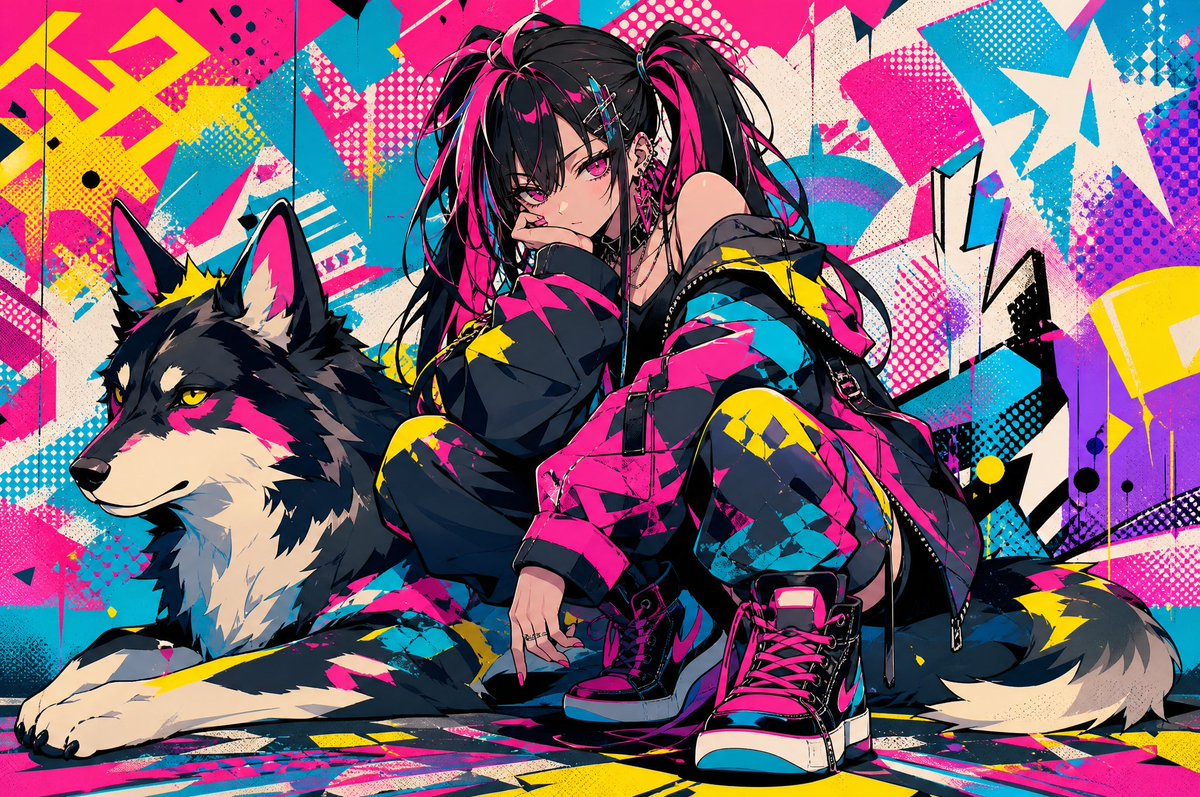
A vivid cyberpunk street-fashion portrait featuring a crouching punk girl, neon graffiti, spray paint, and a black cat for edgy character art or poster design. Change the subject, setting, or lighting one variable at a time.
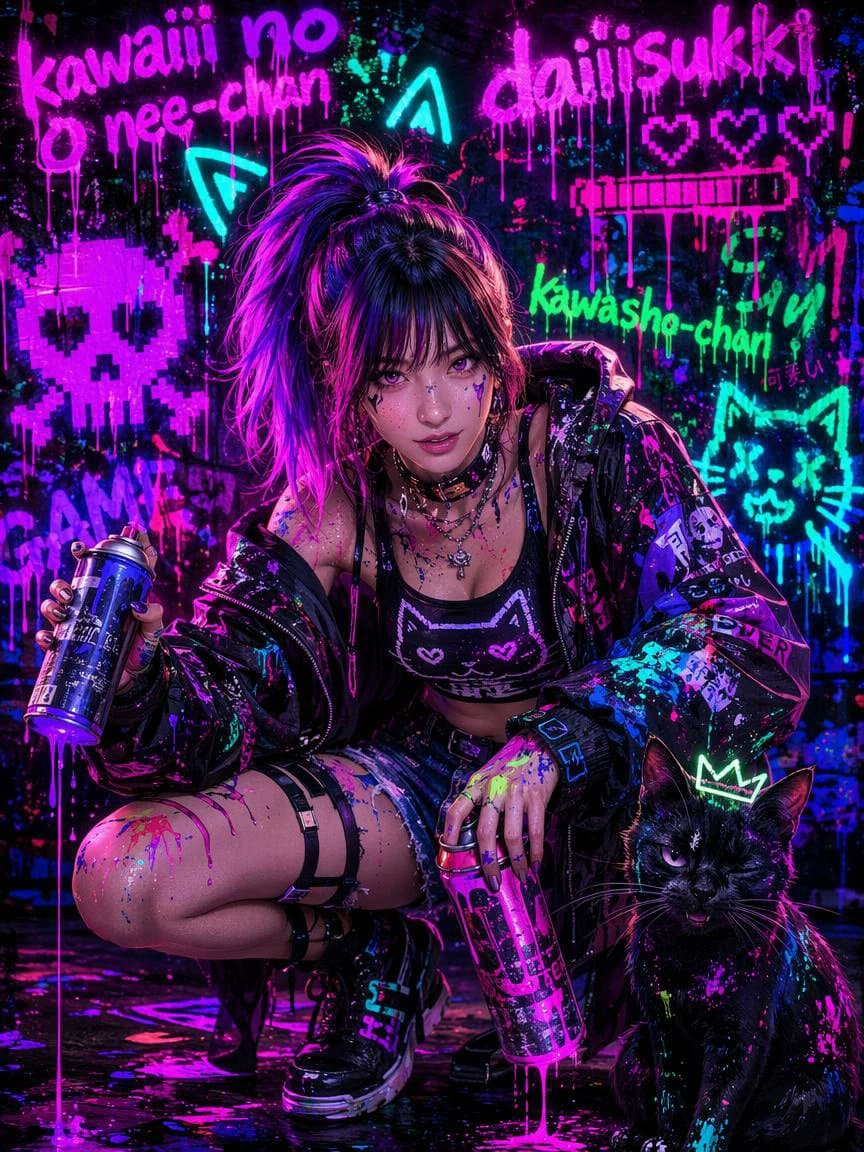
Create a vertical 3:4 cyberpunk street-fashion portrait of a rebellious anime-inspired young woman crouching in a dark wet alley covered in neon graffiti, drenched in glossy blacklight paint splatters. The subject has a high messy ponytail with {argument name="hair color" default="black hair with vivid magenta and violet highlights"}, punk makeup implied but the face is intentionally hidden by a centered opaque rectangular censor block in a dark purple gradient. She wears an oversized black vinyl jacket covered with stickers and paint, a black crop top with a pixel cat face, layered silver necklaces, denim shorts, thigh straps, fingerless gloves, chunky black platform boots, and holds two spray paint cans: one blue can in her left hand and one pink can near the ground in her right hand, with fresh paint dripping from both. Beside her on the lower right is exactly one black cat with glowing purple eyes, wet fur speckled with neon cyan and magenta paint, and a simple neon crown drawn above its head. The background is a dense black wall with dripping fluorescent graffiti and pixel art: exactly 10 prominent elements, including the pink text “kawaii no nee-chan” at top left, the pink text {argument name="main graffiti text" default="daiiisukki"} at top right, three pink pixel hearts at upper right, one pink pixel progress-bar shape below the hearts, one large pink pixel skull at left, two cyan arrow/chevron symbols near the top center-left, the green text {argument name="name graffiti" default="Kawasho-chan"} at mid-right, one cyan cat face outline at right, and small Japanese-style pink writing near the green text. Use saturated neon magenta, electric cyan, acid green, deep violet, and glossy black; make the wall and floor wet, reflective, gritty, chaotic, high contrast, with paint drips, splashes, and ultraviolet glow everywhere. The composition should feel like a dramatic fashion photo mixed with Japanese street graffiti, low camera angle, sharp details, cinematic rim lighting, no watermark, no extra people.
Choose the primary action to open PicX Studio with the available template settings. Review the model and format, personalize the creative direction, and generate when ready.
Yes. You can change the subject, setting, lighting, mood, format, and available model controls before creating your image.
This template is free to open and customize. Generation usage is shown in PicX Studio before you create.
Start with GPT Image 2, which is the model associated with this template. You can compare another compatible model for a different finish.
© 2026 PicX Studio. All rights reserved.

Follow a topic to a crawlable collection of related PicX Studio templates.
43,474 public templates available. Verified via the PicX Studio public templates API; refreshed hourly.








![Minimalist Flat Vector Travel Poster — Premium minimalist flat-vector travel poster for {argument name="city name" default="[CITY_NAME]"}, 3:4 vertical format.](https://cms-assets.youmind.com/media/1787917359711_3ug846_HQX205cbMAA6F6S-300x400.jpg)
























![Product Photography Poster with Liquid Splash and Text Overlays — Exact uploaded [BOTTLE_NAME] bottle (label unchanged). Vertical poster. Center bottle w/ conde](https://pbs.twimg.com/media/G-eN5ldboAApFi1.jpg)