How do I use the Rainy Alley Grim Reaper Horror Scene template?
Choose the primary action to open PicX Studio with the available template settings. Review the model and format, personalize the creative direction, and generate when ready.
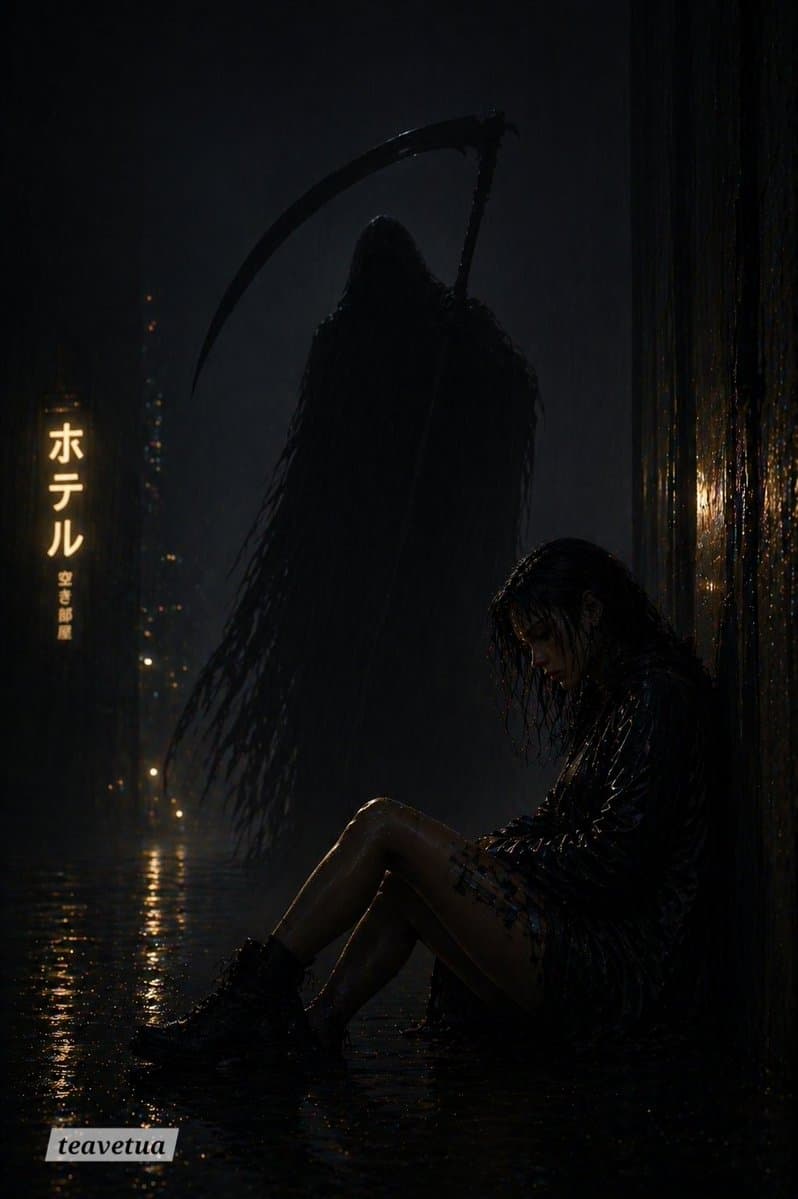
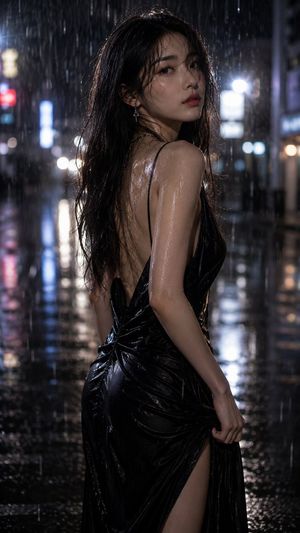
A moody cinematic horror image of a soaked woman in a neon-lit alley with a looming grim reaper, suited for dark thriller posters or atmospheric AI art. (free to use) — Free AI image template on PicX Studio.
A dark cinematic horror scene in a narrow rain-soaked urban alley at night, lit almost entirely by dim blue-black ambient light and a warm vertical Japanese hotel sign in the background. The sign glows on the left side and reads ホテル, with smaller vertical text beneath it, while distant city lights blur into soft bokeh through the heavy rain. In the foreground on the right, a {argument name="character type" default="young woman"} sits on the flooded ground with her back against a wet wall, knees bent and head hanging forward in exhaustion or despair. She has soaked shoulder-length dark hair plastered to her face and neck, a black wet jacket, a short plaid skirt, and chunky black lace-up combat boots. Her skin and clothing glisten with rain, and the shallow water on the ground reflects the neon sign and scattered highlights. Looming behind her in the center-left is a tall hooded grim reaper silhouette, draped in long ragged black robes that dissolve into shredded strands, holding one large curved scythe arcing above its head. Keep the reaper mostly in silhouette with only a faint rim light so it feels ghostly and threatening. The overall composition should be vertical, with 2 visible figures total: 1 seated woman and 1 reaper apparition. Style: hyper-realistic cinematic horror, moody noir atmosphere, high contrast, extremely dark shadows, wet textures, volumetric rain, reflective pavement, subtle filmic grain, ominous tension, photoreal lighting. Color palette: near-black, deep navy, muted charcoal, and warm amber highlights from the sign. No gore, no extra people, no daylight, no bright colors, no text overlays except the distant hotel sign.
Use Rainy Alley Grim Reaper Horror Scene to plan an AI image around gpt-image-2 generation, themes such as en and gpt-image-2. Match the preview's composition first, then personalize the subject, setting, and mood for your own project.
Use the primary action to load the template settings in PicX Studio.
Adjust the subject and creative details for your destination.
Create the image, compare the result with the preview, and refine one variable at a time.
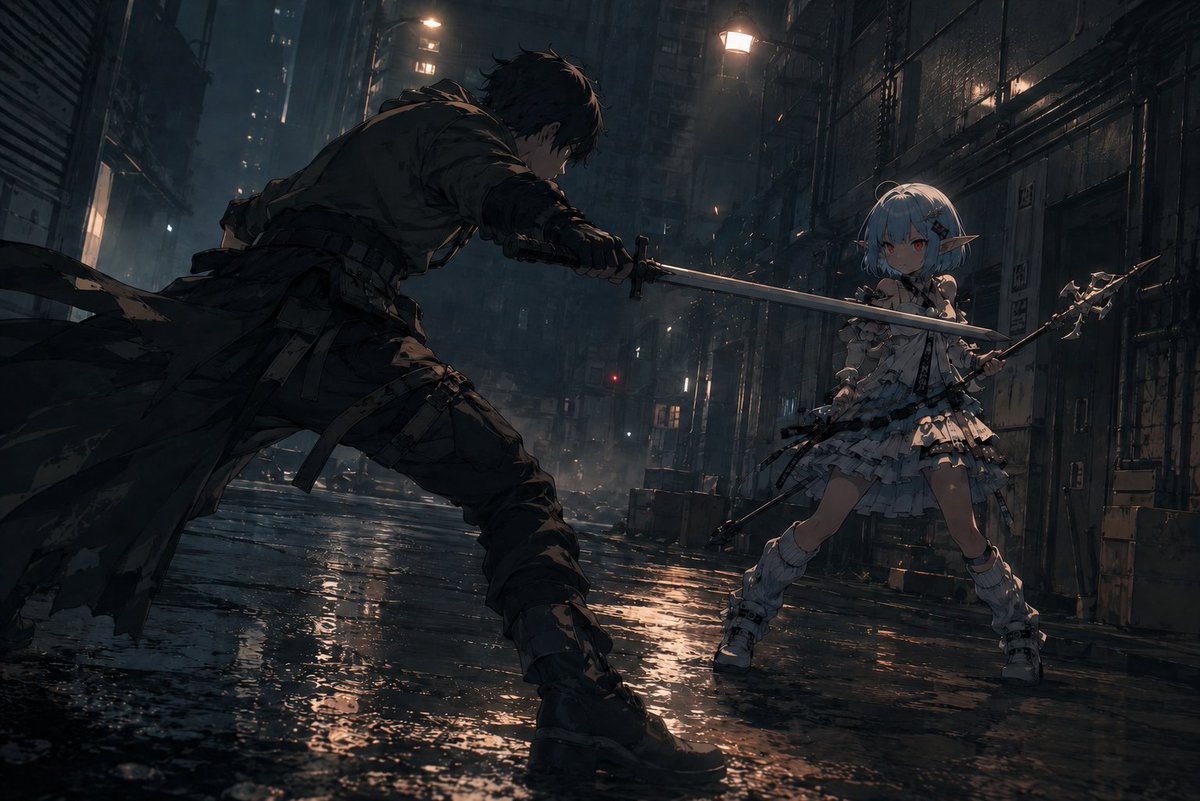
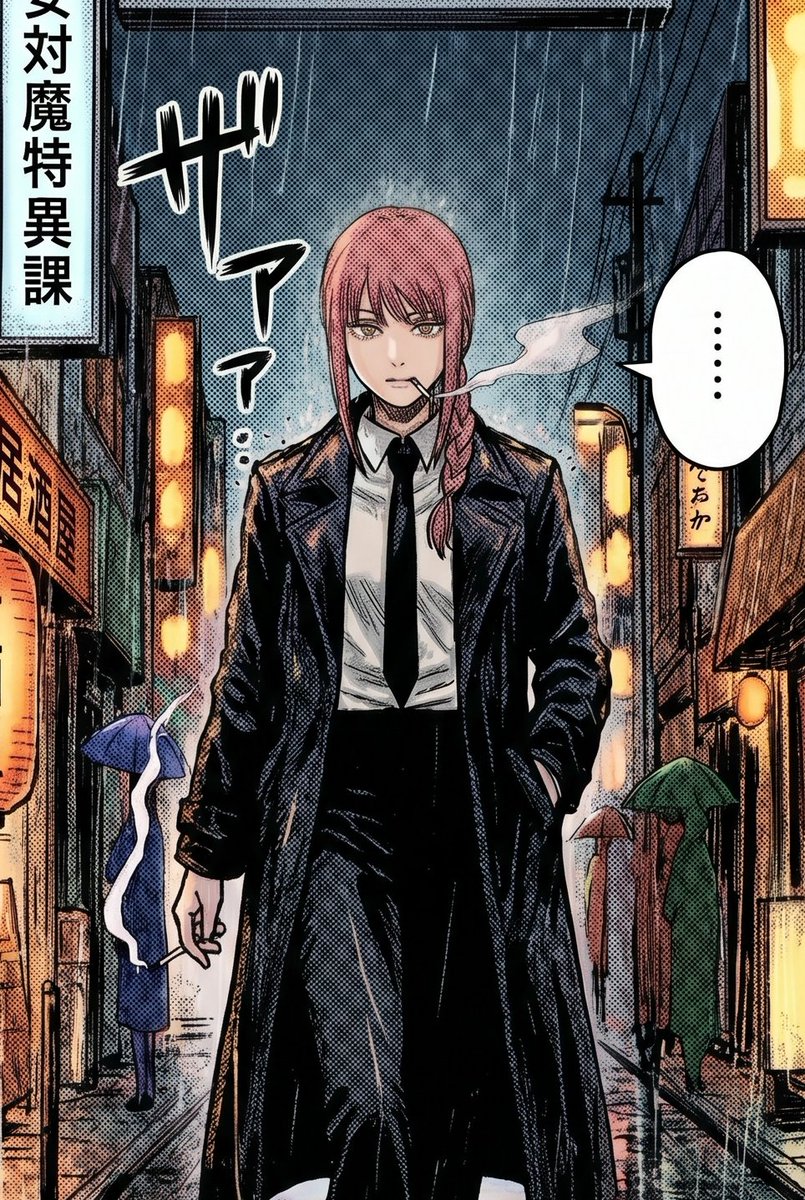
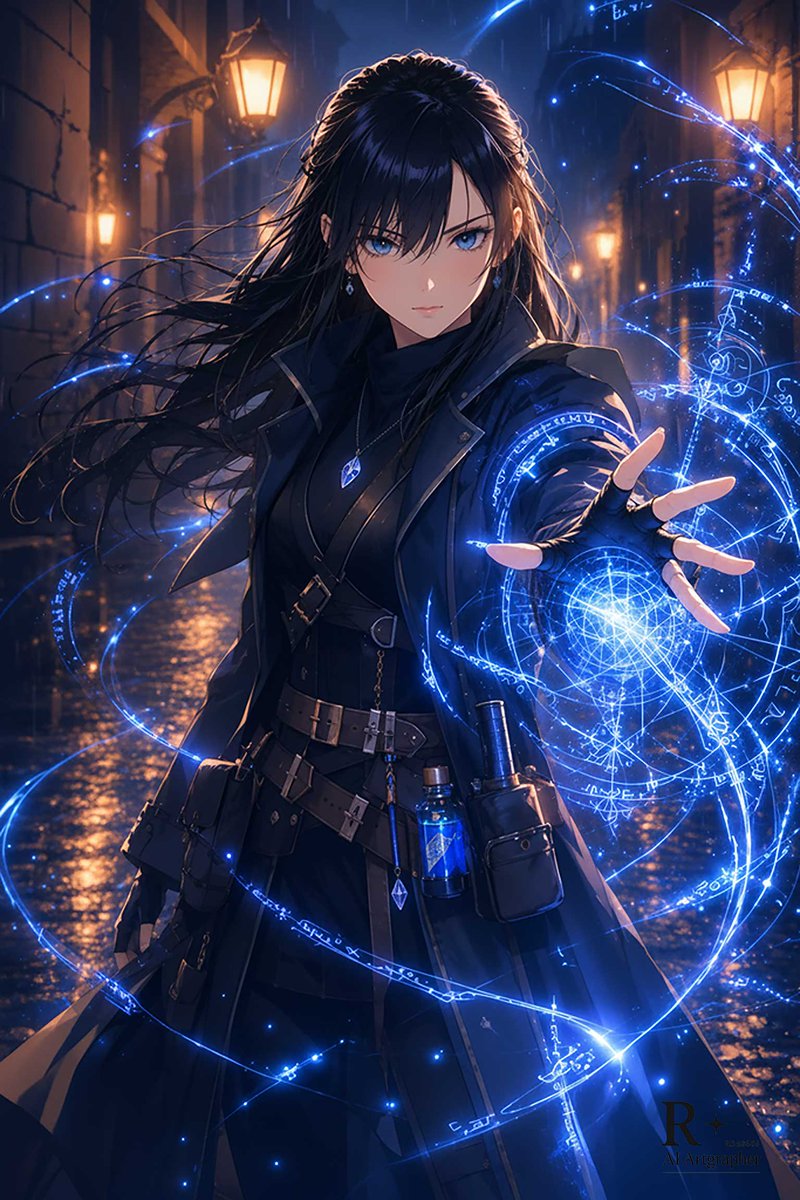
A continuous mix — similar concepts first, woven with same-model prompts and fresh picks from the catalog.
Choose the primary action to open PicX Studio with the available template settings. Review the model and format, personalize the creative direction, and generate when ready.
Yes. You can change the subject, setting, lighting, mood, format, and available model controls before creating your image.
This template is free to open and customize. Generation usage is shown in PicX Studio before you create.
Start with gpt-image-2, which is the model associated with this template. You can compare another compatible model for a different finish.
A continuous mix — similar concepts first, woven with same-model prompts and fresh picks from the catalog.
Follow a topic to a crawlable collection of related PicX Studio templates.
36,410 public templates available. Verified via the PicX Studio public templates API; refreshed hourly.